PDF Unlocker icon

PDF Unlocker

OpenAppex
Multimedia
Version
1.0
Size
9.1 MB
Requires
Android API 29+
4 / 5 · 3,865 ratings 0 downloads

Updated Sep 22, 2026

Quick answer

Unlock password-protected PDF files locally on Android.

F-Droid repository metadata

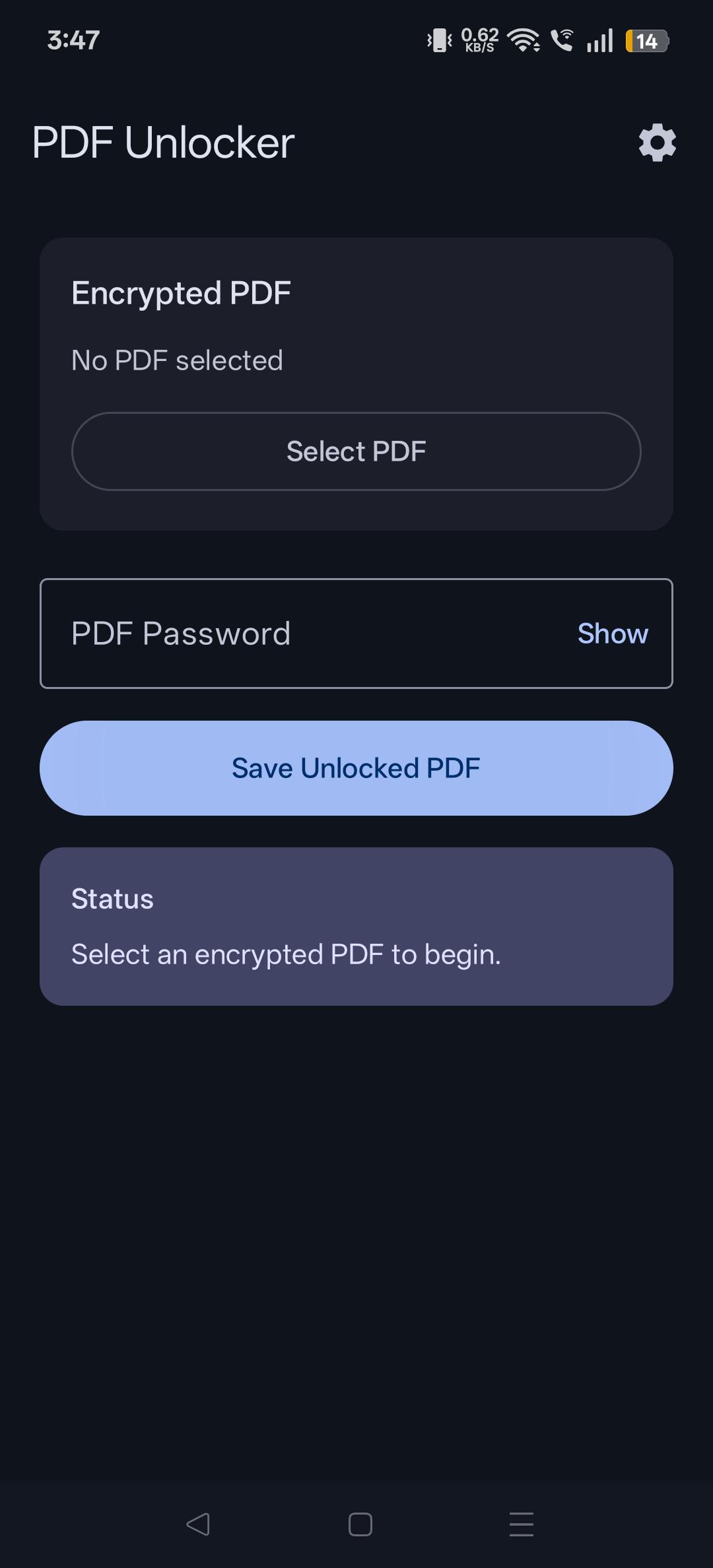
PDF Unlocker is a free and open-source Android application that removes password protection from PDF files you are authorized to access.

Features:

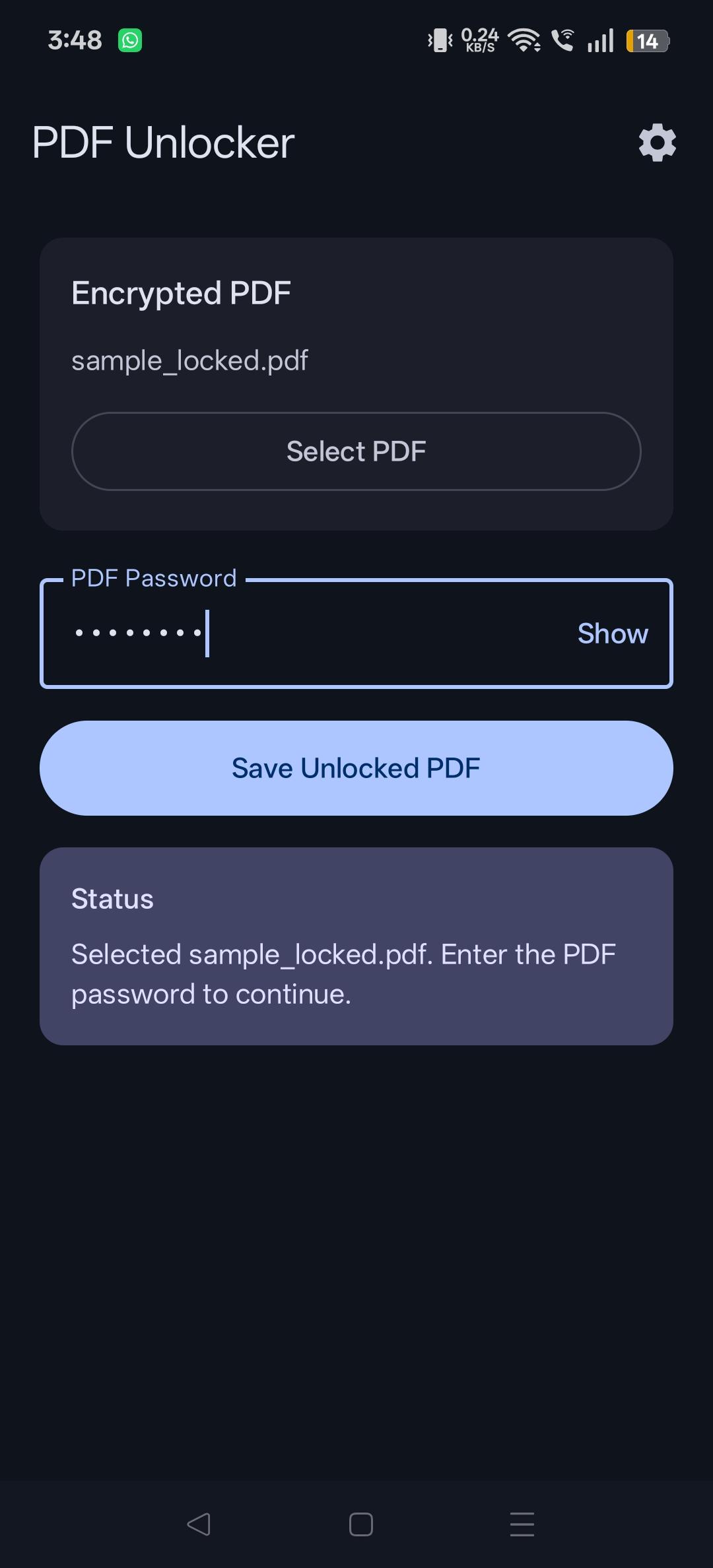
• Unlock password-protected PDFs • Offline processing • No account required • Privacy friendly • Open source • Material Design interface

All PDF processing happens locally on your device. No files are uploaded to any server.

Screenshots

PDF Unlocker screenshot 1
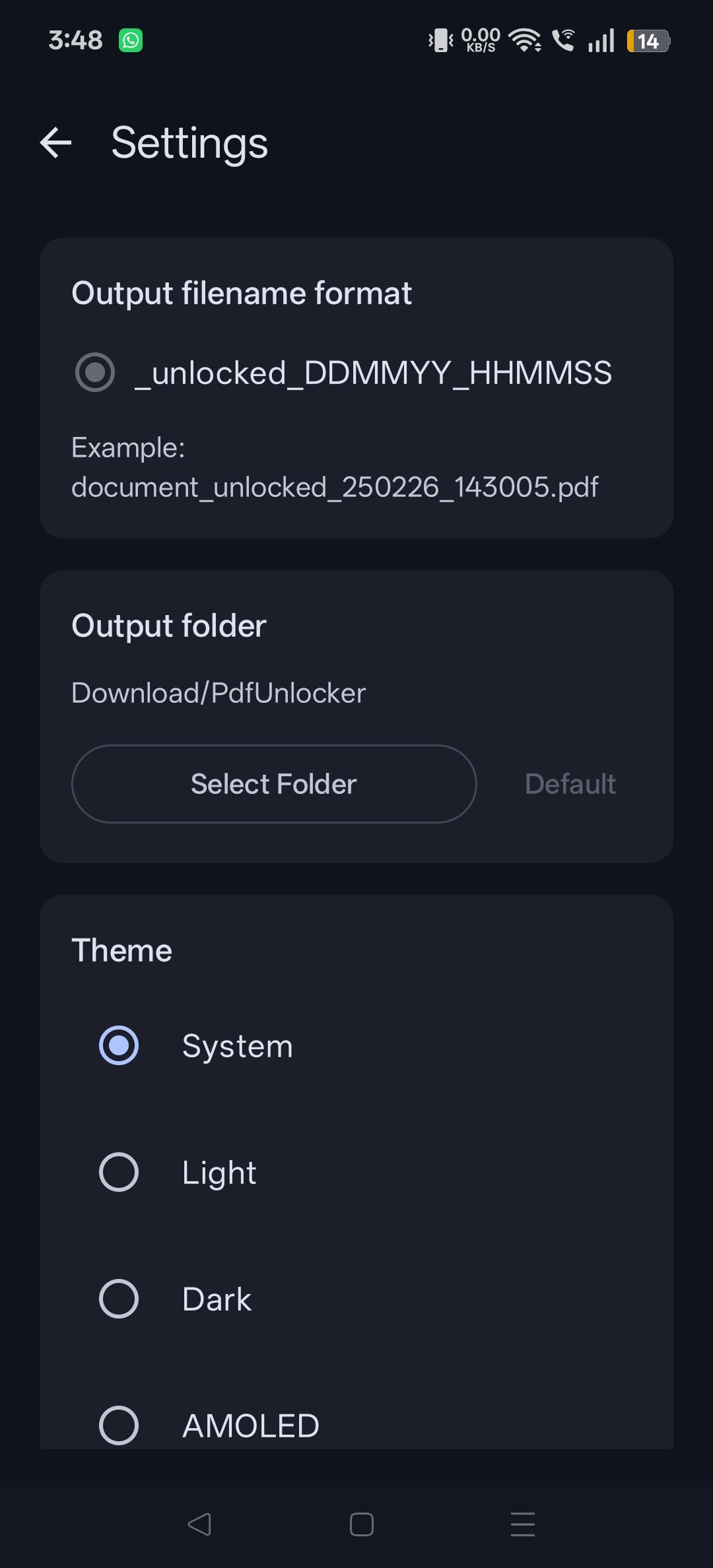
PDF Unlocker screenshot 2
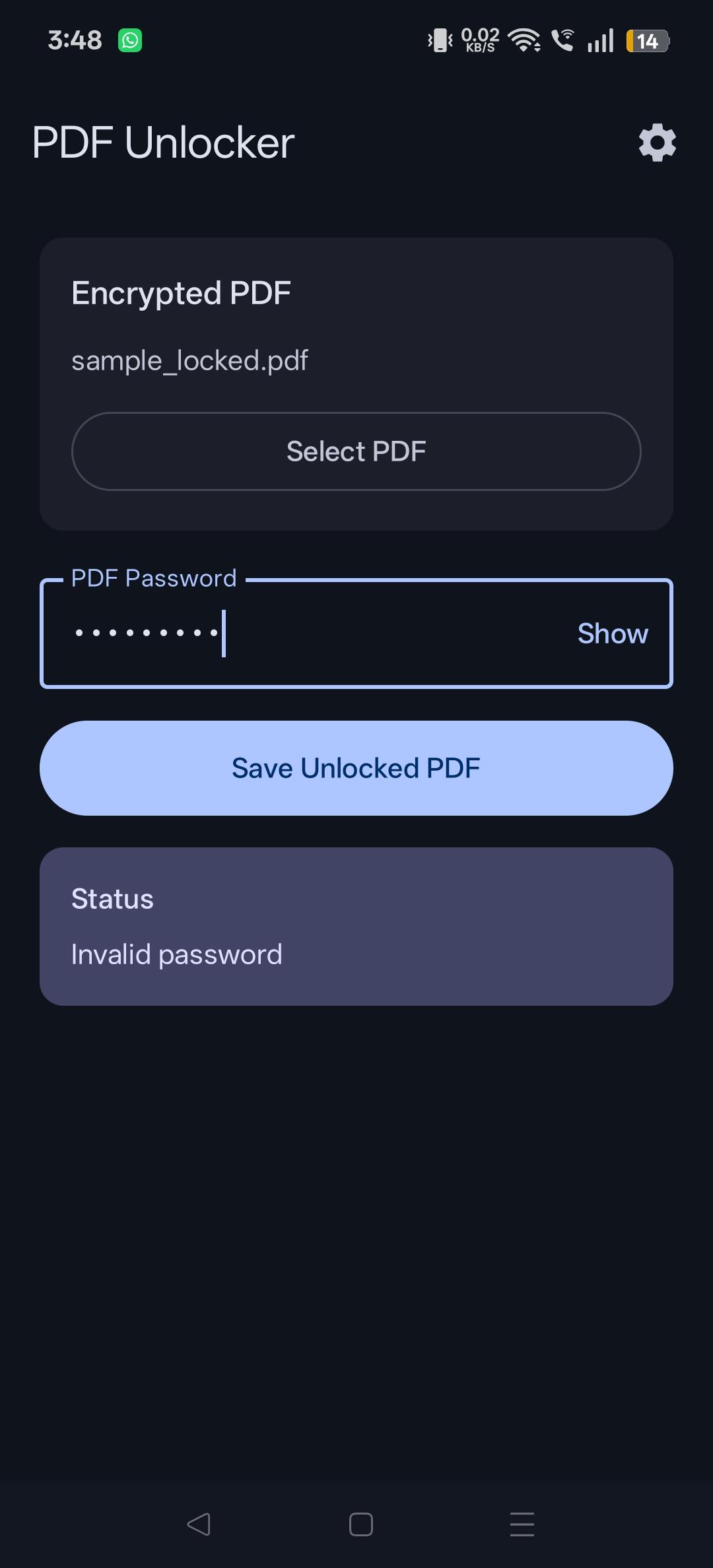
PDF Unlocker screenshot 3
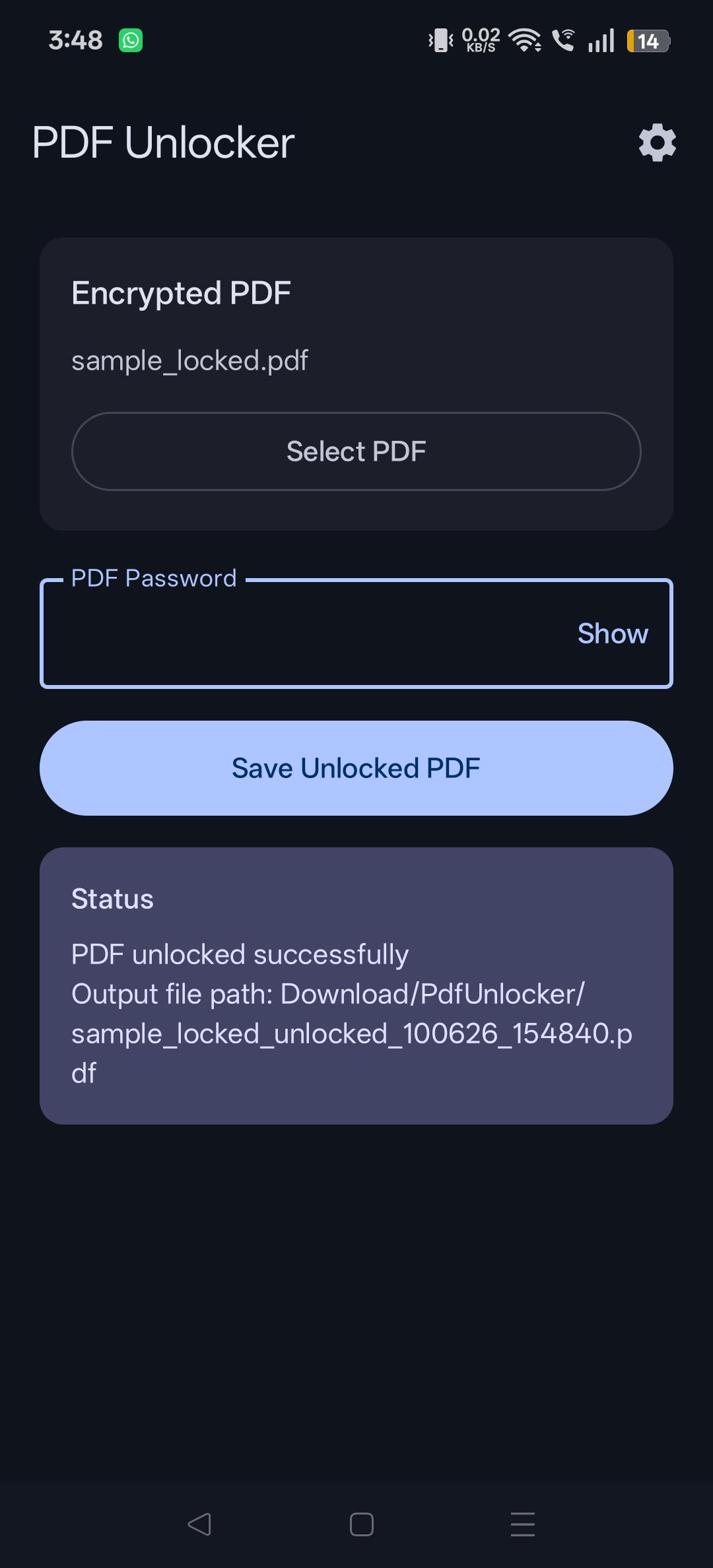
PDF Unlocker screenshot 4
PDF Unlocker screenshot 5

What’s new

Initial release.

How to install

  1. Download the APK from the button at the top of this page.
  2. Allow “Install unknown apps” for your browser or file manager only, not for every app.
  3. Open the downloaded file and confirm the installation.
  4. If installation fails with “App not installed,” remove an earlier build of the same app first. A signature conflict is the usual cause.

Data safety

  • Every file is checked against its published SHA-256 before it is listed.
  • Files are scanned for malware on every update.
  • The permissions each app requests are listed on its own page.
  • Read the full safety policy for how we test, flag, and delist files.

Comments

Recent approved comments · sorted by newest

Verification code
Be specific and keep it about the app. No links. Comments are reviewed before publication. Device and Android details are recorded automatically. Privacy policy.

Loading recent comments...

View all comments