Quick answer
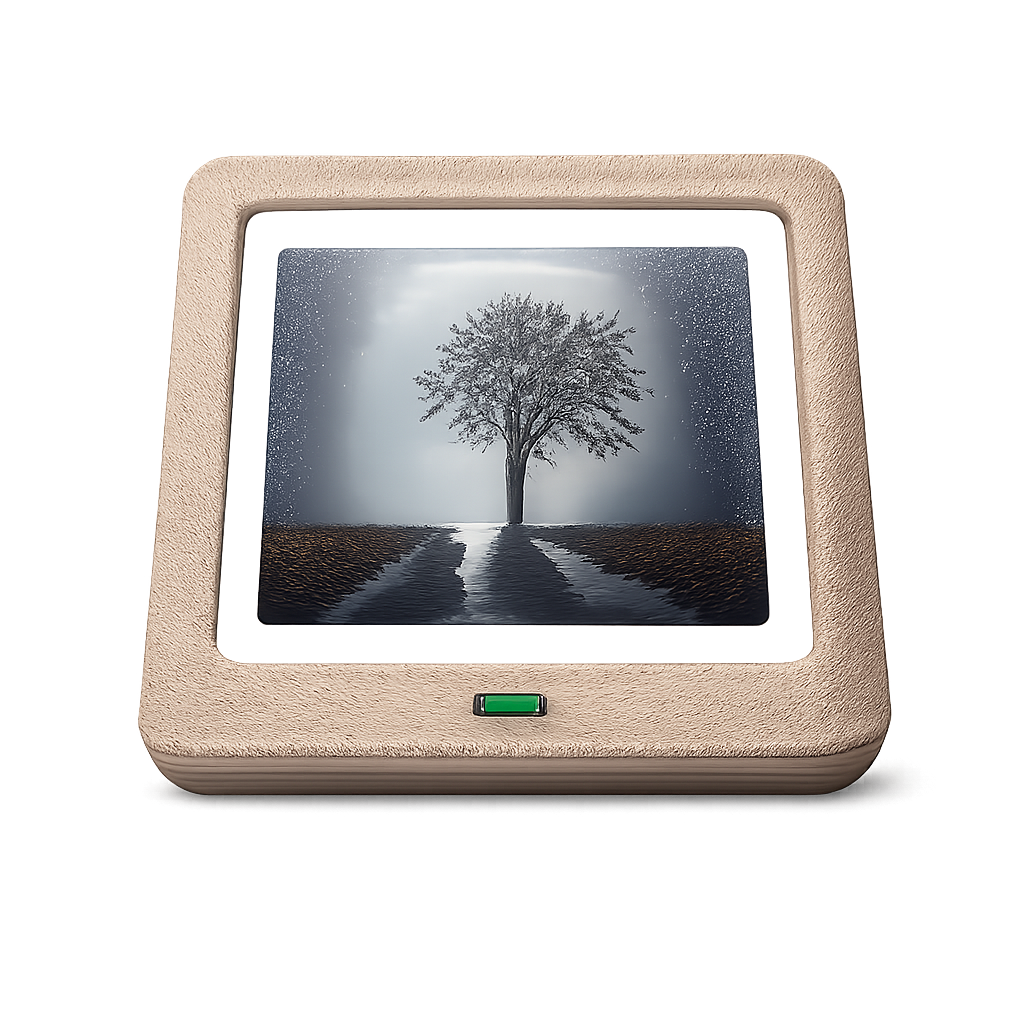
Turn your old Android tablet into a beautiful digital photo frame.
F-Droid repository metadata
OpenPhotoFrame is a free, open-source slideshow app that syncs photos from your private cloud (Nextcloud) or local storage. No ads, no subscriptions, no nag screens – just your photos.
Features:
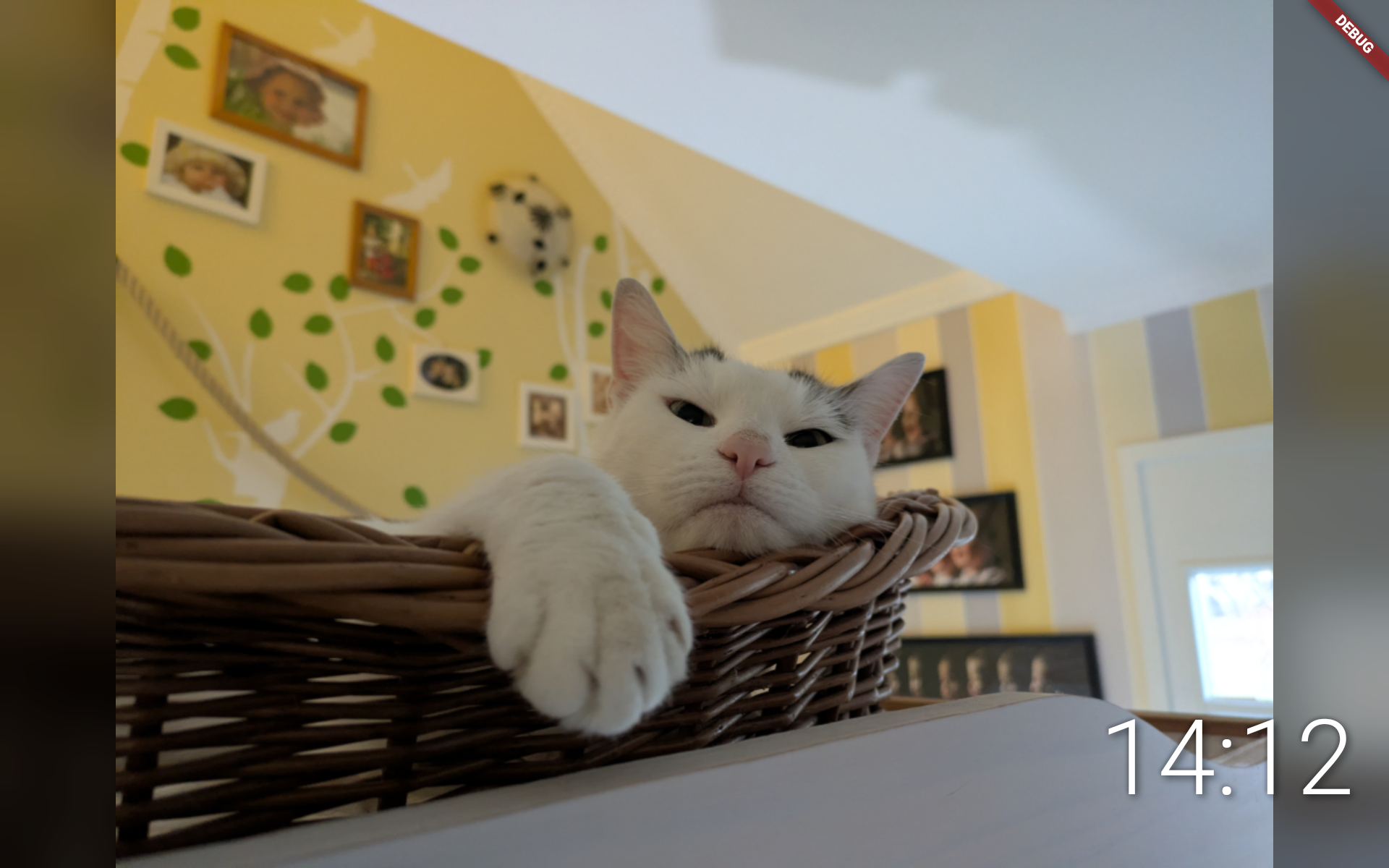
• Beautiful Slideshow – Smooth crossfade transitions between your photos
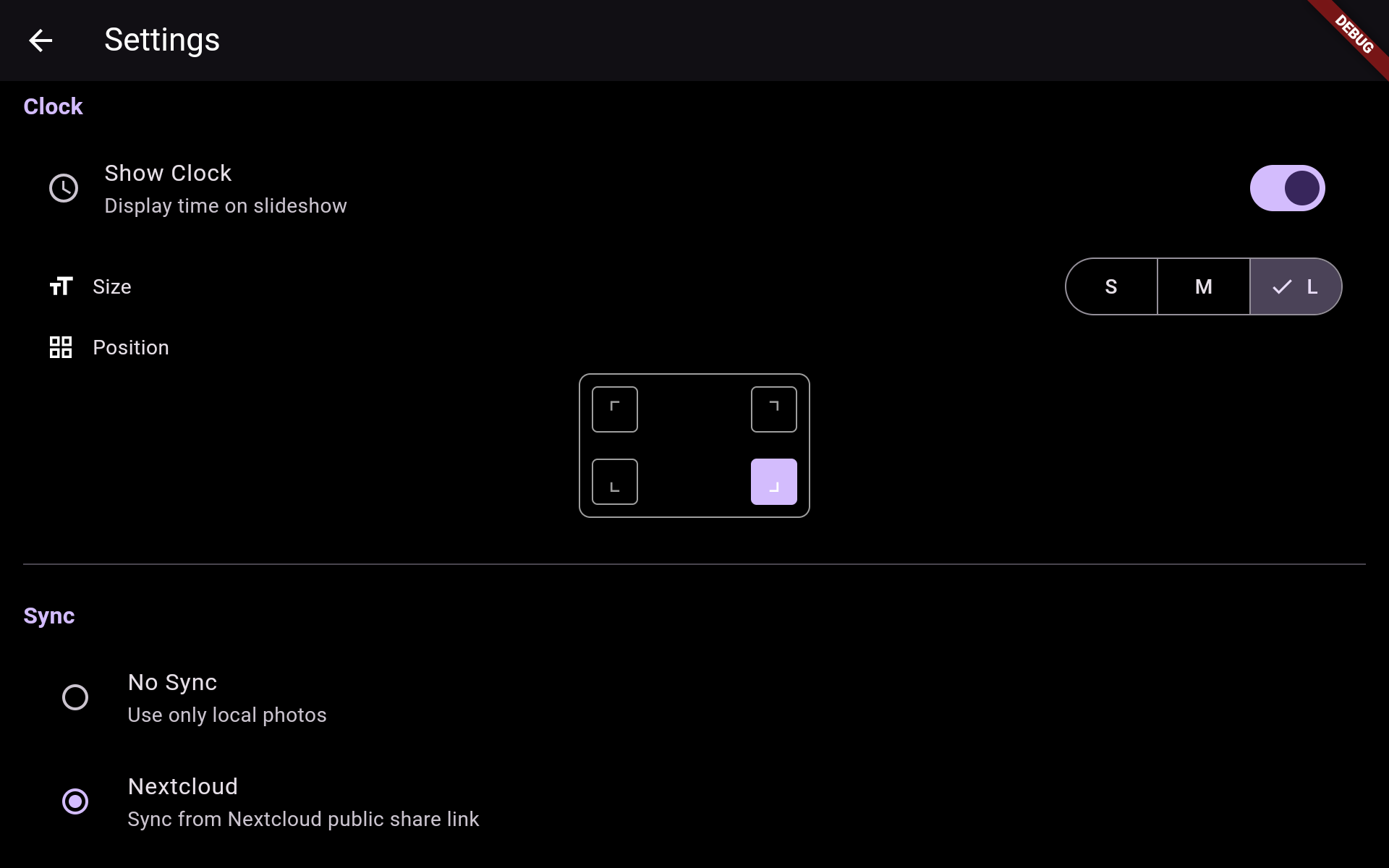
• Nextcloud Sync – Sync photos from a Nextcloud public share link (WebDAV)
• Local First – Works offline, photos are cached locally
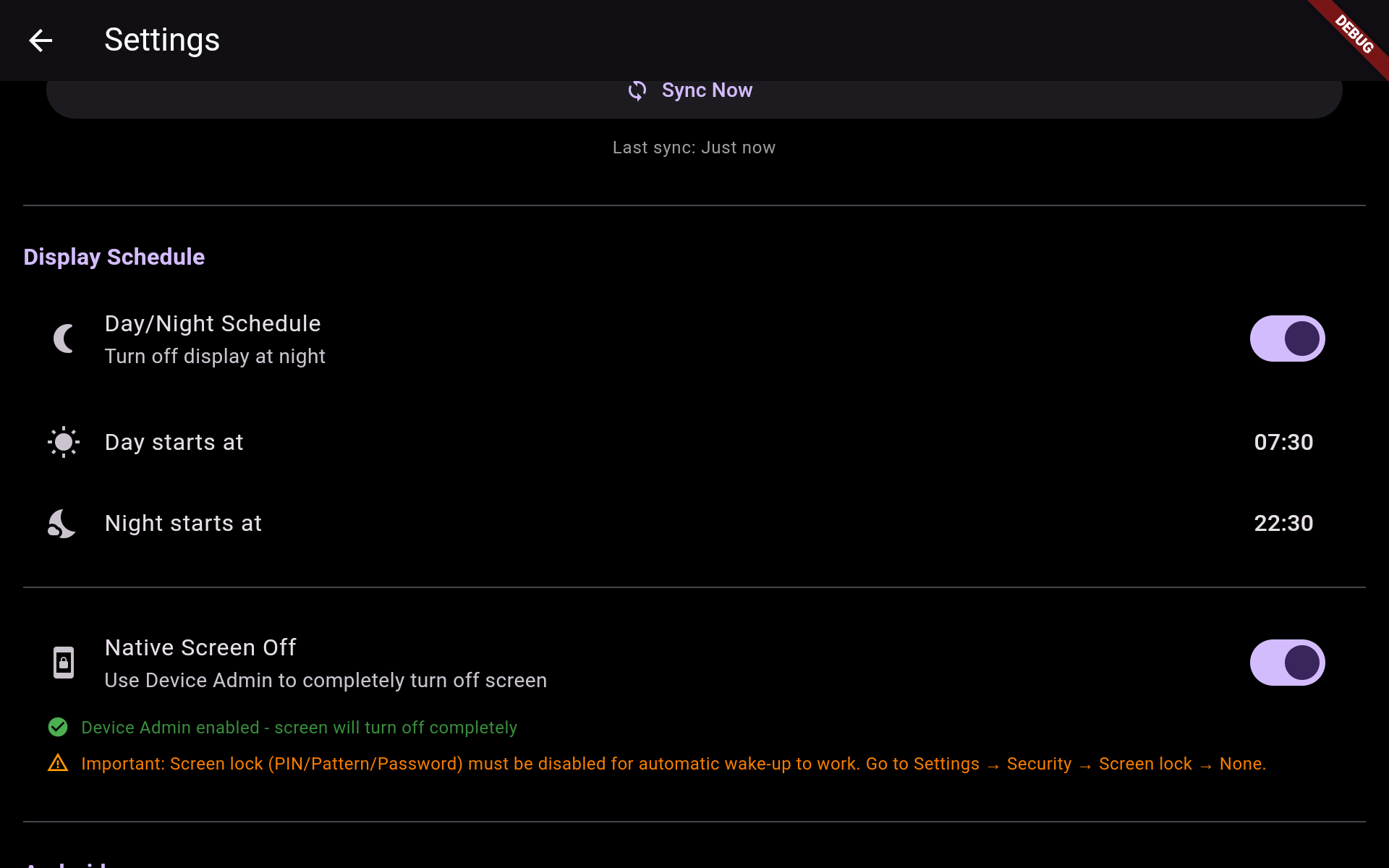
• Simple Settings – Configure slide duration, transition speed, and sync interval
• Always On – Designed to run 24/7 as a dedicated photo frame
• Privacy First – Your photos stay on your server, no third-party cloud required
Why OpenPhotoFrame?
Existing apps like Fotoo or PhotoCloud Frame Slideshow are either riddled with ads and nag screens, require paid subscriptions for basic features, or force you to use public cloud services like Google Photos.
OpenPhotoFrame is different:
• 100% Free & Open Source (GPLv3)
• No ads, no in-app purchases, no tracking
• Works with your self-hosted Nextcloud
• Simple & focused – does one thing well
Screenshots
How to install
- Download the APK from the button at the top of this page.
- Allow “Install unknown apps” for your browser or file manager only, not for every app.
- Open the downloaded file and confirm the installation.
- If installation fails with “App not installed,” remove an earlier build of the same app first. A signature conflict is the usual cause.
Data safety
- Every file is checked against its published SHA-256 before it is listed.
- Files are scanned for malware on every update.
- The permissions each app requests are listed on its own page.
- Read the full safety policy for how we test, flag, and delist files.
Comments
Recent approved comments · sorted by newest
View all comments