EnigmaDroid is a modern, user-friendly app that lets you control your Enigma2-based satellite or cable set-top box directly from your Android device.
Everywhere in your home, EnigmaDroid gives you full access to your receiver’s features and content.
Features
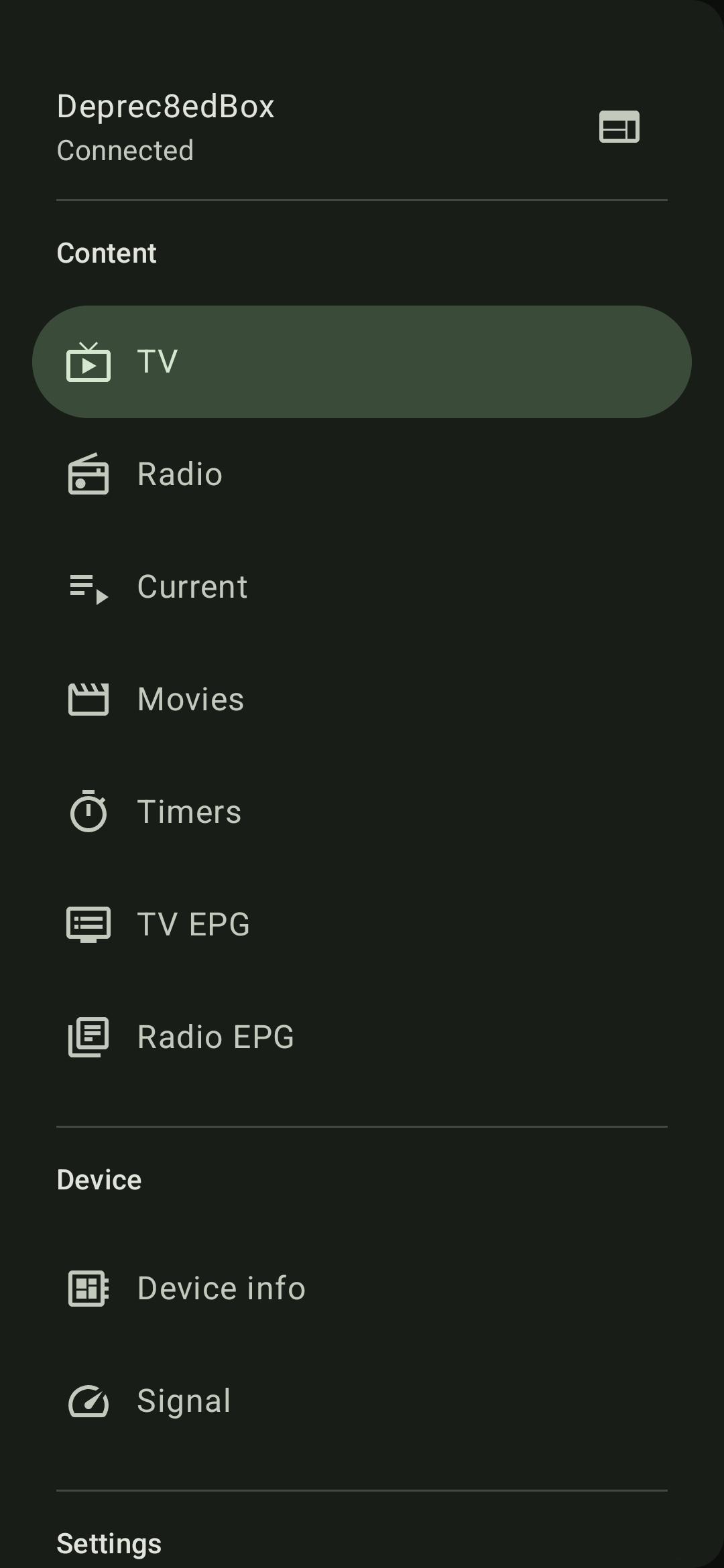
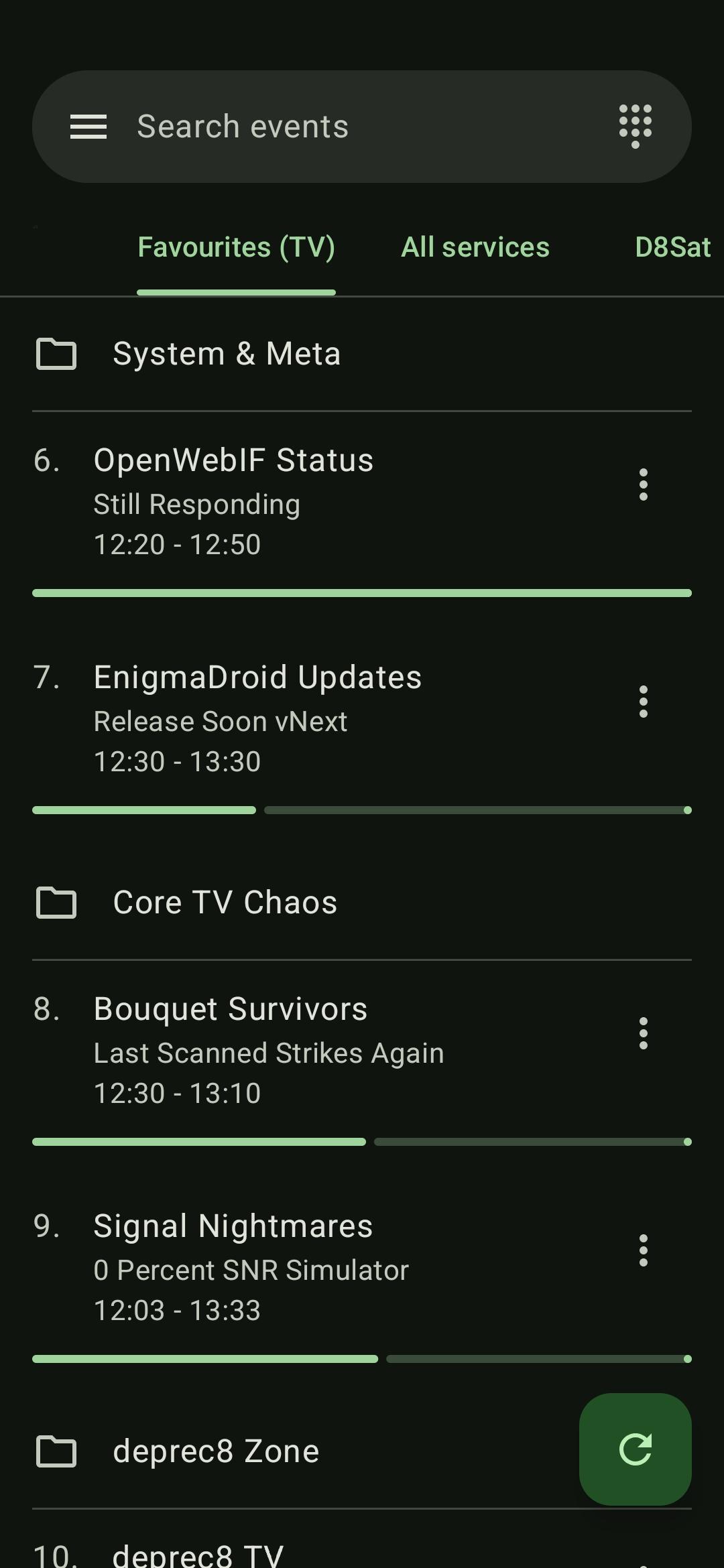
Channel & Bouquet List: Quickly navigate your full channel lineup and favorite bouquets.
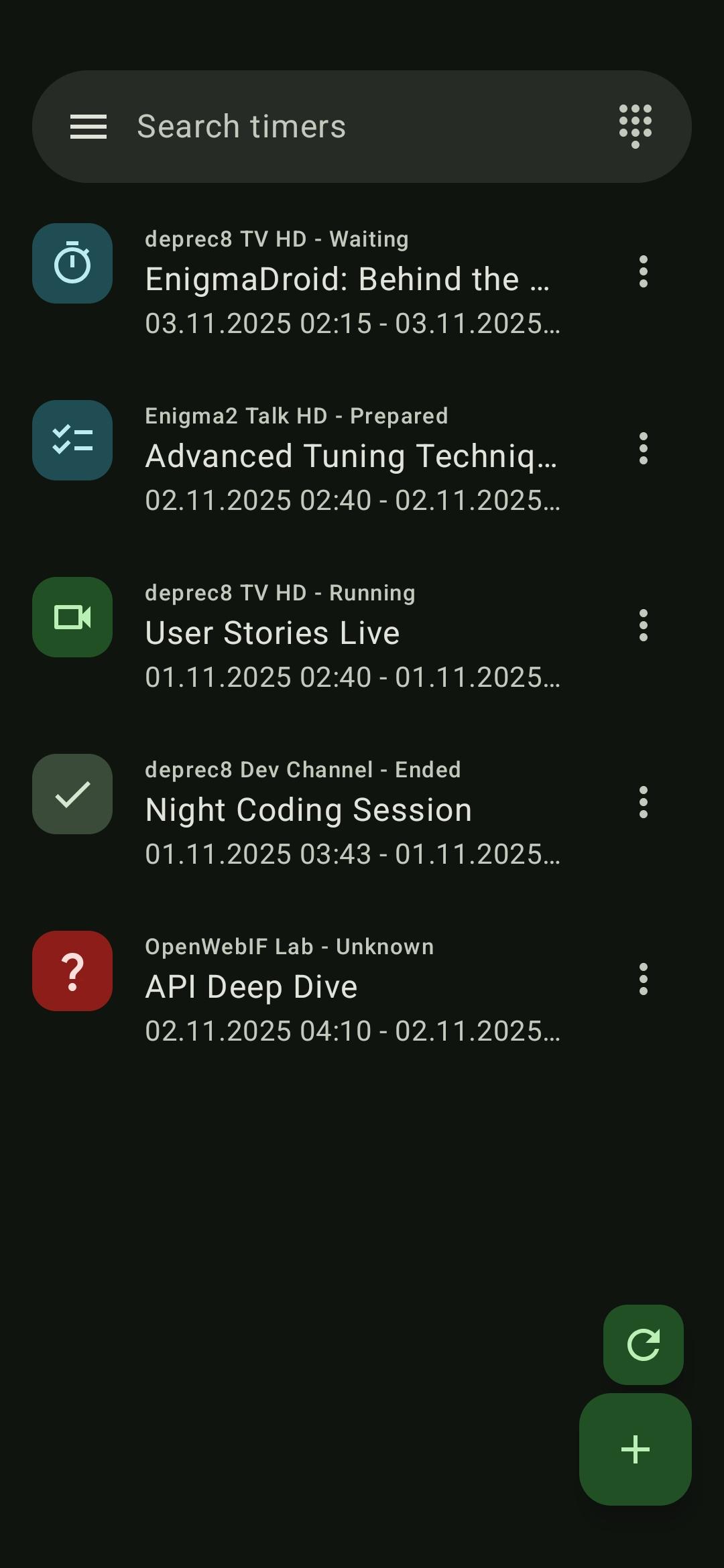
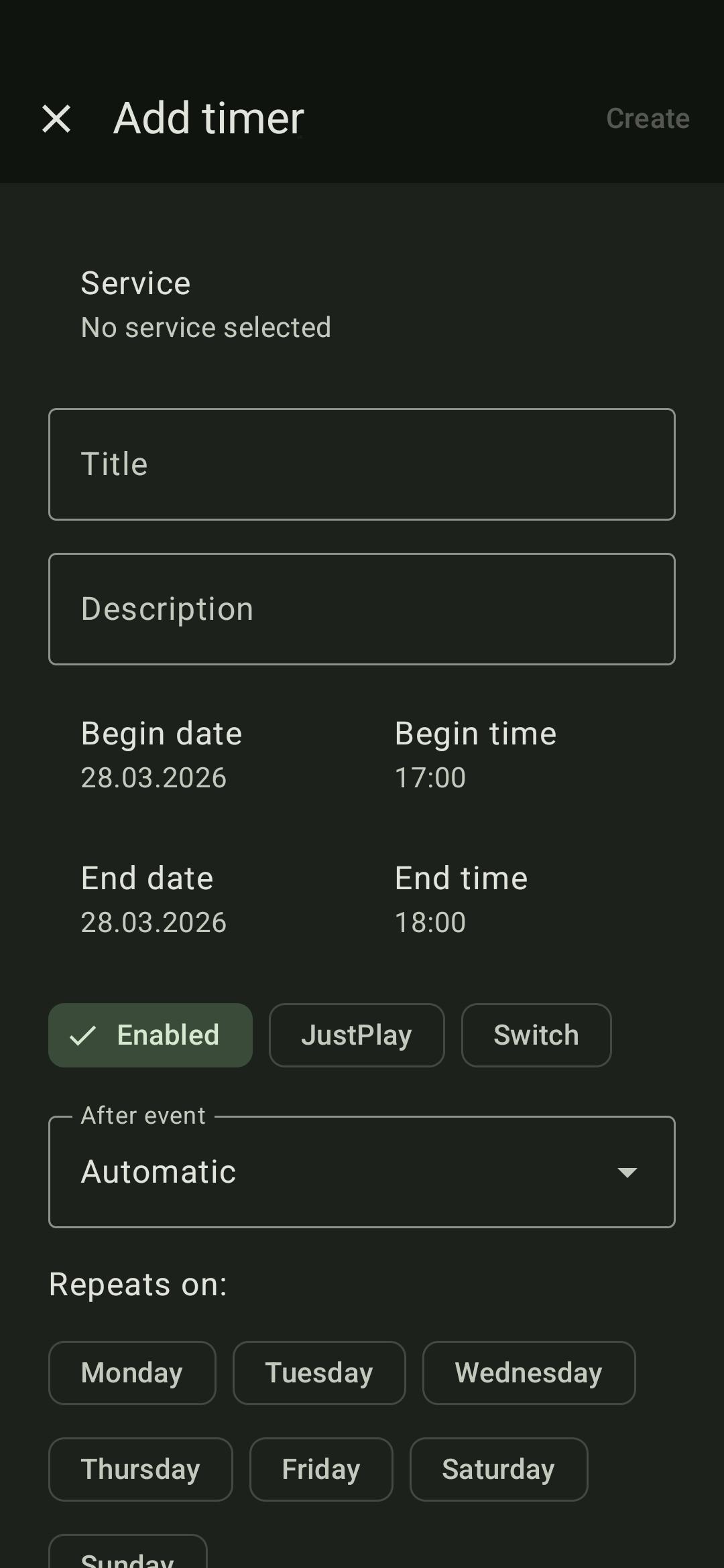
Timer Management: Add, remove or edit timers and scheduled recordings.
Stream Recordings: Browse and play your saved shows and movies.
EPG Support: View Electronic Program Guide data with detailed show info for every bouquet.
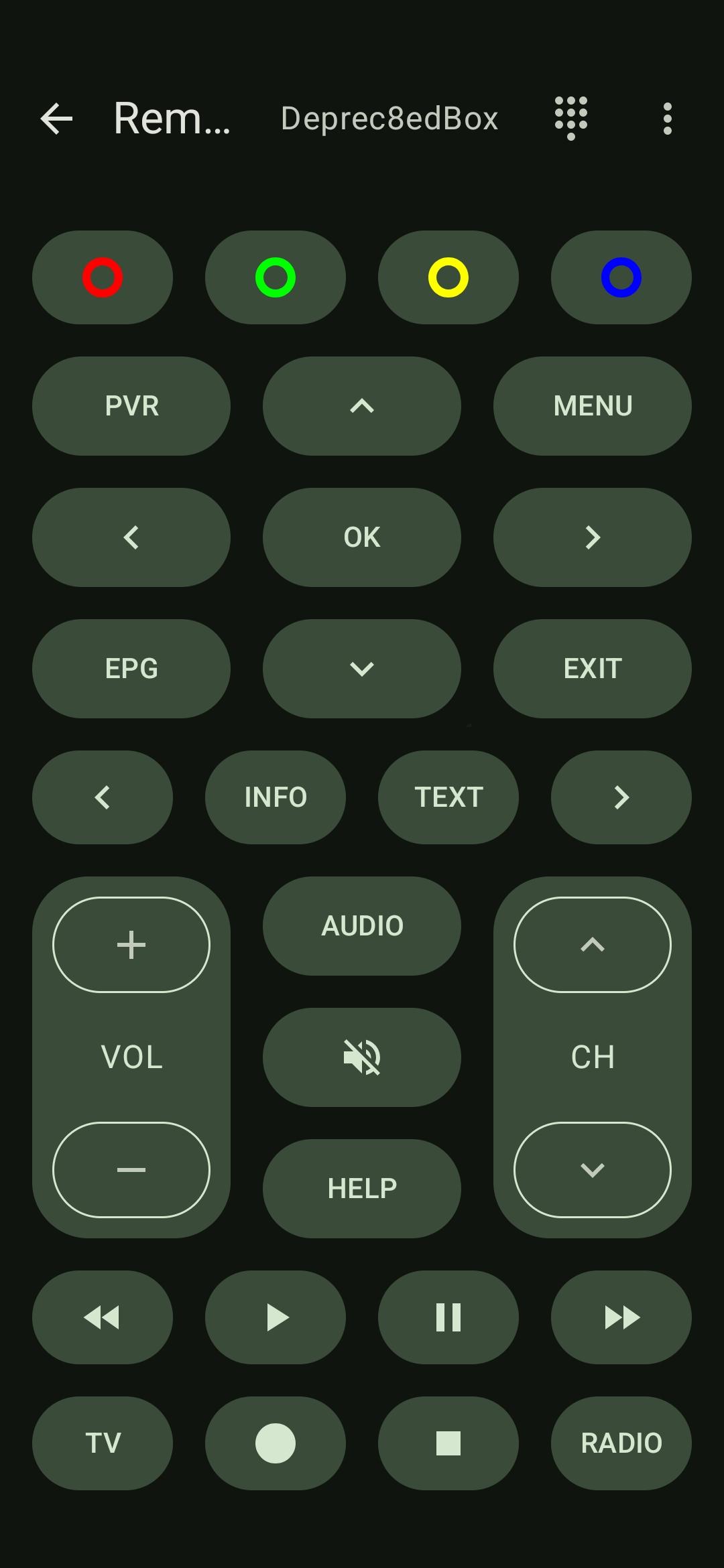
Remote Control: Full on-screen remote control with keypad.
Live TV Streaming: Watch live broadcasts from your Enigma2 box on your device using a compatible video player.
Search & Filter: Find channels or programs with built-in search functionality on every page.
Multi-Box Support: Connect to multiple receivers and switch between them with ease.
StreamingEnigmaDroid currently uses external media players for streaming live TV and recordings.
VLC is recommended, though other media players may also work.
Requirements
An Enigma2-based set-top box (satellite or cable).
Up-to-date OpenWebif plugin enabled and configured.
Compatibility
Tested with popular Enigma2 images.
Some images, like VTi, may require manually updating the OpenWebif plugin to ensure full compatibility.
Free & Open Source
EnigmaDroid is fully open-source, respects your privacy and contains no ads or trackers. Contributions and feature requests are welcome on the project's GitHub repository.
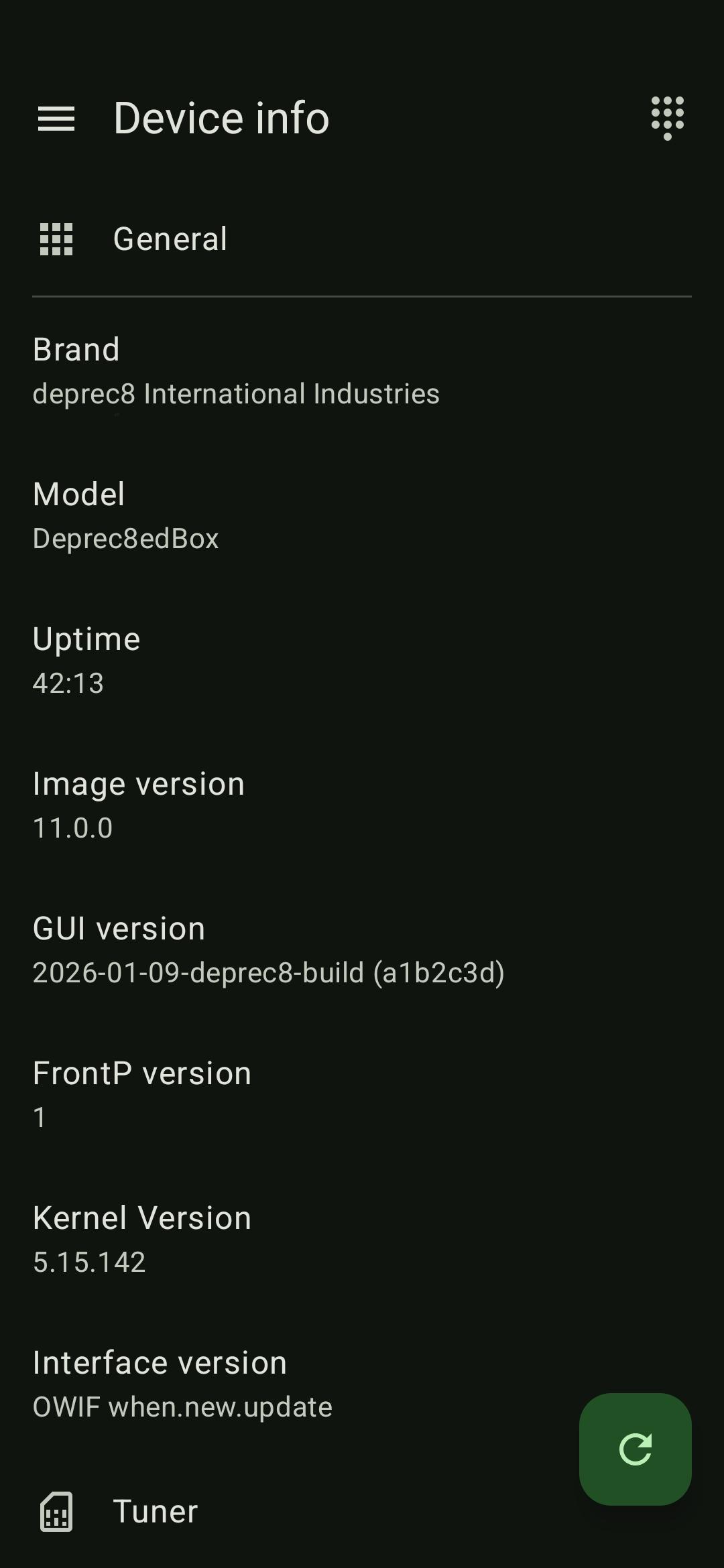
Screenshots
What’s new
- Added a button to quickly switch devices - Improved the device info page - Synced Crowdin translations - Some other fixes and updates
How to install
Download the APK from the button at the top of this page.
Allow “Install unknown apps” for your browser or file manager only, not for every app.
Open the downloaded file and confirm the installation.
If installation fails with “App not installed,” remove an earlier build of the same app first. A signature conflict is the usual cause.
Data safety
Every file is checked against its published SHA-256 before it is listed.
Files are scanned for malware on every update.
The permissions each app requests are listed on its own page.
Read the full safety policy for how we test, flag, and delist files.