
Quick answer
Play media files through phone's ear-piece
F-Droid repository metadata
Do you get Voice Mails via e-mail or web access? Have you ever forgotten your headphones (or you do not even have any) and still wanted to listen to your Voice Mails with some privacy (e.g., being in the office or driving by bus)?
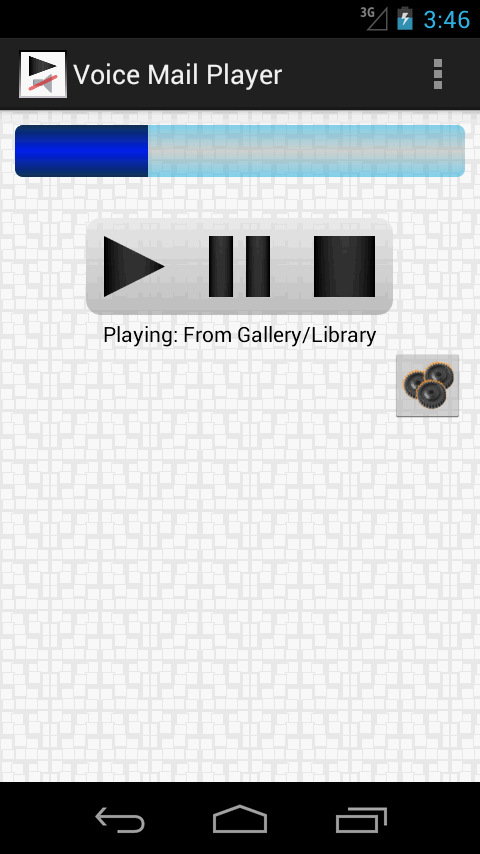
Voice Mail Player plays audio and video files (audio part only) via your Android phone's ear-piece - like as you would take a phone call.
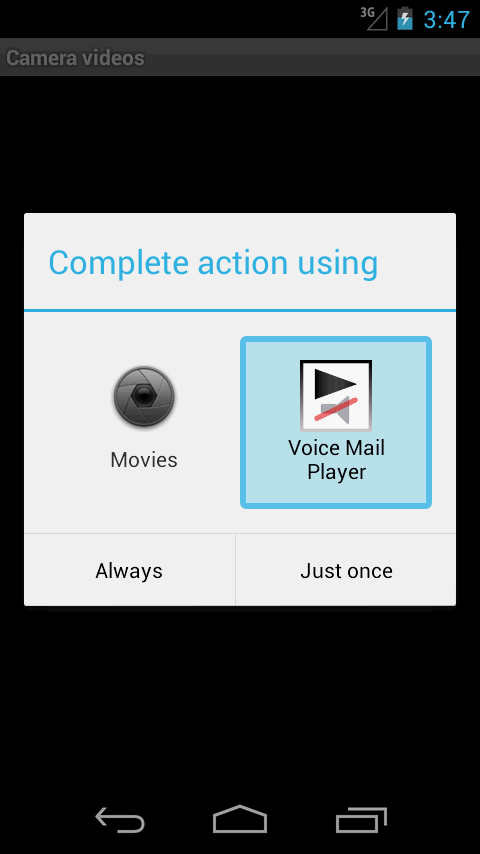
Voice Mail Player does not(!) include a file picker. It can be started like Android's default media player from any application that deals with media files. It's in the shared apps list. It can be used via gallery, e-mail clients, file pickers, download folder etc.
This app will not work on devices without ear-pieces (obviously). If you think, your device should be supported but is not, please drop us an e-mail!
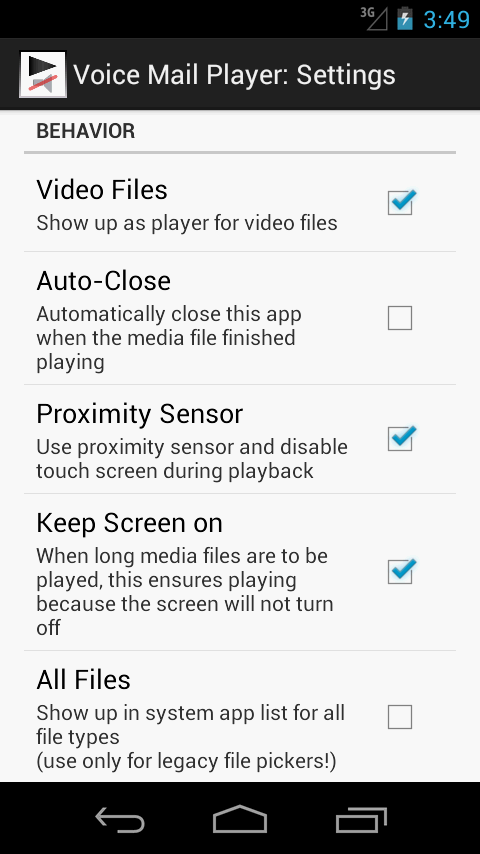
Take a look at the settings to configure Voice Mail Player's behavior for your needs. Of course, you can use your phone's volume control keys as usual.
* Play media files through phone's ear-piece
* Use for privacy of listening to media files without headphones
* Settings for your needs
Screenshots
How to install
- Download the APK from the button at the top of this page.
- Allow “Install unknown apps” for your browser or file manager only, not for every app.
- Open the downloaded file and confirm the installation.
- If installation fails with “App not installed,” remove an earlier build of the same app first. A signature conflict is the usual cause.
Data safety
- Every file is checked against its published SHA-256 before it is listed.
- Files are scanned for malware on every update.
- The permissions each app requests are listed on its own page.
- Read the full safety policy for how we test, flag, and delist files.
Comments
Recent approved comments · sorted by newest
View all comments