
Quick answer
Use an Android device as a USB microphone
F-Droid repository metadata
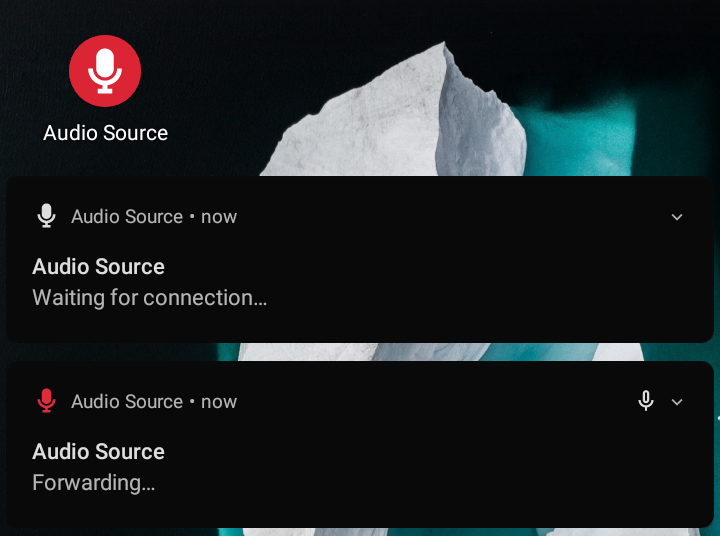
Audio Source forwards Android microphone audio input to the PulseAudio daemon through ADB, so you can use your Android device as a USB microphone.
Requirements:
* Device with at least Android 4.0 (API level 14), but fully tested only on Android 10 (API level 29) so your mileage may vary.
* GNU/Linux machine with:
* Android SDK Platform Tools (requires adb in PATH).
* PulseAudio or PipeWire with PulseAudio support (requires pactl in PATH).
* Python 3 (requires python3 in PATH).
For further details, see the project's documentation.
Screenshots
How to install
- Download the APK from the button at the top of this page.
- Allow “Install unknown apps” for your browser or file manager only, not for every app.
- Open the downloaded file and confirm the installation.
- If installation fails with “App not installed,” remove an earlier build of the same app first. A signature conflict is the usual cause.
Data safety
- Every file is checked against its published SHA-256 before it is listed.
- Files are scanned for malware on every update.
- The permissions each app requests are listed on its own page.
- Read the full safety policy for how we test, flag, and delist files.
Comments
Recent approved comments · sorted by newest
View all comments