A minimal, privacy-respecting sleep timer for Android. Starts a countdown that stops media playback, fades audio out, and optionally locks the screen when it ends — so you can fall asleep without your phone draining the battery or blaring podcasts at 3 AM.
No accounts, no ads, no trackers, no network access.
Features:
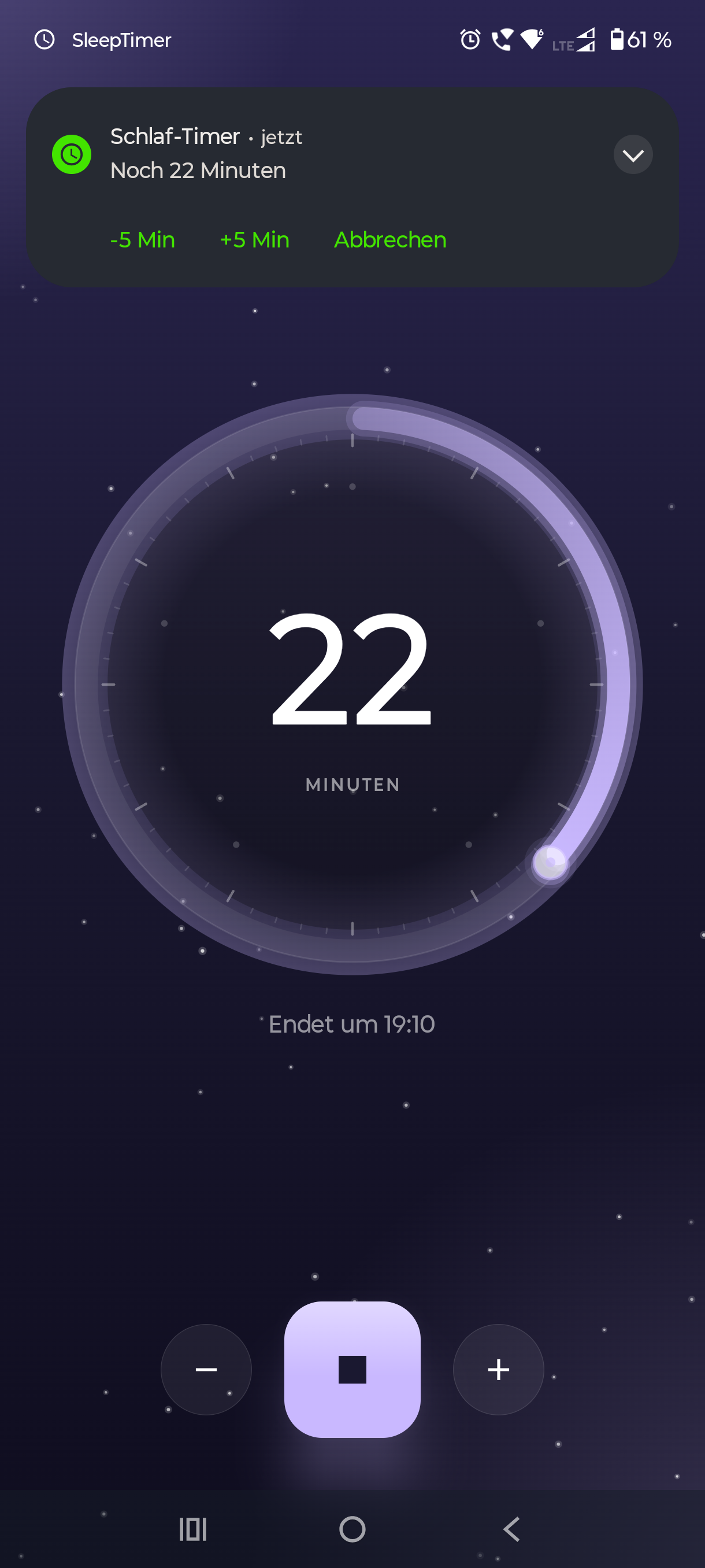
* Simple countdown timer with +/- step buttons and cancel directly from the notification (step is configurable, defaults to 5 minutes)
* Shows the exact wall-clock time at which the timer will end
* Stops audio and video playback across apps at the end of the timer
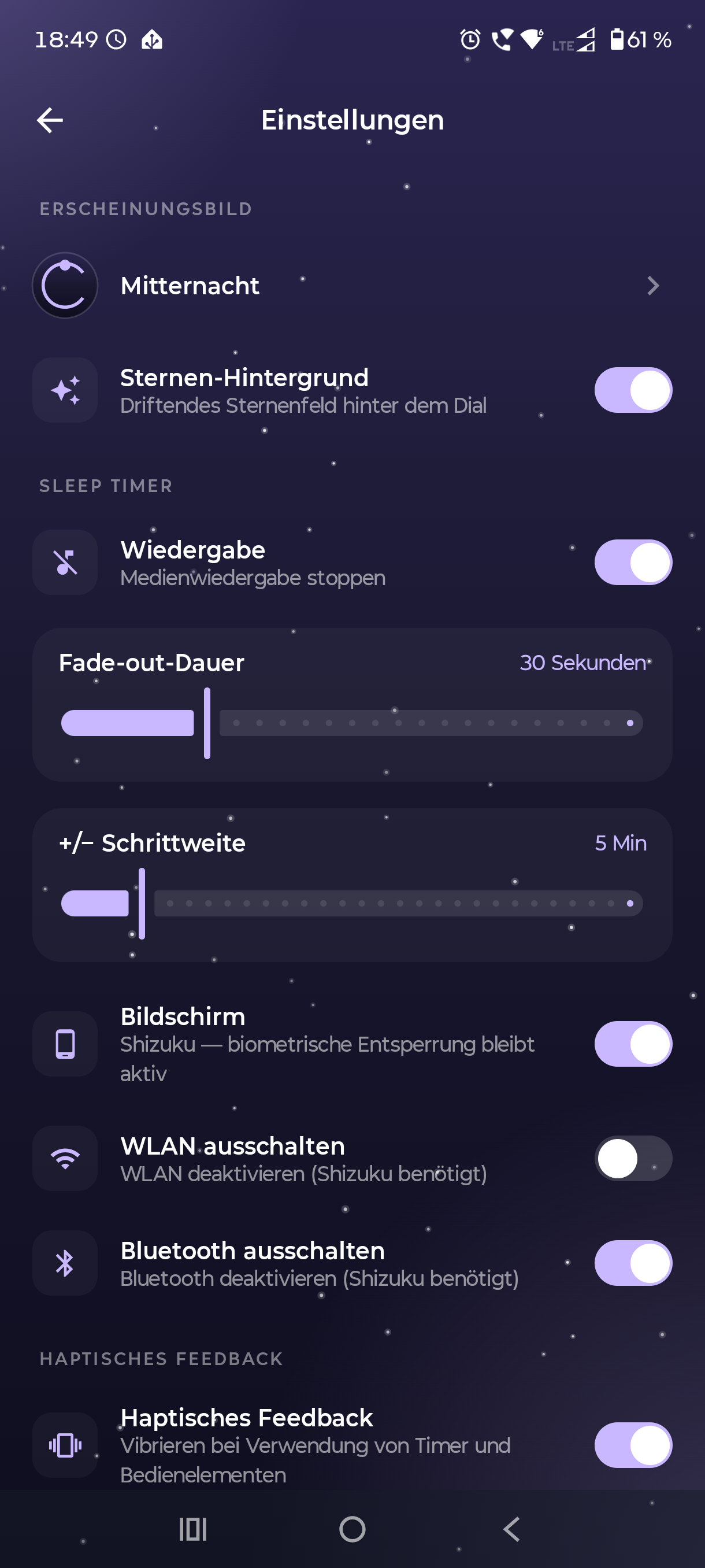
* Configurable fade-out duration before playback stops
* Optional screen lock when the timer ends — choose between Device Admin (standard Android lock, credential required to unlock) or Shizuku soft lock (simulates the power button, biometric unlock keeps working)
* Optional Wi-Fi and Bluetooth off when the timer ends (both via Shizuku, since modern Android blocks apps from toggling these directly)
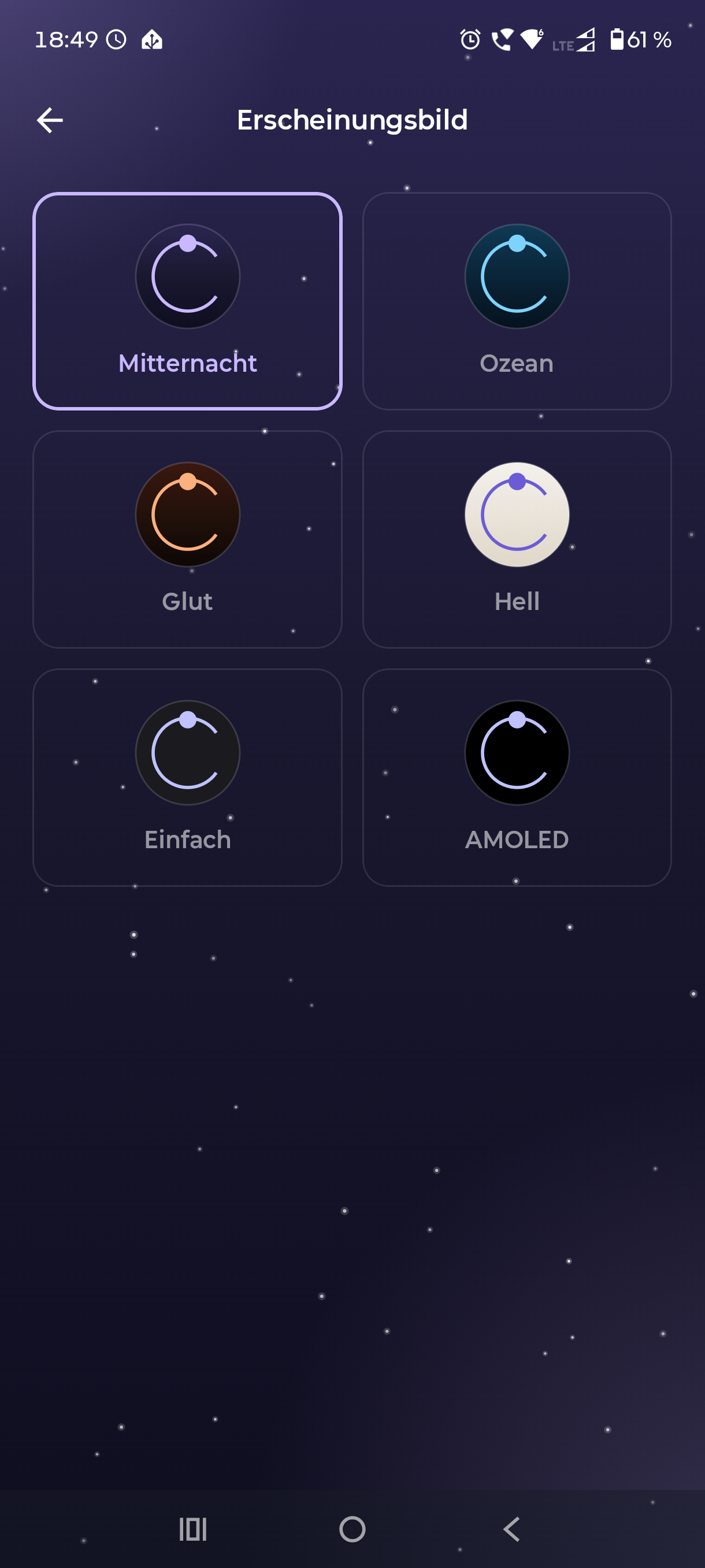
* Six built-in themes (Midnight, Ocean, Ember, Light, Basic, AMOLED) with an optional drifting starfield behind the dial
* Haptic feedback for timer controls (can be disabled)
* Foreground service keeps the timer reliable even when the app is in the background
Privacy:
* No analytics, crash reporting, or telemetry
* No third-party SDKs (no Firebase, no Google Play Services, no ads)
* All settings are stored locally on your device
* No data leaves your device
The app does not request the INTERNET permission. It cannot connect to any network.
Open source under GPL-3.0-or-later: https://github.com/Xitee1/sleep-timer