Clean metronome & tuner with polyrhythms and notation editor.
F-Droid repository metadata
Chronal is a powerful, ad-free metronome and tuner built for musicians of all levels.
Practice, rehearse, and perform with precise timing, advanced rhythm tools, and a chromatic tuner, all in one app.
🎵 Metronome Features
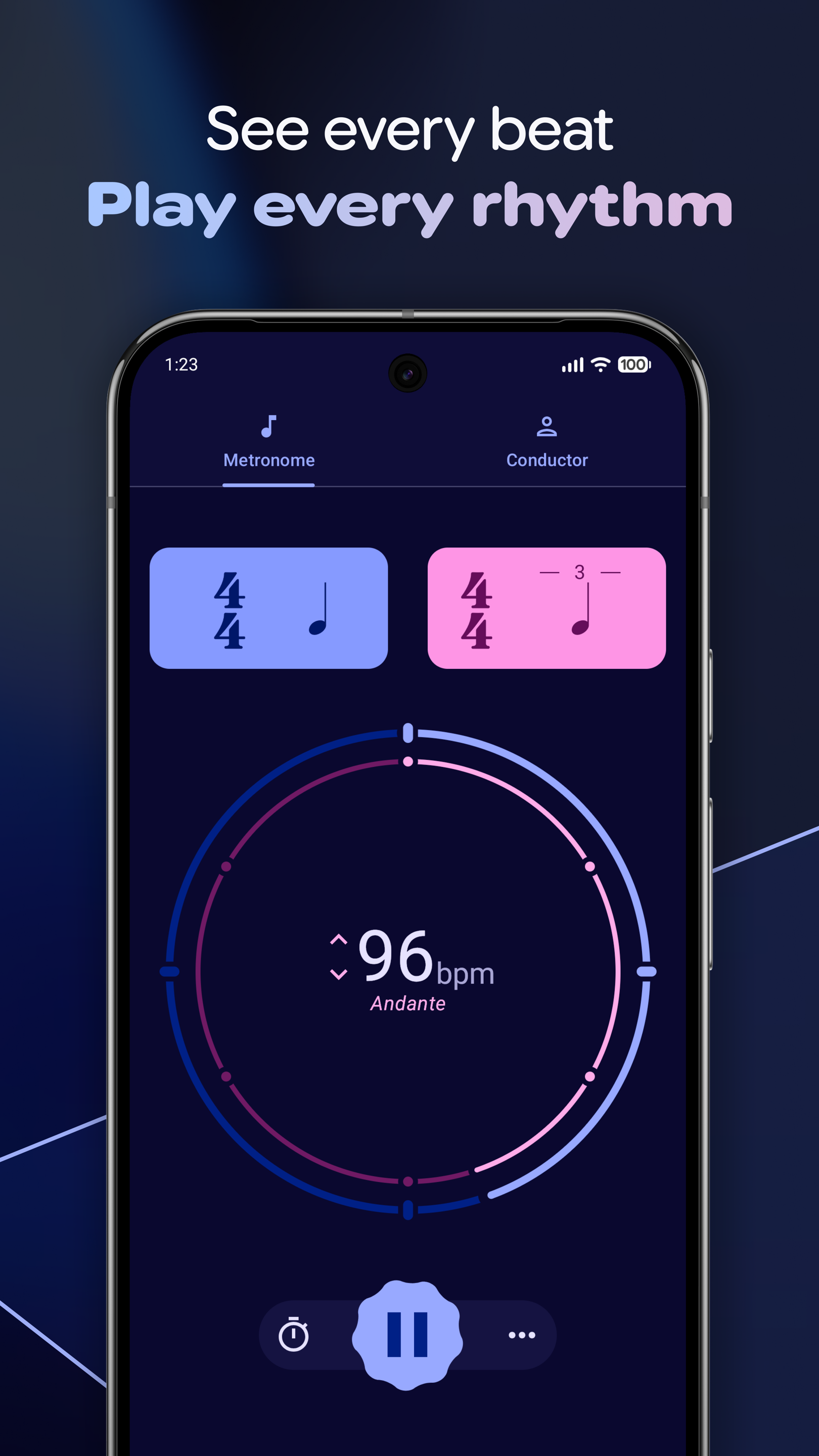
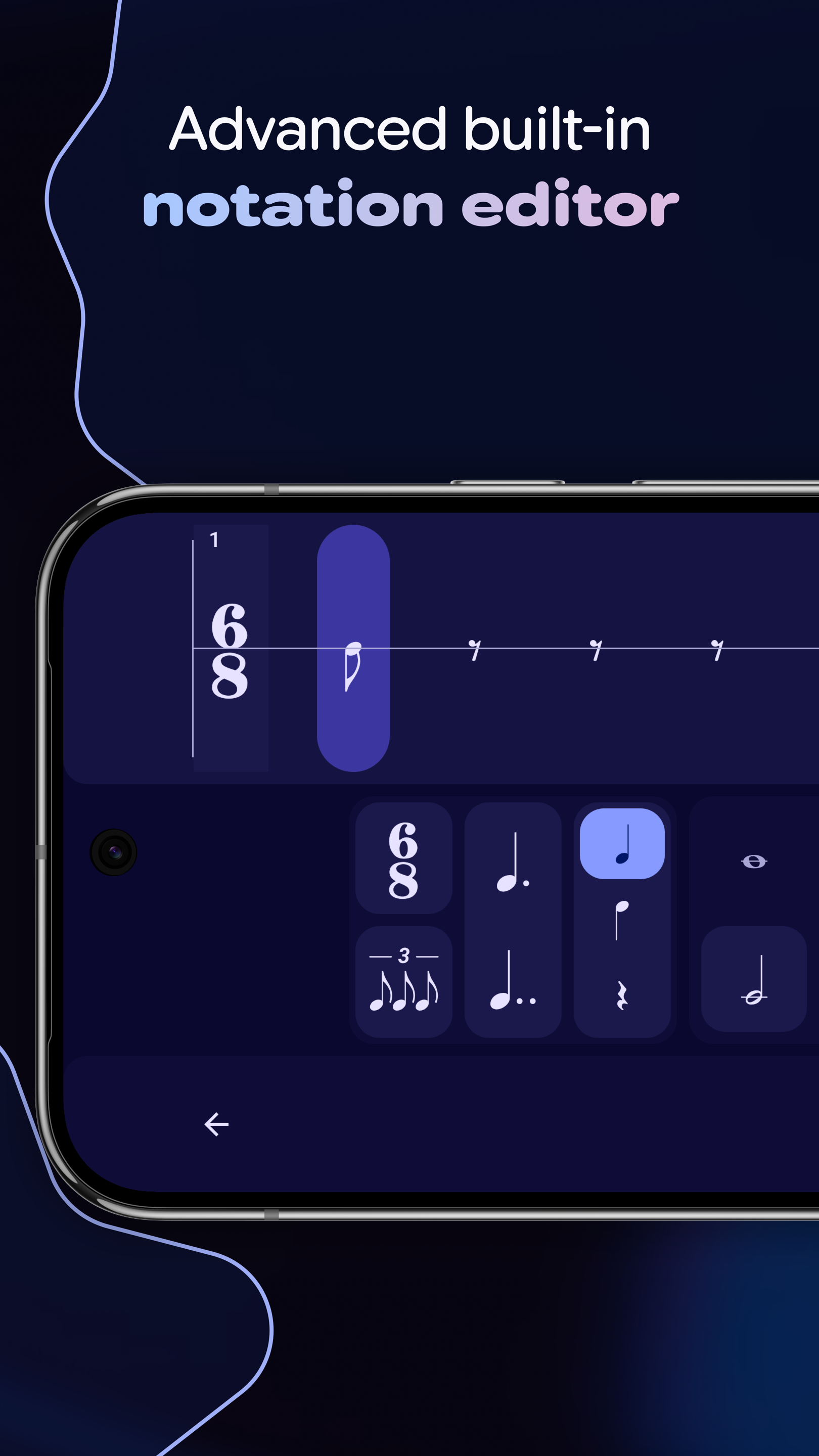
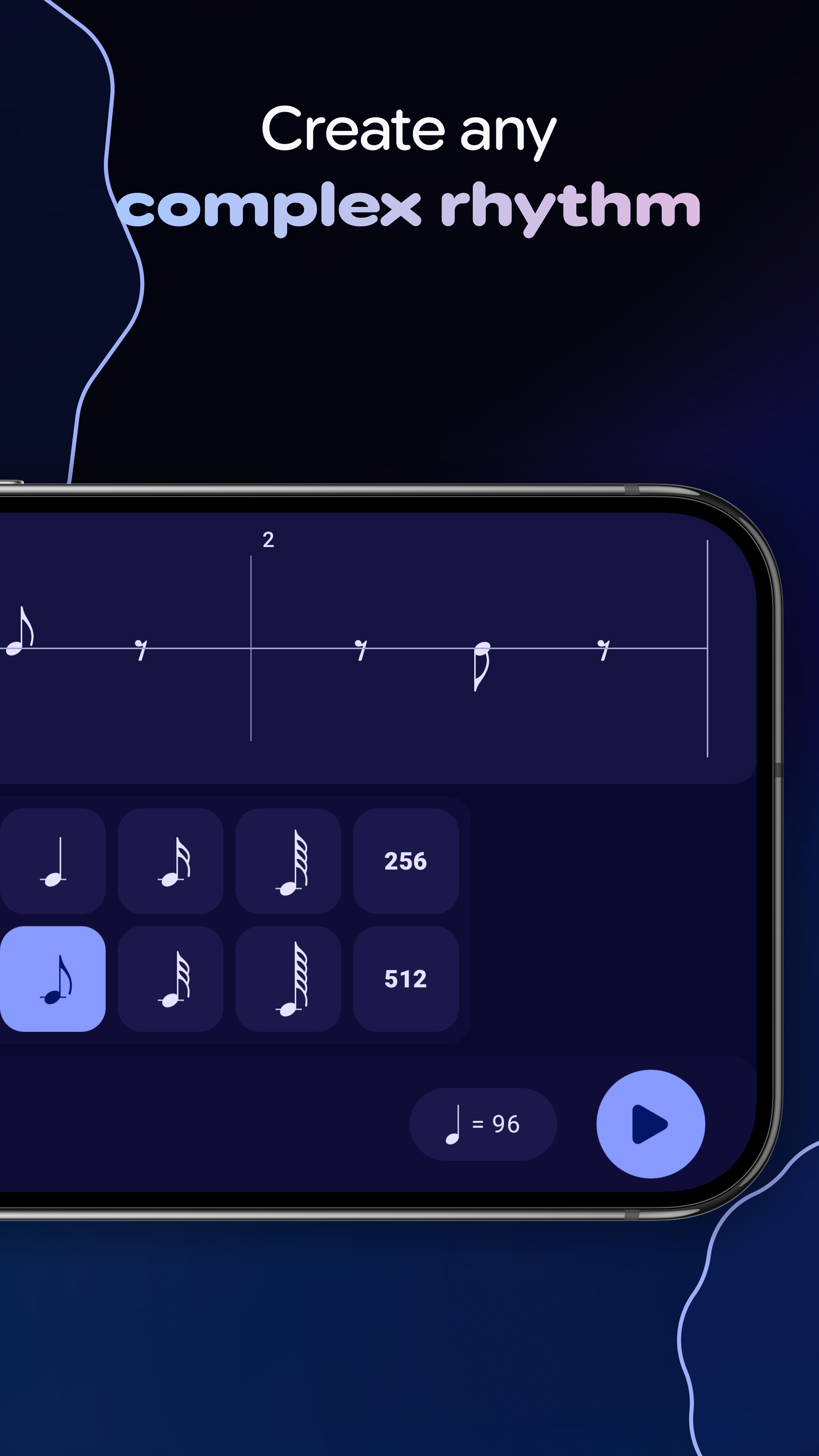
• Notation editor: Hear the rhythm that you see on the page.
• Multiple synchronized metronomes: Layer independent rhythms for polyrhythms and advanced practice.
• Beat & subdivision visualization: Clear visual indicators for beats and subdivisions.
• Fullscreen mode: Focus on your music with large, easy-to-see visuals from a distance.
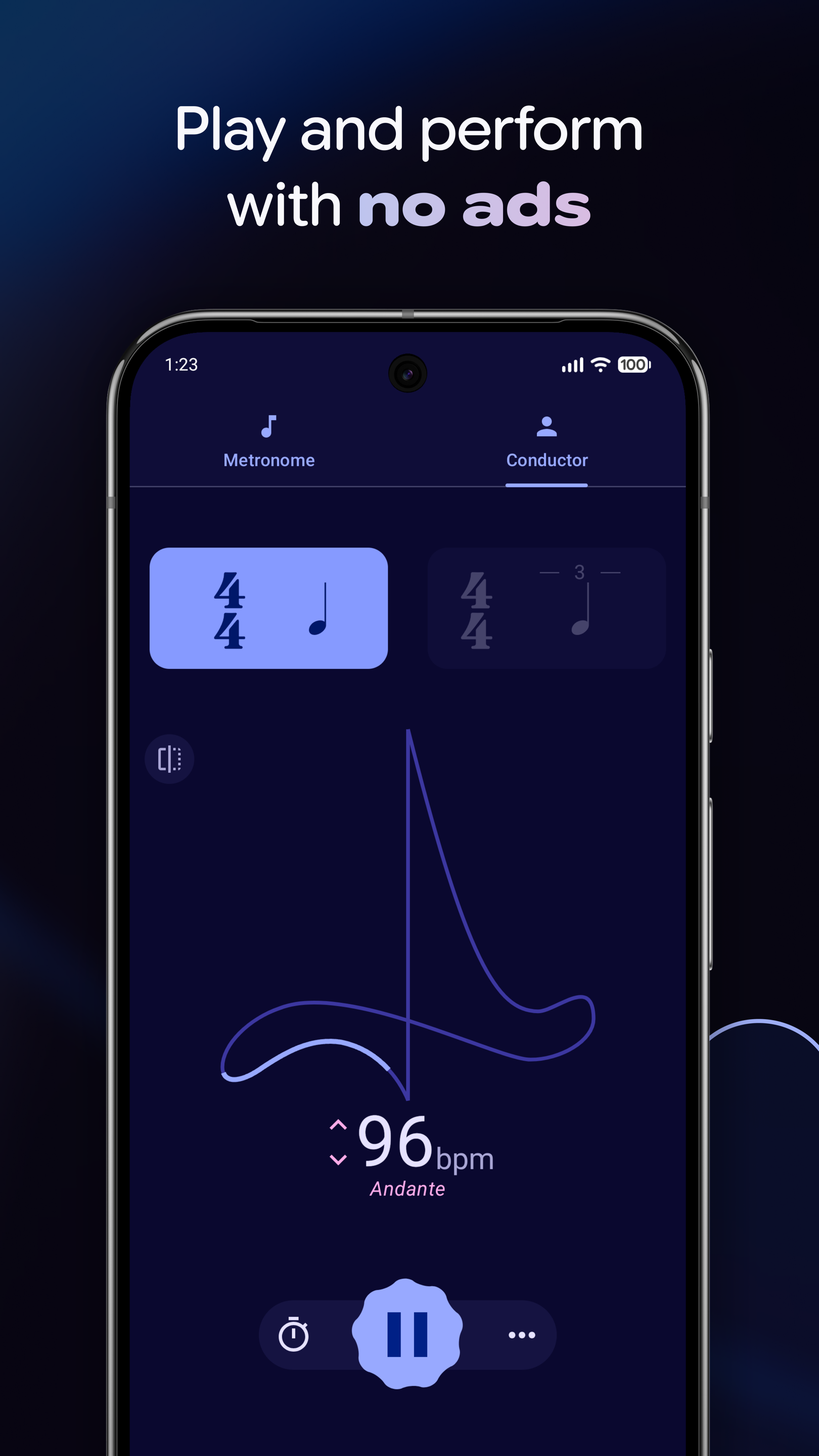
• Conductor mode: Follow a visual conducting path to internalize timing.
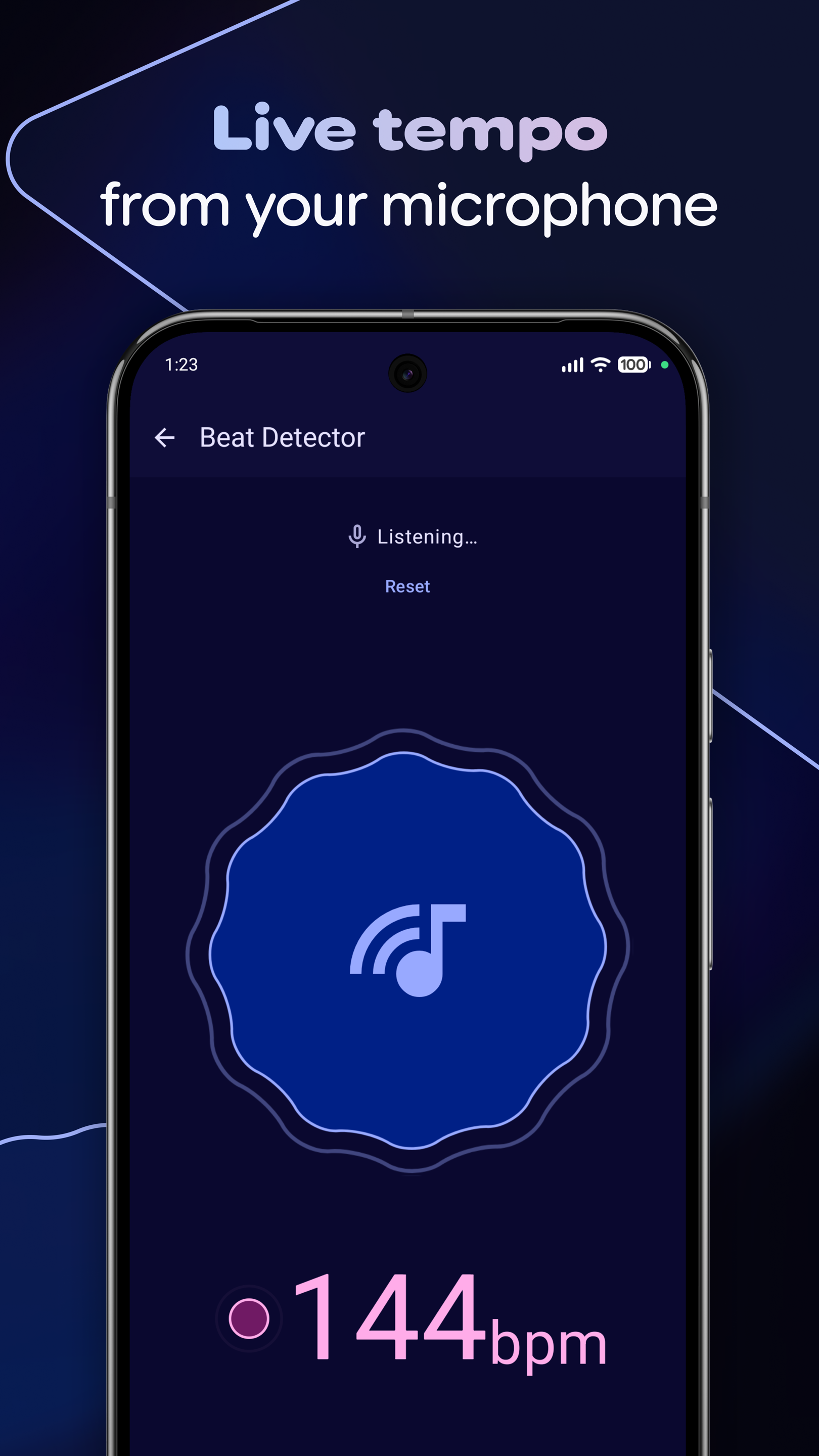
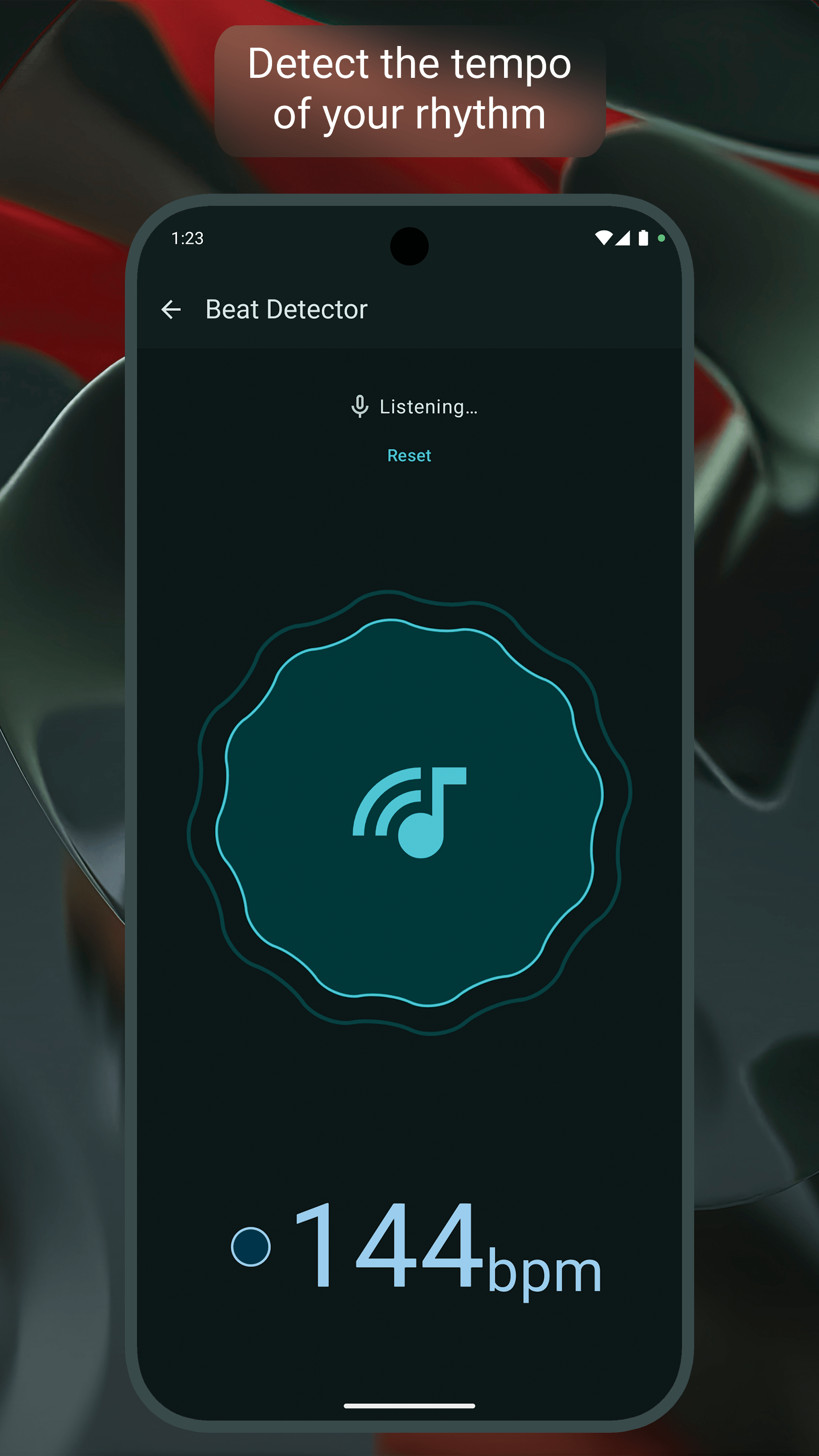
• Real-time BPM detection: Detect the tempo of percussion patterns straight from your microphone.
🎸 Tuner Features
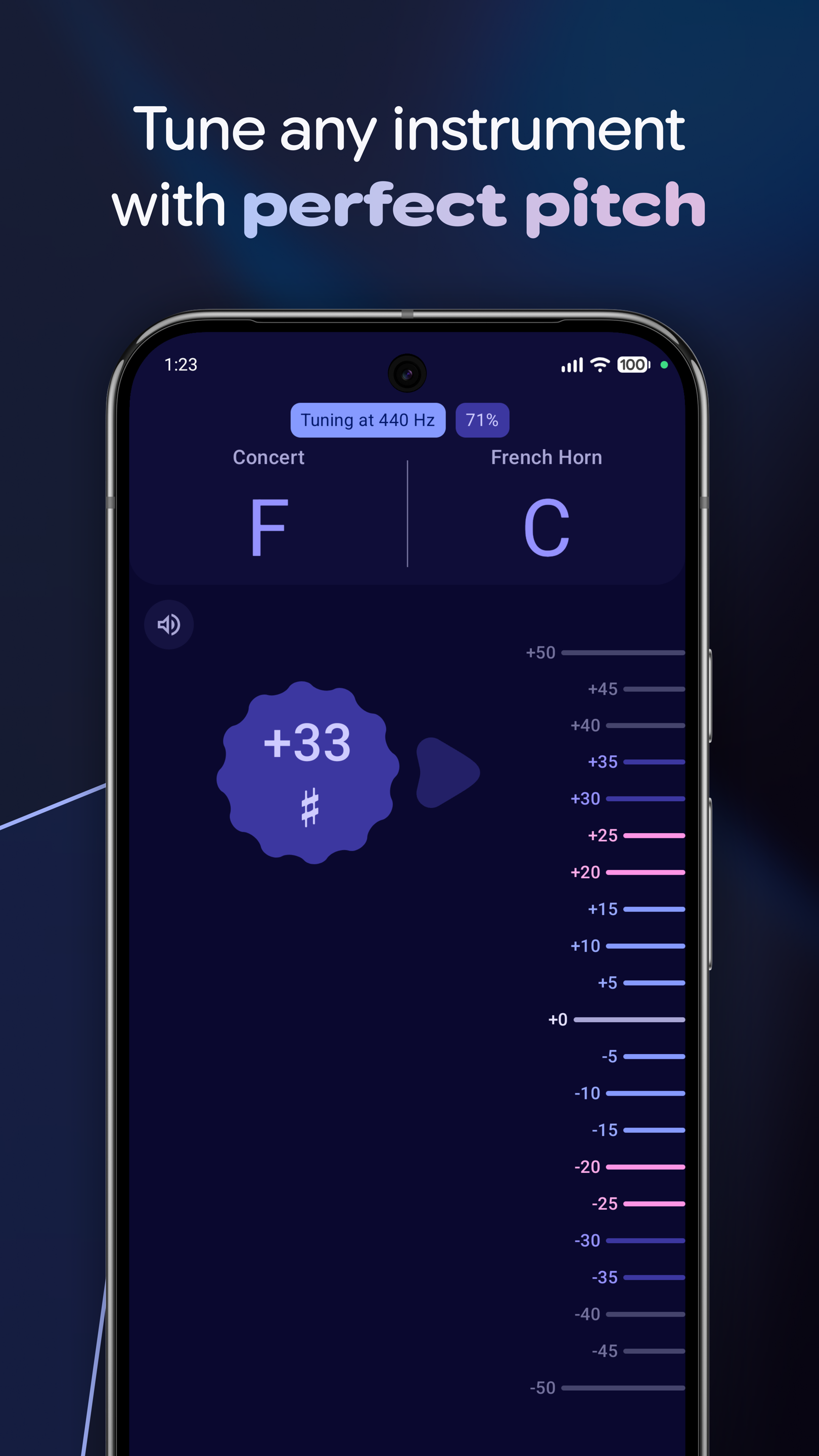
• Transpose for any instrument: Tune guitar, strings, and wind instruments with precision.
• Custom tuning frequency: Adjust the reference pitch (A4) to any frequency you prefer.
• Tuner graph: Visualize your pitch stability and accuracy in real time.
• Reference tones: Generate reference tones to tune by ear.
🎷 No ads, no interruptions
Chronal is completely ad-free and distraction-free. Practice and perform without any distractions or annoying pop-ups. The app is completely open-source and is funded solely by generous donations.
Screenshots
What’s new
# v1.1.3 (F-Droid)
• Fixed incompatible dependency with F-Droid builds.
How to install
Download the APK from the button at the top of this page.
Allow “Install unknown apps” for your browser or file manager only, not for every app.
Open the downloaded file and confirm the installation.
If installation fails with “App not installed,” remove an earlier build of the same app first. A signature conflict is the usual cause.
Data safety
Every file is checked against its published SHA-256 before it is listed.
Files are scanned for malware on every update.
The permissions each app requests are listed on its own page.
Read the full safety policy for how we test, flag, and delist files.