Quick answer
Blur or pixelate faces or sensitive areas in pictures
F-Droid repository metadata
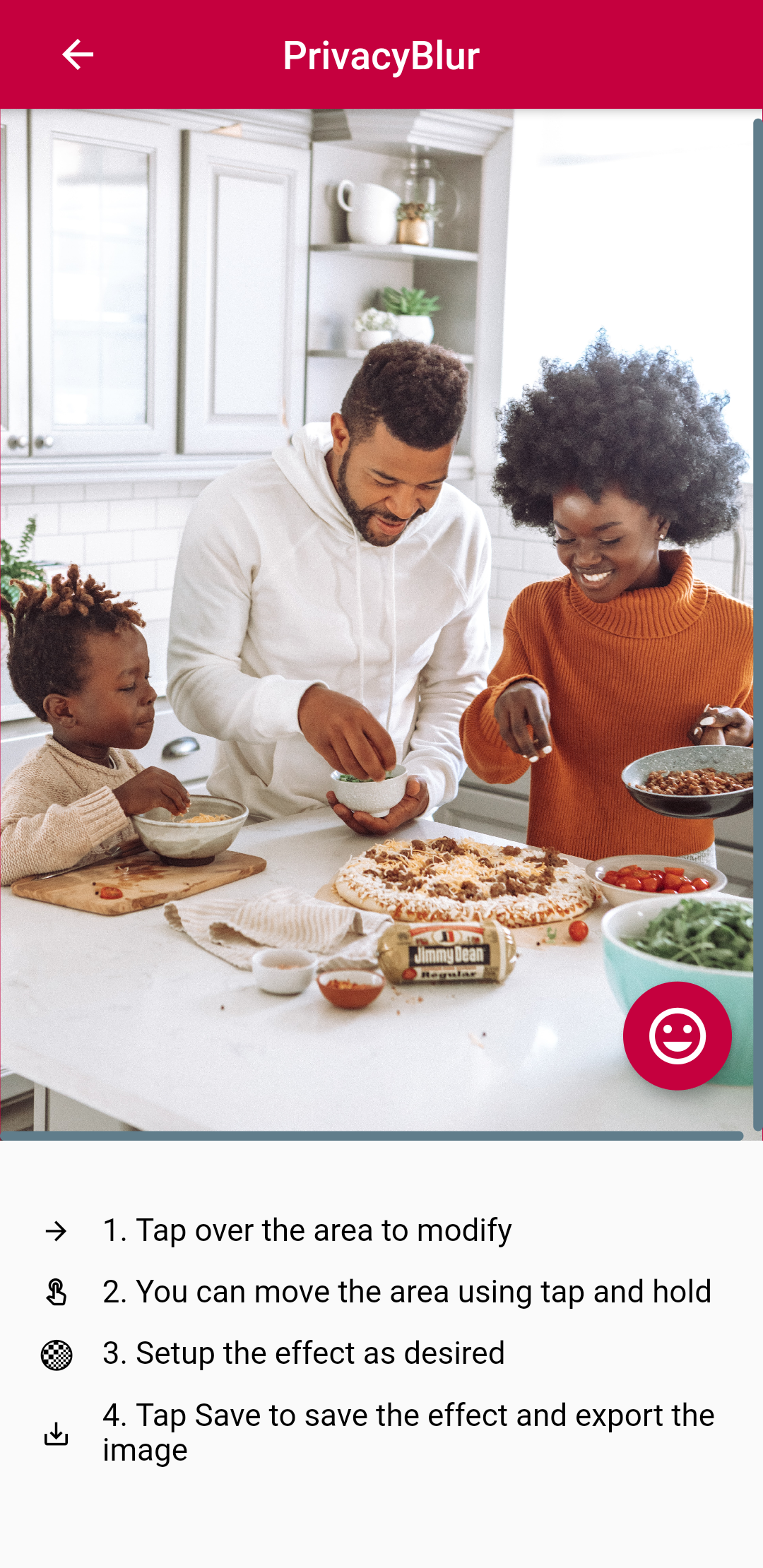
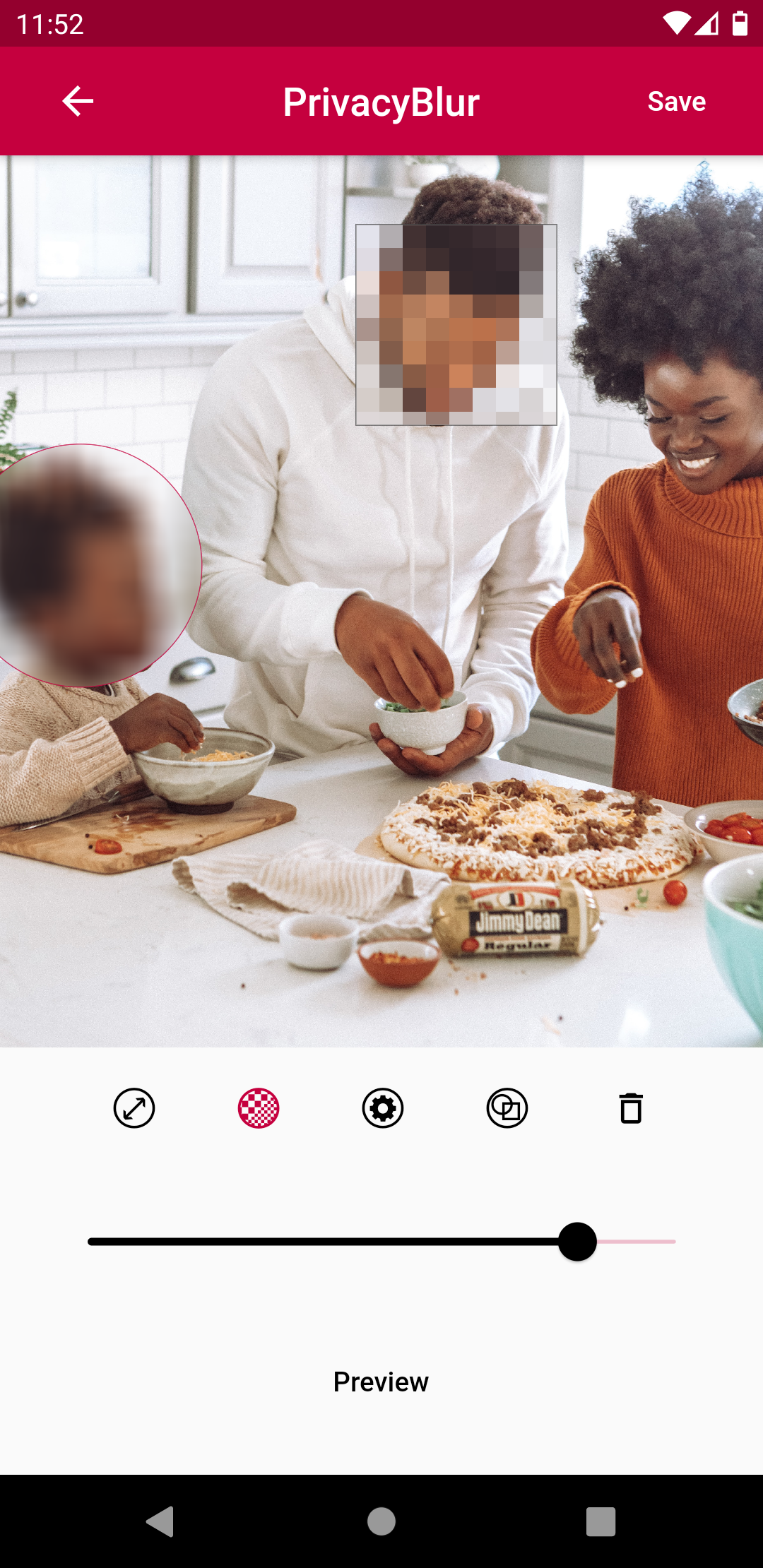
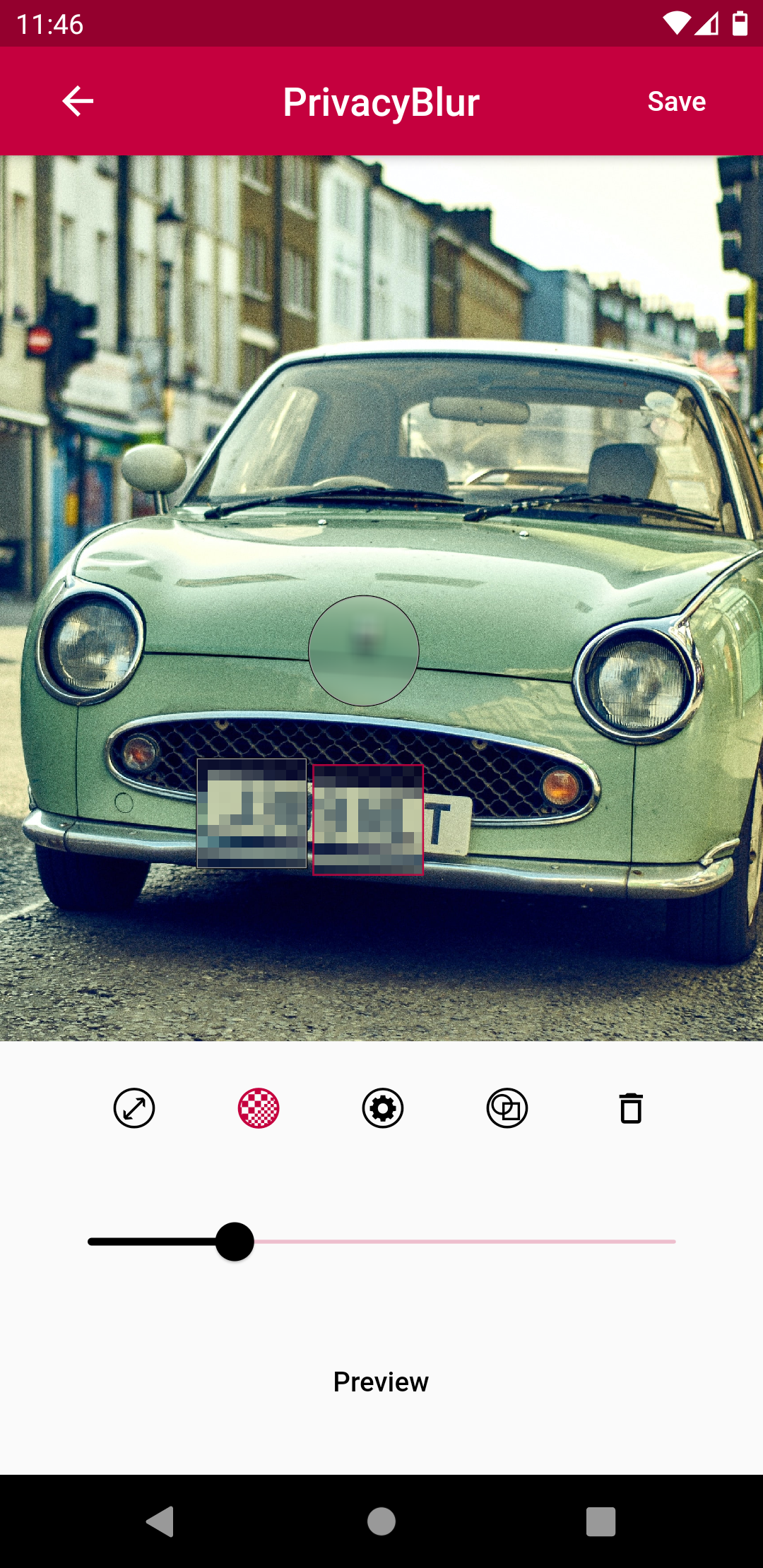
PrivacyBlur does one thing only and does it well: blur or pixelate areas of your images with a few finger taps. Hide kids, faces, documents, numbers, names, etc., from your pictures in mere seconds. With PrivacyBlur at your side, you can share your pictures online without second thoughts.
Faces can be detected automatically. This happens on your phone, the image is not sent to any server.
No in-app purchases. No ads. No watermark. No hassle. Free forever because privacy shouldn't cost anything.
Features: - Blur / Pixelate effect - Faces can be detected automatically - Fine / coarse grain effect - Round / Square area - Export to your camera roll
Screenshots
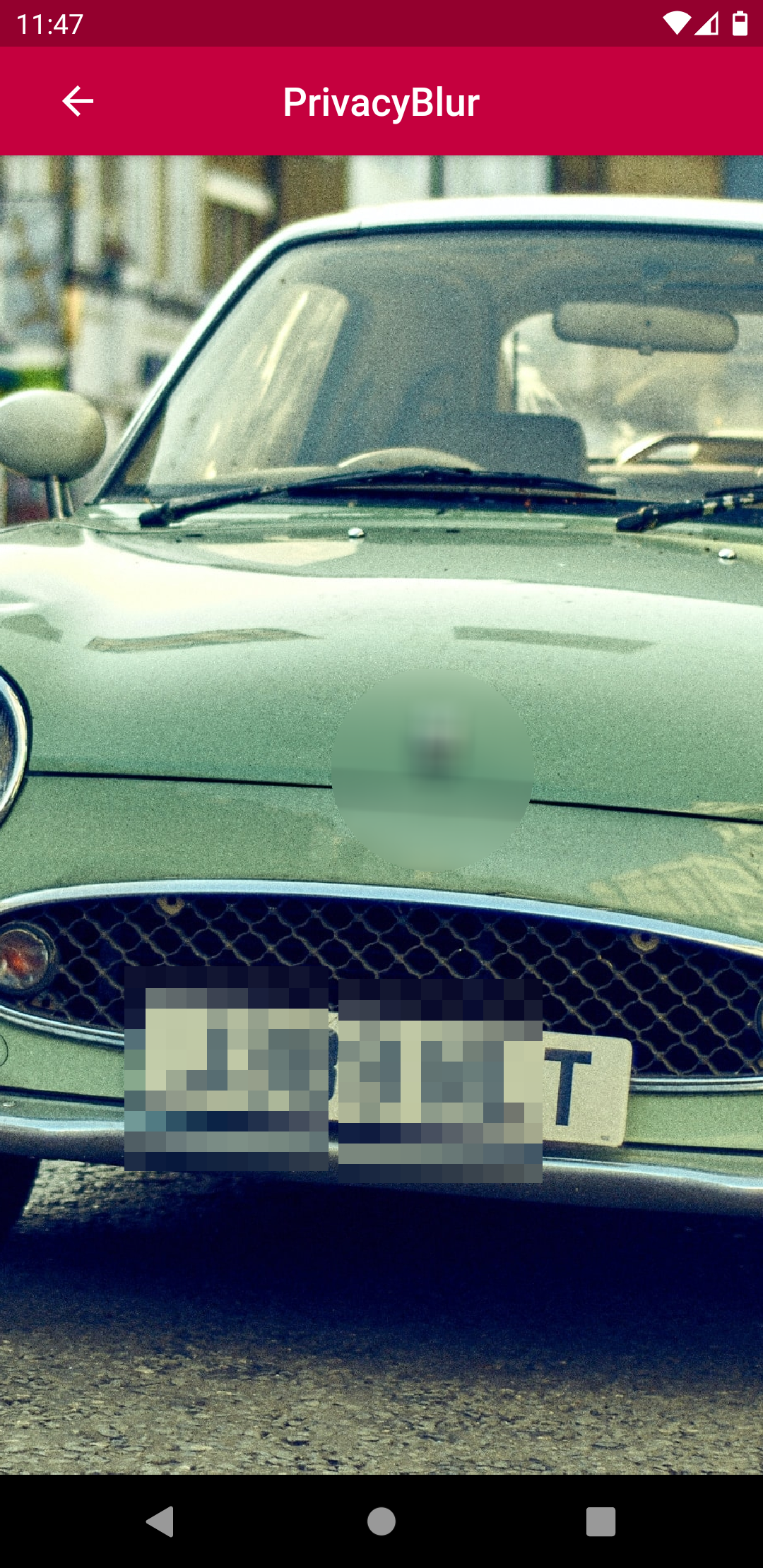
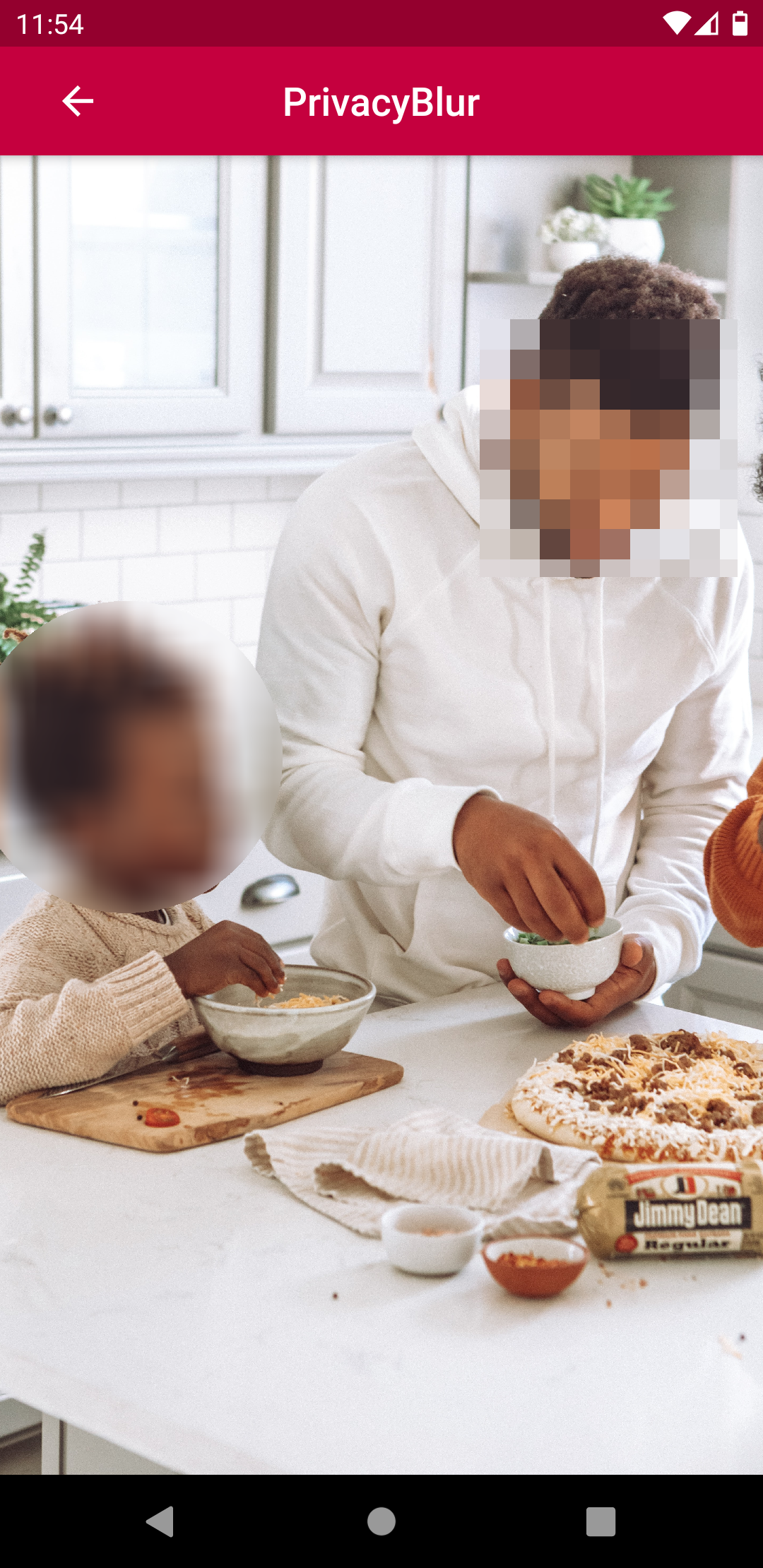
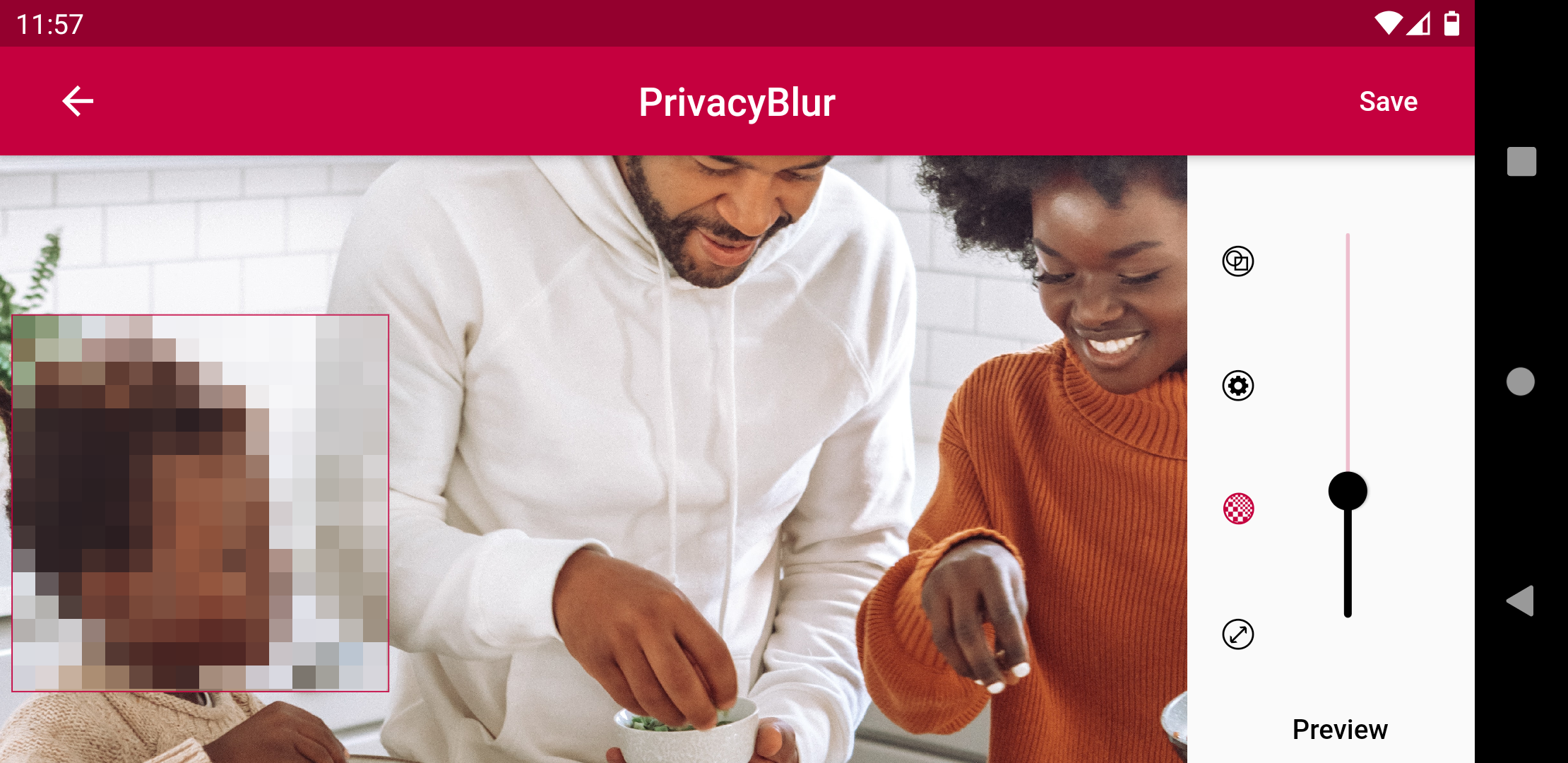
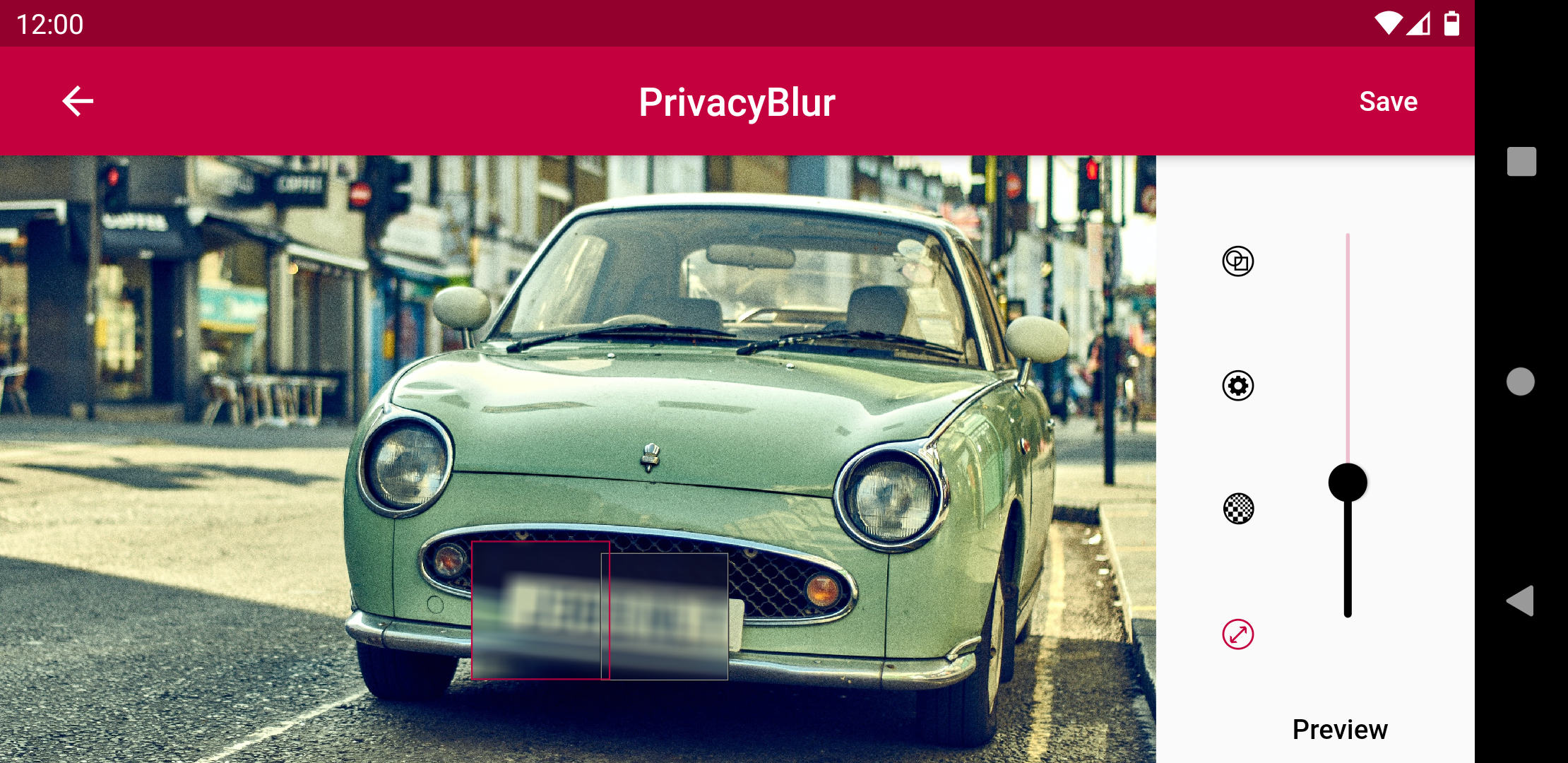
How to install
- Download the APK from the button at the top of this page.
- Allow “Install unknown apps” for your browser or file manager only, not for every app.
- Open the downloaded file and confirm the installation.
- If installation fails with “App not installed,” remove an earlier build of the same app first. A signature conflict is the usual cause.
Data safety
- Every file is checked against its published SHA-256 before it is listed.
- Files are scanned for malware on every update.
- The permissions each app requests are listed on its own page.
- Read the full safety policy for how we test, flag, and delist files.
Comments
Recent approved comments · sorted by newest
View all comments