Camera Date Folders icon

Camera Date Folders

Andreas Kromke
Multimedia
Version
1.5.2
Size
2.4 MB
Requires
Android API 21+
4 / 5 · 5,914 ratings 0 downloads

Updated Sep 22, 2026

Quick answer

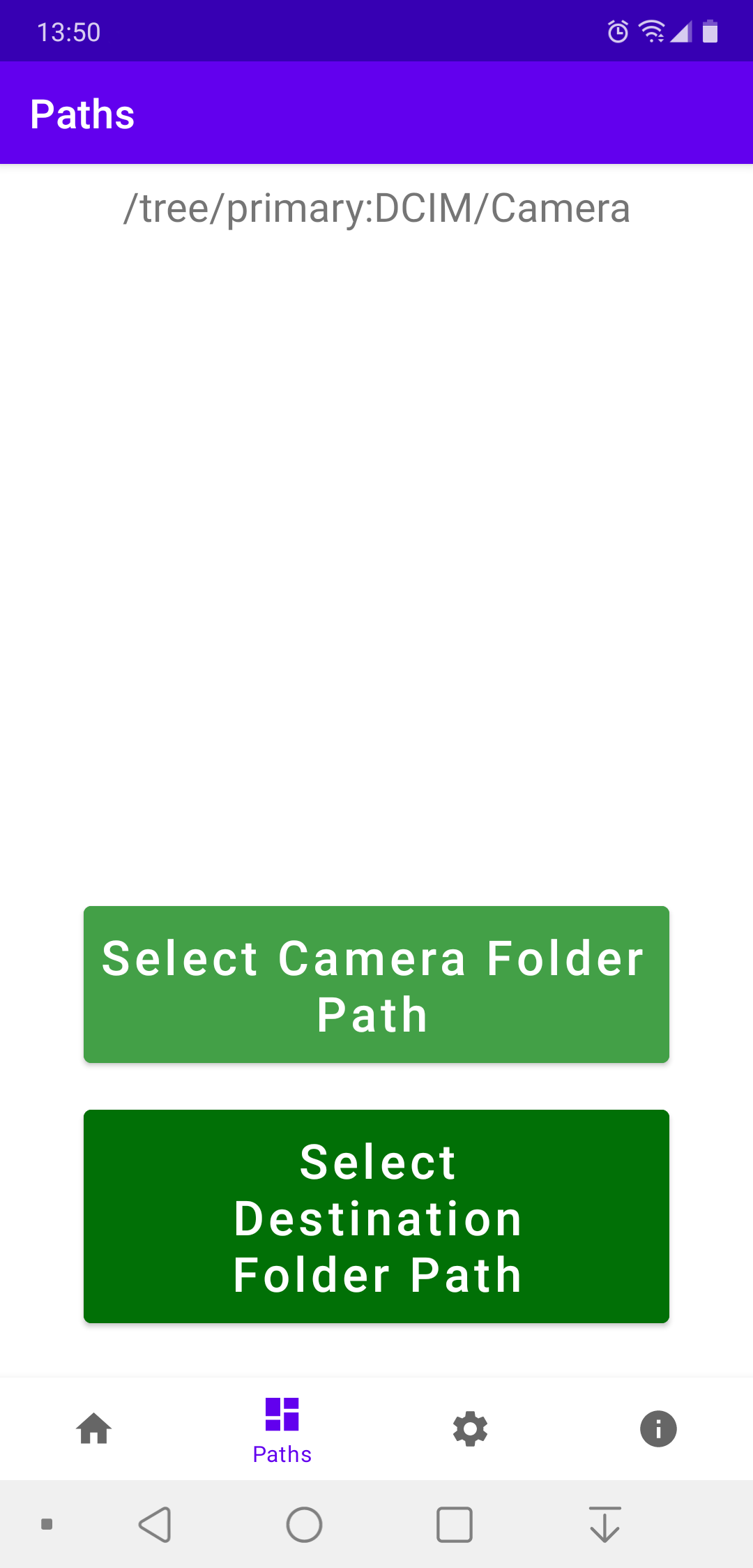
Sort photos from camera folder into a date specific subfolder structure

F-Droid repository metadata

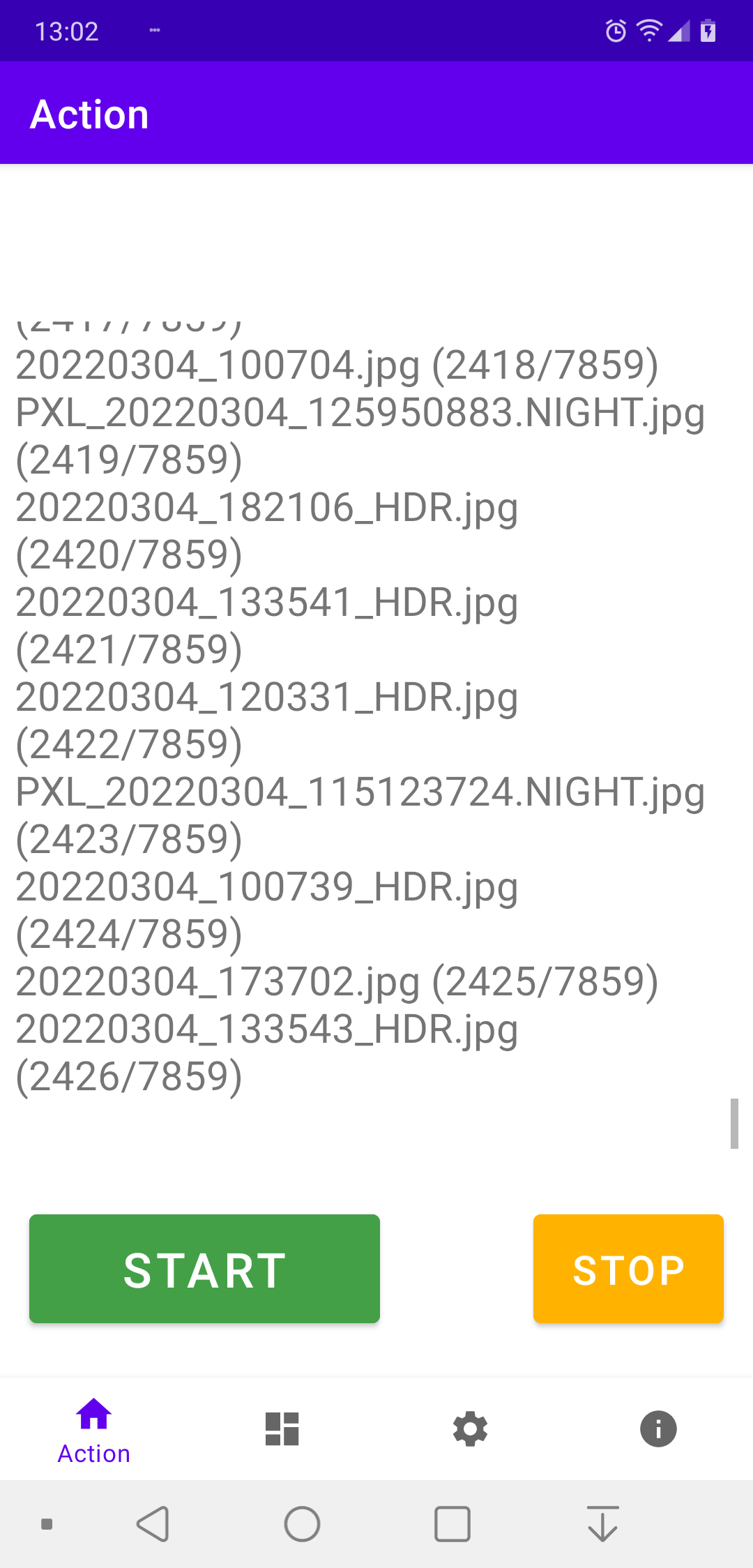
Sorts all photos, located in the device's camera folder, into a date specific subfolder structure. This makes it easier to transfer specific photos to a computer, e.g. via USB cable (MTP protocol).

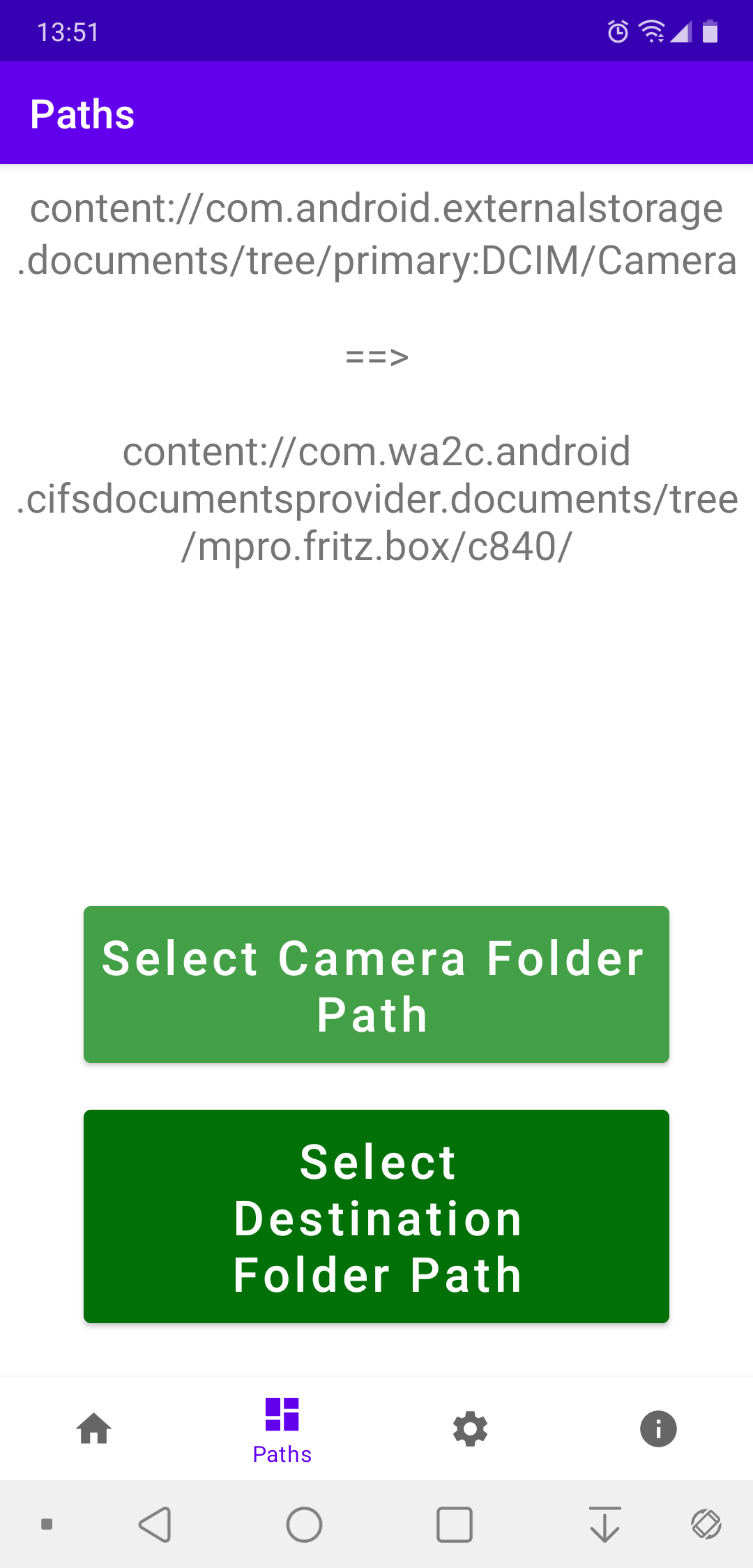
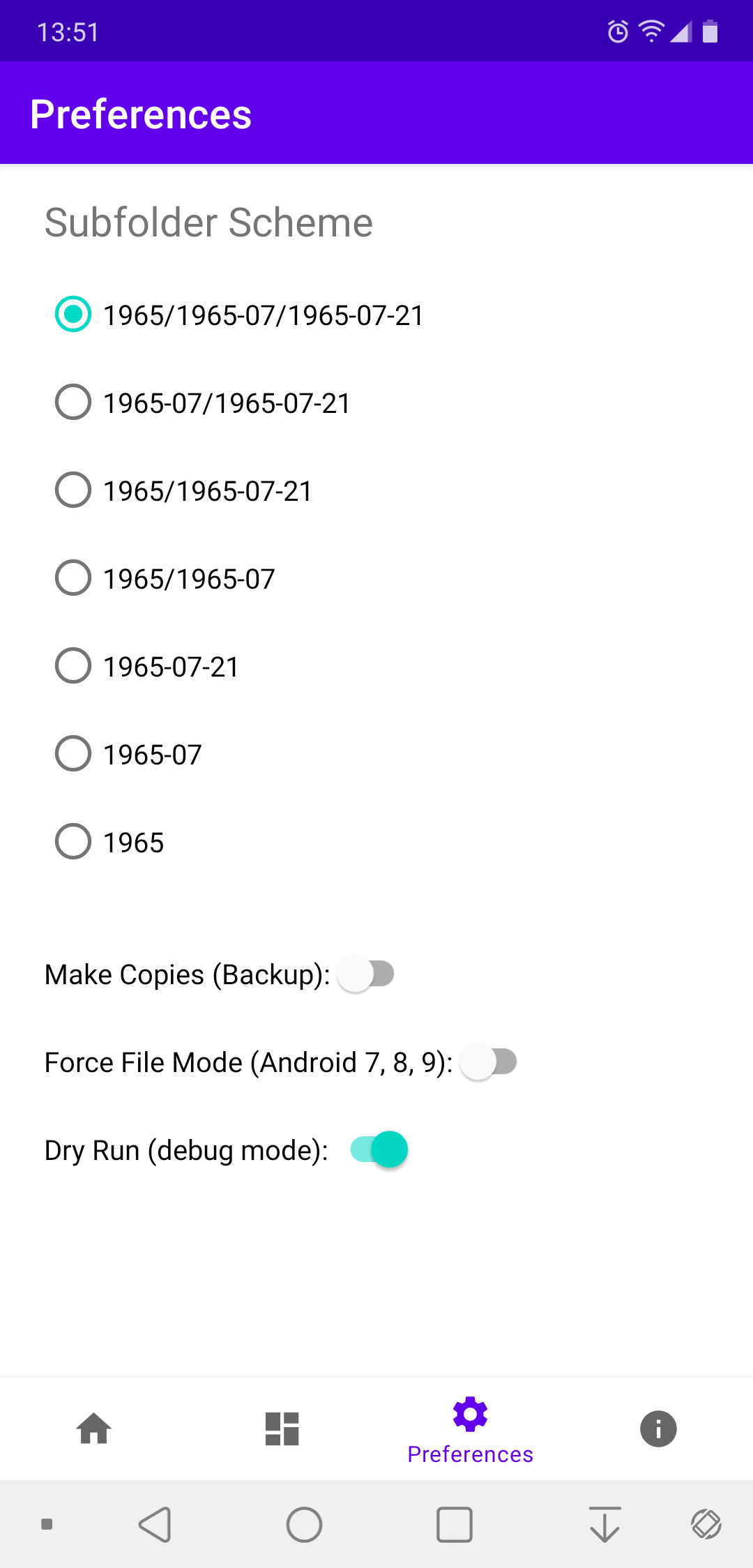
Either keep photos inside the camera folder tree or move or copy them to a separate directory. This can also be used as a simple backup method.

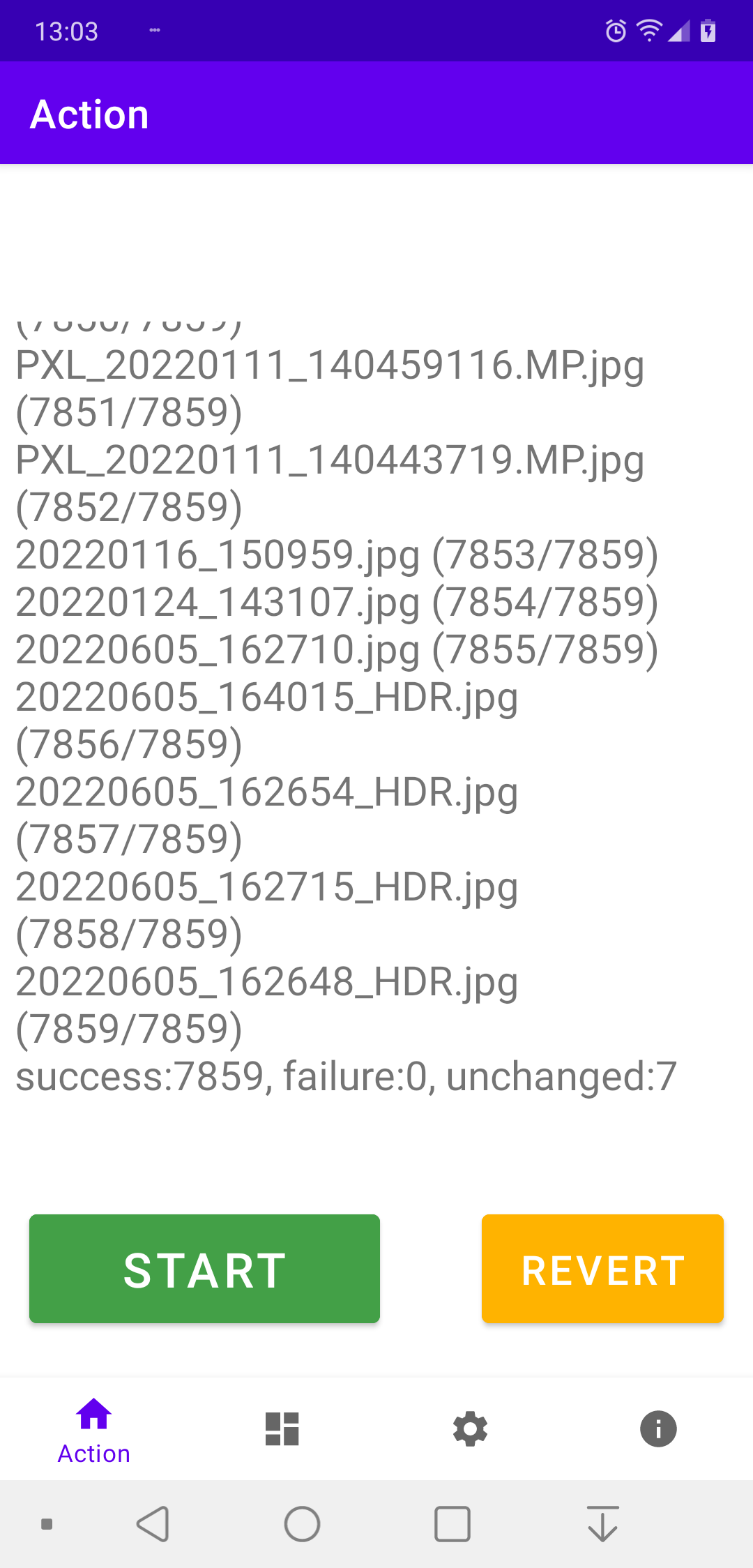
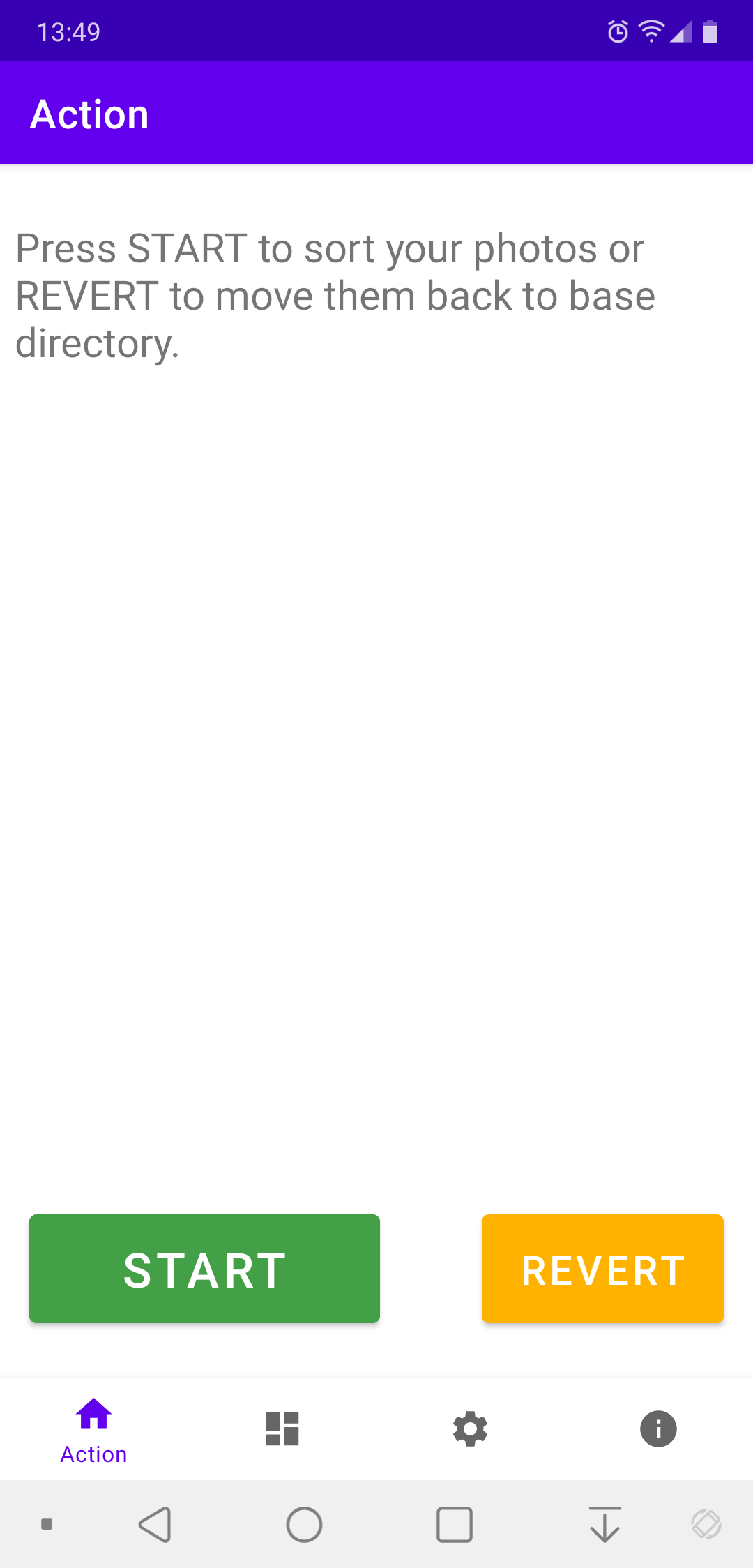
Up to three levels are supported: year, month and day. The sorting can be reverted, i.e. all photos can be moved back to the base directory (but not back to the camera directory in case a destination directory is specified).

On the demand a file name prefix like "IMG_" or "PXL_" can be appended instead or completely removed. Note that this operation is not revertible.

The program does not read metadata (EXIF) from the photo files, instead it uses the data information encoded in the filenames.

To meet Google's restrictive policy, the Play Store variant of the program must use Google's proprietary Storage Access Framework when running on Android 11 or newer. As a consequence, file operations are extremely slow. This restriction partially exists also for older Android versions and not at all for the F-Droid version of the program. In this case standard file access calls can be activated alternatively, which accelerate the file operations with a factor of approximately 90 (!).

Screenshots

Camera Date Folders screenshot 1
Camera Date Folders screenshot 2
Camera Date Folders screenshot 3
Camera Date Folders screenshot 4
Camera Date Folders screenshot 5
Camera Date Folders screenshot 6
Camera Date Folders screenshot 7

What’s new

- Detect unusual prefixes in file names, containing numbers.
- Avoid hiding of GUI elements on long screens.
- Resetting preferences updates GUI elements accordingly.
- Colours of dark theme changed.
- Get rid of "()" in version info.
- Updated Gradle and libraries.
- API 36.
- (v1.5.2)

How to install

  1. Download the APK from the button at the top of this page.
  2. Allow “Install unknown apps” for your browser or file manager only, not for every app.
  3. Open the downloaded file and confirm the installation.
  4. If installation fails with “App not installed,” remove an earlier build of the same app first. A signature conflict is the usual cause.

Data safety

  • Every file is checked against its published SHA-256 before it is listed.
  • Files are scanned for malware on every update.
  • The permissions each app requests are listed on its own page.
  • Read the full safety policy for how we test, flag, and delist files.

Comments

Recent approved comments · sorted by newest

Verification code
Be specific and keep it about the app. No links. Comments are reviewed before publication. Device and Android details are recorded automatically. Privacy policy.

Loading recent comments...

View all comments