An (almost) fully fledged mobile paperless-ng*x client.
F-Droid repository metadata
Using this app requires access to running a Paperless-ng*x instance.
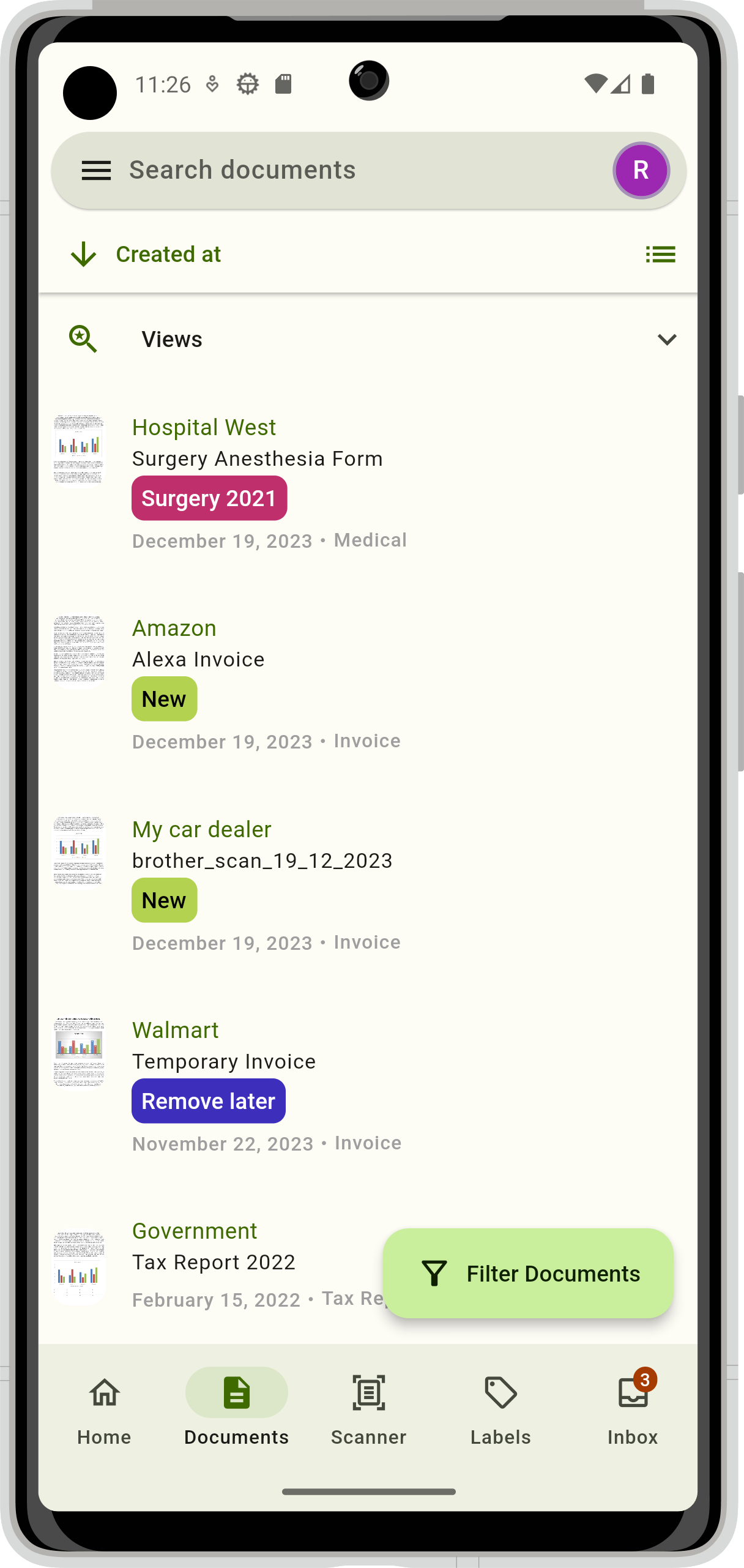
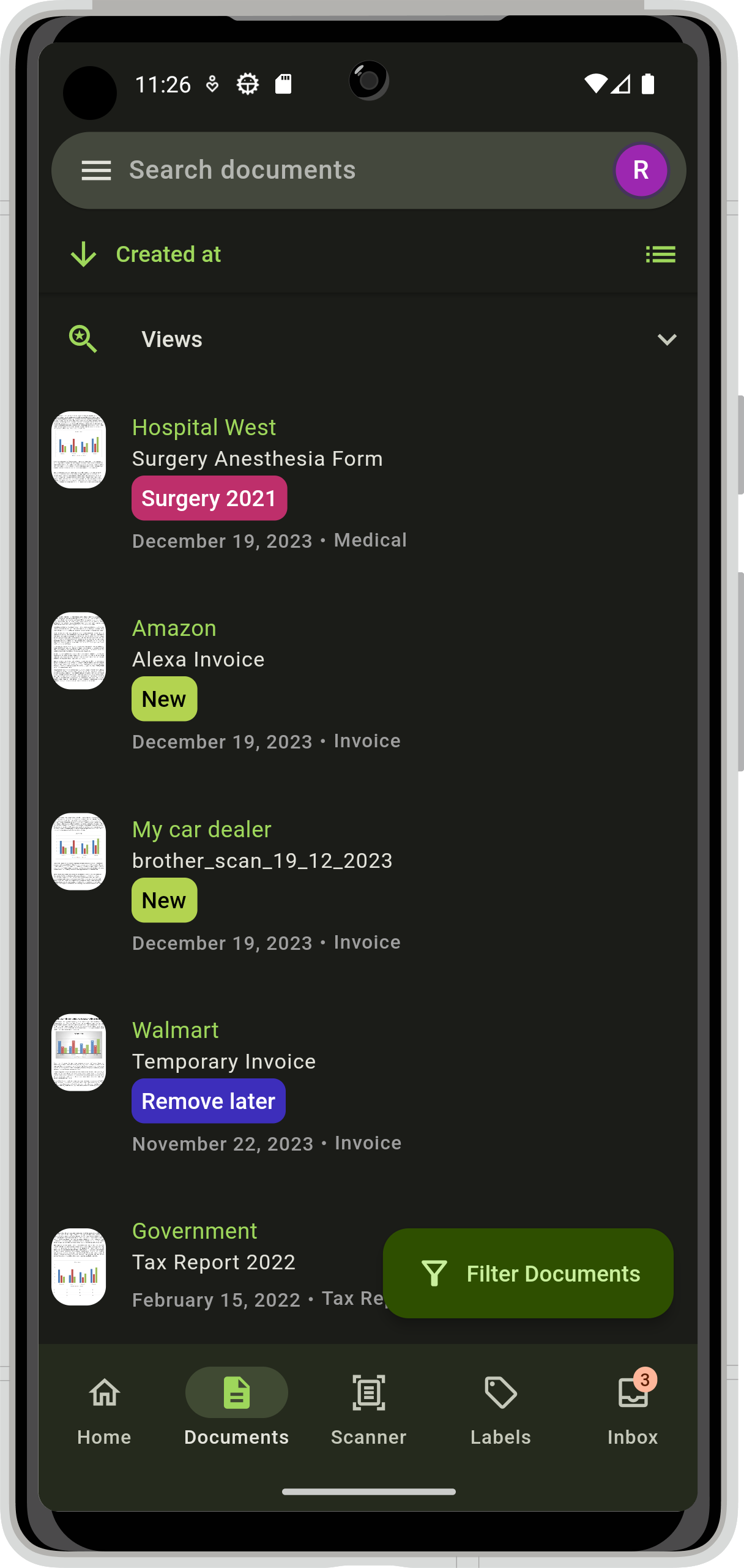
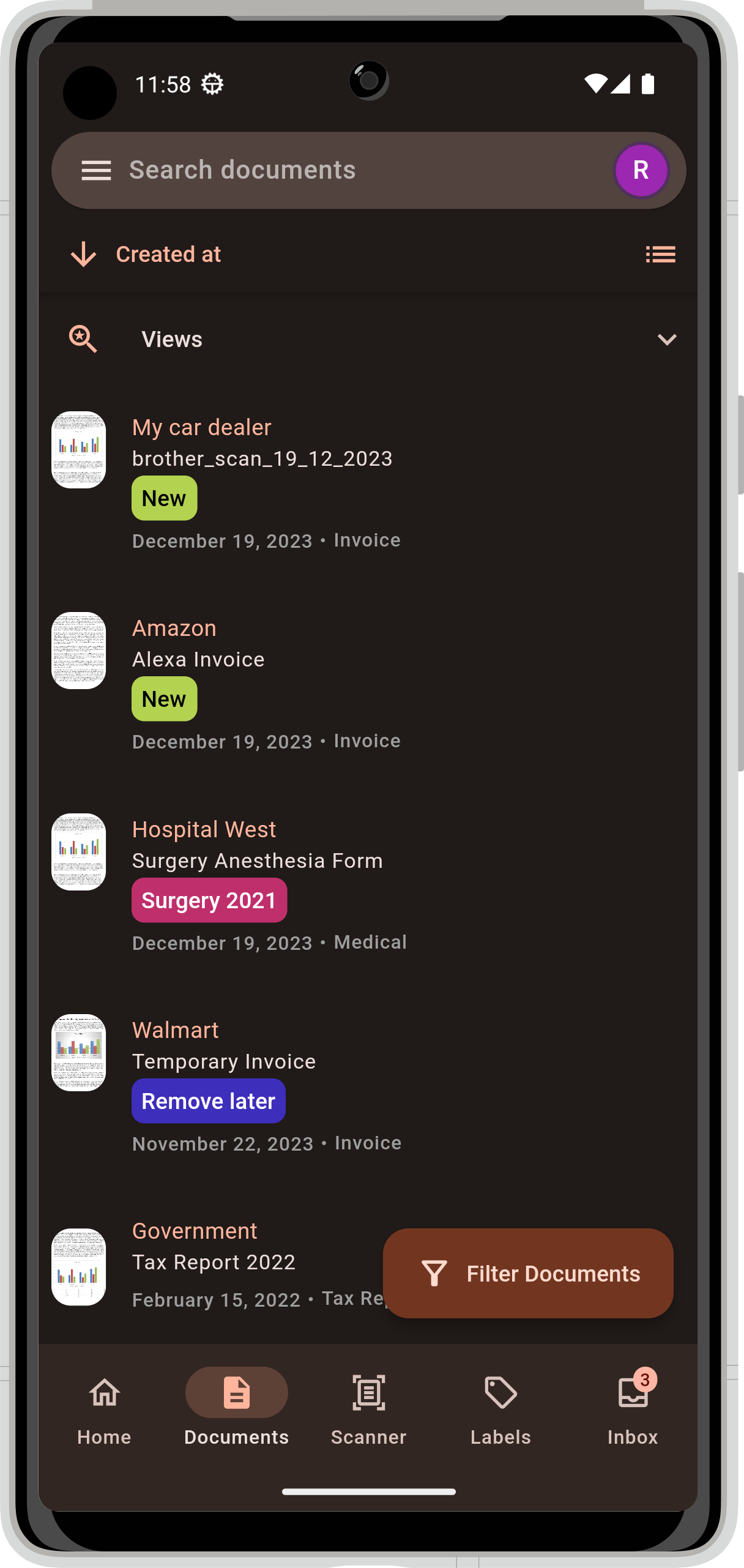
* View and search documents
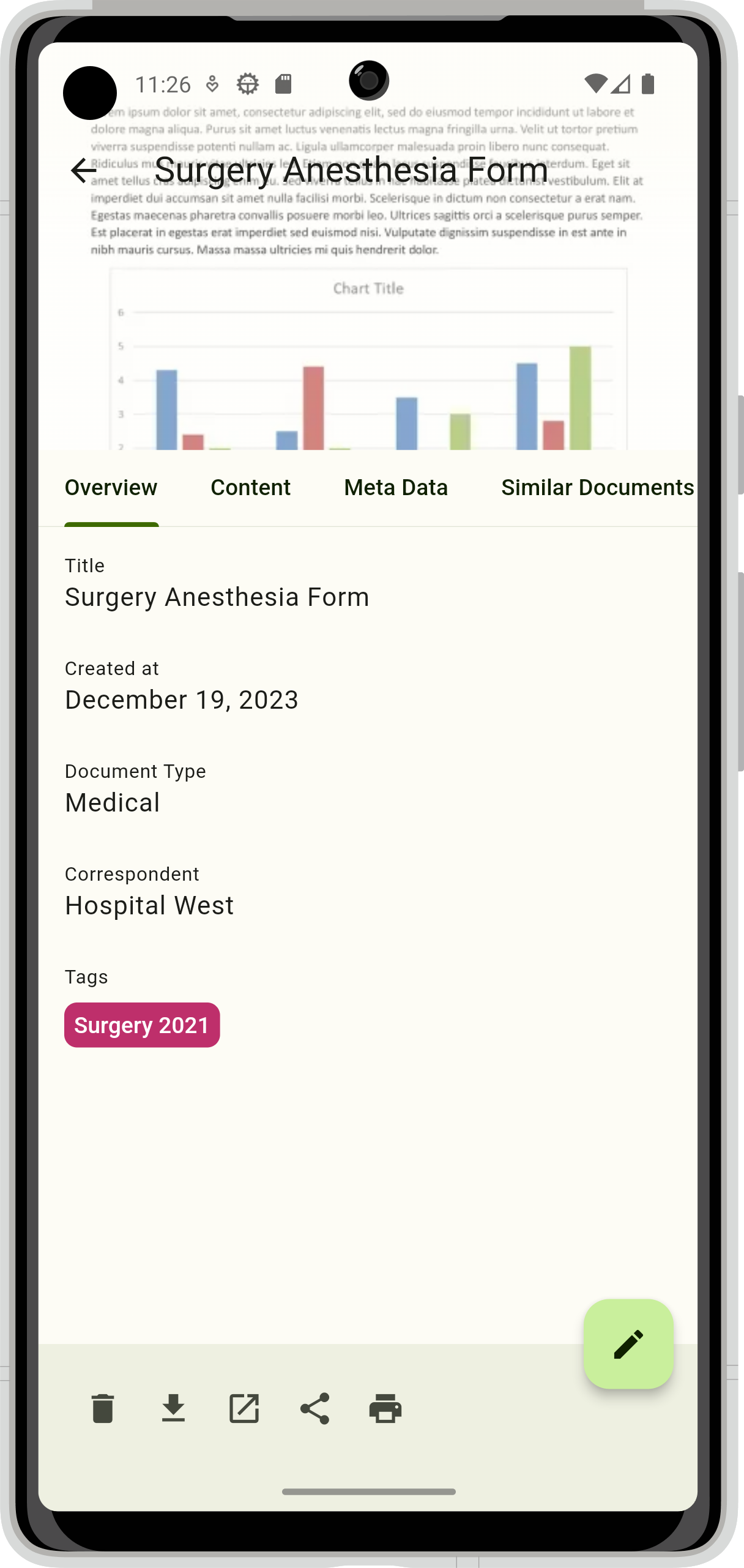
* Add, delete or edit documents
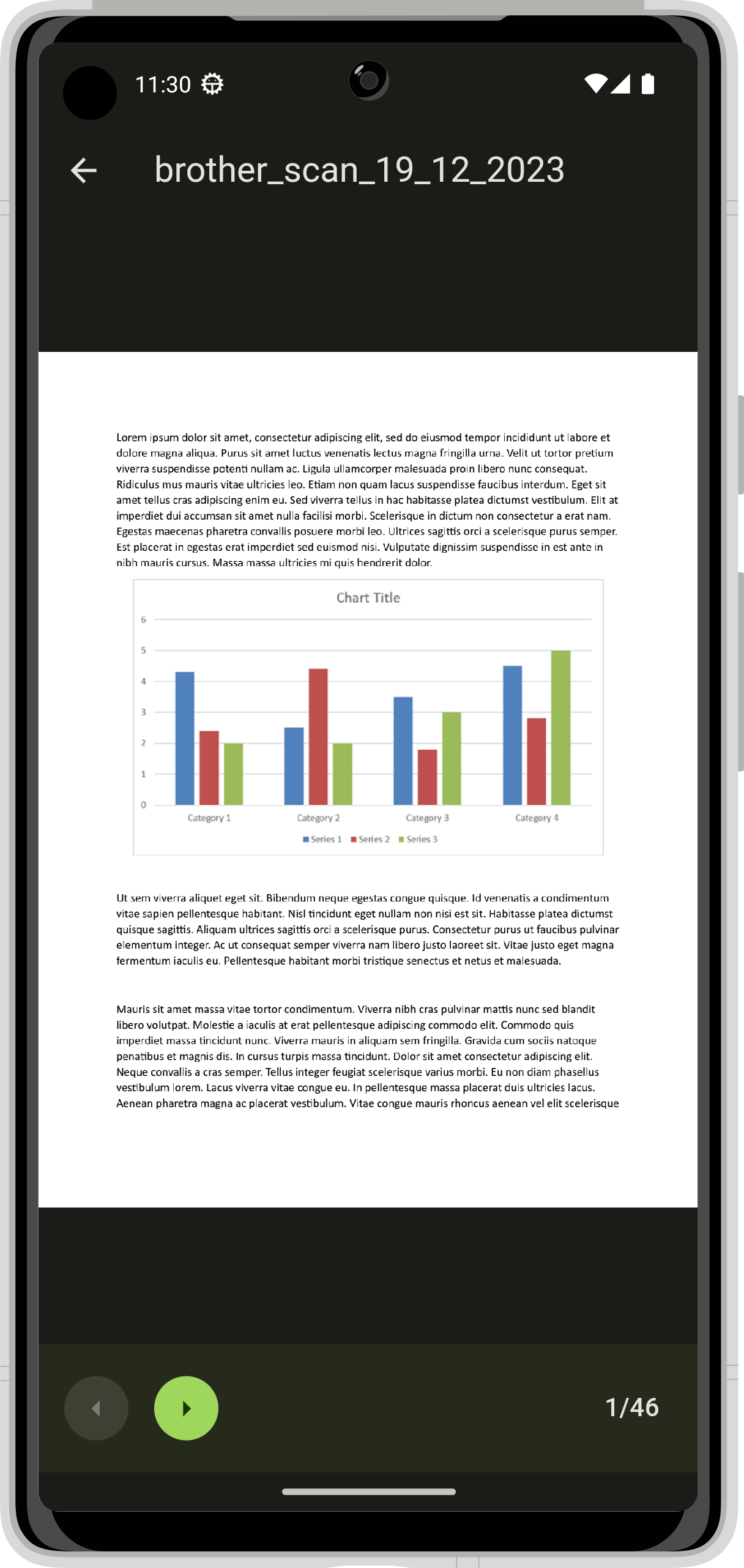
* Share, download, print and preview your documents
* Manage correspondents, document types, tags and storage paths
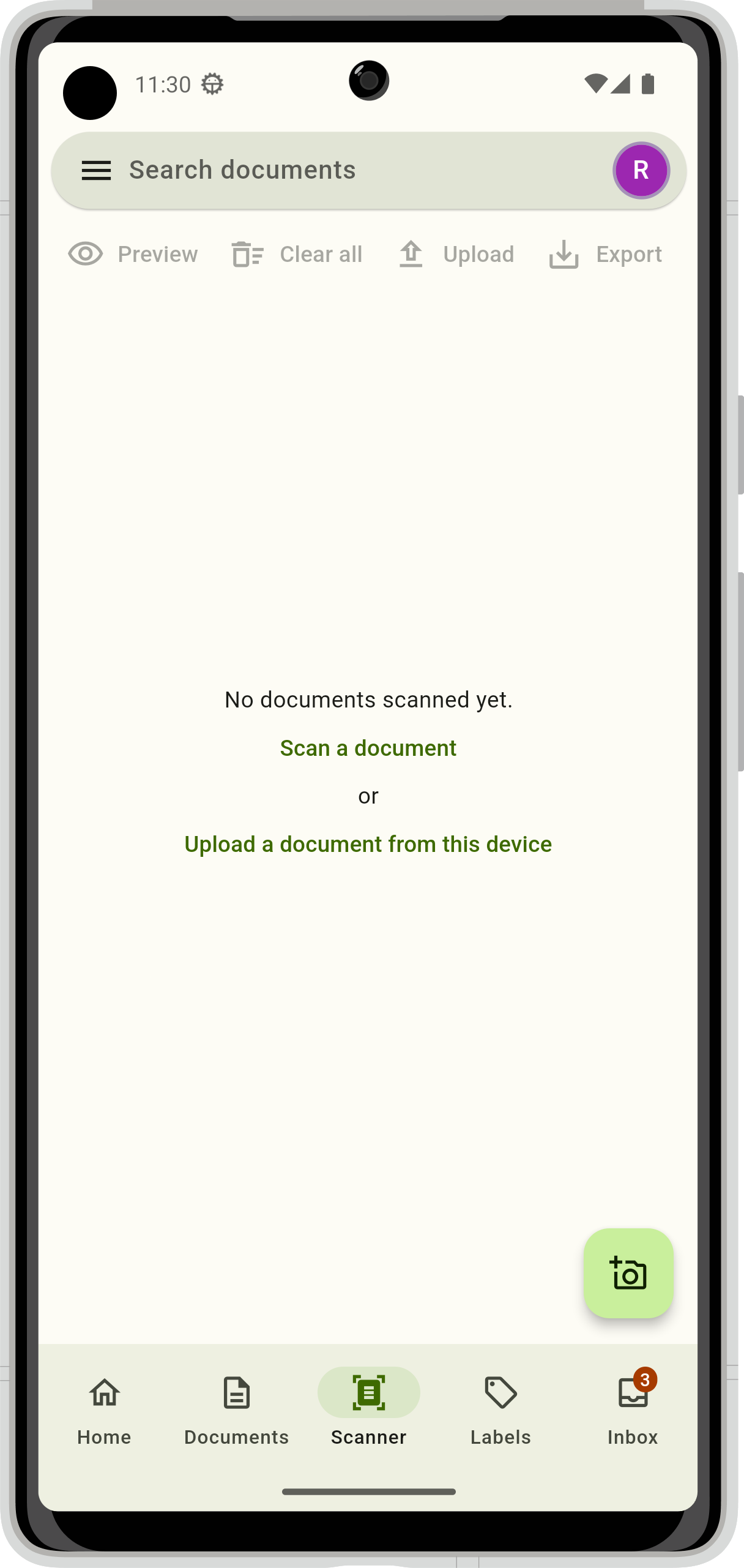
* Scan and upload documents with preset correspondent, document type, tags and creation date
* Review and quickly process newly added documents in the inbox
* Secure your data with biometric authentication
* Support for mTLS (client certificates)
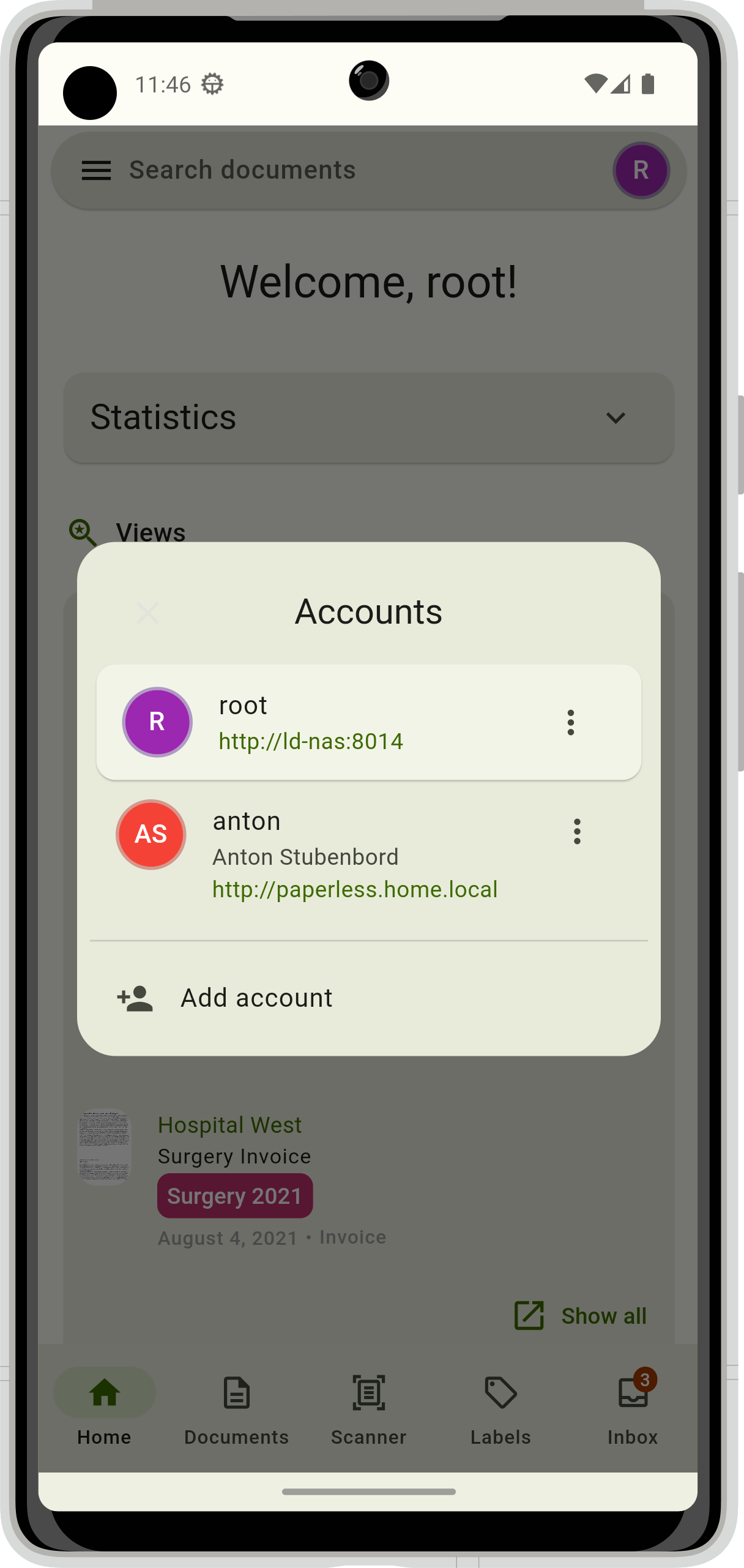
* Seamless switching between different accounts and instances
* Modern, intuitive UI built according to the Material Design 3 specification
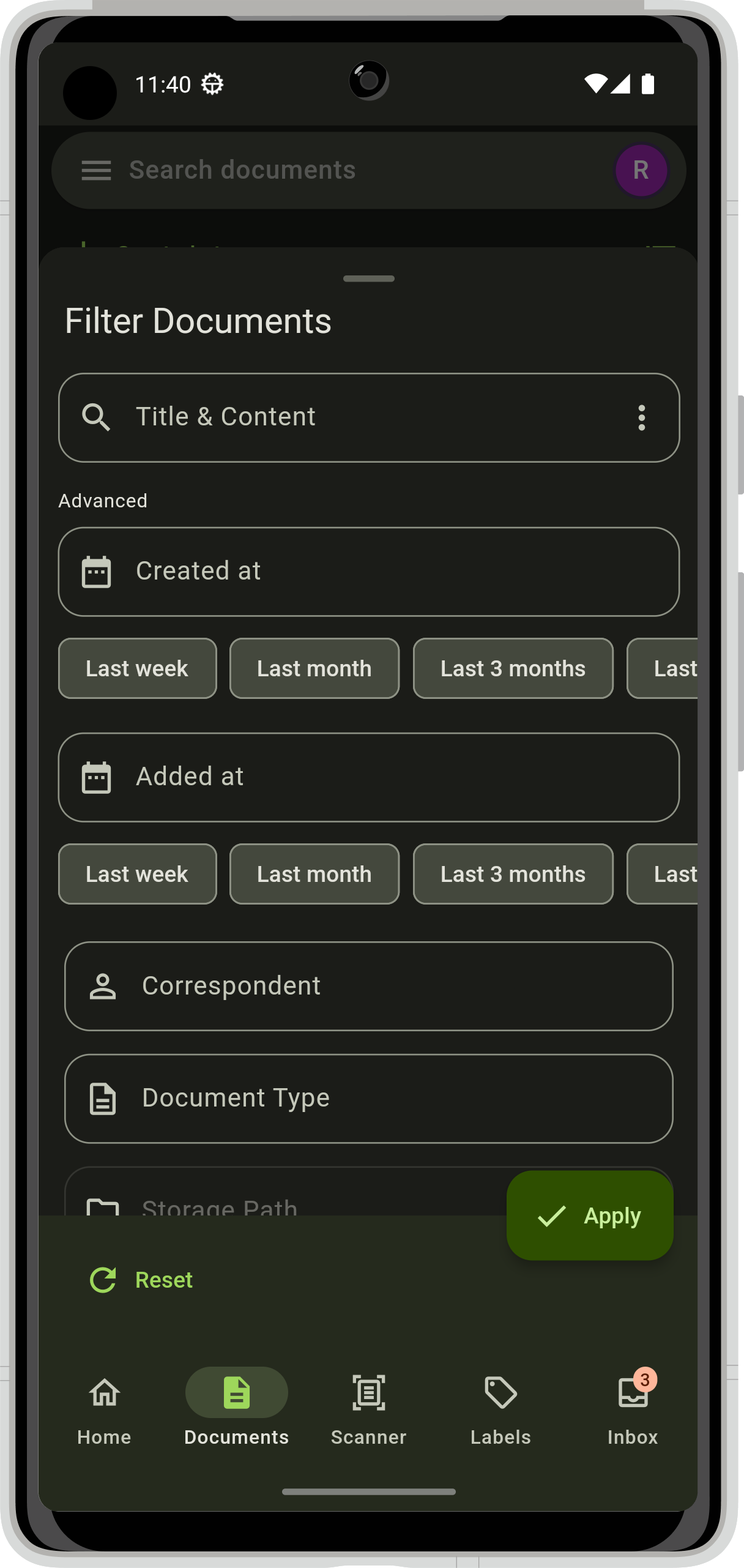
* Light and dark theme
* Support for dynamic color (Android 12+ only)
* Available in English, German, French, Spanish, Catalan, Polish, Czech, Russian and Turkish language with more to come
Screenshots
What’s new
- Camera hardware is no longer required to use the app - Date inputs now accept a wider range of dates - Fixed date format being changed globally when editing notes - Add support for multiline storage paths - Fixed version checking with updated server endpoints - Fixed incorrect values being used for custom fields - Search results now respect the "search more link" UI setting - Fixed floating action button on labels page showing incorrect tab name - Fixed incorrect display names being shown
How to install
Download the APK from the button at the top of this page.
Allow “Install unknown apps” for your browser or file manager only, not for every app.
Open the downloaded file and confirm the installation.
If installation fails with “App not installed,” remove an earlier build of the same app first. A signature conflict is the usual cause.
Data safety
Every file is checked against its published SHA-256 before it is listed.
Files are scanned for malware on every update.
The permissions each app requests are listed on its own page.
Read the full safety policy for how we test, flag, and delist files.