What’s new
add webdav sync
fix #155, #157, #161
update localisation
a few small fixes improvements

Updated Sep 22, 2026
Explore and organize your personal collection of movies and shows
F-Droid repository metadata
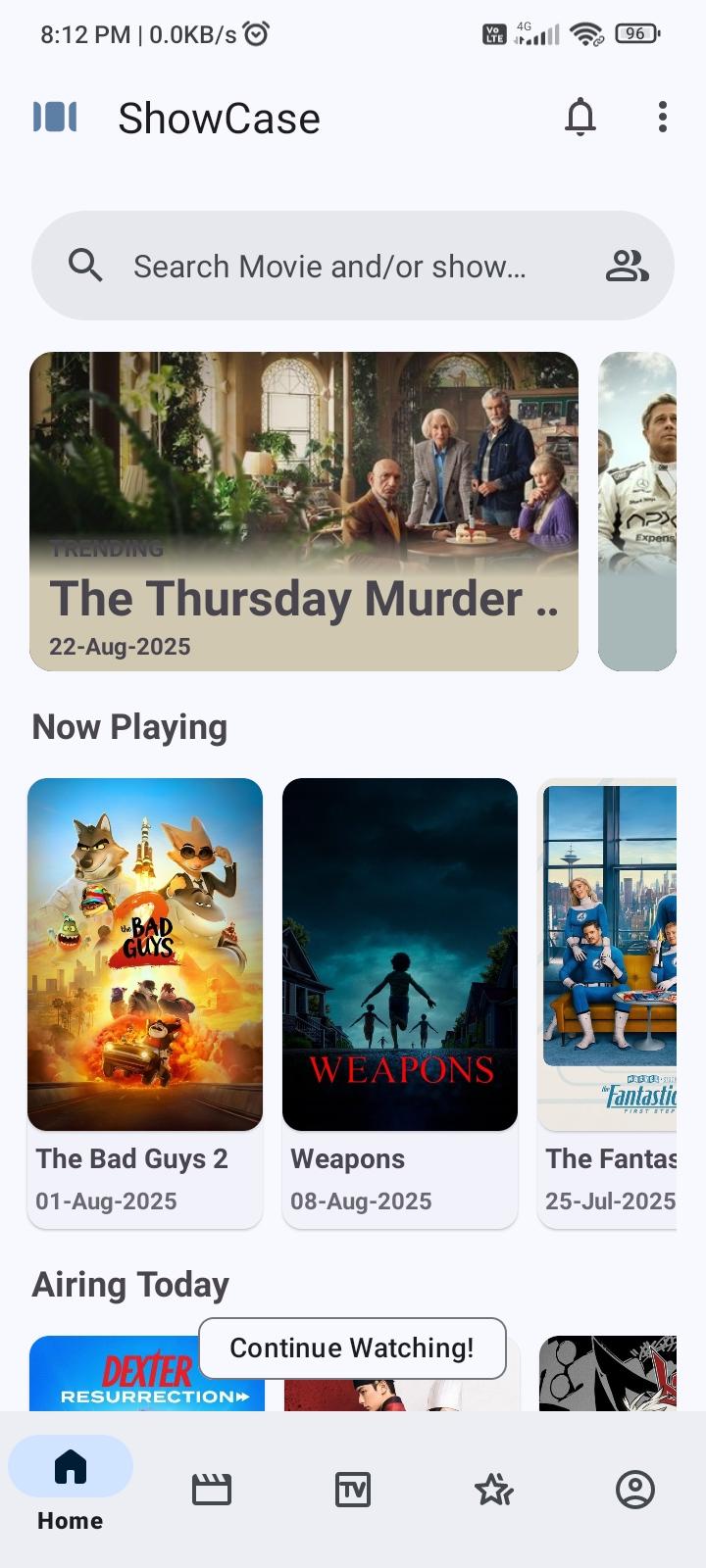
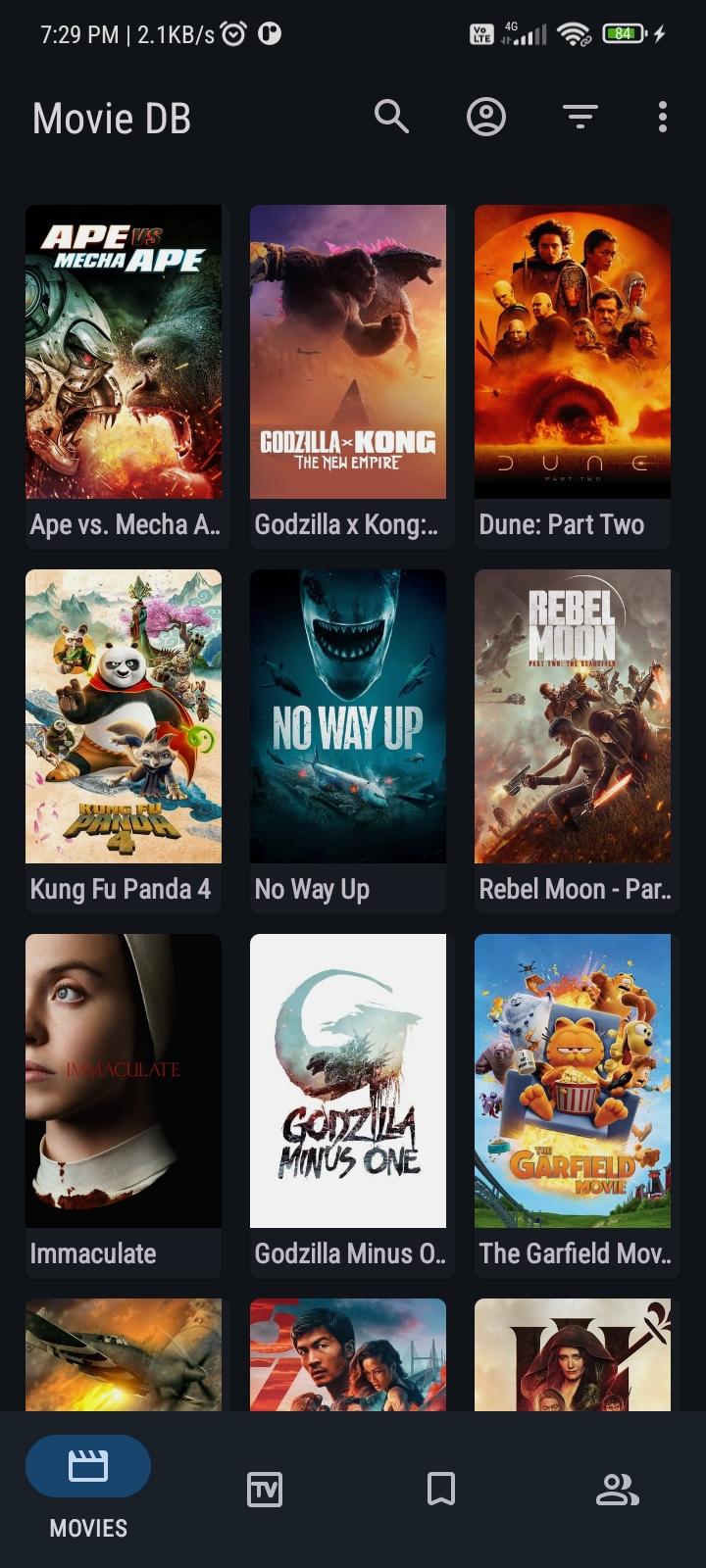
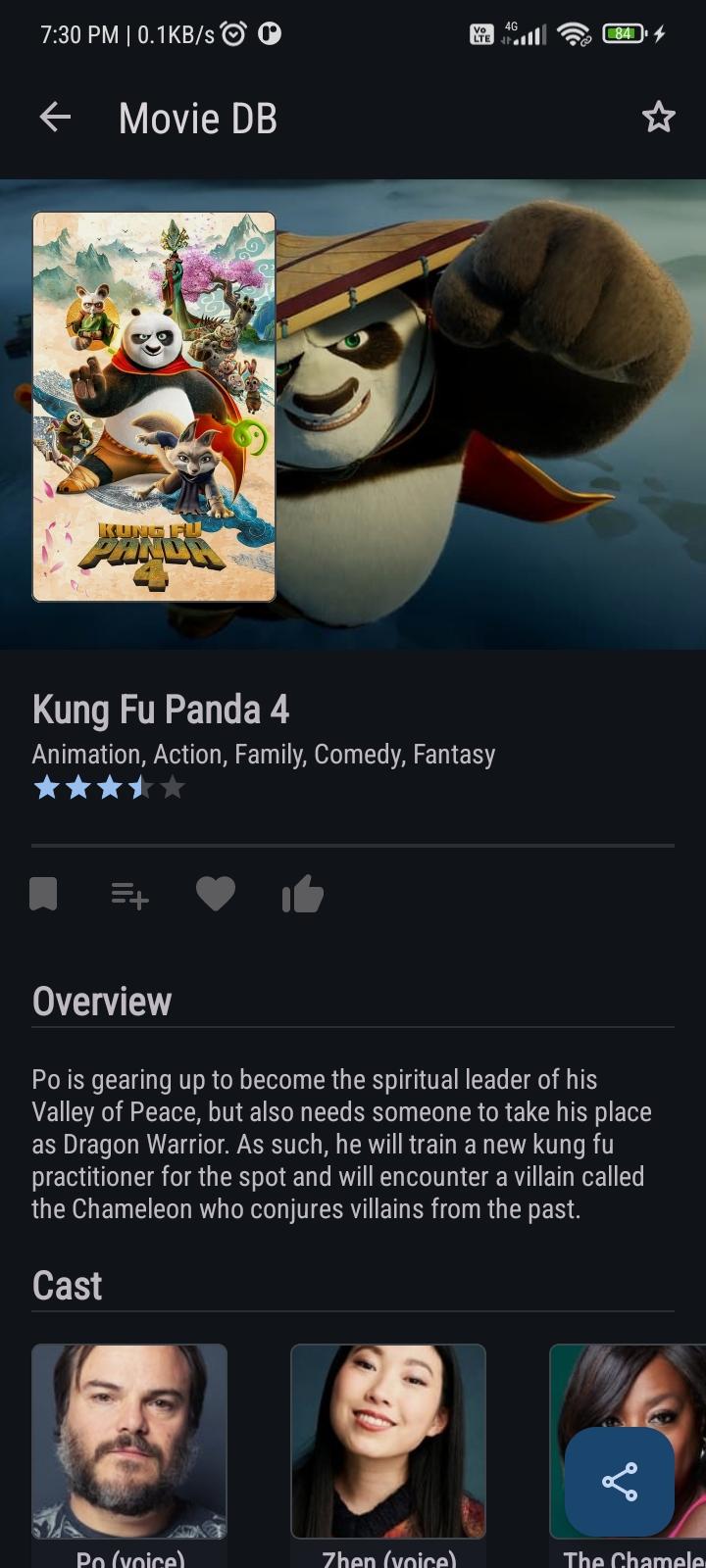
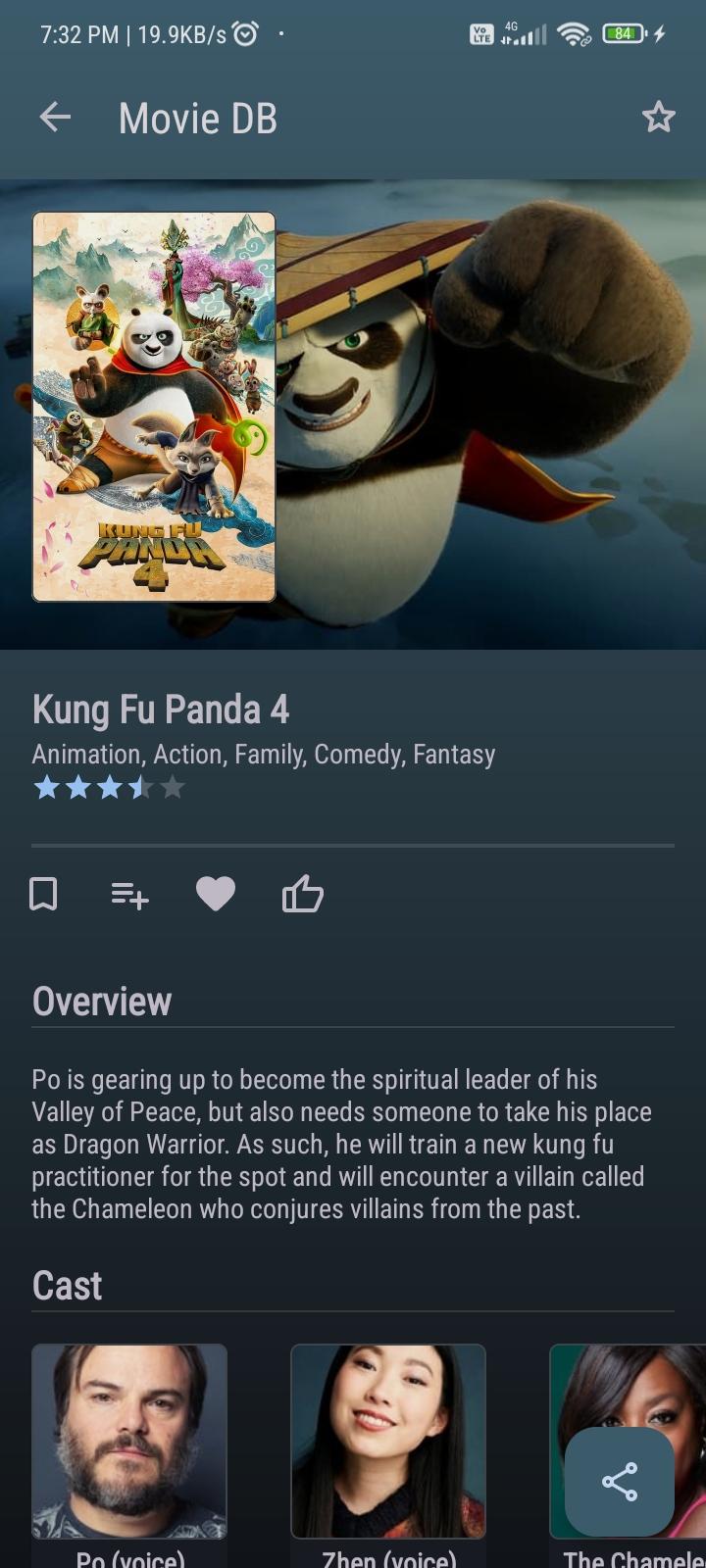
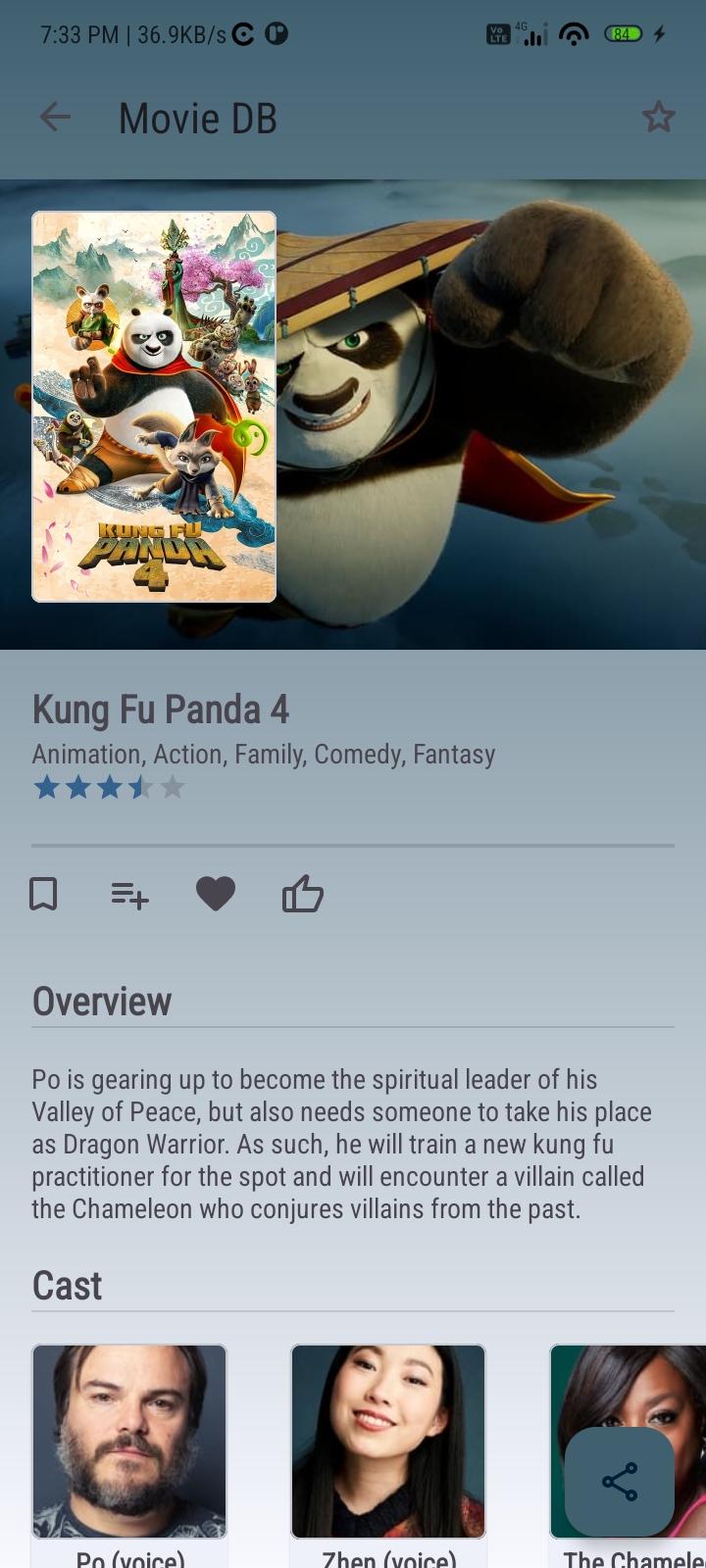
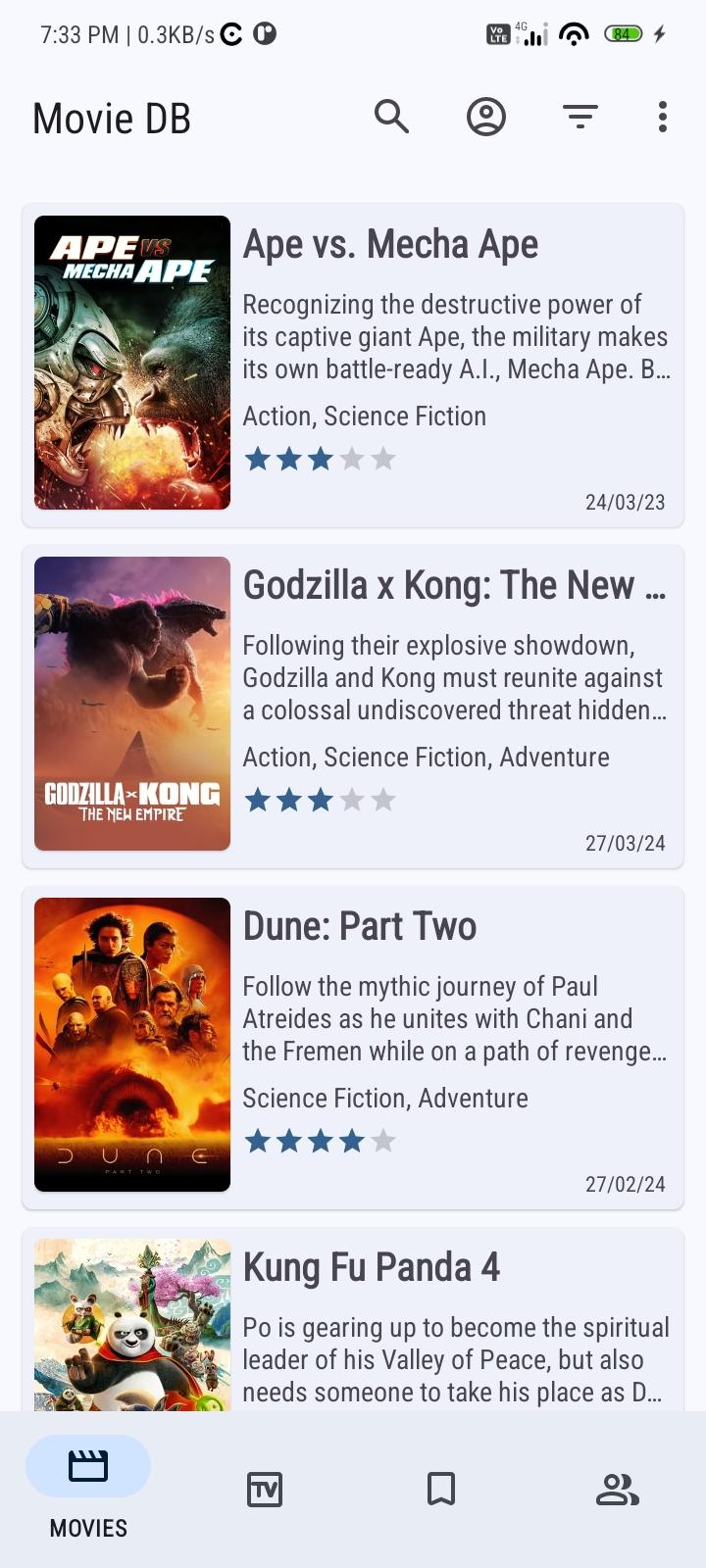
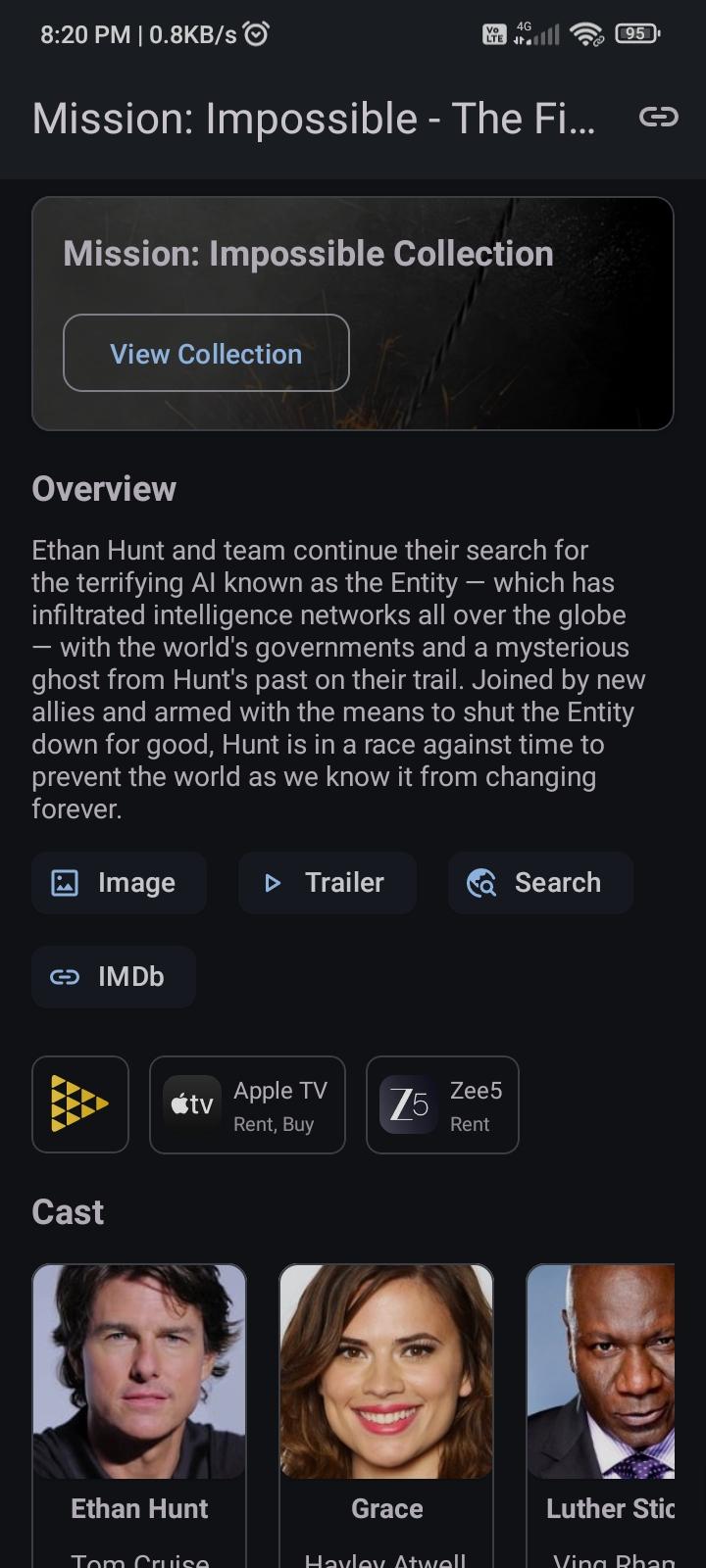
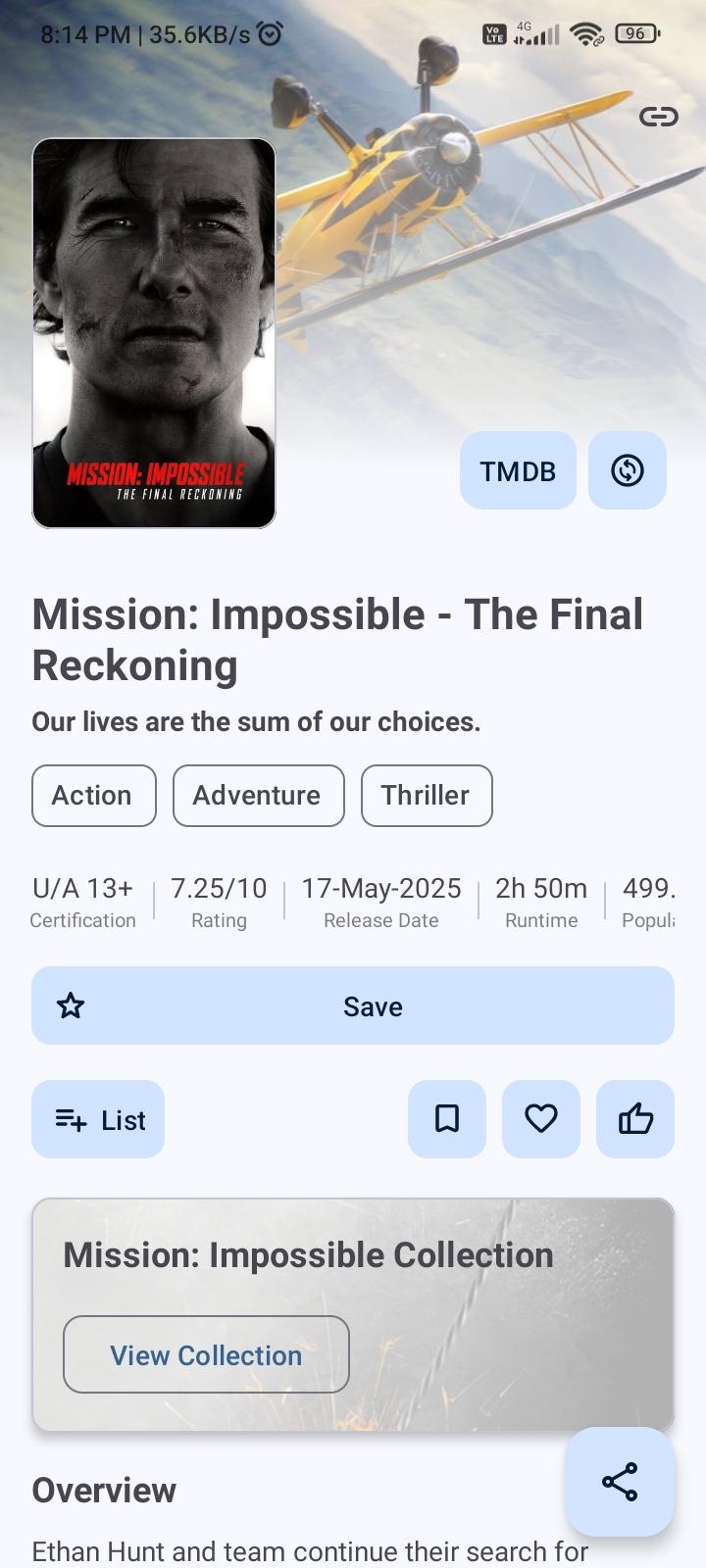
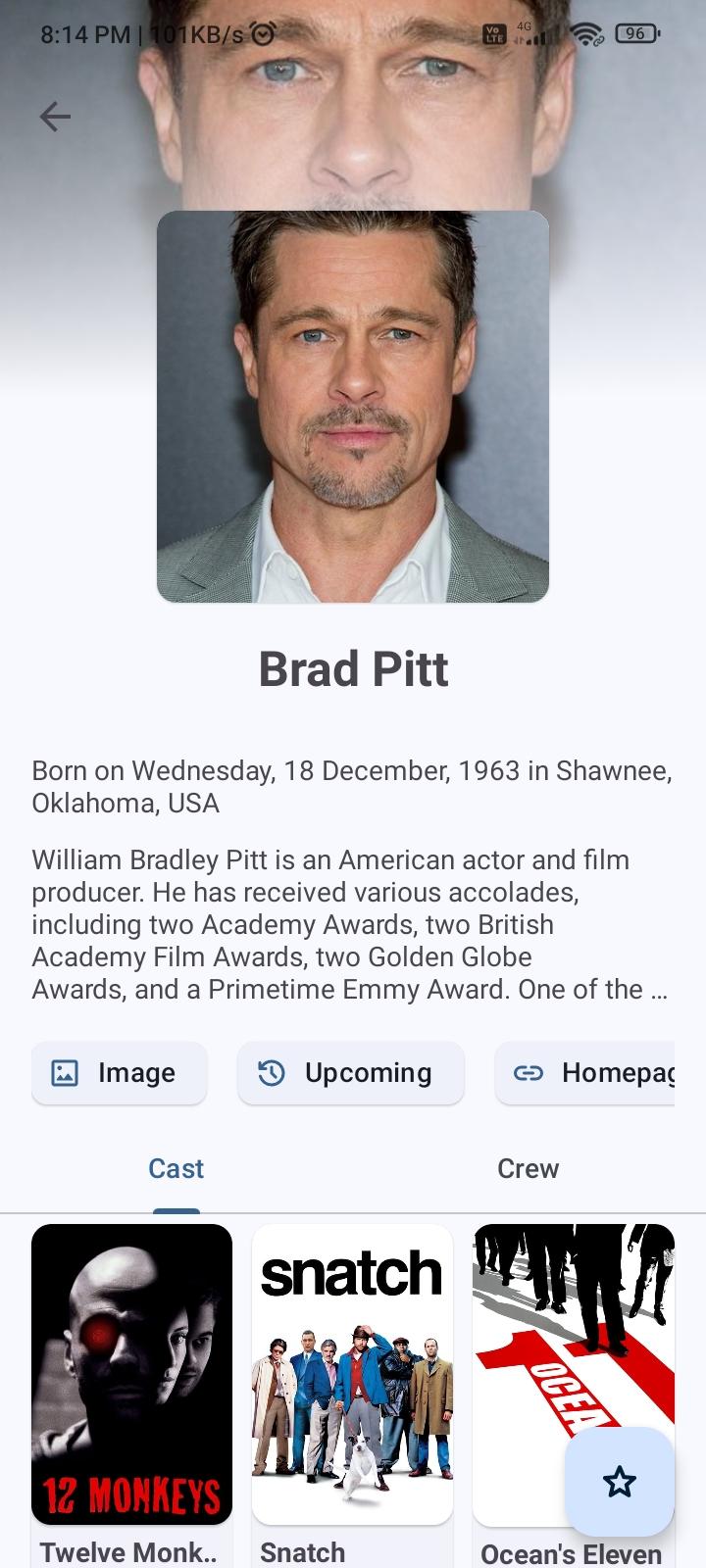
ShowCase (formerly Movie DB) is a fully open-source android application for exploring and organizing your personal collection of films and television series.
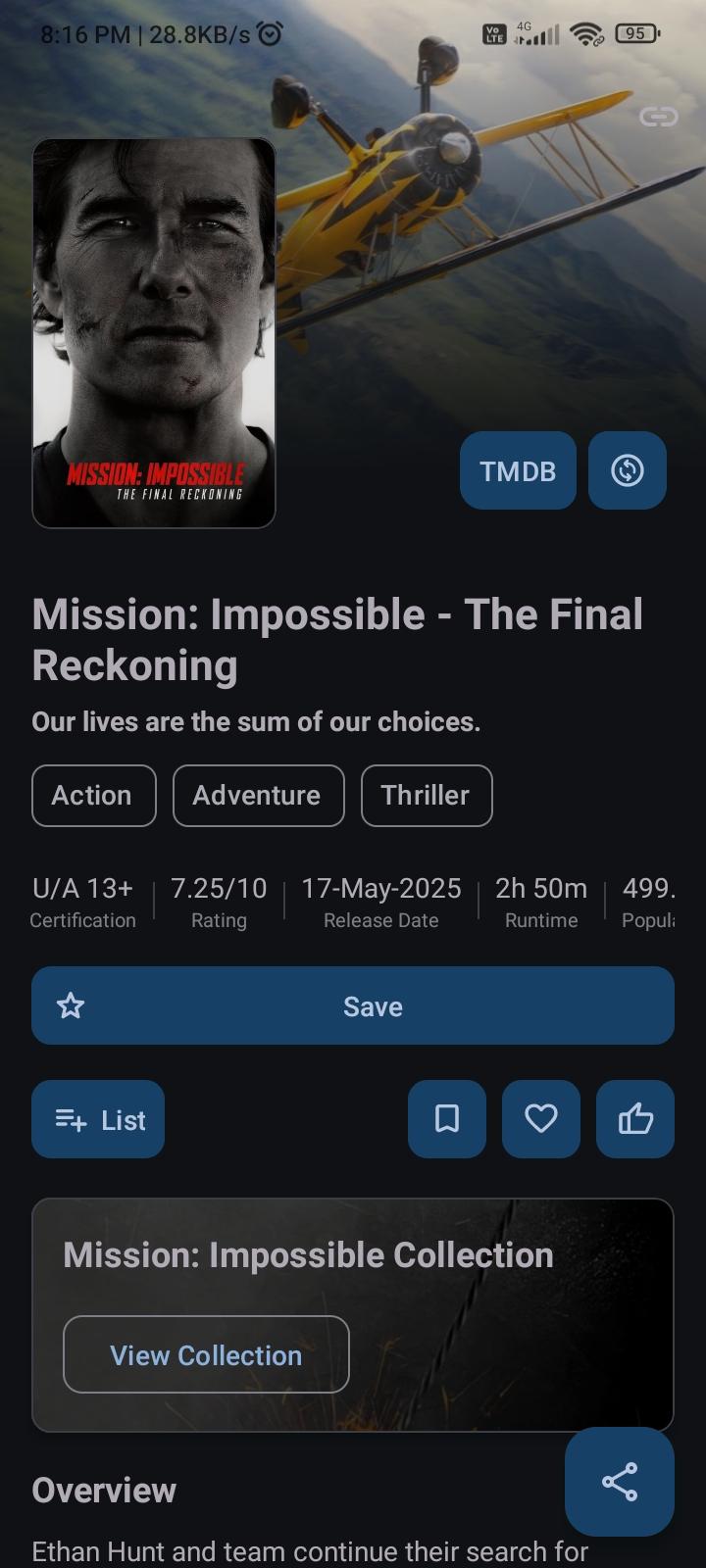
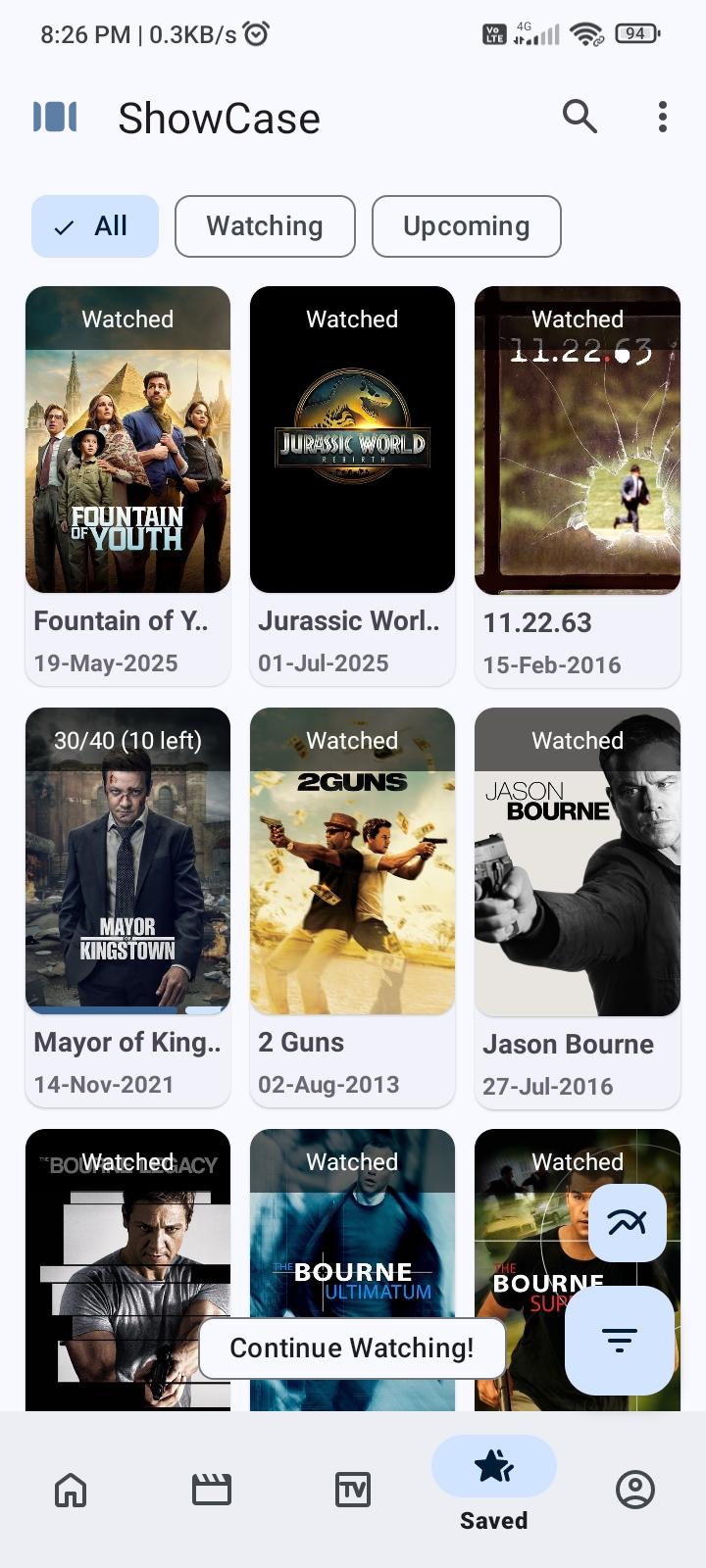
It offers synchronization with your TMDB and Trakt account. Once logged in, you can sync your favorites, watchlist, rated movies, and more. It also integrates with a local database to keep track of your shows. You can assign various statuses to each title—such as ‘planned’, ‘watched’, or ‘dropped’—rate them, and note the dates you commenced and concluded each show.
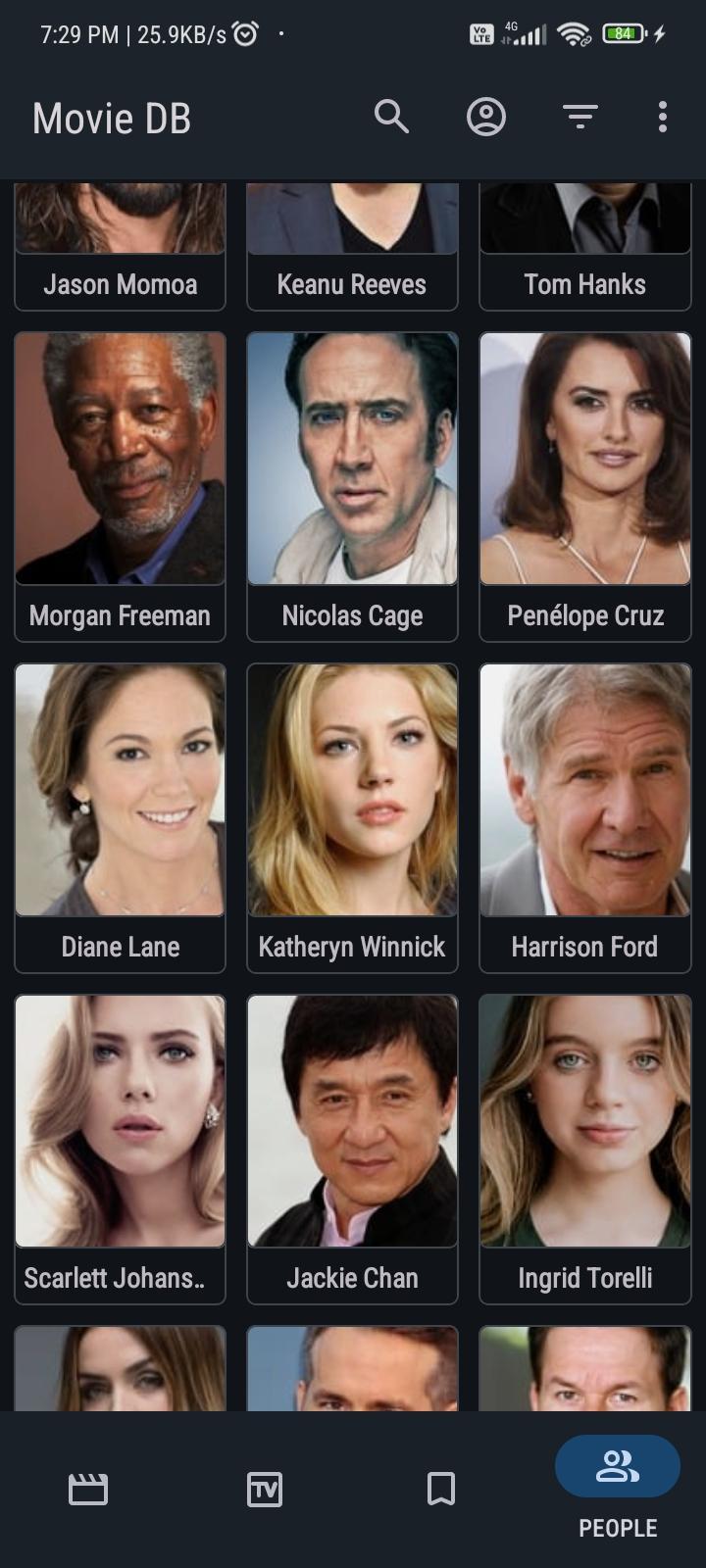
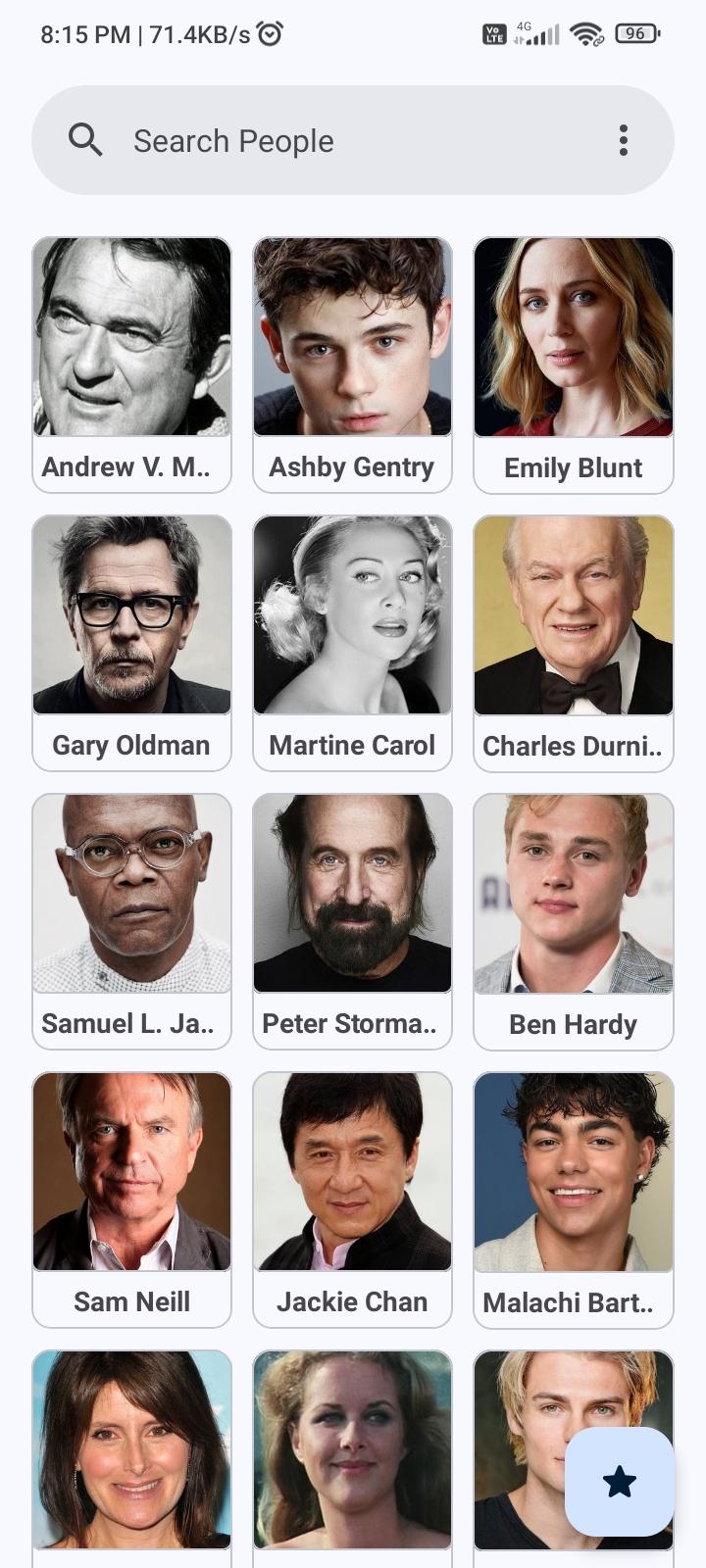
It allows you to filter shows based on genre, release dates, and more. Detailed information on each show, including the cast, crew, and recommendations for similar titles, is also available.
Key Features- -Synchronization with TMDB -Add favorite, watchlist, rate with TMDB -Create List (Public/private) - TMDB -Synchronization with Trakt -Add favorite, watchlist, collection, rate with Trakt -External ratings (like IMDb) for movie/show -Offline support (Local database to keep track of your shows) -Import/Export database -Get notified of movie and tv show release -Download Movie/Show posters -Import data from other apps -Support for Material You -And many more...
The required data are requested from themoviedb.org and trakt.tv. This app is still is development, feel free to request feature or report any issue. Help Localize the app - https://hosted.weblate.org/engage/showcase/
add webdav sync
fix #155, #157, #161
update localisation
a few small fixes improvements
Recent approved comments · sorted by newest
View all comments