
Quick answer
View, save and share statuses from WhatsApp, fully offline.
F-Droid repository metadata
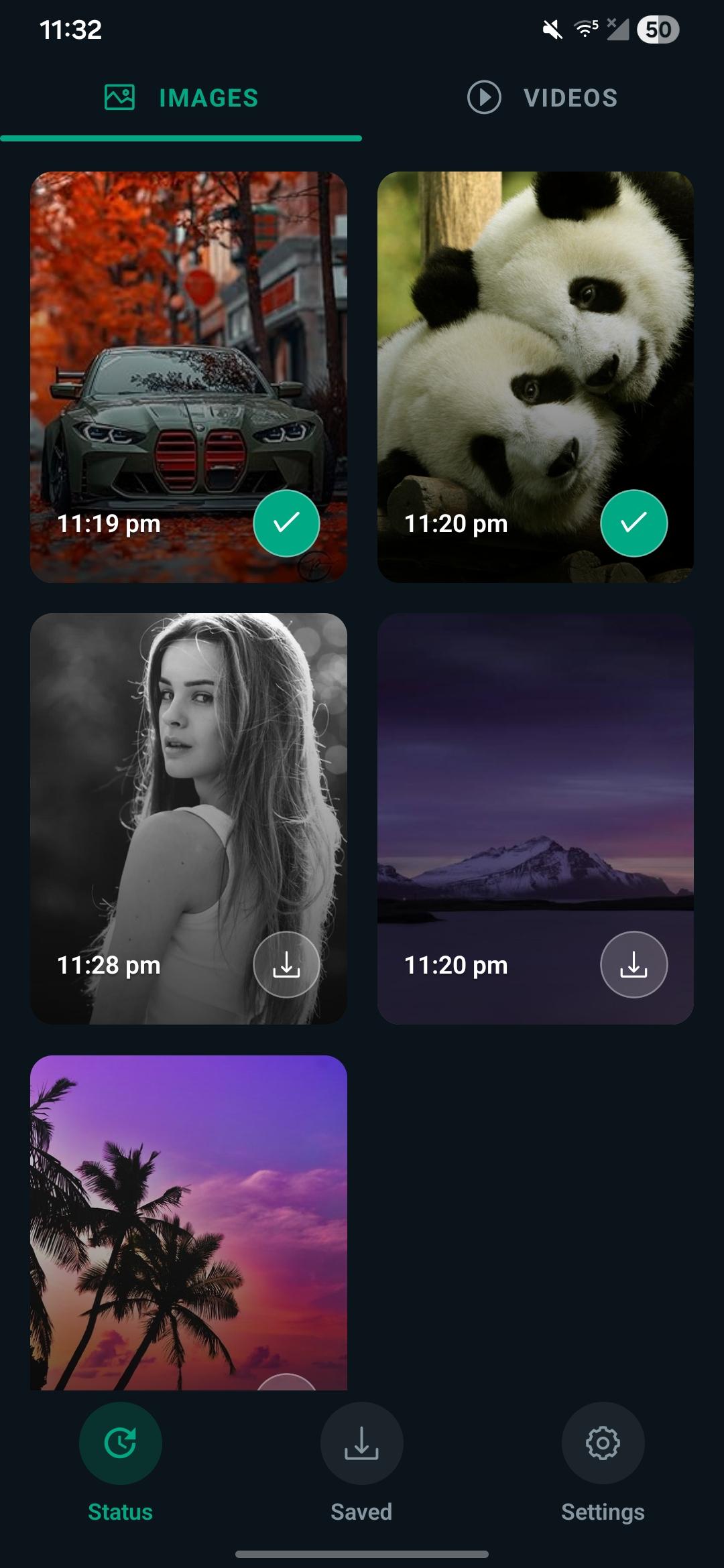
LibreStatus lets you view and keep the photo and video statuses you see in WhatsApp, so a status you liked doesn't disappear after 24 hours.
The app works entirely on your device. It has no internet permission, collects no data, contains no ads and no trackers.
Features:
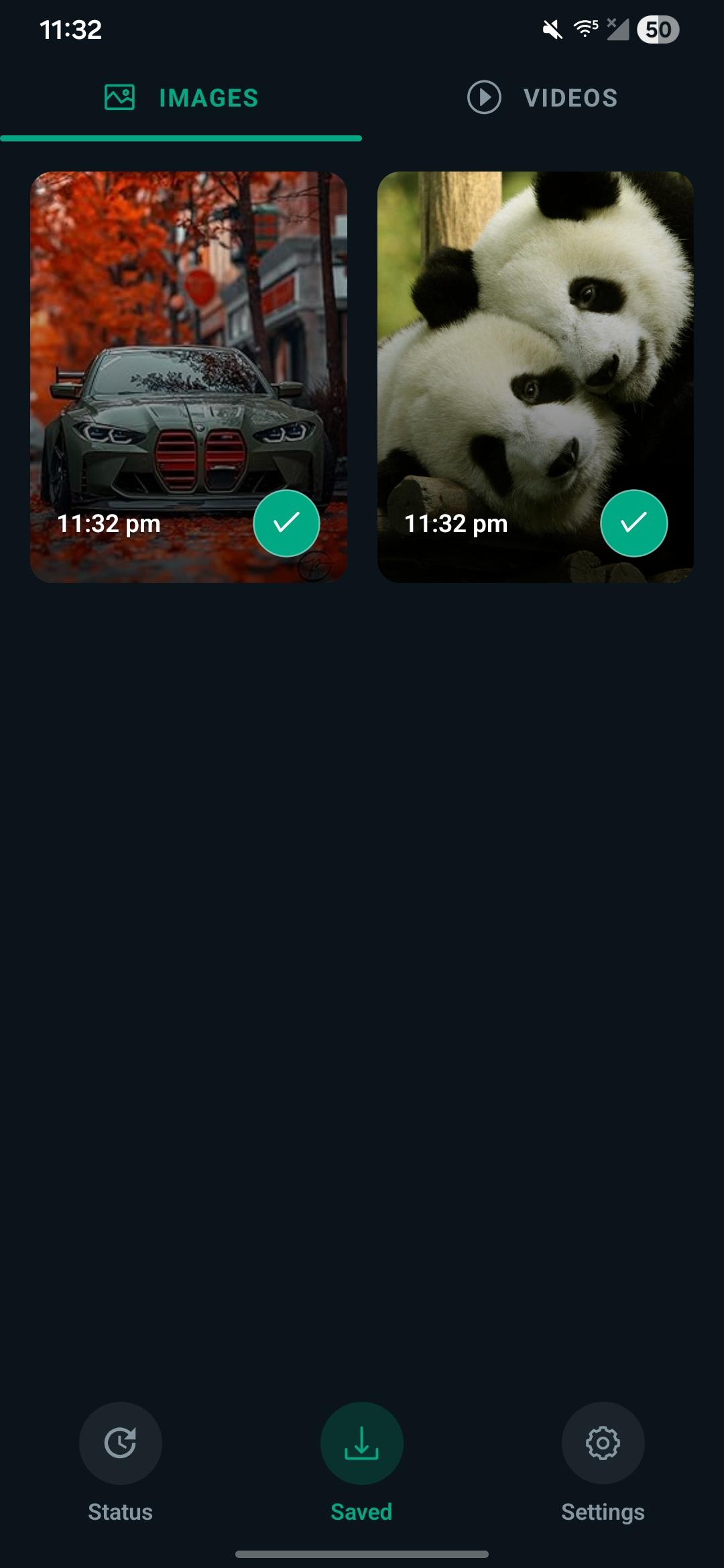
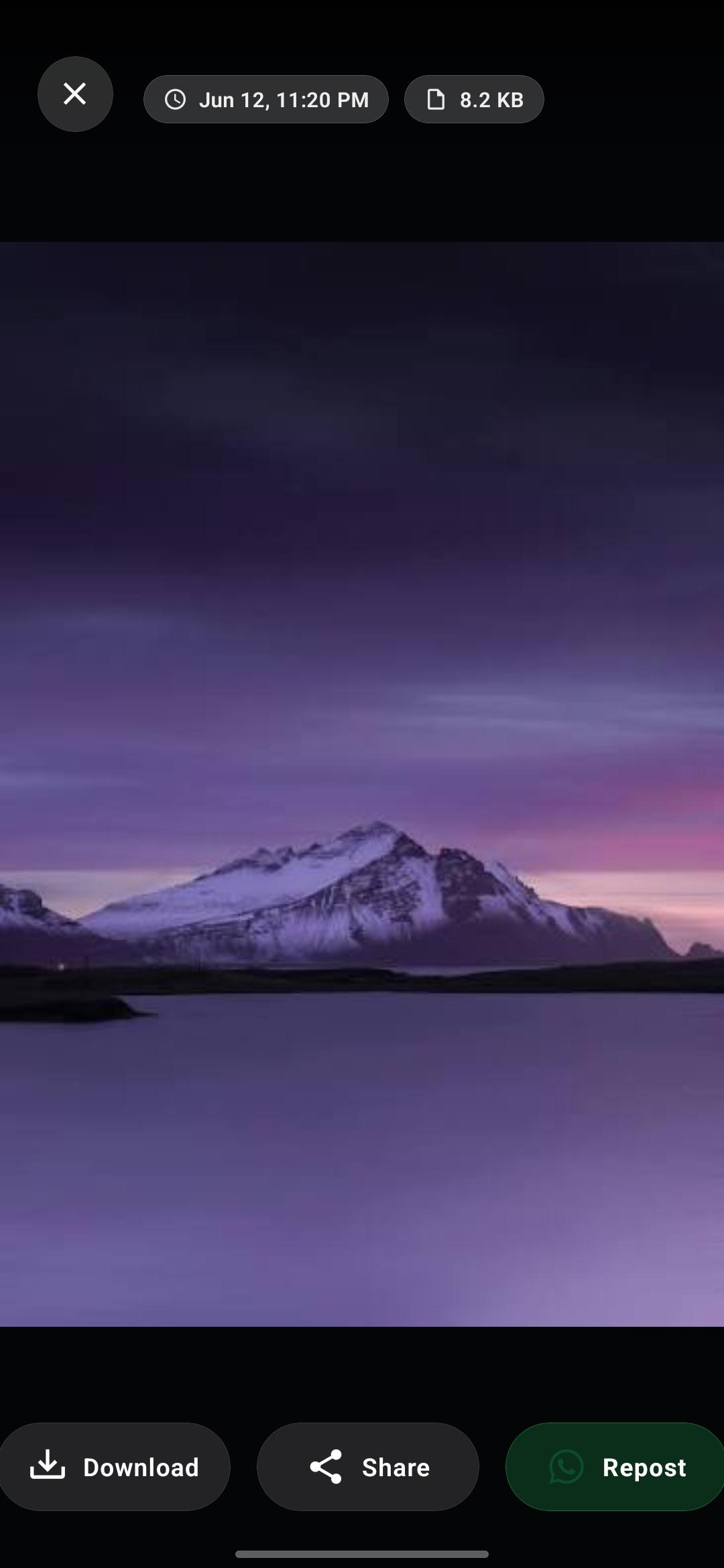
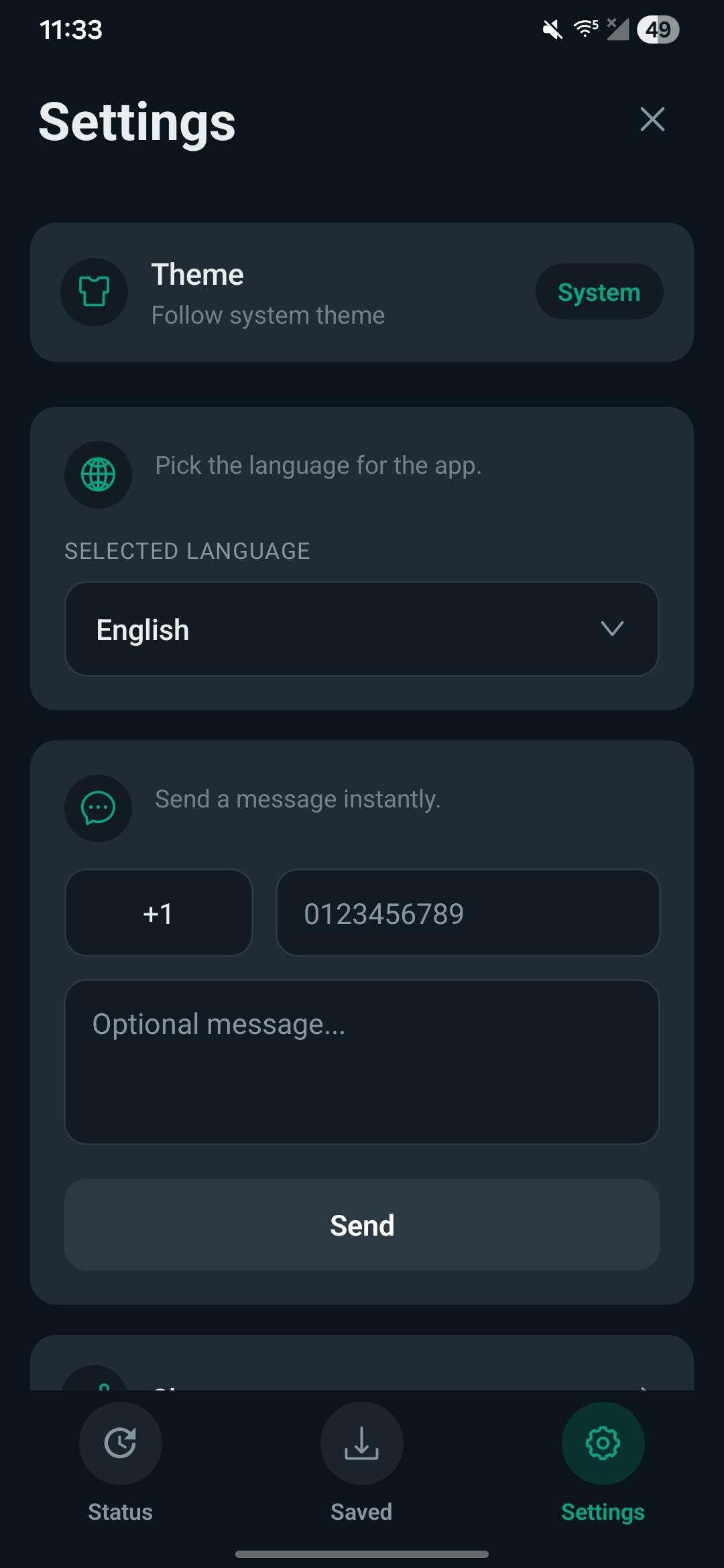
* Browse the image and video statuses currently available on your device * Swipe between the Images and Videos tabs * Full-screen viewer with video playback and a scrubber * Save any status to your gallery with one tap * Re-share or repost a status to WhatsApp or any other app * "Saved" tab to revisit everything you have downloaded * Direct message a phone number on WhatsApp without saving the contact * Light, dark and system themes * Available in 8 languages (English, Spanish, Portuguese, Russian, French, German, Italian, Dutch)
How it works:
1. Open WhatsApp and view someone's status. 2. Open LibreStatus. 3. On Android 11 and newer, grant access to the WhatsApp media folder once using the system folder picker. On older versions, grant storage access. 4. Tap any status to view it, then tap download to save it.
Privacy:
LibreStatus is a third-party app and is not affiliated with or endorsed by WhatsApp. It does not upload anything to any server. All processing happens locally on your phone. Please respect other people's privacy and content rights when saving and sharing statuses.
Screenshots
How to install
- Download the APK from the button at the top of this page.
- Allow “Install unknown apps” for your browser or file manager only, not for every app.
- Open the downloaded file and confirm the installation.
- If installation fails with “App not installed,” remove an earlier build of the same app first. A signature conflict is the usual cause.
Data safety
- Every file is checked against its published SHA-256 before it is listed.
- Files are scanned for malware on every update.
- The permissions each app requests are listed on its own page.
- Read the full safety policy for how we test, flag, and delist files.
Comments
Recent approved comments · sorted by newest
View all comments