A music streaming app for Subsonic-API-compatible servers
F-Droid repository metadata
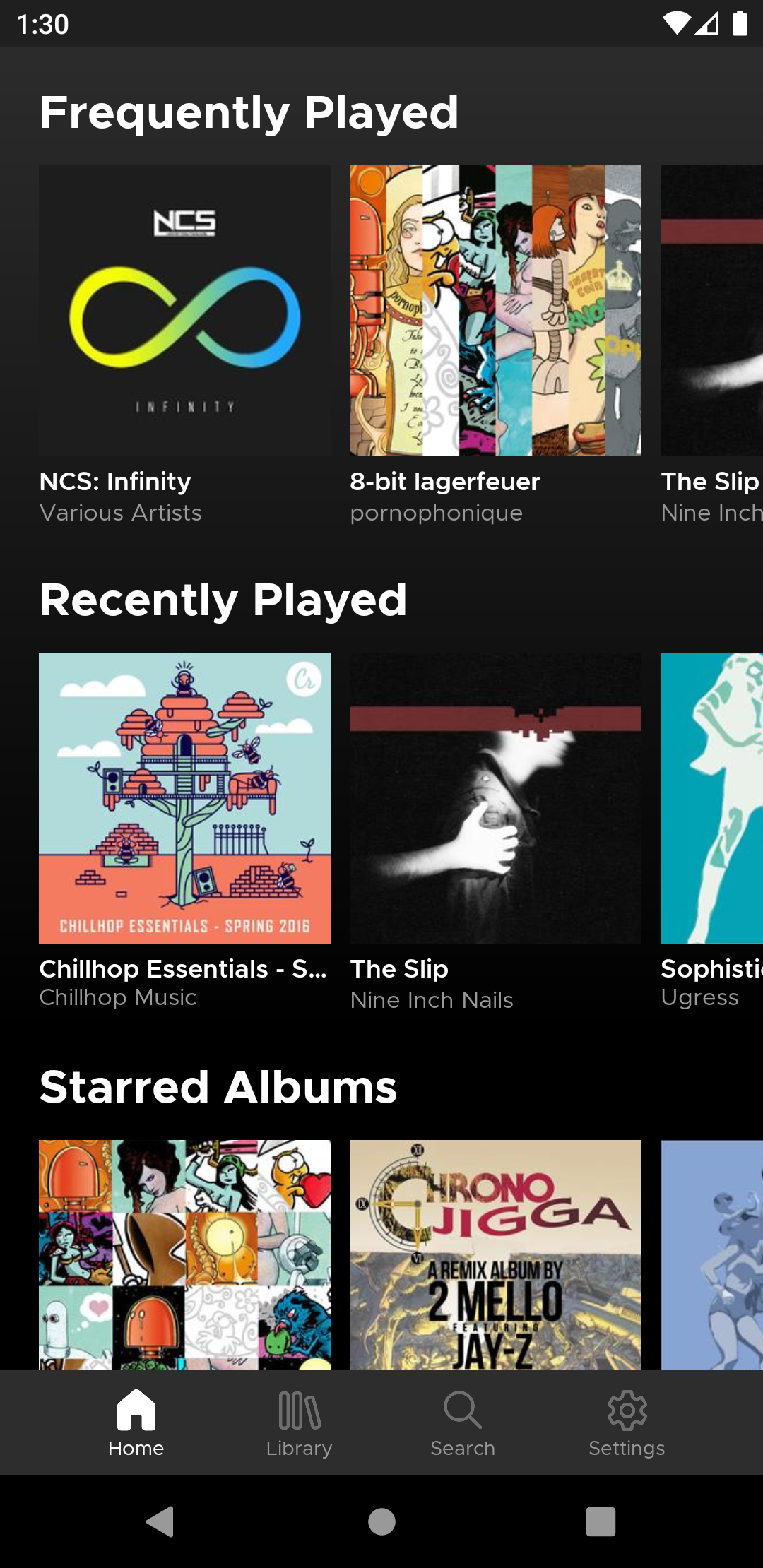
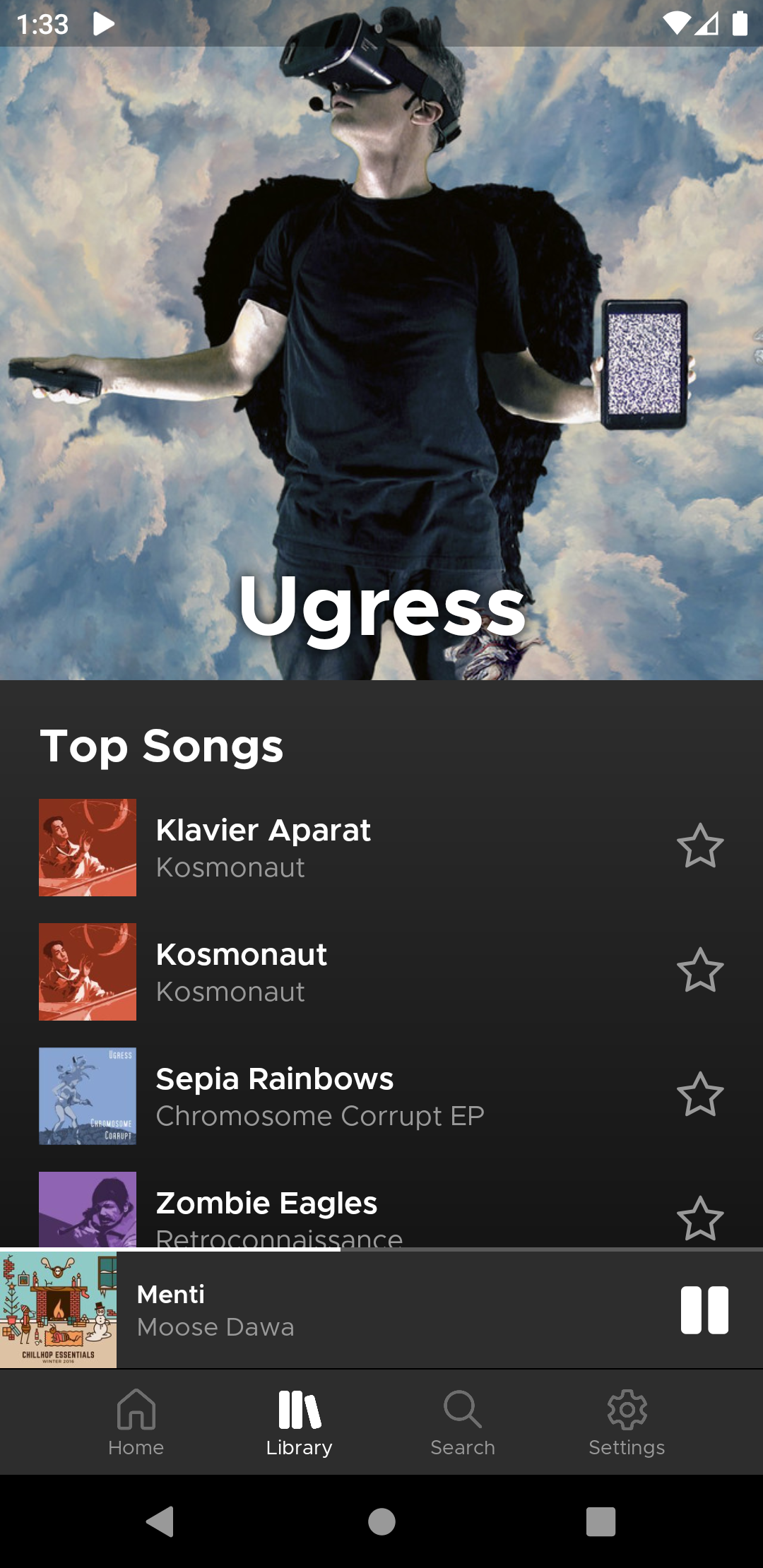
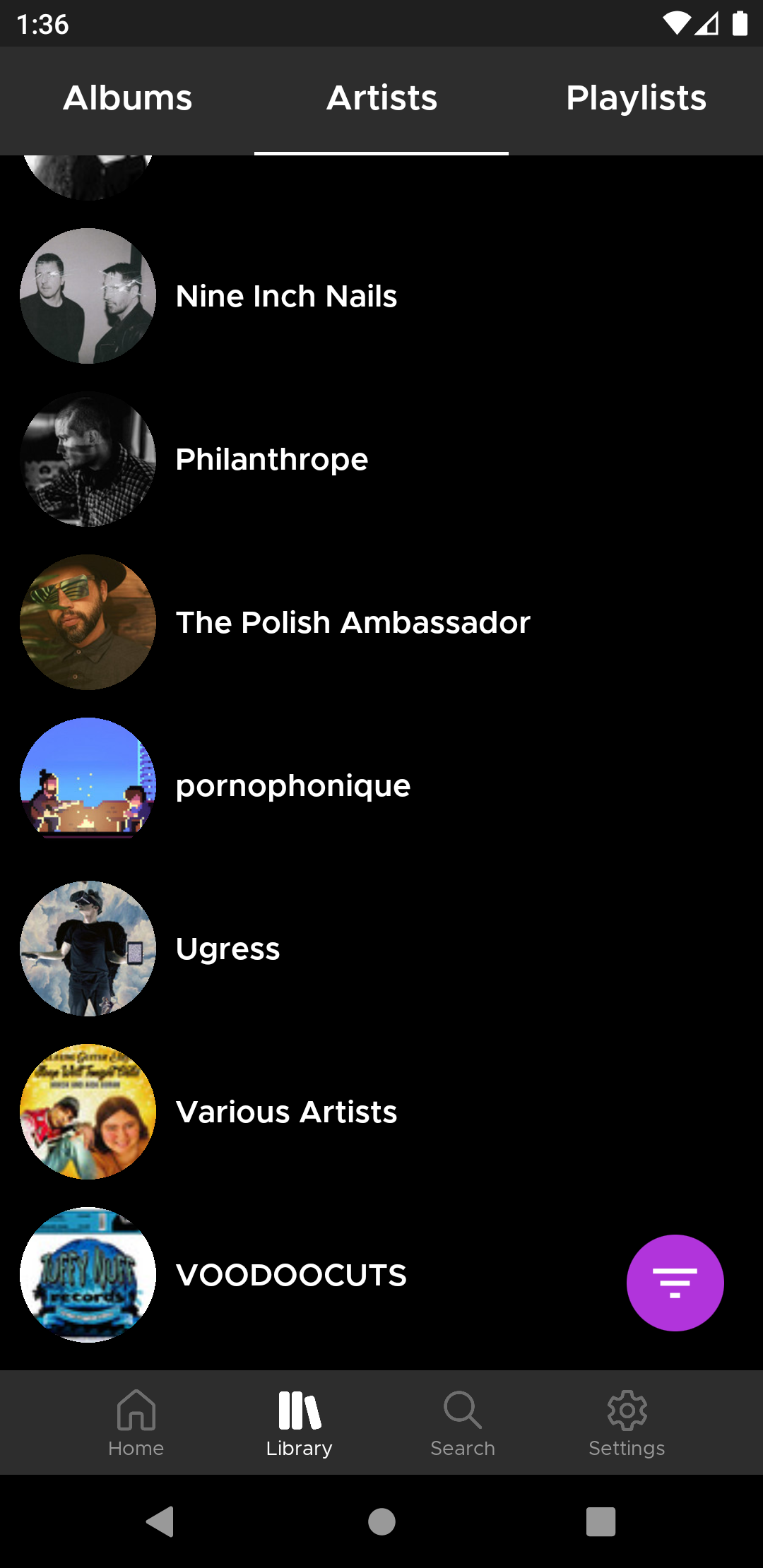
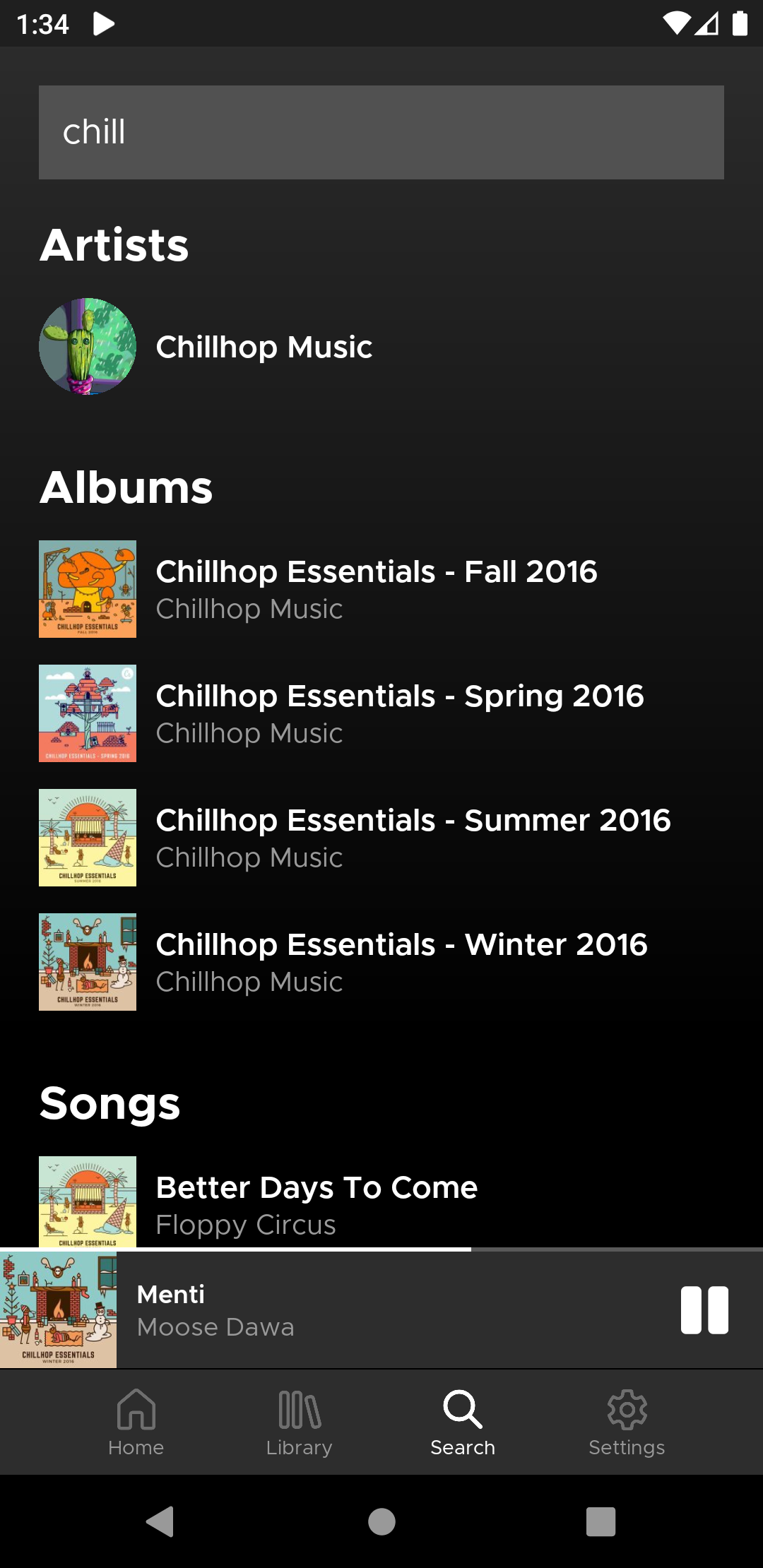
Subtracks is an Android open source music streaming app for Subsonic-API-compatible servers (Subsonic, Navidrome, Airsonic, and more). It's designed to give you clean and convenient access to your music in the style of modern media players.
Features
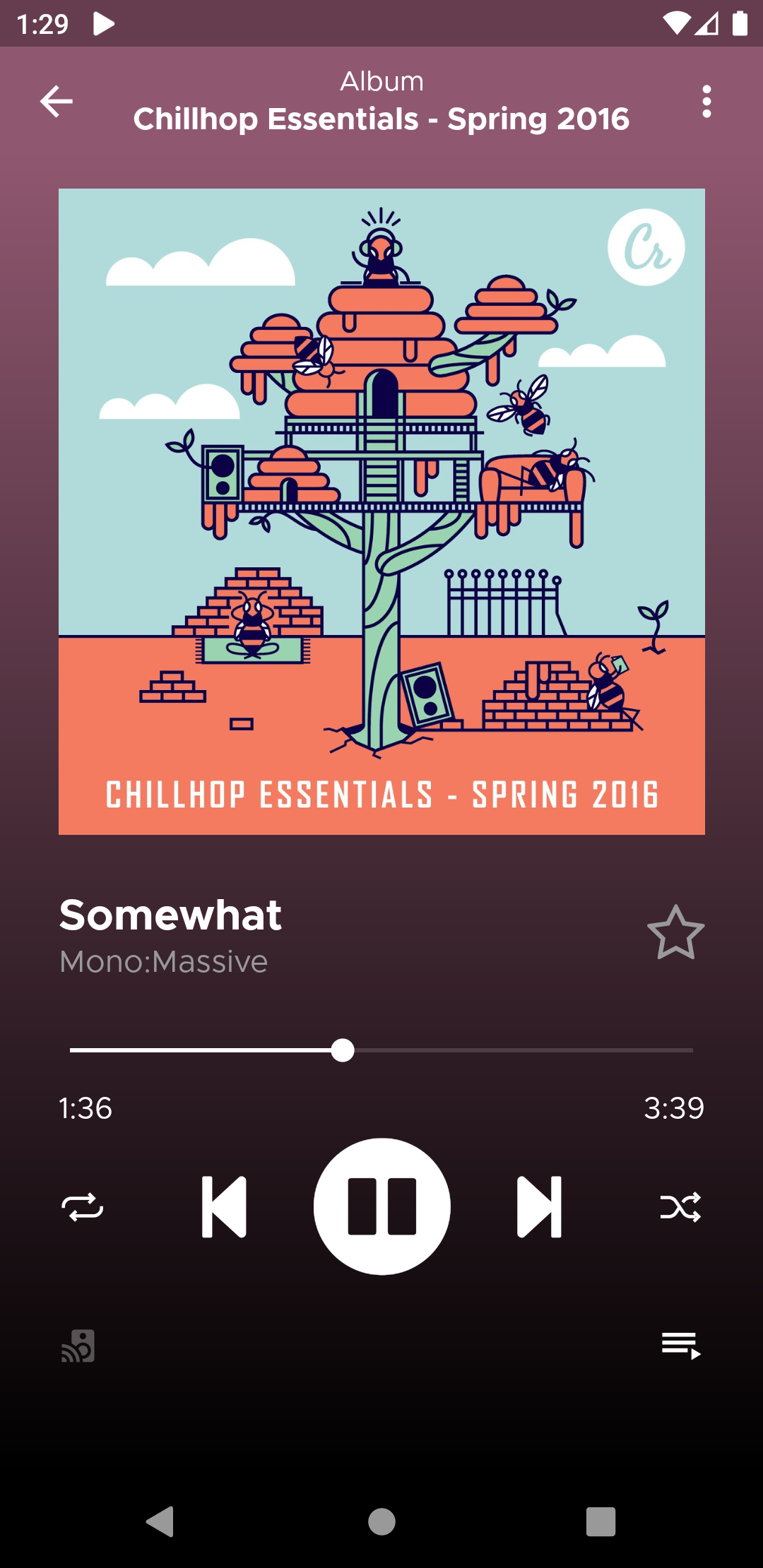
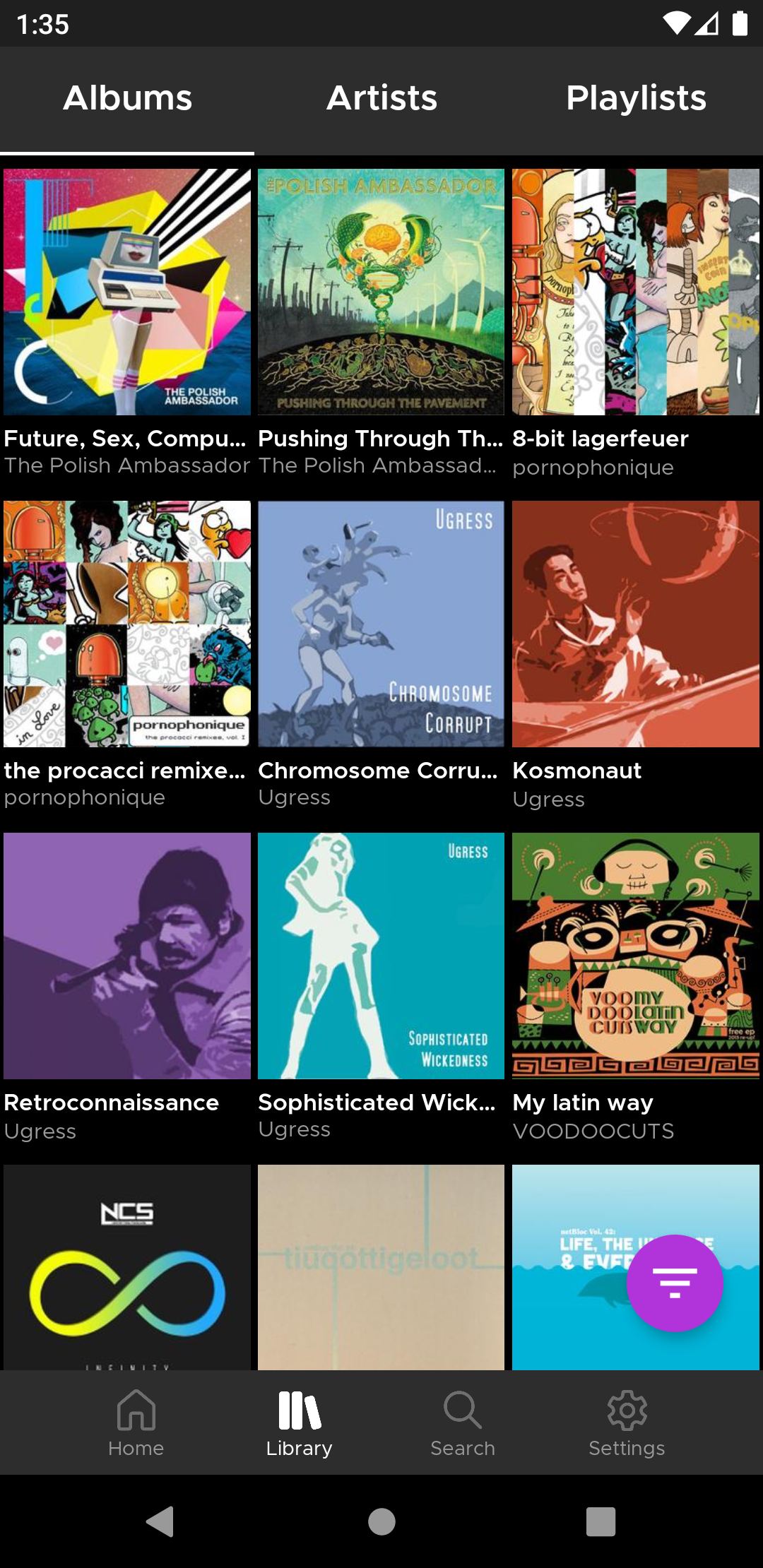
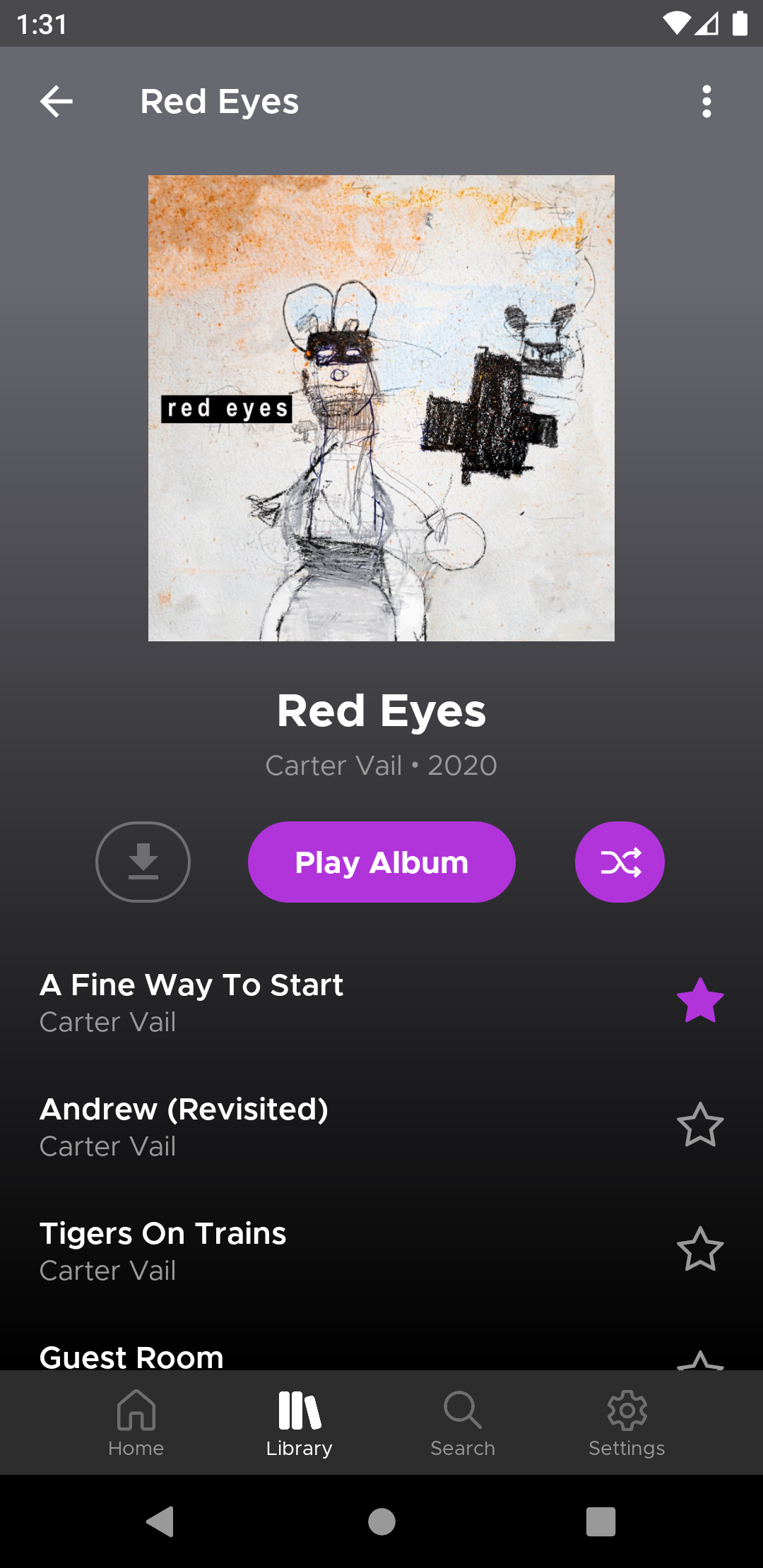
- Album and artist art display by default (full-res in detail/now playing views)
- Gapless playback
- Mulitple server support
- Filterable/sortable album and artist library views
- Search artists, albums, and songs
- Scrobble support
- Max bitrate and buffer size settings
- Loop and shuffle playback options
- Long-press for context menu shortcuts
Screenshots
What’s new
## New
* Top Songs in the Artist view now tries to fallback to searching for songs by the artist and sorting by play count/rating if the server doesn't support the getTopSongs endpoint * Images are now downloaded in the background via the Android DownloadManager and won't be corrupted if the app is closed * Note: the cache file structure has been changed, so all images will be erased on update and new images will be downloaded as normal
## Fixed
* Fixed some screens displaying under the sta
How to install
Download the APK from the button at the top of this page.
Allow “Install unknown apps” for your browser or file manager only, not for every app.
Open the downloaded file and confirm the installation.
If installation fails with “App not installed,” remove an earlier build of the same app first. A signature conflict is the usual cause.
Data safety
Every file is checked against its published SHA-256 before it is listed.
Files are scanned for malware on every update.
The permissions each app requests are listed on its own page.
Read the full safety policy for how we test, flag, and delist files.