
Quick answer
Overlay to mask hard-coded subtitles on videos and social media.
F-Droid repository metadata
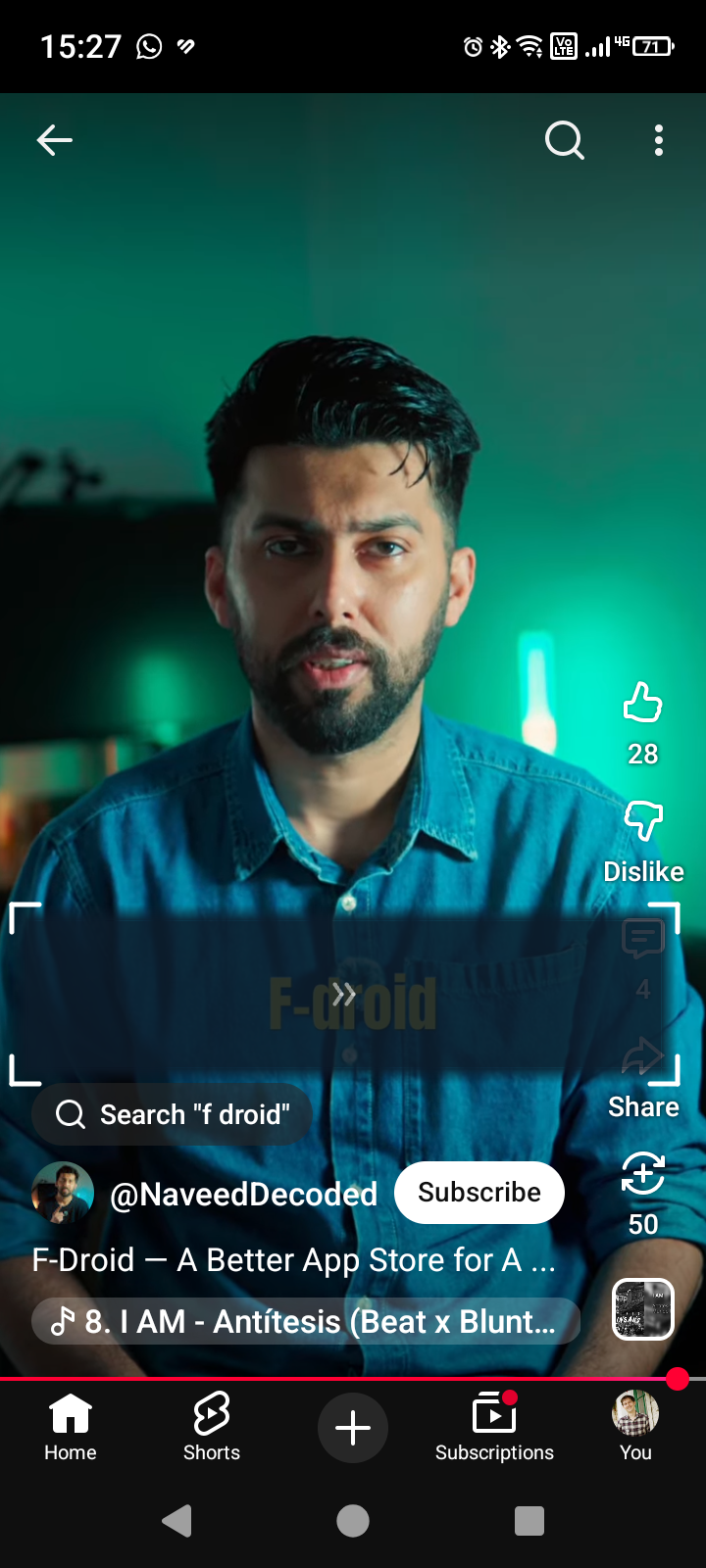
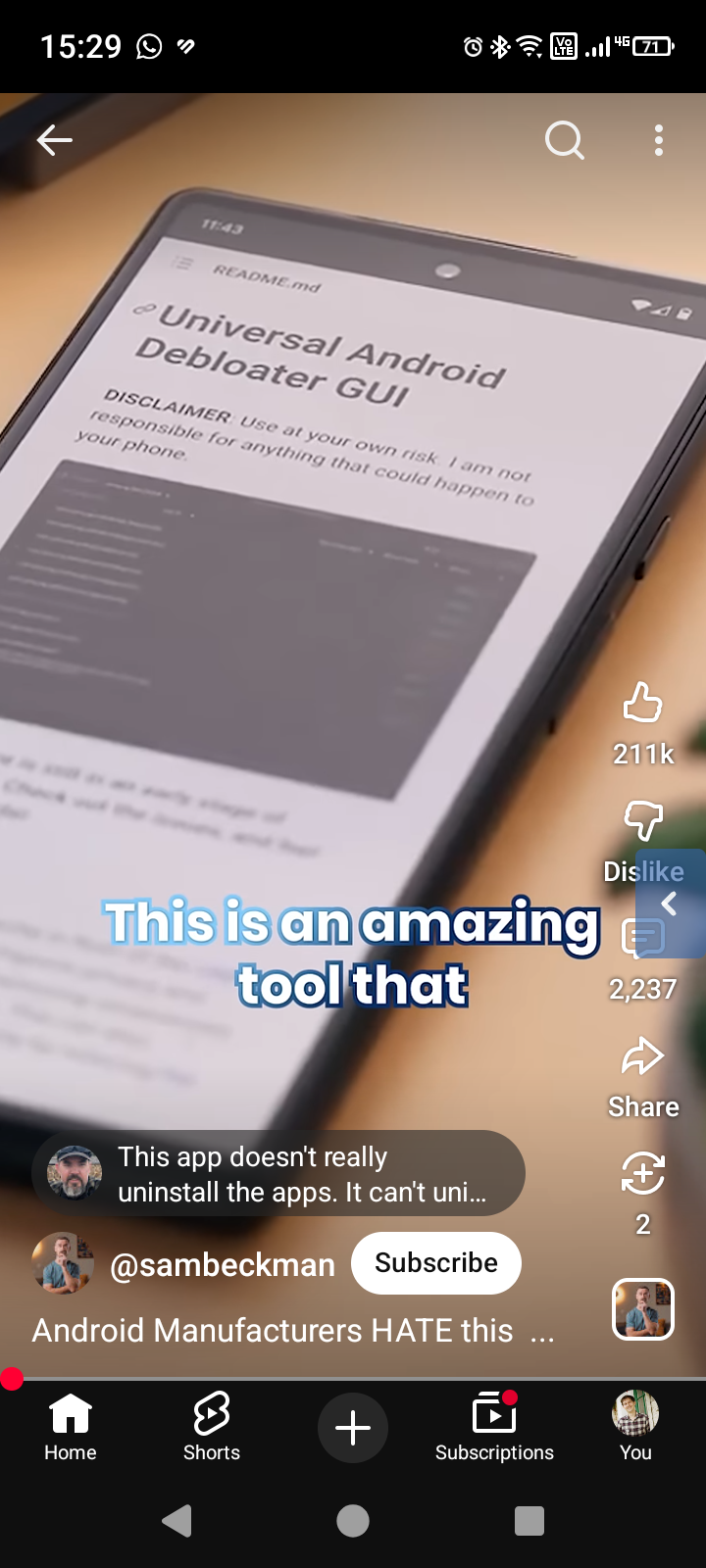
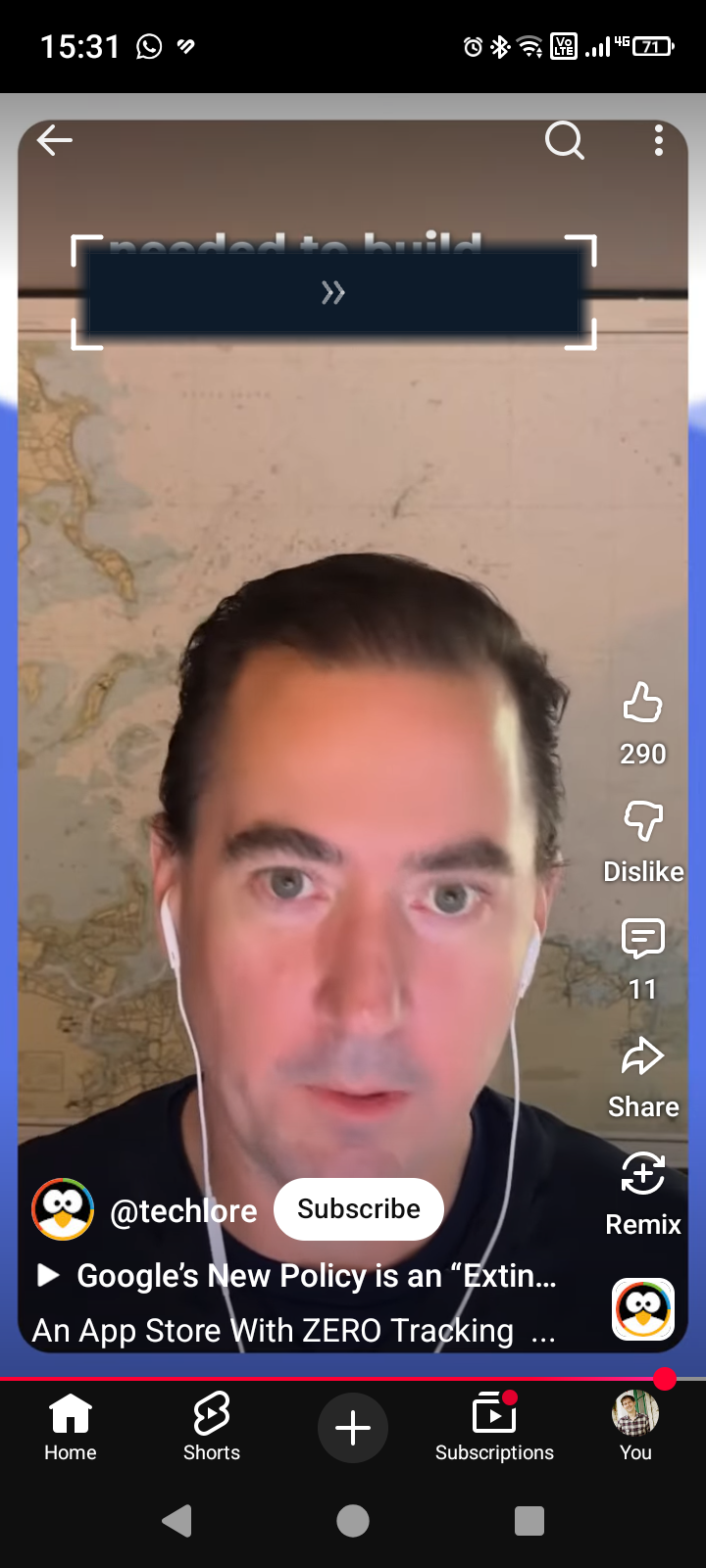
This super-niche application was developed purely to deal with a strong dislike of the fast-moving, distracting subtitles that are hard-coded into many social media videos and cannot be turned off.
When enabled, the overlay can either be docked as a small unobtrusive tab on the side of the screen, or expanded into a resizable, moveable rectangle which can be dragged to cover the area displaying subtitles. Colours, opacity, which edge the tab pins to, and symmetric (centre-anchored) resize are all configurable.
Basic operation should be completely obvious:
• Tap the chevrons » in the middle of the overlay to collapse it to a side tab. • Tap the tab to expand it again. • Drag any corner to resize. • Drag anywhere else to move. • Triple-tap the overlay to open Settings.
You can add the "Sub Blocker" tile to your Android Quick Settings panel (swipe down, tap the edit pencil, drag the tile into your active tiles) to quickly toggle the overlay on and off without opening the app.
Feedback and feature requests are welcome.
Screenshots
How to install
- Download the APK from the button at the top of this page.
- Allow “Install unknown apps” for your browser or file manager only, not for every app.
- Open the downloaded file and confirm the installation.
- If installation fails with “App not installed,” remove an earlier build of the same app first. A signature conflict is the usual cause.
Data safety
- Every file is checked against its published SHA-256 before it is listed.
- Files are scanned for malware on every update.
- The permissions each app requests are listed on its own page.
- Read the full safety policy for how we test, flag, and delist files.
Comments
Recent approved comments · sorted by newest
View all comments