
Quick answer
Enjoy podcasts with Tsacdop! An open source podcast player built with flutter.
F-Droid repository metadata
Tsacdop is a clean, simply beautiful and friendly podcast app. which is also free and open source.
Why Tsacdop?
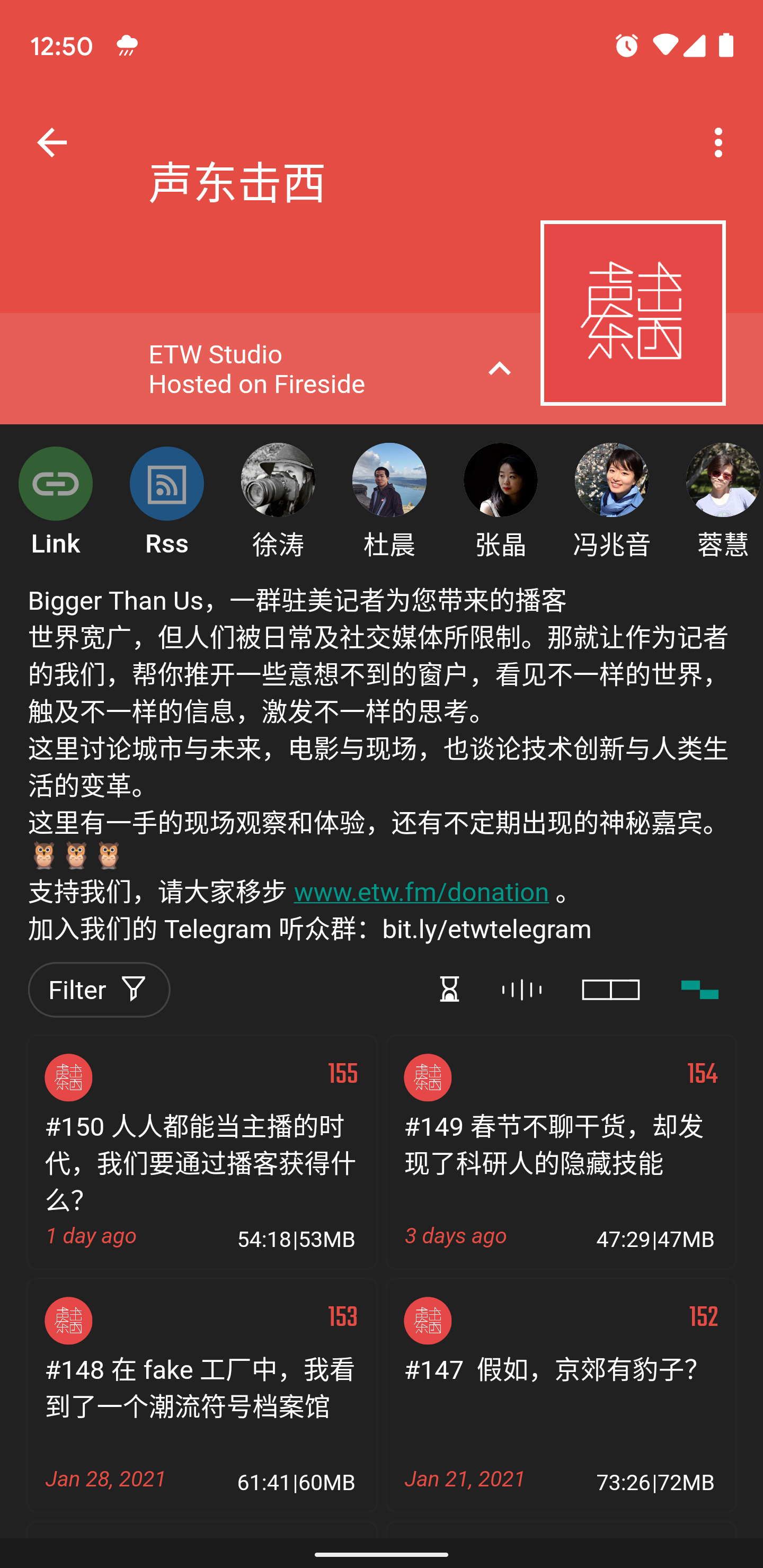
Unique Design With Tsacdop, you will get a totally different experience with any other podcast players. Tsacdop has a unique layout and good-looking material design.
Group management You can manage your podcasts with groups easily.
Privacy Friendly Tsacdop is a free and open sourced application, which won't upload your data to the server.
Easy SearchThe podcast is powered by ListenNotes(unavailable in fdroid version) and PodcastIndex, so you can search from more than 1 million podcasts.
Features:
* Podcasts group management
* Playlist support
* Sleep timer
* OPML file export and import
* Auto syncing in background
* Listening and subscription history data
* Dark theme / accent color
* Download for offline play
* Auto download / auto delete downloaded episodes
* Change play speed
* Skip silence
* Boost volume
More to come...
License
All this for FREE, and NO ADS. Tsacdop is an open source project licensed under GPL v3.0, you can star or fork it on GitHub: https://github.com/stonega/tsacdop
Contact
Tsacdop is still in the development stage, I am working hard on new features, if you have any issue or request any feature, please let me know by email or visit GitHub page.
Screenshots
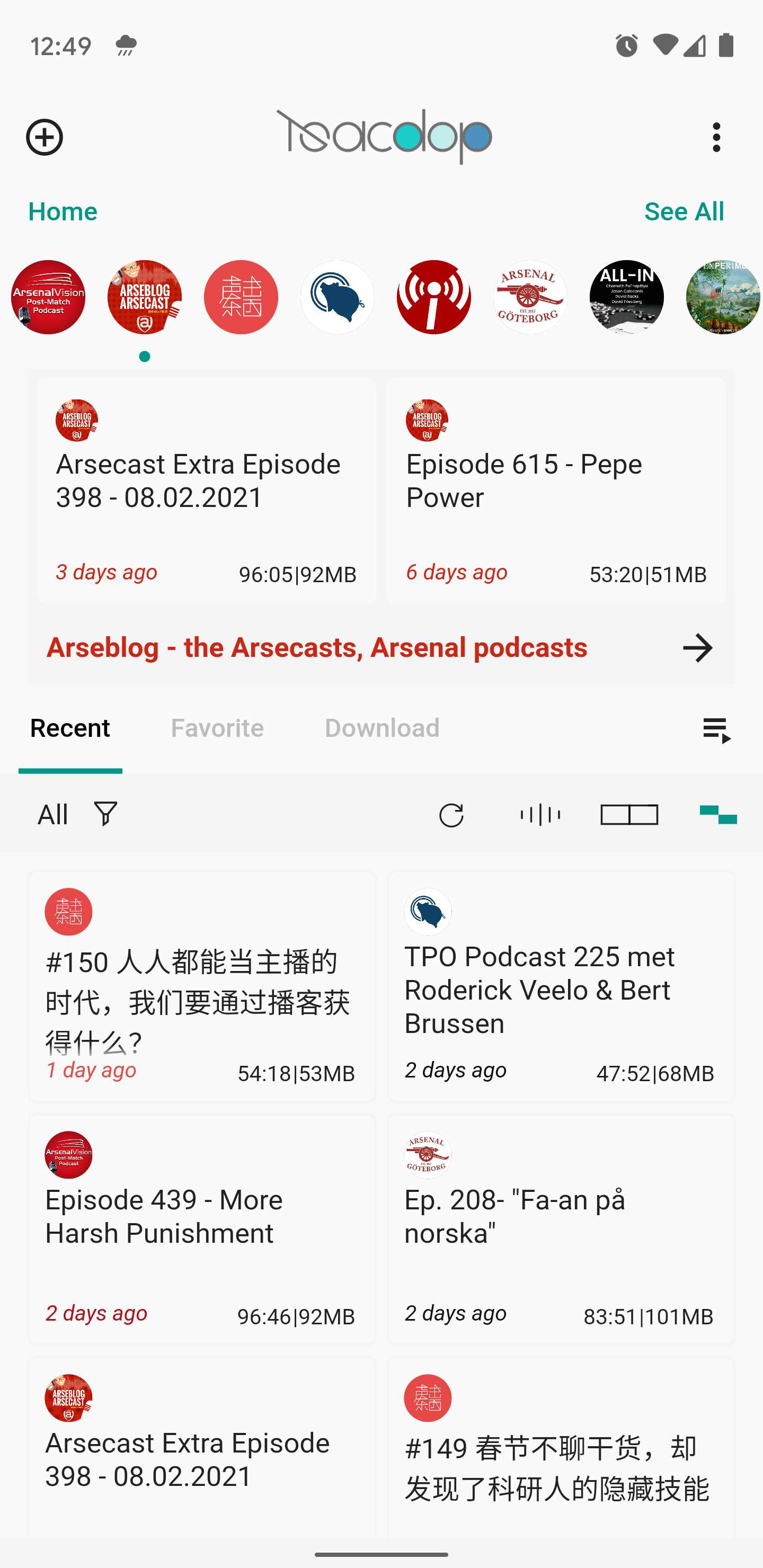
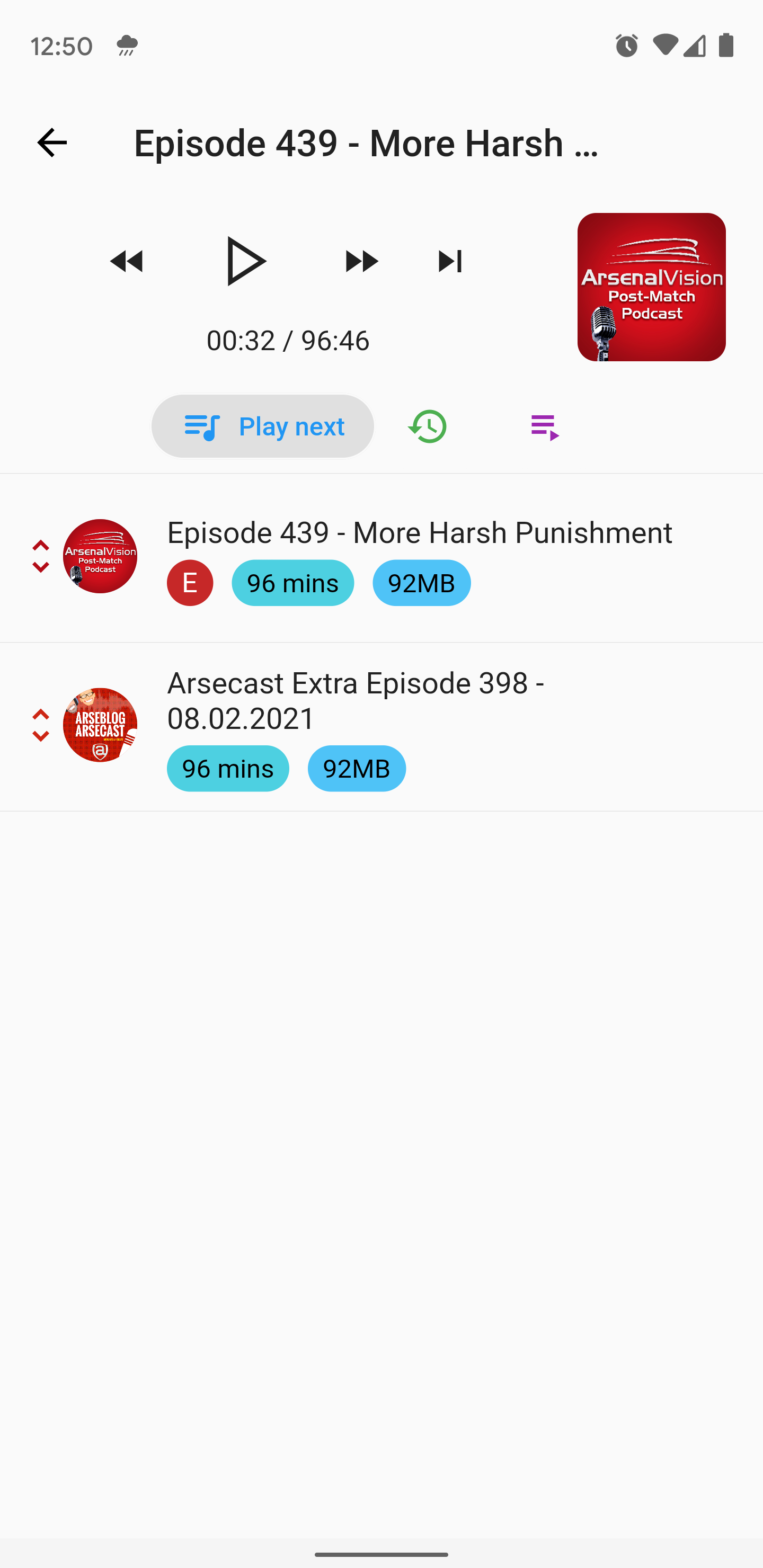
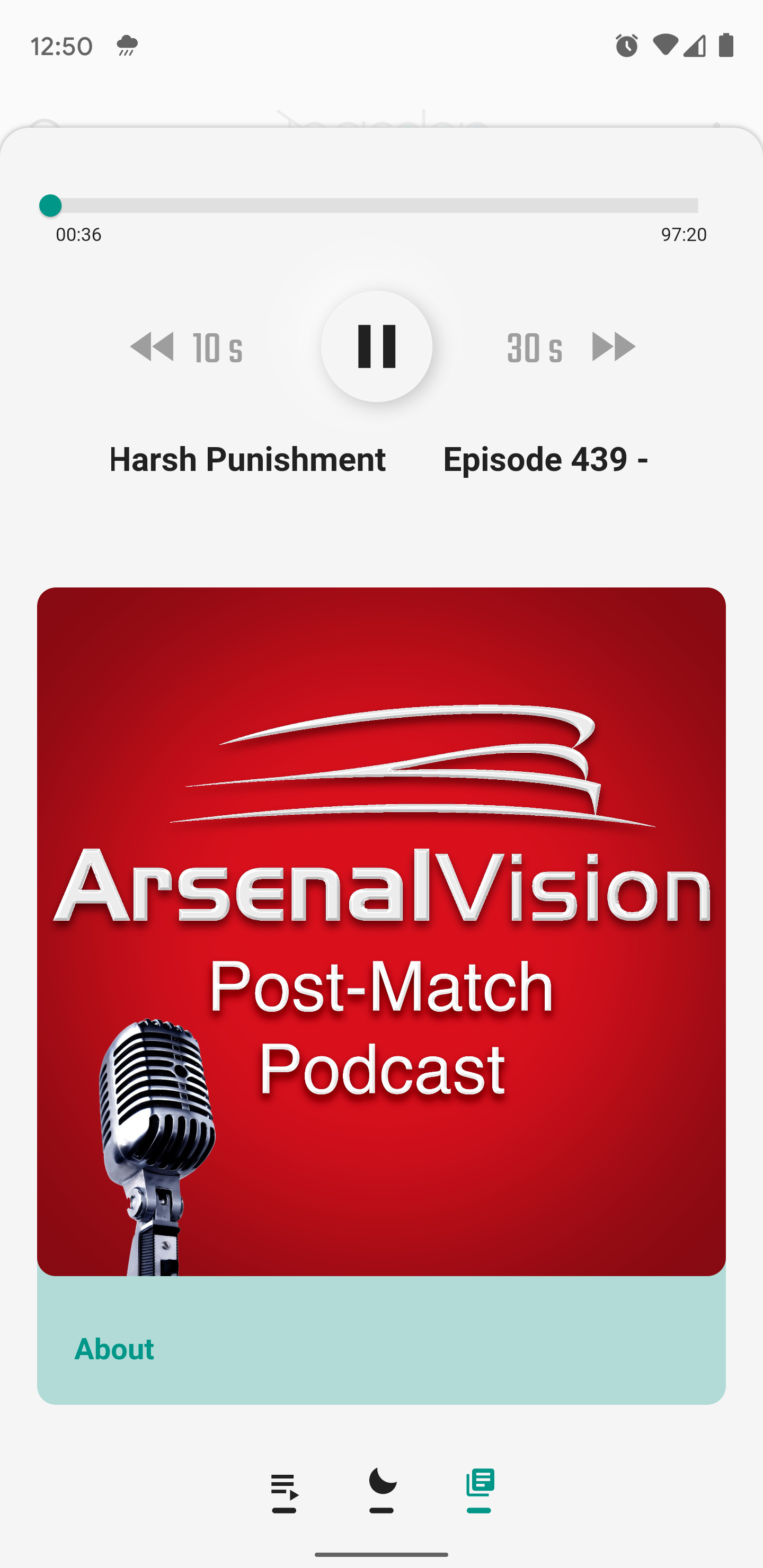
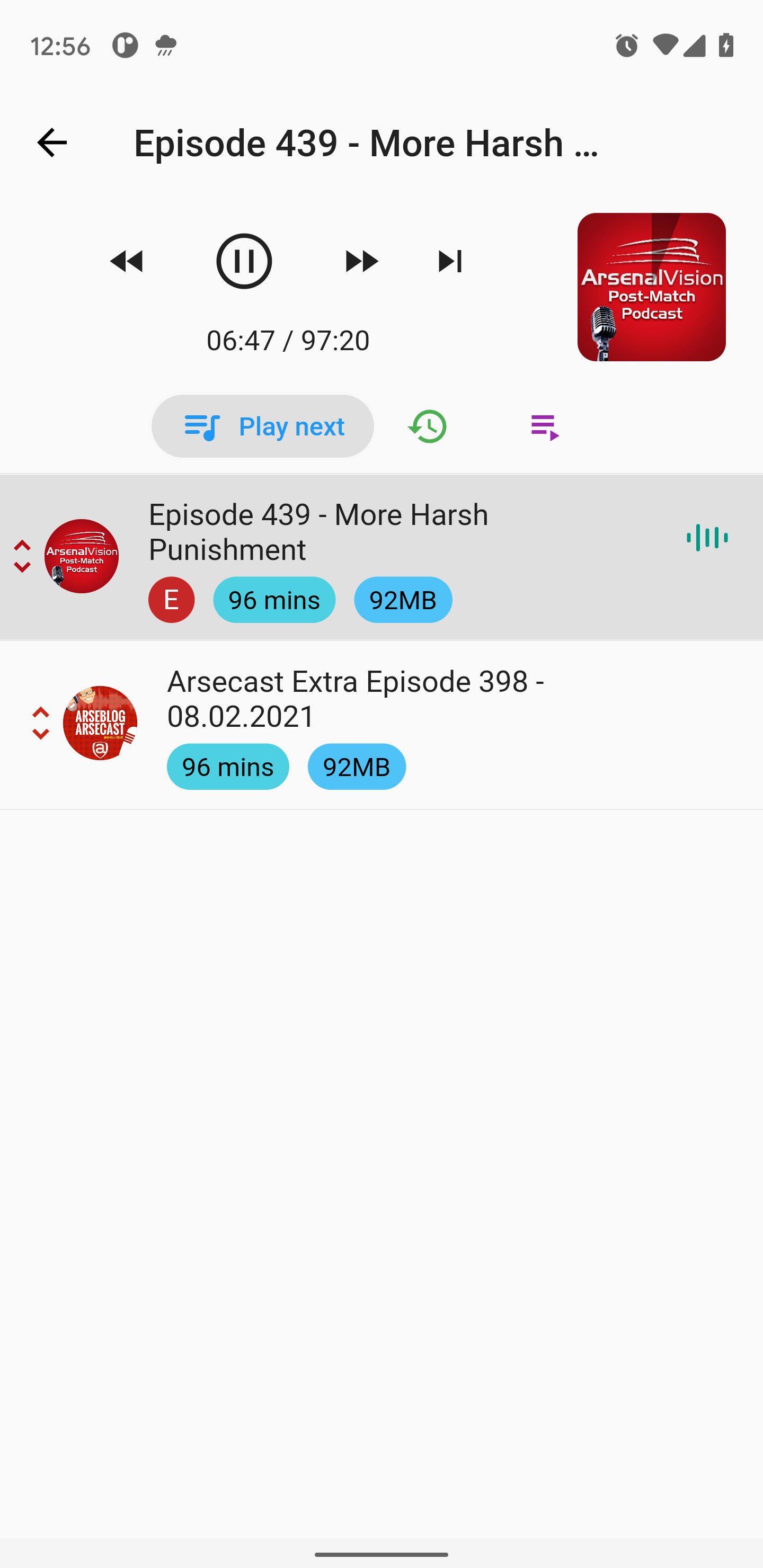
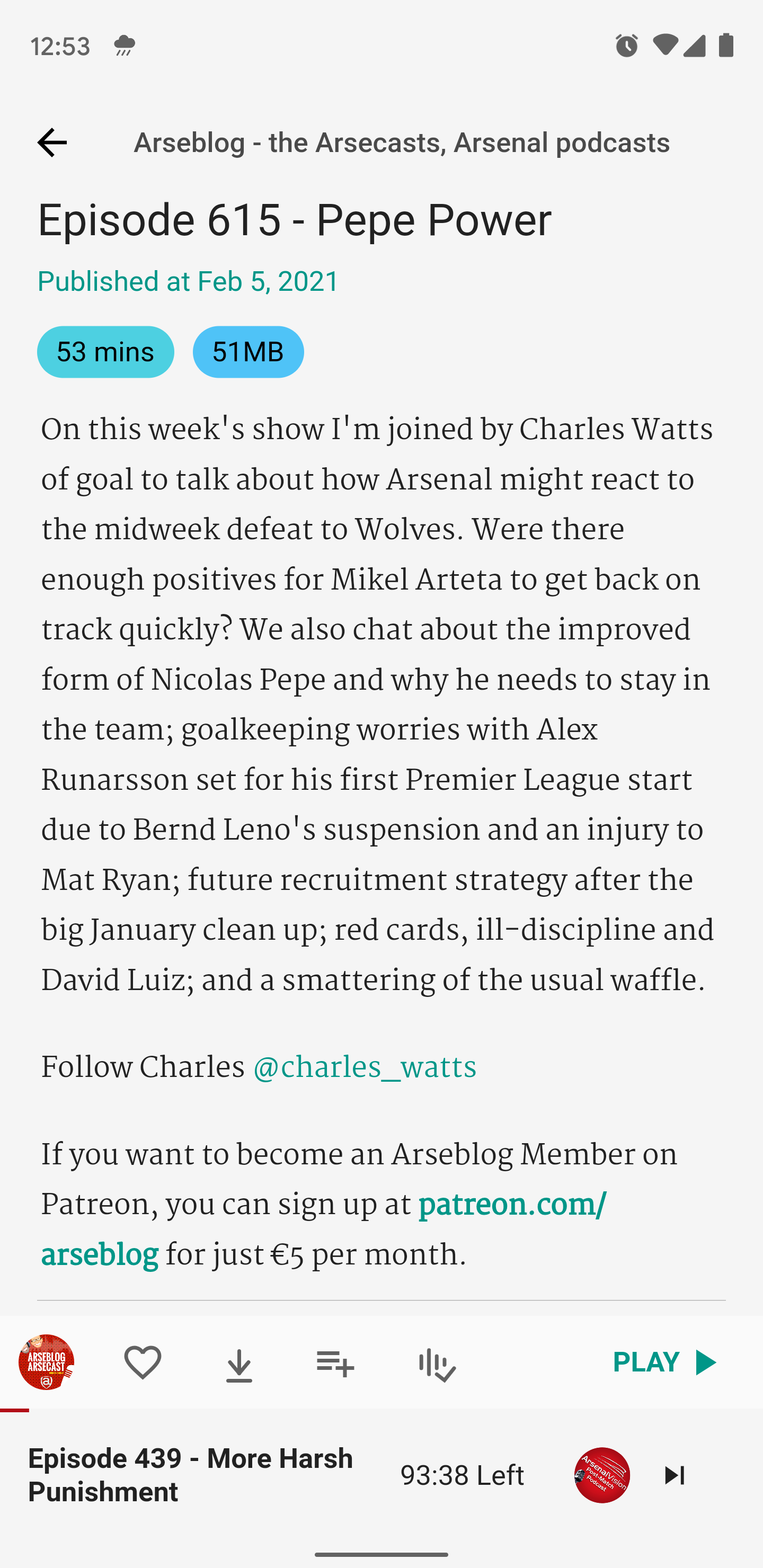
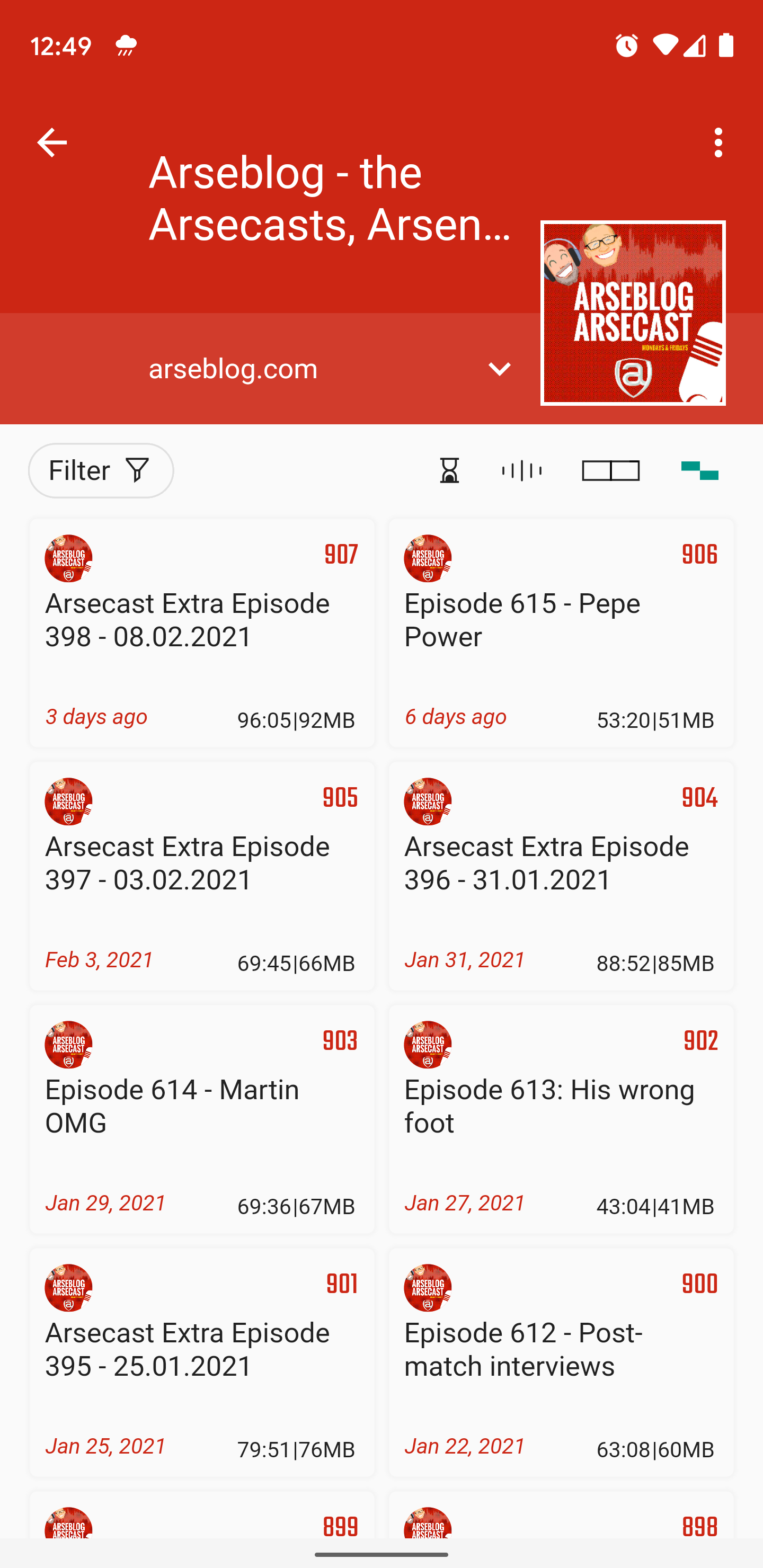
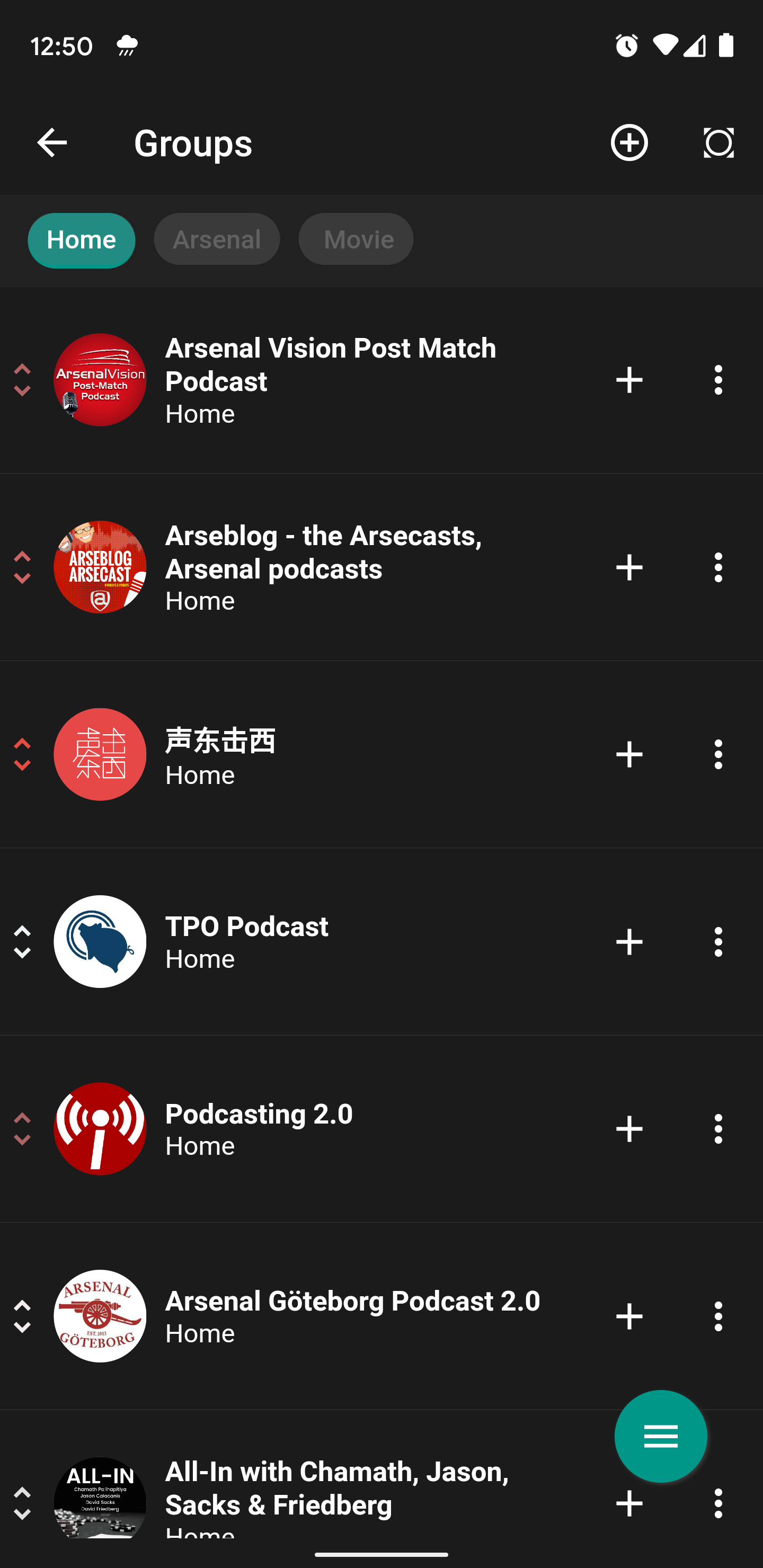
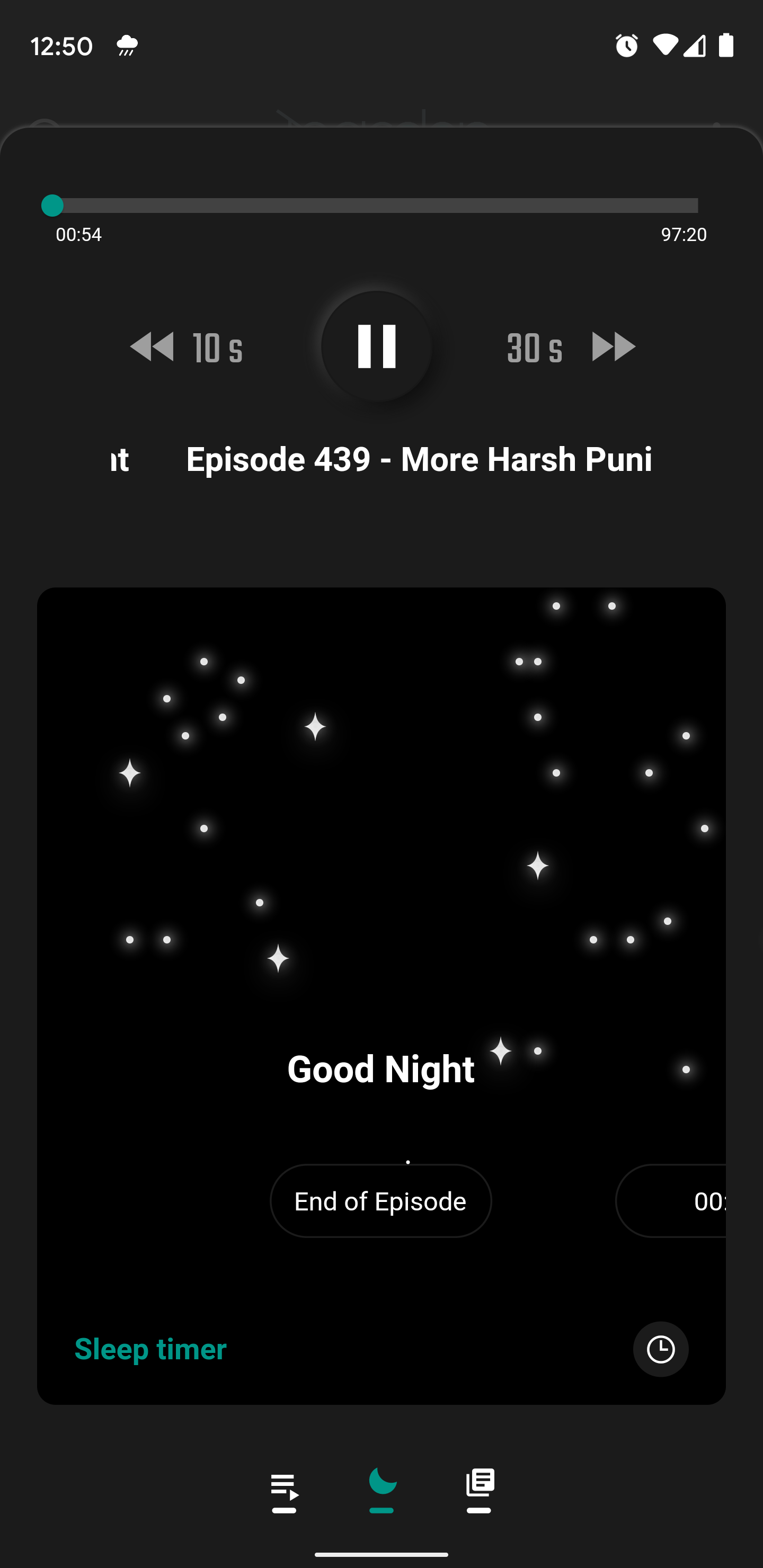
How to install
- Download the APK from the button at the top of this page.
- Allow “Install unknown apps” for your browser or file manager only, not for every app.
- Open the downloaded file and confirm the installation.
- If installation fails with “App not installed,” remove an earlier build of the same app first. A signature conflict is the usual cause.
Data safety
- Every file is checked against its published SHA-256 before it is listed.
- Files are scanned for malware on every update.
- The permissions each app requests are listed on its own page.
- Read the full safety policy for how we test, flag, and delist files.
Comments
Recent approved comments · sorted by newest
View all comments