
Quick answer
An easy-to-use photo booth app for capturing and printing with HP Sprocket
F-Droid repository metadata
An easy-to-use photo booth app for capturing and instantly printing photos with HP Sprocket
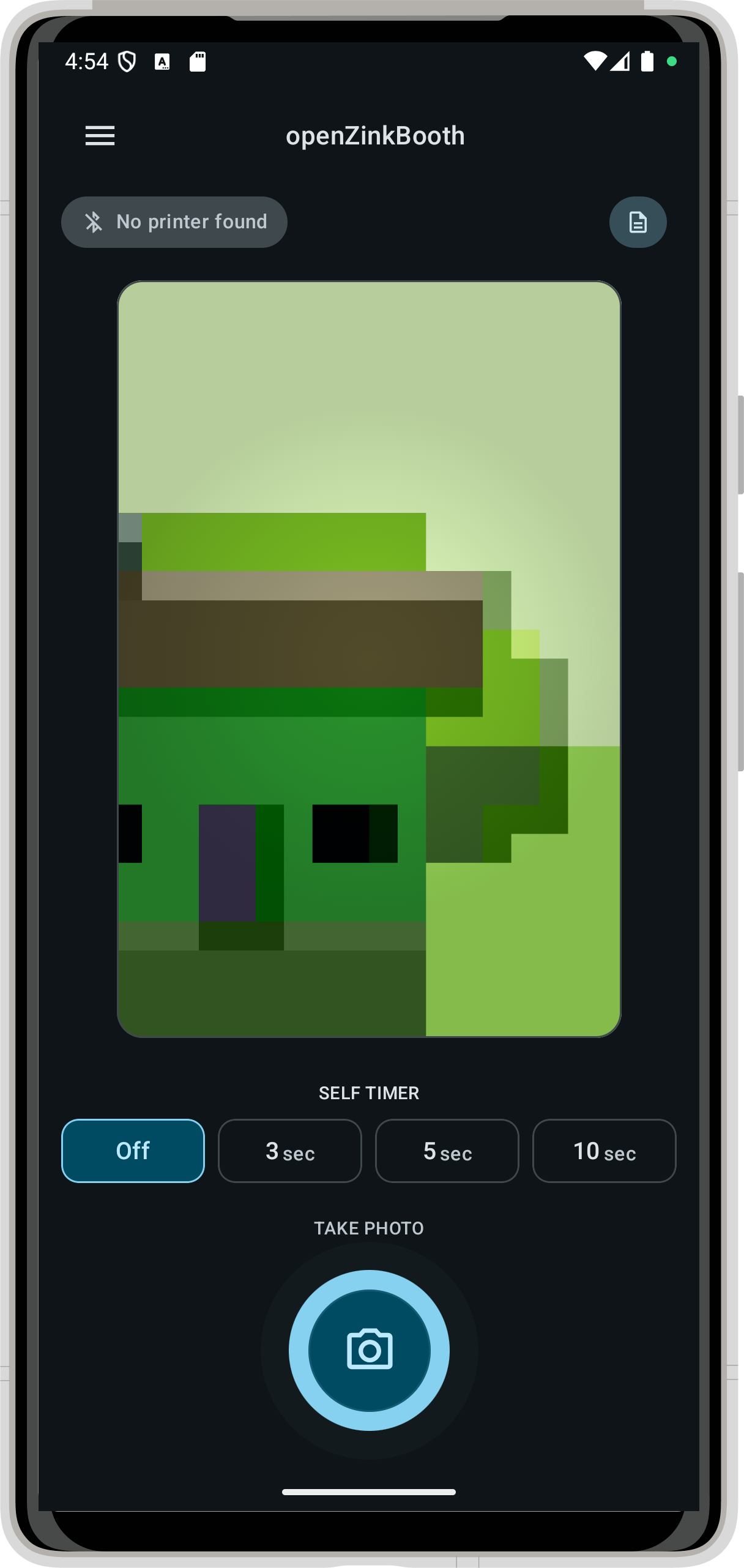
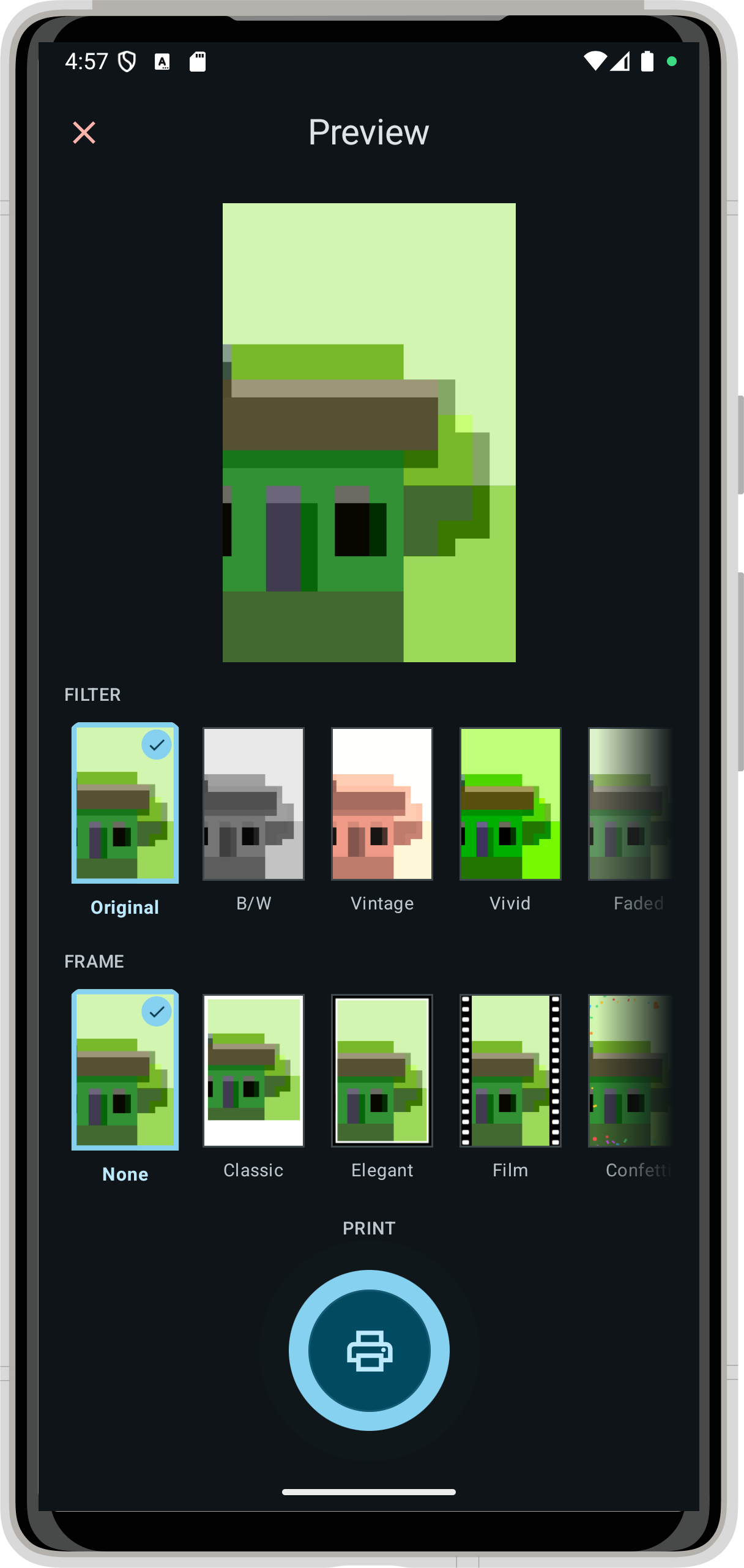
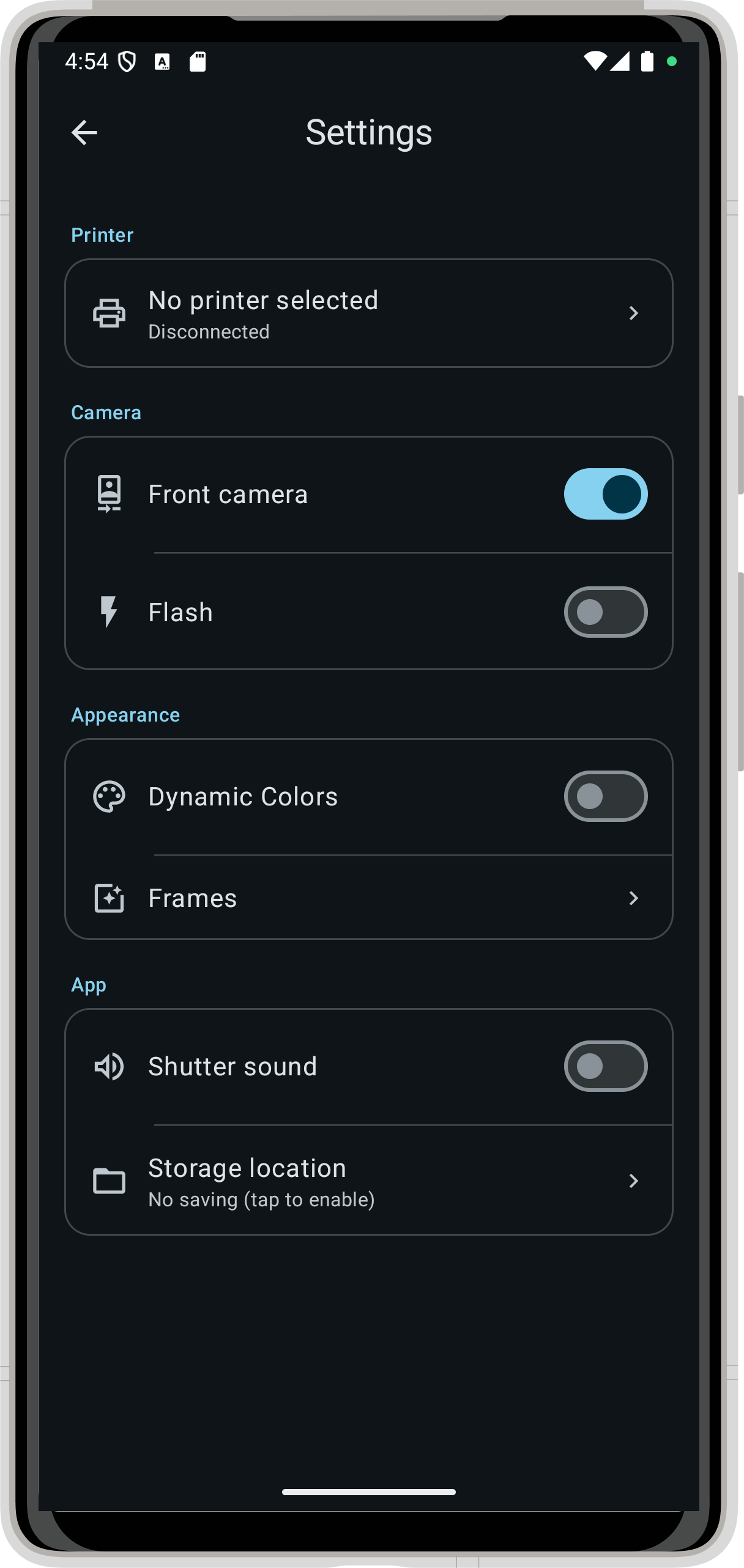
Summary: * Easy to Use: Capture, preview and print in three taps — a clean, intuitive interface makes it accessible for everyone. * Direct Printing: Print directly to your HP Sprocket Zink printer over Bluetooth. * Filter & Frame Library: Choose from six built-in filters and five frame styles including a classic Polaroid look, filmstrip, confetti and hearts — or upload your own custom PNG overlays. * Custom Frame Manager: Add, reorder, show/hide and delete custom PNG frames with alpha transparency using an intuitive drag-and-drop interface. * Responsive Layouts: Optimized for smartphones and tablets in both portrait and landscape orientations — the interface adapts seamlessly to any screen size. * Smart Auto-Connect: Remembers your last paired printer and reconnects automatically on startup, with automatic retry on unexpected disconnects. * Full Printer Control: Adjust sleep timer, auto-off, LED colour and other printer settings directly from within the app. * Open Gallery Support: Print any photo from your gallery, not just freshly taken ones. * Material You Design: Full Material 3 theming with dynamic colour support.
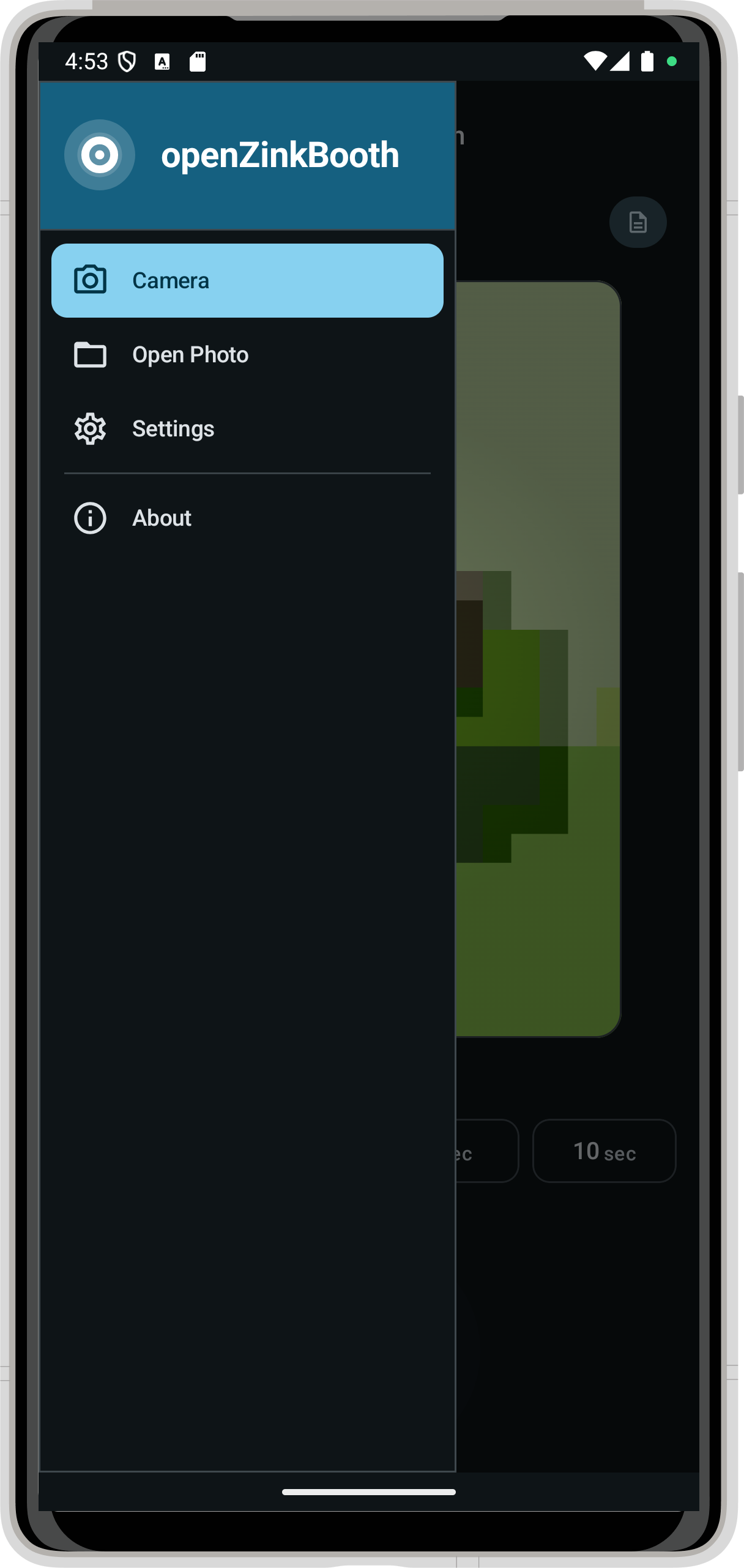
Screenshots
How to install
- Download the APK from the button at the top of this page.
- Allow “Install unknown apps” for your browser or file manager only, not for every app.
- Open the downloaded file and confirm the installation.
- If installation fails with “App not installed,” remove an earlier build of the same app first. A signature conflict is the usual cause.
Data safety
- Every file is checked against its published SHA-256 before it is listed.
- Files are scanned for malware on every update.
- The permissions each app requests are listed on its own page.
- Read the full safety policy for how we test, flag, and delist files.
Comments
Recent approved comments · sorted by newest
View all comments