OuterTune icon

OuterTune

OuterTune
Online Media Player Multimedia
Version
0.9.4.3
Size
9.4 MB
Requires
Android API 24+
4.5 / 5 · 7,226 ratings 0 downloads

Updated Sep 22, 2026

Quick answer

Material 3 local Music Player and YouTube Music client

F-Droid repository metadata

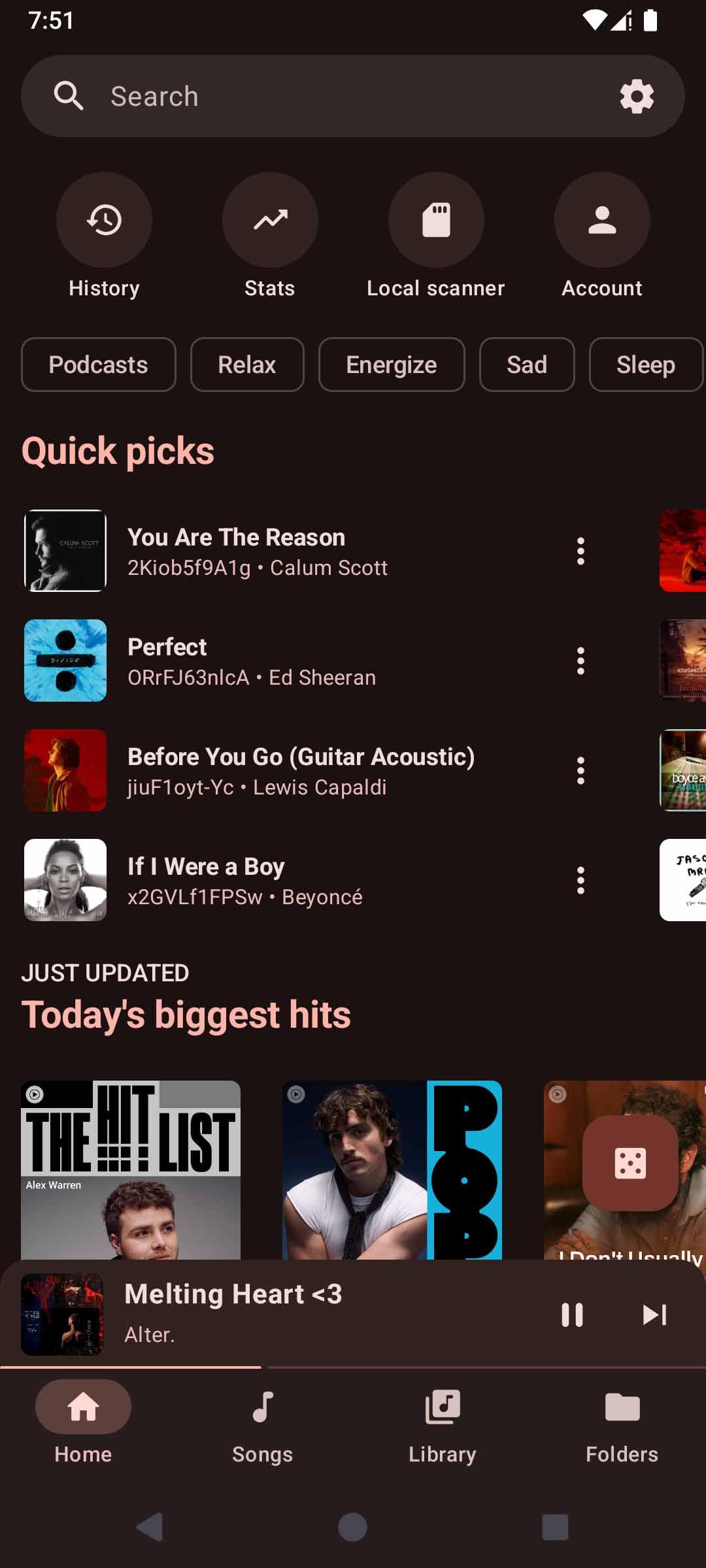
OuterTune is a supercharged fork of InnerTune. This app is both a local media player, and a YouTube Music client.


Features:

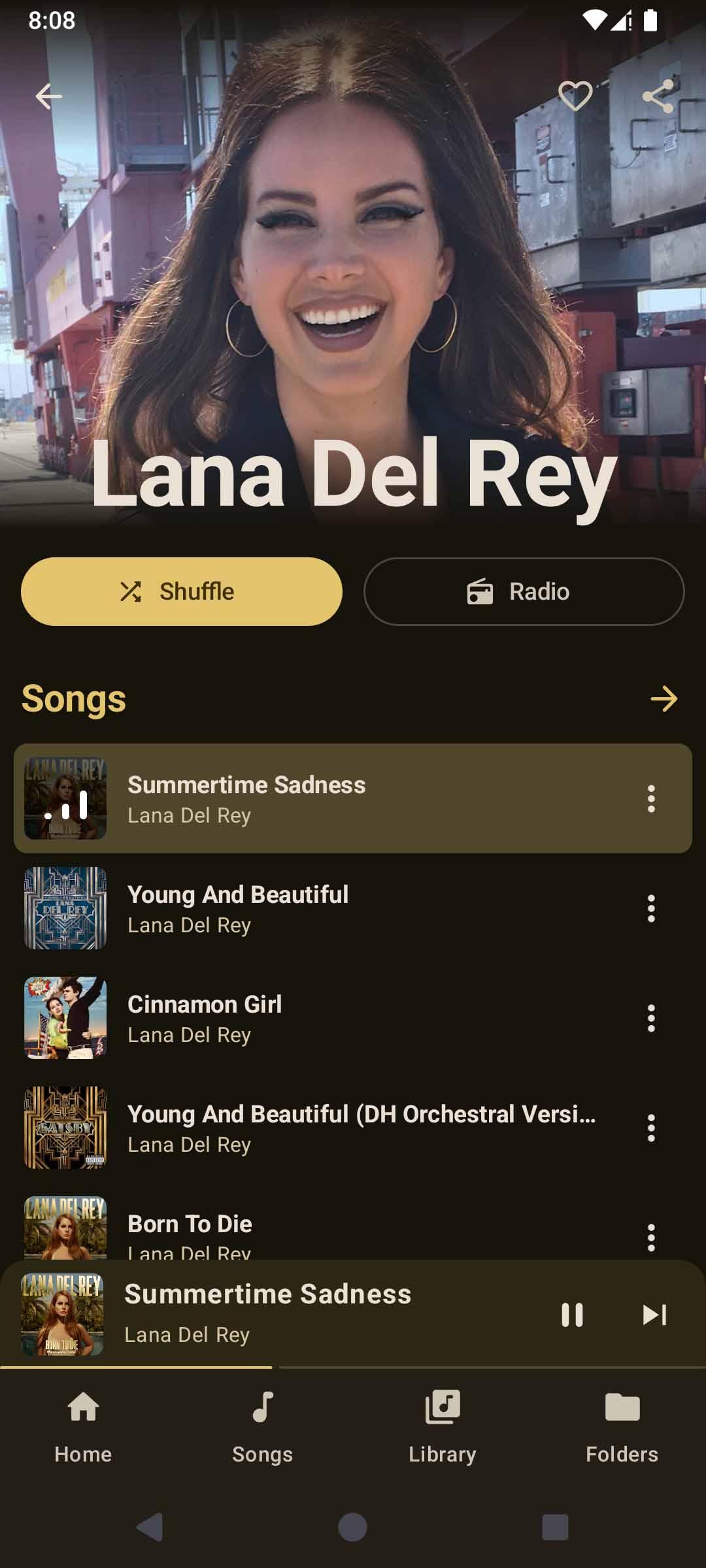
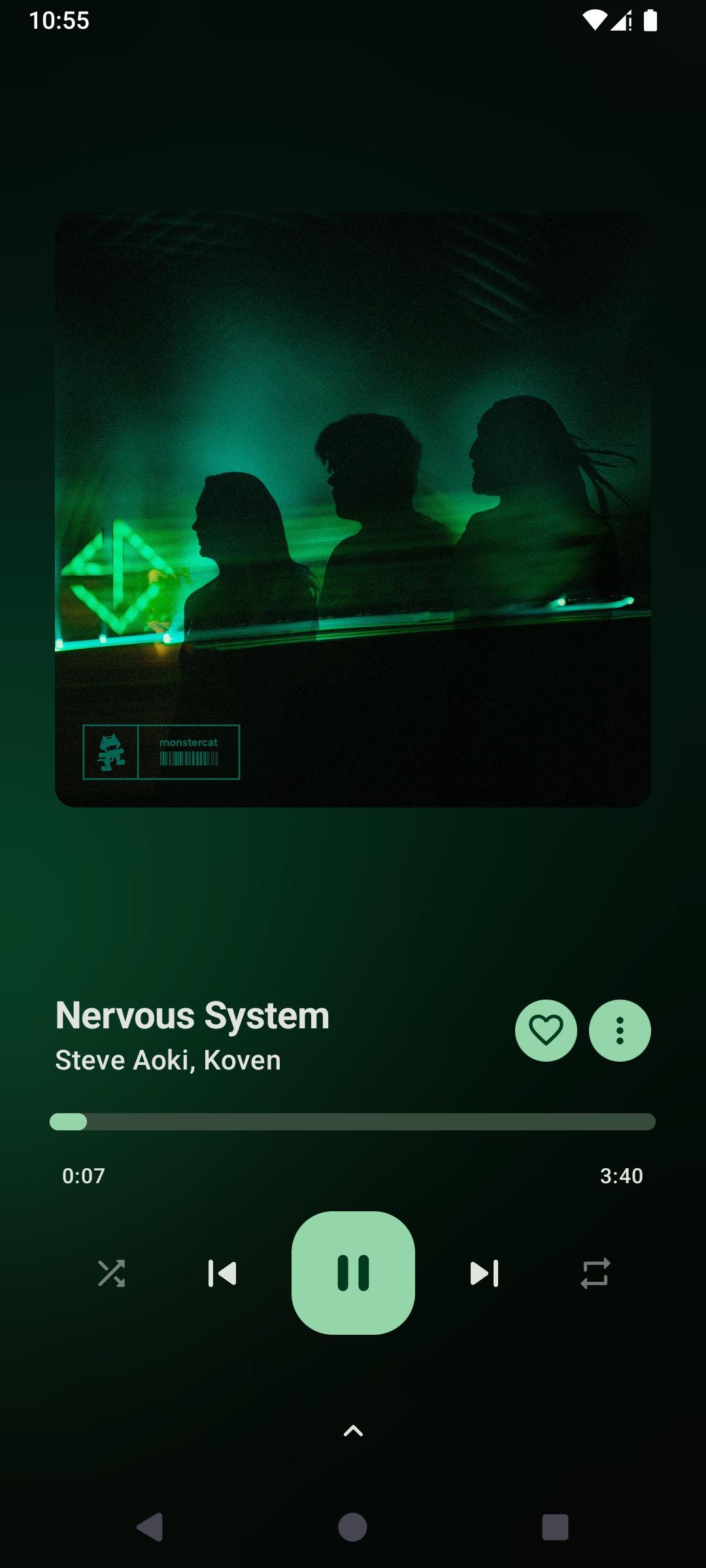
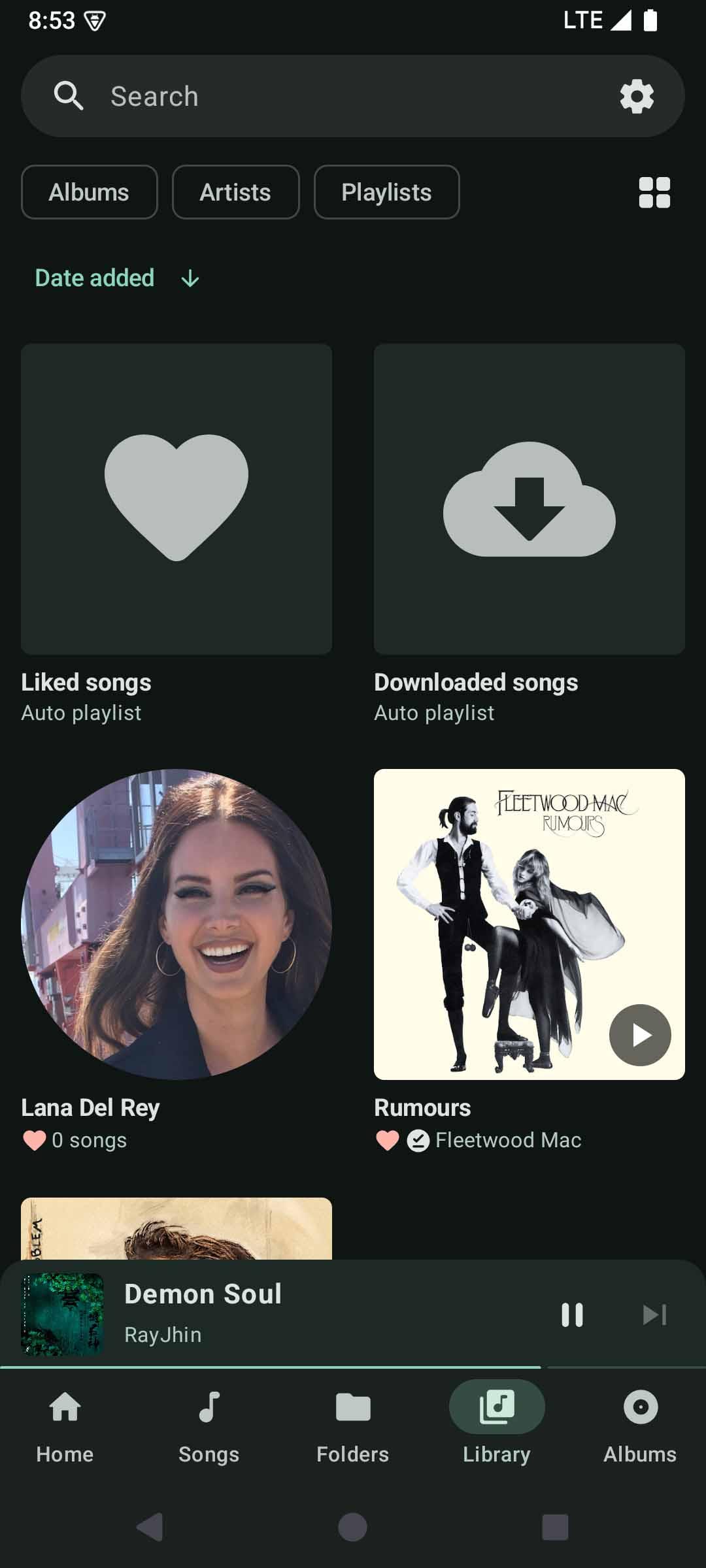
  • YouTube Music client with song downloading (offline playback), background playback, no ADs, and account synchronization
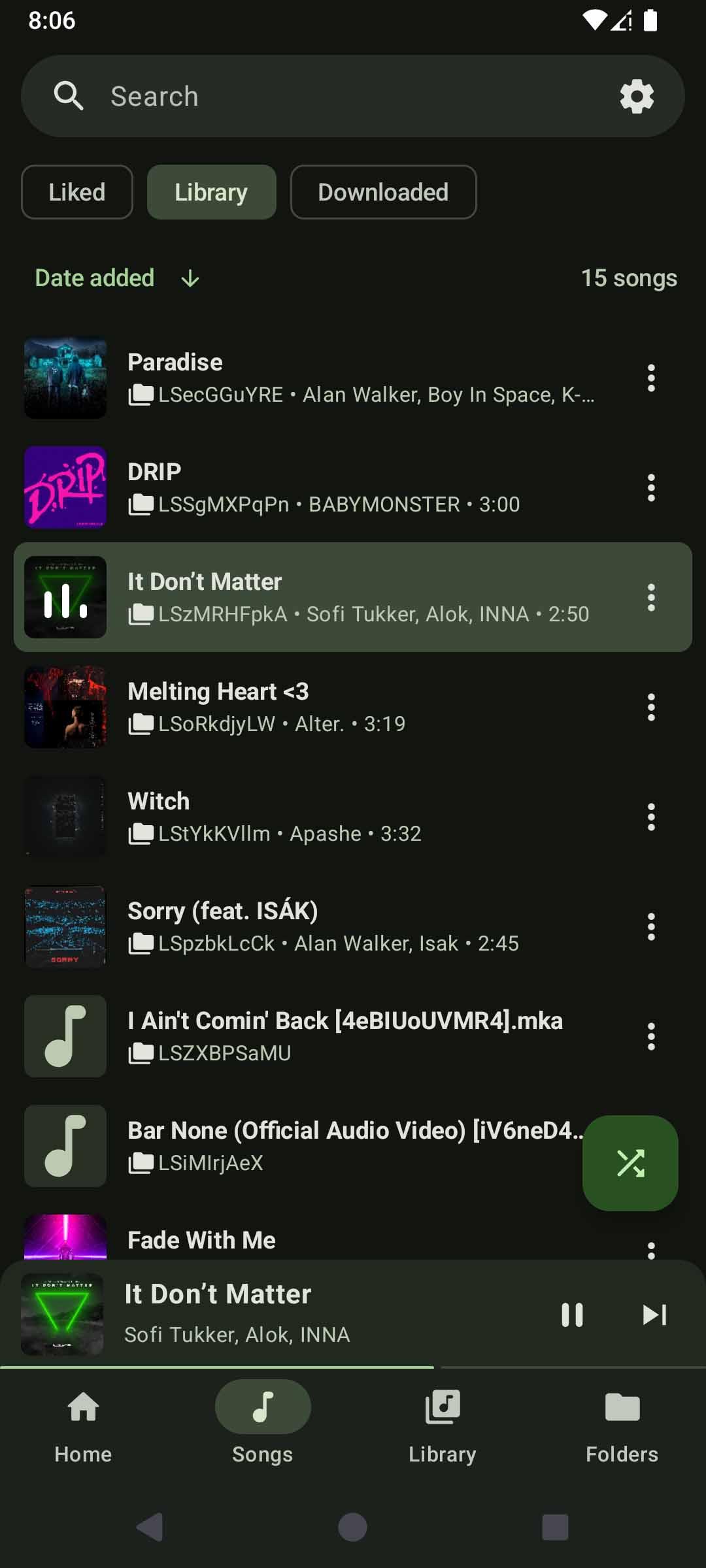
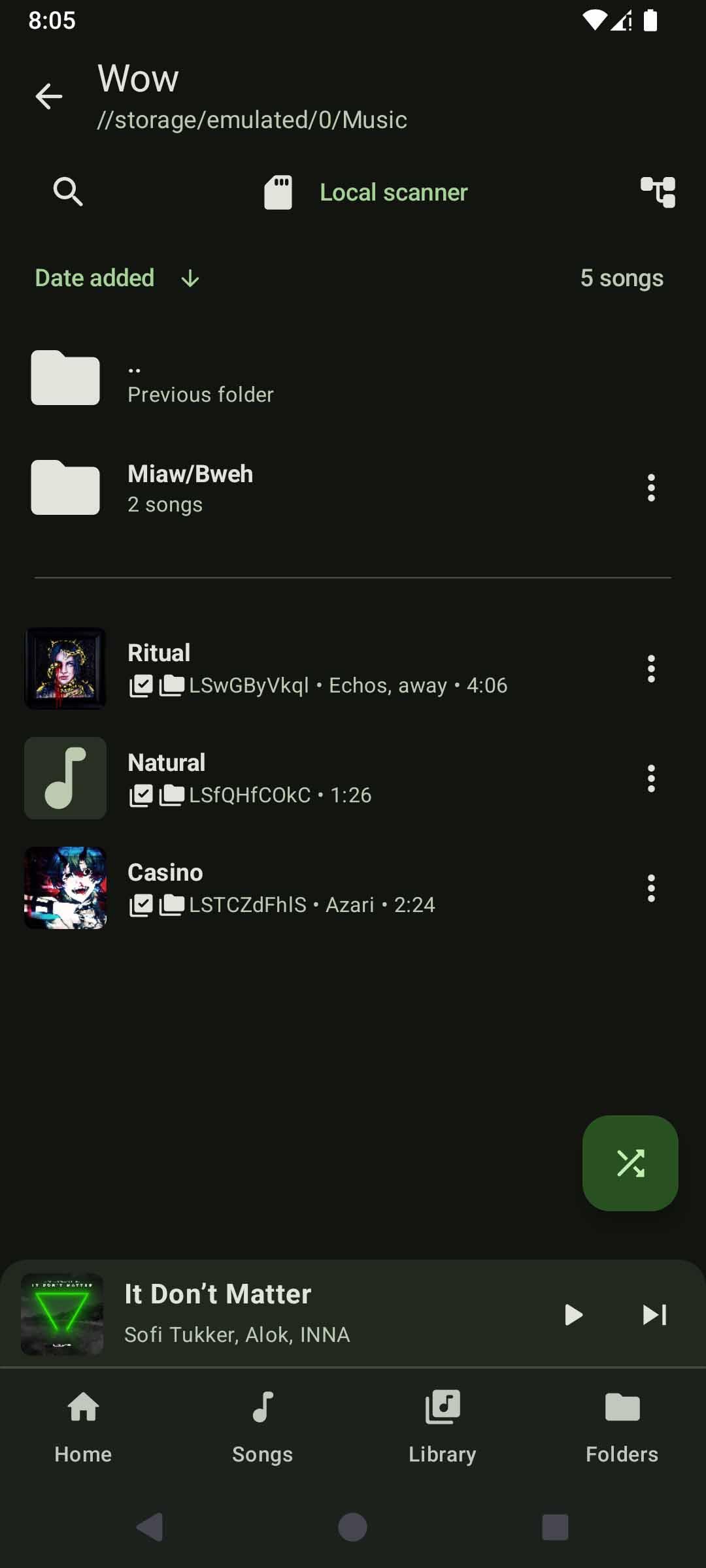
  • Local audio file playback (MP3, OGG, FLAC, etc.)
  • Uses a custom tag extractor instead of MediaStore's broken metadata extractor! (e.g tags delimited with backslash now show up properly)
  • Play local and Youtube Music songs at the same time
  • New integrated library screen design
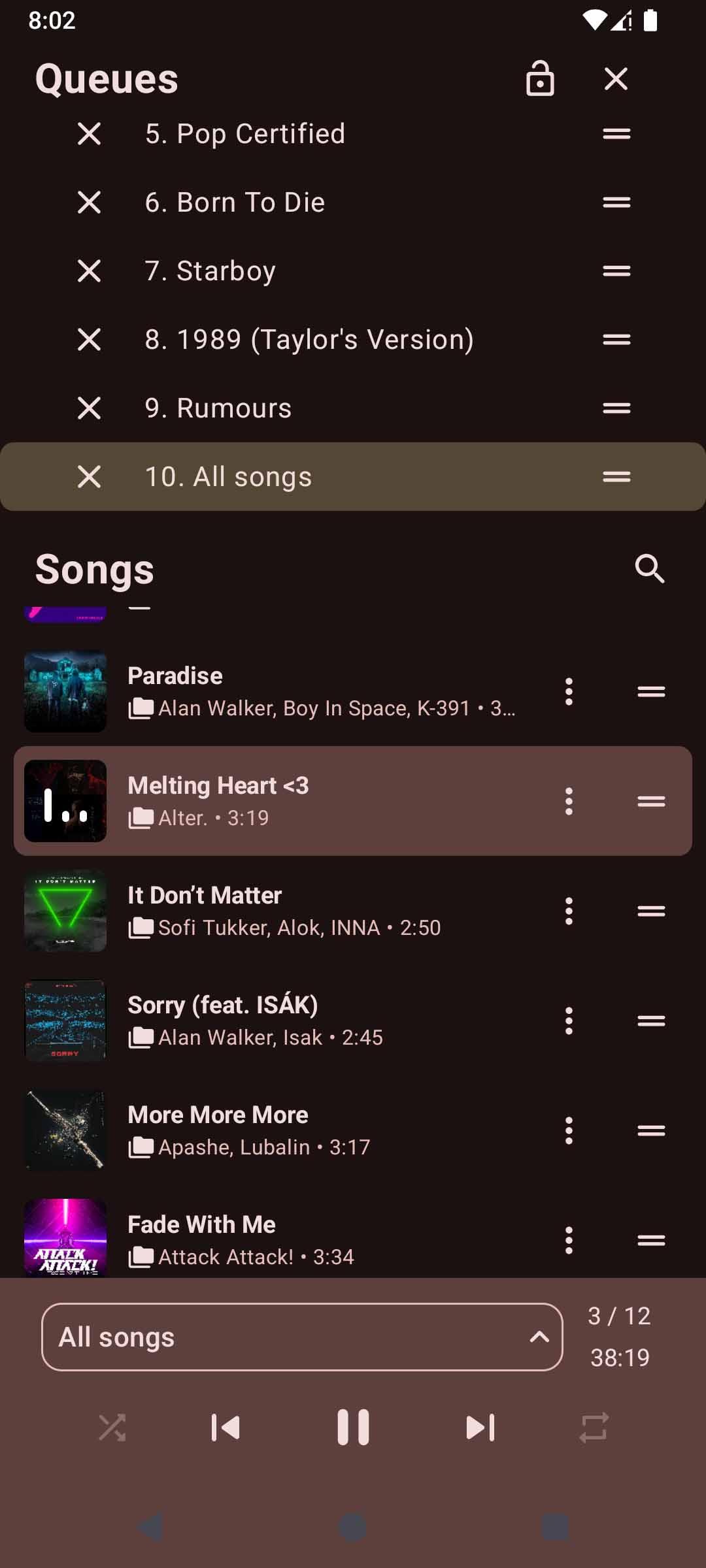
  • Multiple queues
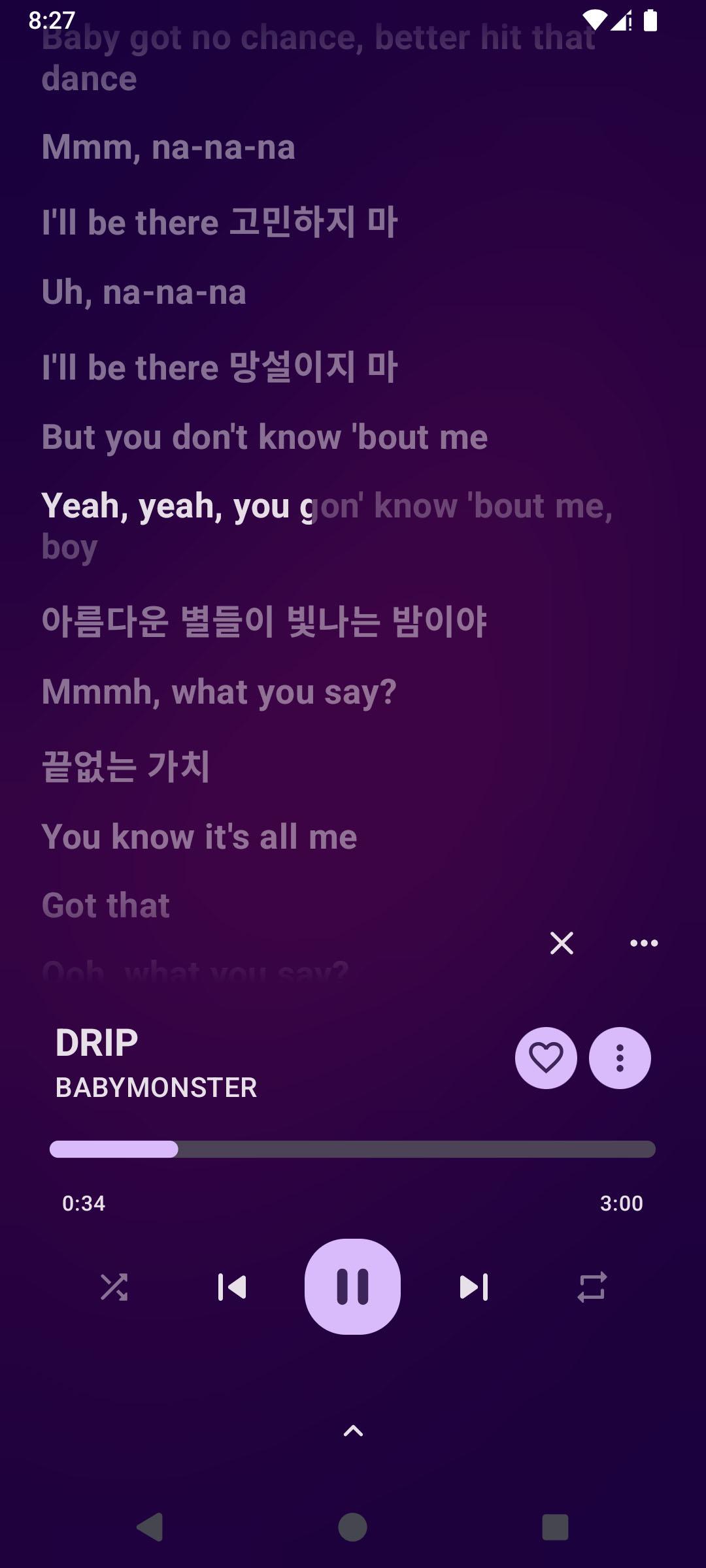
  • Synchronized lyrics, and support for word by word/Karaoke lyrics (e.g LRC, TTML)
  • Audio normalization, tempo/pitch adjustment, and various other audio effects
  • Android Auto support


Notice:

  • Android 8 (Oreo) and higher is supported. While the app may work on Android 7.x, we do not officially support this version
  • OuterTune is in a "stable beta" phase. While this app can certainly be used as your main music player, be aware there is a possibility of bugs, incomplete features, or any other unexpected behaviour. Please report issues on our GitHub page!

  • Please visit our wiki for more information including FAQs, guides, and manuals: https://github.com/OuterTune/OuterTune/wiki/Frequently-Asked-Questions-(FAQ)

Screenshots

OuterTune screenshot 1
OuterTune screenshot 2
OuterTune screenshot 3
OuterTune screenshot 4
OuterTune screenshot 5
OuterTune screenshot 6
OuterTune screenshot 7
OuterTune screenshot 8
OuterTune screenshot 9

What’s new

Version 0.9.4.1

## Changes and improvements
• Fix playback issues

Full changelog: https://github.com/OuterTune/OuterTune/releases/tag/v0.9.4.1

How to install

  1. Download the APK from the button at the top of this page.
  2. Allow “Install unknown apps” for your browser or file manager only, not for every app.
  3. Open the downloaded file and confirm the installation.
  4. If installation fails with “App not installed,” remove an earlier build of the same app first. A signature conflict is the usual cause.

Data safety

  • Every file is checked against its published SHA-256 before it is listed.
  • Files are scanned for malware on every update.
  • The permissions each app requests are listed on its own page.
  • Read the full safety policy for how we test, flag, and delist files.

Comments

Recent approved comments · sorted by newest

Verification code
Be specific and keep it about the app. No links. Comments are reviewed before publication. Device and Android details are recorded automatically. Privacy policy.

Loading recent comments...

View all comments