
Quick answer
The Swiss army knife of musicians
F-Droid repository metadata
Practice Suite is the ultimate music practice tool for musicians of all levels. With its comprehensive features, you can stay on beat, in tune, and track your progress in one convenient app.
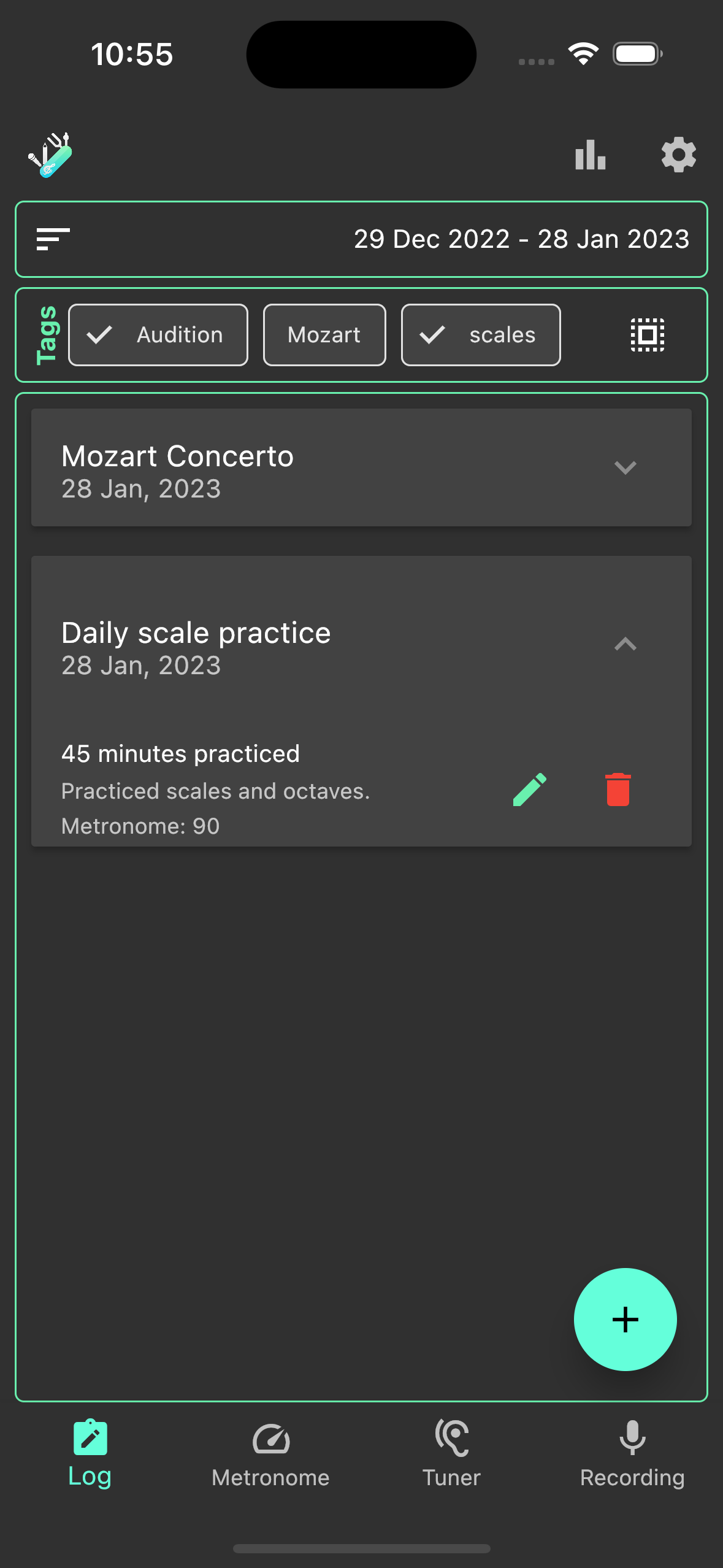
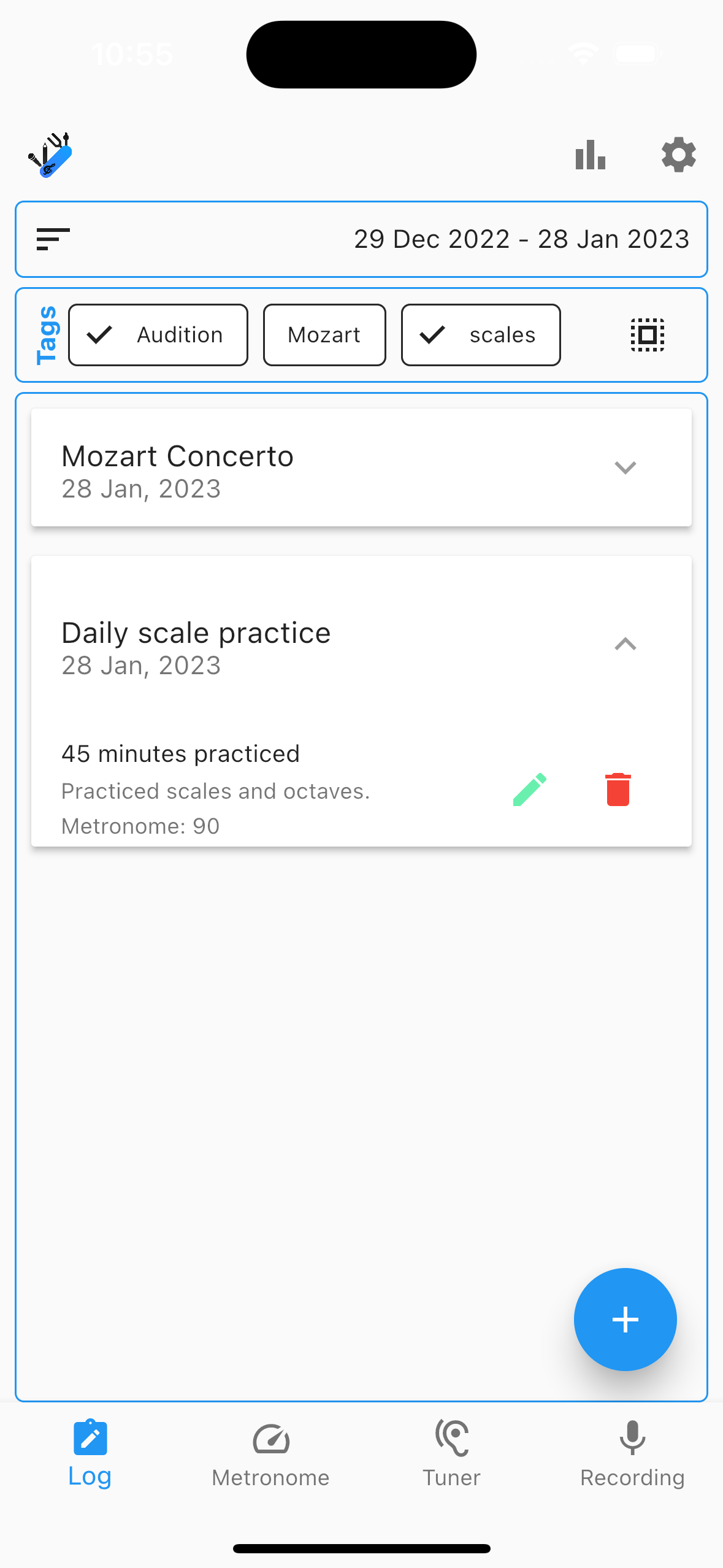
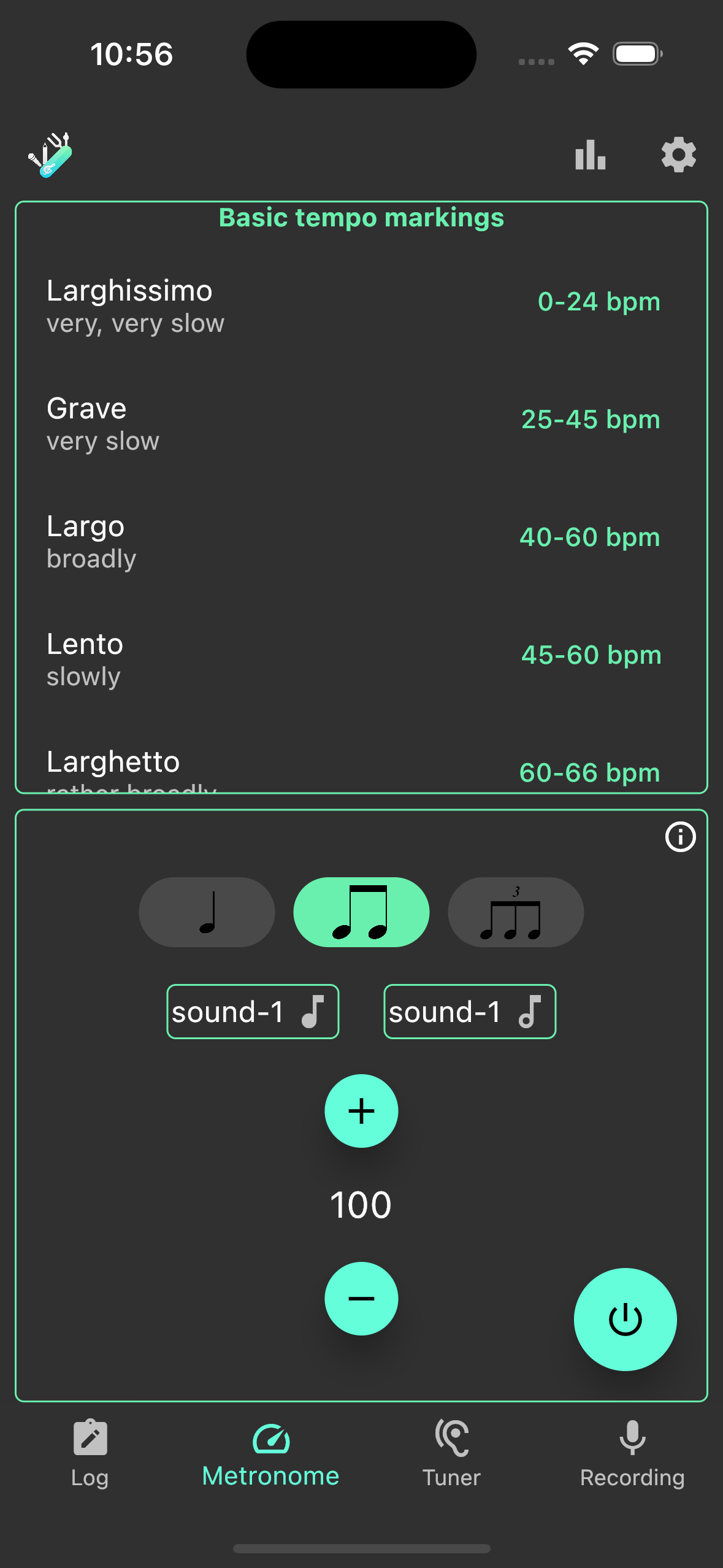
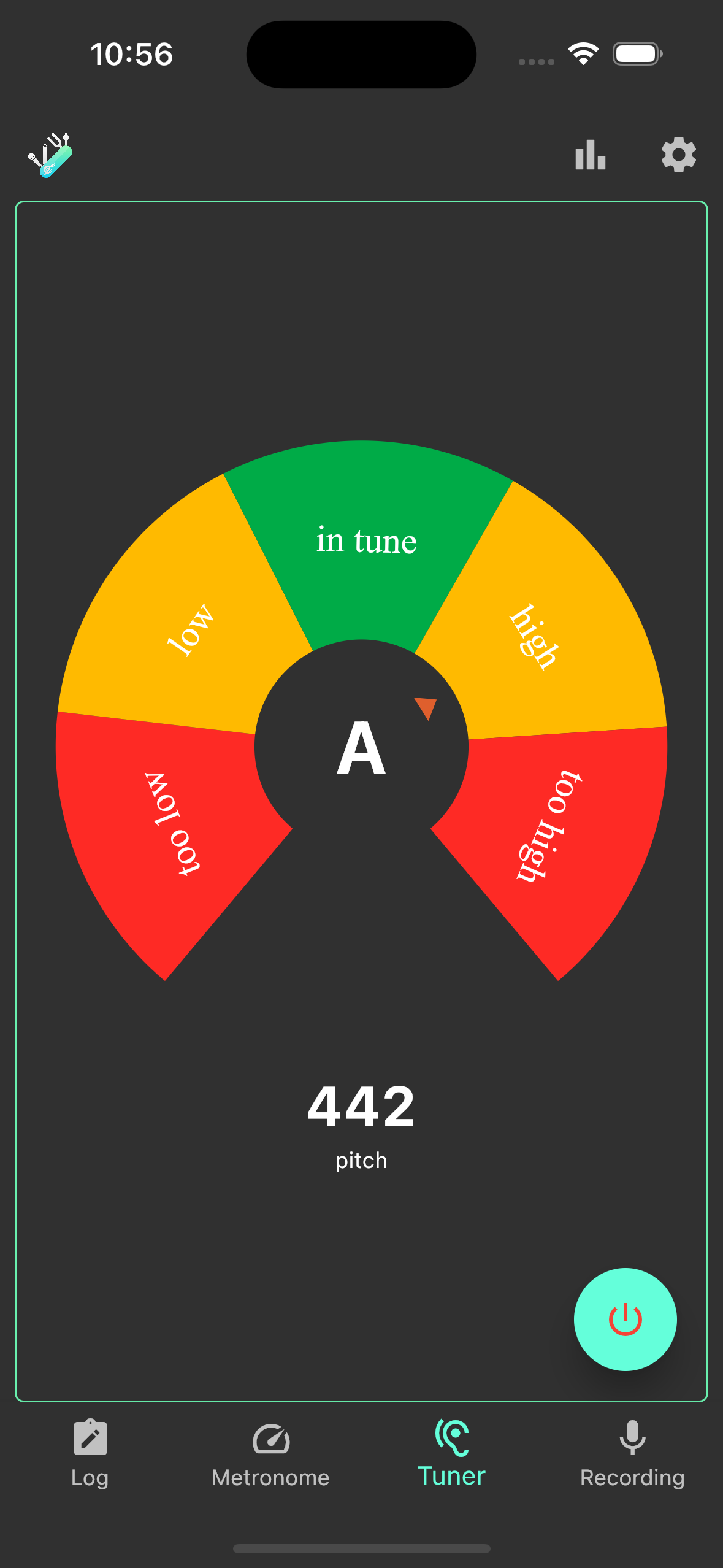
The Metronome feature allows you to set your desired tempo and time signature, ensuring that you stay on beat and in time while practicing. The Tuner feature uses your device's microphone to accurately tune your instrument, helping you to play in perfect pitch. The Recorder feature allows you to record your practice sessions and play them back, so you can listen to your progress and identify areas for improvement. With the built-in Log feature, you can keep track of your practice sessions, set goals, and monitor your progress over time. The app also provides detailed statistics, so you can see how much time you've spent practicing and how you've improved over time.
The app is designed to be user-friendly and easy to navigate, so you can focus on your practice and not on figuring out the app. It's available for both iOS and Android devices.
Whether you're just starting to learn an instrument or you're a seasoned professional looking to fine-tune your skills, Practice Suite is the perfect tool to help you achieve your goals. Download now and see your progress soar!
Screenshots
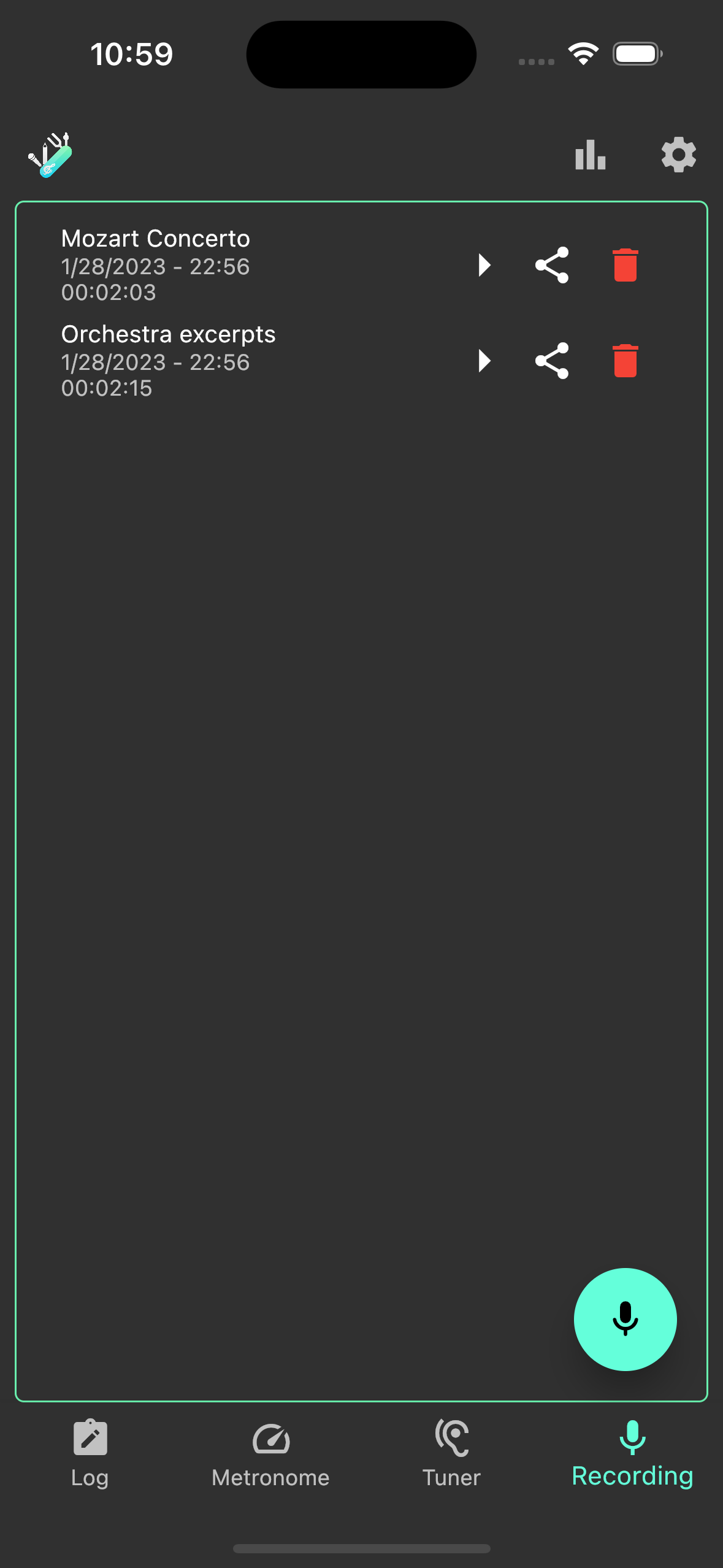
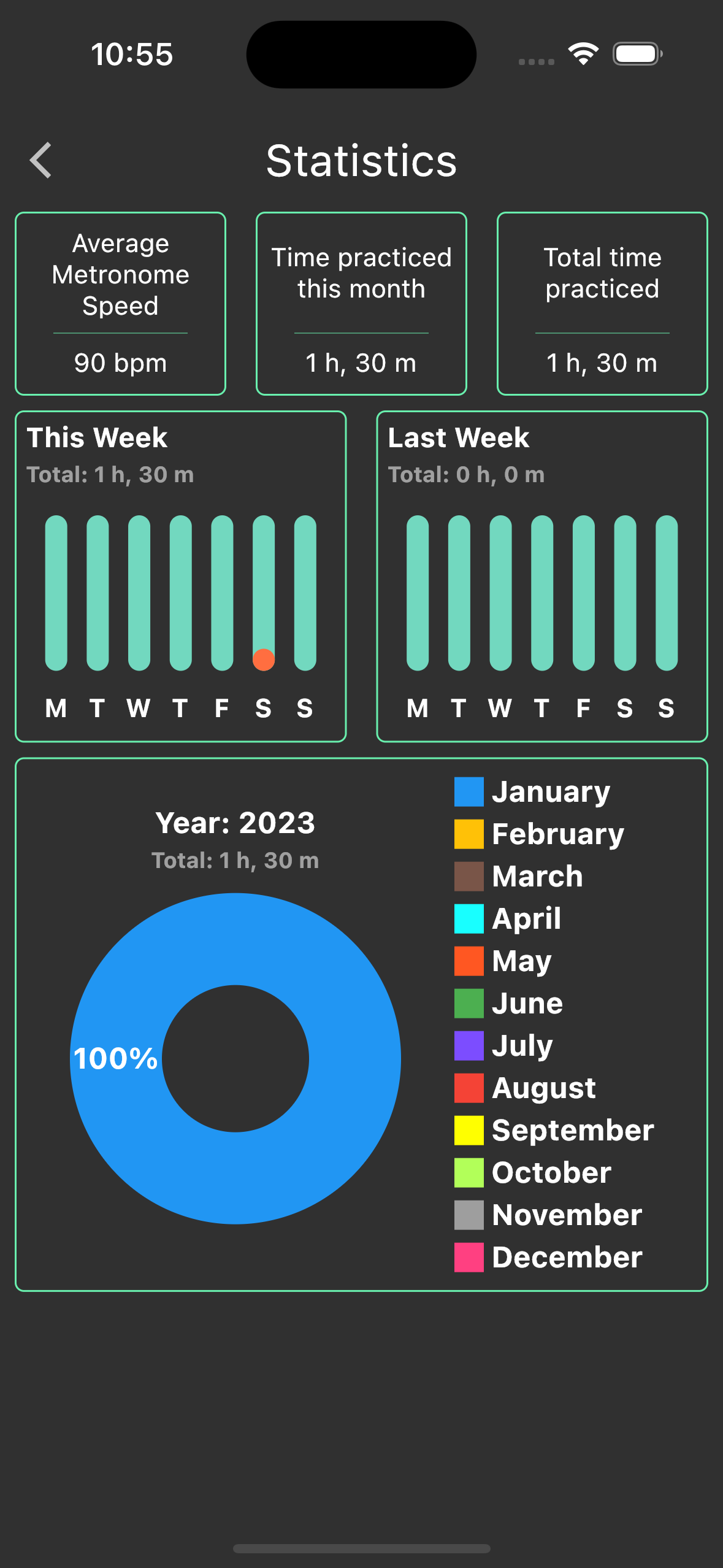
How to install
- Download the APK from the button at the top of this page.
- Allow “Install unknown apps” for your browser or file manager only, not for every app.
- Open the downloaded file and confirm the installation.
- If installation fails with “App not installed,” remove an earlier build of the same app first. A signature conflict is the usual cause.
Data safety
- Every file is checked against its published SHA-256 before it is listed.
- Files are scanned for malware on every update.
- The permissions each app requests are listed on its own page.
- Read the full safety policy for how we test, flag, and delist files.
Comments
Recent approved comments · sorted by newest
View all comments