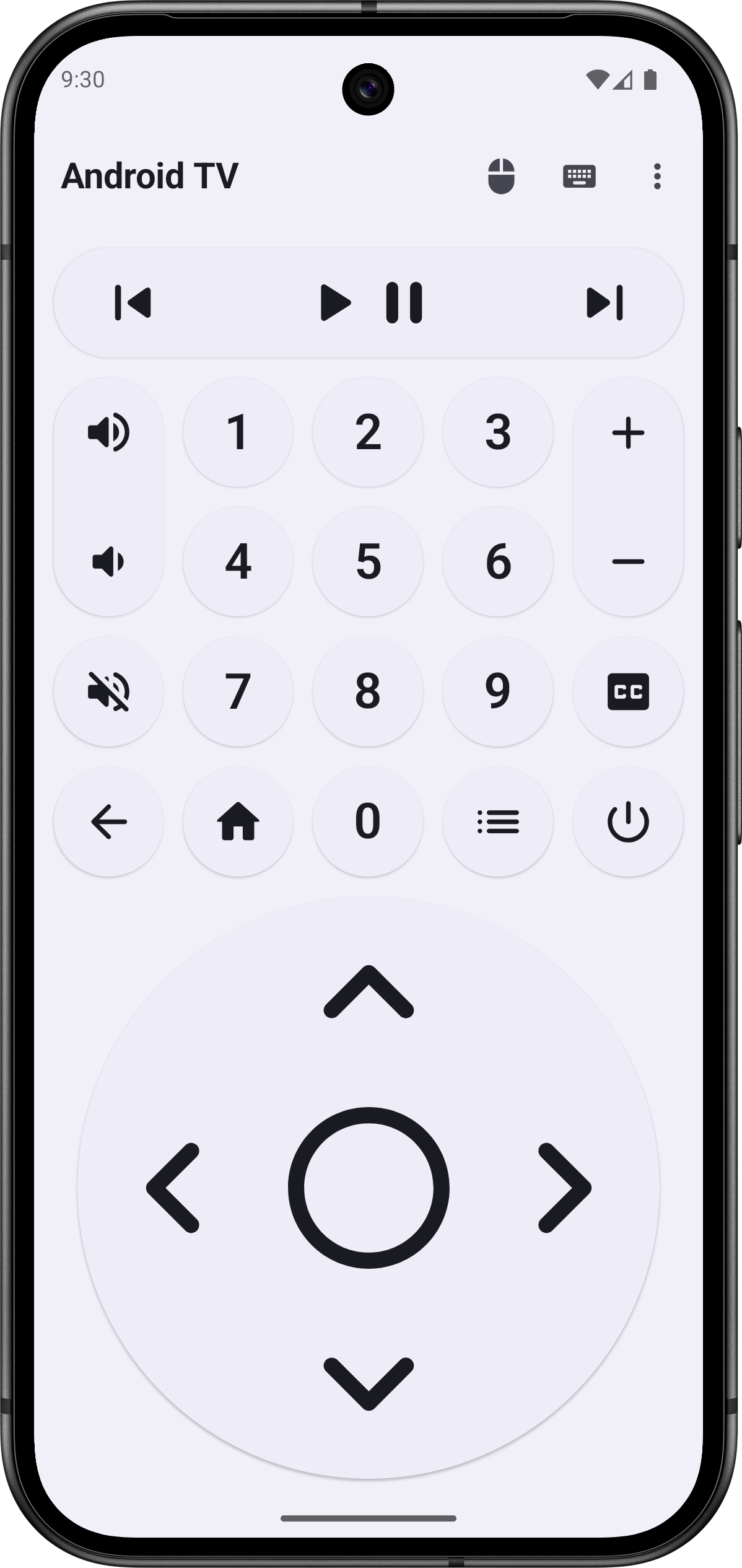
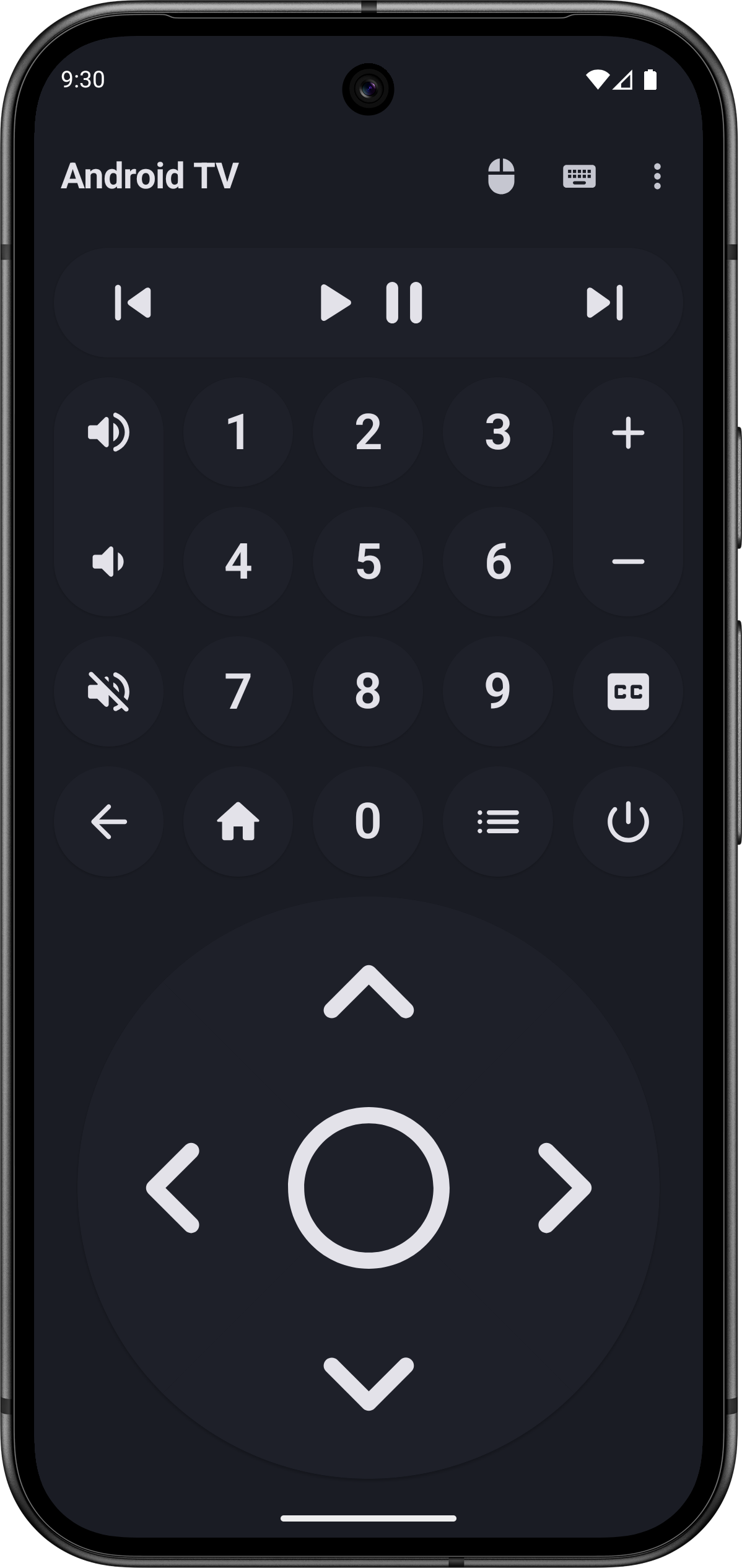
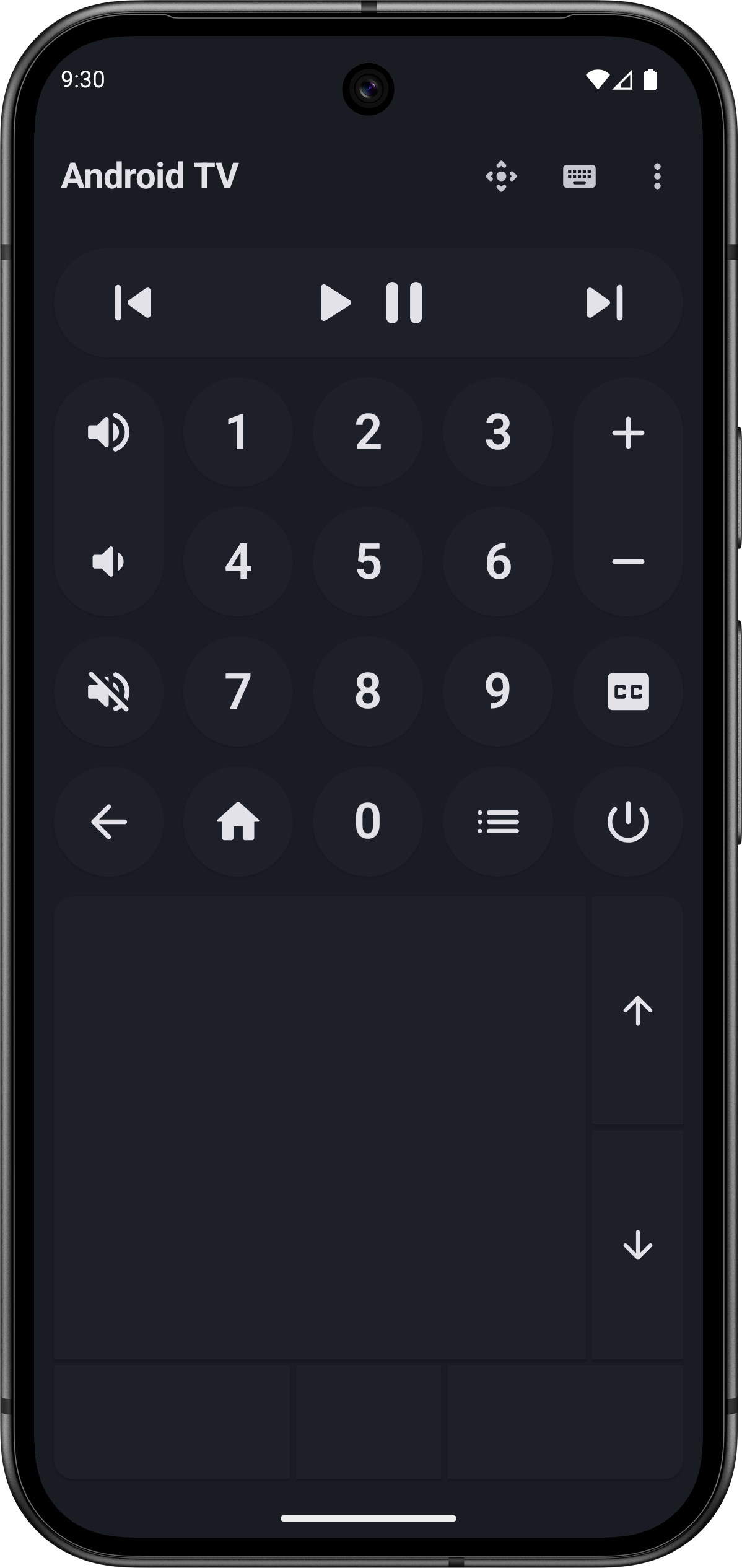
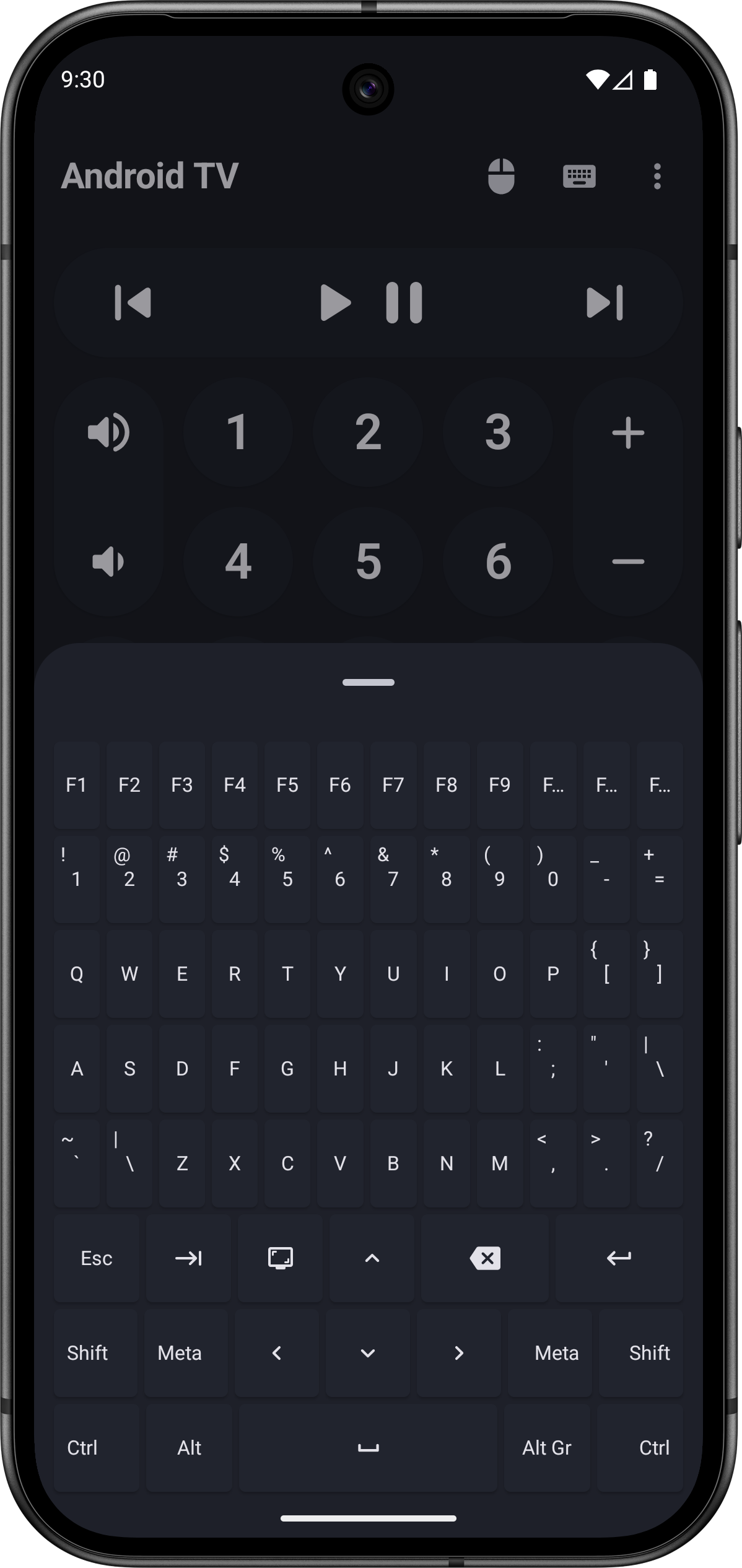
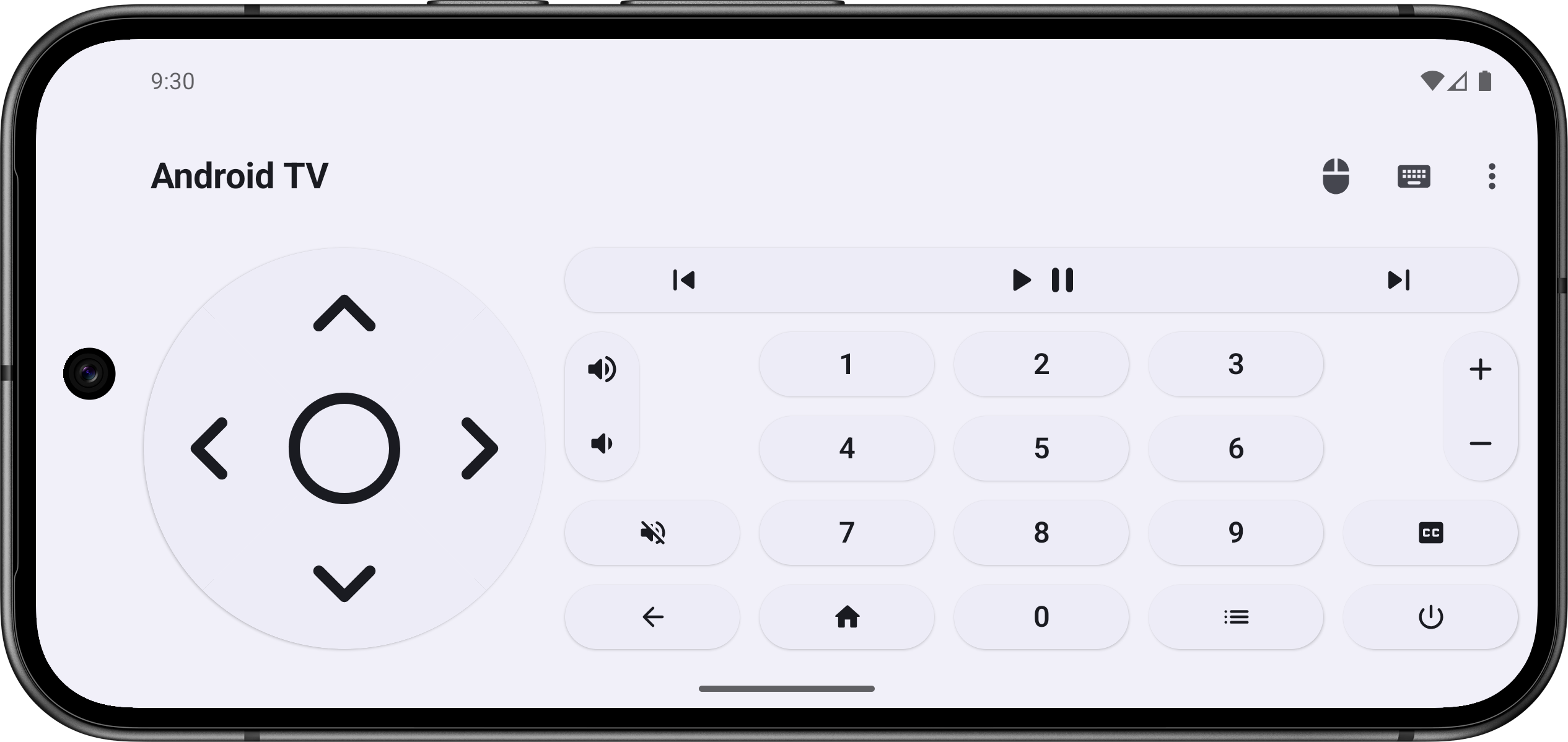
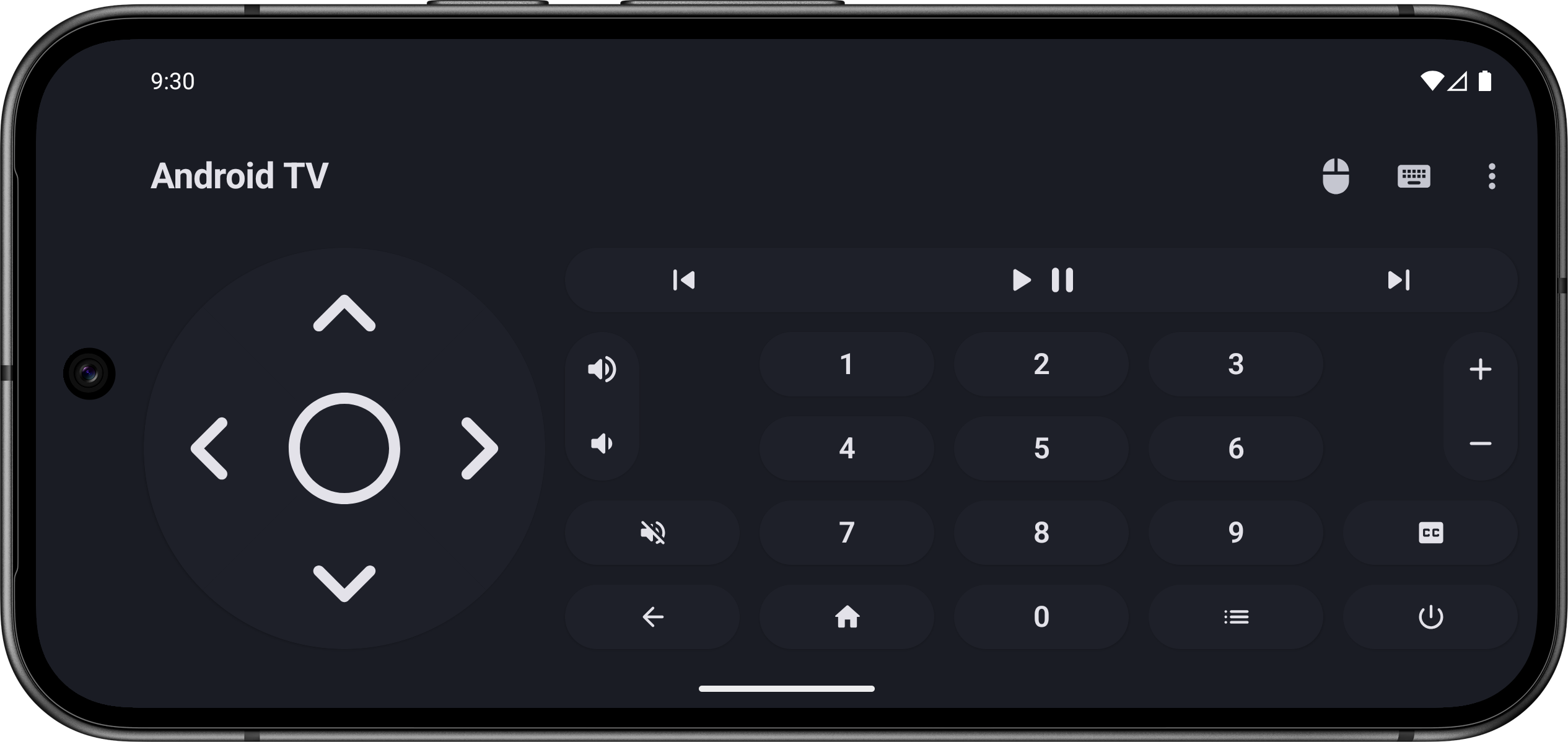
Turn your smartphone into a Bluetooth remote control to easily navigate and interact with your Android TV.
Features:
- Wireless control via Bluetooth connection.
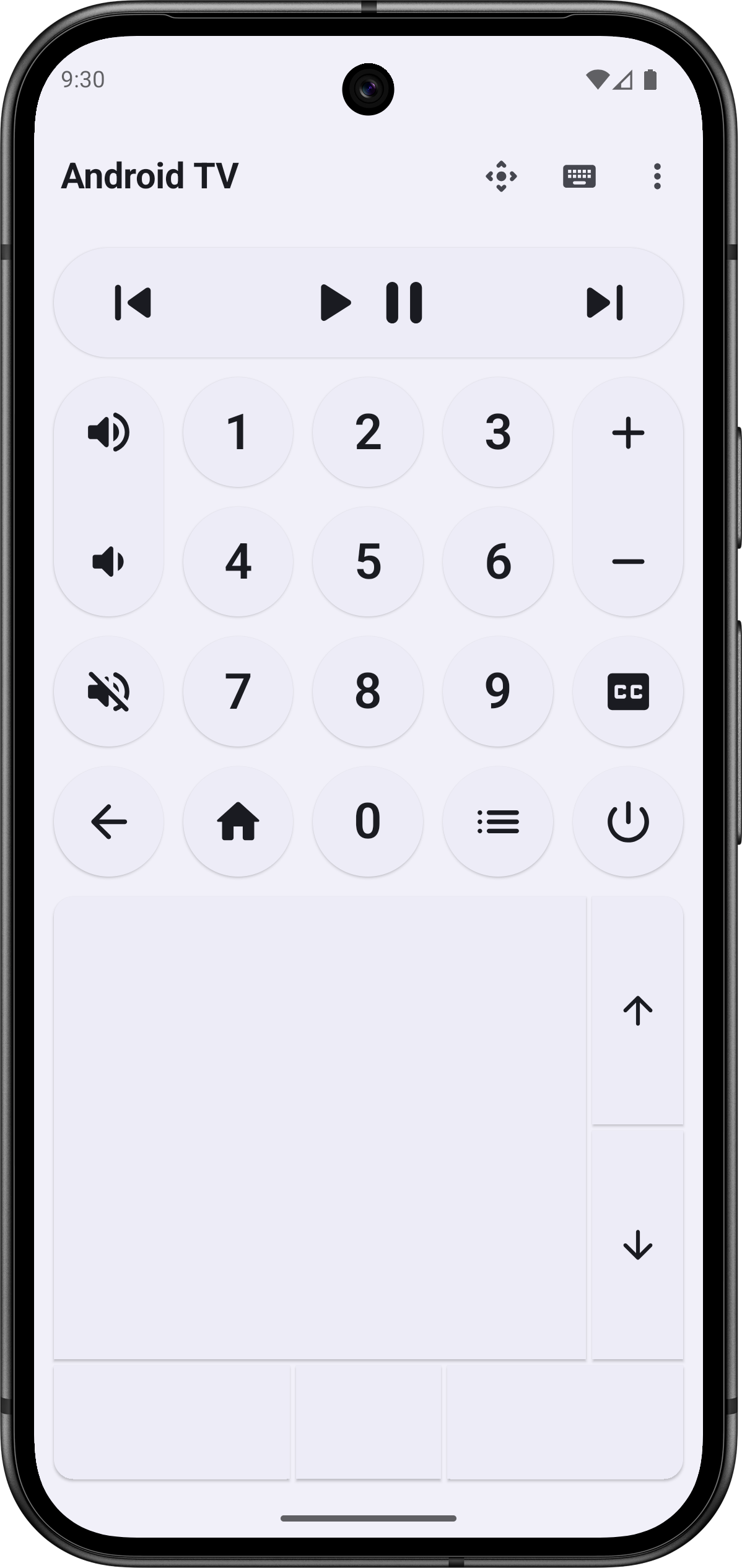
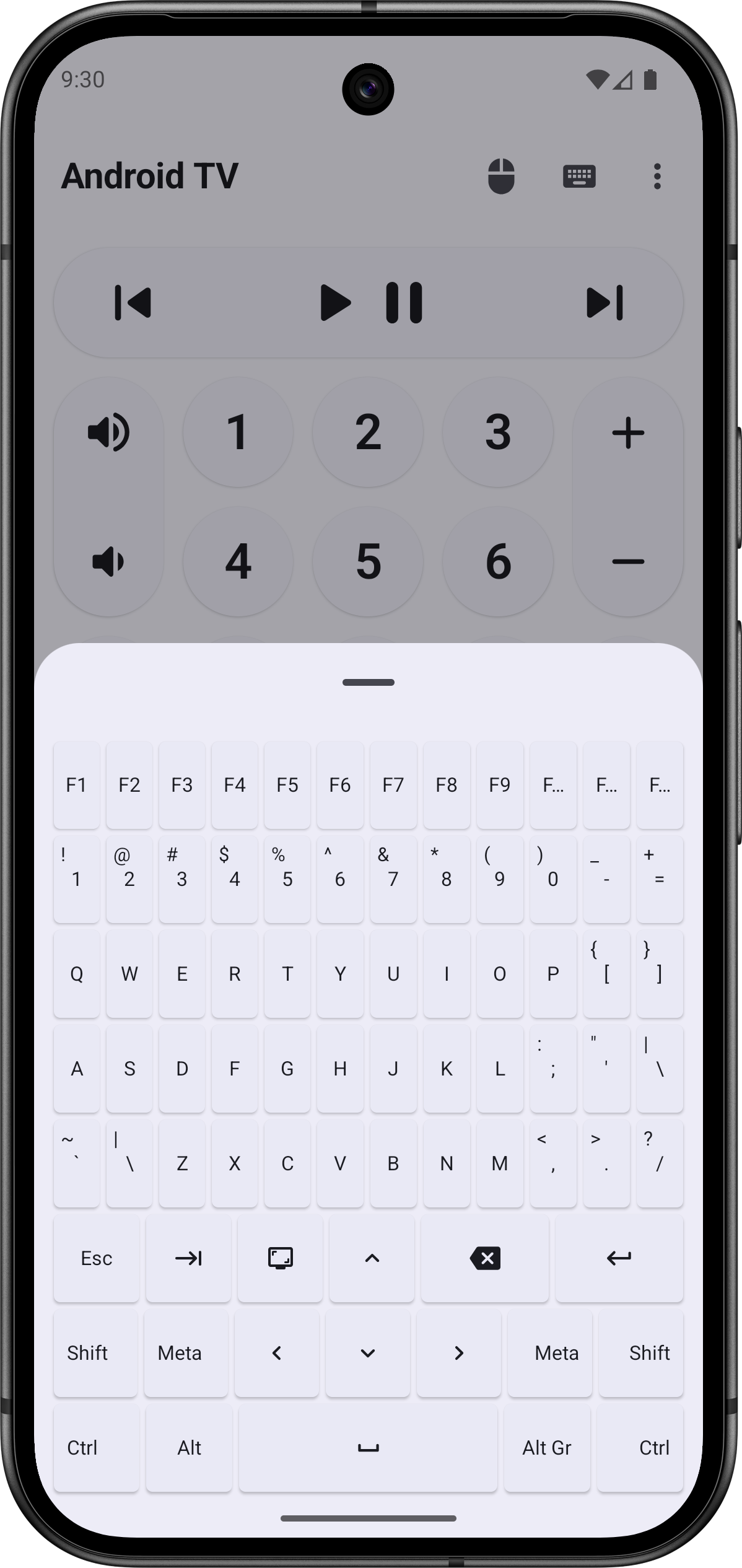
- Includes all necessary buttons for remote control of your device.
- Support for integrated mouse and keyboard.
- No additional app installation required on your Android TV device thanks to HID protocol.
- Modern and responsive user interface.
- Developed with Kotlin, Jetpack Compose, and Material 3.
- Privacy-focused with no data collection (internet permission disabled).
- No advertisements.
- Open source.
The source code is available here: https://gitlab.com/Atharok/BtRemote
Screenshots
What’s new
1.13.0
Full list of changes here: https://gitlab.com/Atharok/BtRemote/-/releases
- Added navigation buttons to the Widget. - Added support for navigation using a game controller’s physical buttons. This is particularly useful for Android-based game consoles. - Fixed an issue where the "Use the Enter key for selection" option was not applied when clicking the notification button. - Updated translations. - Updated Android SDK (API 36 → API 37) and dependencies.
How to install
Download the APK from the button at the top of this page.
Allow “Install unknown apps” for your browser or file manager only, not for every app.
Open the downloaded file and confirm the installation.
If installation fails with “App not installed,” remove an earlier build of the same app first. A signature conflict is the usual cause.
Data safety
Every file is checked against its published SHA-256 before it is listed.
Files are scanned for malware on every update.
The permissions each app requests are listed on its own page.
Read the full safety policy for how we test, flag, and delist files.