What’s new
1.26.1
Full changelog here: https://gitlab.com/Atharok/BarcodeScanner/-/releases
- Updated translations (Weblate).
- Minor adjustments to the shortcut icons.
- Updated dependencies.
Updated Sep 22, 2026
An open-source app that allows you to read and generate barcodes.
F-Droid repository metadata
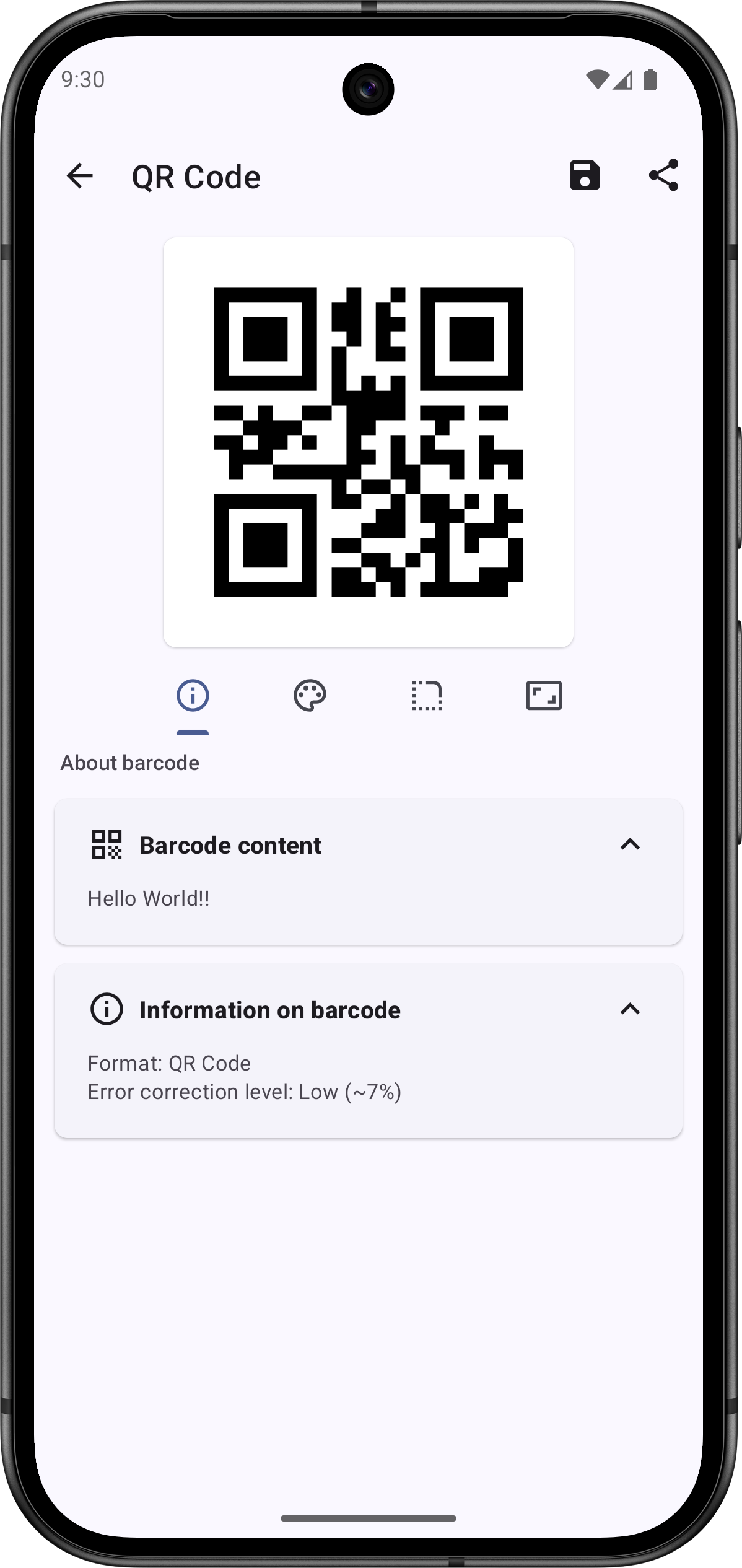
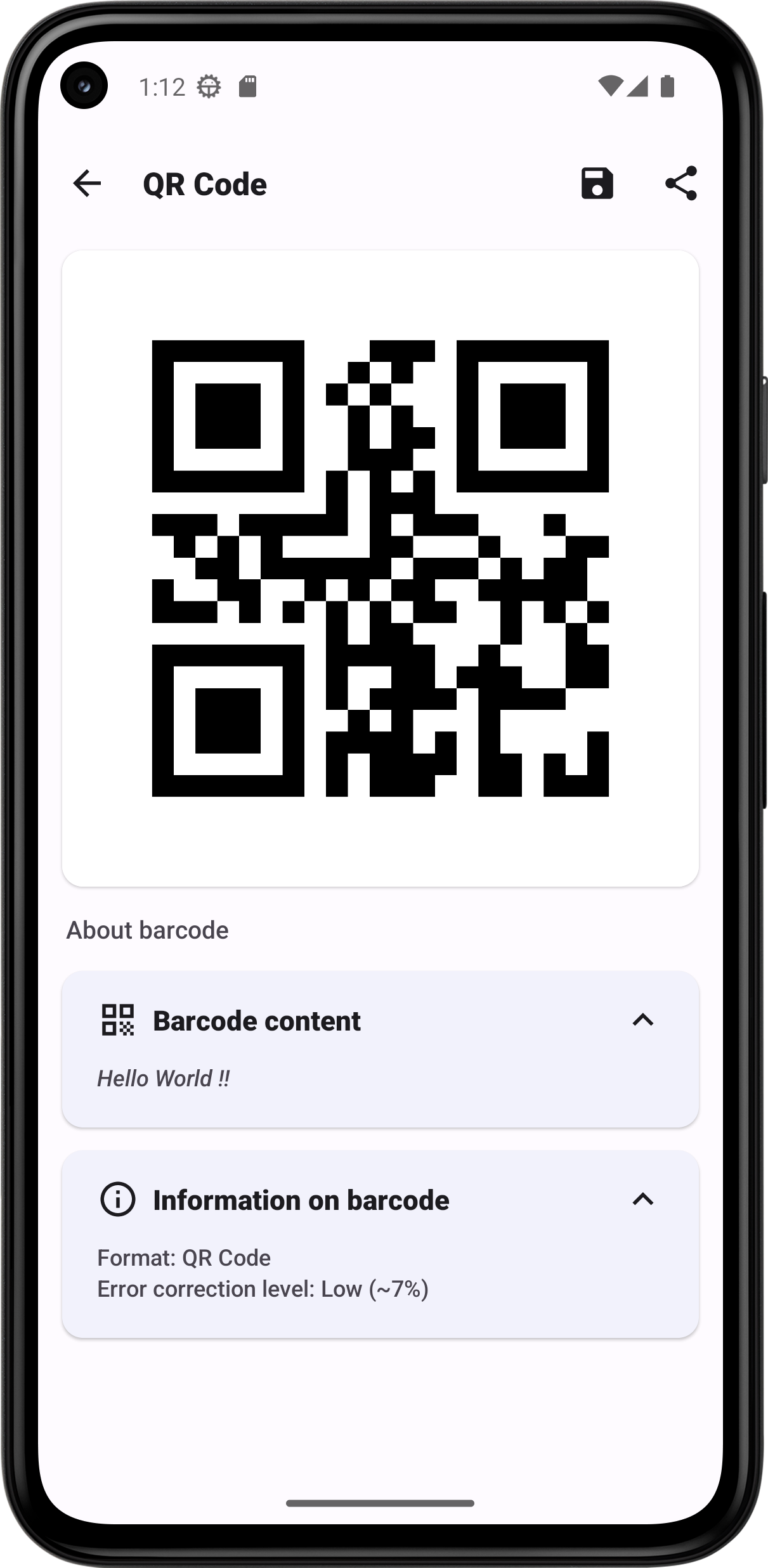
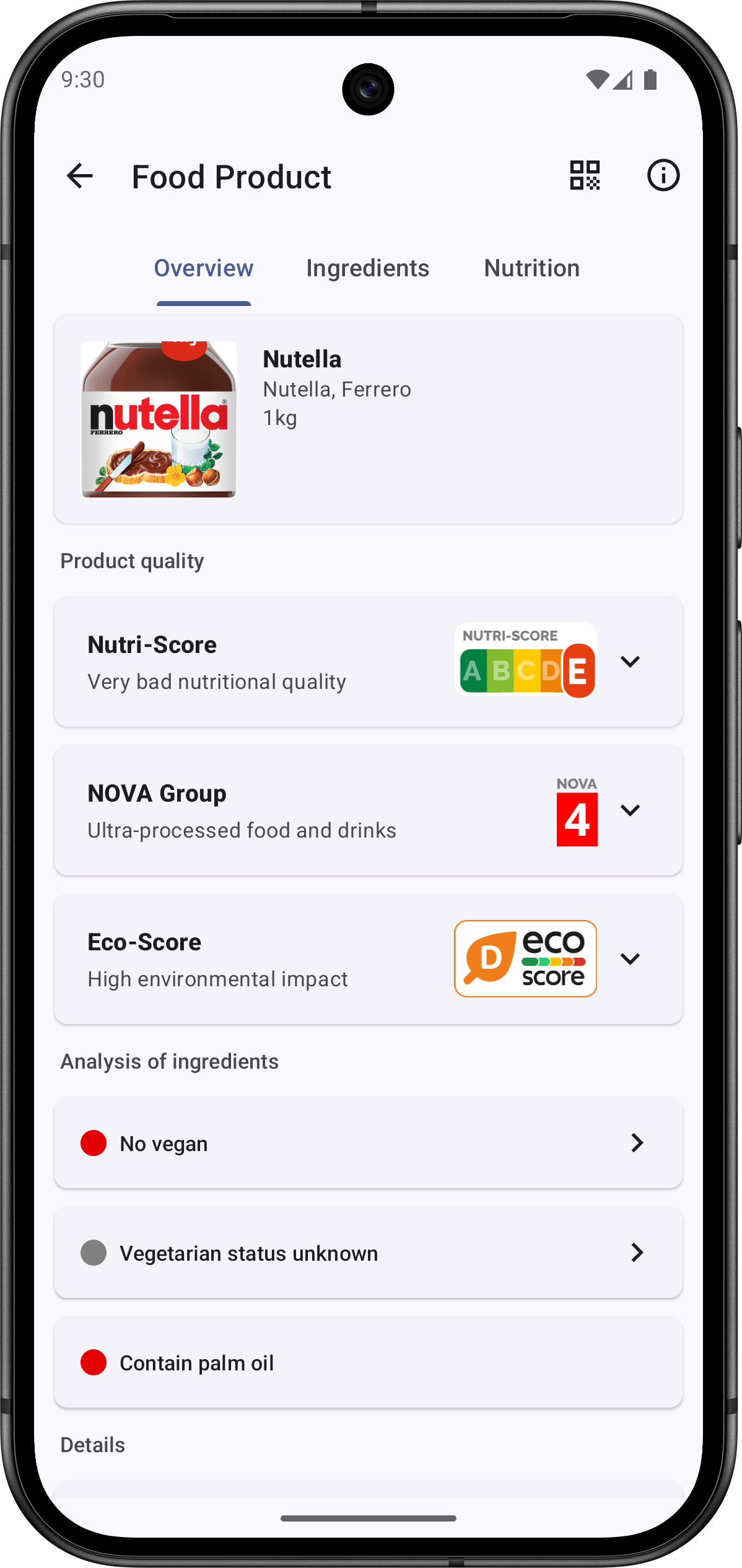
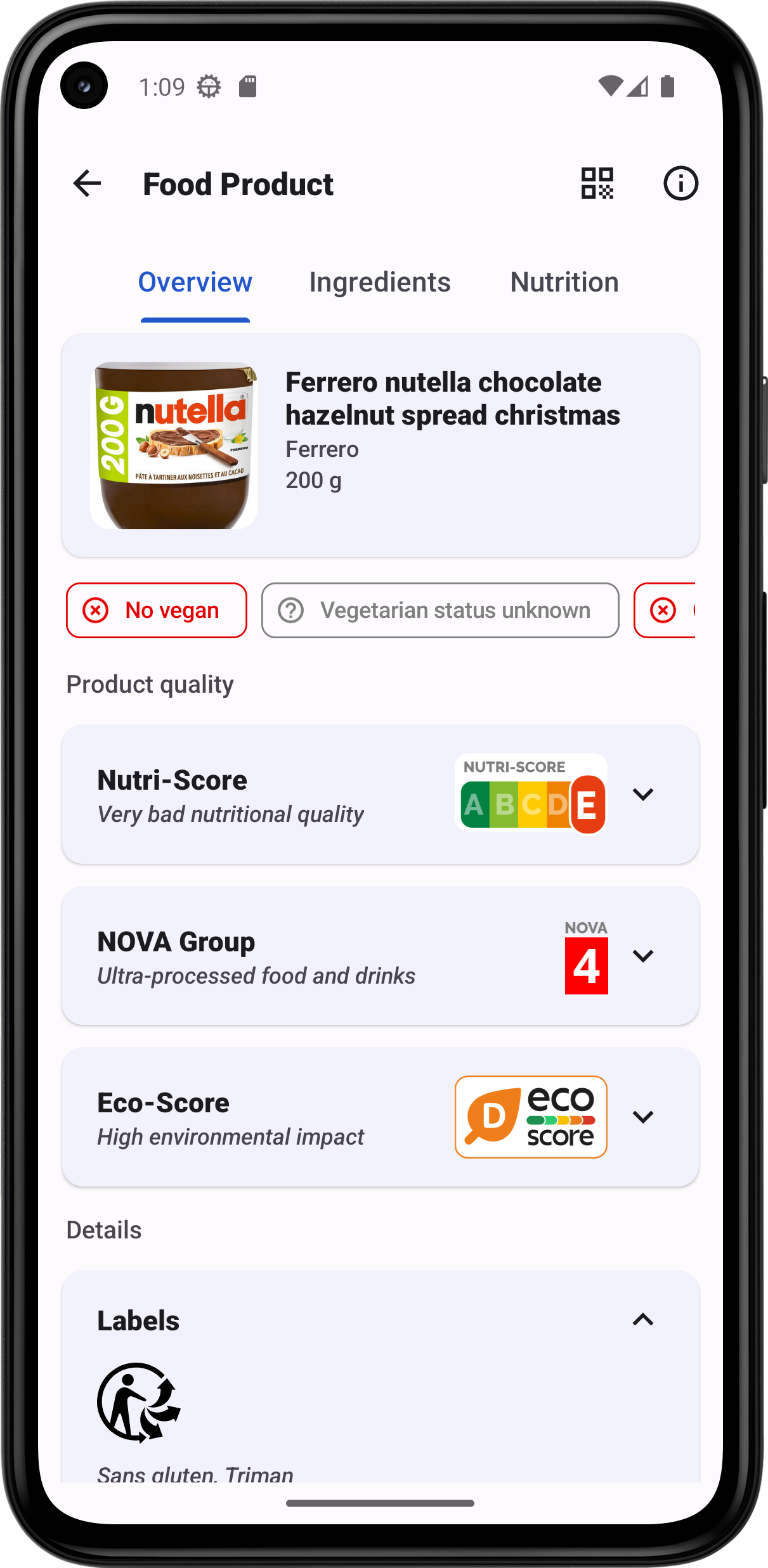
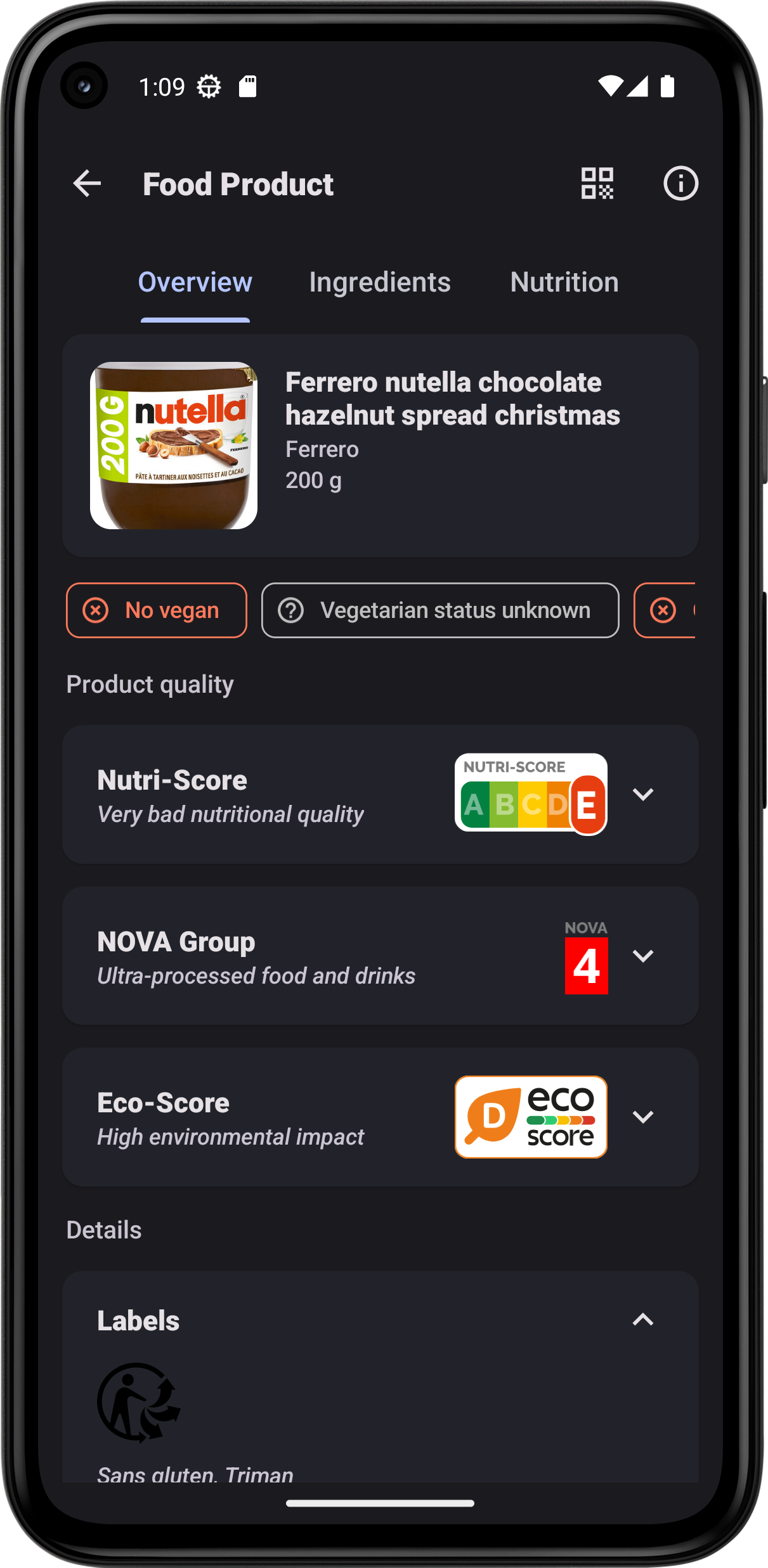
Barcode Scanner is a free and open-source app that allows you to read and generate barcodes. It can collect information about food products, cosmetics books and music (CDs, Vinyls…).
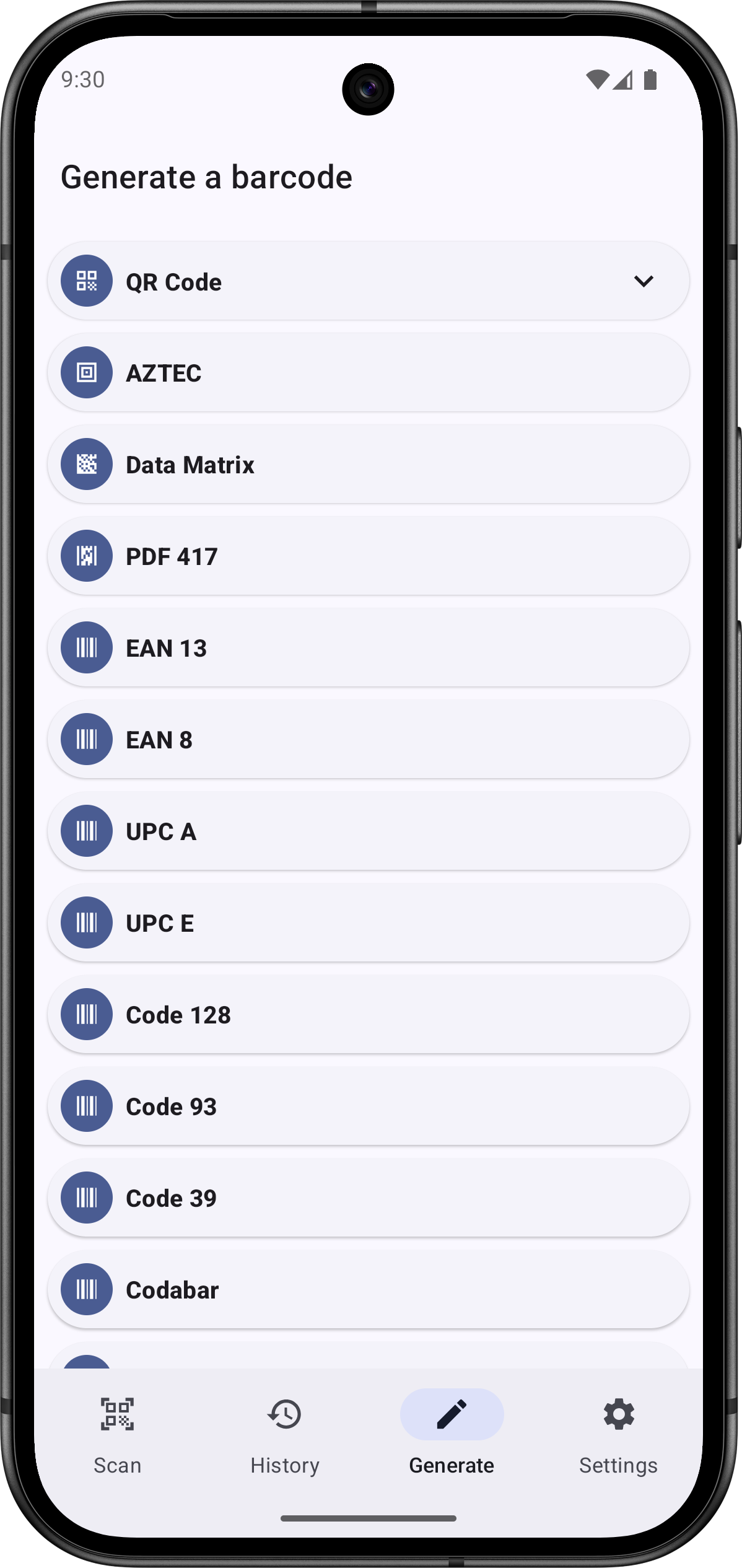
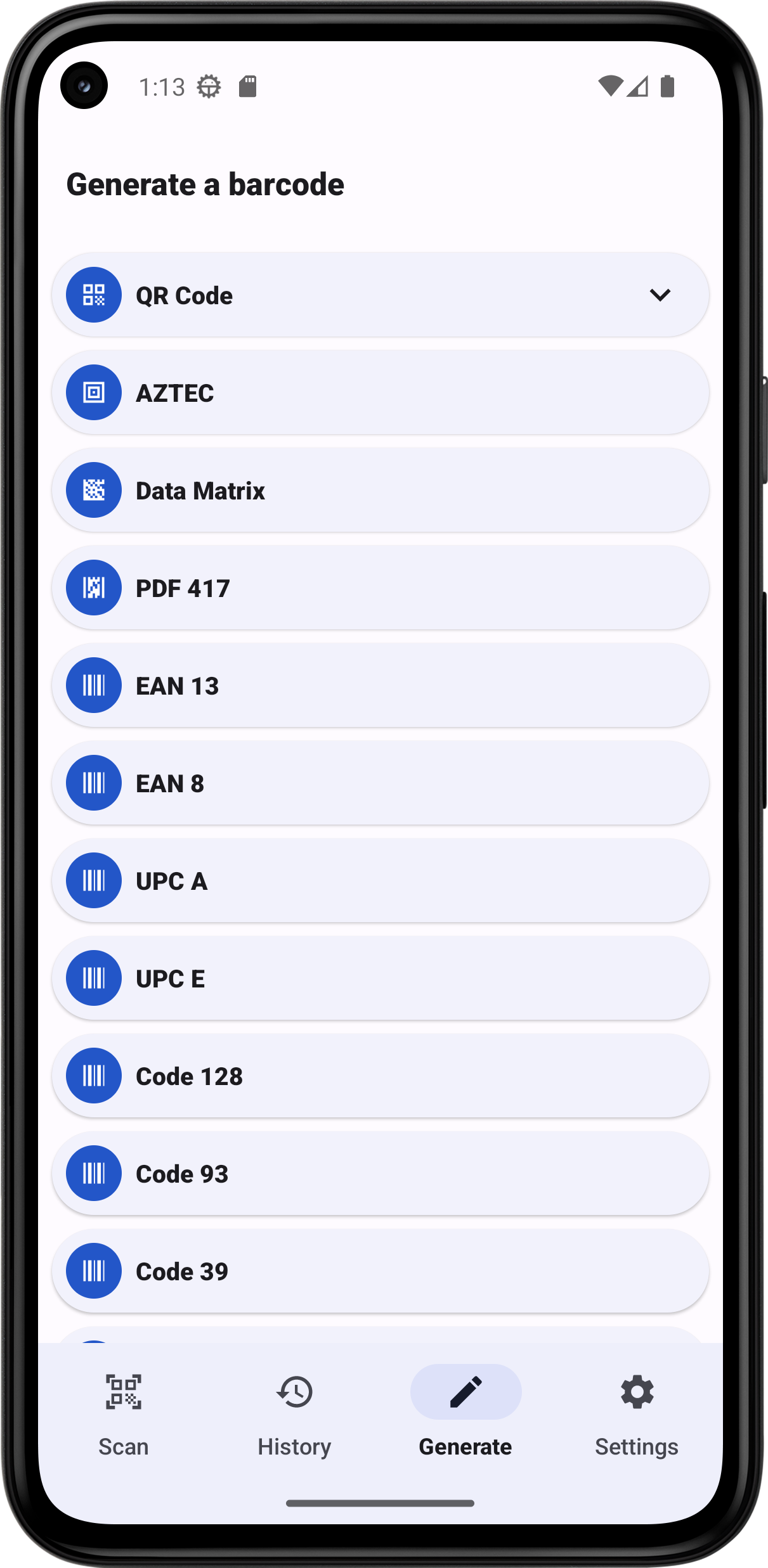
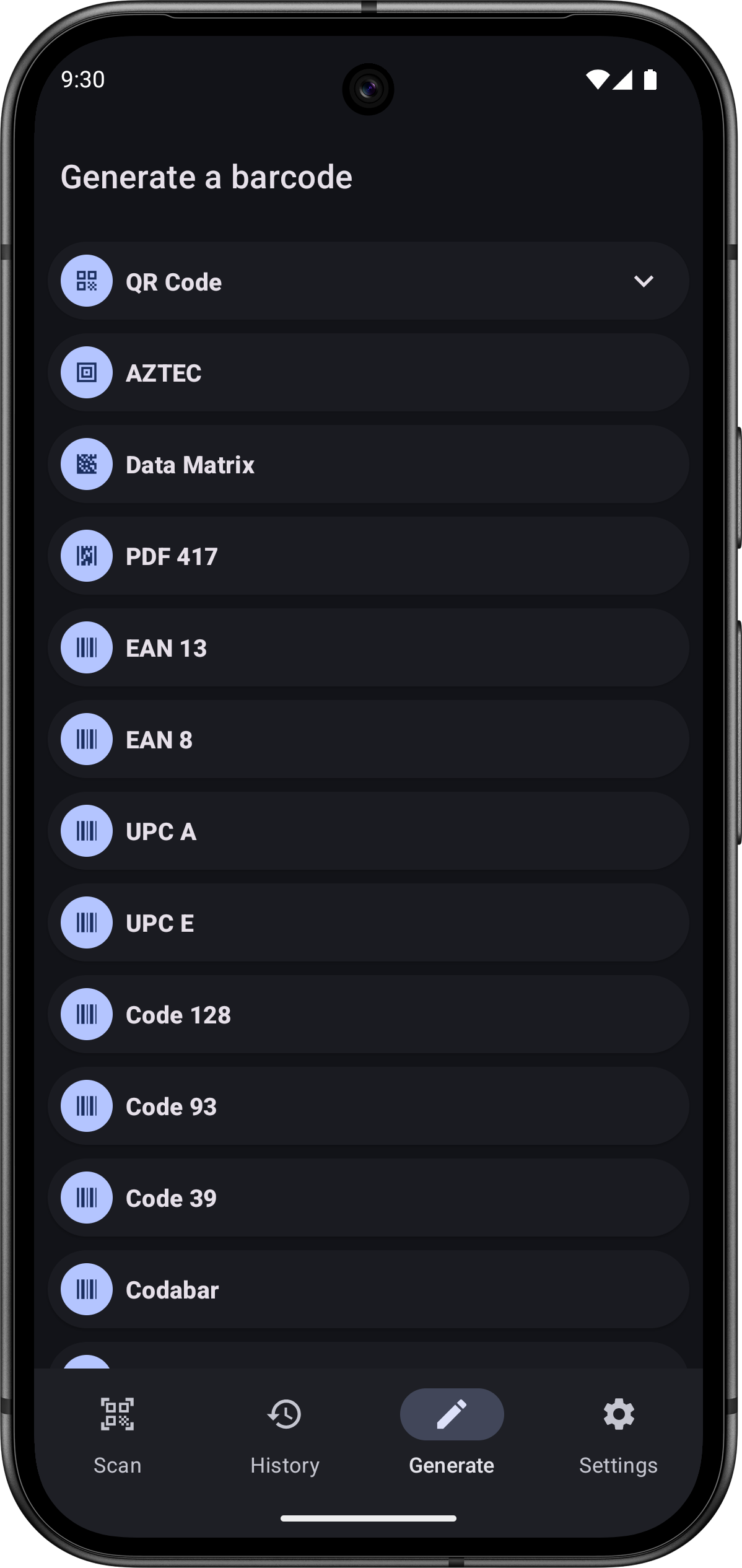
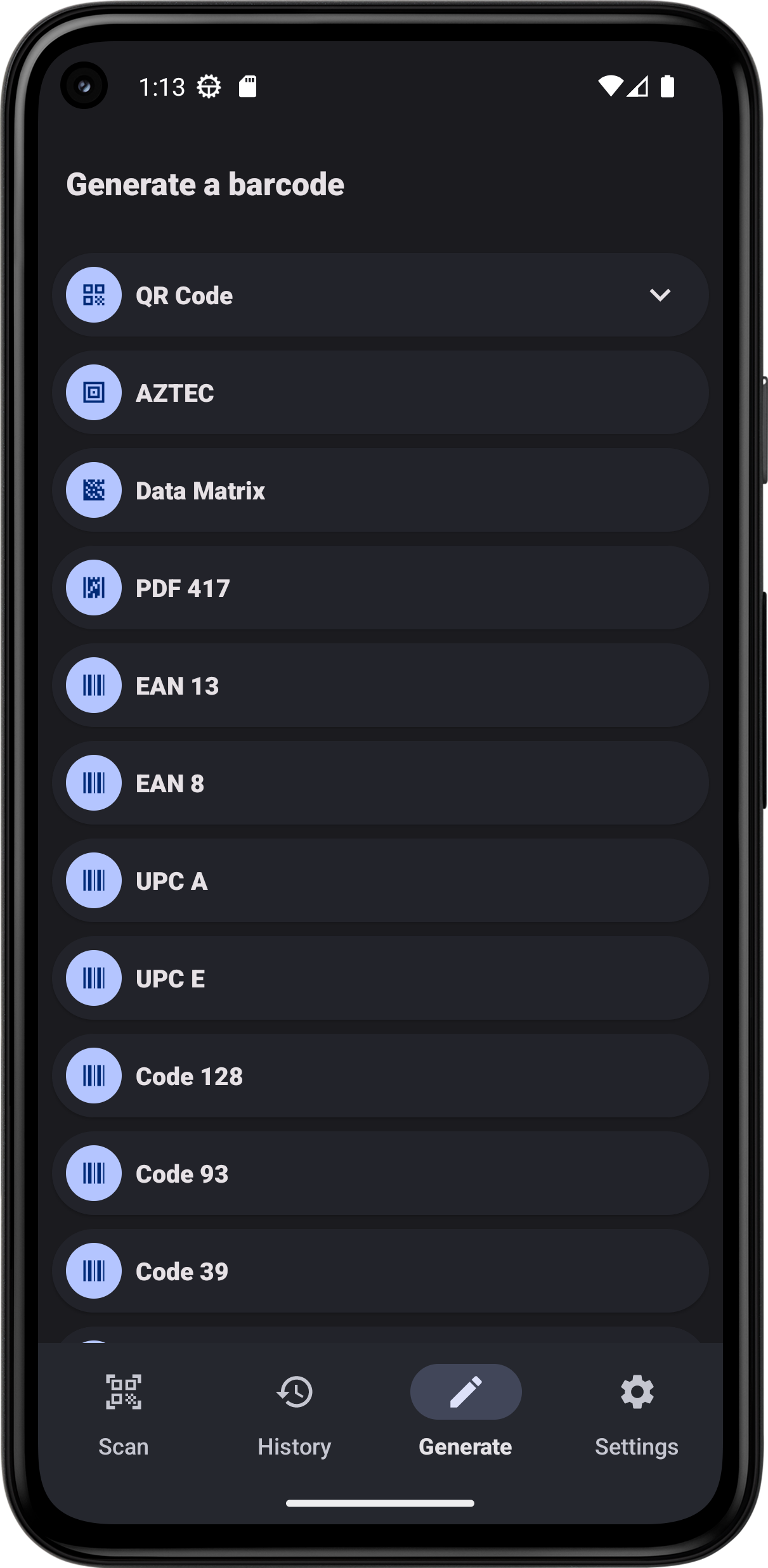
Different barcodes formats are managed by the app : • 2 dimensions bar codes: QR Code, Data Matrix, PDF 417, AZTEC • 1 dimension bar codes: EAN 13, EAN 8, UPC A, UPC E, Code 128, Code 93, Code 39, Codabar, ITF
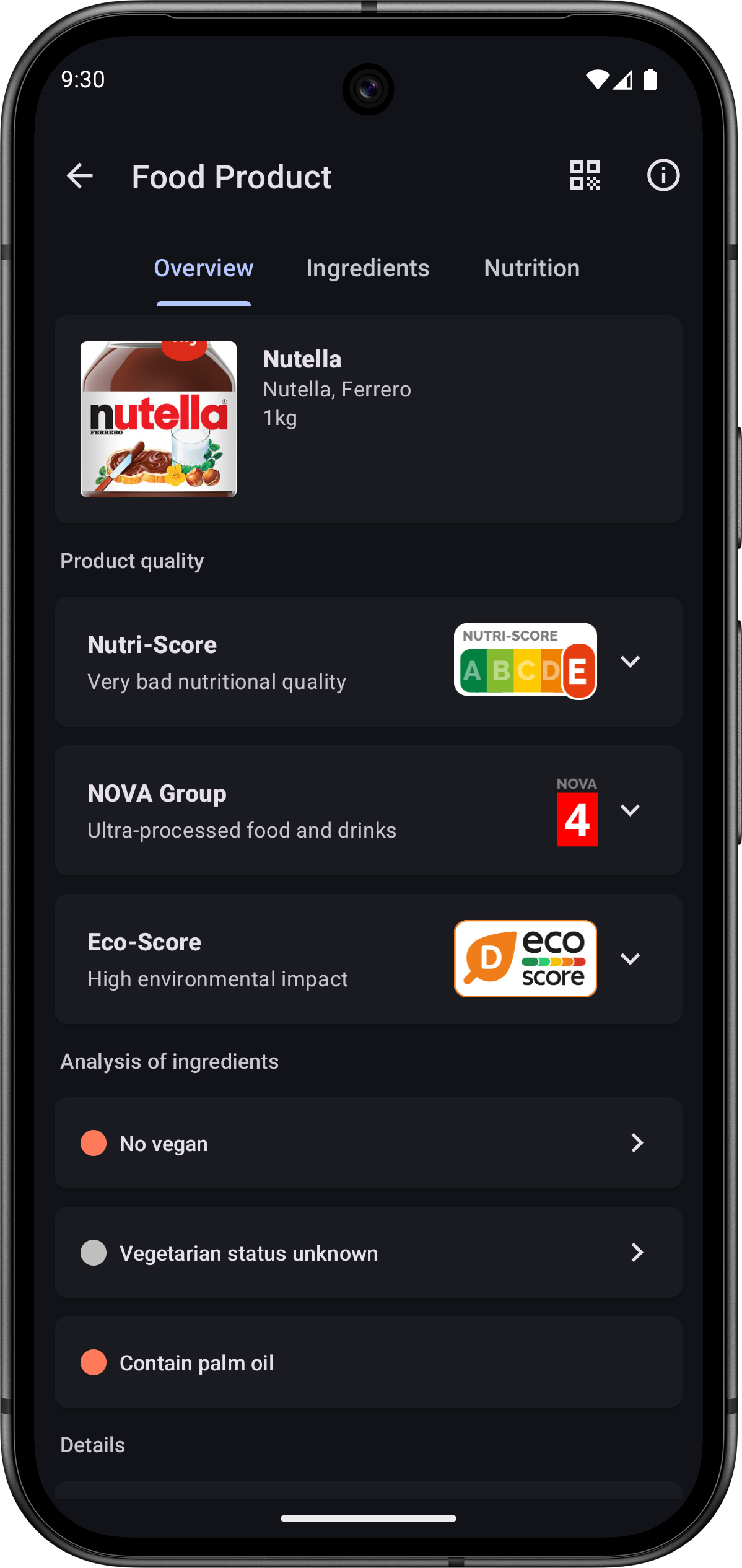
Collect information about a product during a scan : • Food products with Open Food Facts • Cosmetics with Open Beauty Facts • Food products for pets with Open Pet Food Facts • Books with Open Library • Music CDs, Vinyls… with MusicBrainz
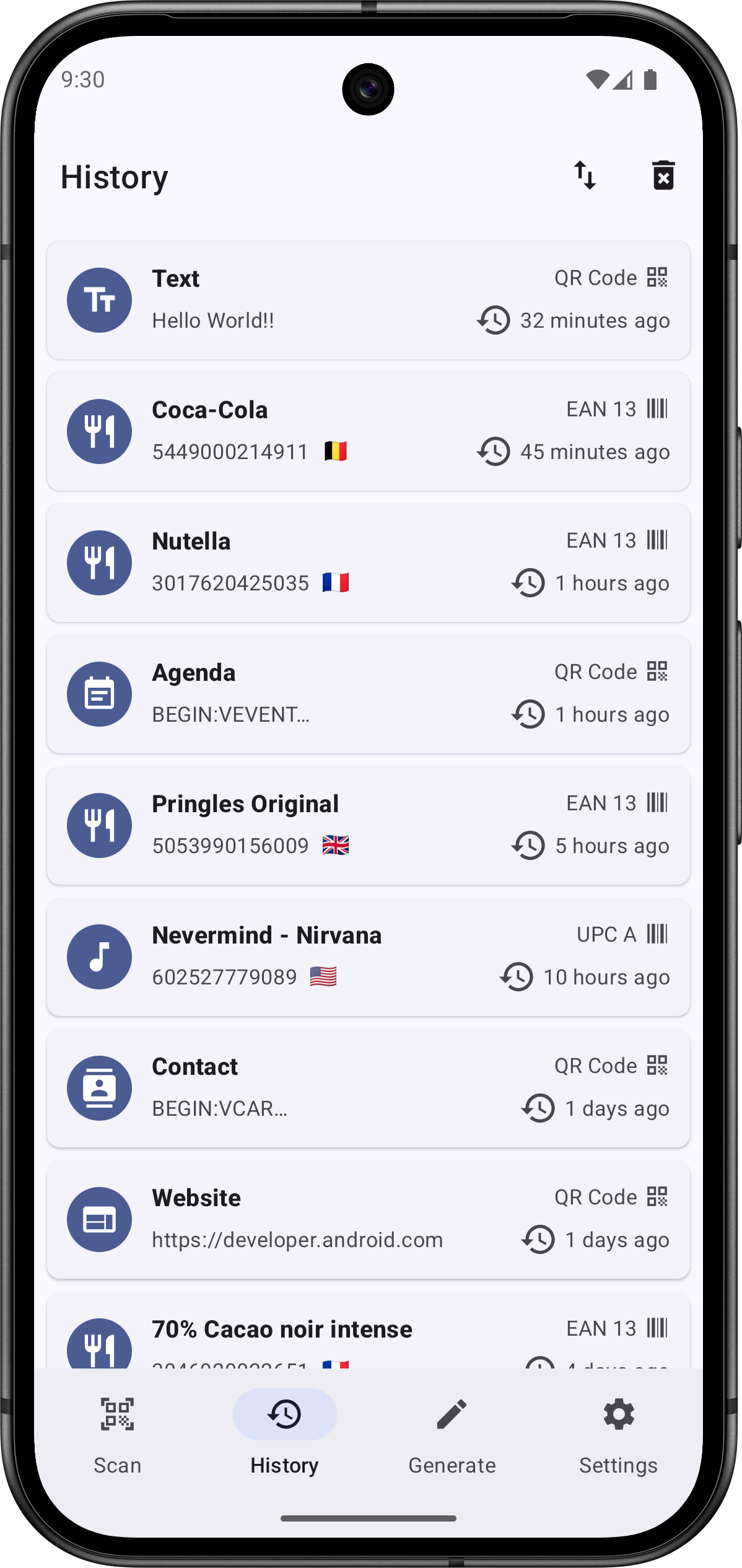
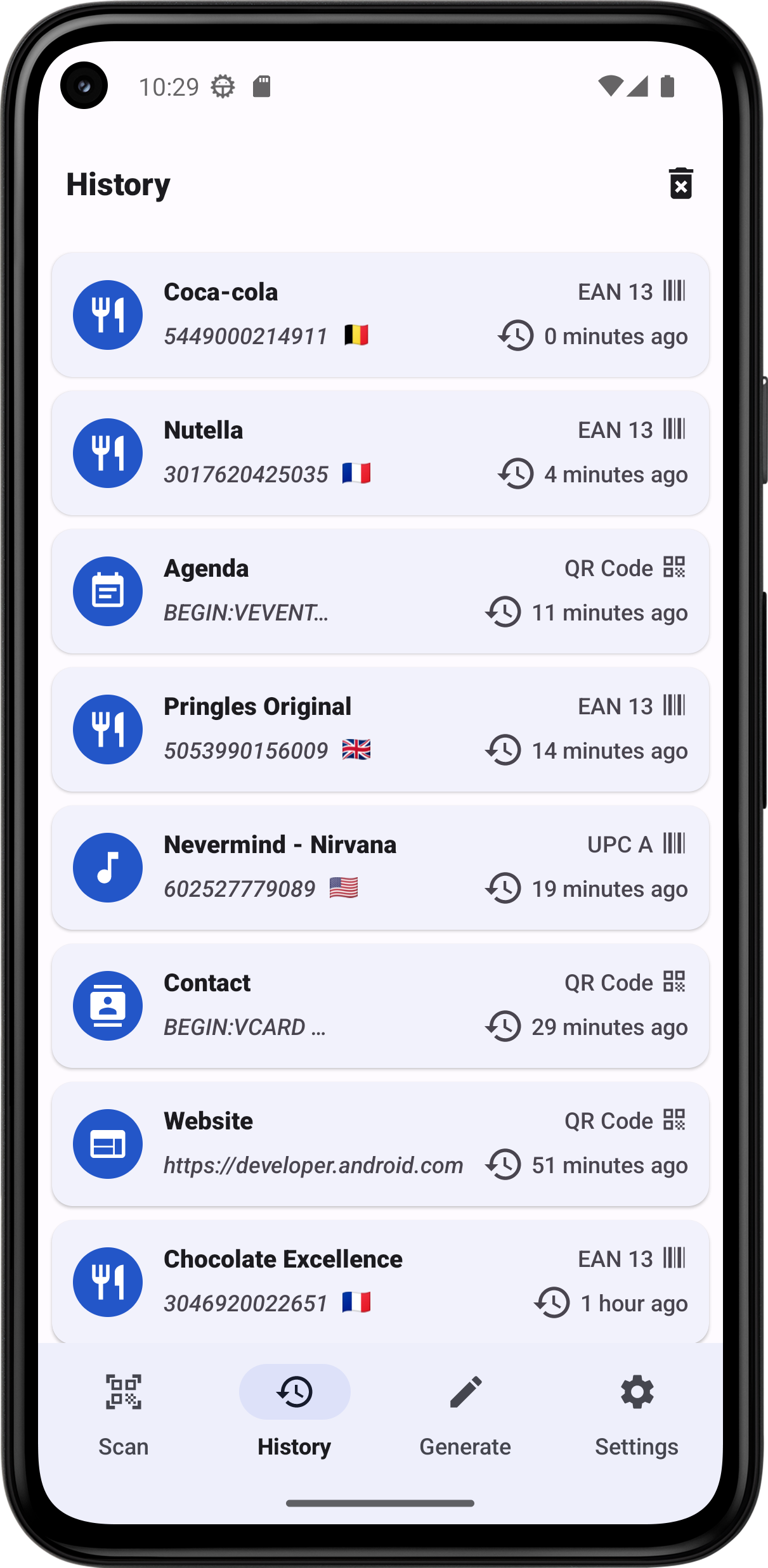
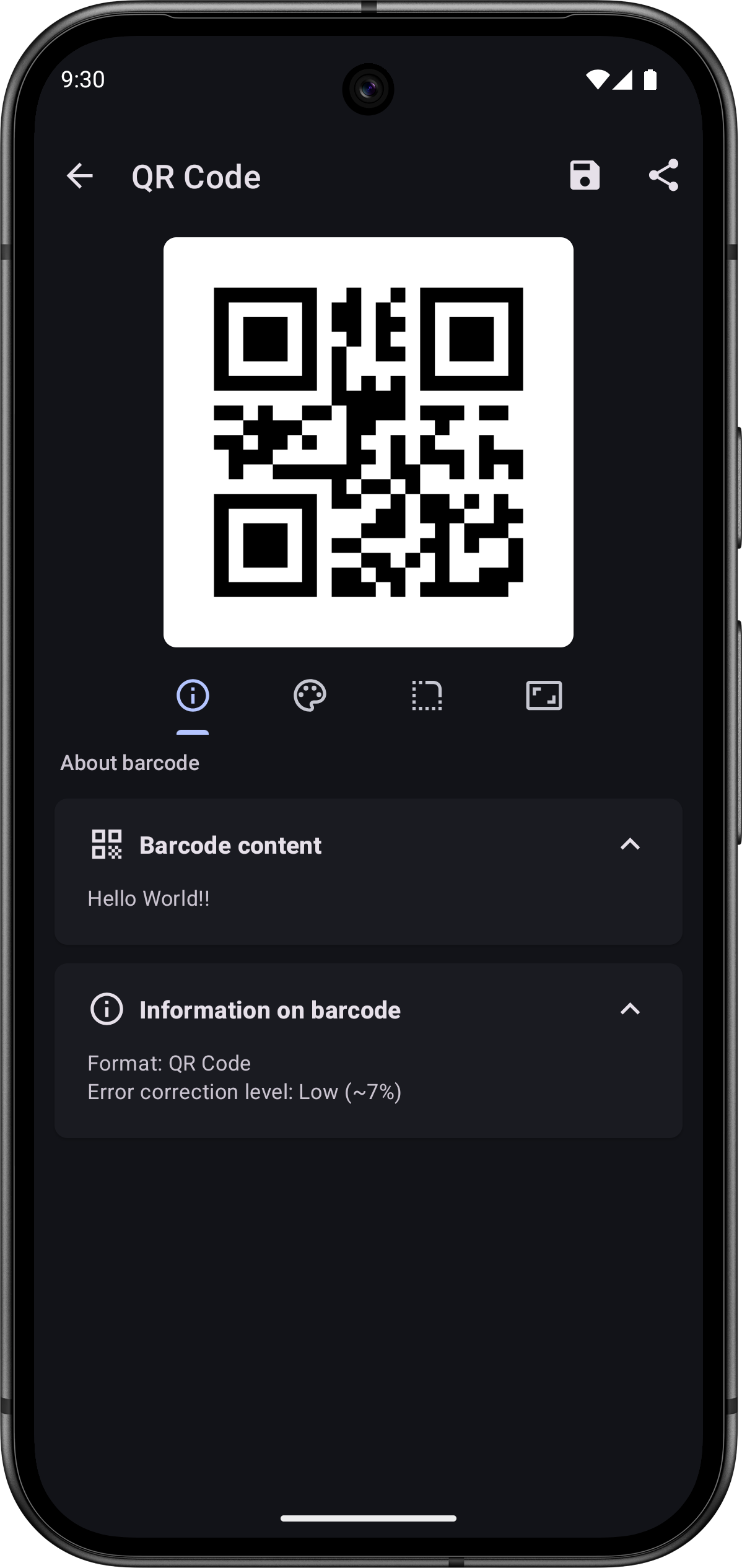
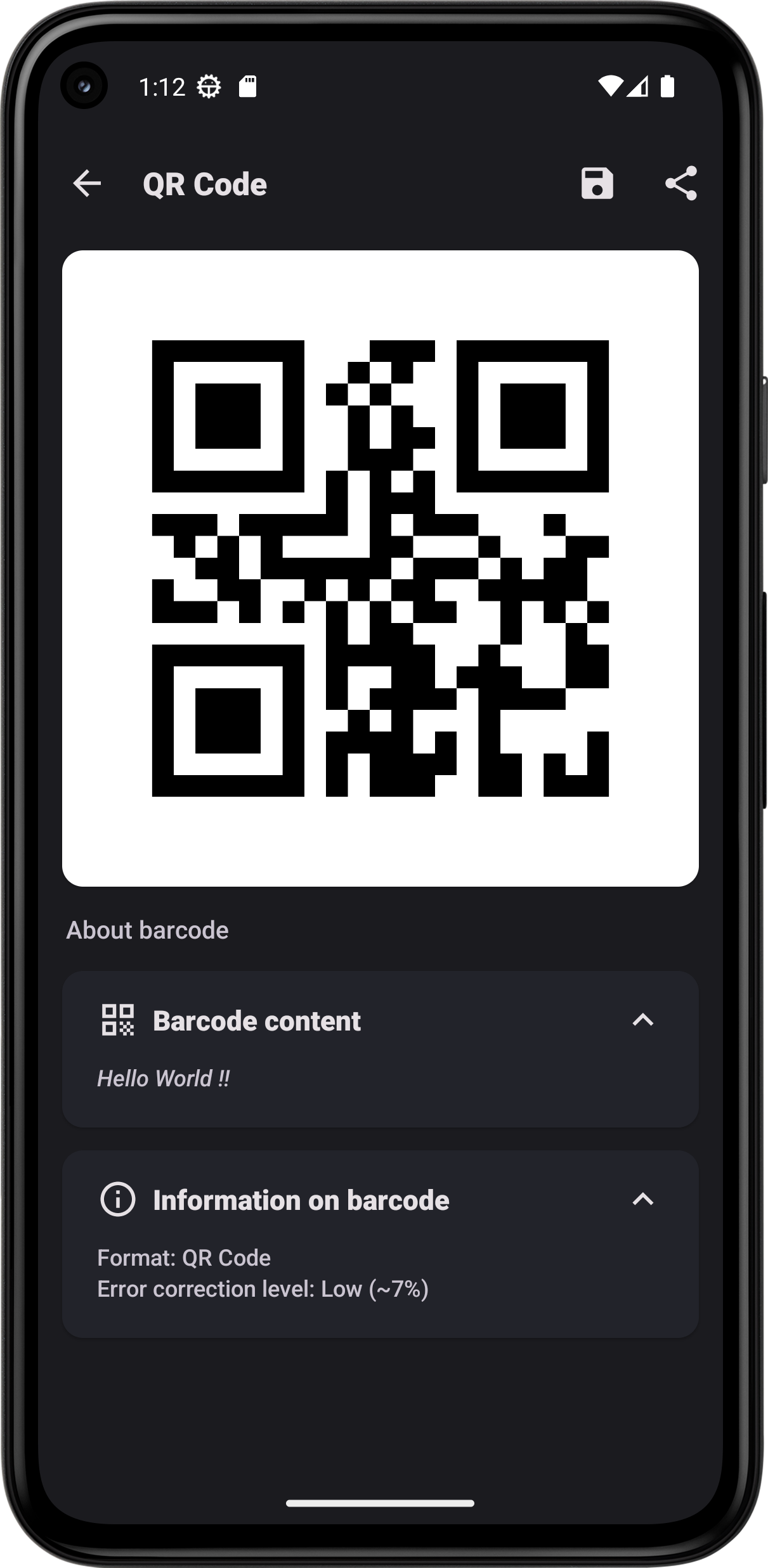
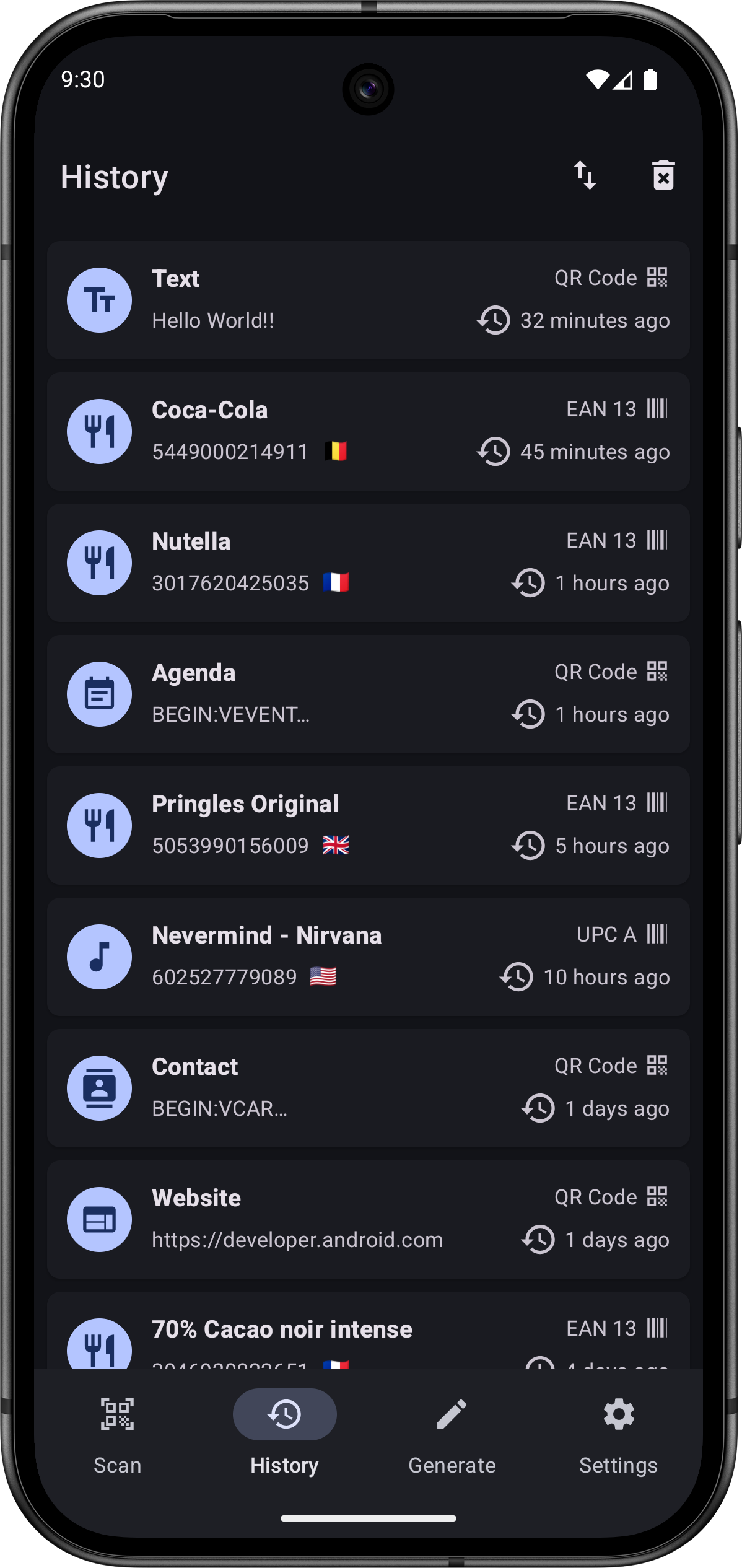
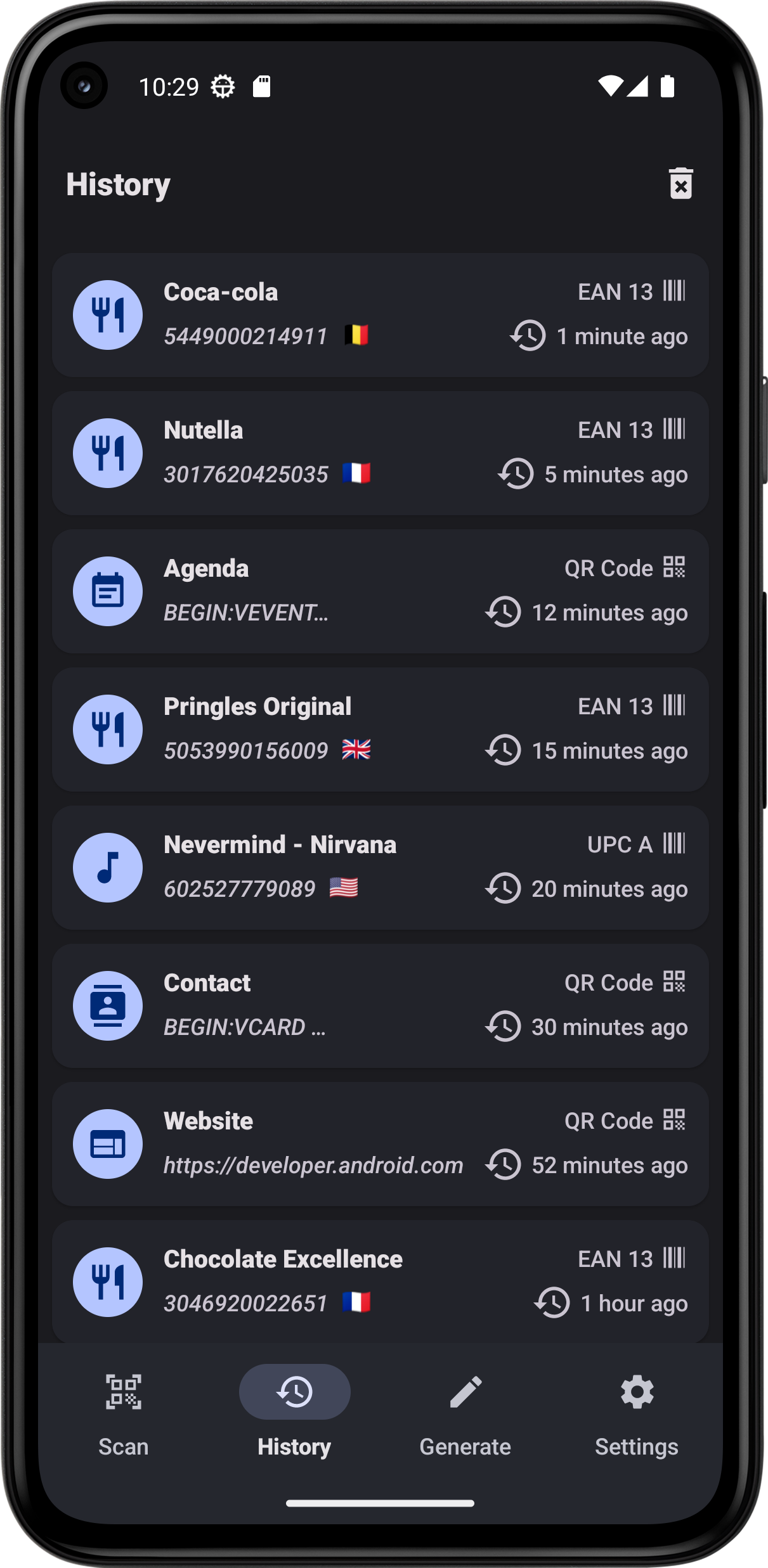
App features : • Simply point your smartphone's camera to a barcode and instantly receive information about it. You can also scan barcodes through a picture in your smartphone. • With a simple scan, read business cards, add new contacts, add new events to your agenda, open URL or even connect to Wi-Fi. • Scan Food products barcodes to receive information about their composition thanks to the databases Open Food Facts and Open Beauty Facts. • Search information about the product you scan, with a quick research on different websites such as Amazon or Fnac. • Keep track of all your scanned barcodes with the history tool. • Generate your own barcodes • Customize the interface with different colors, with a light theme or a dark one. The interface is built with Material 3 and is compatible with Material You, allowing you to adjust colors based on your wallpaper for devices running on Android 12 or later. • Texts are entirely translated in English, Arabic, Spanish, French, Portuguese, Russian, German, Turkish, Italian, Ukrainian, Polish, Dutch, Romanian and Chinese (Simplified and Traditional).
This app respects your privacy. It does not contain any trackers and does not collect any data.
The source code is available here: https://gitlab.com/Atharok/BarcodeScanner
1.26.1
Full changelog here: https://gitlab.com/Atharok/BarcodeScanner/-/releases
- Updated translations (Weblate).
- Minor adjustments to the shortcut icons.
- Updated dependencies.
Recent approved comments · sorted by newest
View all comments