
Quick answer
AI powered screenshots manager and organizer
F-Droid repository metadata
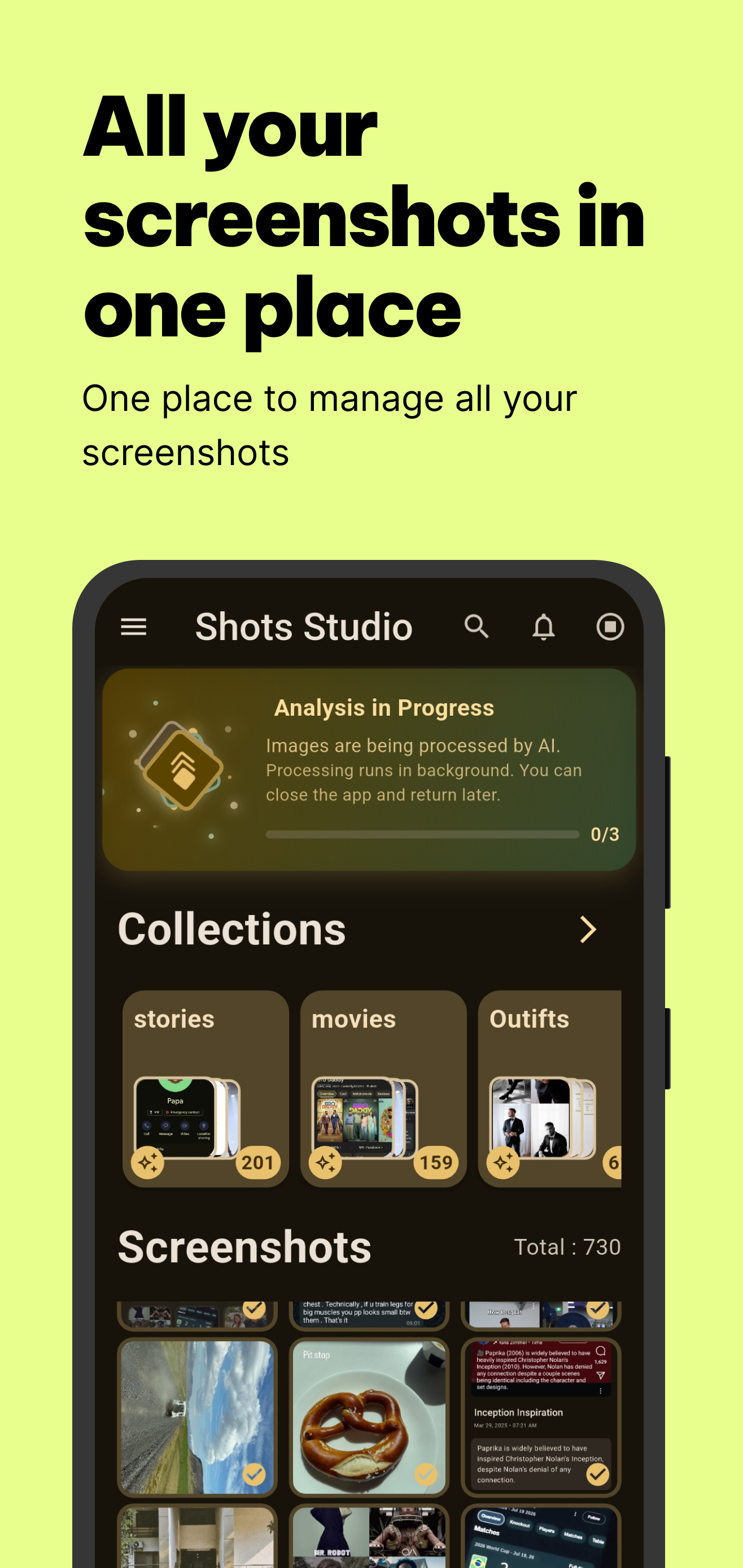
Shots Studio is a powerful screenshots manager that helps you organize, categorize, and manage your device screenshots with ease and efficiency.
Key Features:
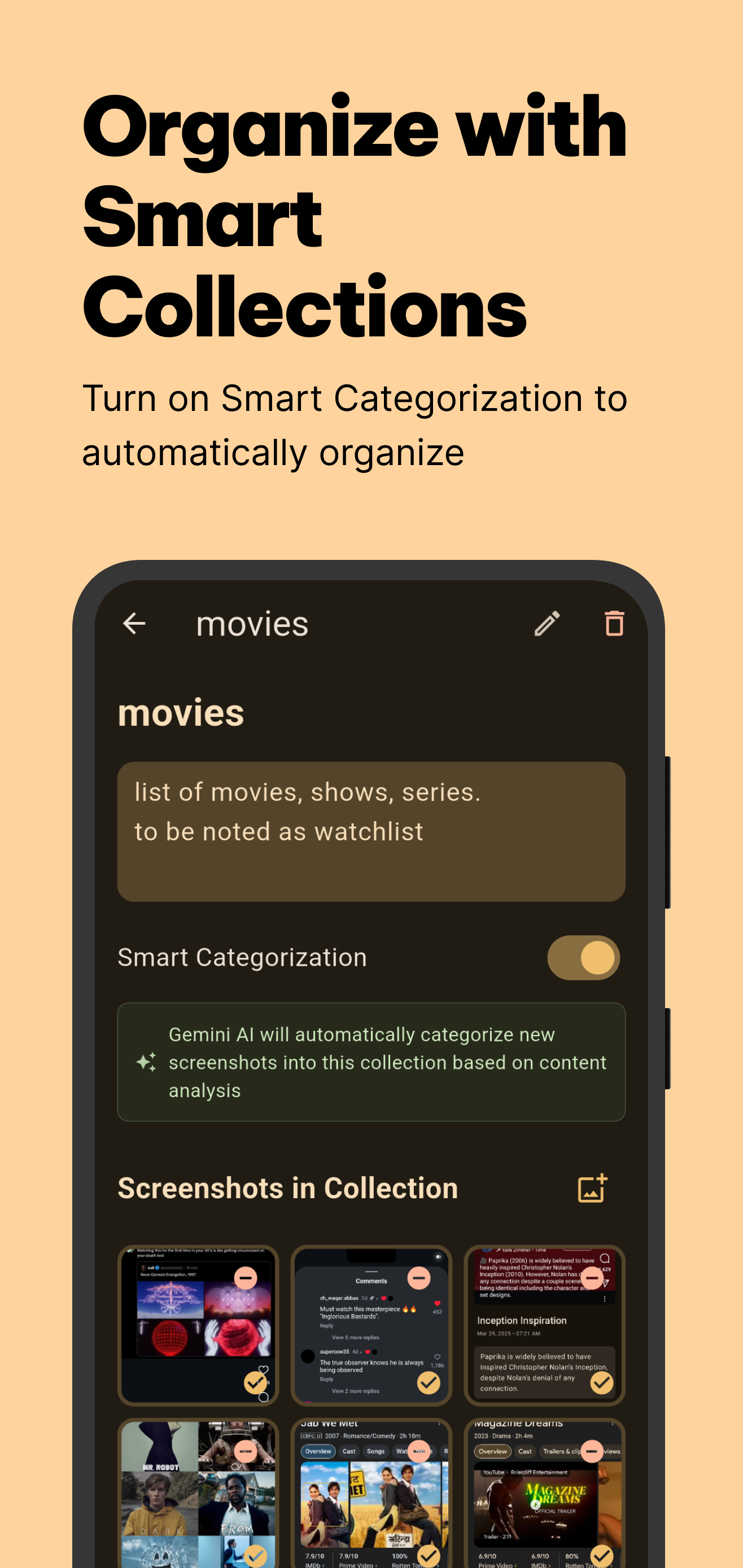
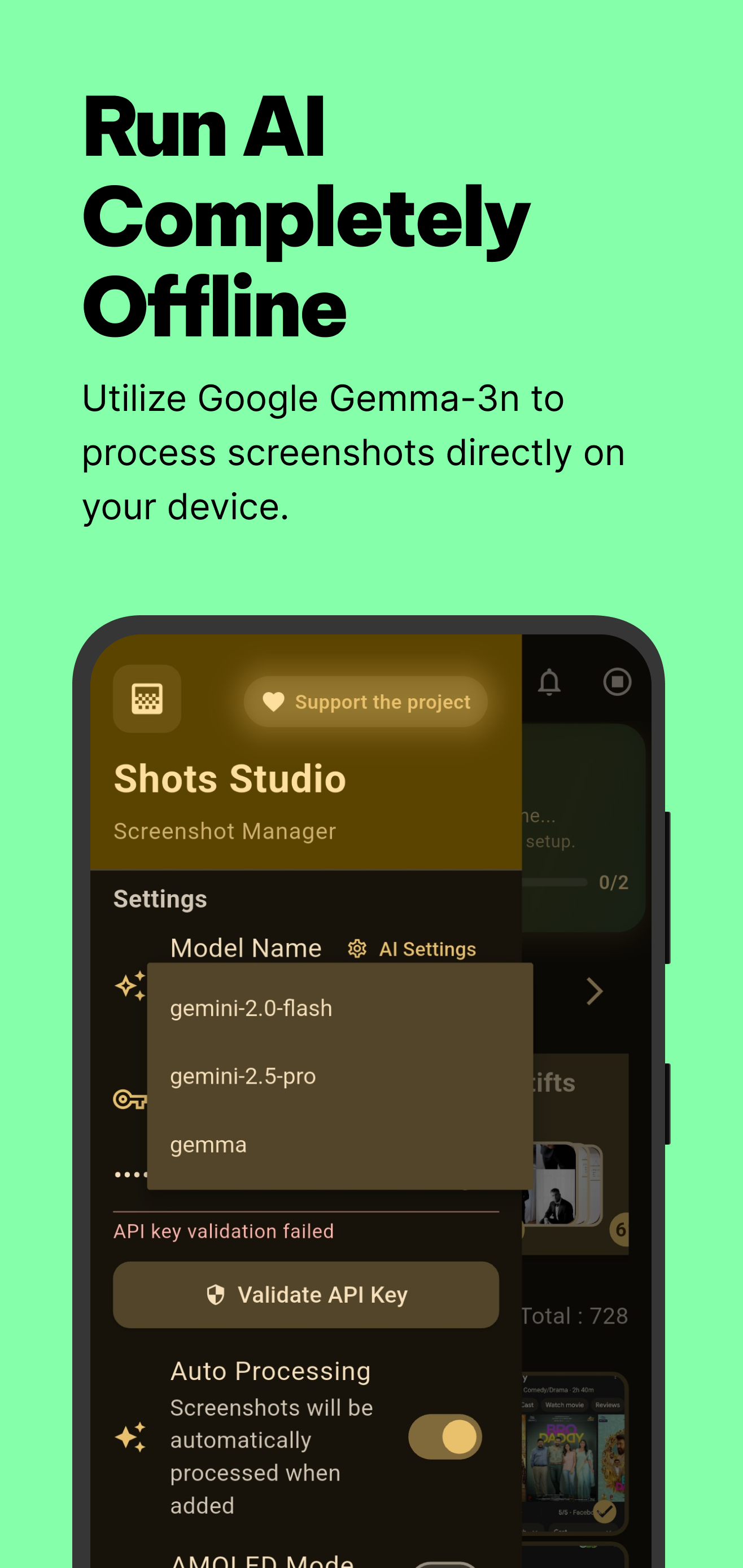
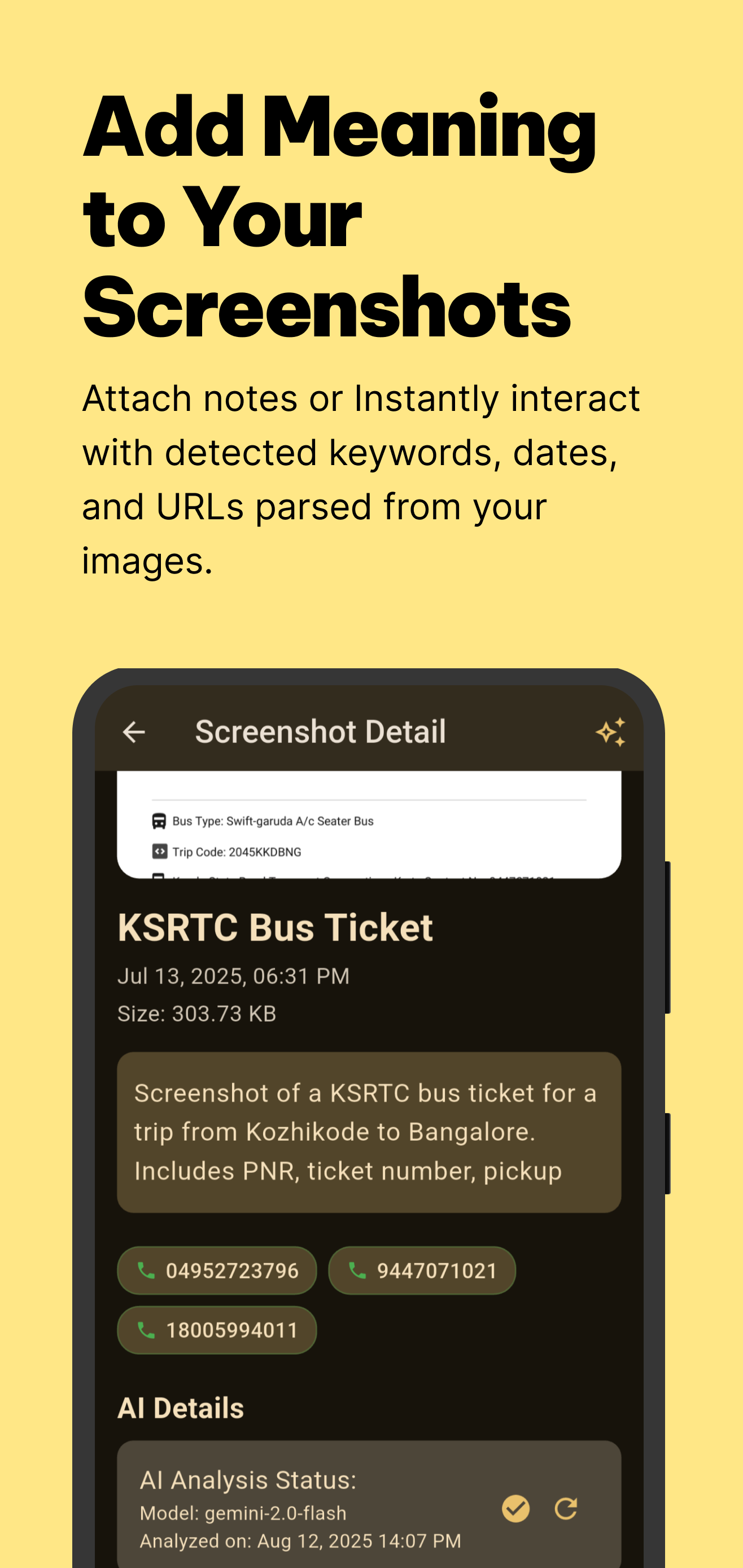
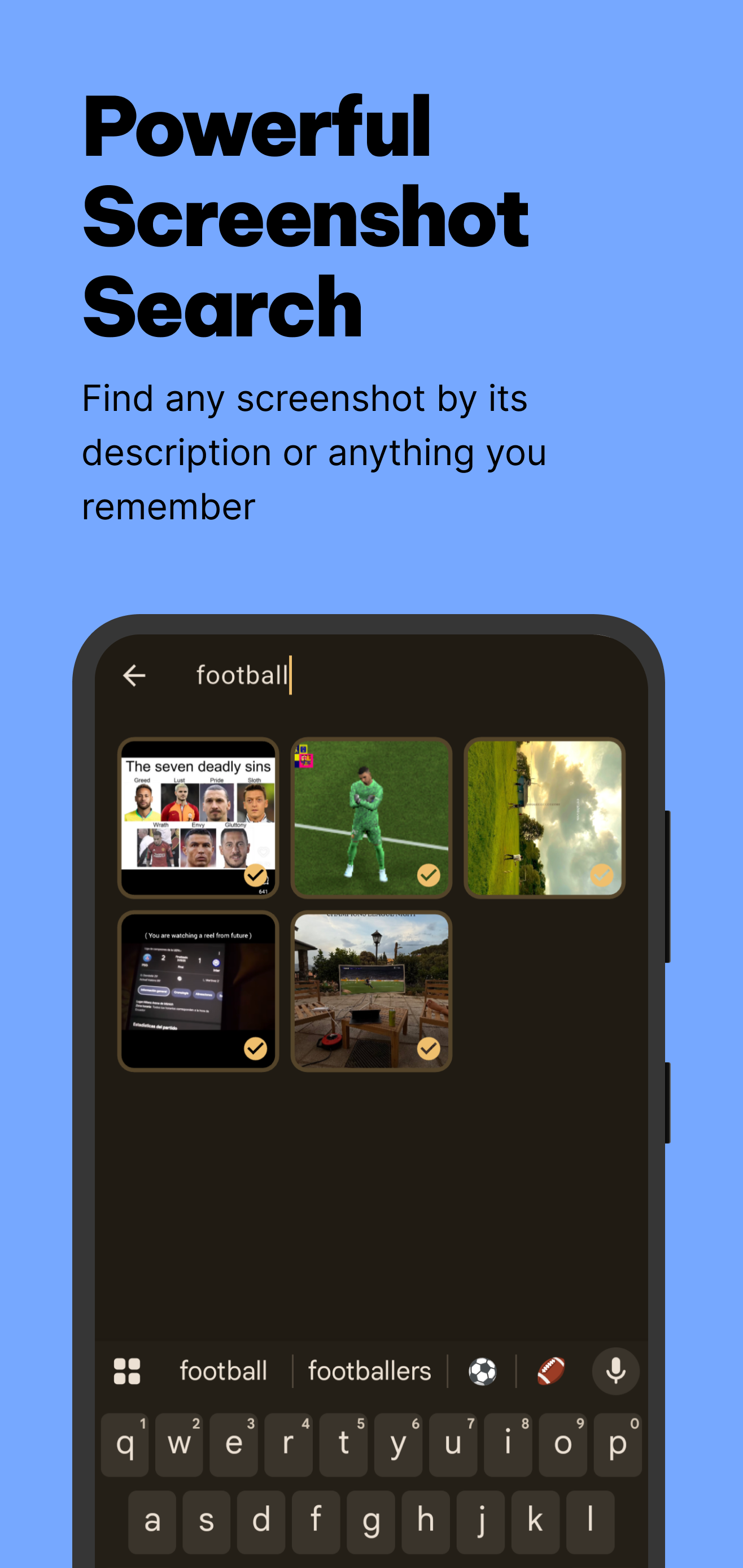
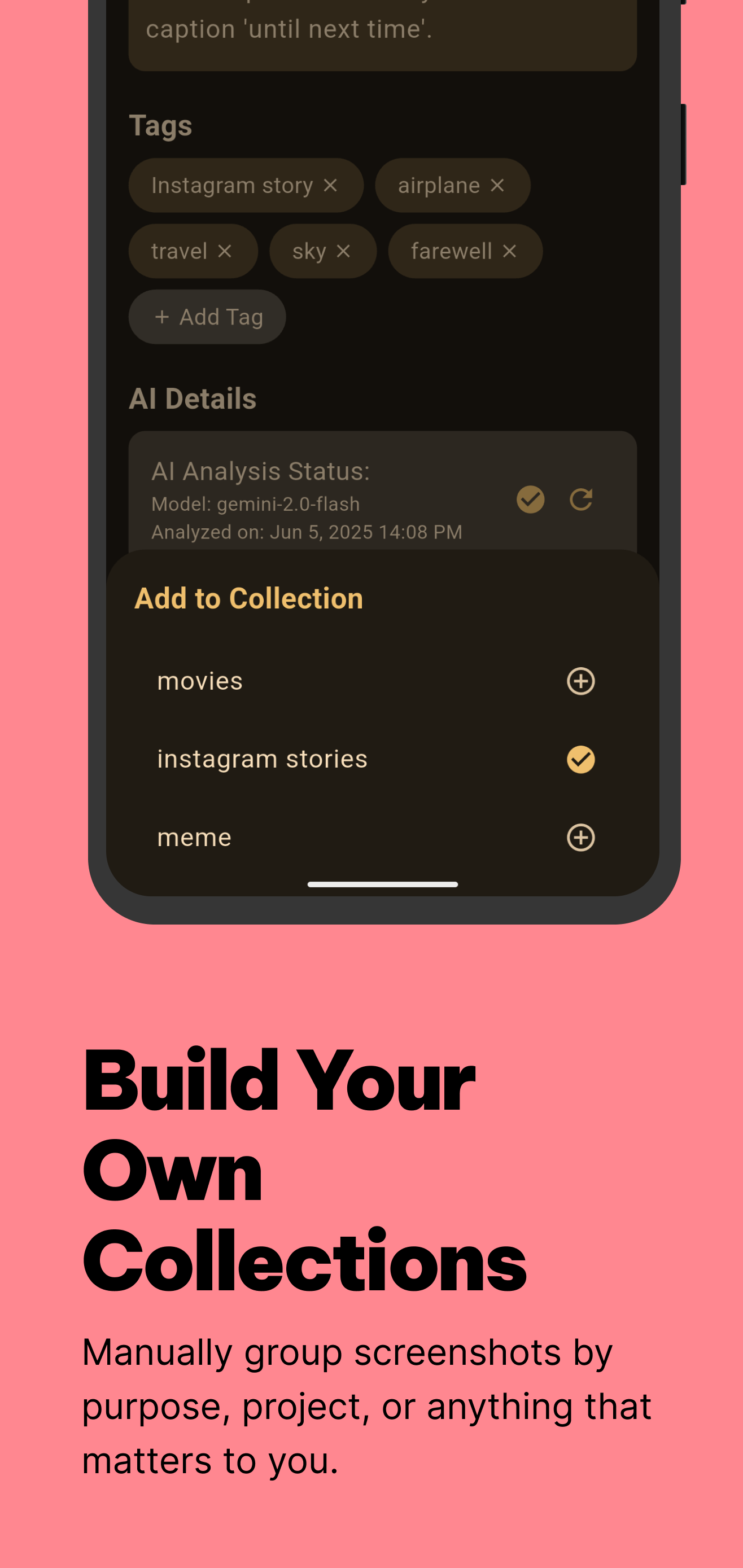
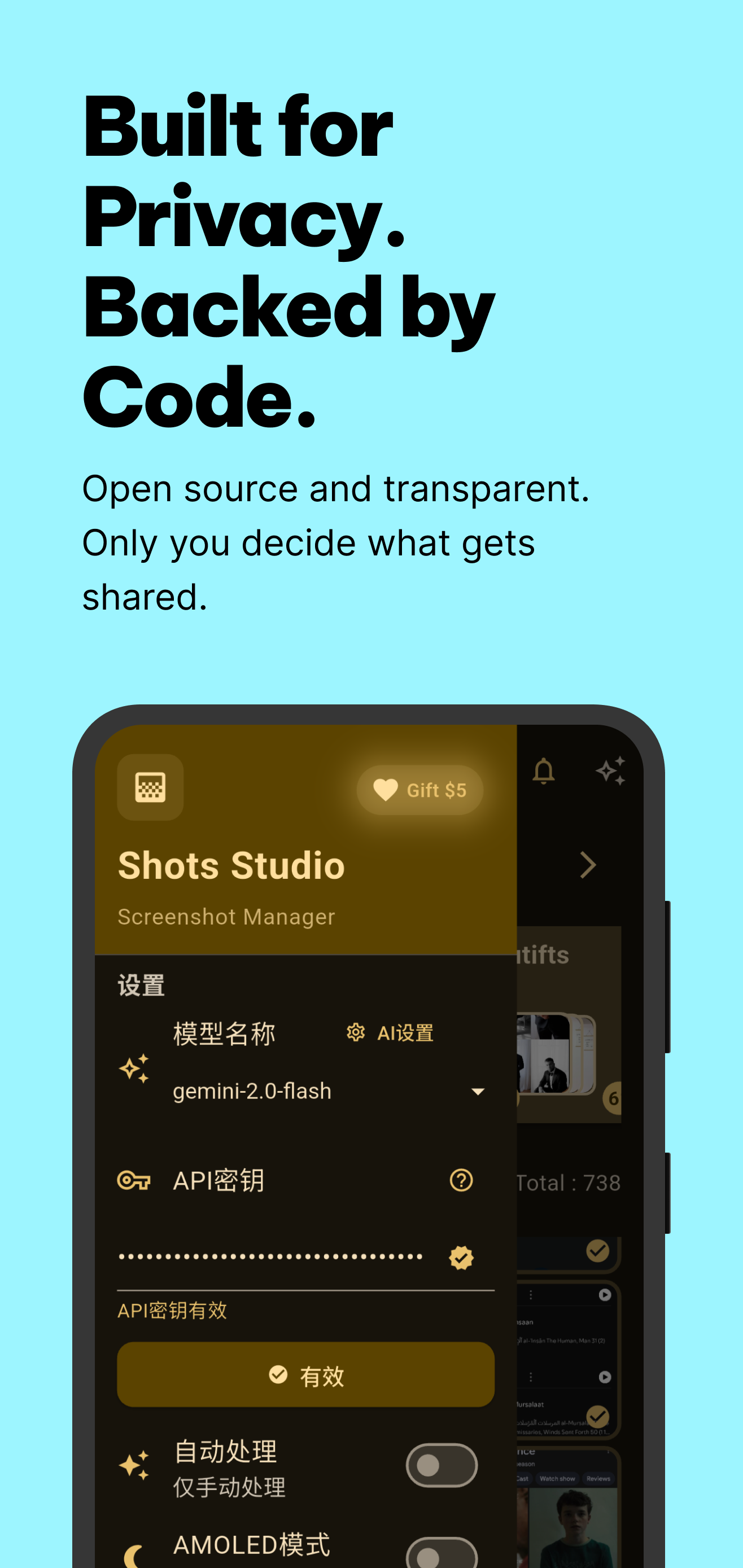
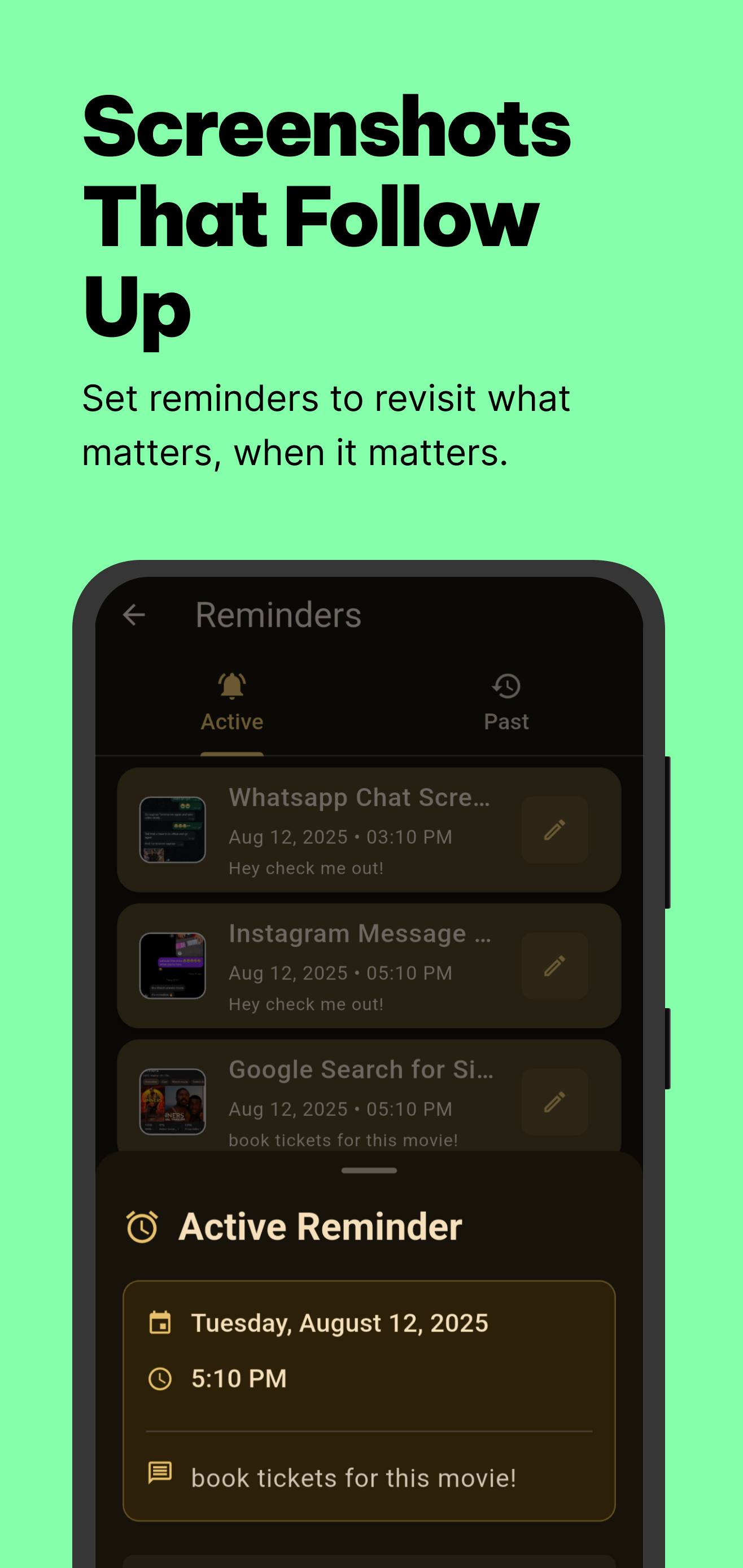
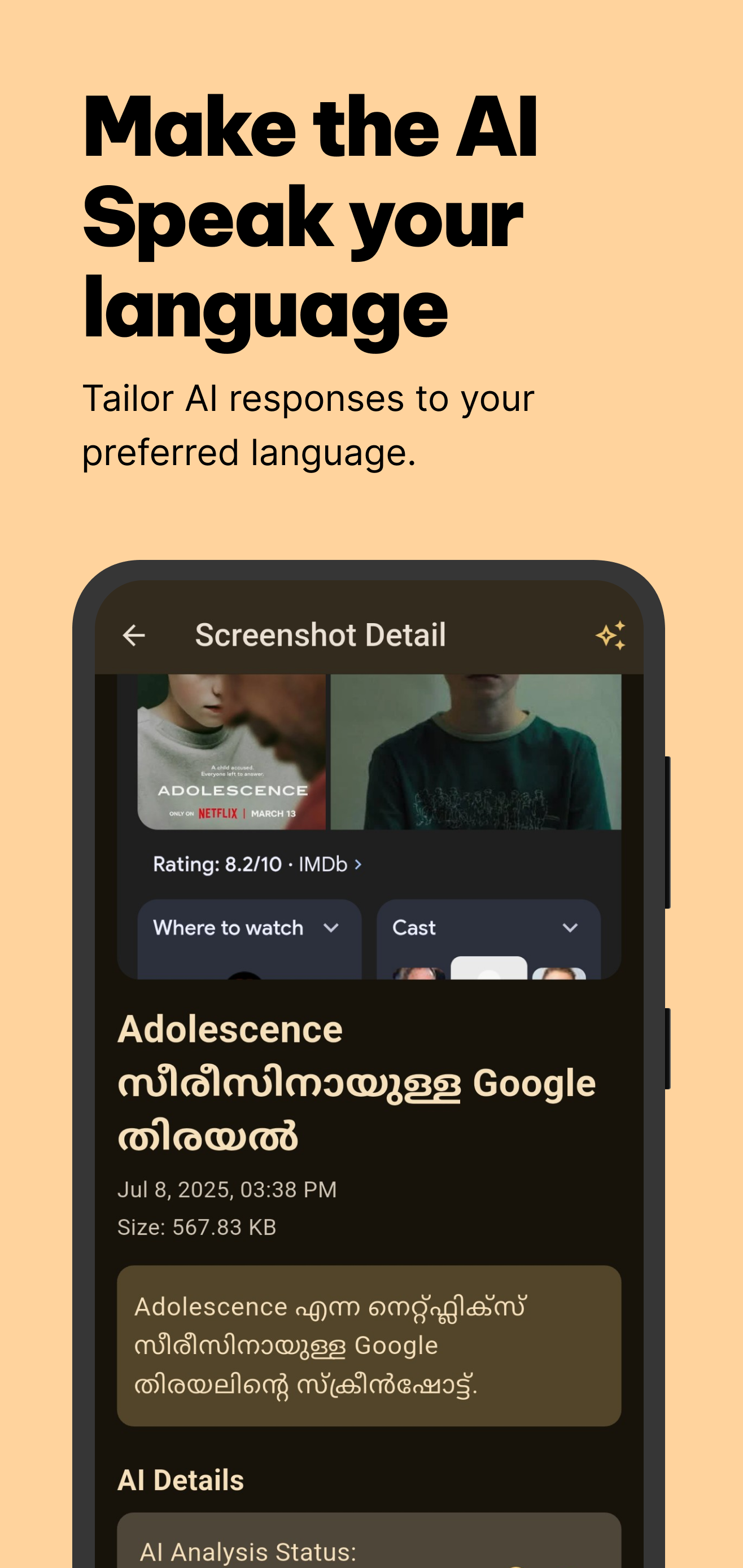
- On-device AI for fully private processing - Optional cloud models for faster performance - Smart screenshot organization & categorization - Advanced search and filtering - Automatic duplicate detection & removal - Batch operations for bulk management - Material You theming and design - Privacy-focused local storage - Easy export and sharing - Background monitoring for new screenshots - Custom collections & tagging system - Rich notifications and reminders - OCR text recognition for selectable text in screenshots - Supports 11 UI languages and more output languages
Perfect for heavy screenshot users who need a cleaner, more organized gallery. No ads, completely free, and open source.
Screenshots
How to install
- Download the APK from the button at the top of this page.
- Allow “Install unknown apps” for your browser or file manager only, not for every app.
- Open the downloaded file and confirm the installation.
- If installation fails with “App not installed,” remove an earlier build of the same app first. A signature conflict is the usual cause.
Data safety
- Every file is checked against its published SHA-256 before it is listed.
- Files are scanned for malware on every update.
- The permissions each app requests are listed on its own page.
- Read the full safety policy for how we test, flag, and delist files.
Comments
Recent approved comments · sorted by newest
View all comments