Automatically manage work profile when VPN connects or disconnects
F-Droid repository metadata
An Android application that automatically manages the work profile when a VPN connection is active.
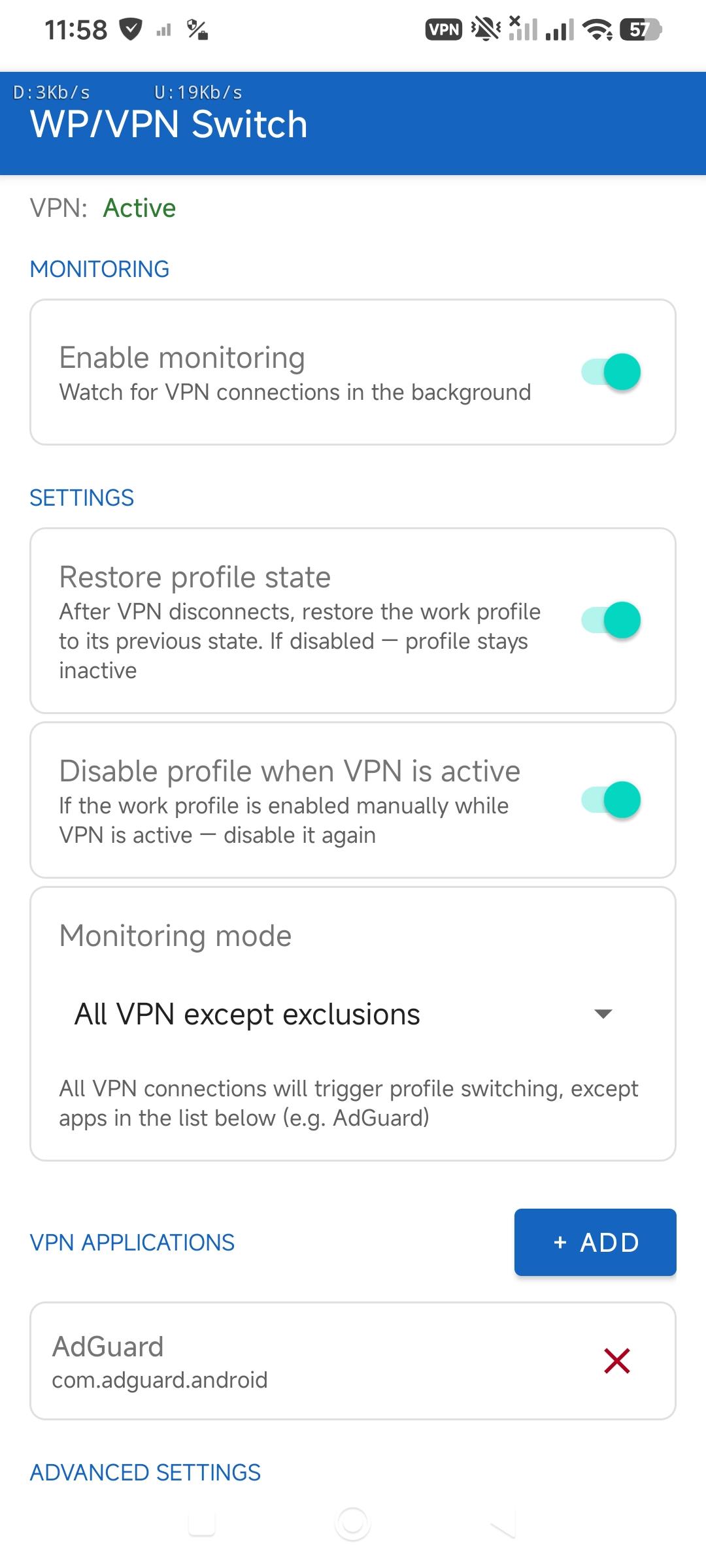
When VPN connects, the work profile is disabled. When VPN disconnects, the previous state is optionally restored. Useful when the work profile contains apps that should not run through the VPN tunnel, or when you need to isolate work apps from VPN traffic.
Features:
* Automatic disabling of the work profile when VPN connects
* State restoration after VPN disconnects (optional)
* Reverse logic — disable profile if manually enabled while VPN is active (optional)
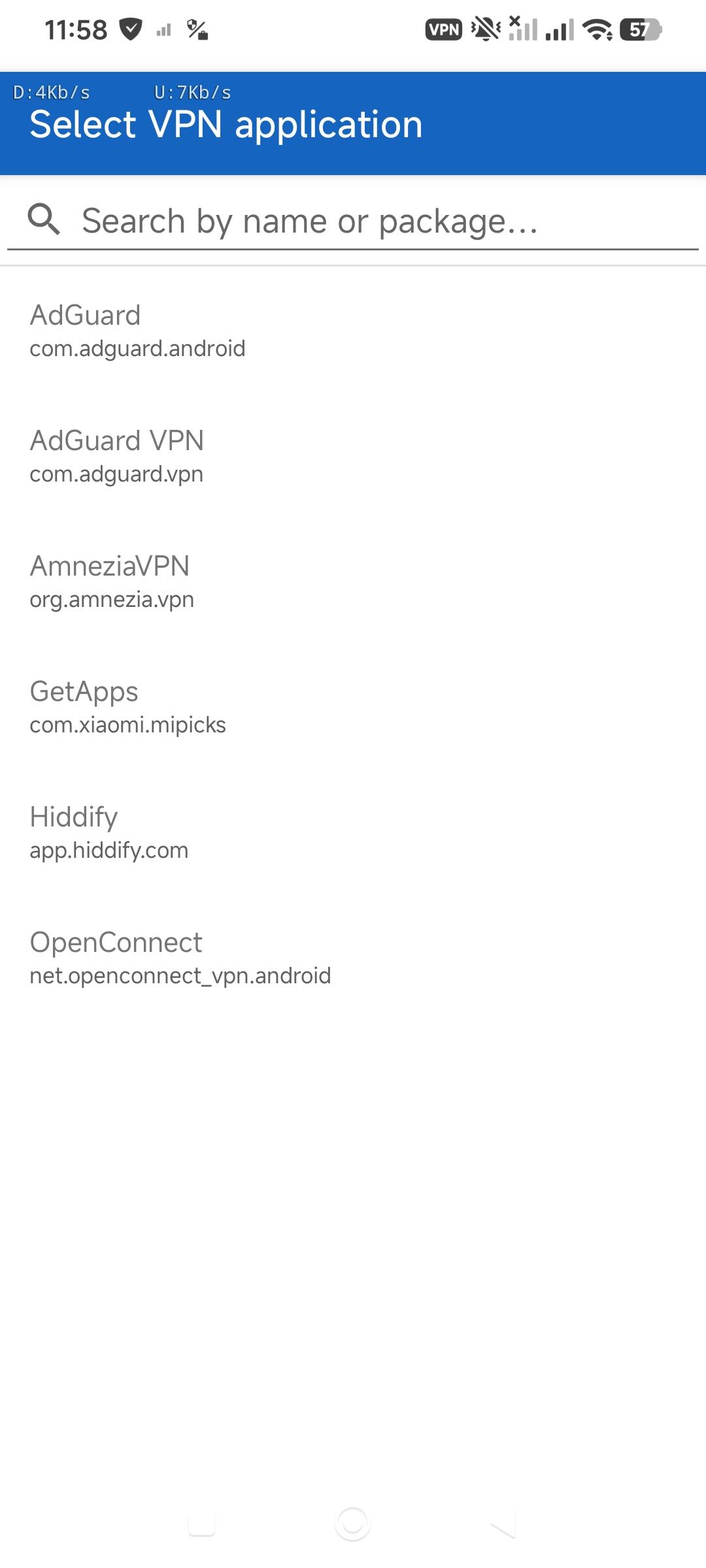
* Allowlist mode — monitor only selected VPN apps
* Denylist mode — monitor all VPN connections except excluded apps (useful for AdGuard)
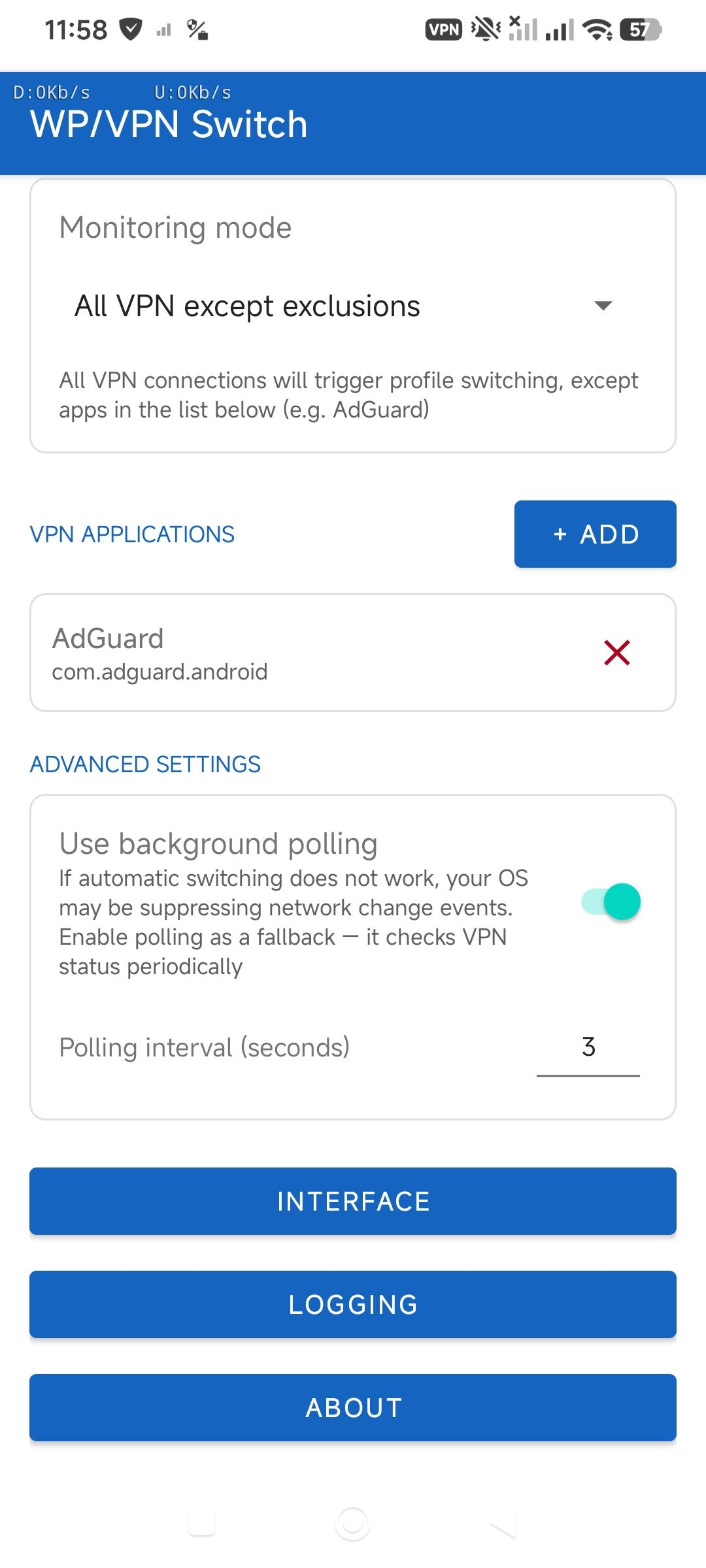
* Background polling — fallback for devices where network events are suppressed by the OS
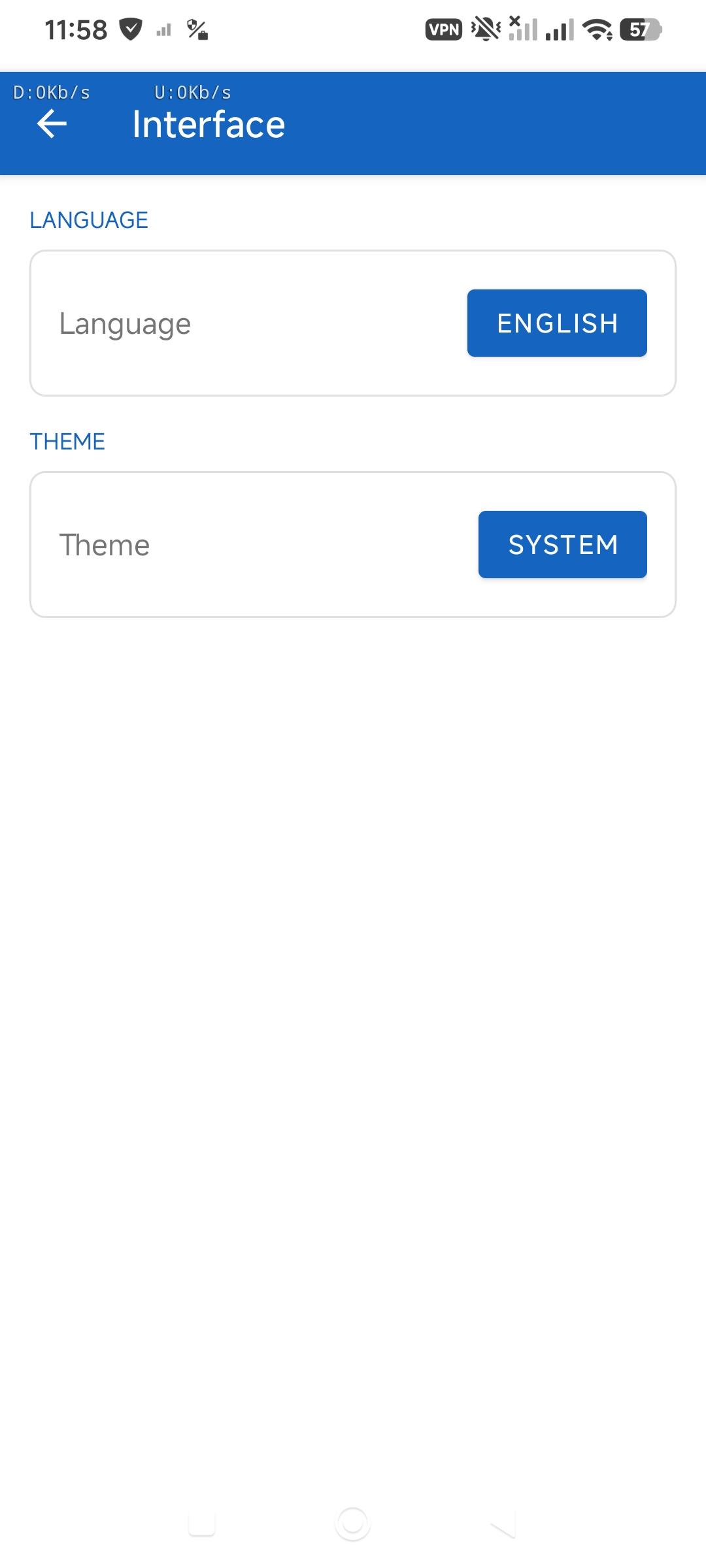
* Russian and English interface
Requirements:
* Android 11 (API 30) or higher
* A configured work profile (via Shelter or similar app)
* MODIFY_QUIET_MODE permission — granted manually via ADB:
adb shell pm grant io.github.snood21.workprofilevpnswitcher android.permission.MODIFY_QUIET_MODE
Note: the permission must be re-granted after a clean reinstall. It persists through regular updates.
If automatic switching does not work, enable Background polling in Advanced settings. Also allow autostart and set battery mode to No restrictions in system settings.
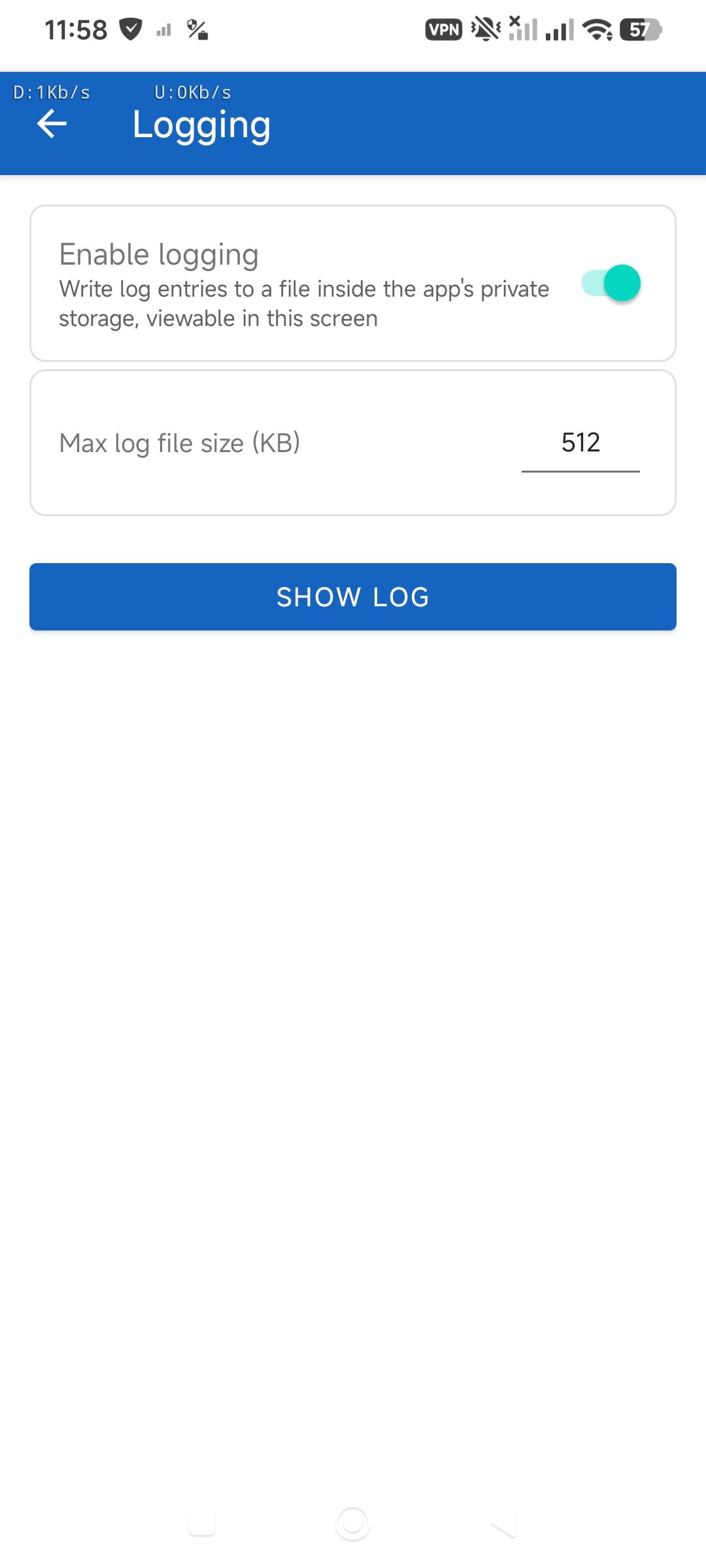
Screenshots
What’s new
* Fixed VPN detection via NetworkCallback — removed the incorrect NET_CAPABILITY_NOT_VPN requirement * Disabled automatic backup of application data * Fixed enabling the work profile while the screen is locked — the user is notified, and the profile is automatically enabled upon the first unlock * Minor fixes and stability improvements
How to install
Download the APK from the button at the top of this page.
Allow “Install unknown apps” for your browser or file manager only, not for every app.
Open the downloaded file and confirm the installation.
If installation fails with “App not installed,” remove an earlier build of the same app first. A signature conflict is the usual cause.
Data safety
Every file is checked against its published SHA-256 before it is listed.
Files are scanned for malware on every update.
The permissions each app requests are listed on its own page.
Read the full safety policy for how we test, flag, and delist files.