What’s new
- Rewritten with Jetpack Compose for a smoother, modern experience
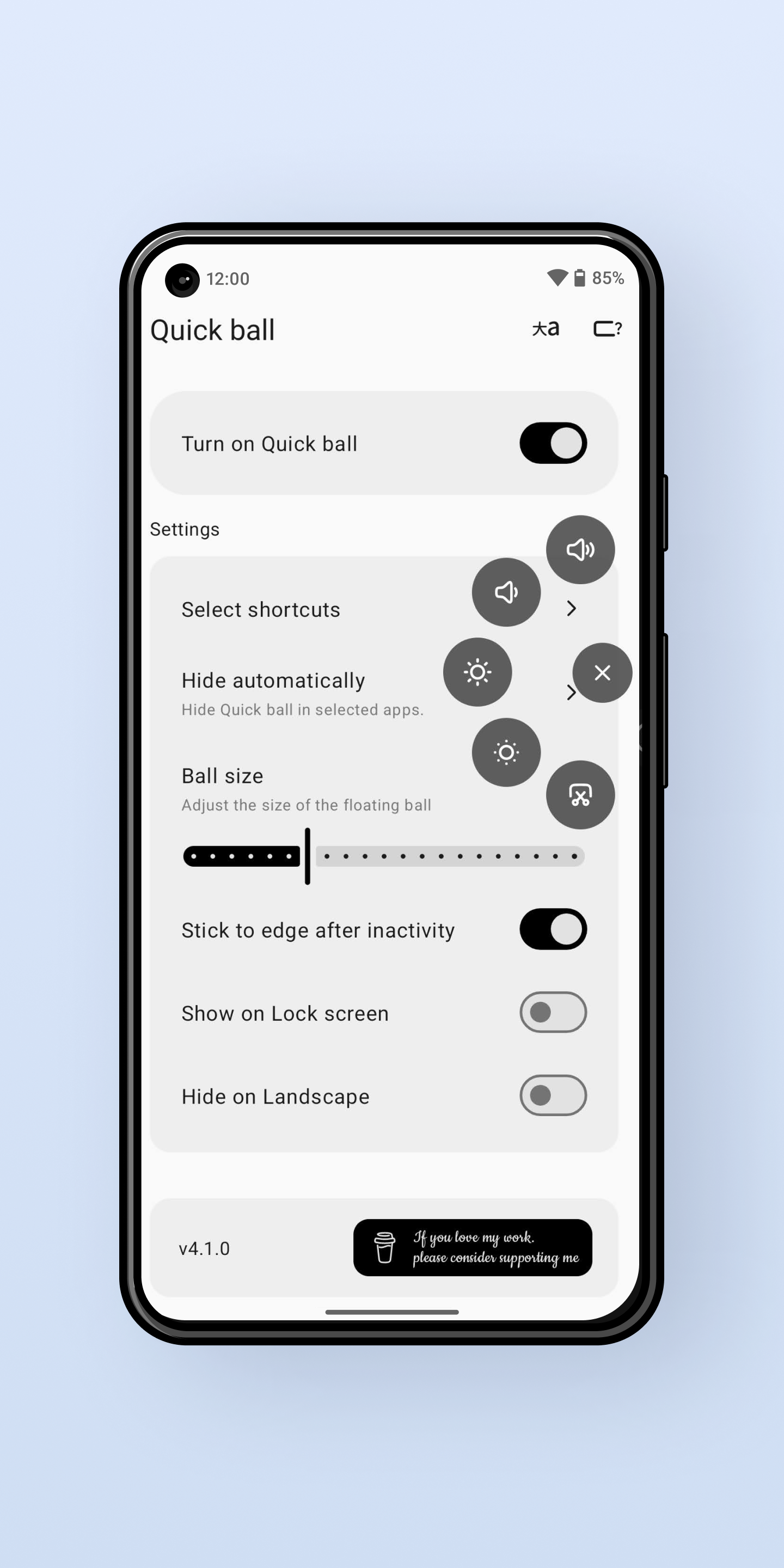
- Smoother floating menu animations
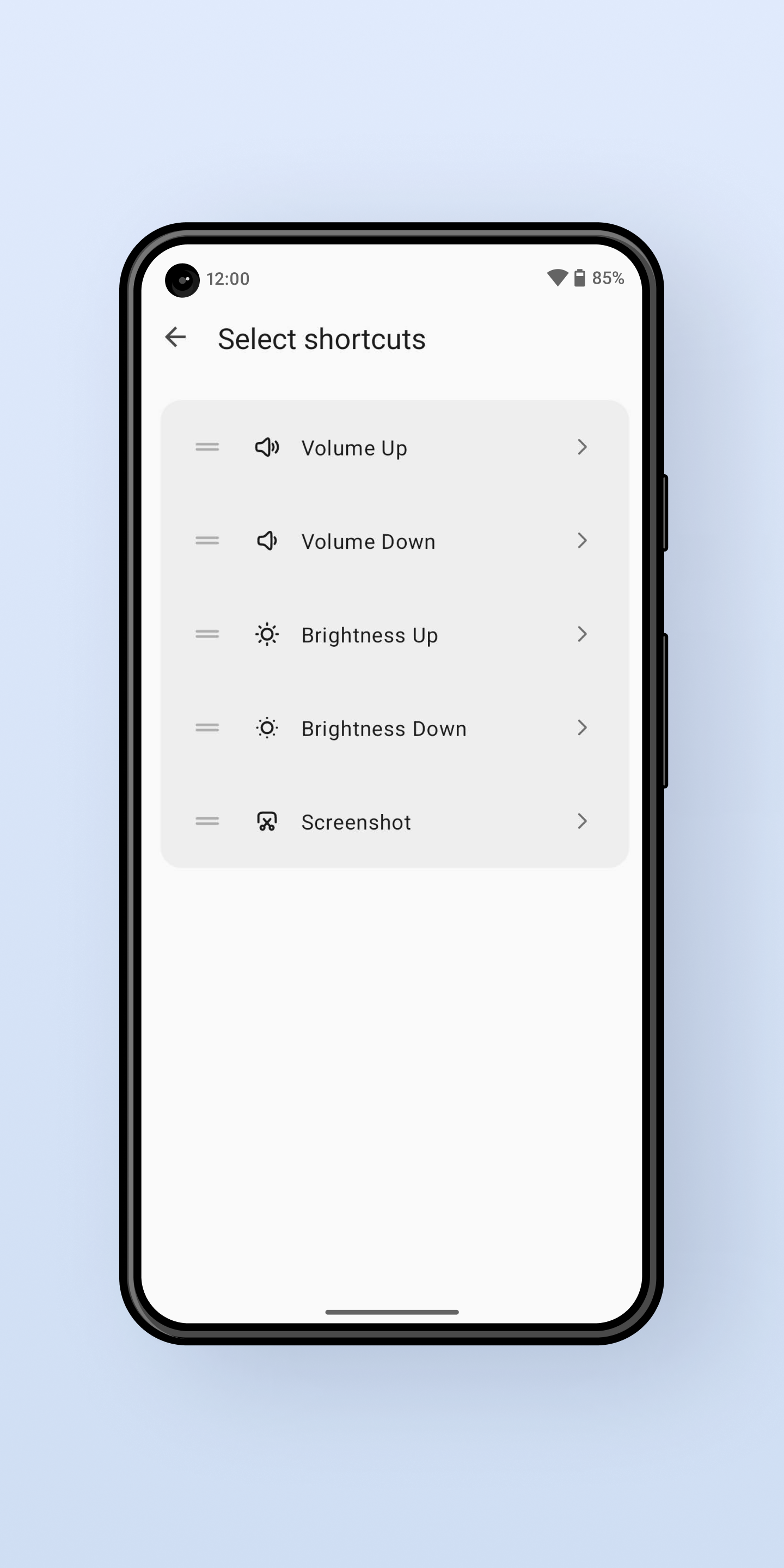
- Added new shortcuts for quicker access
- Advanced customization settings for more control

Updated Sep 22, 2026
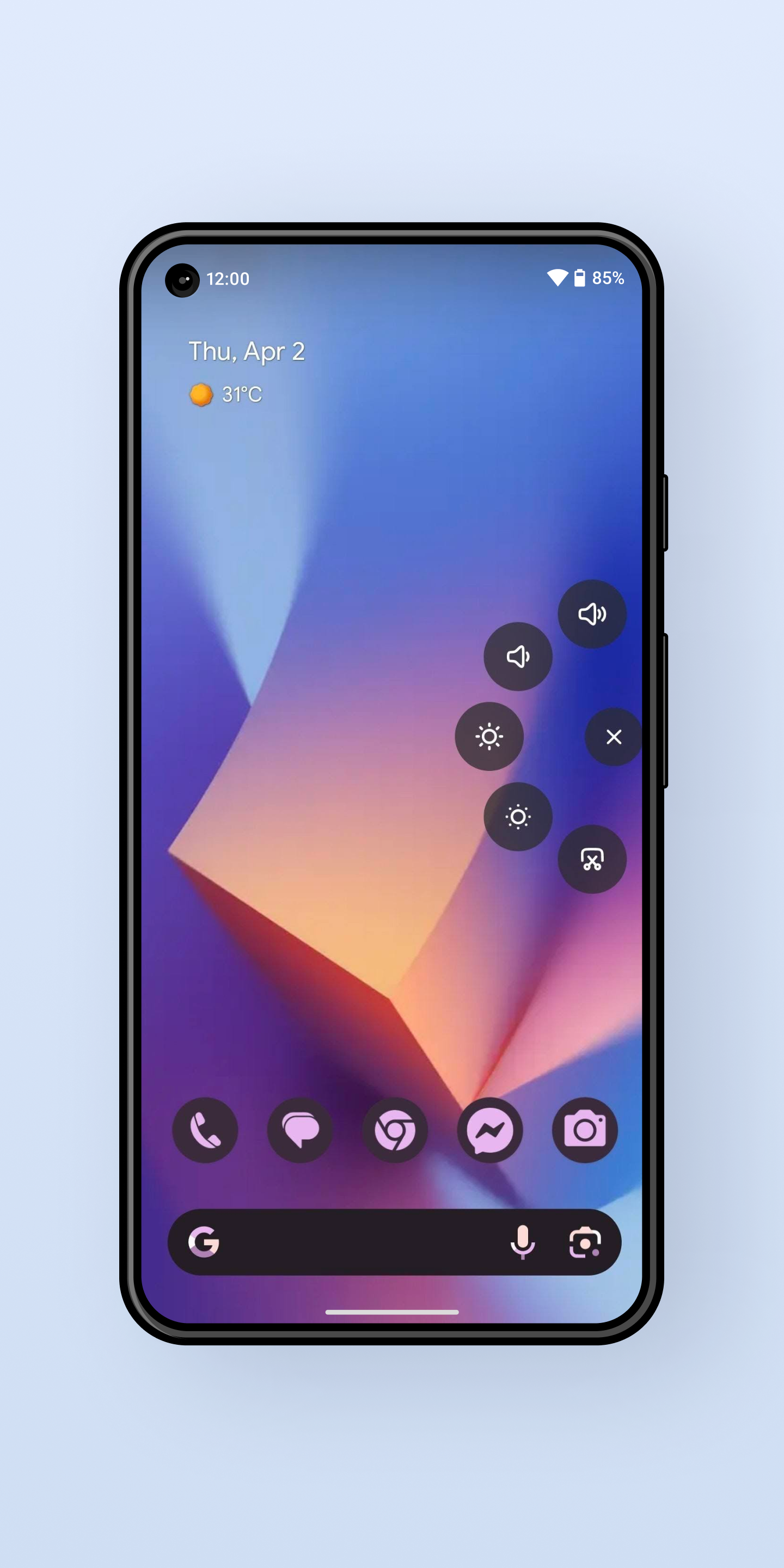
A Quick Action Ball that gives fast access to controls —volume, brightness, lock
F-Droid repository metadata
A floating ball that provides quick access to system functions like volume, brightness, and screen lock. The ball stays visible over all apps and automatically hides on the lock screen.
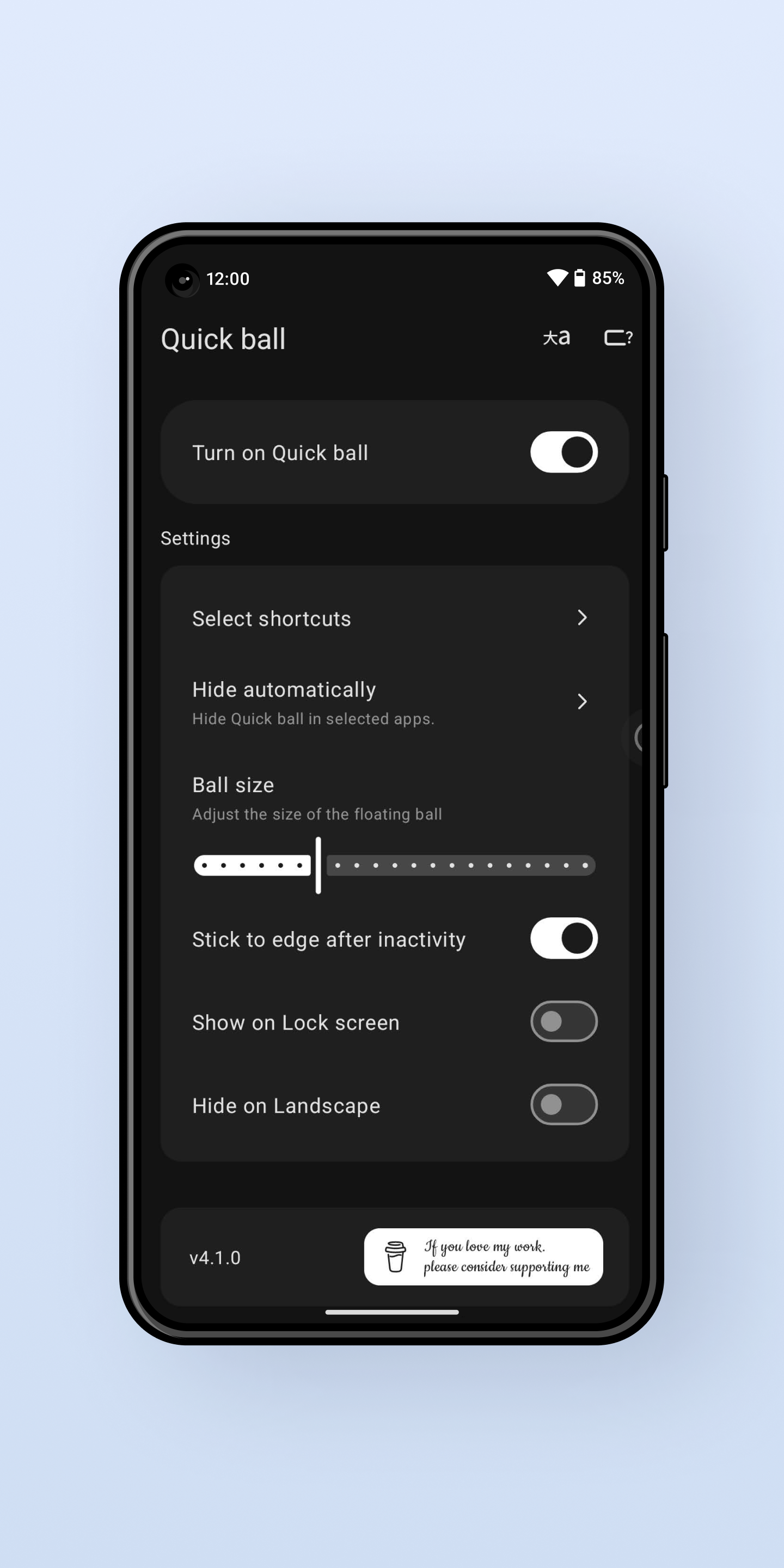
Features: - Quick Actions: Access volume, brightness, and lock screen controls instantly - Always Visible: Floating ball appears over all apps when unlocked - Smart Positioning: Remembers last position after screen unlock - Auto-Hide: Automatically hides on lock screen and shows on unlock - Draggable: Touch and drag to move anywhere on screen - Auto-Snap: Snaps to screen edges when released
Security Note: QuickBall requires Accessibility and Modify System Settings permissions to function. These permissions are used only for the floating ball functionality, system actions, and controlling screen brightness. The app does not access, store, or monitor any personal data.
- Rewritten with Jetpack Compose for a smoother, modern experience
- Smoother floating menu animations
- Added new shortcuts for quicker access
- Advanced customization settings for more control
Recent approved comments · sorted by newest
View all comments