Discover and replace proprietary apps with FOSS alternatives
F-Droid repository metadata
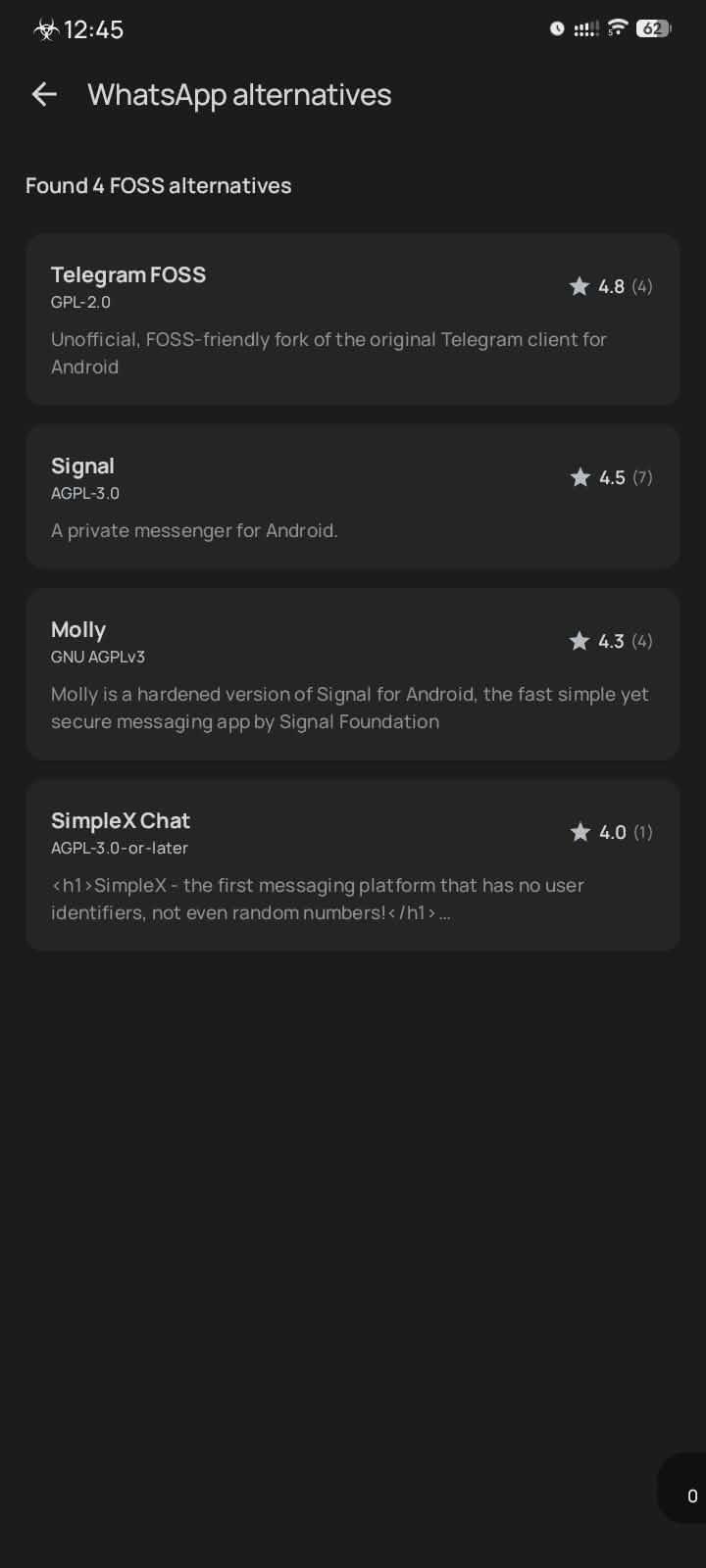
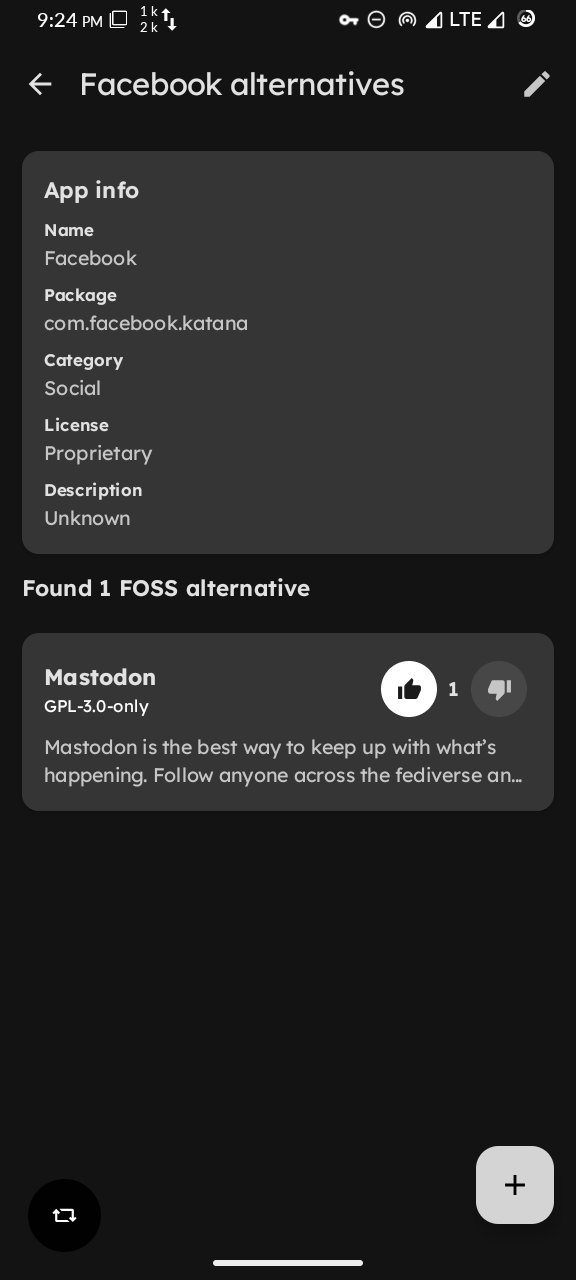
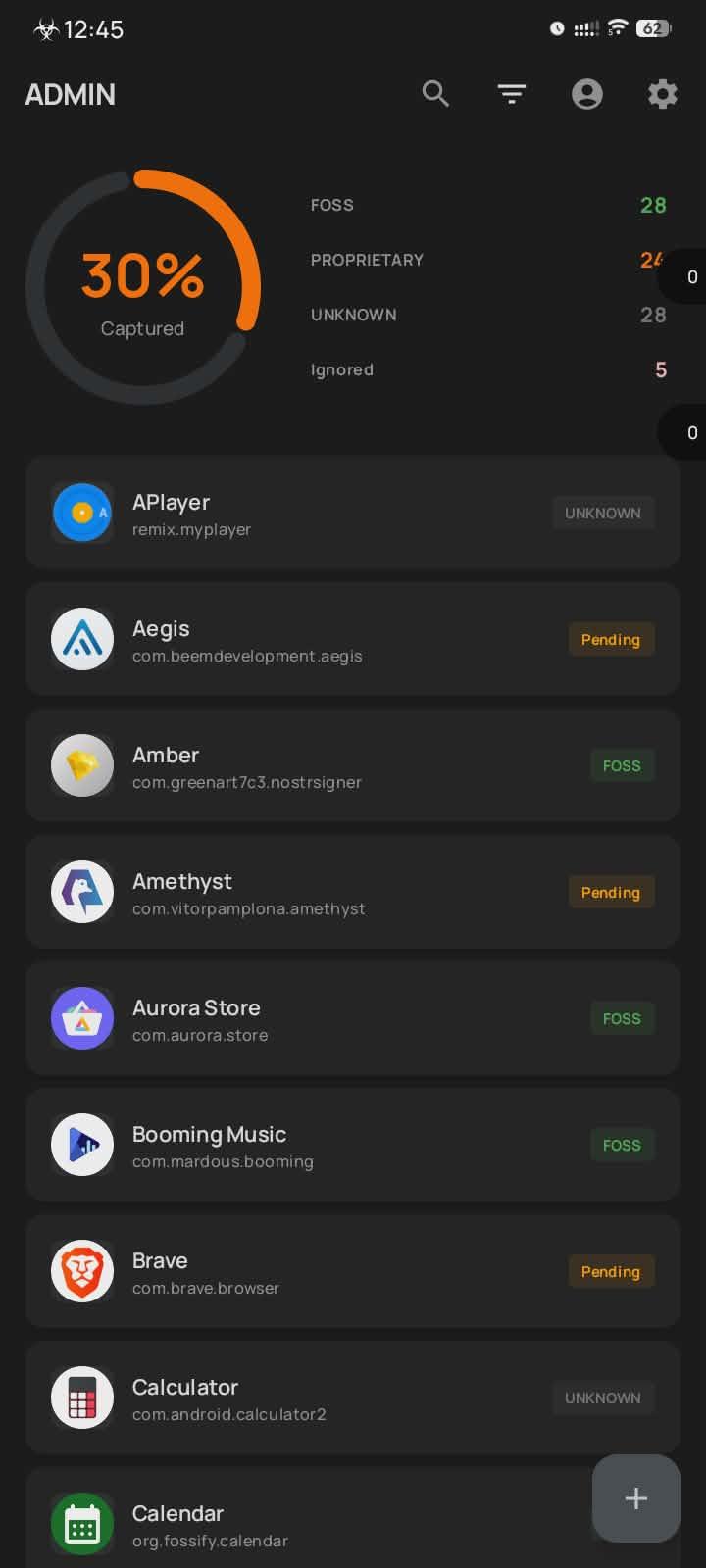
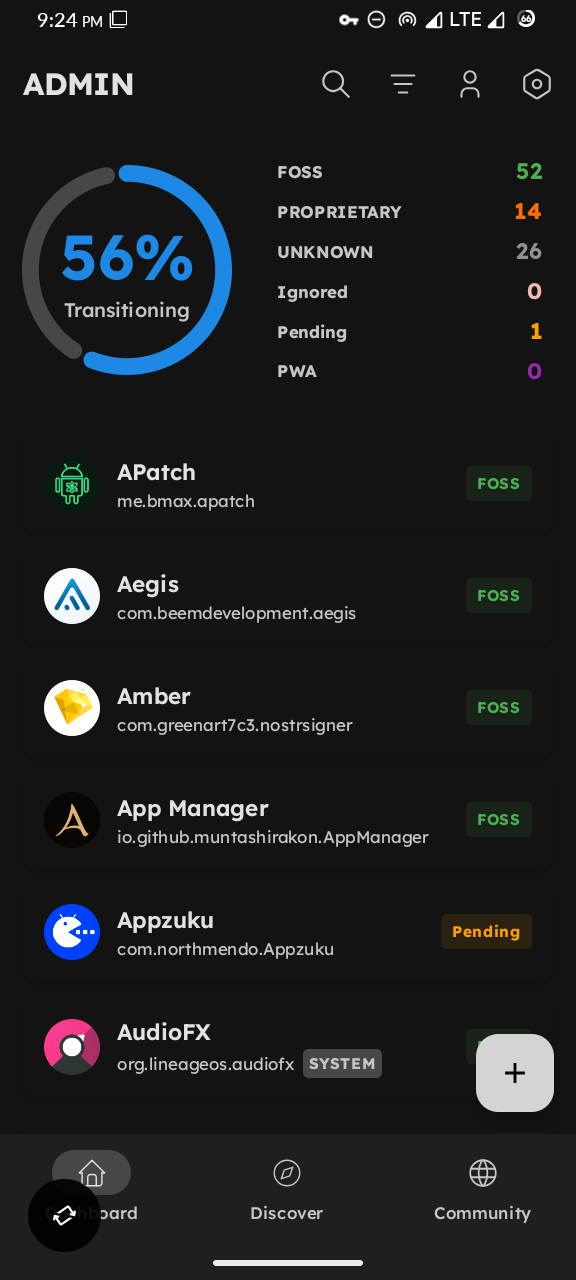
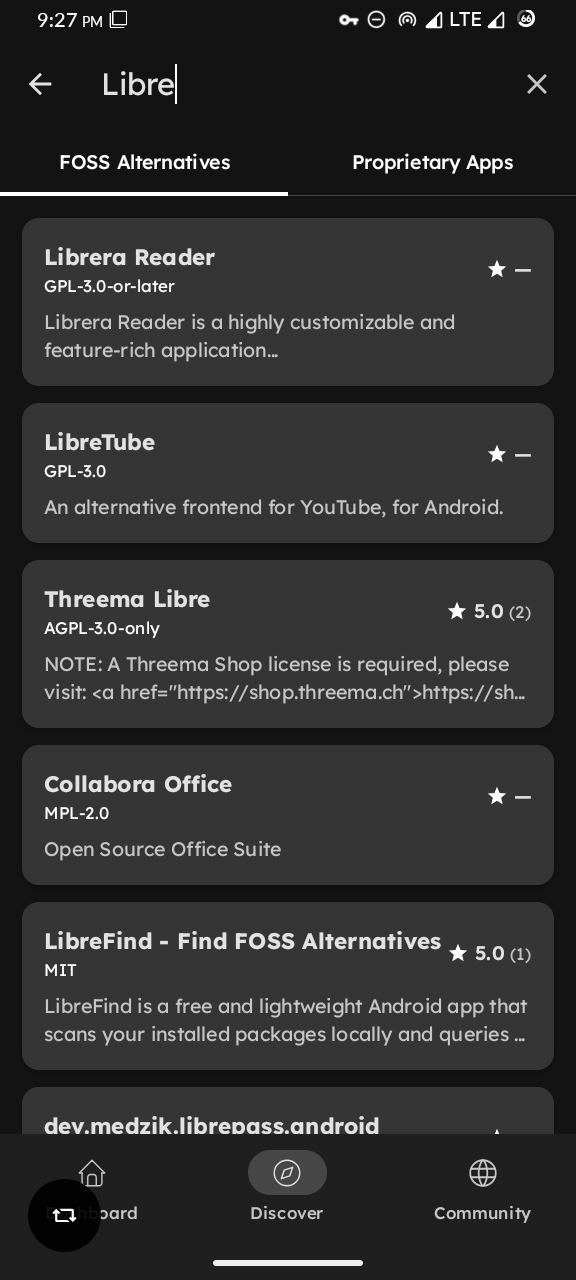
LibreFind is a free and lightweight Android app that scans your installed packages locally and queries our database to identify proprietary software and find FOSS alternatives.
Core Features
• Scan installed apps to detect proprietary software
• Get FOSS alternative recommendations
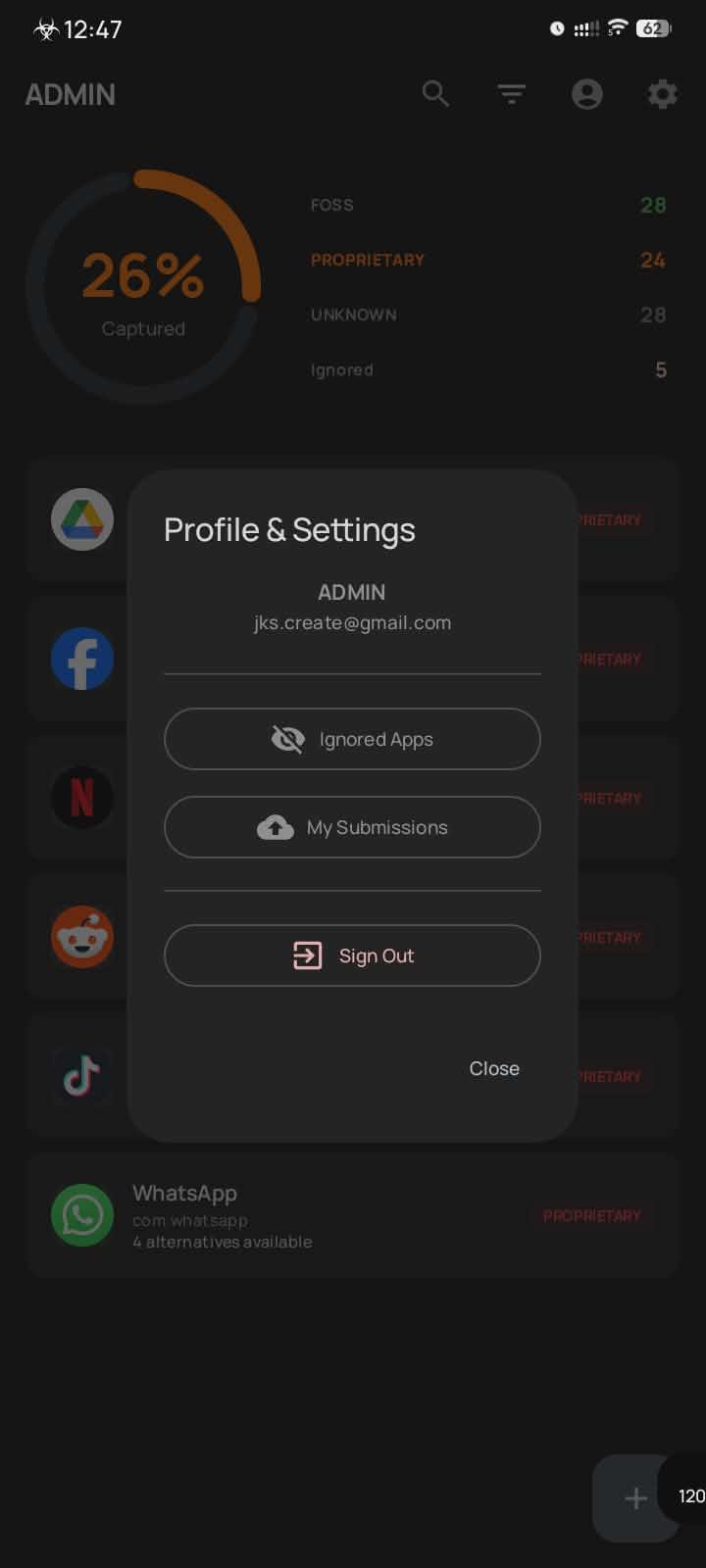
• View sovereignty scores showing FOSS vs proprietary ratio
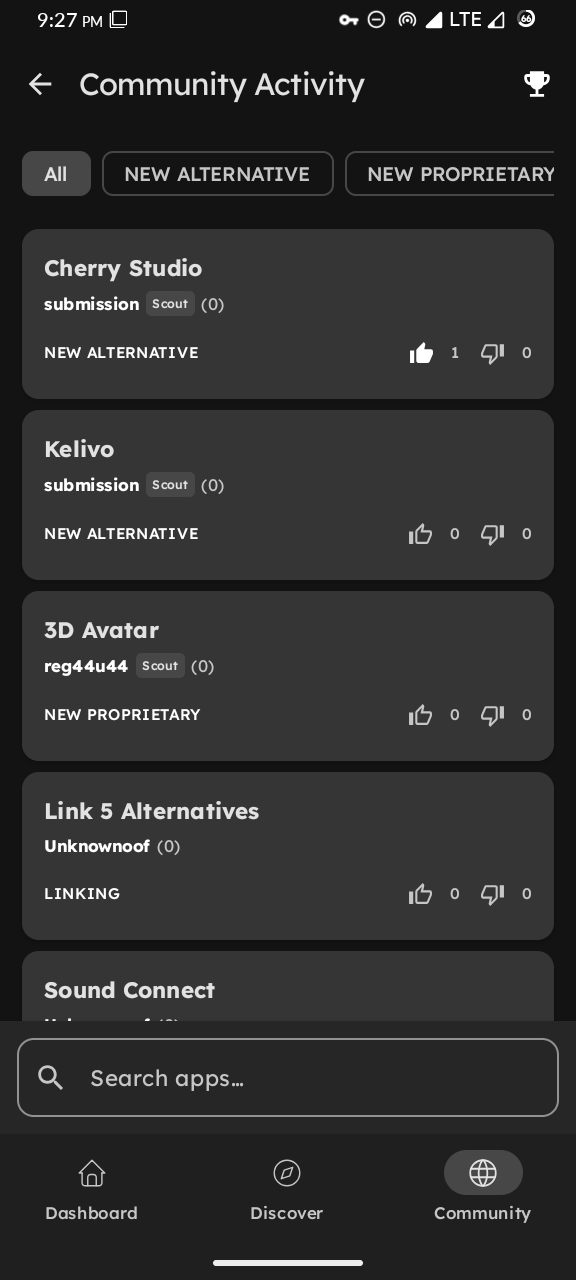
• Community-driven database
Community Contributions
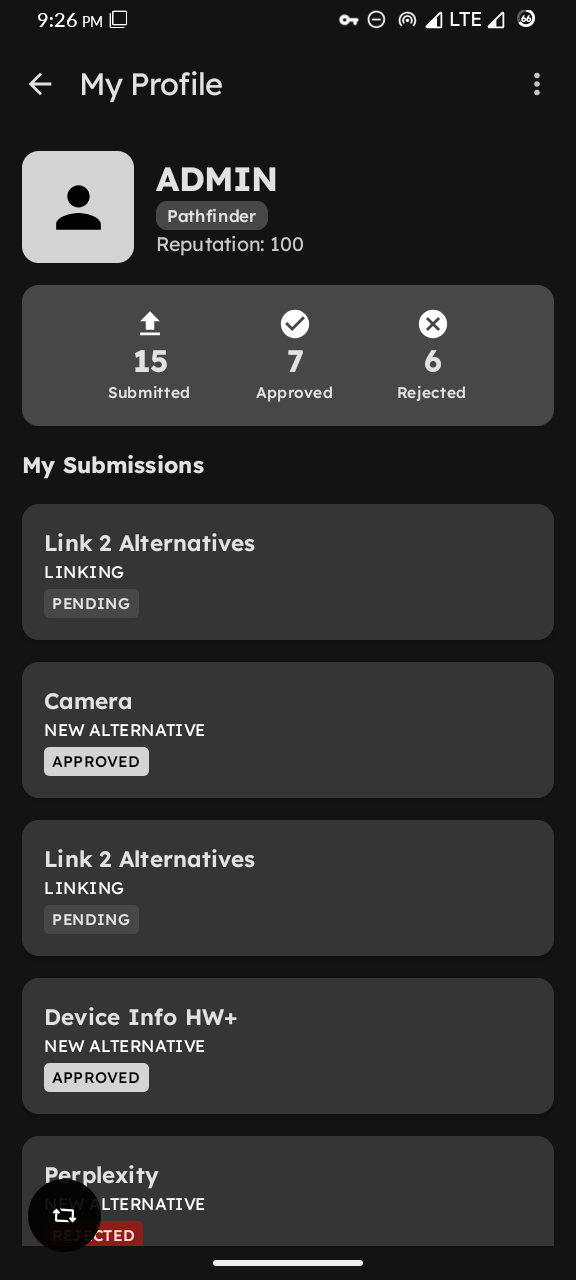
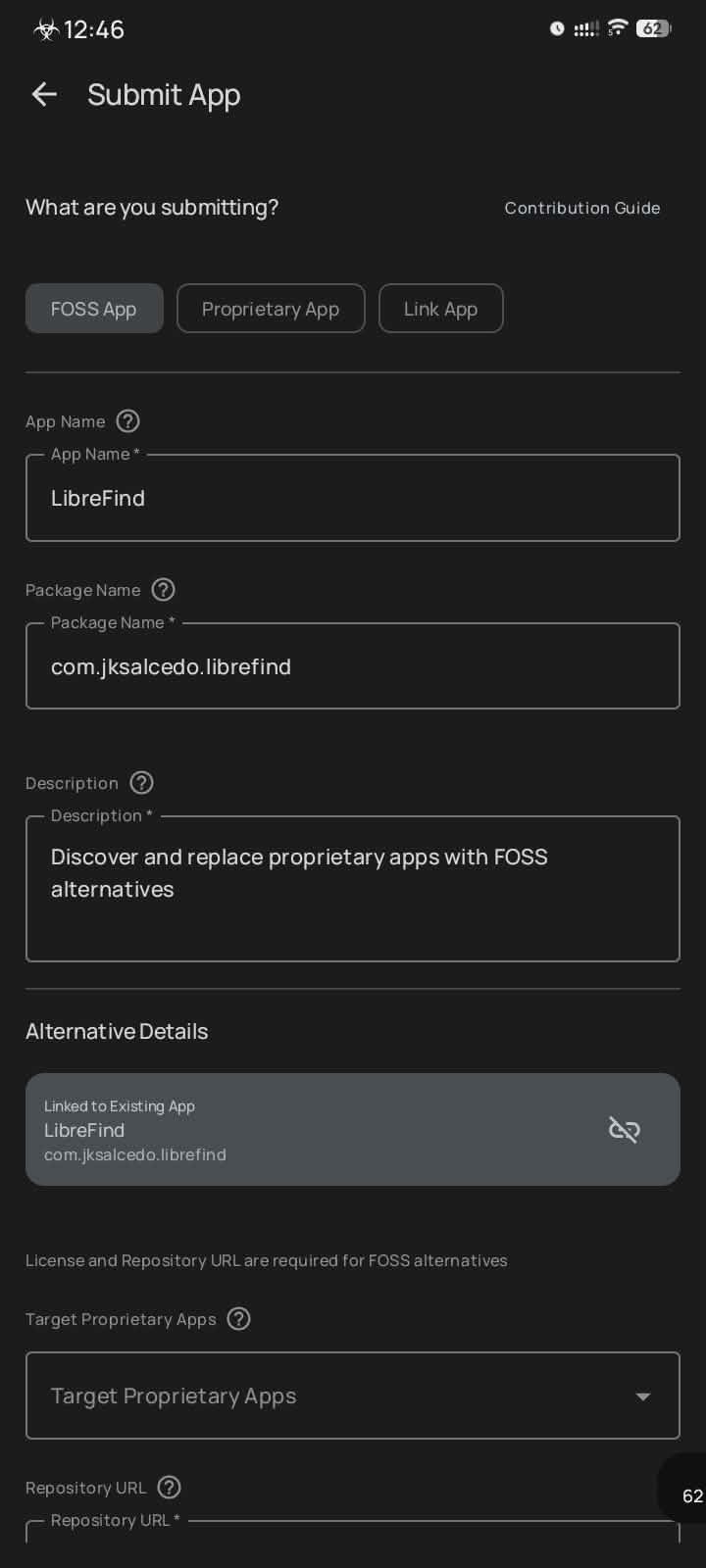
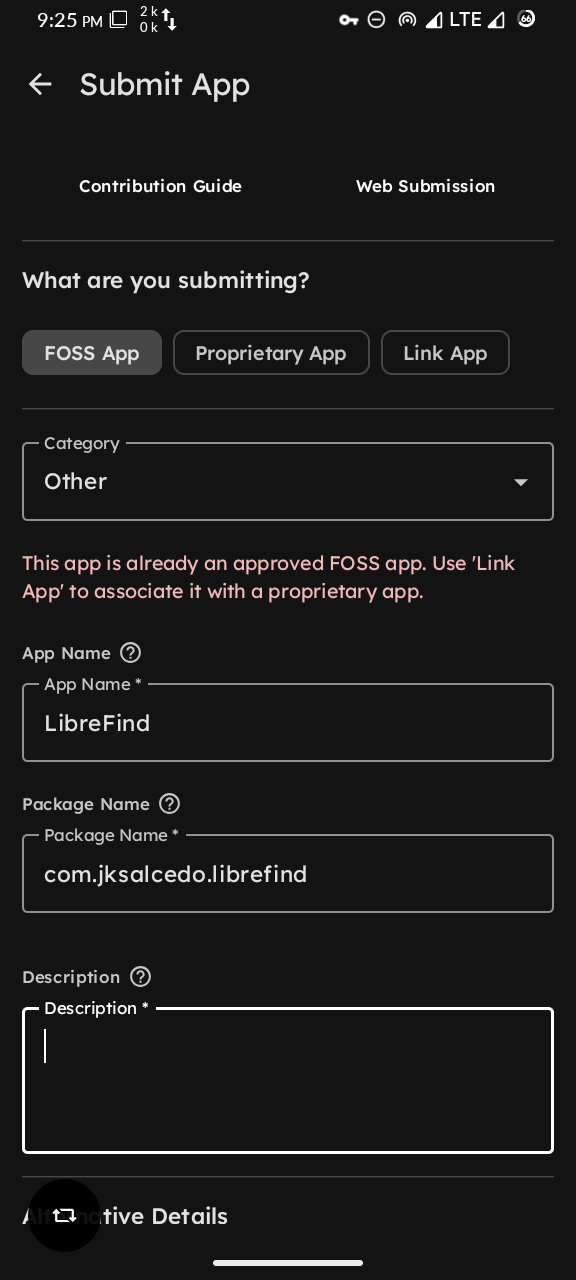
• Propose new FOSS alternatives for review
• Submit pros and cons for existing alternatives
• Vote on app recommendations
• Help build a comprehensive alternative database
The app only queries the database for FOSS alternatives when proprietary apps are detected.
LibreFind is fully open source under the GPL-3.0-or-later License. Contribute at: https://github.com/jksalcedo/librefind
Screenshots
What’s new
- Display admin responses and rejection reasons on report and submission screens - Account deletion now preserves submission history - Add info dialog on the Community Submissions - Community Submissions now loads 50 items at a time - Improve linking submission card display - Minor release improvements - Fix Sign In screen flashes when tapping Community before user profile finishes loading - Significantly improve app startup time - Fix FOSS apps wrongly classified as proprietary or unknown - Imp
How to install
Download the APK from the button at the top of this page.
Allow “Install unknown apps” for your browser or file manager only, not for every app.
Open the downloaded file and confirm the installation.
If installation fails with “App not installed,” remove an earlier build of the same app first. A signature conflict is the usual cause.
Data safety
Every file is checked against its published SHA-256 before it is listed.
Files are scanned for malware on every update.
The permissions each app requests are listed on its own page.
Read the full safety policy for how we test, flag, and delist files.