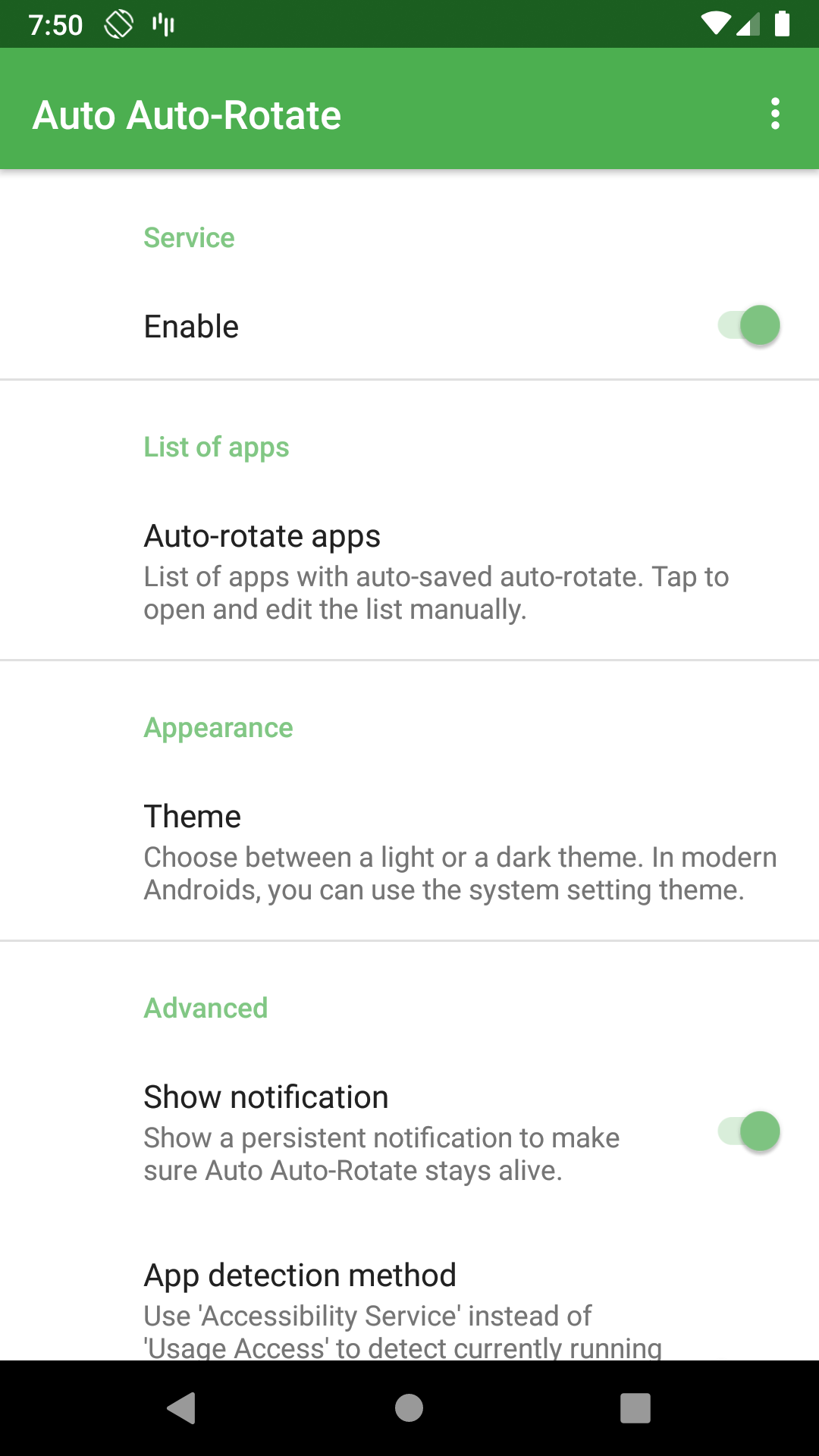
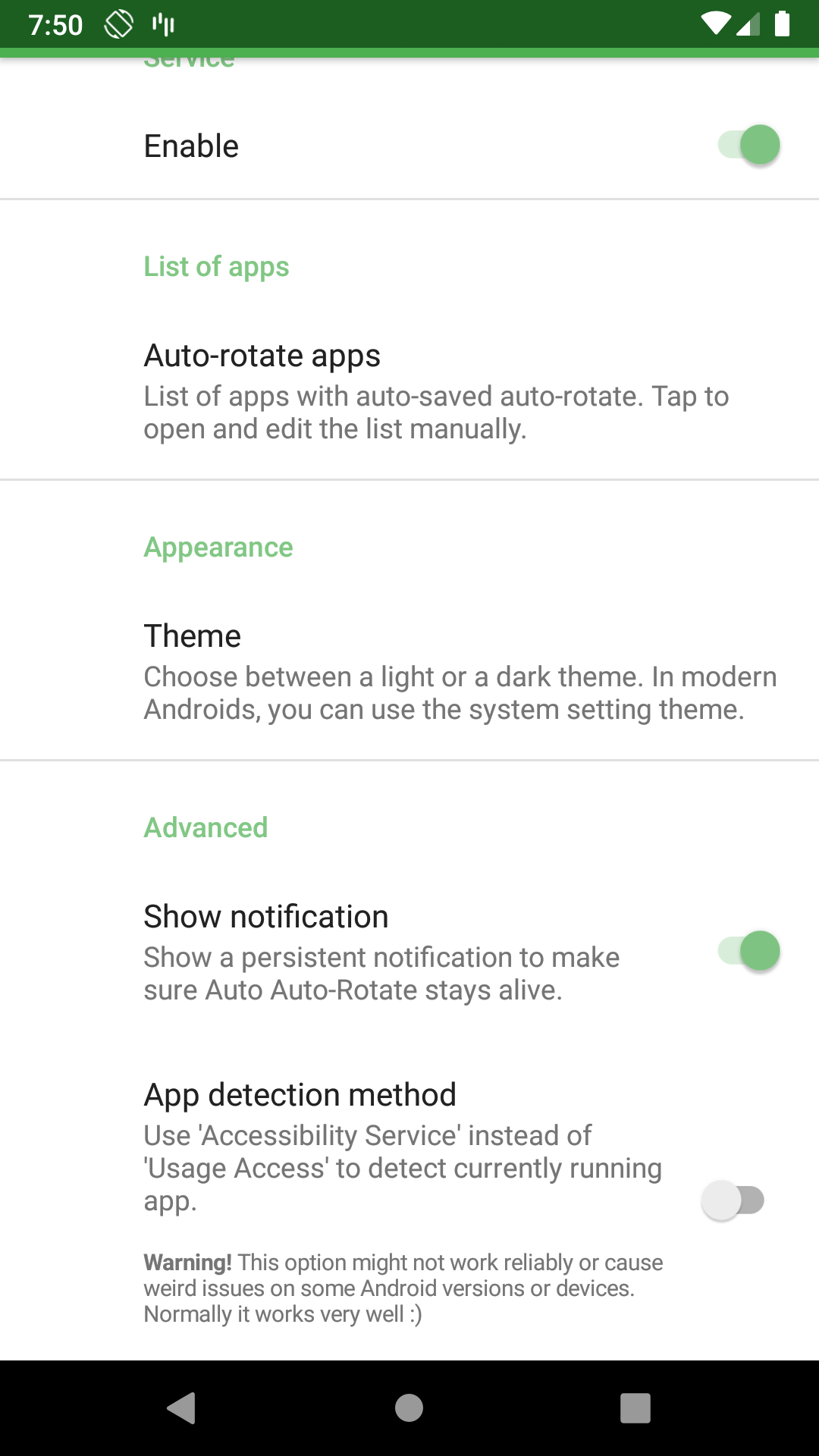
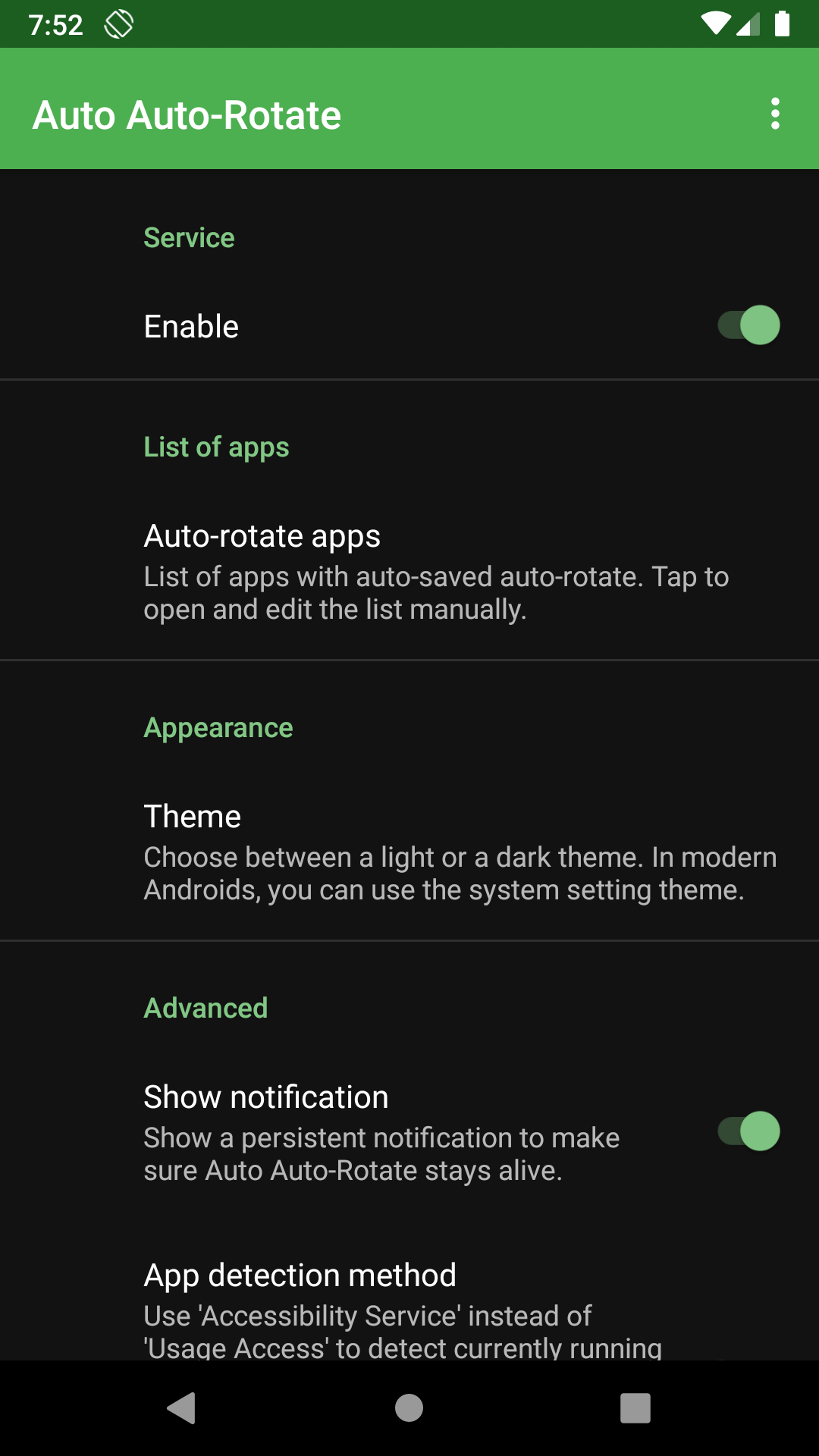
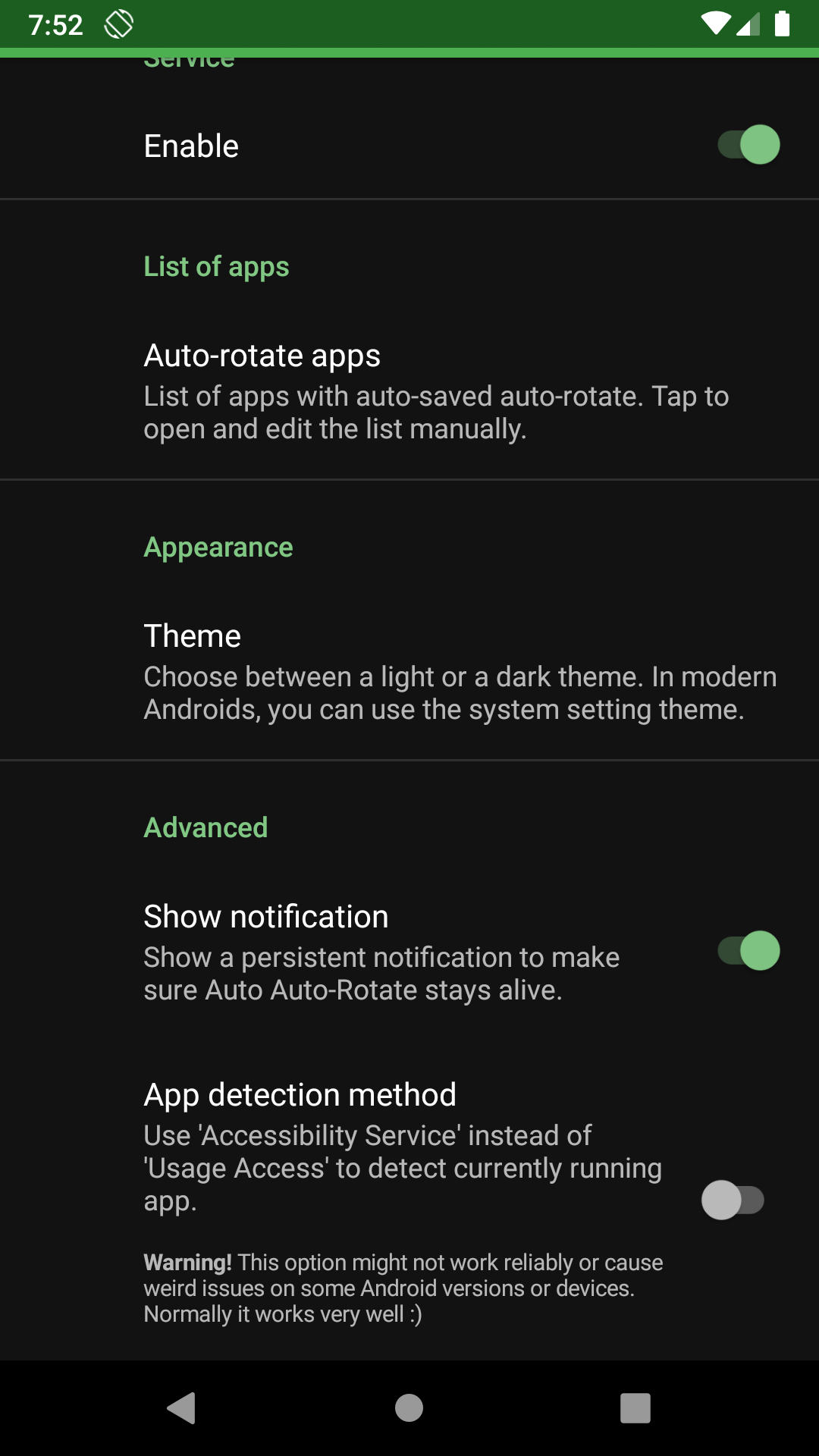
Automatically remembers your auto-rotate setting for every app
F-Droid repository metadata
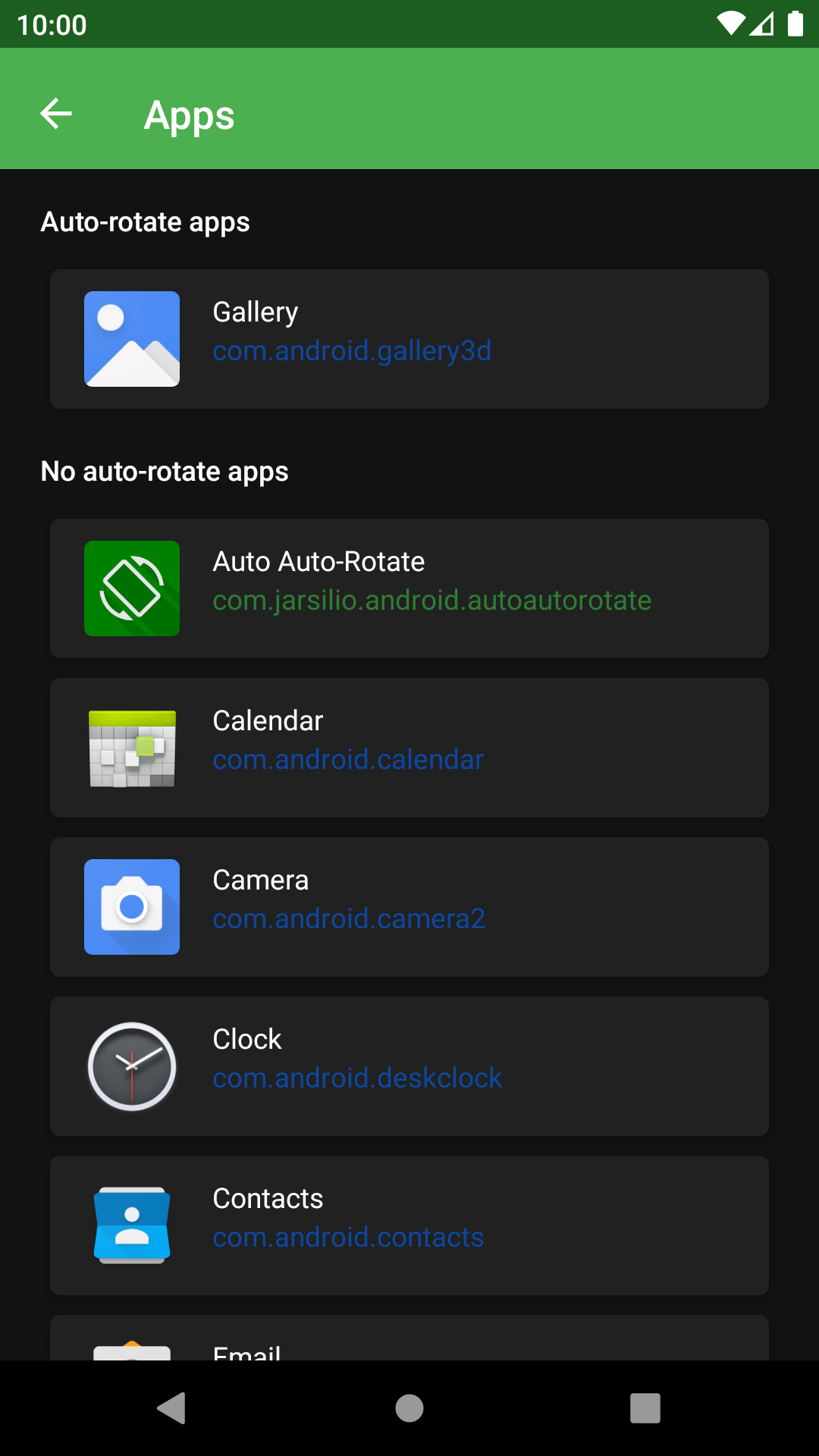
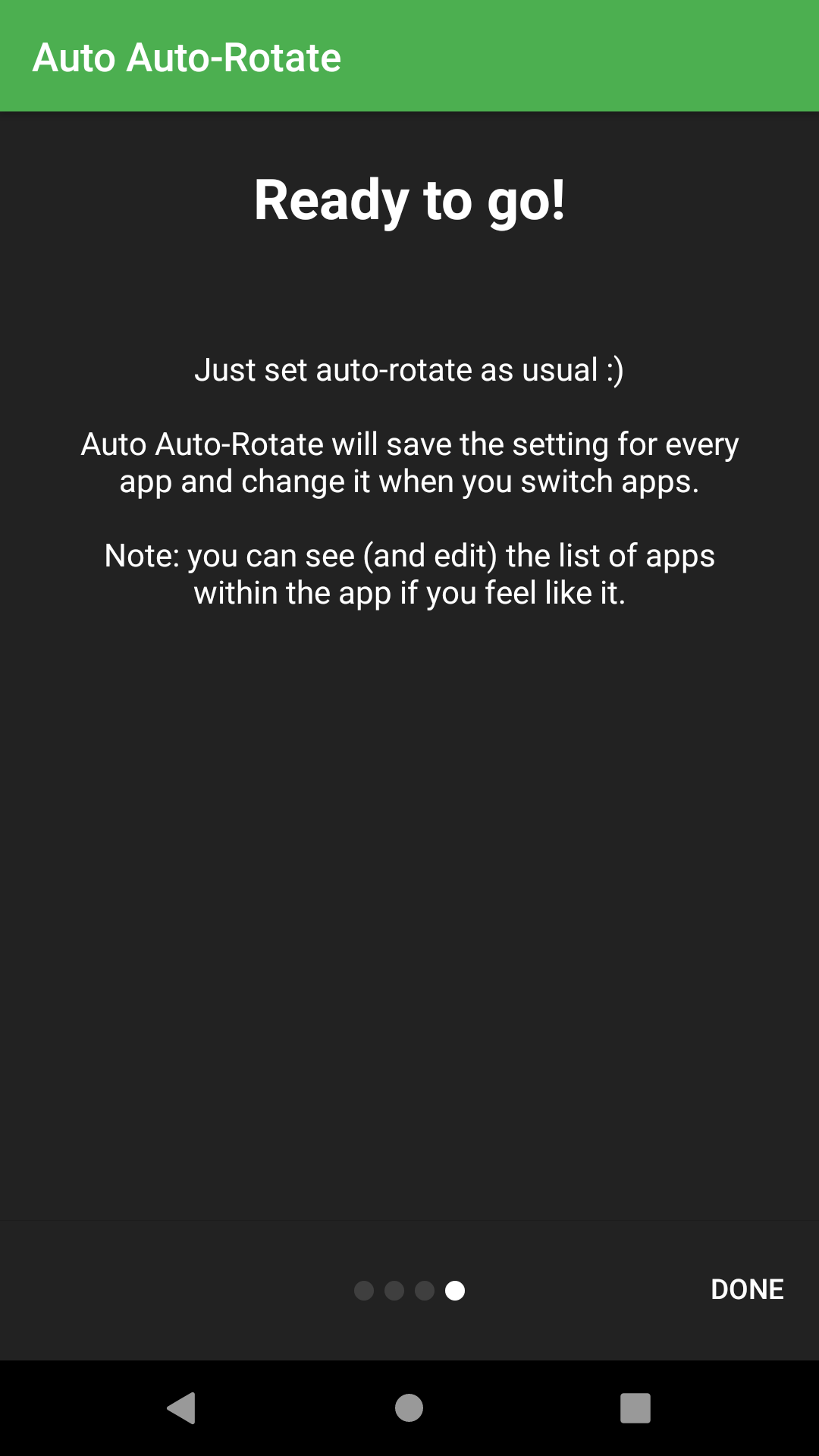
Auto Auto-Rotate is an extremely simple app that stores Android's auto-rotate setting per app.
Do you usually disable auto-rotate and enabled it only for some apps? Like your gallery, or your video app? Do you tend to forget to turn it off afterwards? Does it bother you?
Then Auto Auto-Rotate is the perfect app for you!
Auto Auto-Rotate is open source and released under the GPLv3 license[1]. Check out the code[2] if you like.
Required Android Permissions
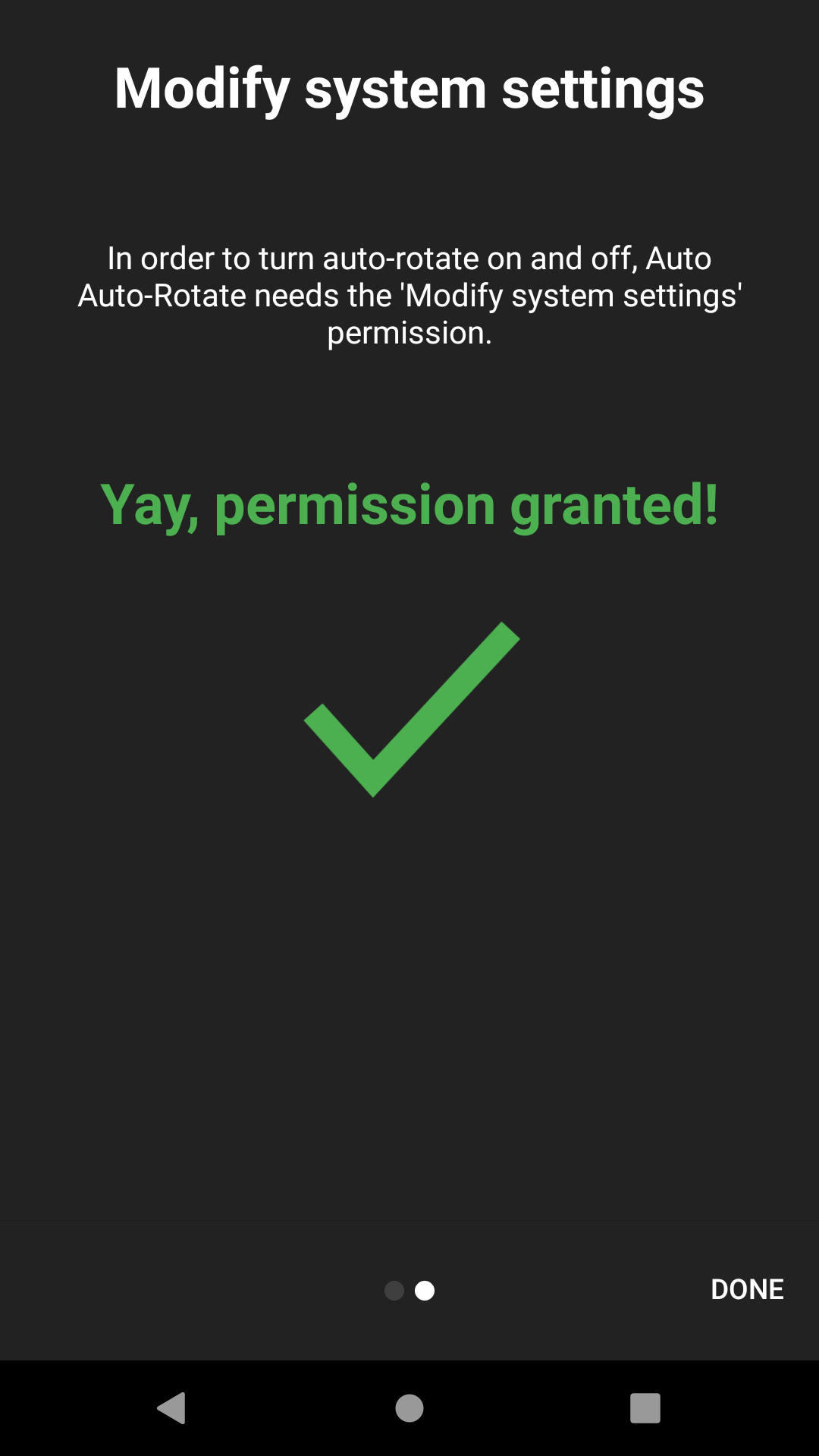
▸ WRITE_SETTINGS to turn Android's auto-rotate on and off.
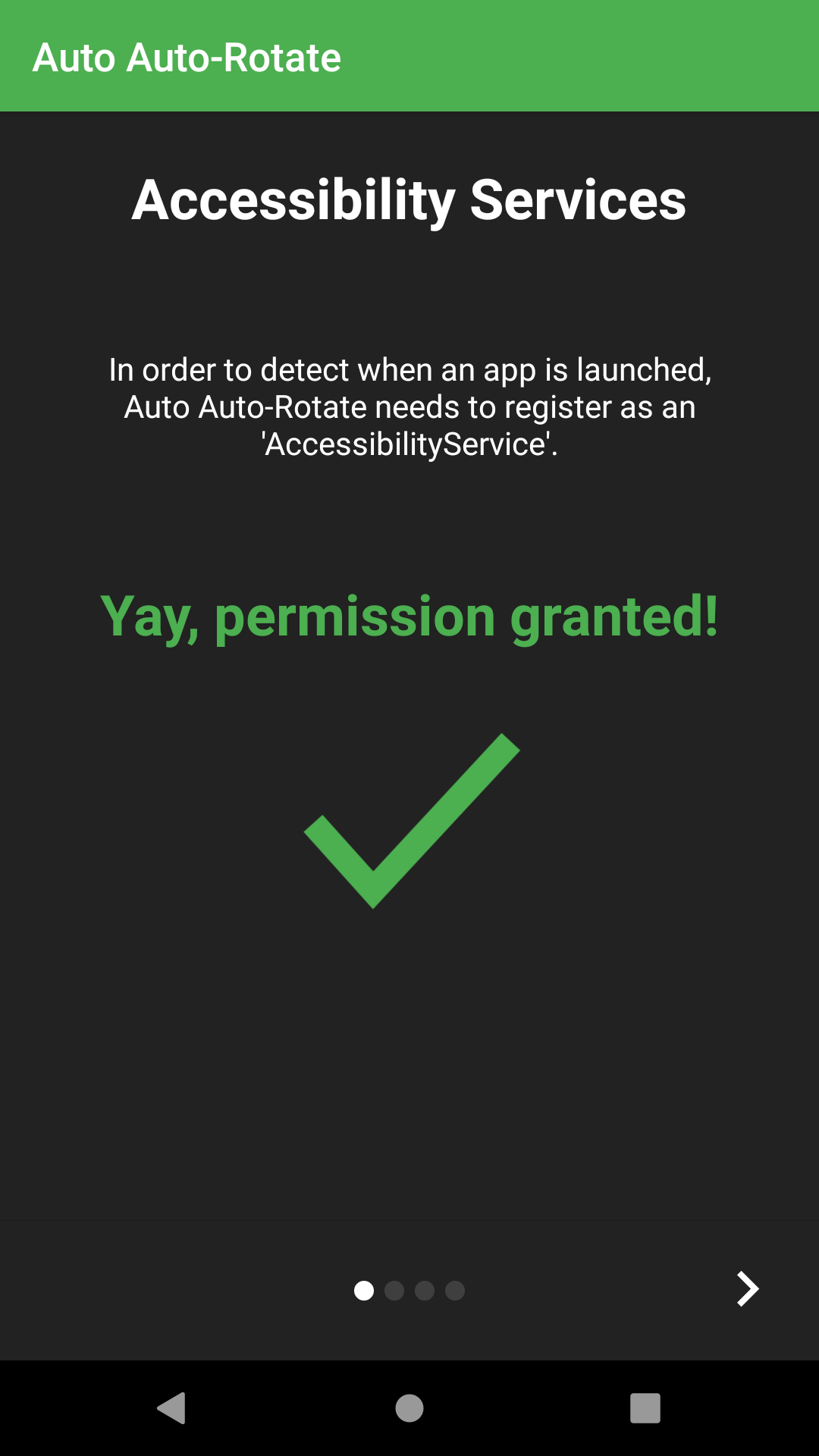
▸ BIND_ACCESSIBILITY_SERVICE to detect app launches.
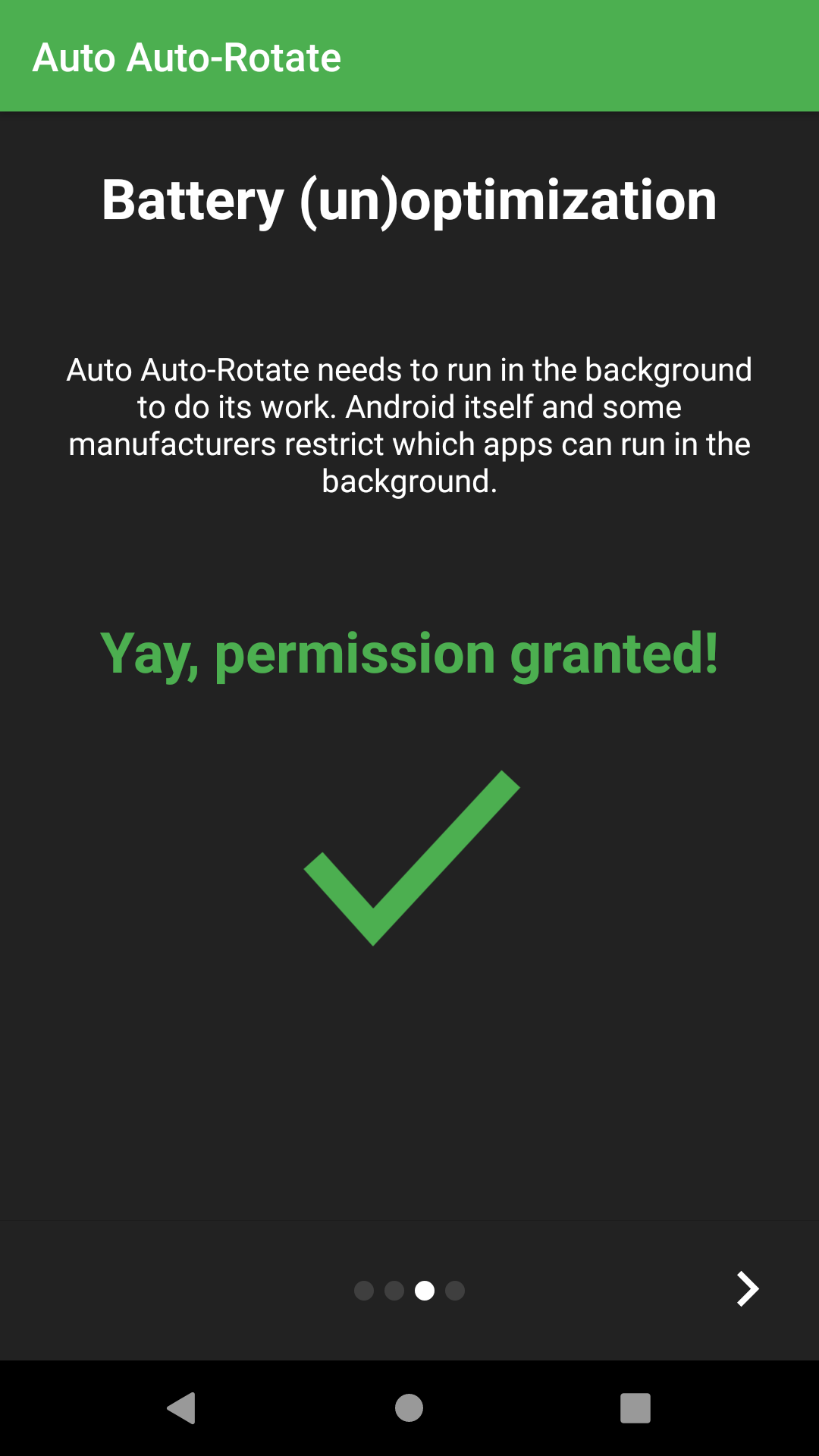
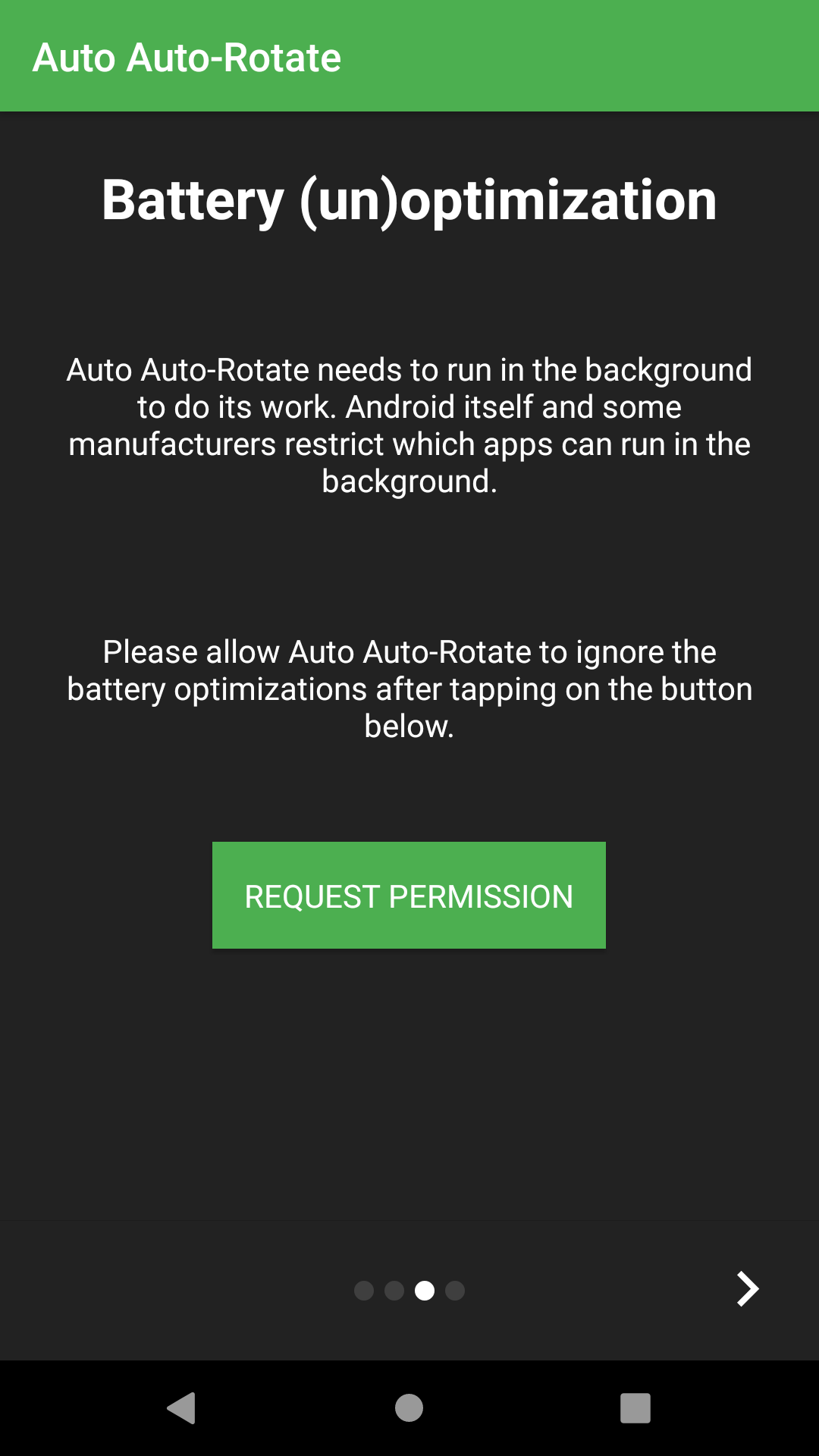
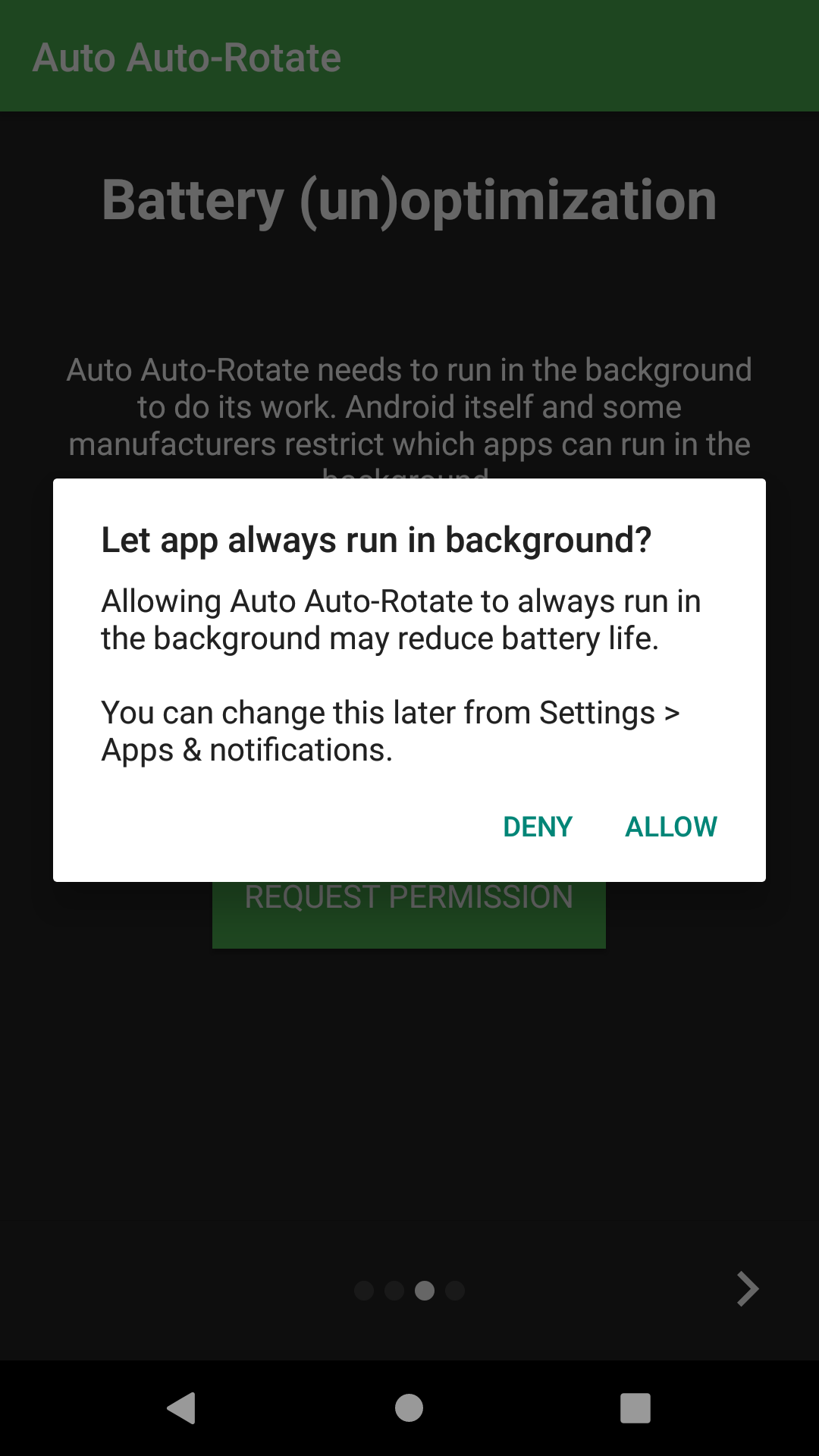
▸ REQUEST_IGNORE_BATTERY_OPTIMIZATIONS to make sure it keeps running in the background.
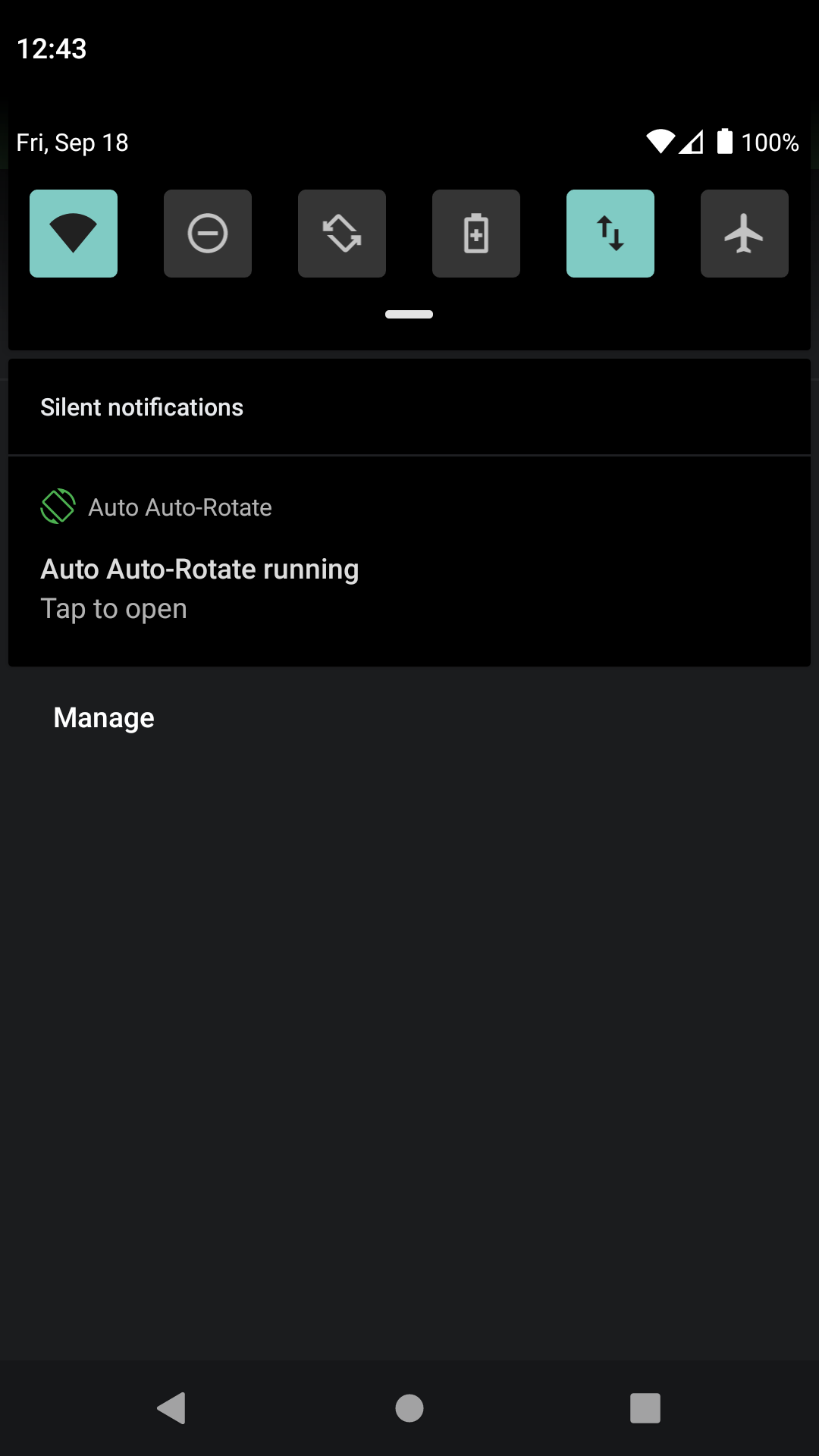
▸ RECEIVE_BOOT_COMPLETED to automatically startup on boot if activated.
▸ PACKAGE_USAGE_STATS to get the currently running app.
Get it
You can download it for free in F-Droid[3]
Translations
Translations are always welcome! :)
The app is available for translation as two projects on Transifex[4]
[1] https://www.gnu.org/licenses/gpl-3.0.en.html
[2] https://gitlab.com/juanitobananas/auto-auto-rotate
[3] https://f-droid.org/packages/com.jarsilio.android.autoautorotate/
[4] https://explore.transifex.com/juanitobananas/auto-auto-rotate and https://explore.transifex.com/juanitobananas/libcommon
Screenshots
What’s new
New in version 1.2.2
★ Fixed a crash that could happen when the app started right after a reboot.
New in version 1.2.1
★ Fixed a rare crash that could happen when the app started in the background. ★ The app now tells you if Write Settings or Usage Access permission is turned off while it's running. ★ Updated notification translations (12 languages).
...
How to install
Download the APK from the button at the top of this page.
Allow “Install unknown apps” for your browser or file manager only, not for every app.
Open the downloaded file and confirm the installation.
If installation fails with “App not installed,” remove an earlier build of the same app first. A signature conflict is the usual cause.
Data safety
Every file is checked against its published SHA-256 before it is listed.
Files are scanned for malware on every update.
The permissions each app requests are listed on its own page.
Read the full safety policy for how we test, flag, and delist files.