A highly customizable Android side panel inspired by OriginOS.
F-Droid repository metadata
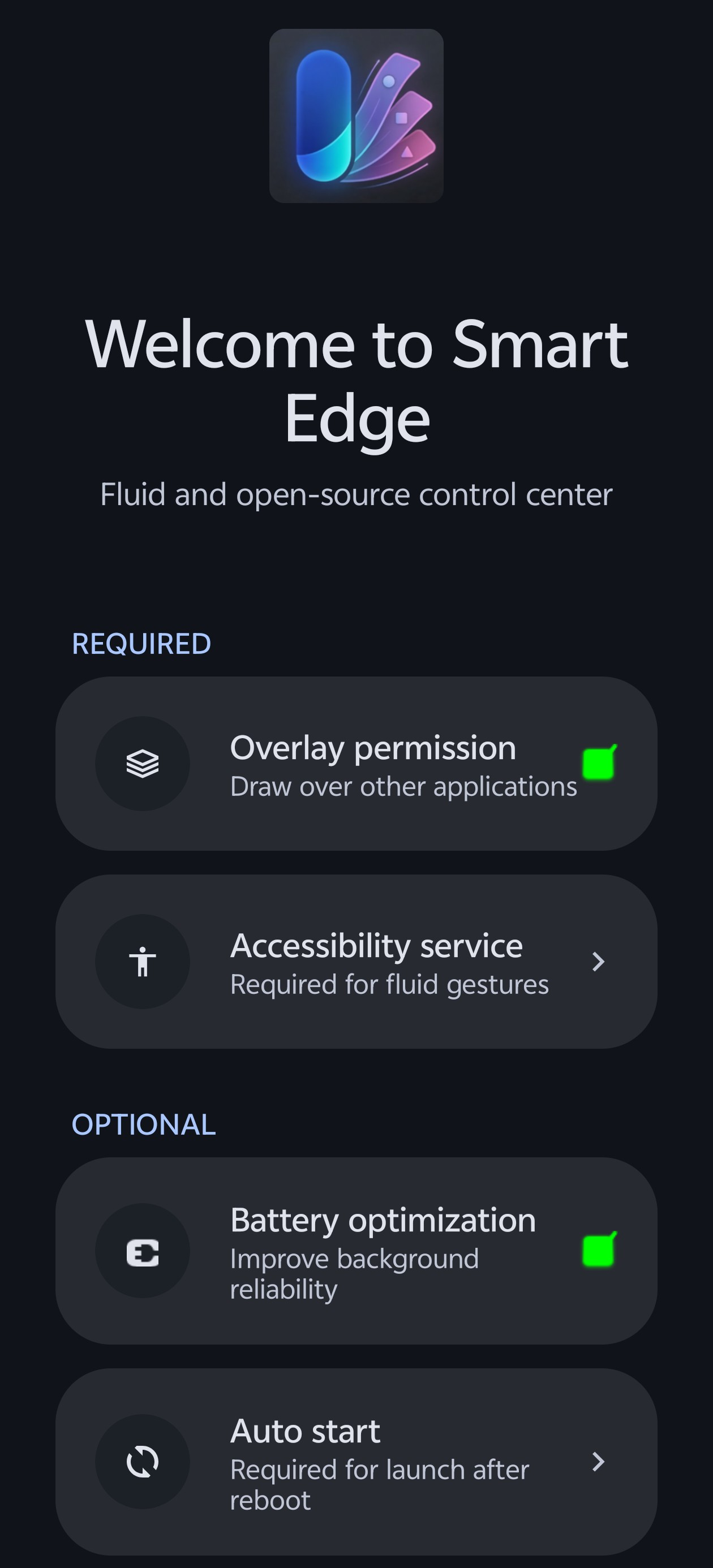
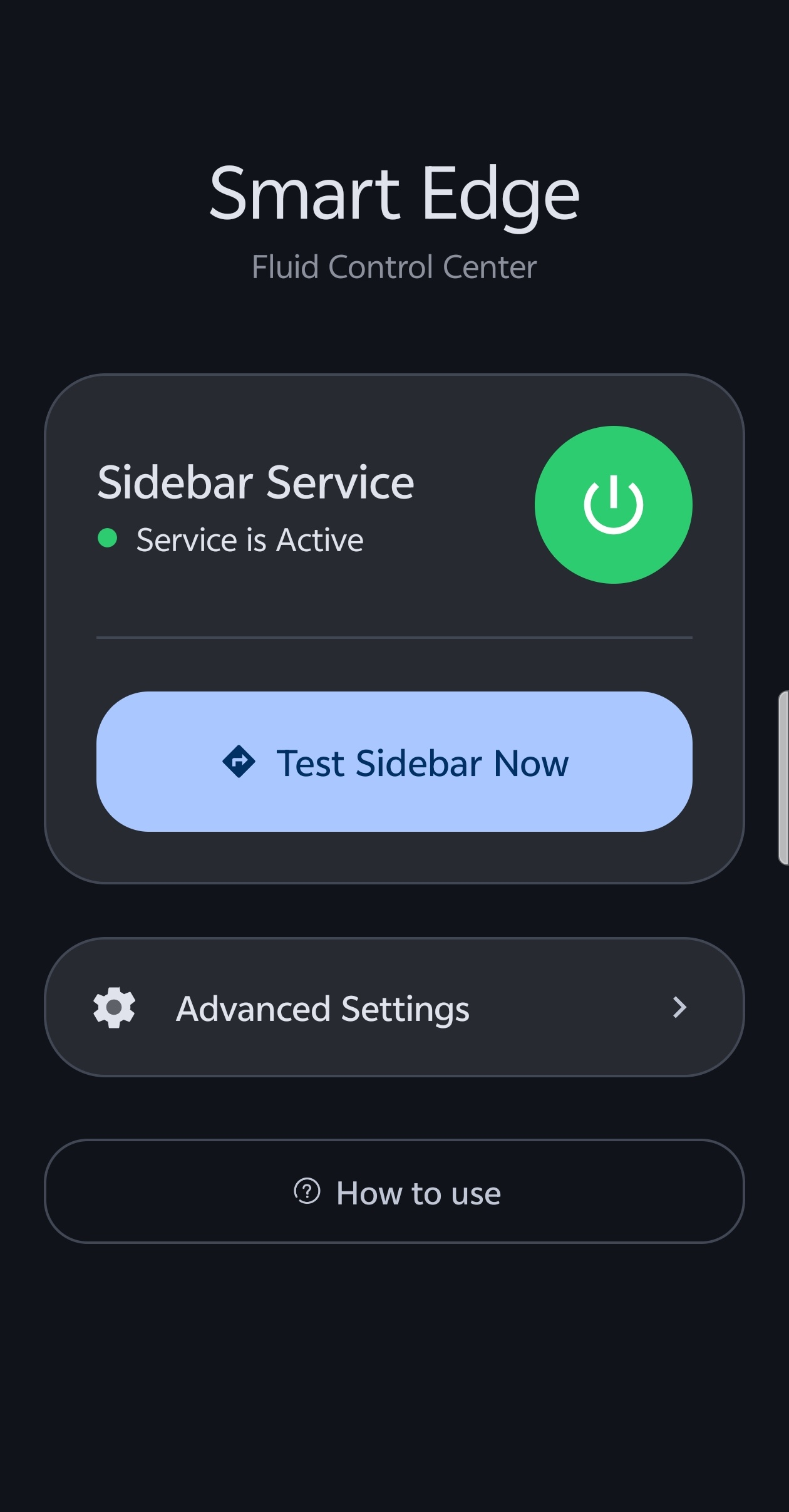
Smart Edge is a highly customizable Android side panel inspired by OriginOS. Access your favorite apps, tools, and shortcuts with a single swipe from the edge of your screen.
Key Features:
* Custom UI Themes: Choose from OriginOS, HyperOS, Realme UI, and Rich UI styles.
* Productivity Hub: Dedicated active notifications section with instant Freeform Window launching.
* Drag-to-Split: Drag app icons to the top or bottom of the screen to launch in split-screen mode.
* Glassmorphic Blur: High-quality real-time background blur with adjustable intensity.
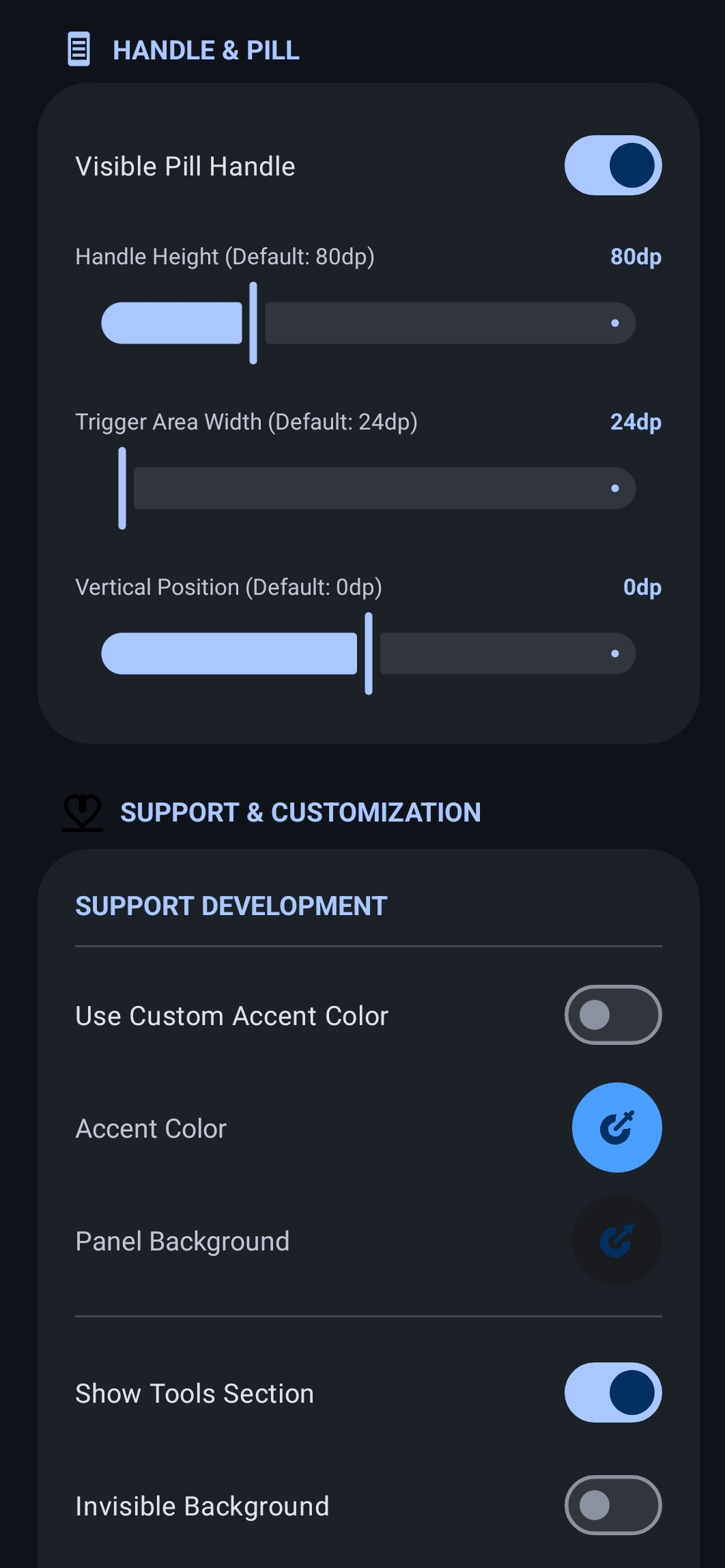
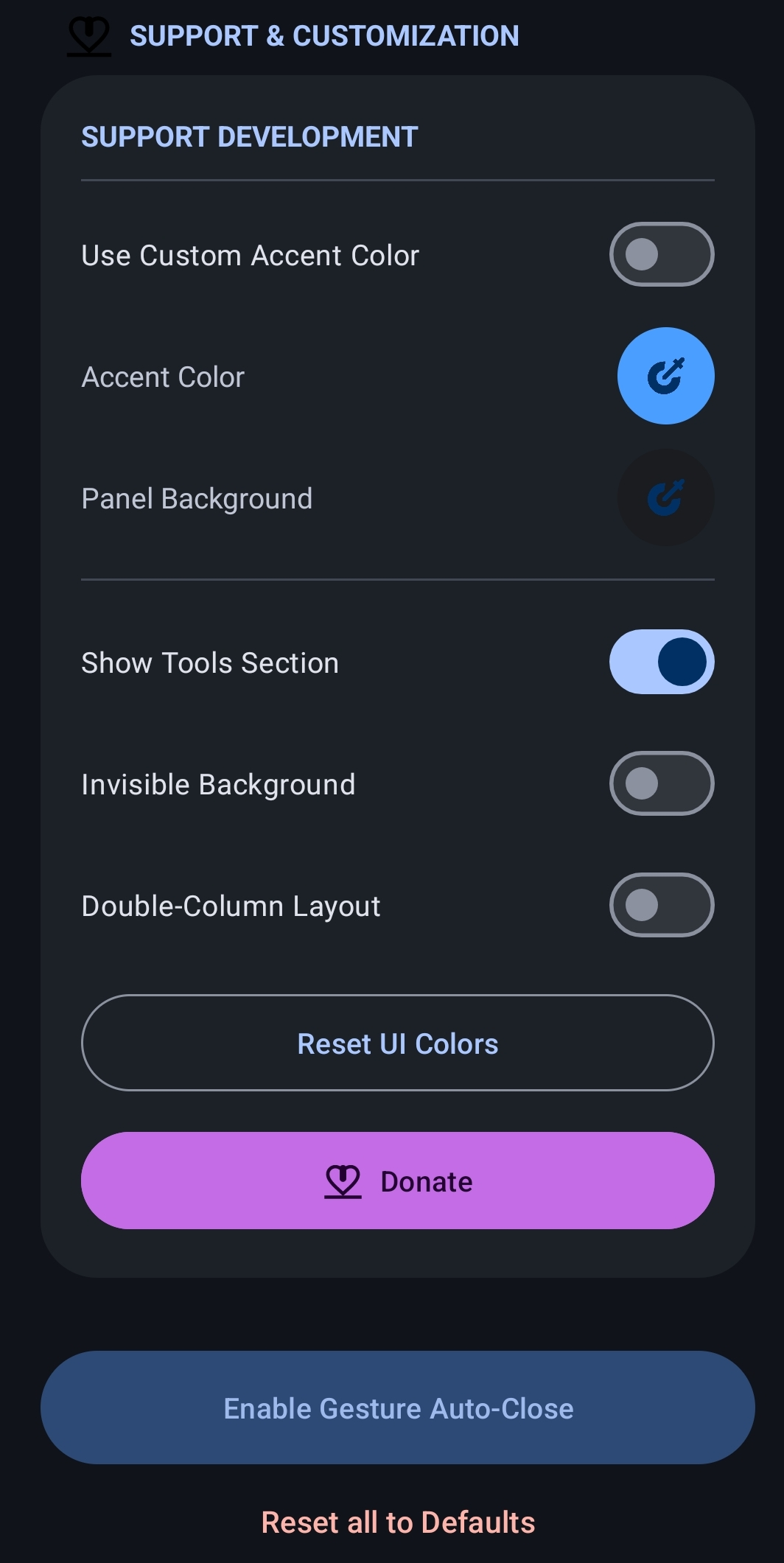
* Material You: Full support for dynamic accent colors and Material 3 components.
* Smart App Picker: Integrated search and management system to pin your most-used apps.
* Superior Icon Packs: Advanced support for appfilter.xml and icon masking for a consistent look.
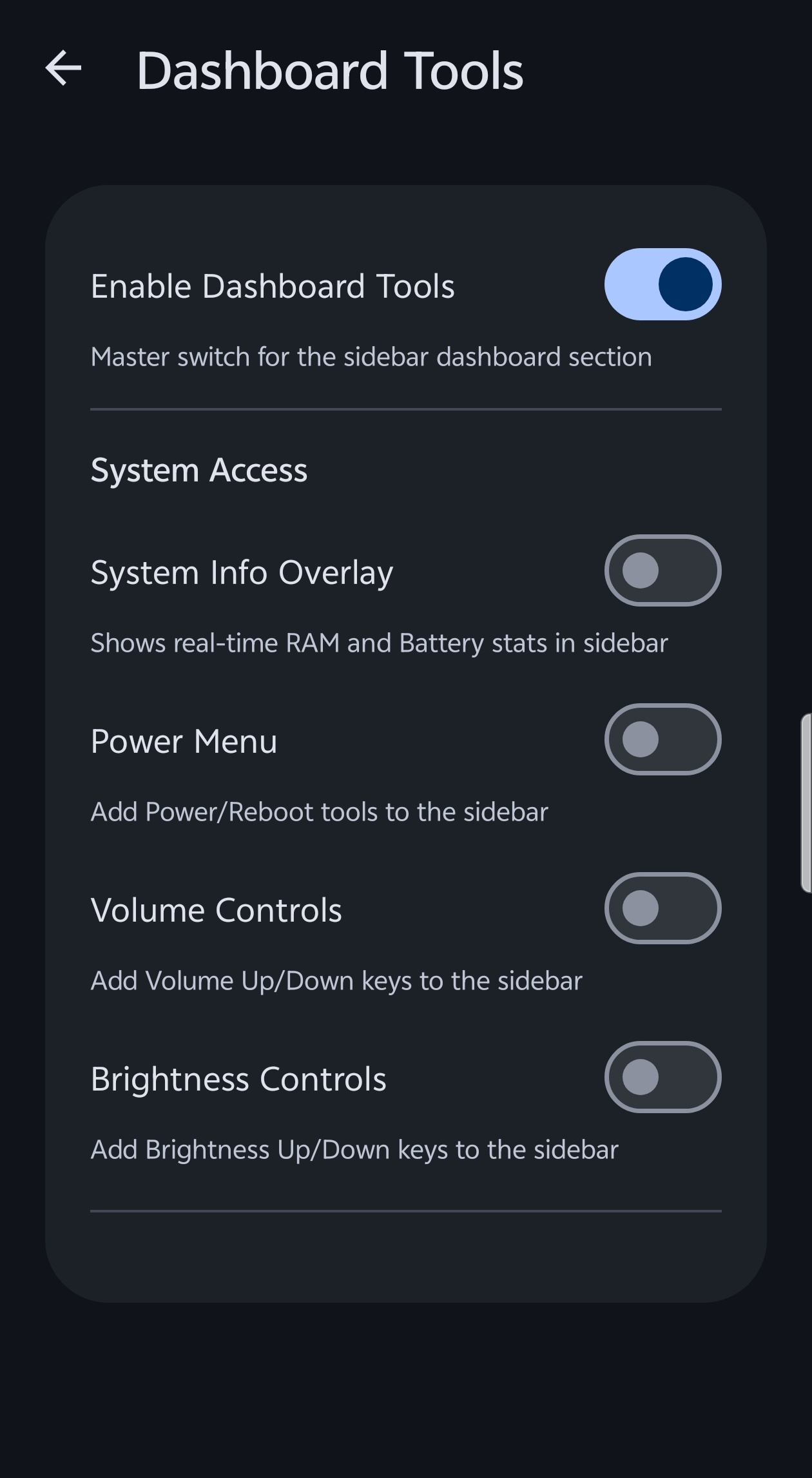
* Utility Tools: Built-in tools like Screenshot, Volume/Brightness controls, and Power Menu.
* System Automation: Advanced ADB/Root integration to automatically toggle system multitasking settings.
* Premium Motion: Physics-based spring animations with customizable feel.
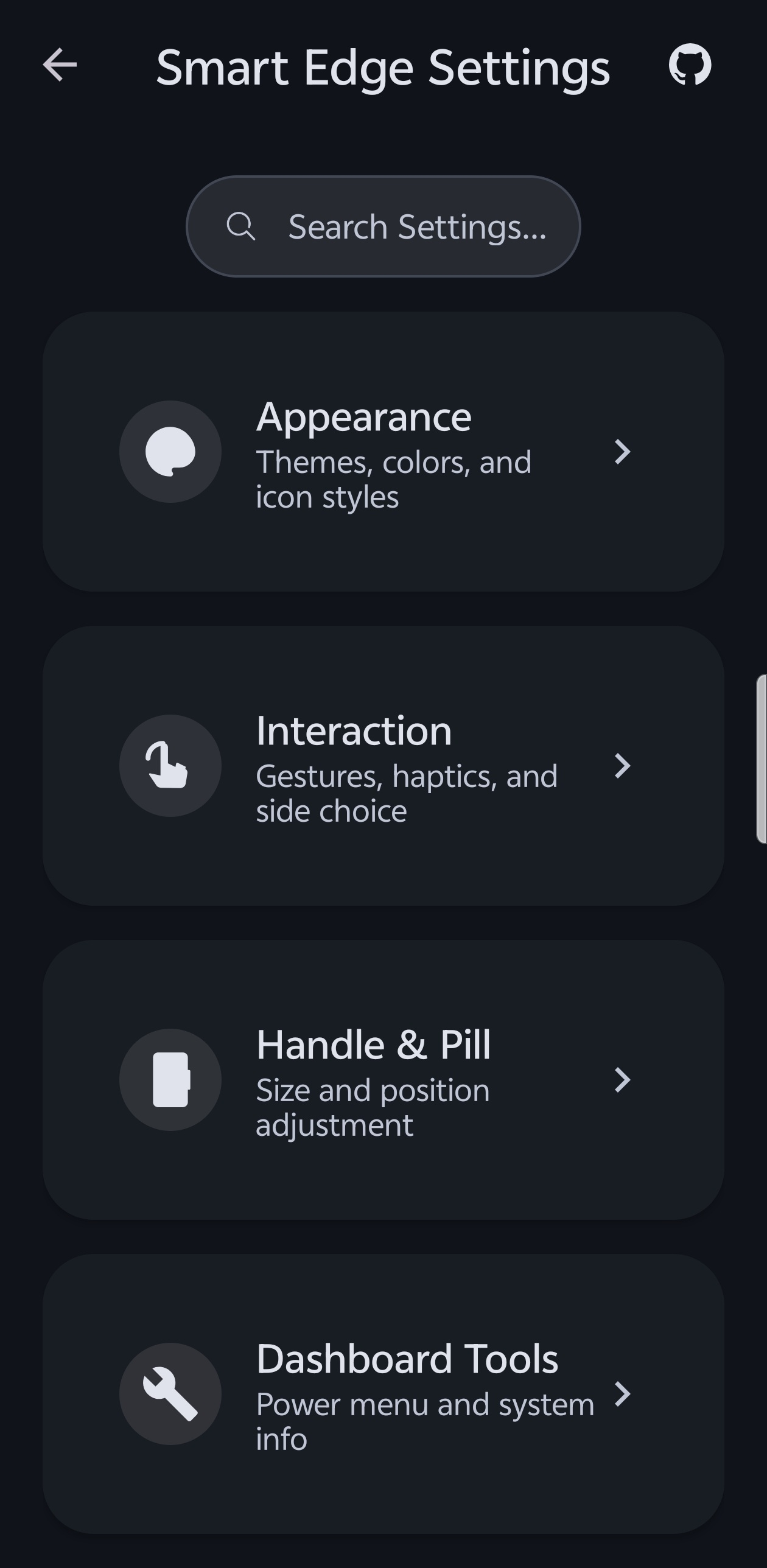
* Dynamic Layouts: Highly customizable sidebar width, maximum height, and icon scaling.
Smart Edge is built for performance and safety, using modern Kotlin and Material Design 3.
Screenshots
What’s new
- Added 'Long Press' gesture support to the edge handle. - Restored 'Slide' as default animation style. - Added Animation Style selection to settings. - Fixed sidebar always sliding in Popup mode. - Fixed false Accessibility Required warnings with Shizuku. - Unified animation logic for panels & pickers. - Added search to all App Selectors. - Modernized Icon Pack selection UI. - Native Gesture Engine with split-screen support. - Improved swipe responsiveness & sensitivity.
How to install
Download the APK from the button at the top of this page.
Allow “Install unknown apps” for your browser or file manager only, not for every app.
Open the downloaded file and confirm the installation.
If installation fails with “App not installed,” remove an earlier build of the same app first. A signature conflict is the usual cause.
Data safety
Every file is checked against its published SHA-256 before it is listed.
Files are scanned for malware on every update.
The permissions each app requests are listed on its own page.
Read the full safety policy for how we test, flag, and delist files.