Adaptive screen warmth and dimming curves for better evening comfort and sleep.
F-Droid repository metadata
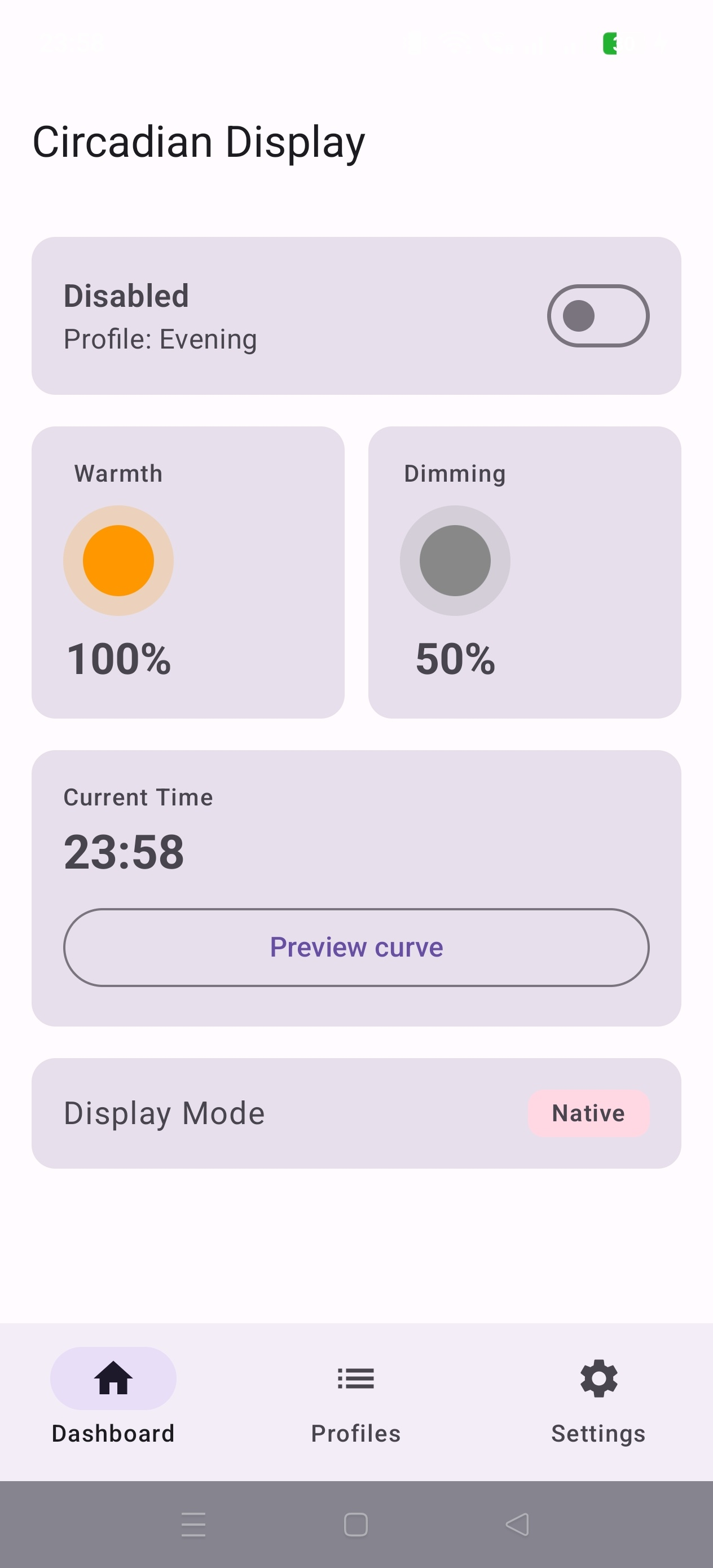
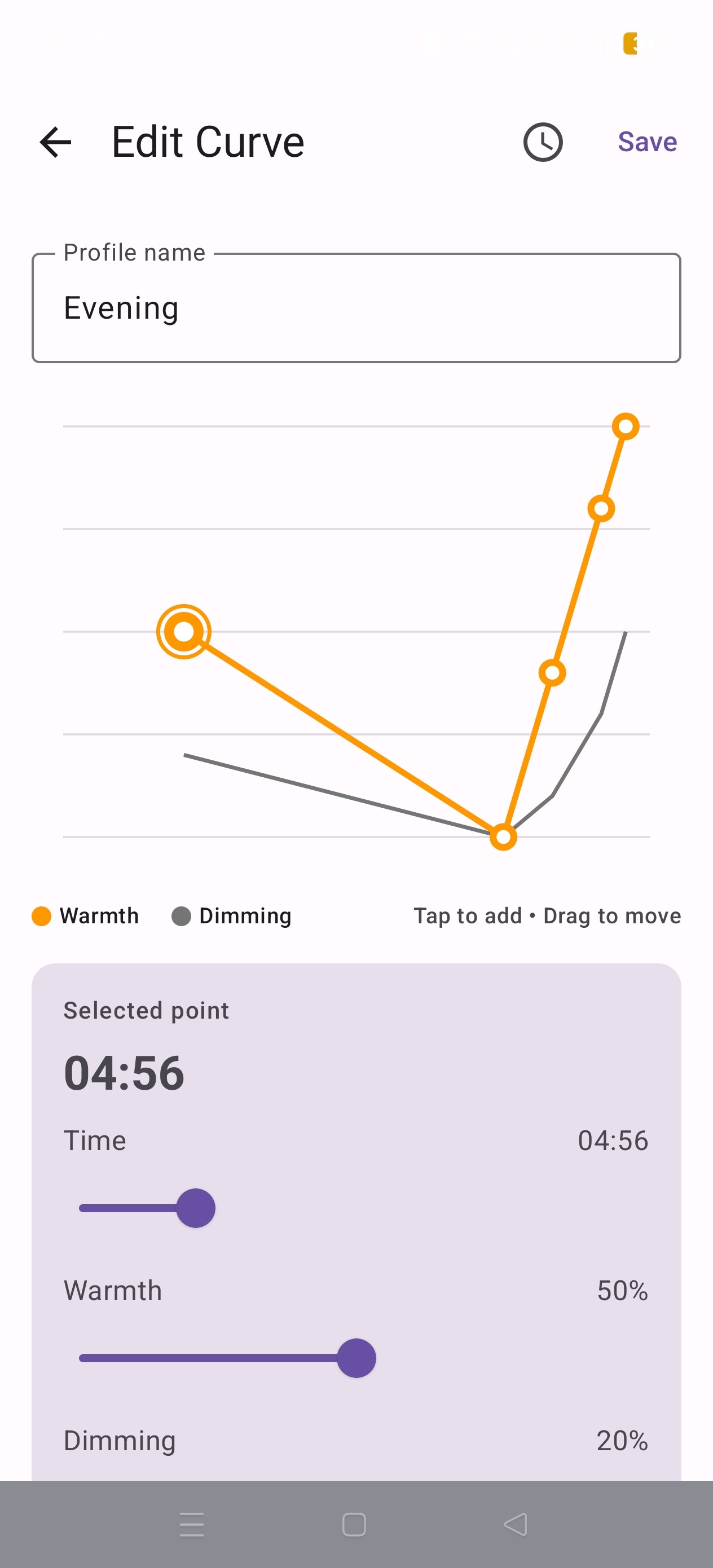
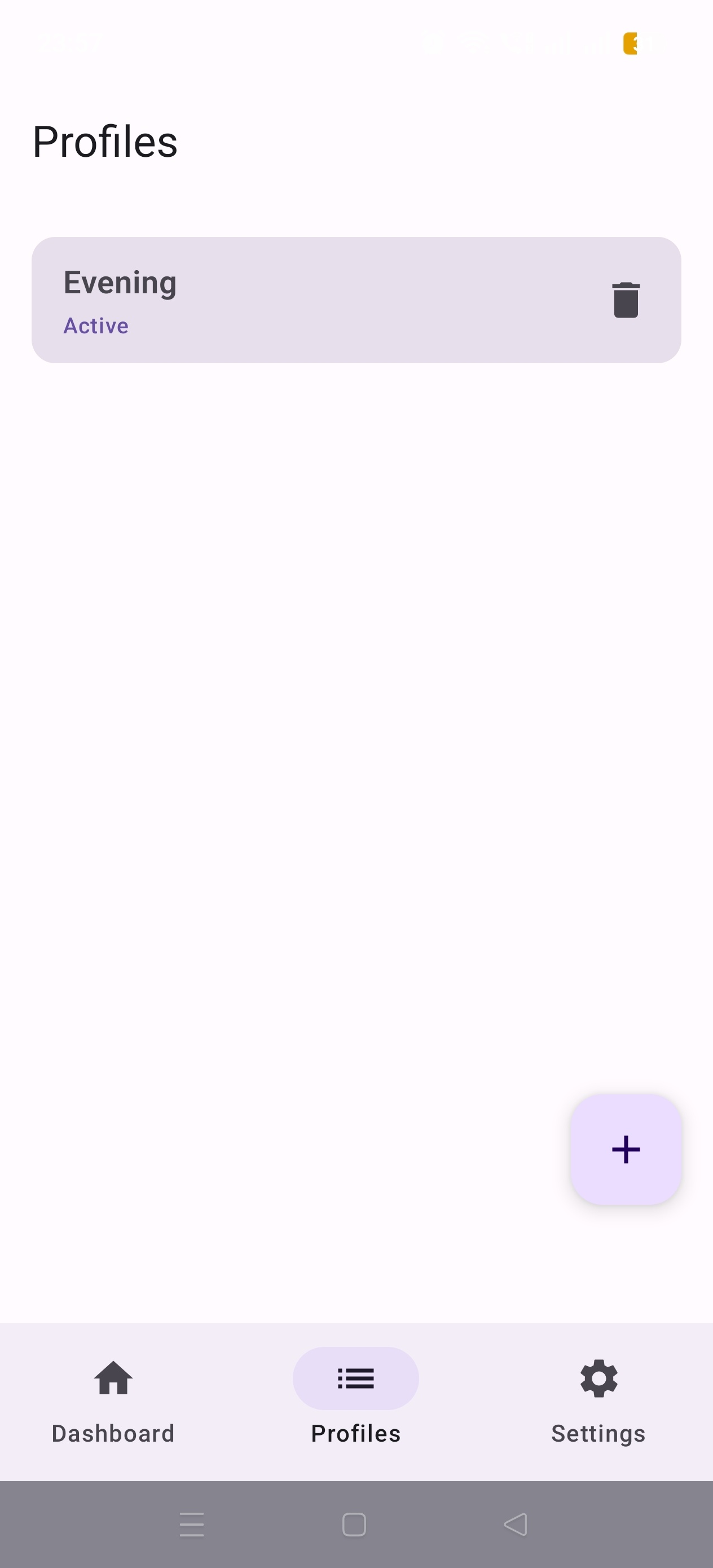
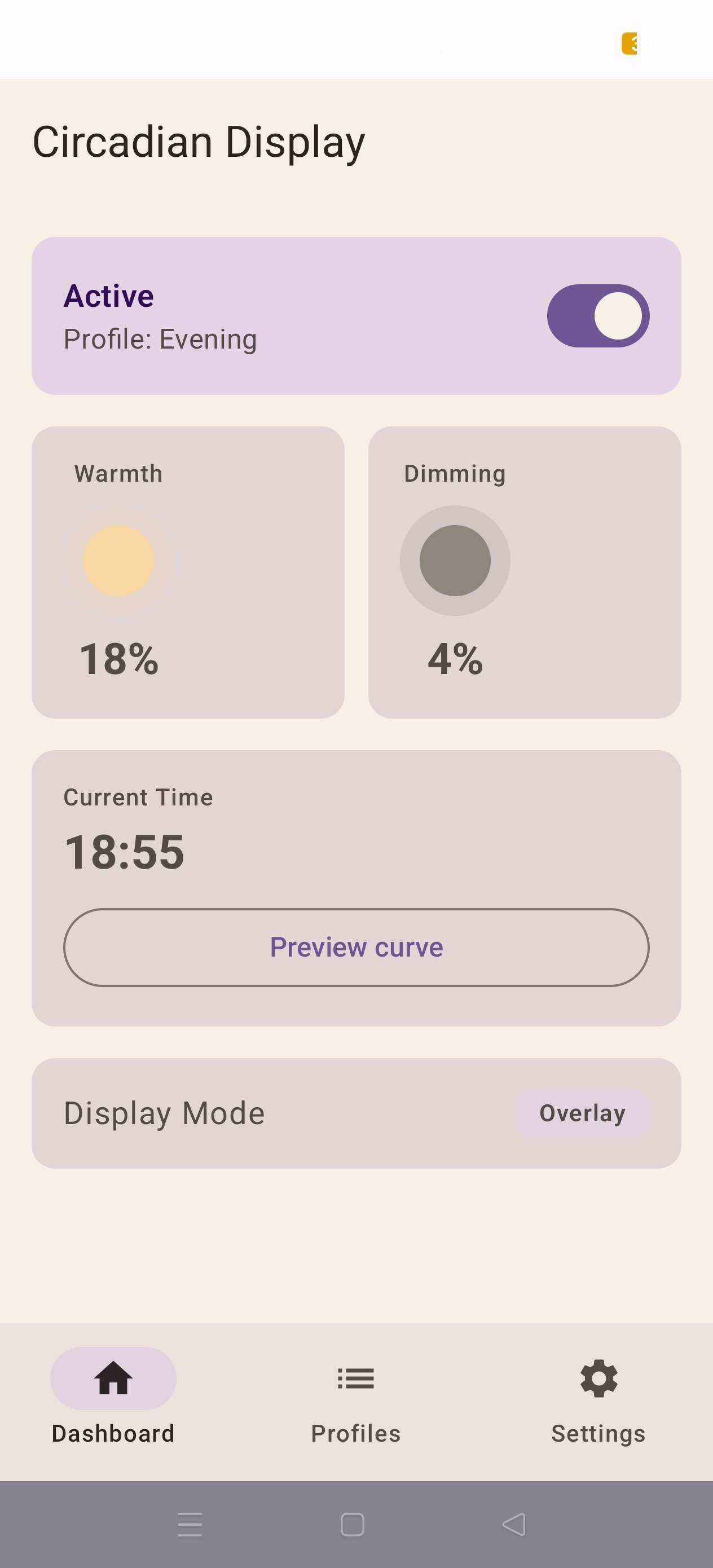
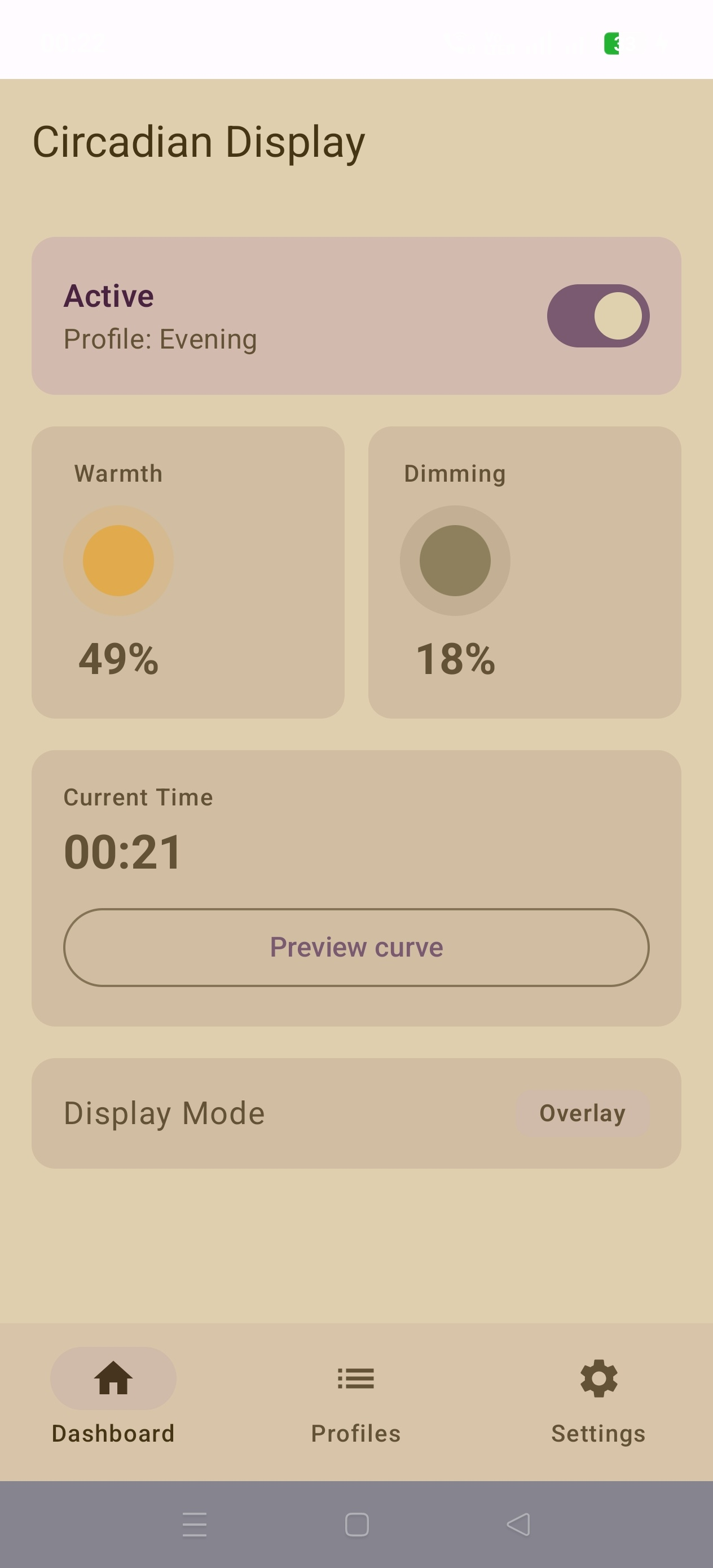
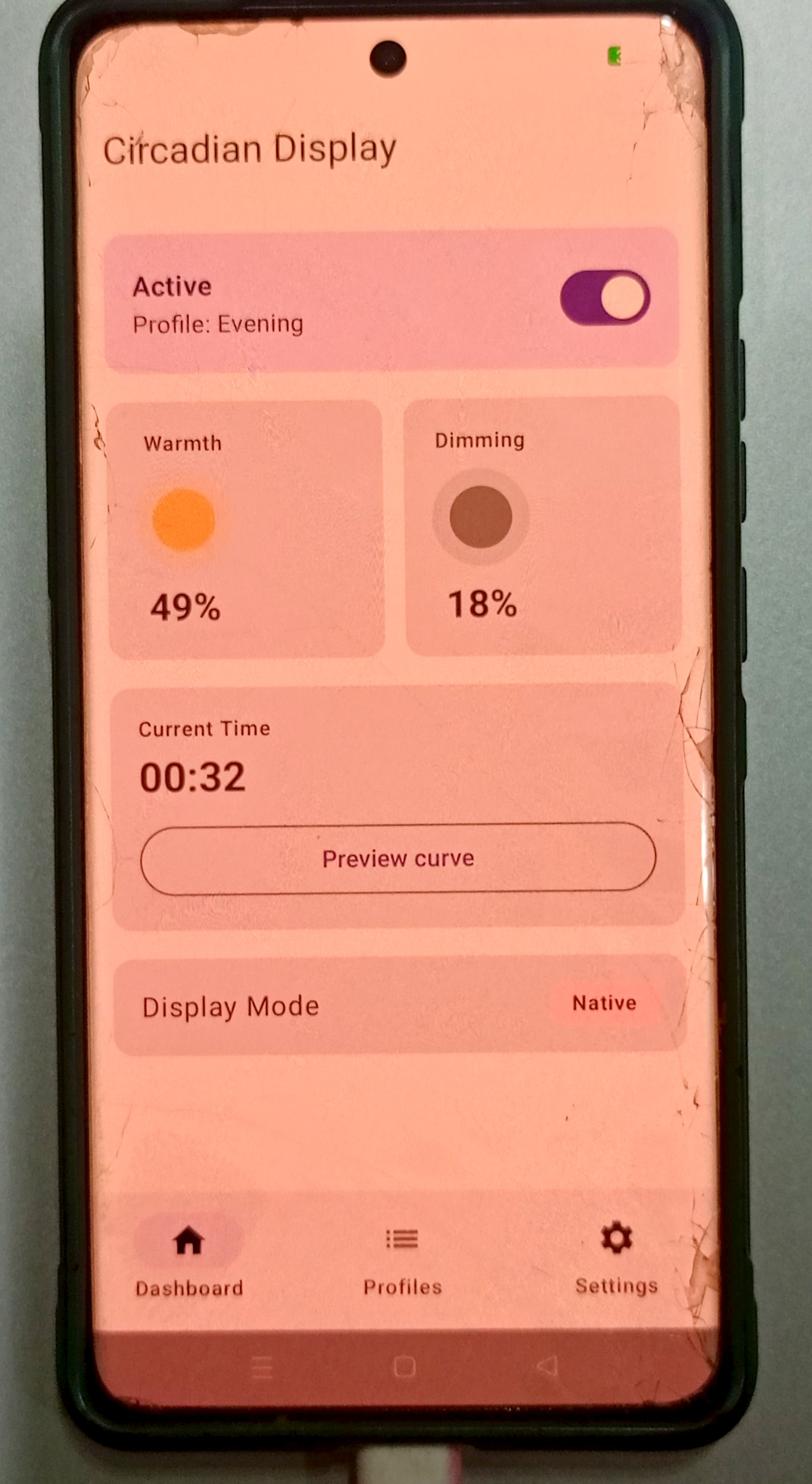
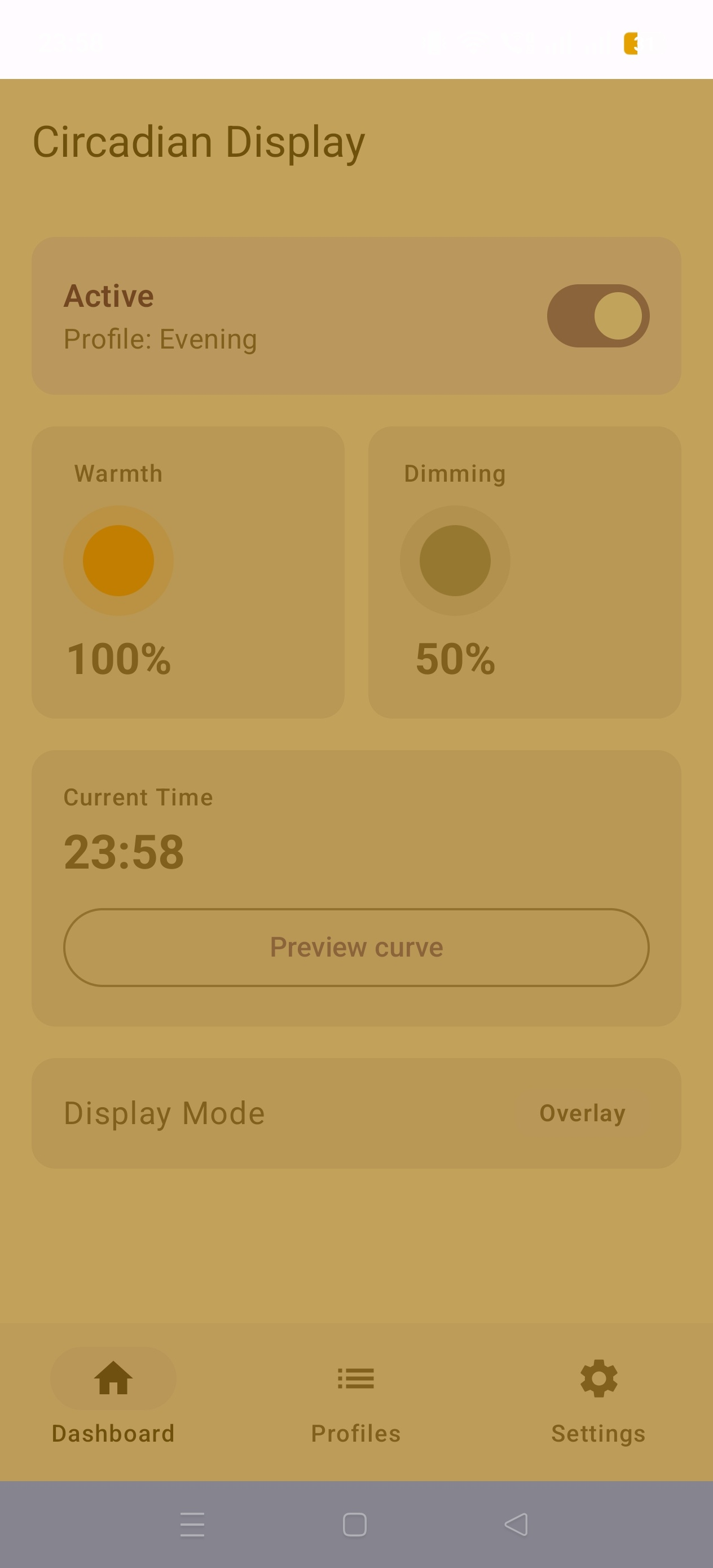
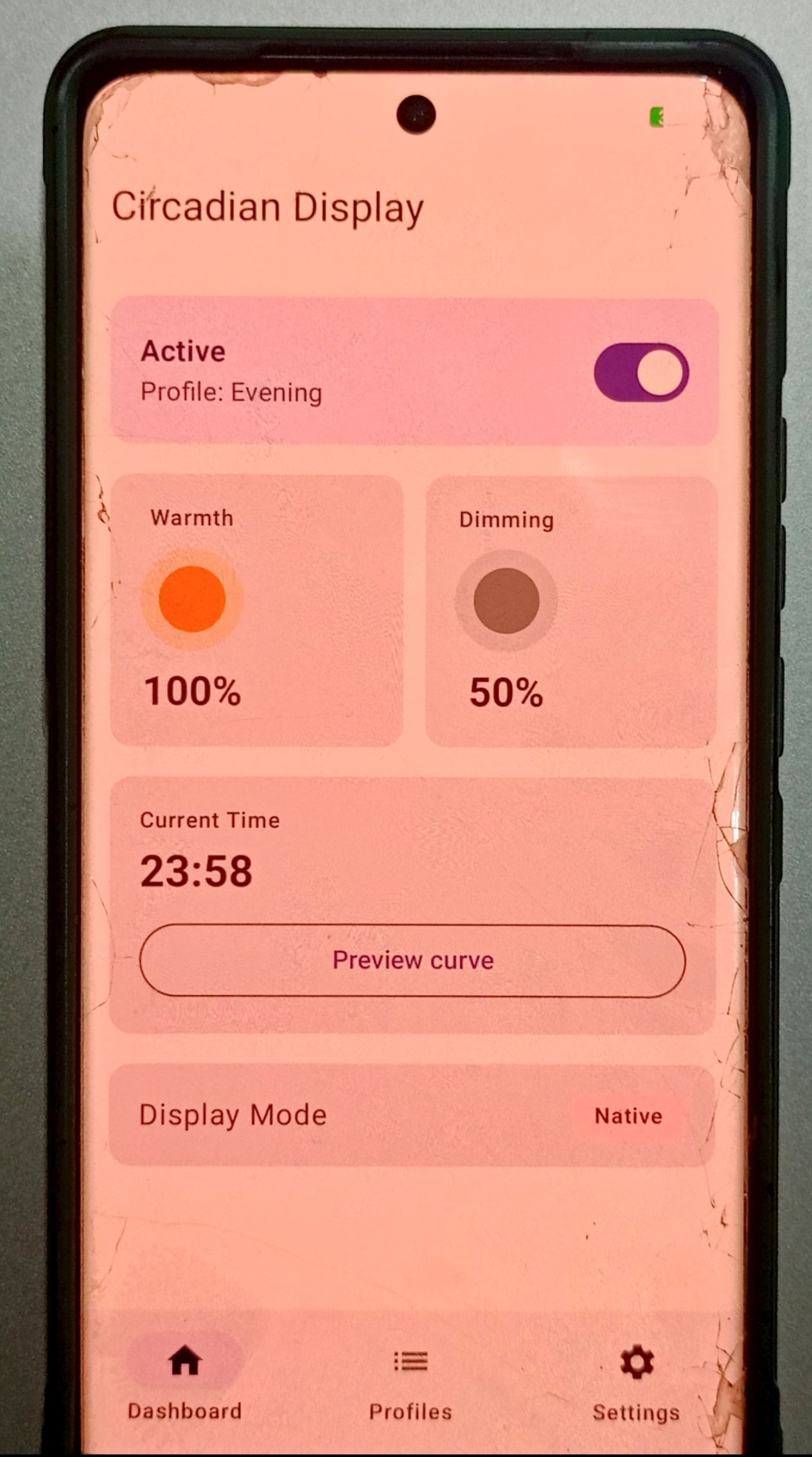
Circadian Display continuously adjusts your screen's warmth and brightness throughout the evening based on customizable curves you define. Unlike standard night light solutions with fixed on/off schedules, Circadian Display provides a smooth, gradual transition tailored to your preferences.
Features:
- Dynamic comfort curves with precise warmth and dimming levels over time
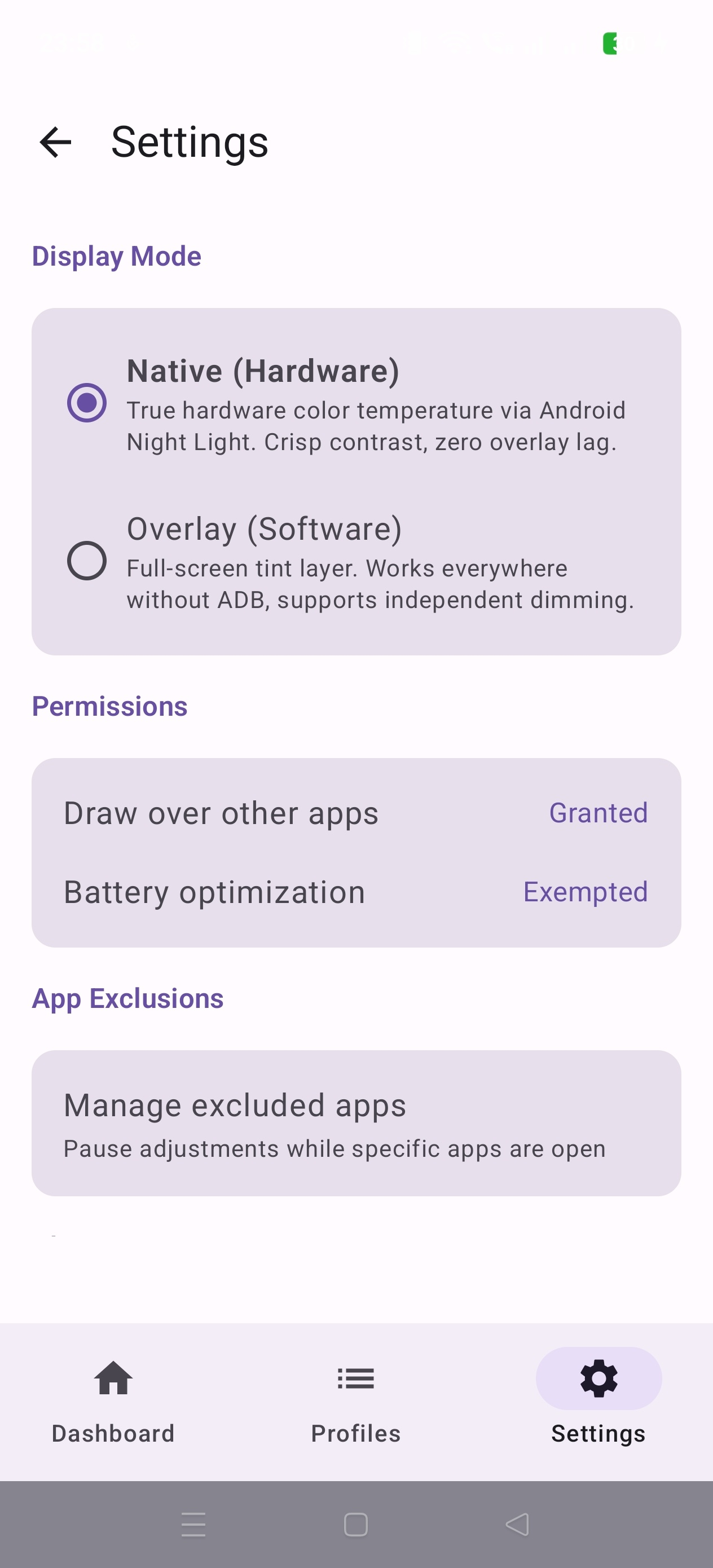
- Dual-engine modes: Native (system-level, Android 10+ with ADB setup) and Overlay (software-based, works on all devices)
- Background scheduler for automatic, hands-free operation
- Privacy-first: completely offline, tracker-free, no data collection
- Open source (Apache 2.0)
Screenshots
What’s new
- Clarified that Native (Hardware) mode requires Android 10+ (API 29+) - Split native-mode error messages so API-level and ADB-permission issues are reported separately - Removed the unused ACCESS_NETWORK_STATE permission pulled in by WorkManager
How to install
Download the APK from the button at the top of this page.
Allow “Install unknown apps” for your browser or file manager only, not for every app.
Open the downloaded file and confirm the installation.
If installation fails with “App not installed,” remove an earlier build of the same app first. A signature conflict is the usual cause.
Data safety
Every file is checked against its published SHA-256 before it is listed.
Files are scanned for malware on every update.
The permissions each app requests are listed on its own page.
Read the full safety policy for how we test, flag, and delist files.