Quick answer
Organize files automatically
F-Droid repository metadata
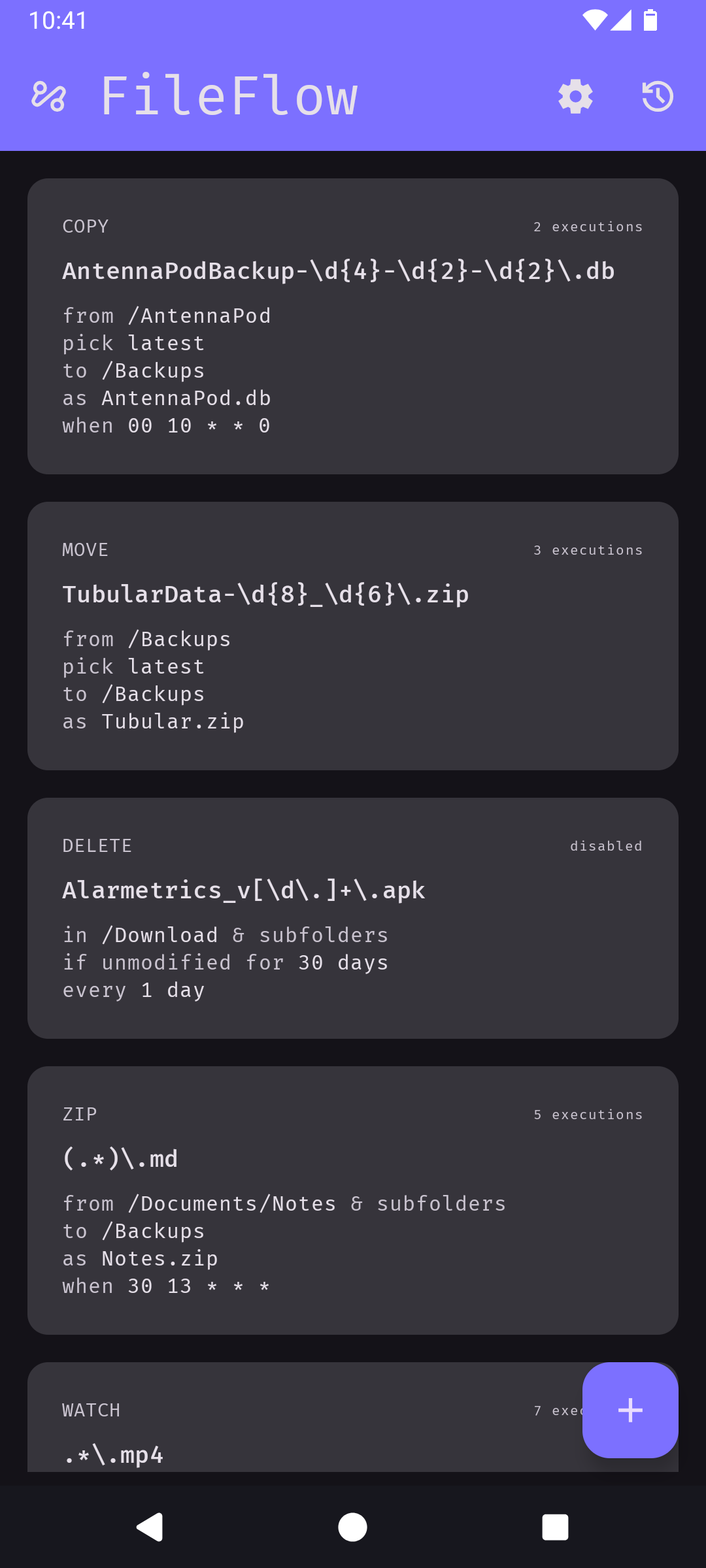
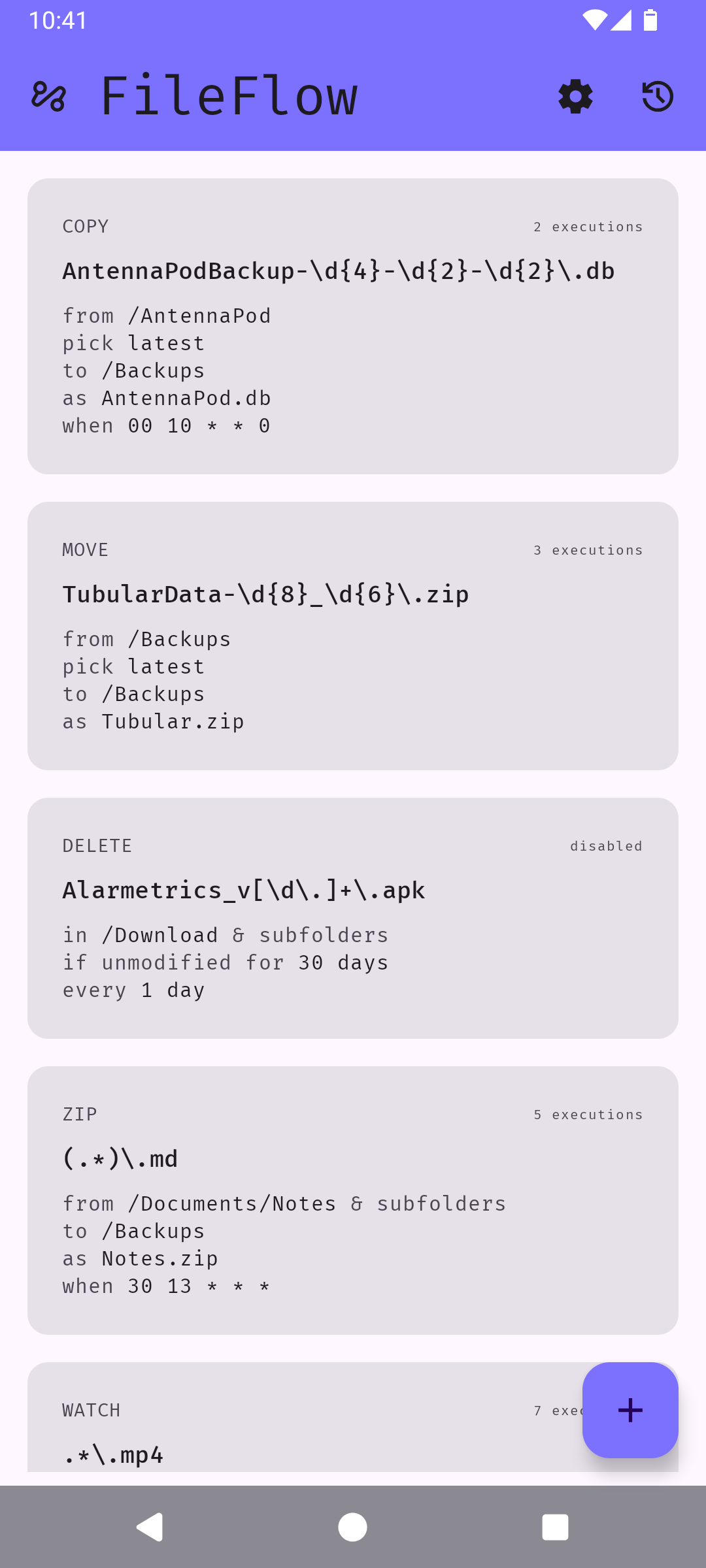
FileFlow scans your files periodically and organizes them according to your rules.
Features:
- Rules: Use regex to precisely target files.
- Actions: Choose what to do with the files - copy, move, rename, zip, emit, or delete.
- Schedule: Choose when and how often rules run.
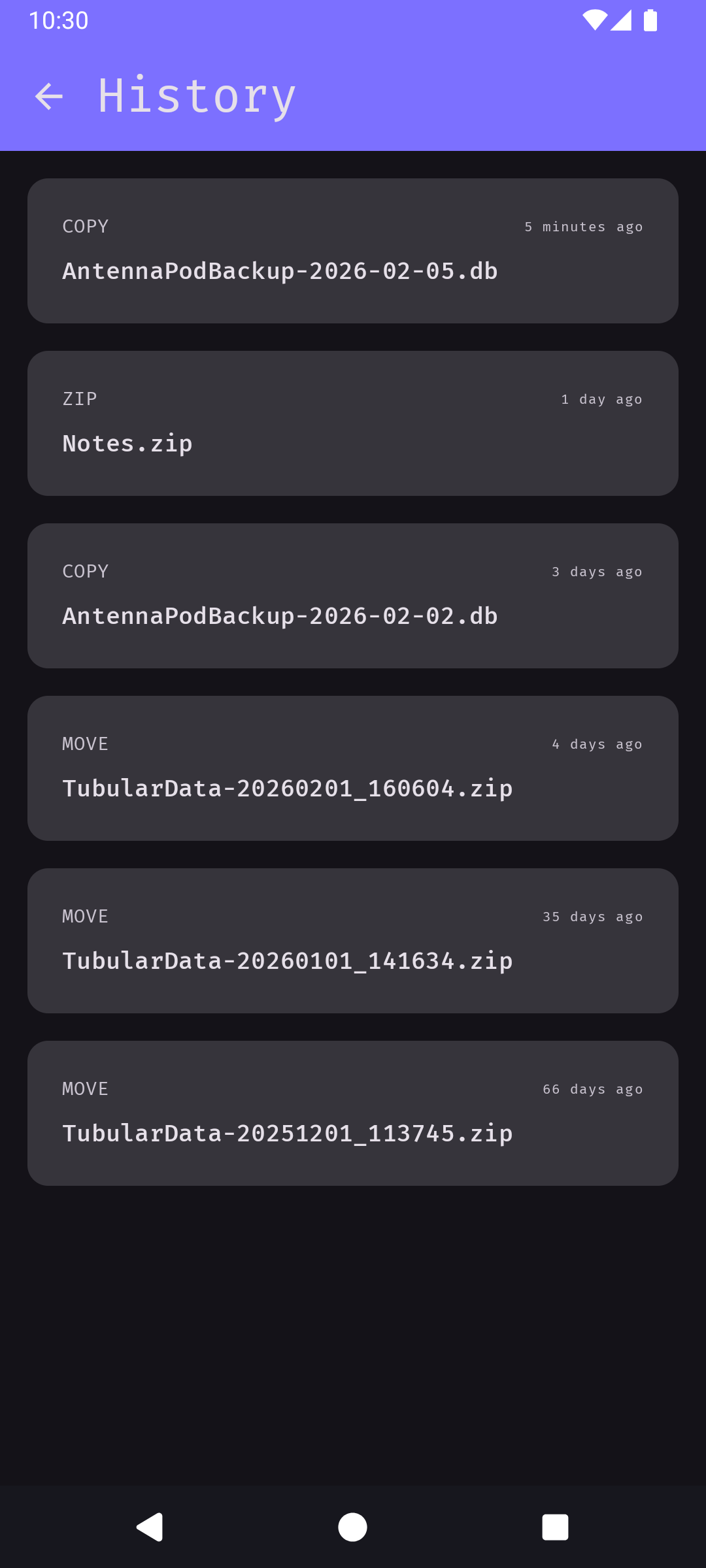
- History: Recent executions are stored (locally).
- Shortcuts: Execute groups of rules from your homescreen.
- Private: Fully offline; your data never leaves your device.
- Lightweight: Runs in the background with minimal battery and memory usage.
What’s new
• chore: Disable obfuscation for release builds
• feat: Optionally delete subfolders if empty after execution
• feat: Display superlatives in rule tiles
• feat: Optionally display full paths in rule tiles (visit app settings to enable)
• fix: Skip MediaScanner for unknown file types
How to install
- Download the APK from the button at the top of this page.
- Allow “Install unknown apps” for your browser or file manager only, not for every app.
- Open the downloaded file and confirm the installation.
- If installation fails with “App not installed,” remove an earlier build of the same app first. A signature conflict is the usual cause.
Data safety
- Every file is checked against its published SHA-256 before it is listed.
- Files are scanned for malware on every update.
- The permissions each app requests are listed on its own page.
- Read the full safety policy for how we test, flag, and delist files.
Recent approved comments · sorted by newest
Loading recent comments...
View all comments