
Quick answer
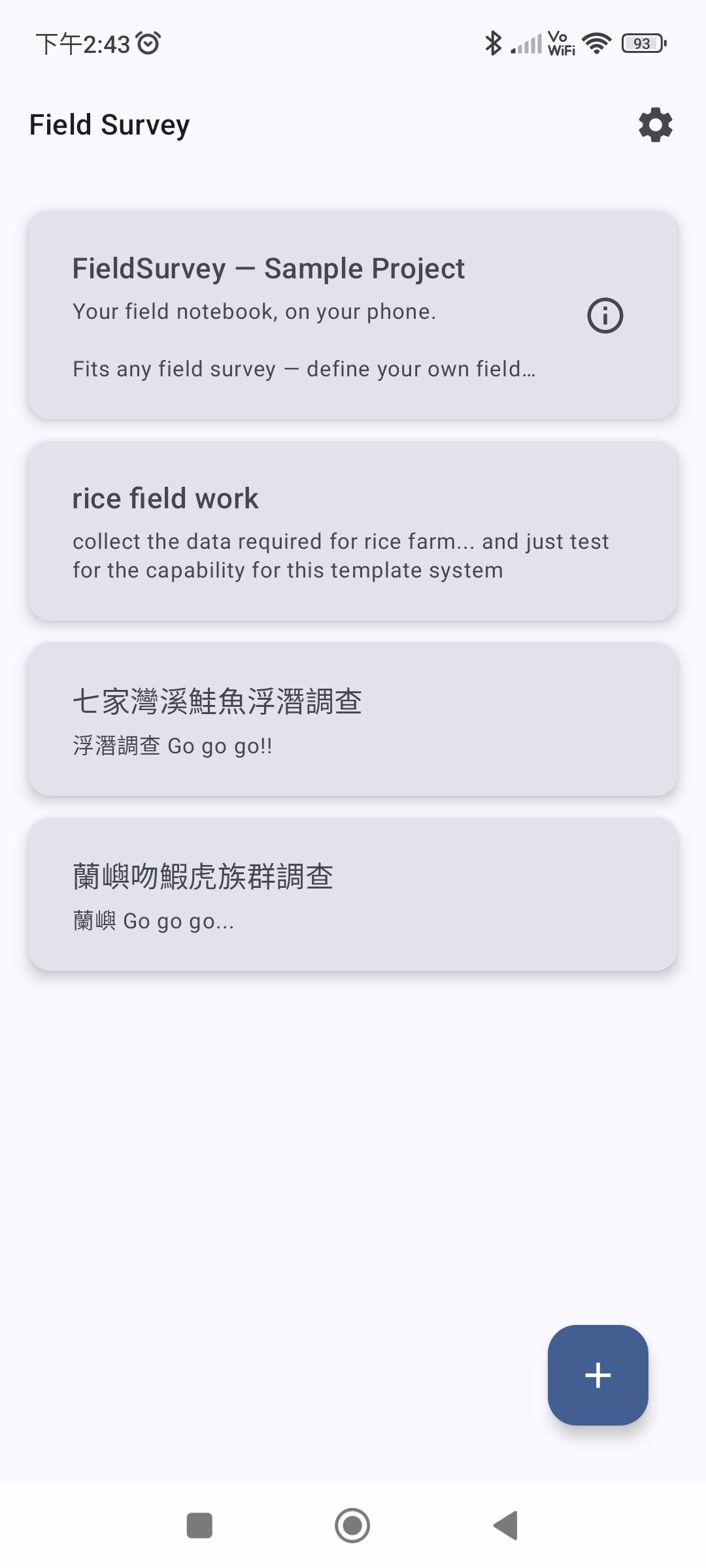
Your field logbook, on your phone - build any survey, powered by your device.
F-Droid repository metadata
Your field logbook, on your phone - build any survey, powered by your device.
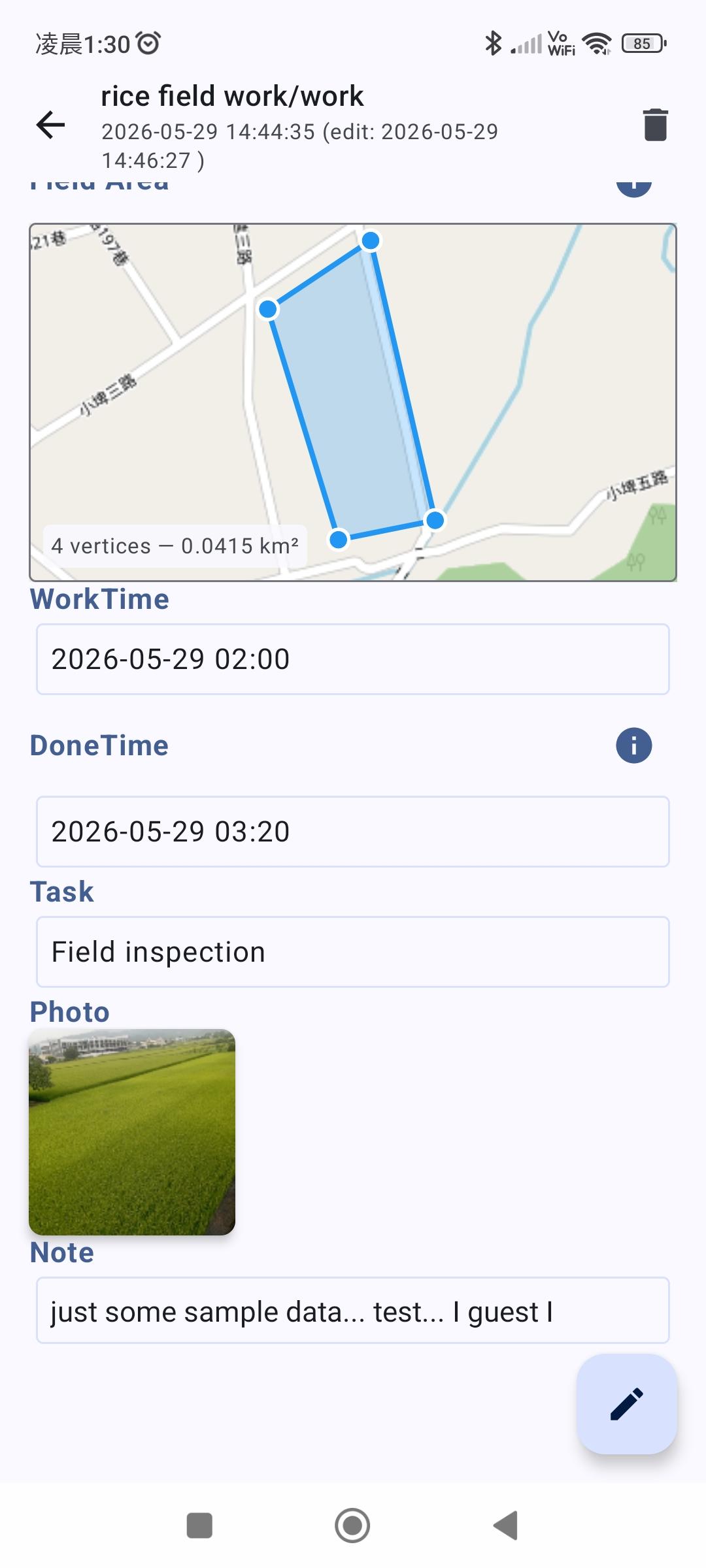
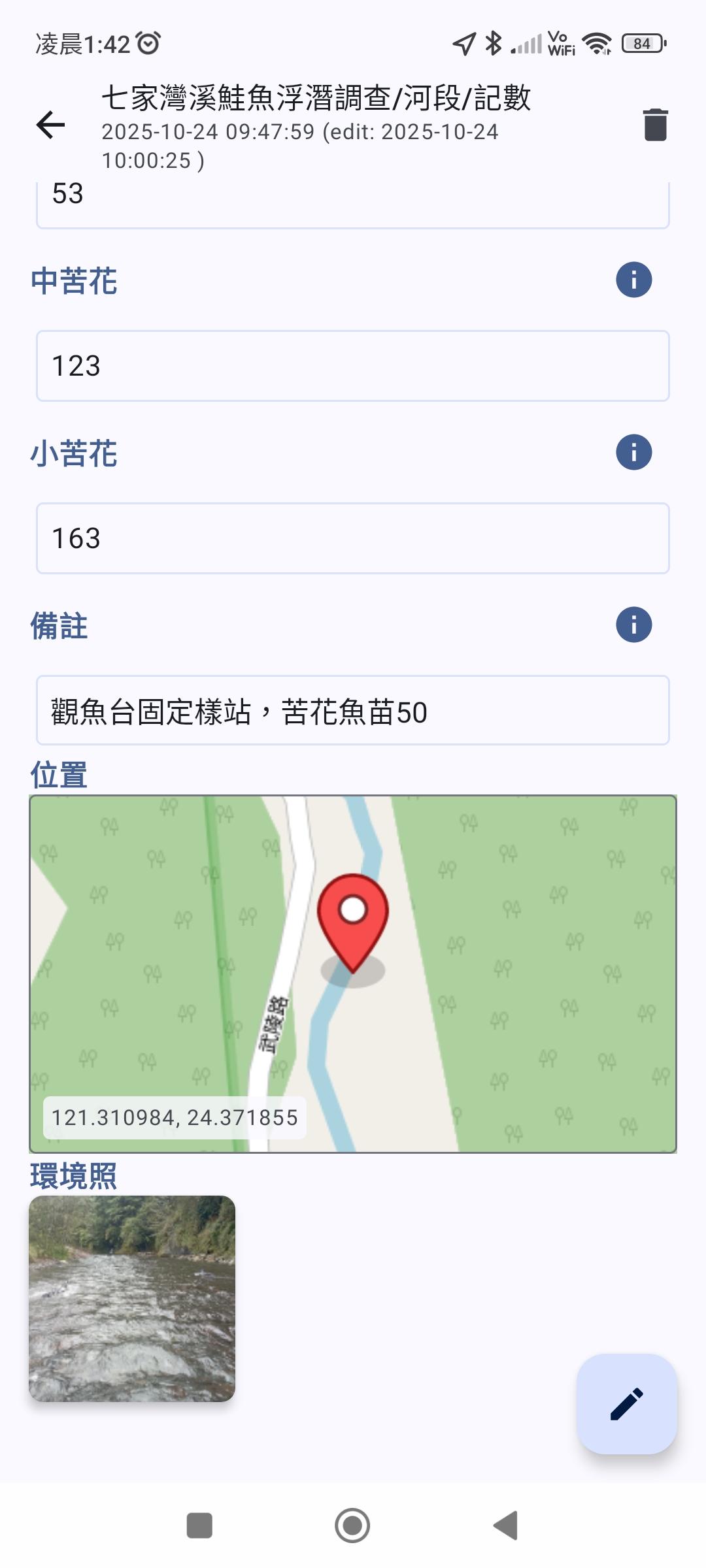
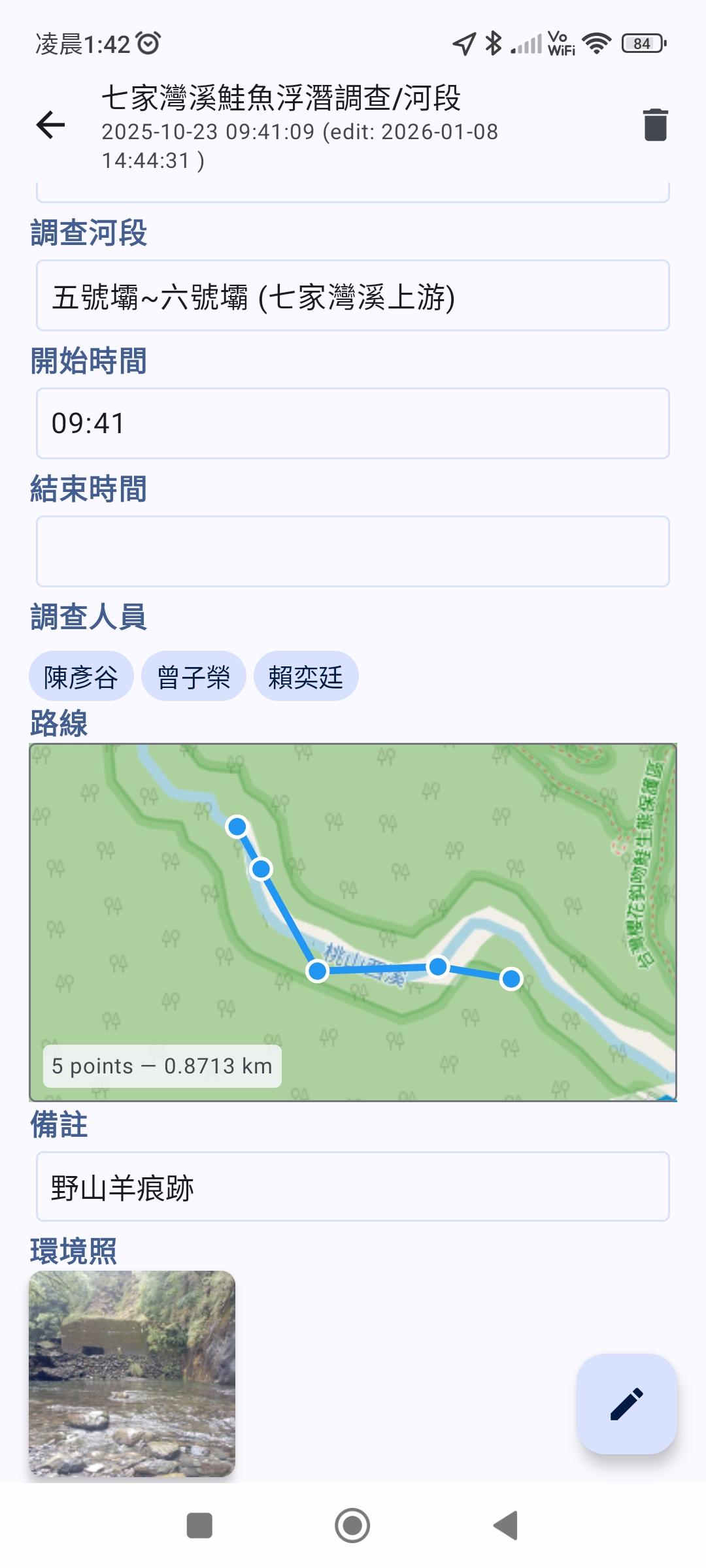
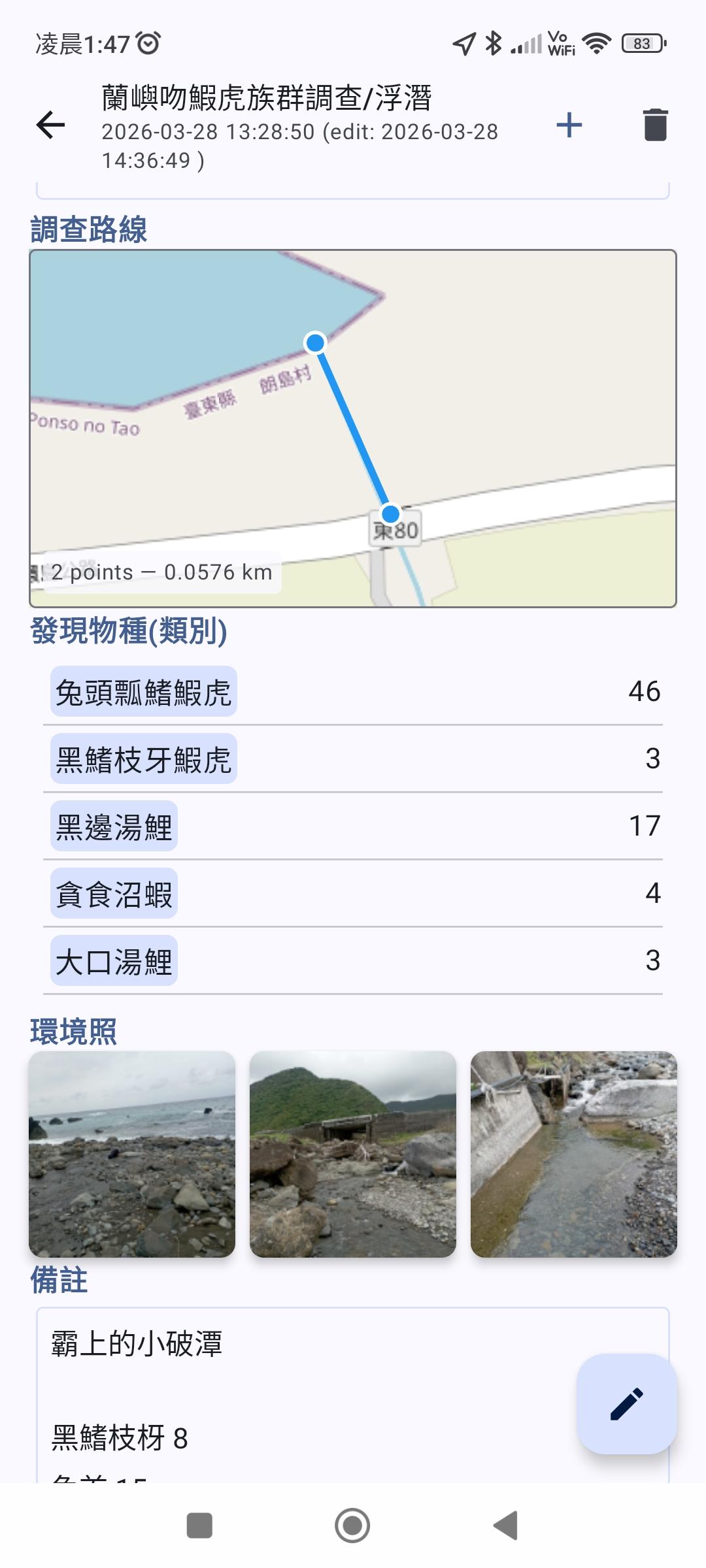
• Fits almost any field survey — define your own sections and variables with a simple template • Let your device do the work — automatic timestamps, one-tap GPS, and photos attached right to each record • Capture once, export clean — your data goes straight into an accurate, analysis-ready spreadsheet • Private by default — your data stays on your device, no account or third-party cloud required
── How it works ──
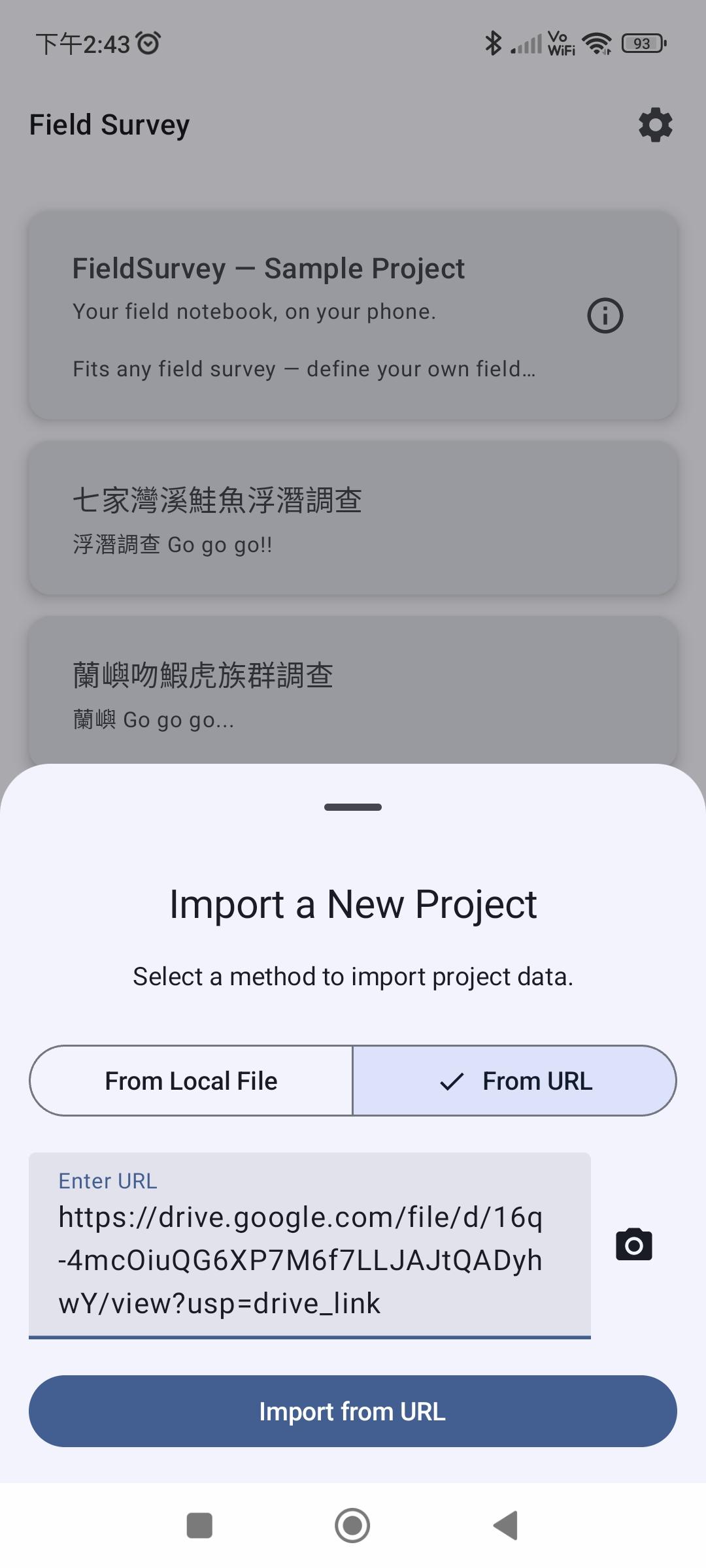
1. Get a template — a .yaml file that defines your survey's structure 2. Import it — paste a URL, scan a QR code, or open a local file 3. Collect data in the field — quickly log each new observation 4. Export when done — get an XLSX or ODS spreadsheet for analysis
Step-by-step walkthrough: https://pufstudio.net/apps/field_survey/get_started
── Design your own survey ──
Field Survey runs on templates you define, so it fits almost any survey:
• Organized into sections — build your survey from sections that nest parent-to-child, each holding its own variables • Variable types — Text, Int, Float, Boolean, Date / Time / DateTime, Option, OptionCount (count per option), Map (location, path, polygon), Photo, Markdown (with more types on the way) • Deeply configurable — adjust both sections and variables to fit your exact workflow (full list in the guide)
Template guide: https://pufstudio.net/apps/field_survey/template_guide
── Permissions ──
Field Survey only asks for what a feature needs:
• Internet — to load map tiles and import templates from a link • Location — to show your current position on the map • Camera — to take photos for photo variables • Photos & storage — to attach images and save your exported spreadsheets
── What's next ──
Planned ideas include more variable types, multiple languages, iOS support, and optional sync to your own server.
This is a solo project — your feedback and support help these arrive sooner.
⚠ Alpha software
In real-world use for about a year, but not yet tested at large scale. Provided "as is", without warranty; the author is not liable for data loss. Always verify your exports and keep independent backups.
Found a bug or have an idea? https://codeberg.org/even311379/FieldSurvey/issues
Screenshots
How to install
- Download the APK from the button at the top of this page.
- Allow “Install unknown apps” for your browser or file manager only, not for every app.
- Open the downloaded file and confirm the installation.
- If installation fails with “App not installed,” remove an earlier build of the same app first. A signature conflict is the usual cause.
Data safety
- Every file is checked against its published SHA-256 before it is listed.
- Files are scanned for malware on every update.
- The permissions each app requests are listed on its own page.
- Read the full safety policy for how we test, flag, and delist files.
Comments
Recent approved comments · sorted by newest
View all comments