A simple and easy to use flash card to help you study
F-Droid repository metadata
A simple and easy to use flash card app to help you study smarter and learn faster!
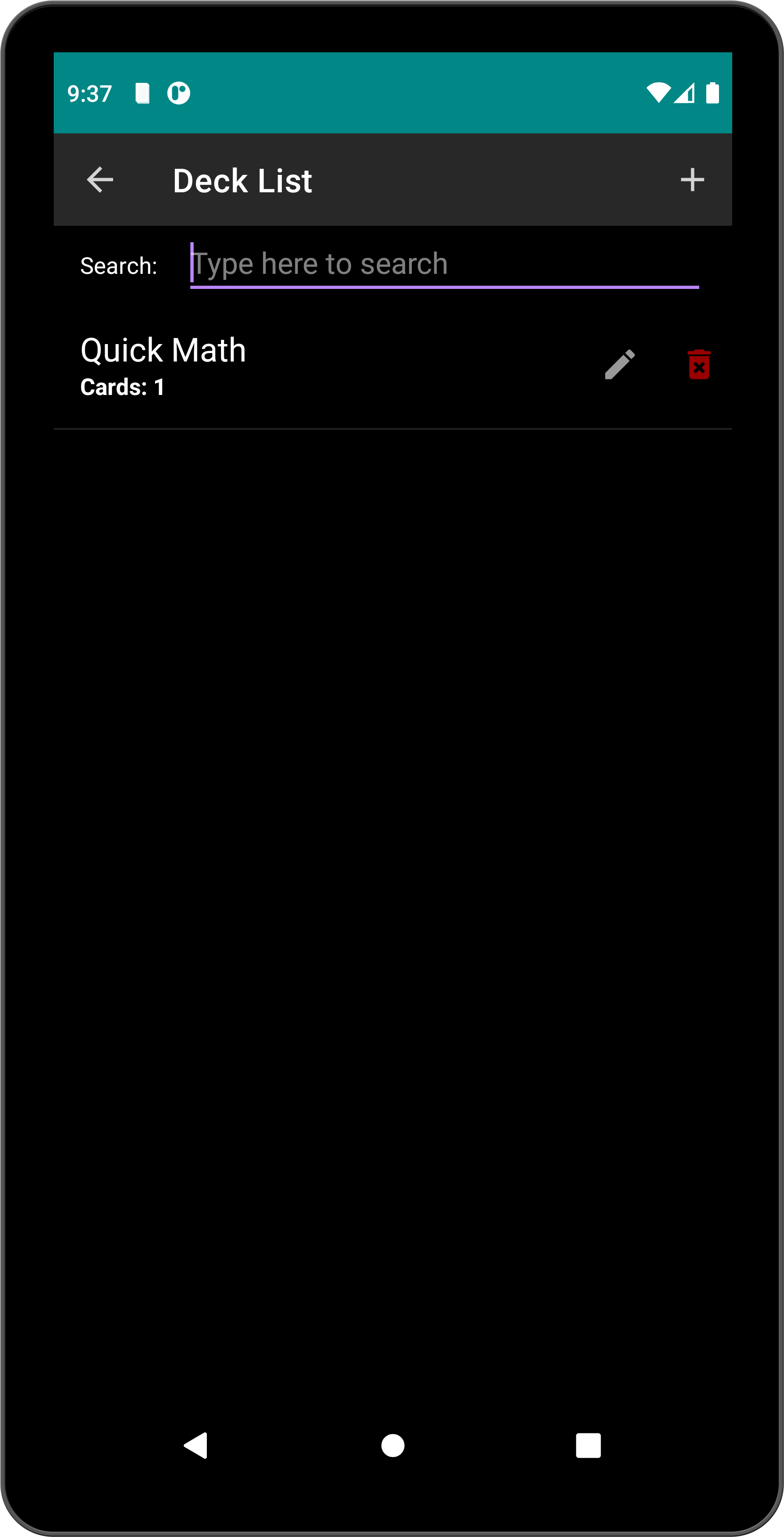
Create & Manage
Easily add decks and flash cards
Reversible cards — swap question and answer during tests
Copy and move cards between decks
Save & Add Another button for quick consecutive card creation
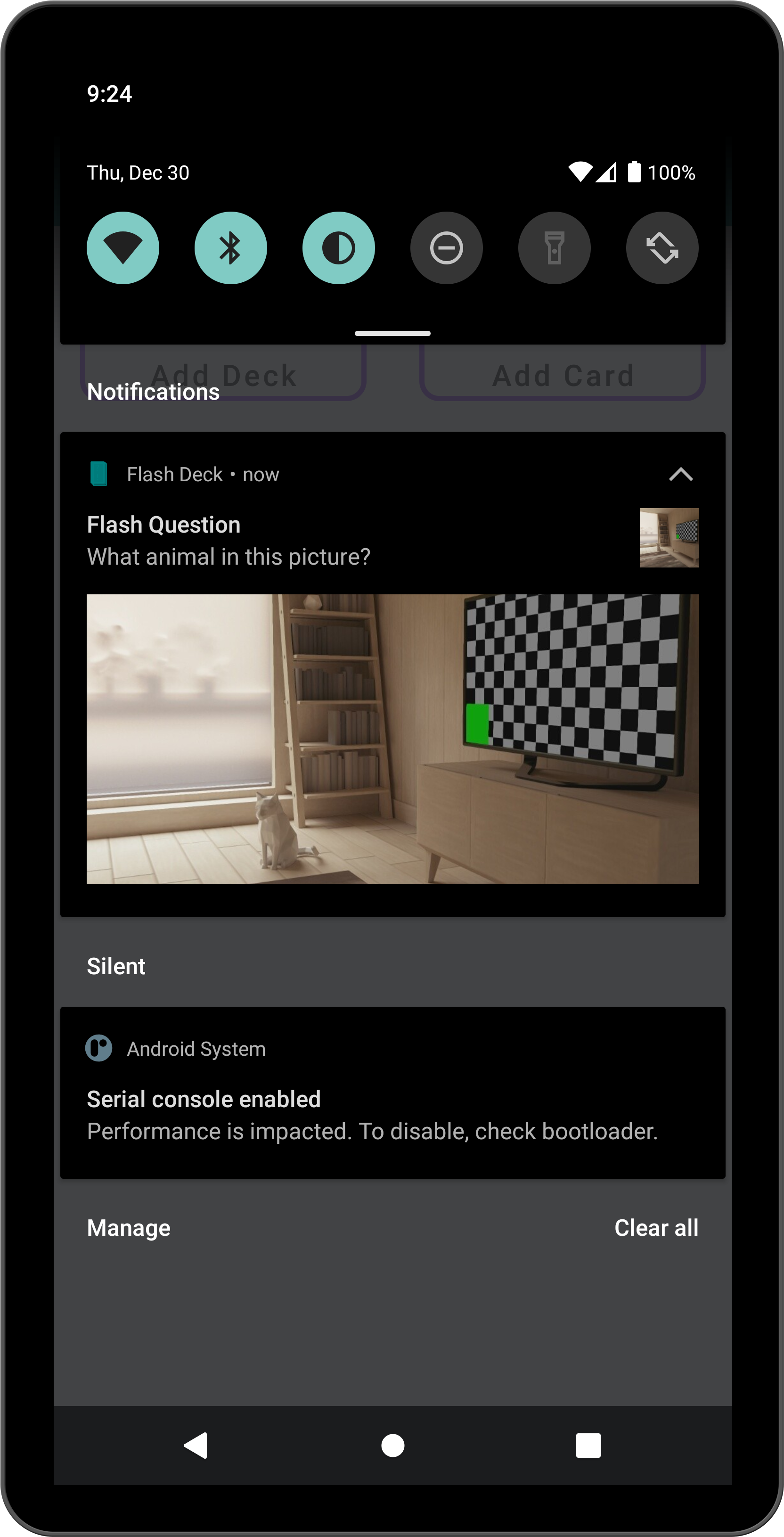
Record voices and attach images for your cards
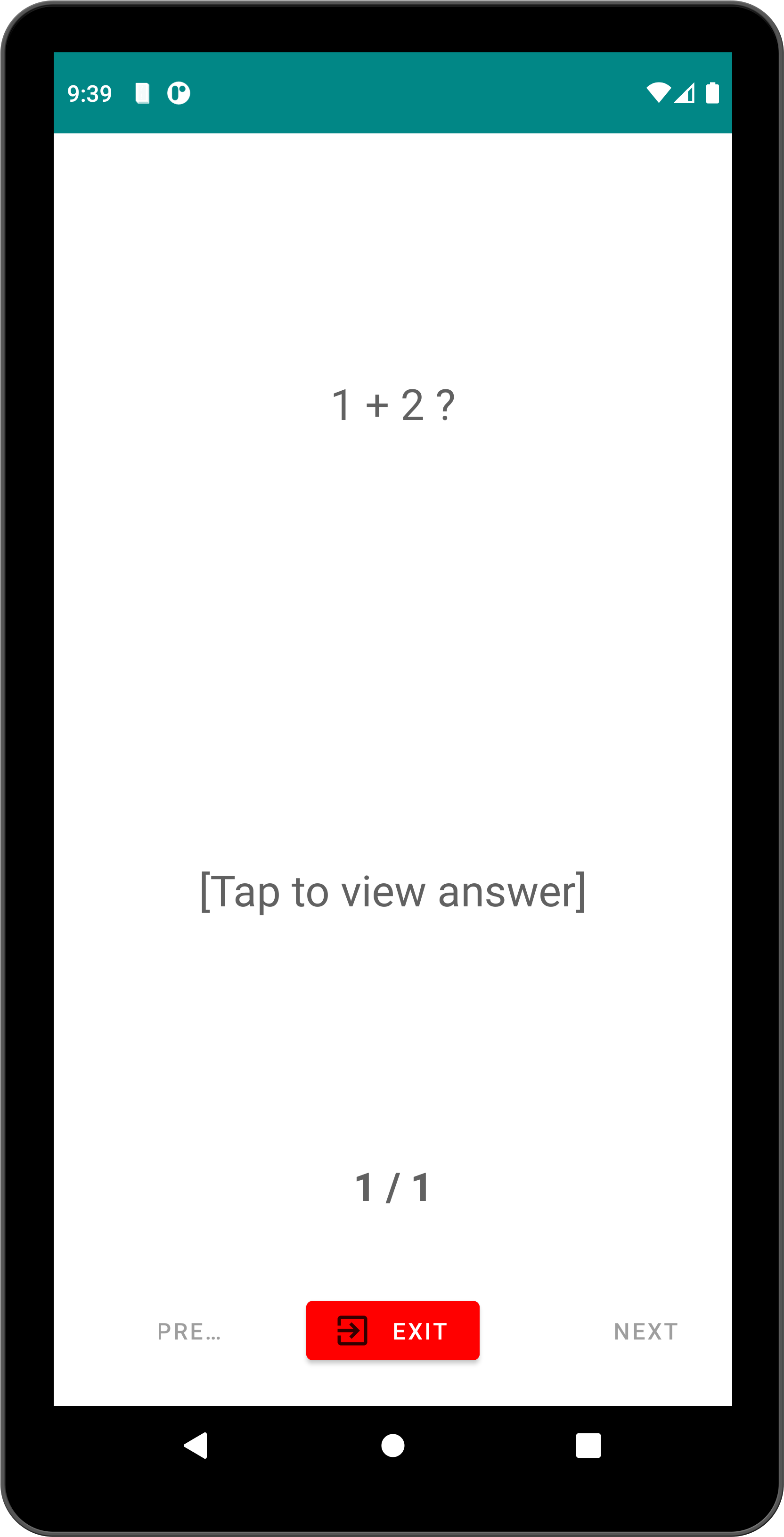
Study & Test
Test mode with shuffle and progress tracking
Test state persistence — resume your test after app restart
Flash bot to smartly suggest cards to test you based on your behavior
Reminders
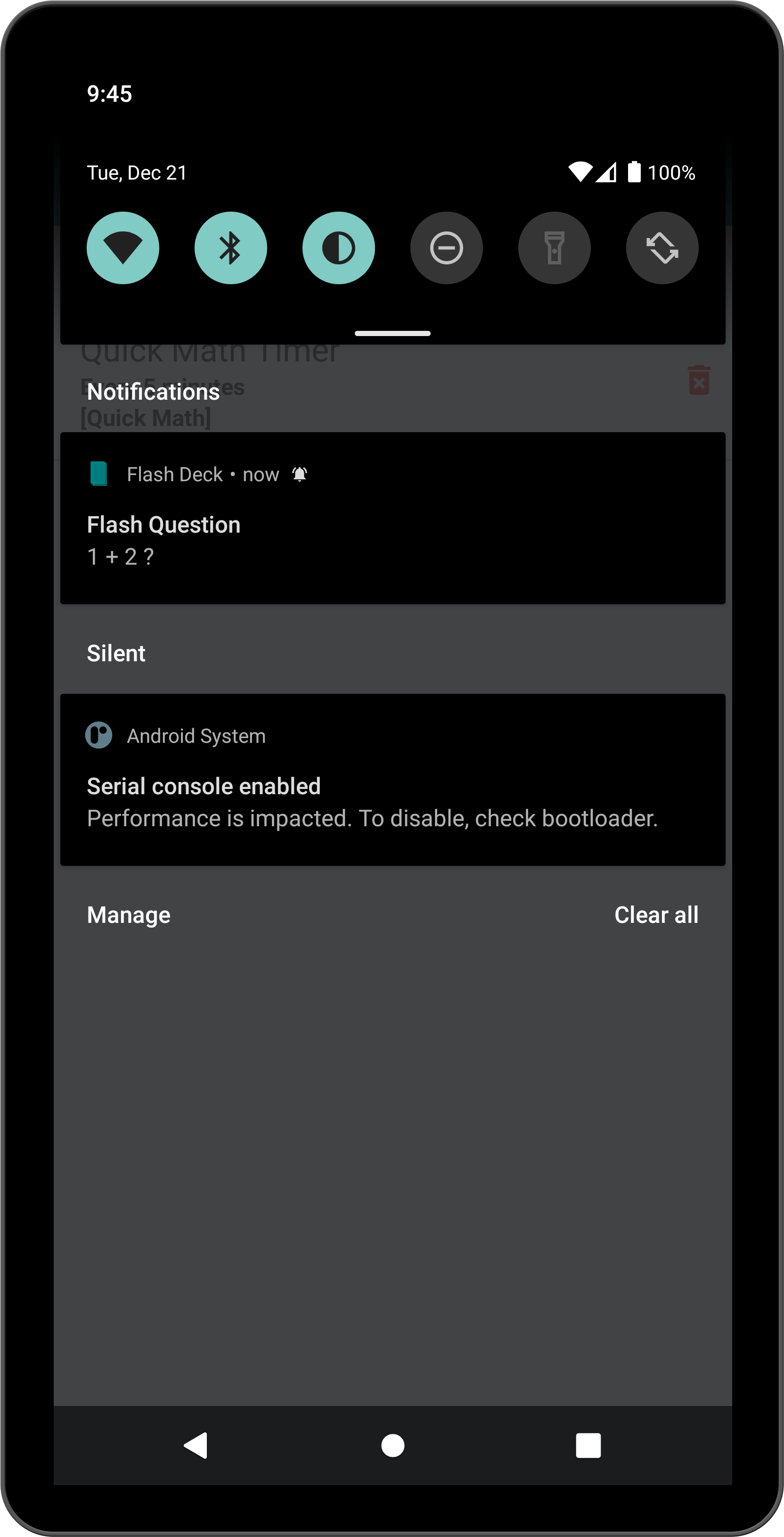
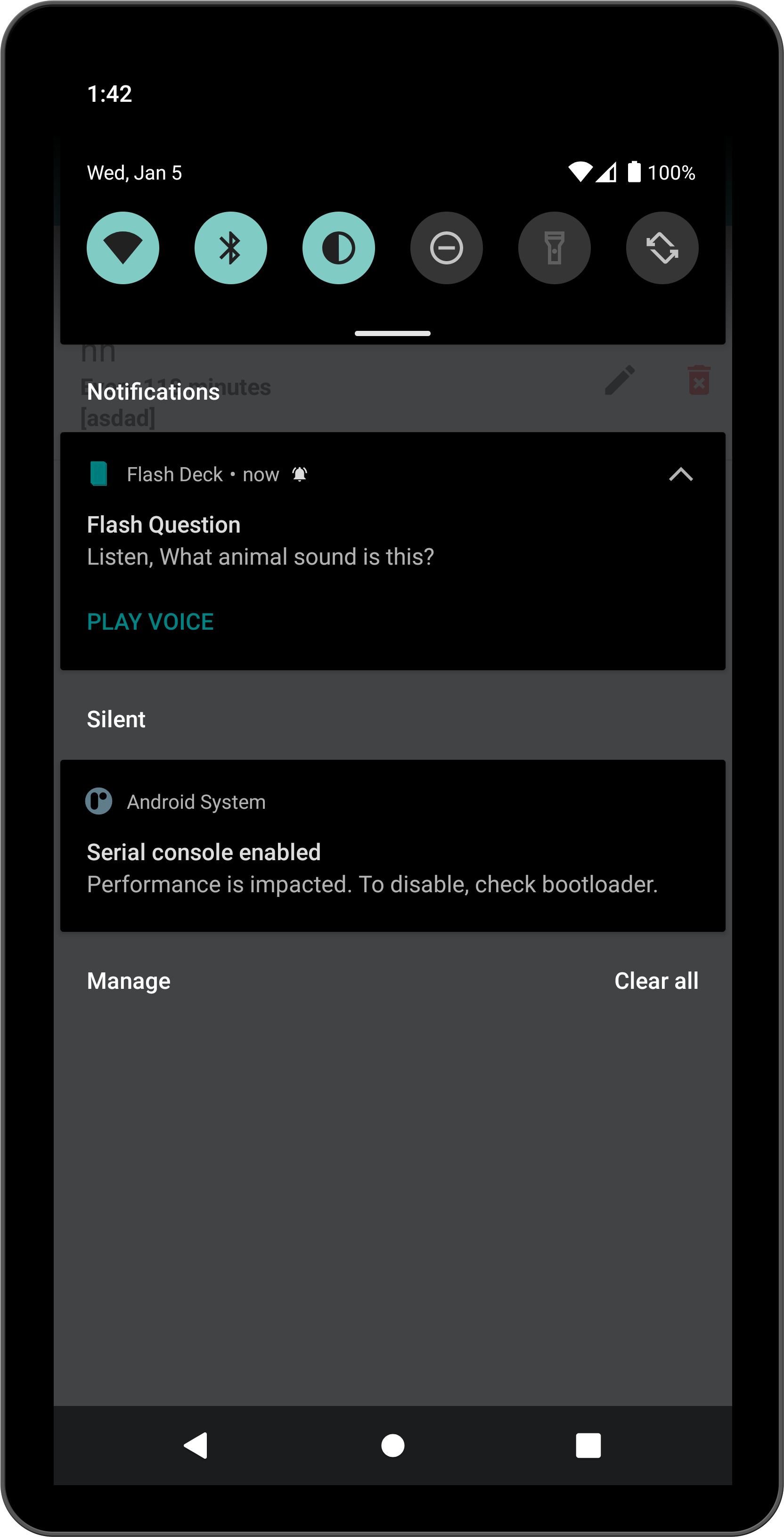
Notification timer to periodically quiz you
Notification time window — set start and end times for reminders
Voice playback directly from notifications
Create shortcut to show random card from deck for casual study (Android 8+)
Import & Export
Easily export & share your decks to your friends
Import and export decks in Anki .apkg format (supports Basic cards with images and audio)
AI-Powered
Generate flash card decks from any topic using Google Gemini AI
Transform existing decks with AI — translate, expand, create harder questions, and more
AI model selection — choose from available Gemini models
Appearance
Support dark mode and light mode
Screenshots
What’s new
Release 2.0.0+60
Features: * Spaced repetition study — grade your recall during tests (Again / Hard / Good / Easy) to schedule each card's next review automatically * New Study Due button showing how many cards are due or new across all decks * Suspend cards to set them aside; suspended cards are excluded from Study Due, tests, and flash bot suggestions
Fixes: * Deck and card lists now refresh after importing decks (.apkg / zip / json) * Suspended cards are excluded from flash bot analysis and
How to install
Download the APK from the button at the top of this page.
Allow “Install unknown apps” for your browser or file manager only, not for every app.
Open the downloaded file and confirm the installation.
If installation fails with “App not installed,” remove an earlier build of the same app first. A signature conflict is the usual cause.
Data safety
Every file is checked against its published SHA-256 before it is listed.
Files are scanned for malware on every update.
The permissions each app requests are listed on its own page.
Read the full safety policy for how we test, flag, and delist files.