Quick answer
Eight measuring instruments. No ads, no trackers, no network.
F-Droid repository metadata
Your phone has a gravity sensor, a magnetometer, a barometer, a light sensor and a microphone. Android gives you none of them. The apps that fill the gap are mostly a banner ad with a bubble drawn on top.
Nonius is the other kind. Every face is drawn as an instrument rather than assembled from stock components, and every reading that depends on hardware has a calibration you can set, because no sensor is perfect and no screen reports its own size honestly.
The instruments
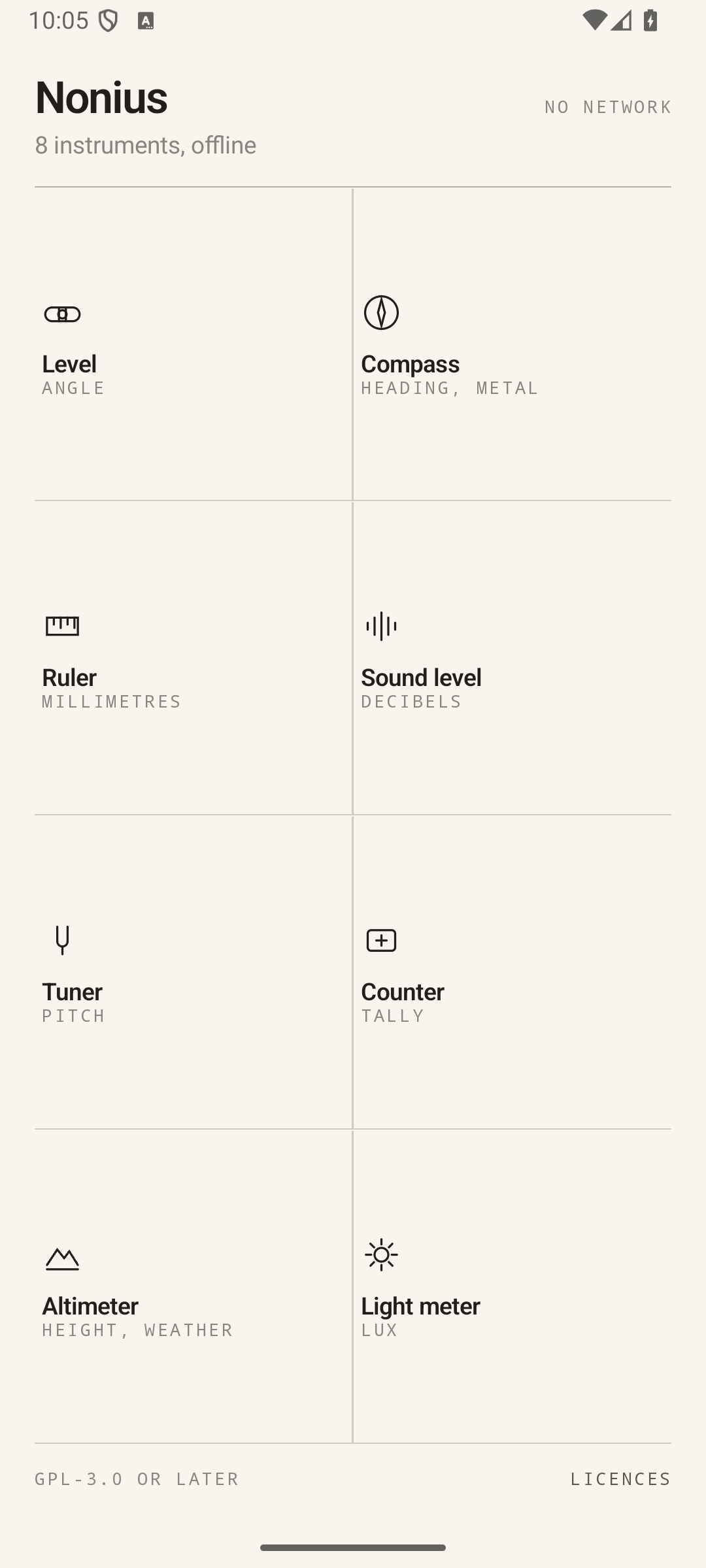
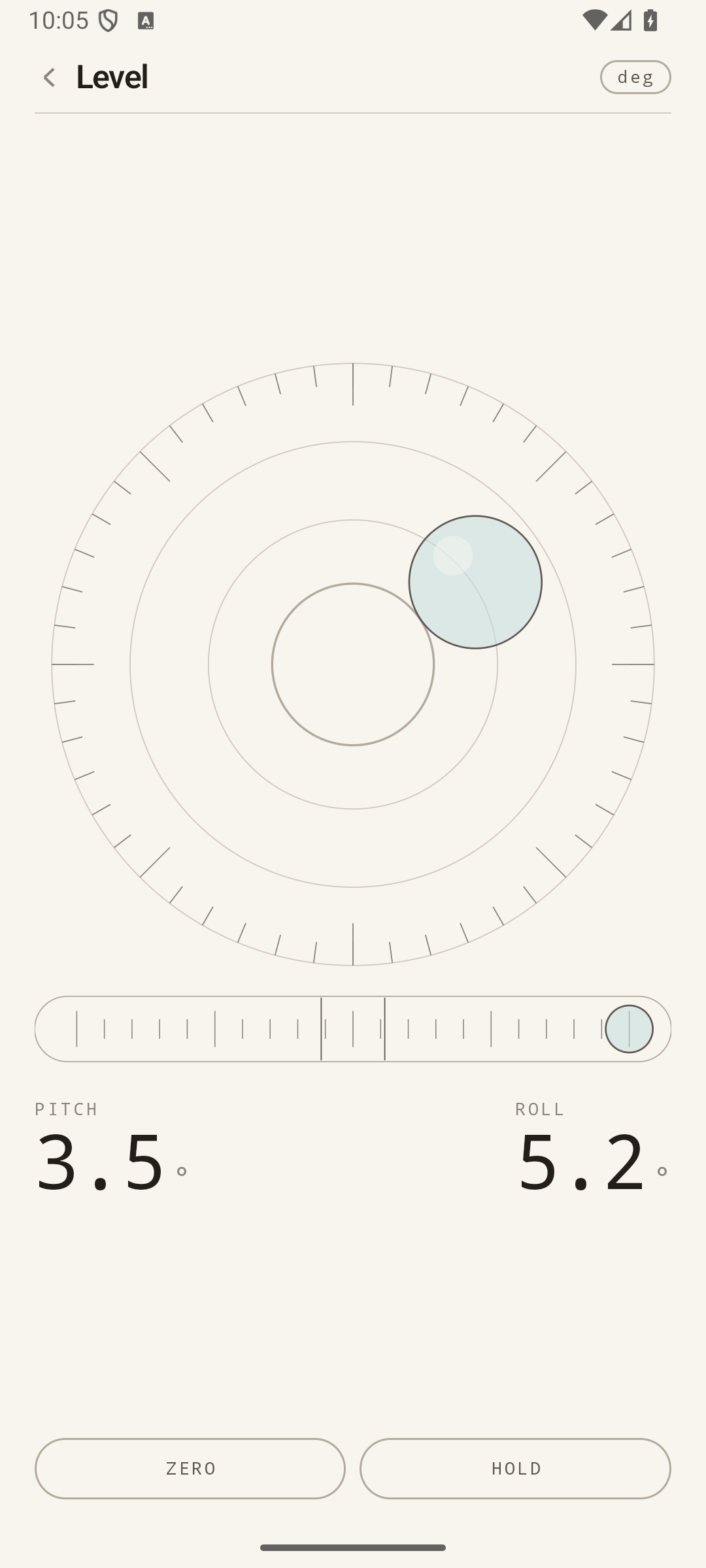
• Level, a round vial and a tube at once, with a zero point stored for your device, in degrees, percent or millimetres per metre
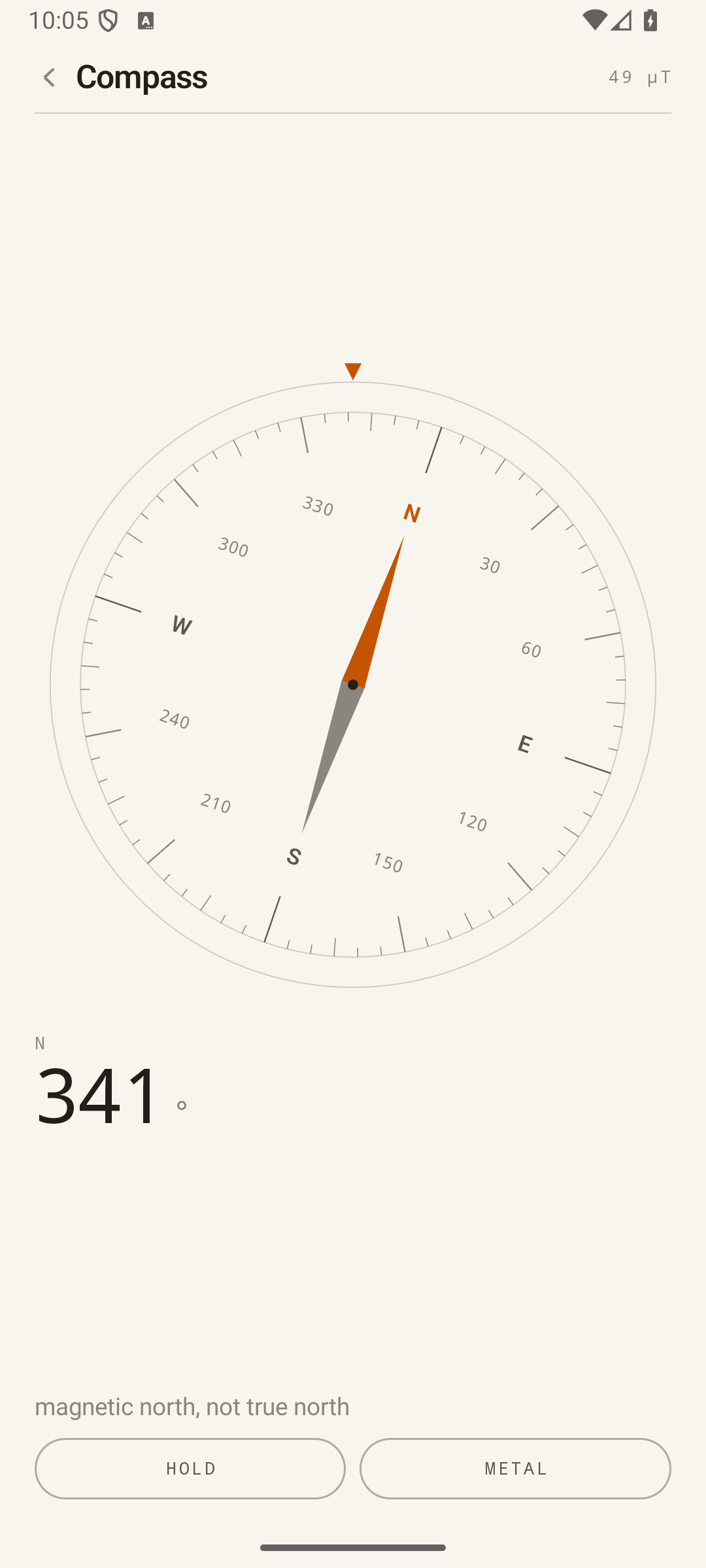
• Compass, heading and field strength, and the same face doubles as a metal detector for finding a nail behind plaster
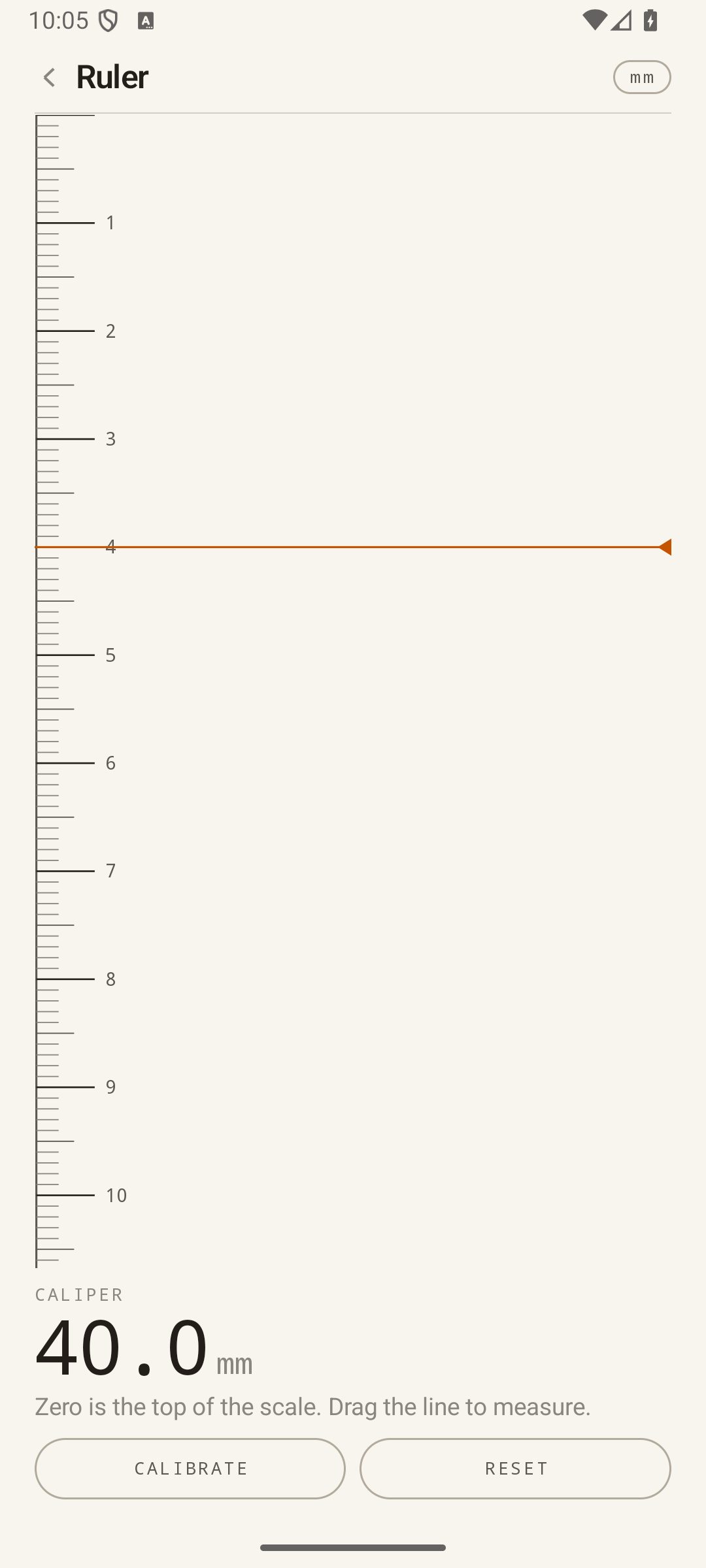
• Ruler, millimetres and inches, calibrated against a bank card rather than against the pixel density the panel claims
• Sound level, in dB(Z), asking the device for the unprocessed microphone so that gain control cannot rewrite the number
• Tuner, note and cents by YIN pitch detection, concert pitch adjustable from 415 to 466 Hz
• Counter, a tally you tap anywhere to raise, which survives closing the app
• Altimeter, height above a mark you set, exact enough to measure a staircase, with the pressure trend
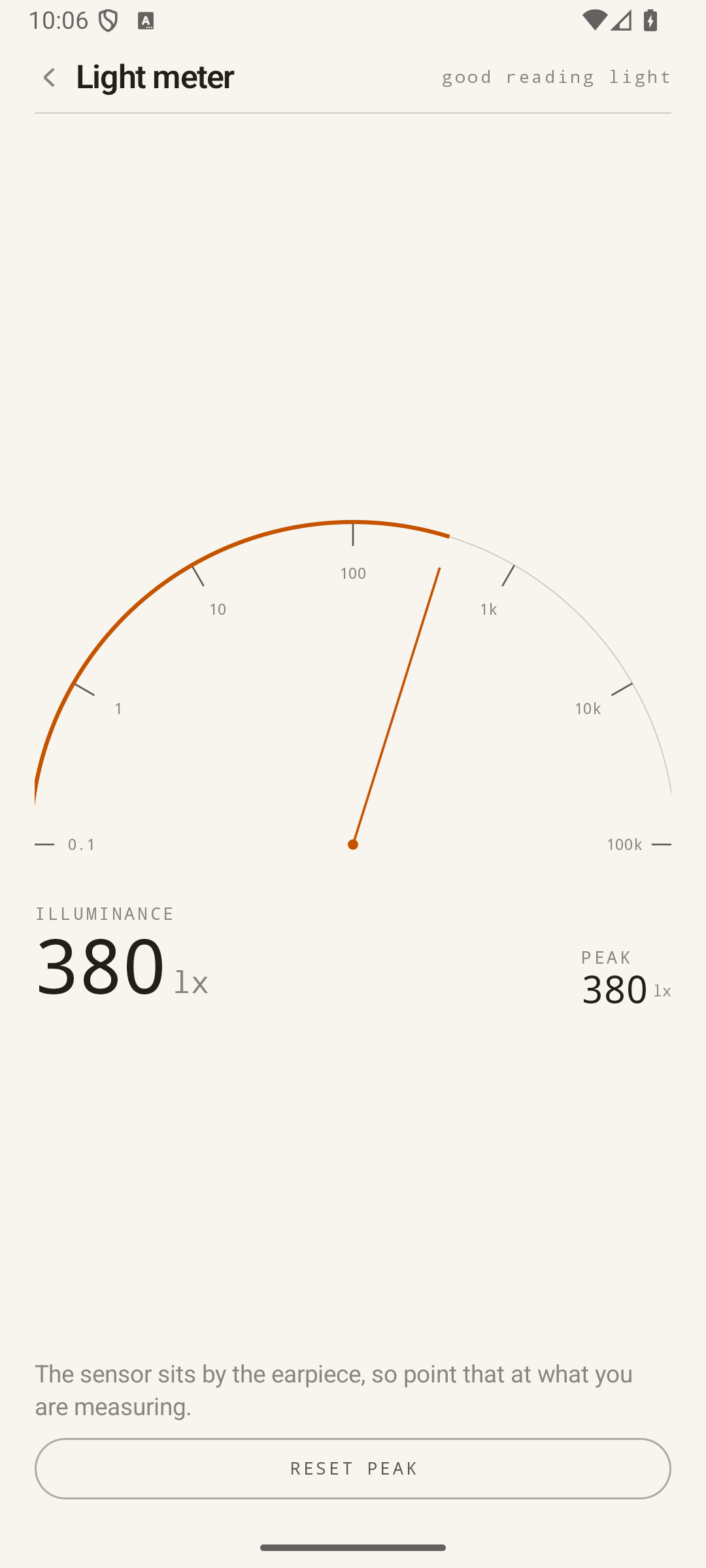
• Light meter, lux across six decades, from moonlight to direct sun
Instruments your device has no sensor for are shown greyed out with the reason, instead of opening and then apologising.
What it does not do
There is no INTERNET permission in the manifest, so the app cannot send anything anywhere even by accident. The single permission is the microphone, requested when you open the sound level meter or the tuner. Nothing is recorded: each frame of audio becomes one number and is discarded. The only thing stored is the handful of calibration values for your device.
Free software, GPL-3.0-or-later.
Screenshots
How to install
- Download the APK from the button at the top of this page.
- Allow “Install unknown apps” for your browser or file manager only, not for every app.
- Open the downloaded file and confirm the installation.
- If installation fails with “App not installed,” remove an earlier build of the same app first. A signature conflict is the usual cause.
Data safety
- Every file is checked against its published SHA-256 before it is listed.
- Files are scanned for malware on every update.
- The permissions each app requests are listed on its own page.
- Read the full safety policy for how we test, flag, and delist files.
Comments
Recent approved comments · sorted by newest
View all comments