Mix looping ambient sounds, each at its own volume. Offline, free, no ads.
F-Droid repository metadata
Soundboard mixes looping sounds from your own audio files. Play any number of
them at the same time and set each one's volume independently — rain under a
fan under a cafe, at whatever balance you like.
Built for tabletop-gaming ambience and for sleep soundscapes, but it will loop
anything you point it at.
What it does
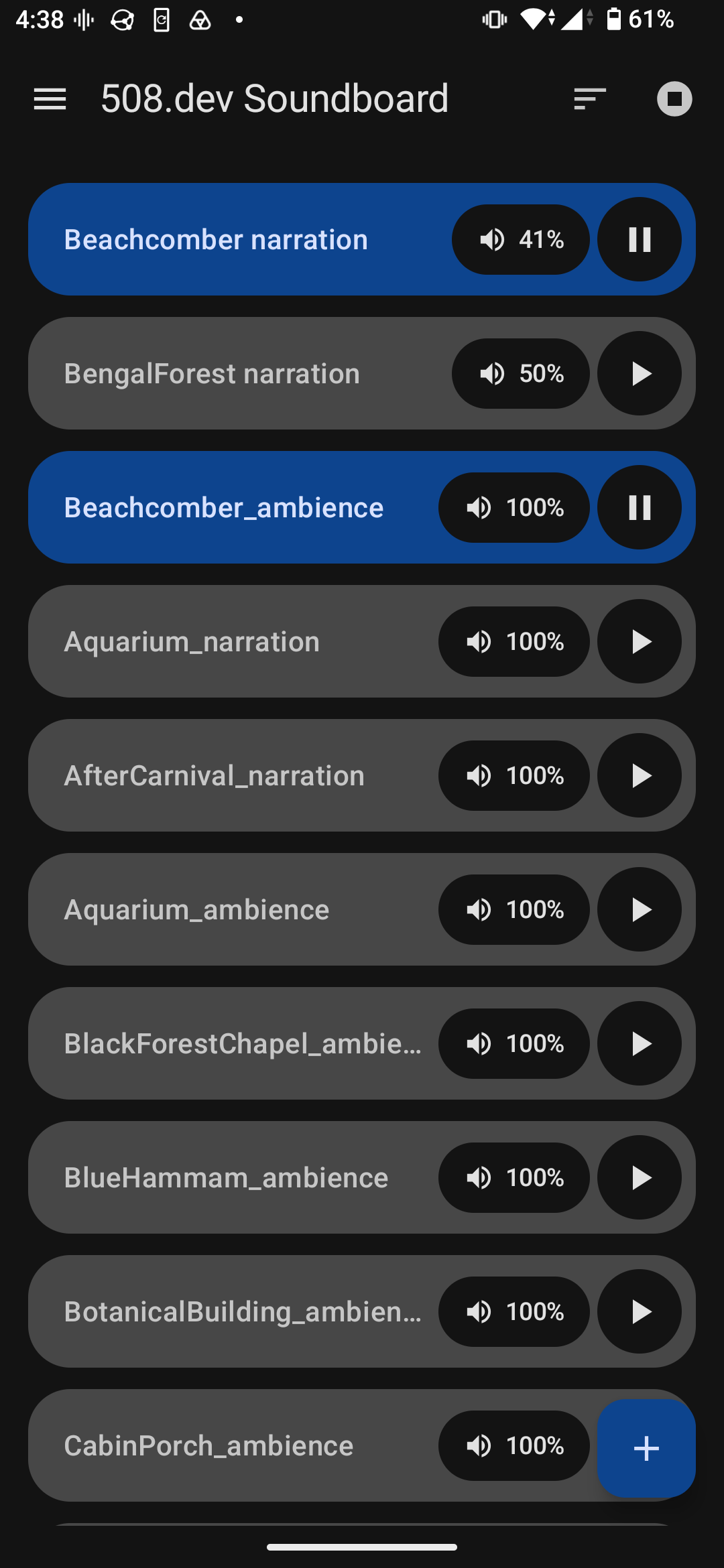
* Add sounds with the + button. The system file picker accepts a
multi-selection, so a whole folder of ambience lands in one go.
* Play any combination at once. Each row has its own play/pause toggle, and
sounds loop until you stop them.
* Set each sound's volume by tapping its volume pill and dragging around the
dial. The percentage is relative: your device's volume keys still move the
whole mix together, and each sound keeps its balance within it.
* Keeps playing in the background with the screen off. A notification shows how
many sounds are running and offers "Stop all".
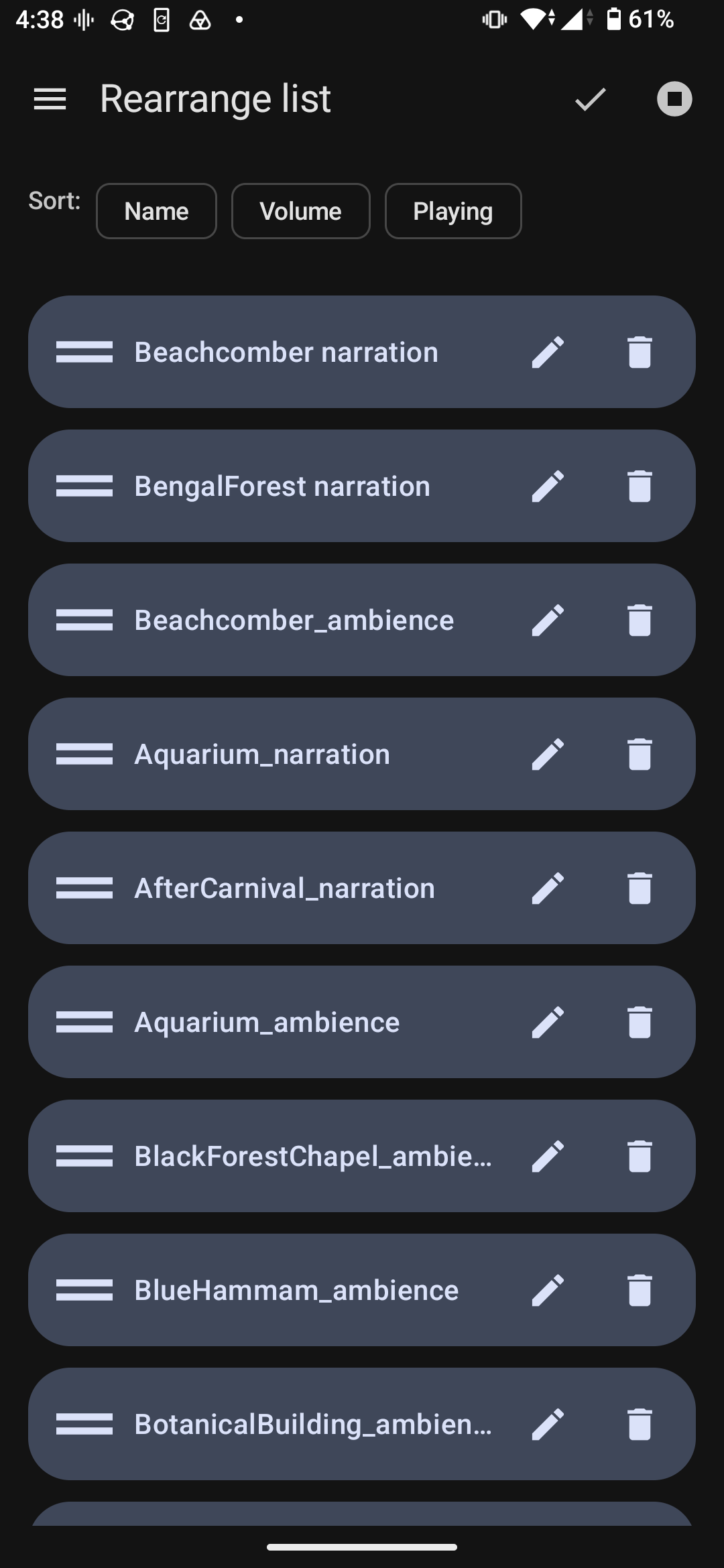
* Reorder, rename, and sort the board to taste.
Your files stay yours
Soundboard never copies or moves your audio. It remembers where each file is
and reads it in place, using only the per-file permission you granted when you
picked it. It never asks for broad storage access.
Private by construction
The app requests no INTERNET permission at all, so it cannot phone home even by
accident. No account, no network calls, no telemetry, no ads, no tracking.
Free software
Released under the GNU General Public License v3 by 508.dev, a worker-owned
software co-op. The source is on GitHub — read it, build it, change it.
Screenshots
What’s new
Bug Fixes:
- oops forgot to trigger deploy - oops forgot to trigger deploy
How to install
Download the APK from the button at the top of this page.
Allow “Install unknown apps” for your browser or file manager only, not for every app.
Open the downloaded file and confirm the installation.
If installation fails with “App not installed,” remove an earlier build of the same app first. A signature conflict is the usual cause.
Data safety
Every file is checked against its published SHA-256 before it is listed.
Files are scanned for malware on every update.
The permissions each app requests are listed on its own page.
Read the full safety policy for how we test, flag, and delist files.