Features:
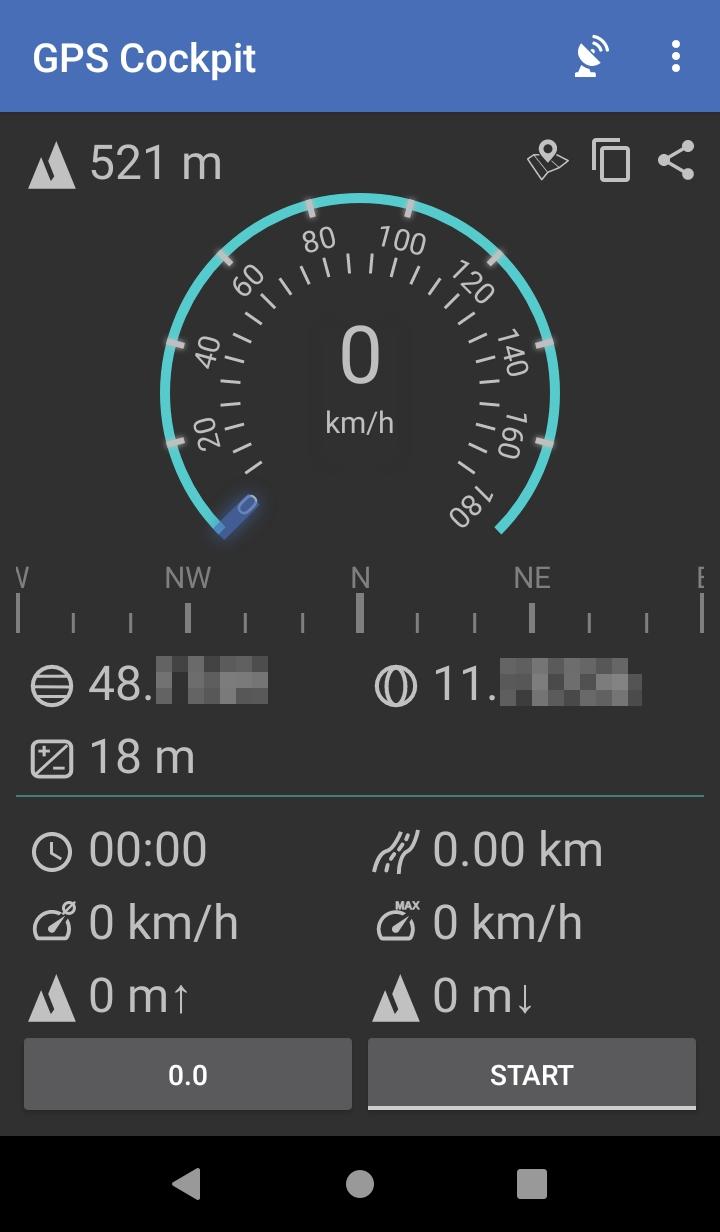
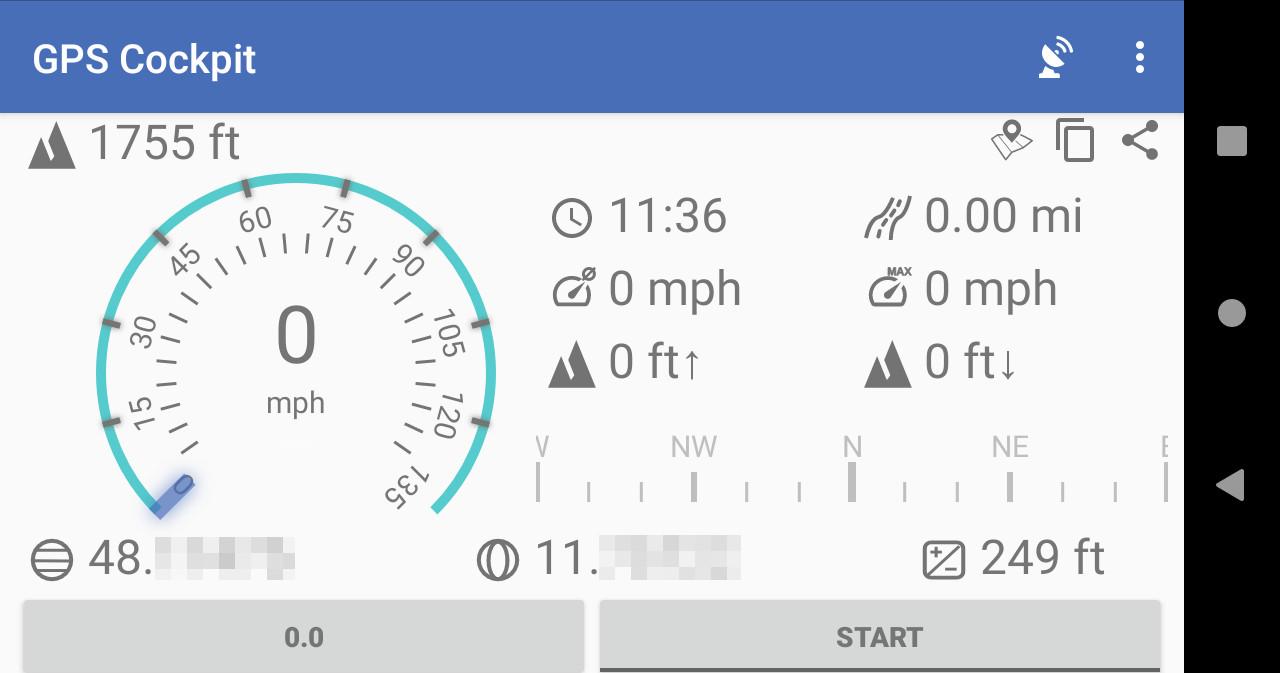
GPS Cockpit finds your device's location via GPS and shows most relevant data in a cockpit style.
You can also see the list of visible satellites with their identifiers and signal quality.
Location coordinates can be copied to clipboard, shared, or opened in a maps app, if installed.
Clearing A-GPS aiding data is also supported.
Speed range can be selected by clicking on the speedometer.
A left swipe on the speedometer will show an altimeter instead.
When the START button is pressed travel distance is recorded (horizontal movement and also accumulated up and down movements).
A change is only recognized and added to the distance if the position changes by more than 2x GPS accuracy for horizontal
movement and 3x GPS accuracy for vertical movements and only if accuracy is at least 15m.
A flipped view for use as head-up display is also available.
A tile in quick settings allows you to enable/disable GPS lock.
Required permissions:
- GPS to access location
- REQUEST_IGNORE_BATTERY_OPTIMIZATIONS, WAKE_LOCK, FOREGROUND_SERVICE for keeping GPS active in background if requested by user ("LOCK GPS")
No ads, no trackers.
Screenshots
What’s new
Update for Android 15 (SDK 35)
How to install
Download the APK from the button at the top of this page.
Allow “Install unknown apps” for your browser or file manager only, not for every app.
Open the downloaded file and confirm the installation.
If installation fails with “App not installed,” remove an earlier build of the same app first. A signature conflict is the usual cause.
Data safety
Every file is checked against its published SHA-256 before it is listed.
Files are scanned for malware on every update.
The permissions each app requests are listed on its own page.
Read the full safety policy for how we test, flag, and delist files.