Roam: GPS Speedometer icon

Roam: GPS Speedometer

Nicolaj Jensen
Maps & Navigation
Version
1.1.0
Size
58.0 KB
Requires
Android API 26+
3.9 / 5 · 3,491 ratings 19,695 downloads

Updated Oct 26, 2026

Quick answer

A GPS speedometer that treats your OLED with respect. No ads, no tracking.

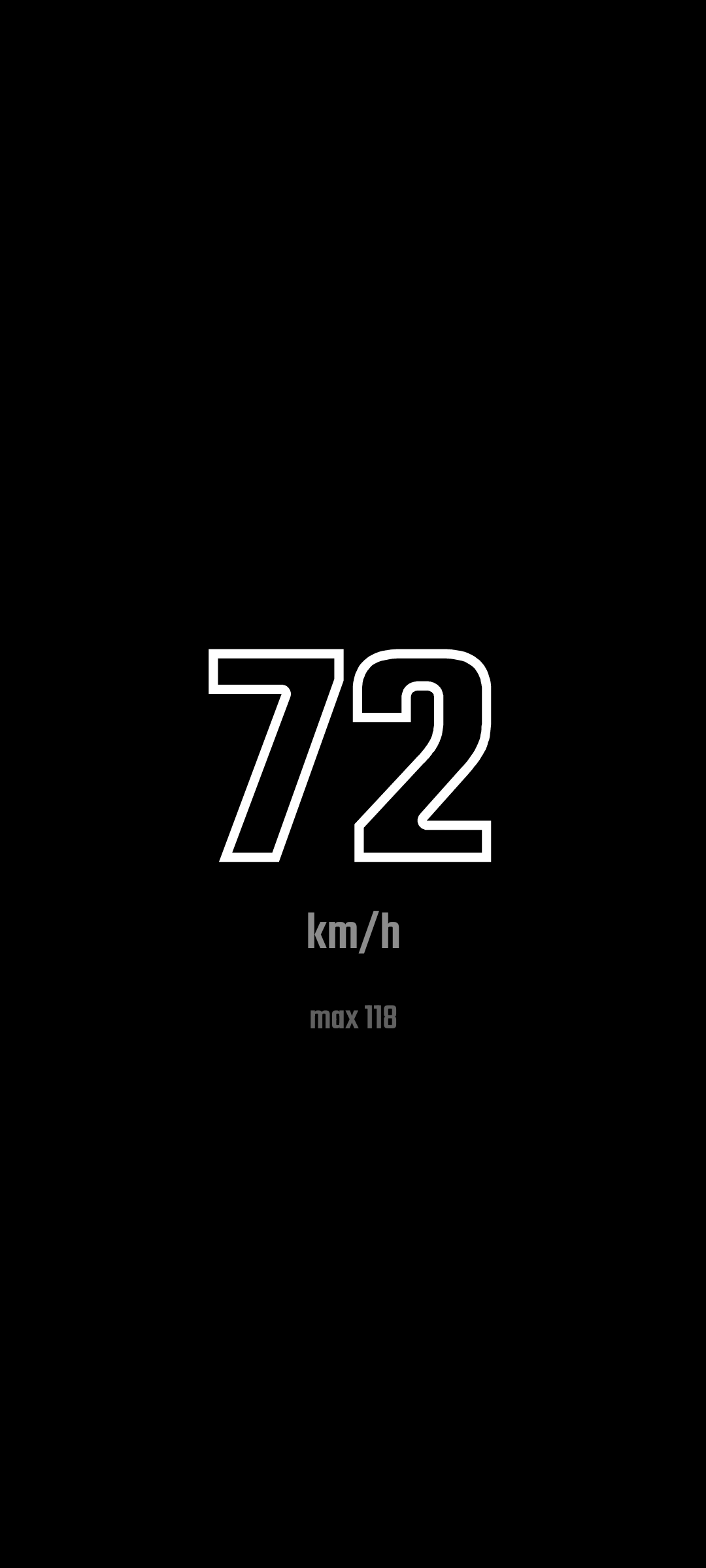
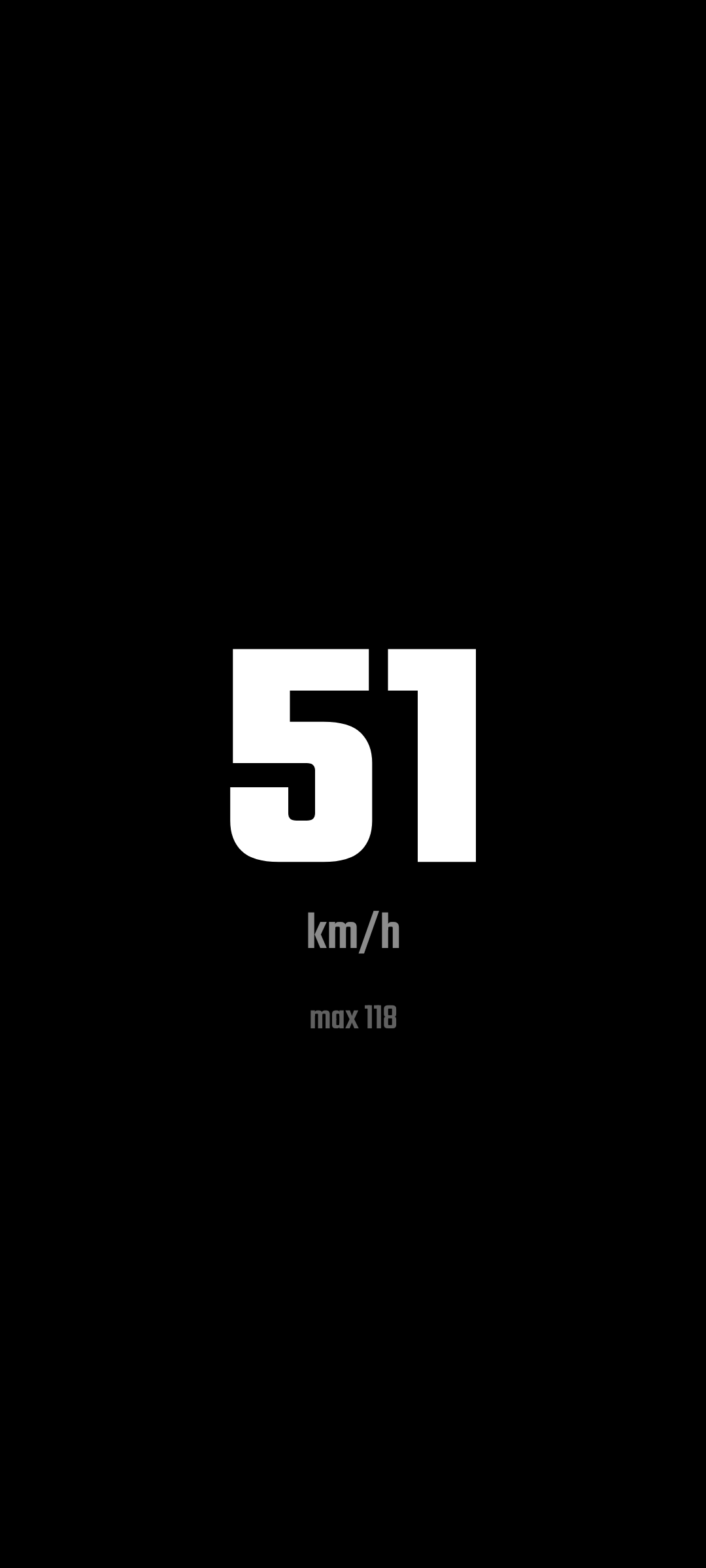
Roam shows one thing: your current GPS speed, in big digits on a pure black screen, with nothing else fighting for your attention.

It exists because leaving a navigation app open for hours just to watch your speed is rough on OLED screens. A bright, static interface slowly burns itself into the panel. Roam is designed from the ground up to leave no trace on yours.

How it protects your screen:

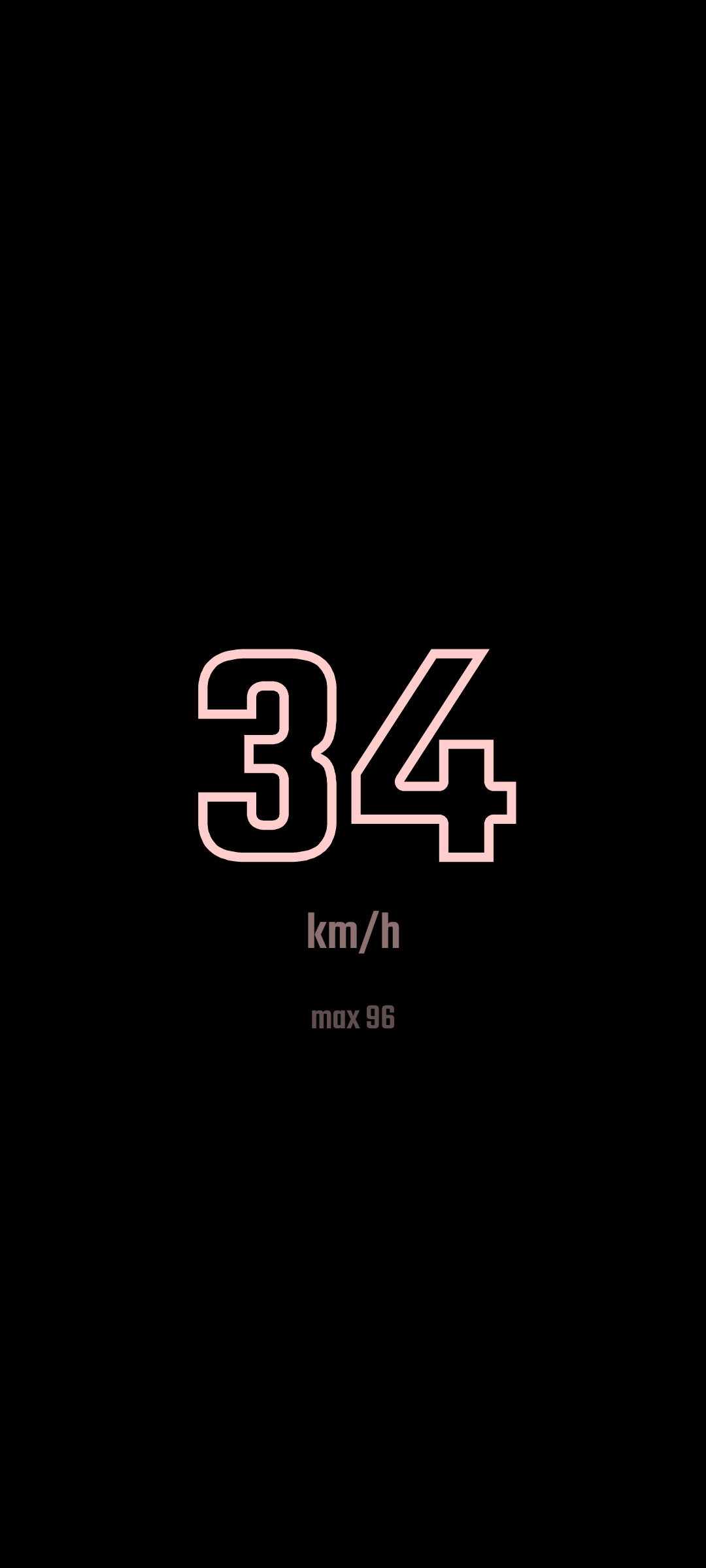
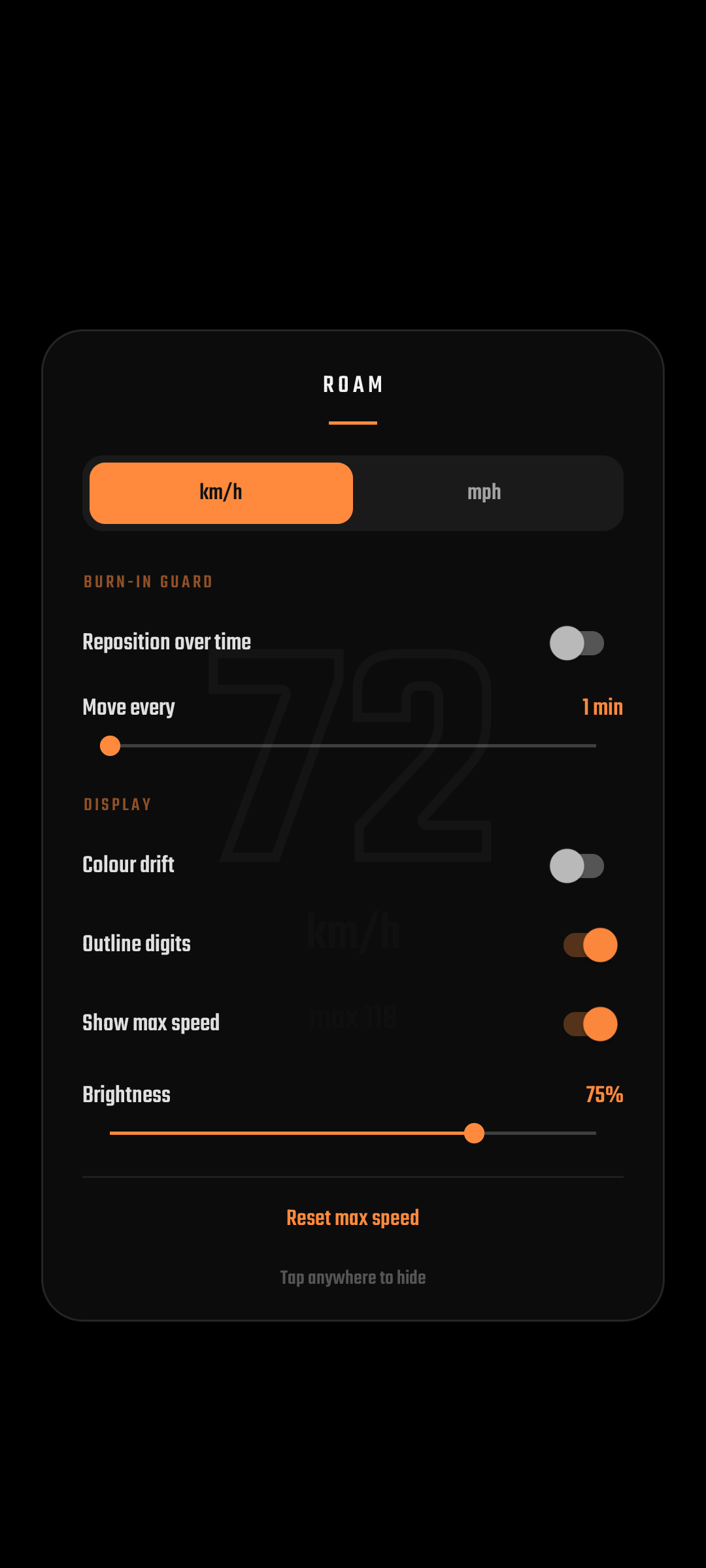
* The readout moves. Every few minutes (1 to 10, your choice) the speed display glides to a new position, so no area of the panel carries the load for long. * Pure black background. On OLED, black pixels are switched off, so only the digits are lit. * Colour drift. The digit colour slowly shifts hue over time, so no single subpixel is driven hard at one fixed colour for hours. * Outline digits. An optional hollow digit style that lights a fraction of the pixels. * Brightness control. Dim the display from inside the app without touching your system settings.

The rest:

* Current speed in km/h or mph, plus a session max. * The screen stays awake while the app is open. * No ads, no tracking, no network access at all. The only permission is location, used for GPS speed. * Tiny: the app is well under 100 KB.

Roam is free and open source (AGPL-3.0). Source code and privacy details are linked below.
Screenshots

Roam: GPS Speedometer screenshot 1
Roam: GPS Speedometer screenshot 2
Roam: GPS Speedometer screenshot 3
Roam: GPS Speedometer screenshot 4

What’s new

HUD mirror for reading the speed off the windshield. Colour presets for the readout (white, red, orange, yellow, green, cyan, blue). Size sliders for the speed and for the max speed and heading lines. Shows 0 while parked instead of two dashes. A What's new note after each update, plus the full history under Release notes in settings.

How to install

  1. Download the APK from the button at the top of this page.
  2. Allow “Install unknown apps” for your browser or file manager only, not for every app.
  3. Open the downloaded file and confirm the installation.
  4. If installation fails with “App not installed,” remove an earlier build of the same app first. A signature conflict is the usual cause.

Data safety

  • Every file is checked against its published SHA-256 before it is listed.
  • Files are scanned for malware on every update.
  • The permissions each app requests are listed on its own page.
  • Read the full safety policy for how we test, flag, and delist files.

Frequently asked questions

What is Roam: GPS Speedometer?
A GPS speedometer that treats your OLED with respect. No ads, no tracking.
Who develops Roam: GPS Speedometer?
Roam: GPS Speedometer is developed by Nicolaj Jensen.
Which Android version does Roam: GPS Speedometer require?
Roam: GPS Speedometer requires Android API 26 or later.
What is the current version of Roam: GPS Speedometer?
The synchronized F-Droid version is 1.1.0.
Which license does Roam: GPS Speedometer use?
The signed F-Droid metadata lists AGPL-3.0-only.
Where is the source code for Roam: GPS Speedometer?
https://github.com/Nicsilver/roam

Comments

Recent approved comments · sorted by newest

Verification code
Be specific and keep it about the app. No links. Comments are reviewed before publication. Device and Android details are recorded automatically. Privacy policy.

Loading recent comments...

View all comments