What’s new
- Fixed the bookmark icon not updating immediately after saving a favourite.
- Fixed the toolbar being drawn under the status bar on some devices, which could make the bookmark button hard to tap.

Updated Sep 22, 2026
Find, share and navigate to Madagascar's community address codes
F-Droid repository metadata
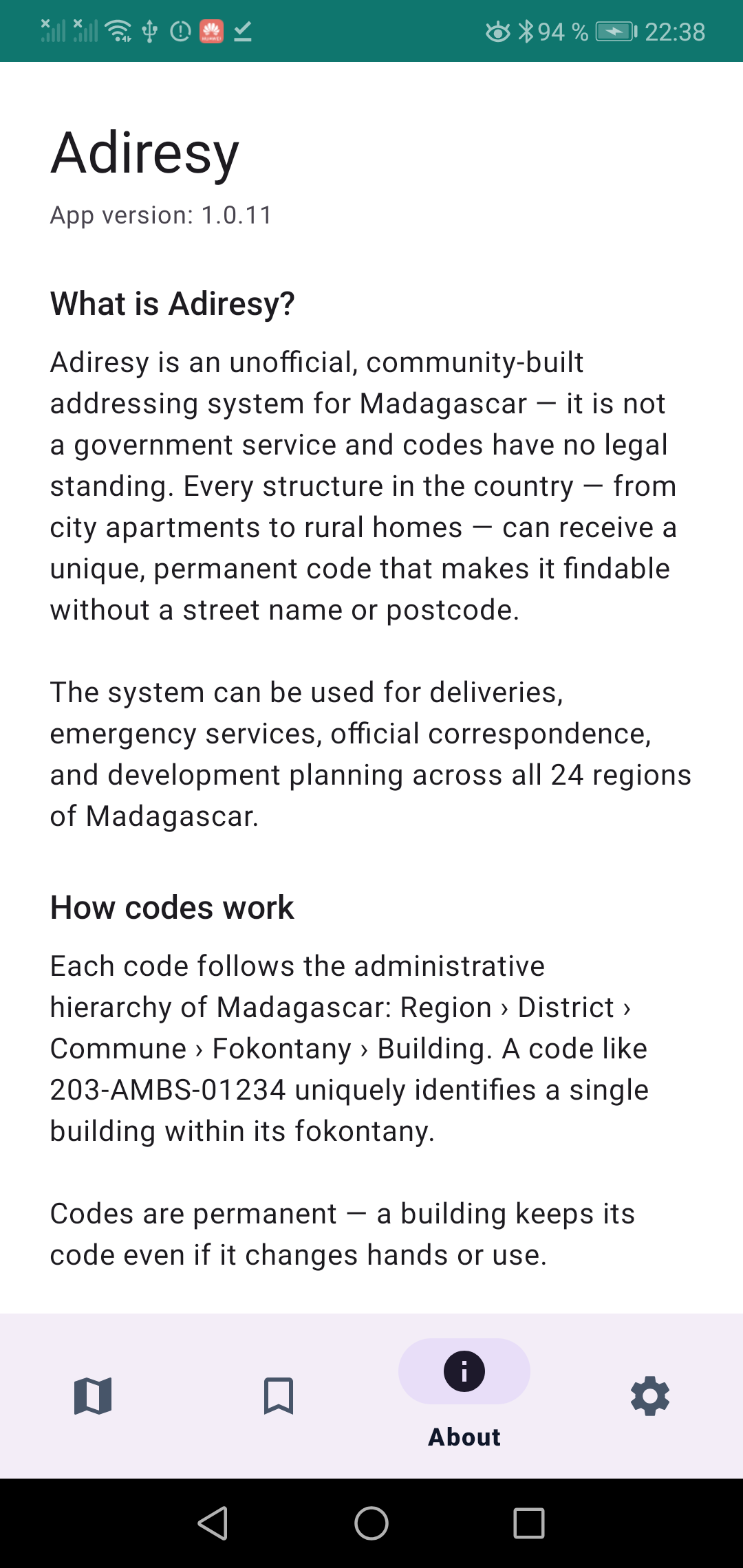
Adiresy is a native Android client for Adiresy, an unofficial addressing service for Madagascar.
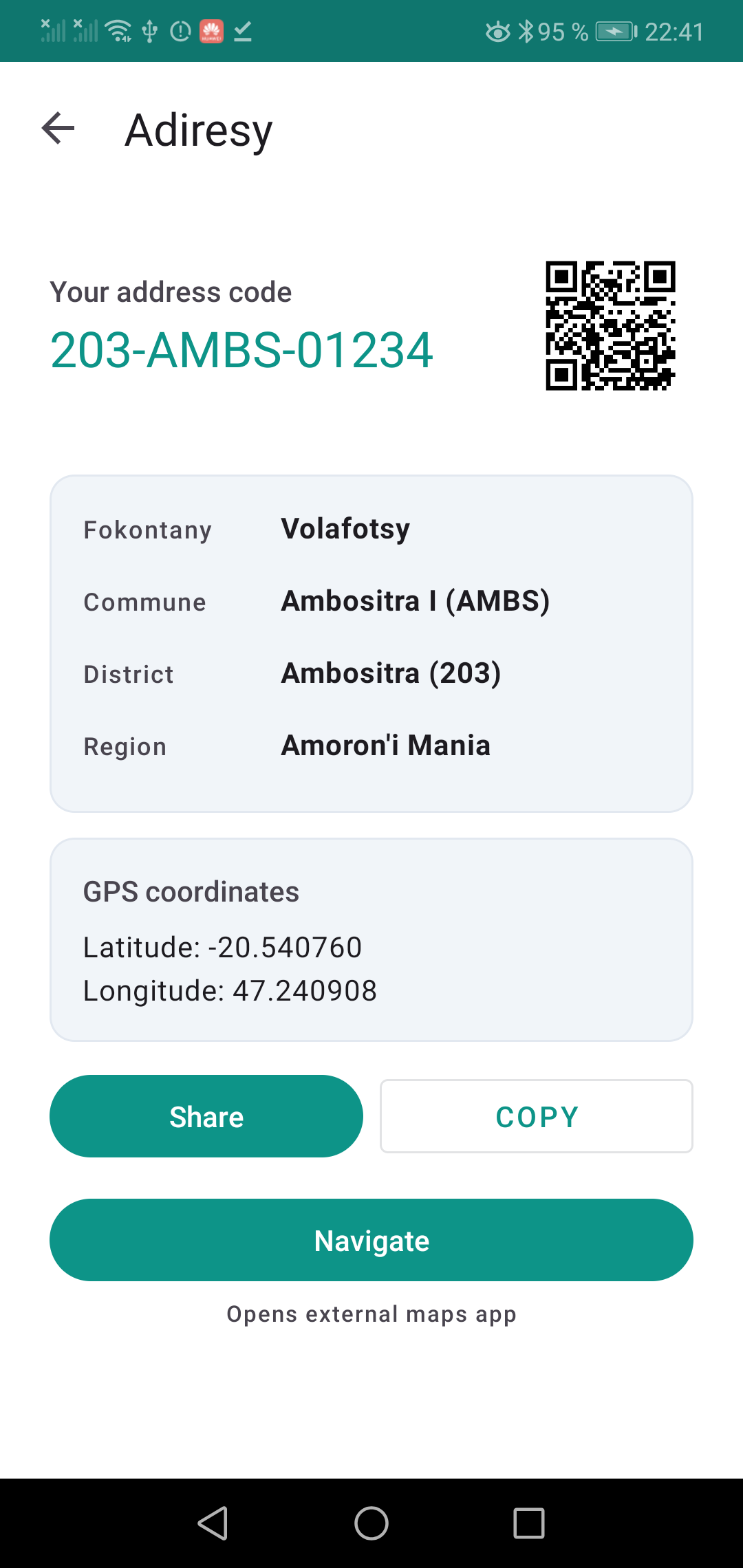
Madagascar has no formal street-addressing system in most areas. Every building can still get a short, permanent code anchored to GPS coordinates (for example 101-6EAR-50418). This app lets people find, share, and navigate to those codes — working on low-end phones, and, progressively, fully offline.
Codes have no legal value. Adiresy is an unofficial, community-driven addressing layer, not a government service.
Features:
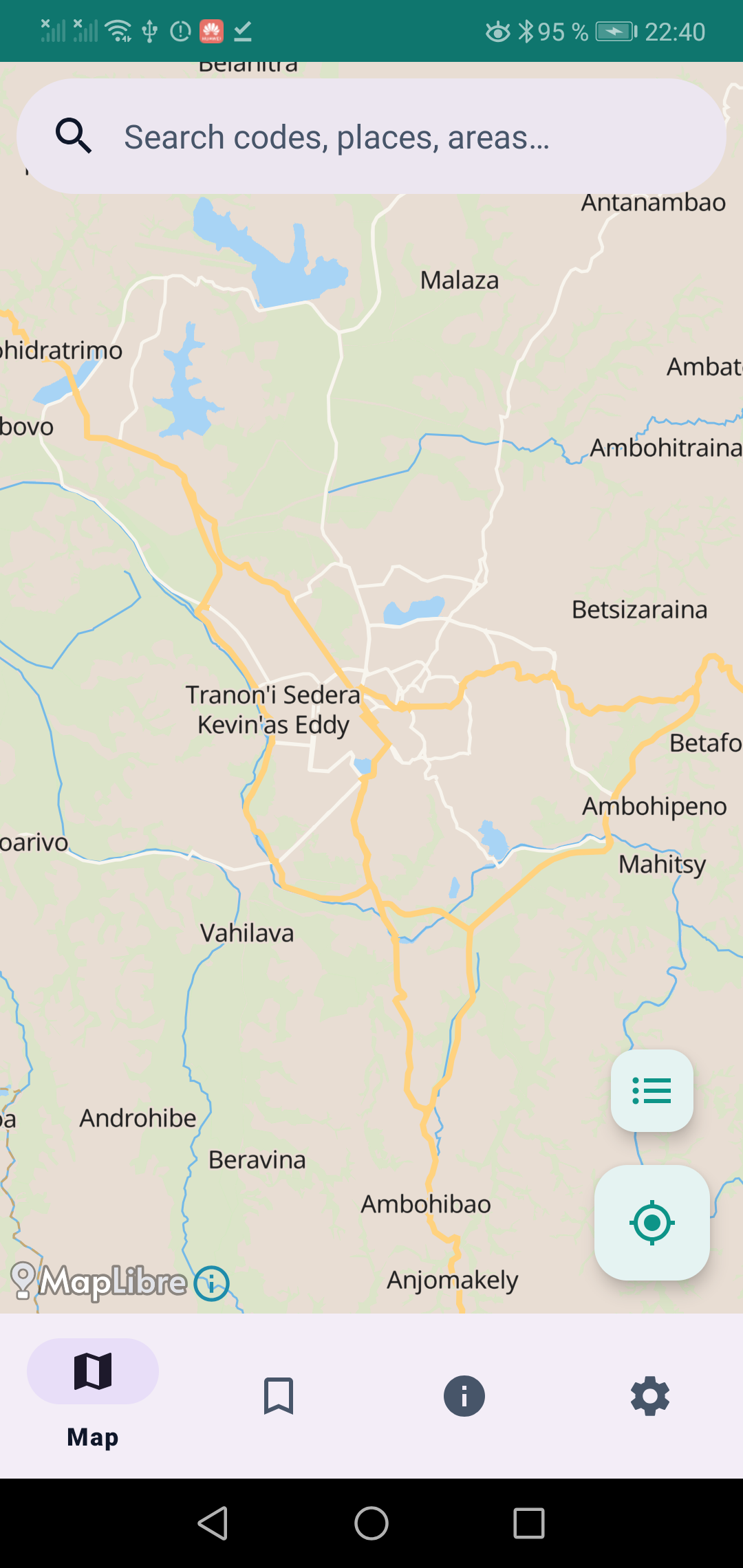
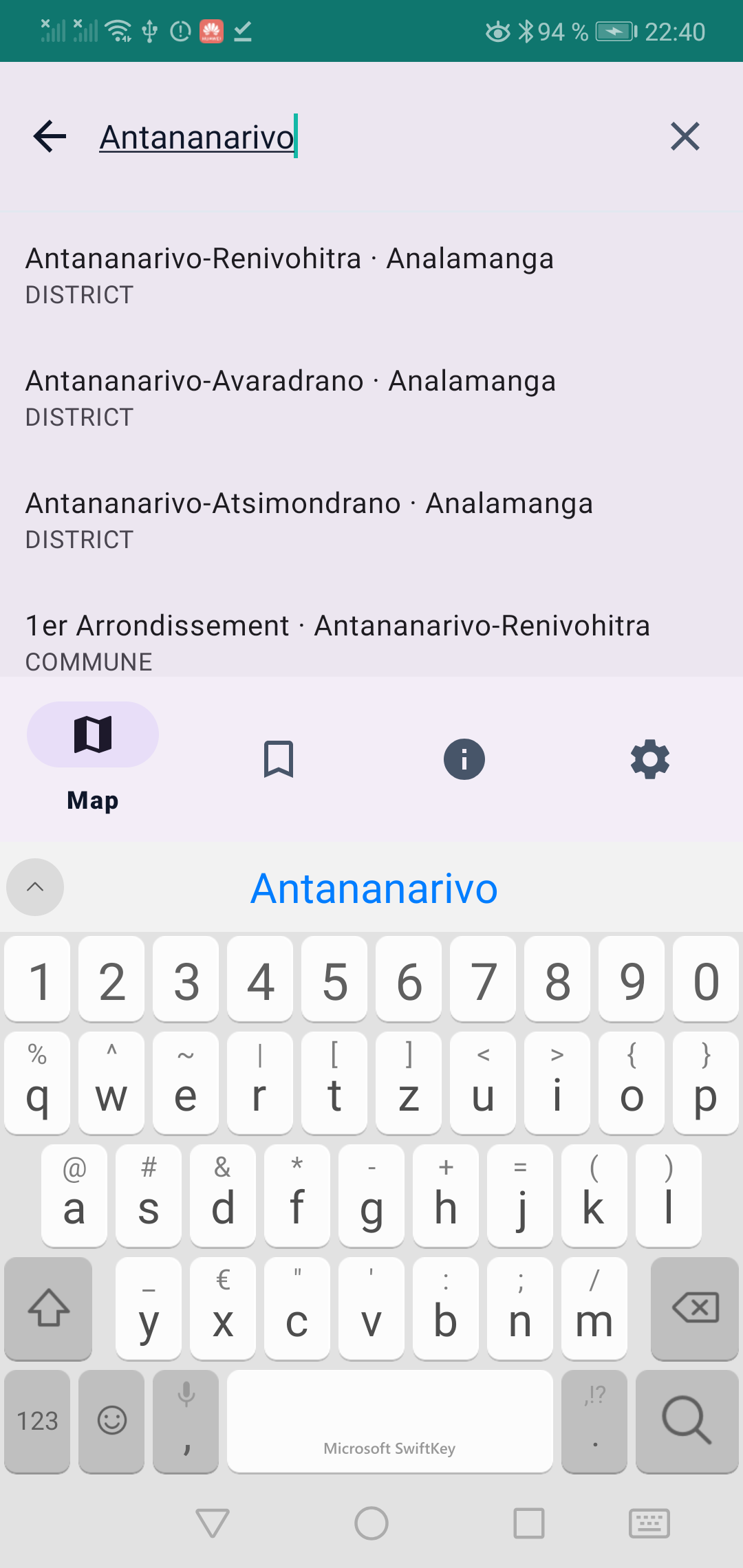
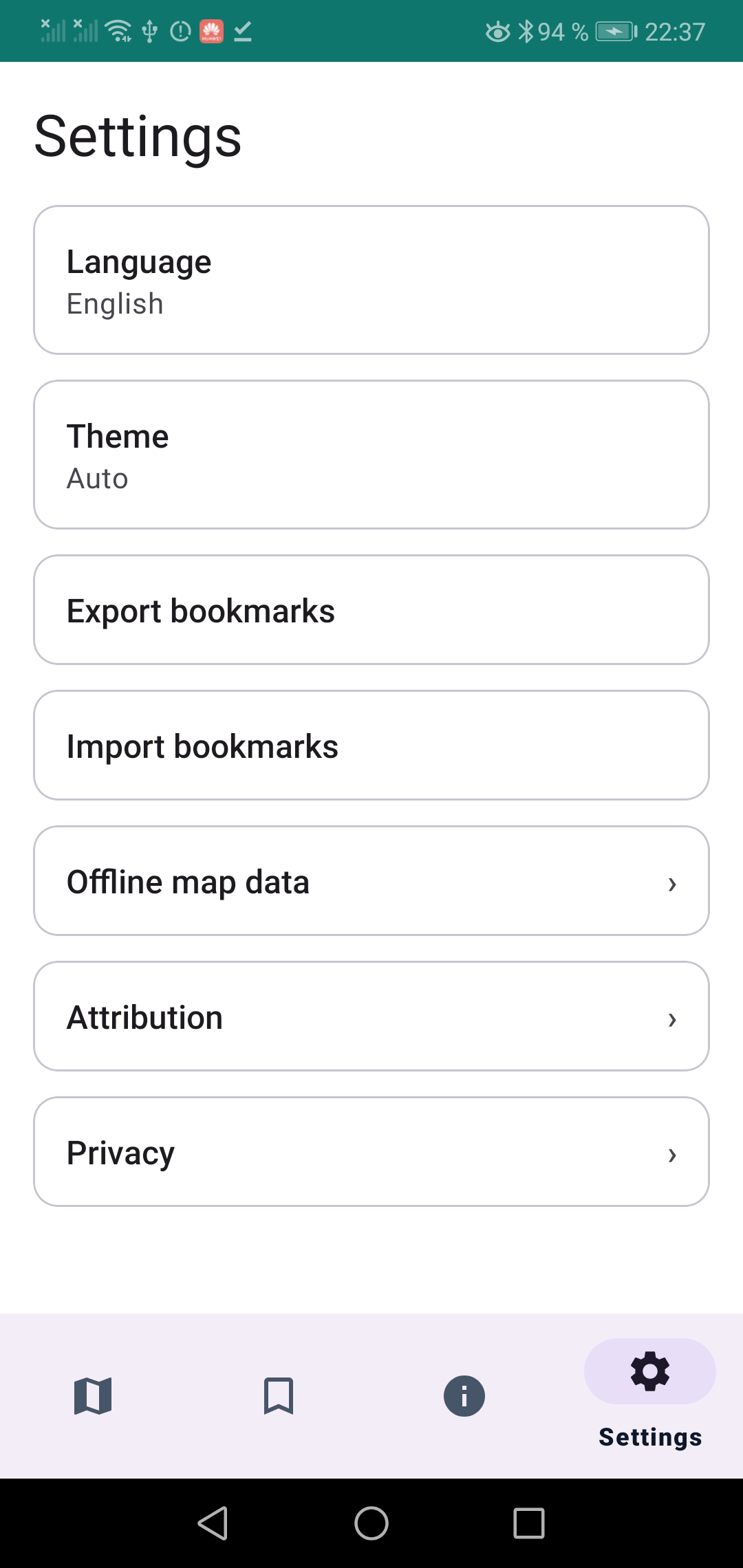
* Find the Adiresy code for a building and share it as a link or QR code. * Resolve a shared code and see the building on a map. * Search by code, place name, or administrative area (region, district, commune, fokontany). * Download offline map data for all of Madagascar, at a regional-overview or city-level detail. * Save favourite locations for quick access later. * Offline routing and turn-by-turn navigation are planned for future releases.
Design goals:
* Offline-first — core tasks work with the radio off, once map data is downloaded. * Built and tuned for budget hardware — 1-2 GB Android Go devices. * Cheap on data and battery — no background location or wake-locks outside active navigation; downloads are Wi-Fi-only by default, resumable, and interruption-safe. * Malagasy, French, and English are all first-class UI languages. * Privacy-respecting — no account, no analytics by default. GPS coordinates are sent to the Adiresy API only for explicit, user-initiated lookups, never tracked, batched, or persisted server-side by the app.
- Fixed the bookmark icon not updating immediately after saving a favourite.
- Fixed the toolbar being drawn under the status bar on some devices, which could make the bookmark button hard to tap.
Recent approved comments · sorted by newest
View all comments