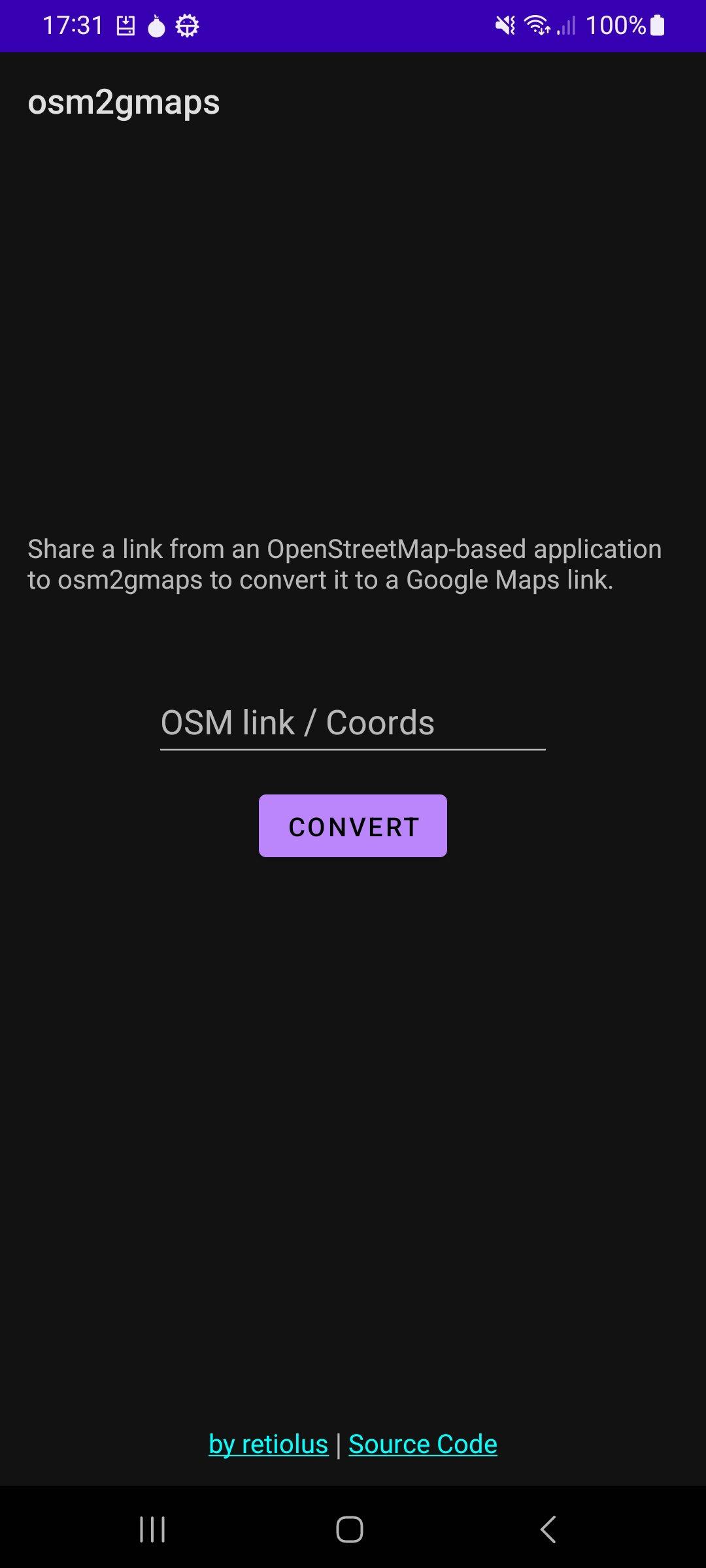
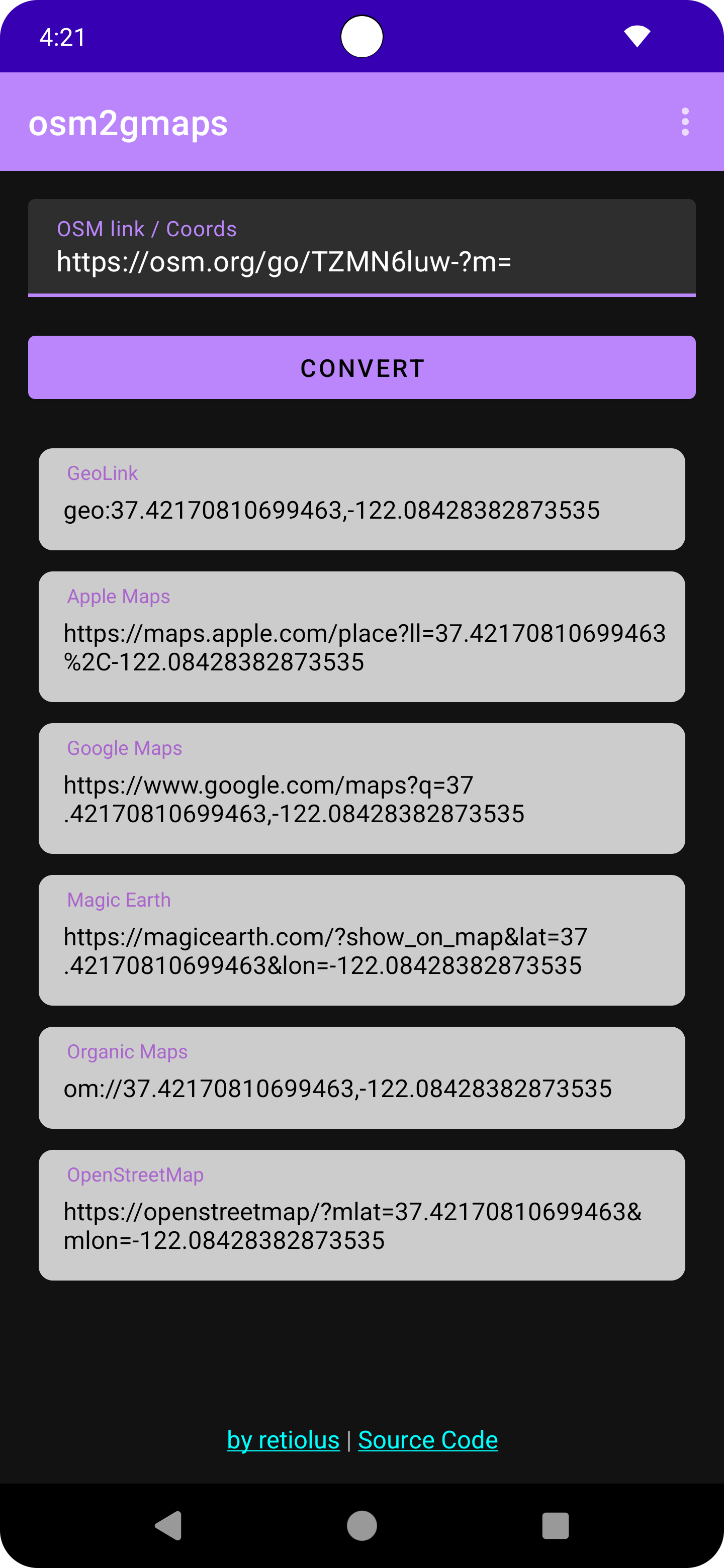
osm2gmaps is a versatile mapping utility that allows users to easily convert location links and coordinates between various mapping services. Whether you're navigating with Apple Maps, Google Maps, or prefer an open-source solution like OpenStreetMap, osm2gmaps streamlines the process of generating shareable links for any location.
Features:
* Coordinate Conversion: Enter latitude and longitude coordinates to instantly generate links for popular mapping services.
* Map Provider Options: Choose from a variety of map providers including Apple Maps, Google Maps, Magic Earth, OpenStreetMap, and more.
* Share: Share generated links directly with others.
* Location History: Keep track of past searches and coordinates for quick access.
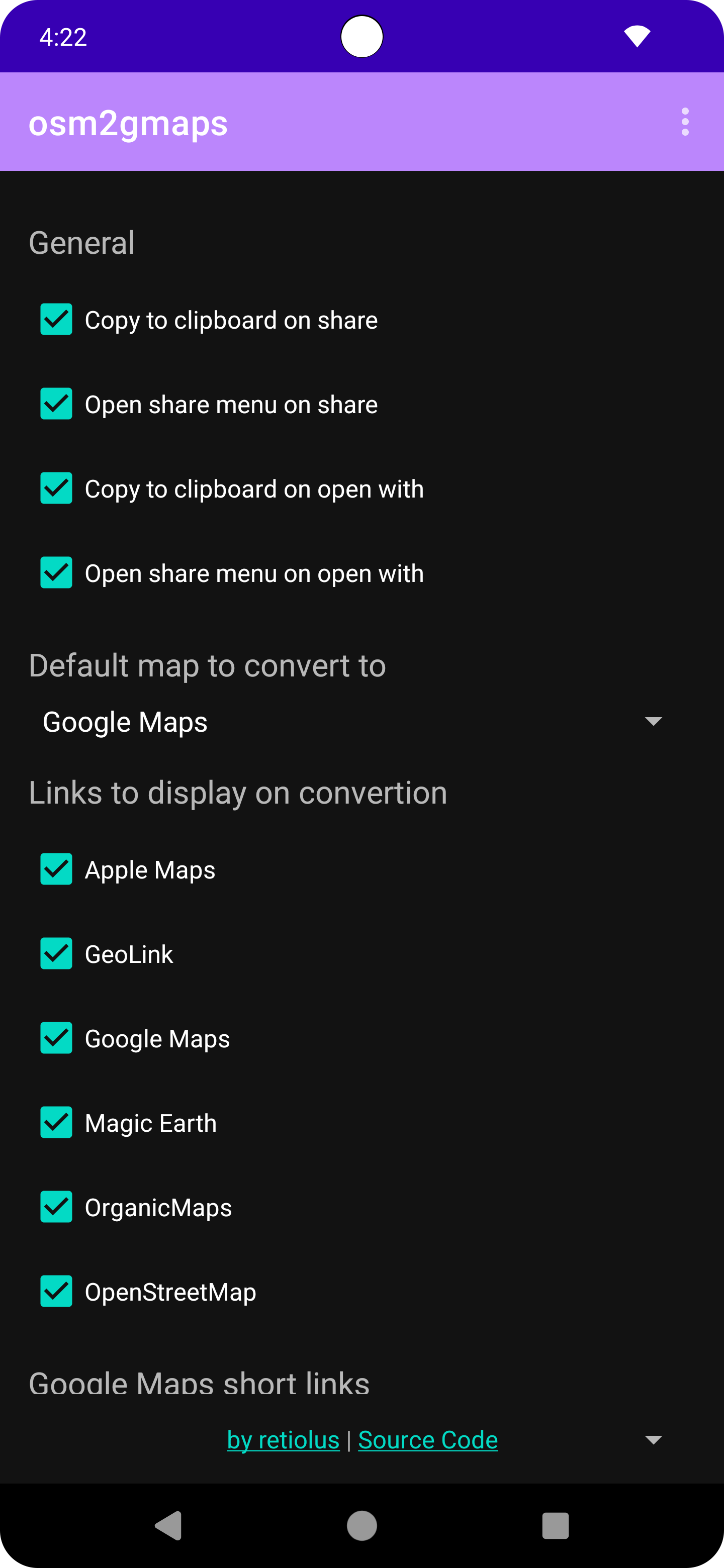
* Customization: Tailor the app to your preferences with customizable settings for map providers and link formats.
* Location Detection: Use your device's GPS or network data to quickly populate coordinates for your current location.
Screenshots
What’s new
v0.5.21: - Show progress indicator during conversion
How to install
Download the APK from the button at the top of this page.
Allow “Install unknown apps” for your browser or file manager only, not for every app.
Open the downloaded file and confirm the installation.
If installation fails with “App not installed,” remove an earlier build of the same app first. A signature conflict is the usual cause.
Data safety
Every file is checked against its published SHA-256 before it is listed.
Files are scanned for malware on every update.
The permissions each app requests are listed on its own page.
Read the full safety policy for how we test, flag, and delist files.