MapFlip - Apple to Google icon

MapFlip - Apple to Google

Daniel Notthoff
Maps & Navigation
Version
1.3.0
Size
1.2 MB
Requires
Android API 26+
3.6 / 5 · 2,717 ratings 0 downloads

Updated Sep 22, 2026

Quick answer

Redirect Apple Maps links to Google Maps. Fast Apple map redirect & converter.

F-Droid repository metadata

Your friends send you Apple Maps links – but you use Google Maps?

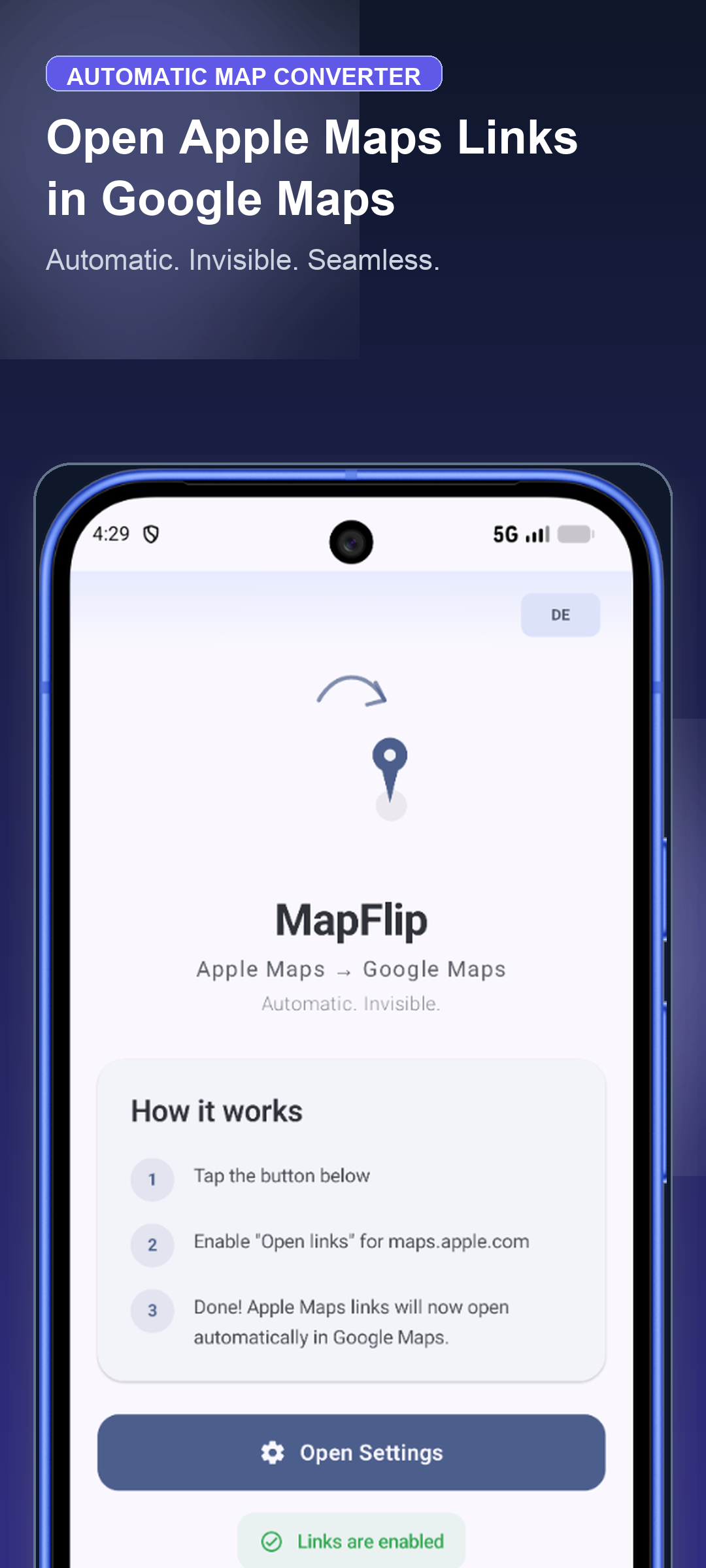
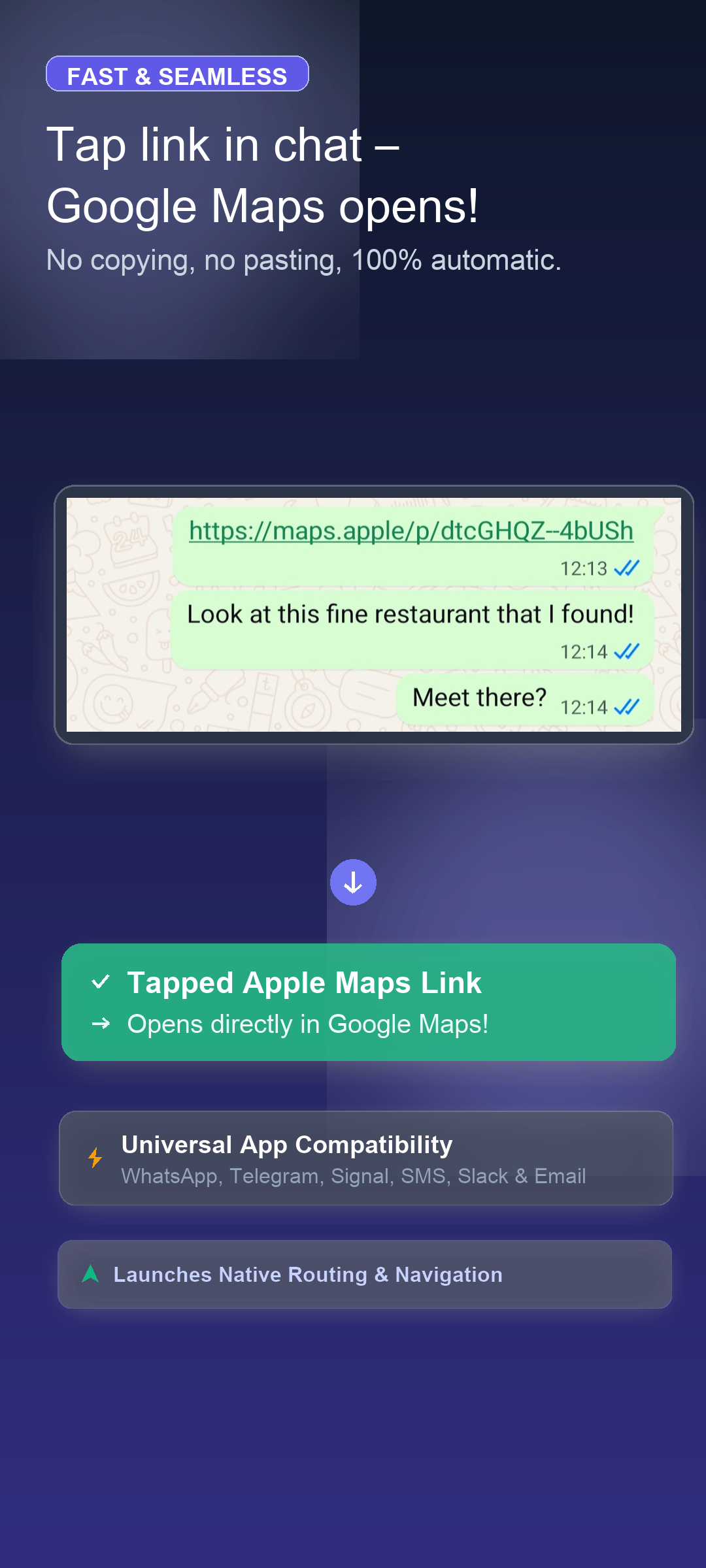
MapFlip is the ultimate Apple Maps converter, fast Apple map redirect, and link converter for Android. Set it up once, and everything works automatically as a seamless Google Maps redirect: Every Apple Map link, Apple Maps URL, or location opens directly in Google Maps. No copying, no pasting, no browser detours.

Whether you need an Apple Maps for Android solution, an Apple to Google converter, or an automatic Apple to Google Maps converter, MapFlip handles all Apple Maps URLs in the background. Open Apple Maps links directly in your favorite navigation app.

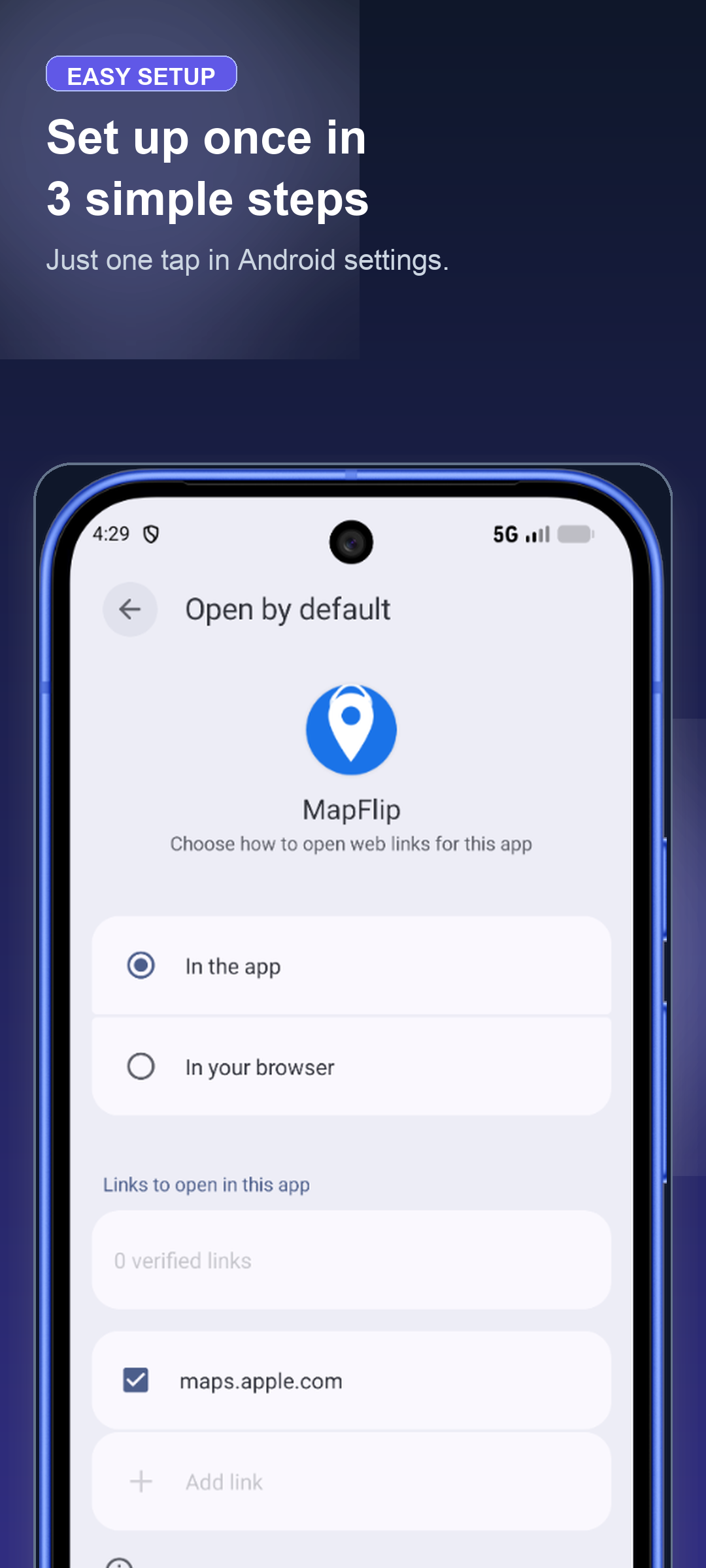
🔧 How it works: 1. Open MapFlip 2. Tap "Open Settings" 3. Enable link forwarding for maps.apple.com 4. Done! Apple Maps links now open directly in Google Maps.

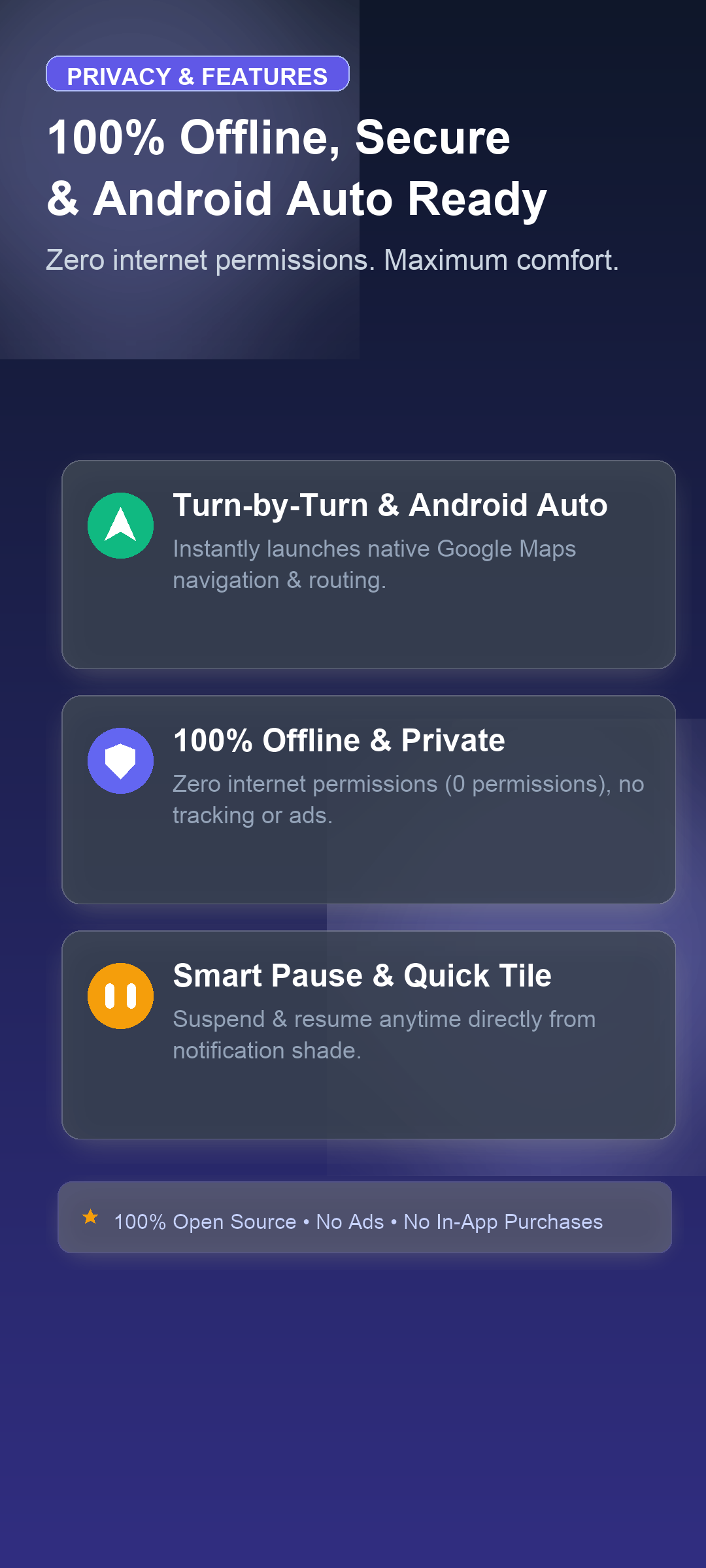
✨ Features & Privacy: • 🚗 Turn-by-Turn Navigation & Android Auto – Instantly launches native routing in Google Maps • 🧭 Choose Your Navigation App – Open destinations in Google Maps, Waze, Organic Maps, OsmAnd, or system picker • 🔄 Automatic Apple to Google redirect – Instant on-device link converter & map converter • 🔒 100% Offline & Private – Zero internet permissions (no android.permission.INTERNET), zero tracking, zero ads • ⏸️ Pause Mode & Quick Settings Tile – Suspend redirect anytime directly from your notification shade • 💬 Universal App Compatibility – Works seamlessly with WhatsApp, Telegram, Signal, SMS, Slack, and email • 👻 Invisible Background Operation – No extra screens or battery drain

🗺️ Supported link formats & services: • Apple Maps URLs & search queries (maps.apple.com) • OpenStreetMap (osm.org), Bing Maps & Yandex Maps • GPS coordinates & shared locations • Addresses, place markers & navigation routes

MapFlip was built for Android users who regularly receive Apple Maps links from iPhone users.

Screenshots

MapFlip - Apple to Google screenshot 1
MapFlip - Apple to Google screenshot 2
MapFlip - Apple to Google screenshot 3
MapFlip - Apple to Google screenshot 4

What’s new

- Choose Your Navigation App: Support for 12 map apps (incl. Organic Maps, OsmAnd, Waze) and system picker
- Broader Support: Intercepts Apple Maps, Google Maps, OpenStreetMap, Bing, DuckDuckGo, HERE WeGo, Yandex Maps, GPS coordinates & Plus Codes
- Travel Modes: Preserves driving, walking, cycling, and public transit routes
- Setup Guide: Step-by-step assistance for link verification on Android 12+
- System Integration: Themed monochrome icon & Quick Settings tile

How to install

  1. Download the APK from the button at the top of this page.
  2. Allow “Install unknown apps” for your browser or file manager only, not for every app.
  3. Open the downloaded file and confirm the installation.
  4. If installation fails with “App not installed,” remove an earlier build of the same app first. A signature conflict is the usual cause.

Data safety

  • Every file is checked against its published SHA-256 before it is listed.
  • Files are scanned for malware on every update.
  • The permissions each app requests are listed on its own page.
  • Read the full safety policy for how we test, flag, and delist files.

Comments

Recent approved comments · sorted by newest

Verification code
Be specific and keep it about the app. No links. Comments are reviewed before publication. Device and Android details are recorded automatically. Privacy policy.

Loading recent comments...

View all comments