Quick answer
Fullscreen Analog- and Digital Clock with Alarm, Event & Battery View
F-Droid repository metadata
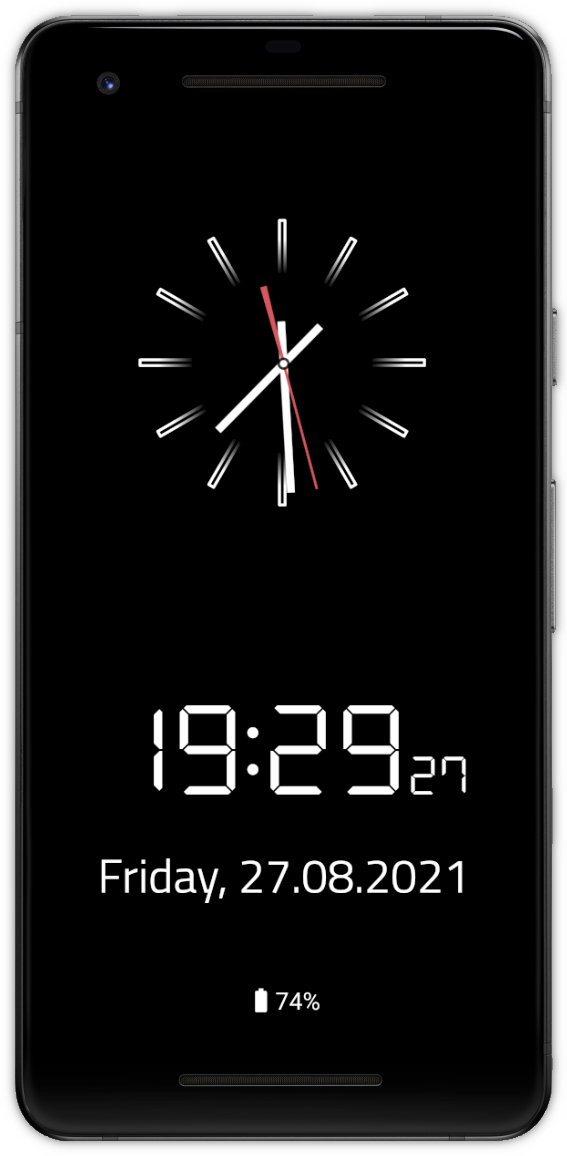
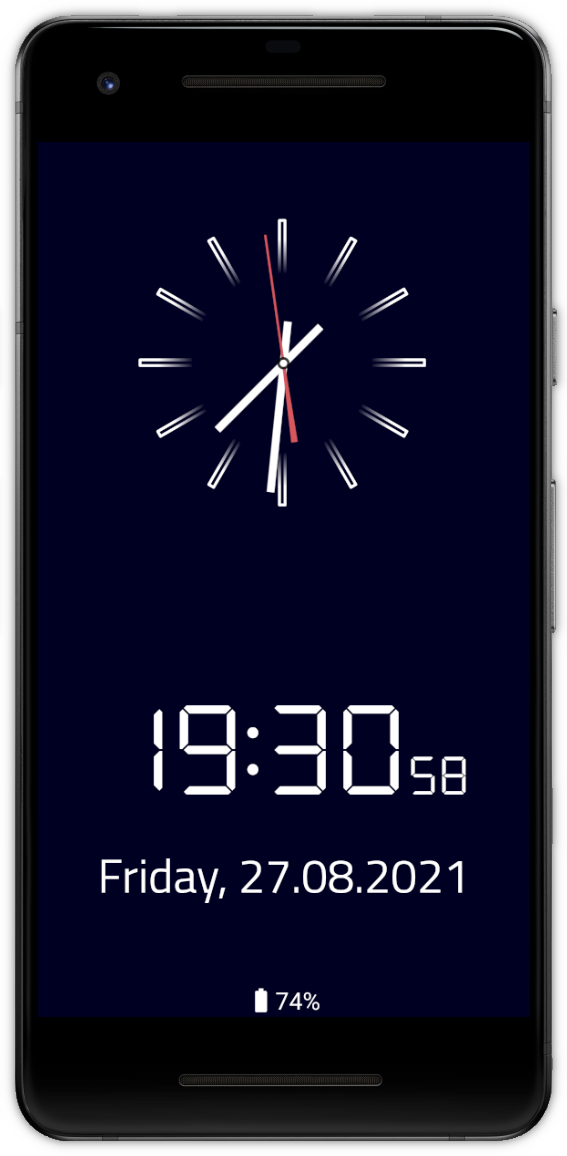
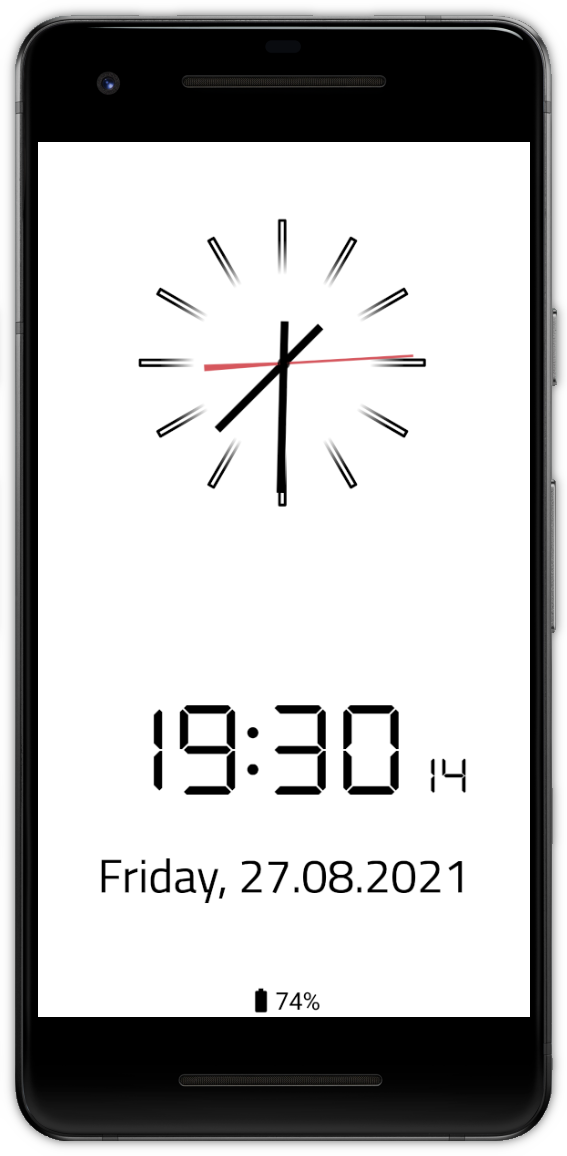
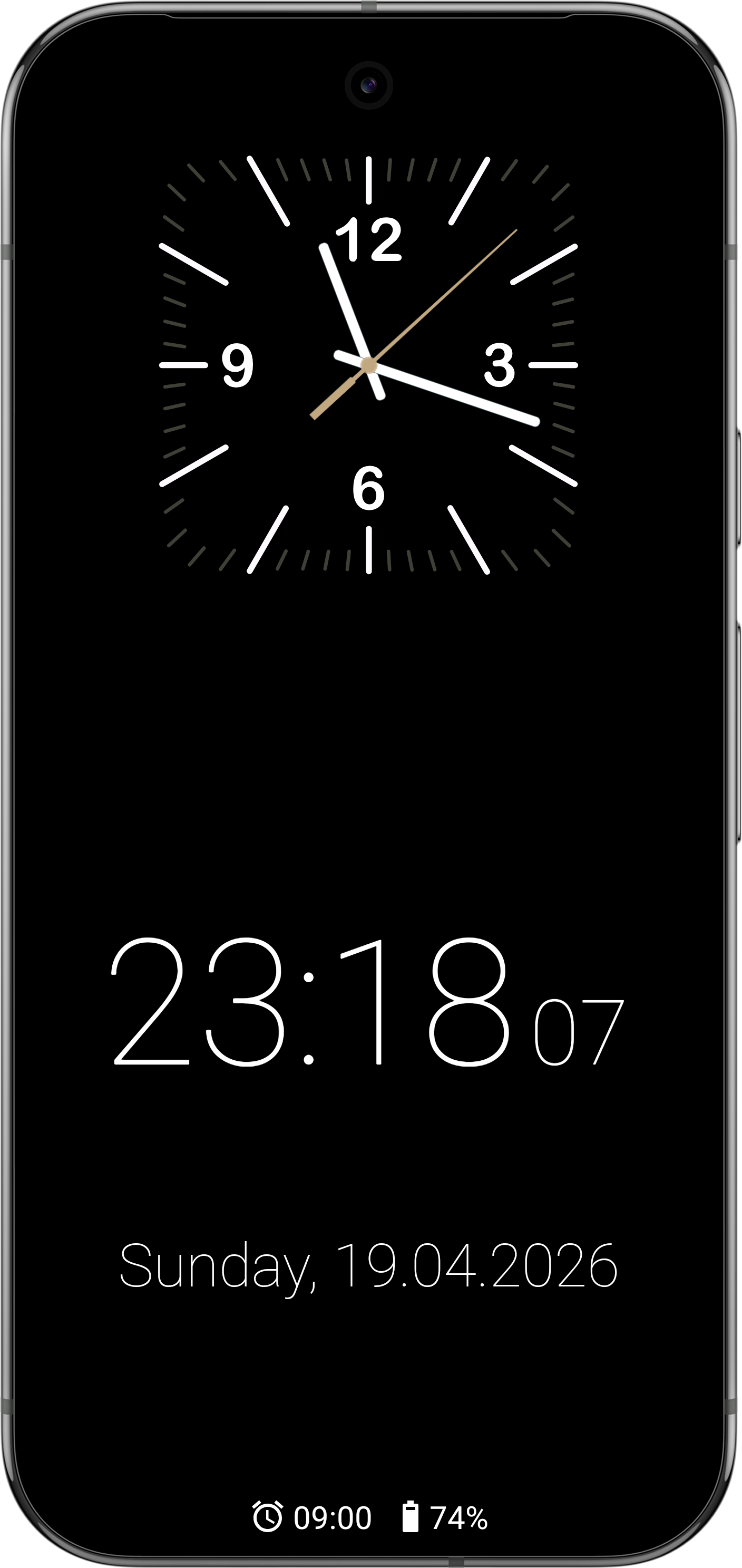
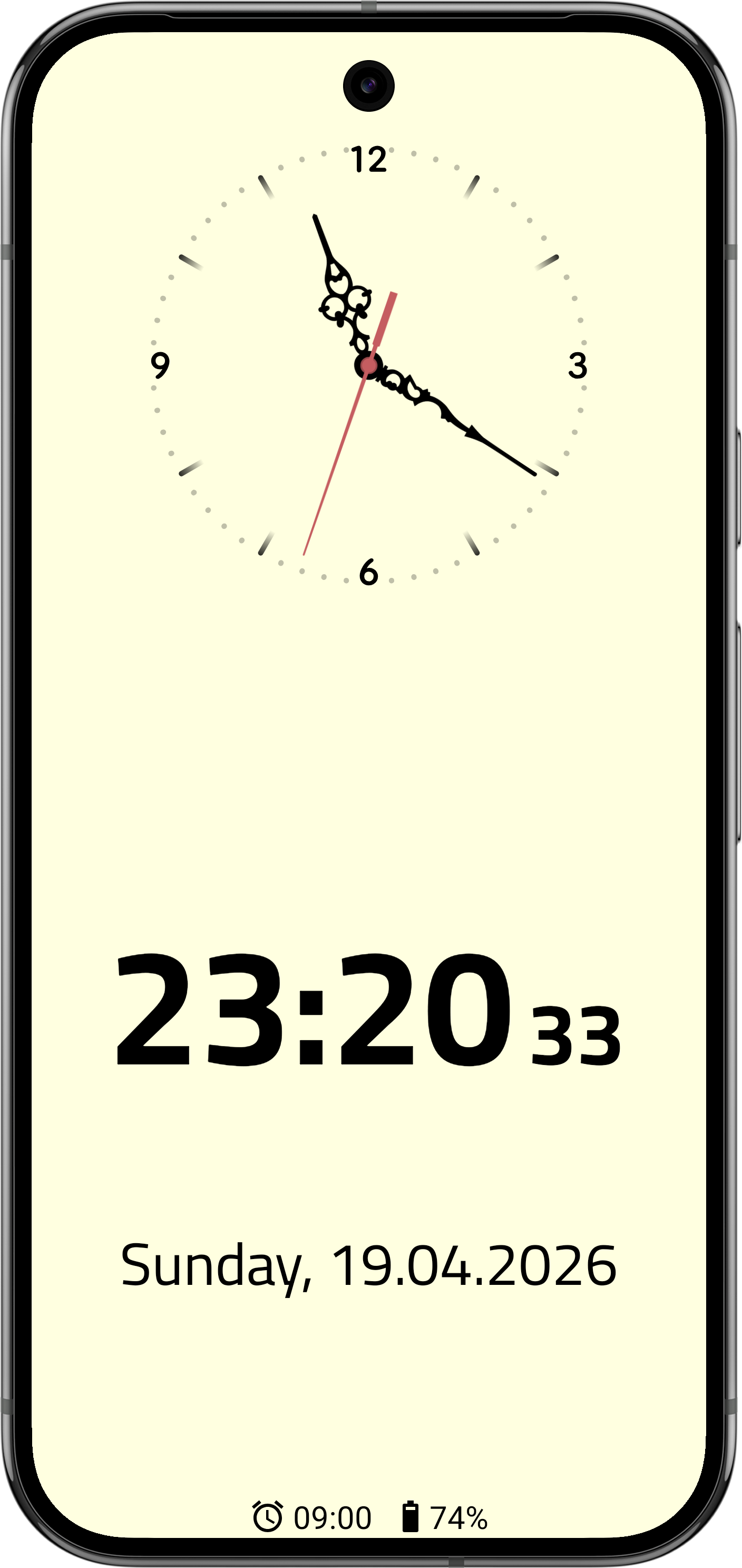
This app displays a simple fullscreen clock which can be used screensaver and widget.
- choose between various pre-defined clock hands and faces or use custom images - analog and digital clock can be activated or deactivated individually - optional date and weekday view with custom format option - displays alarms and appointments from Android calendar or internal event database - adjustable background and clock color - can be set as Android system screensaver ("DayDream") on smartphones and tablets - compatible with Android TV devices - content can be moved slightly to prevent burn-in on OLED displays
Screenshots
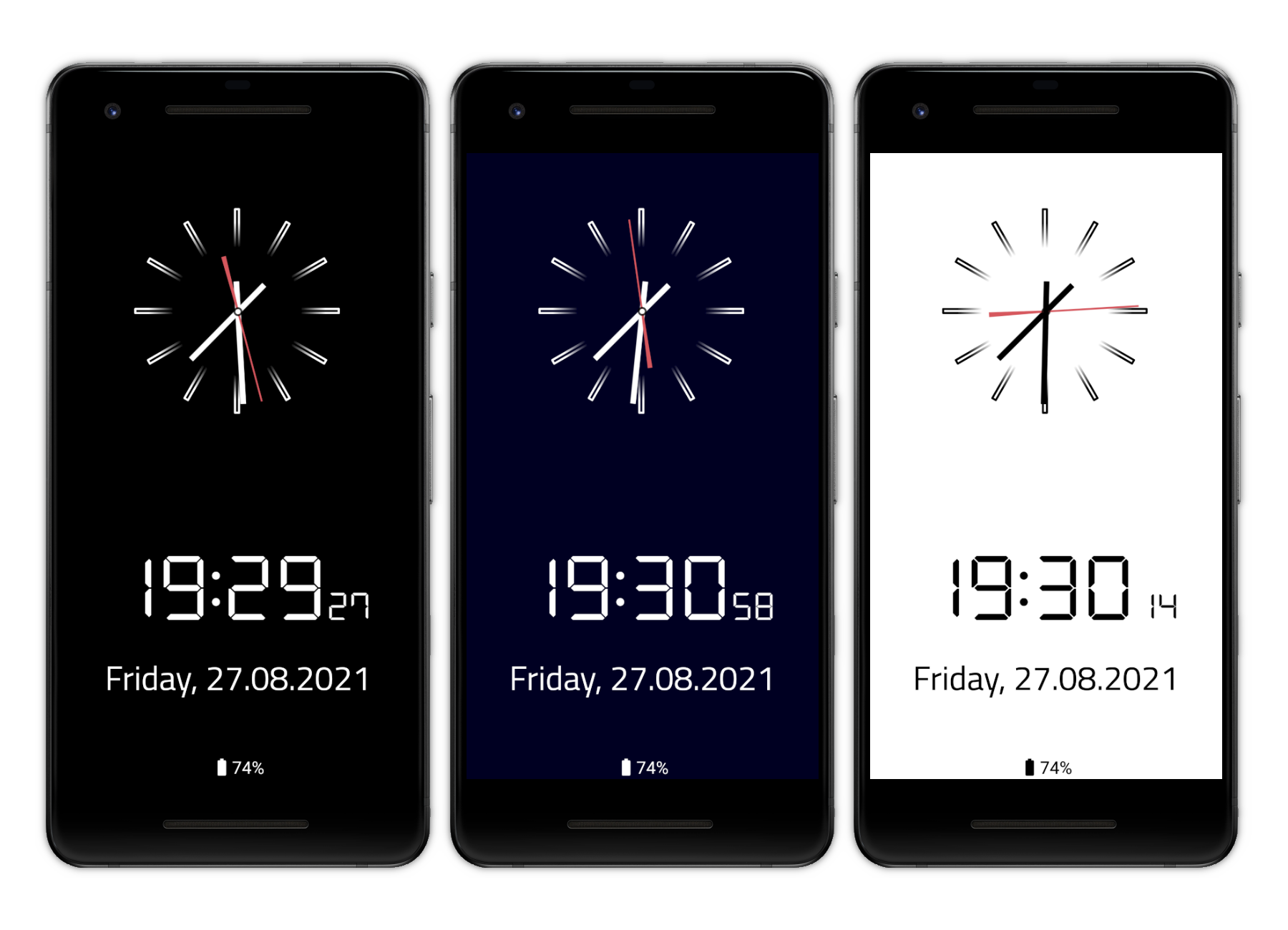
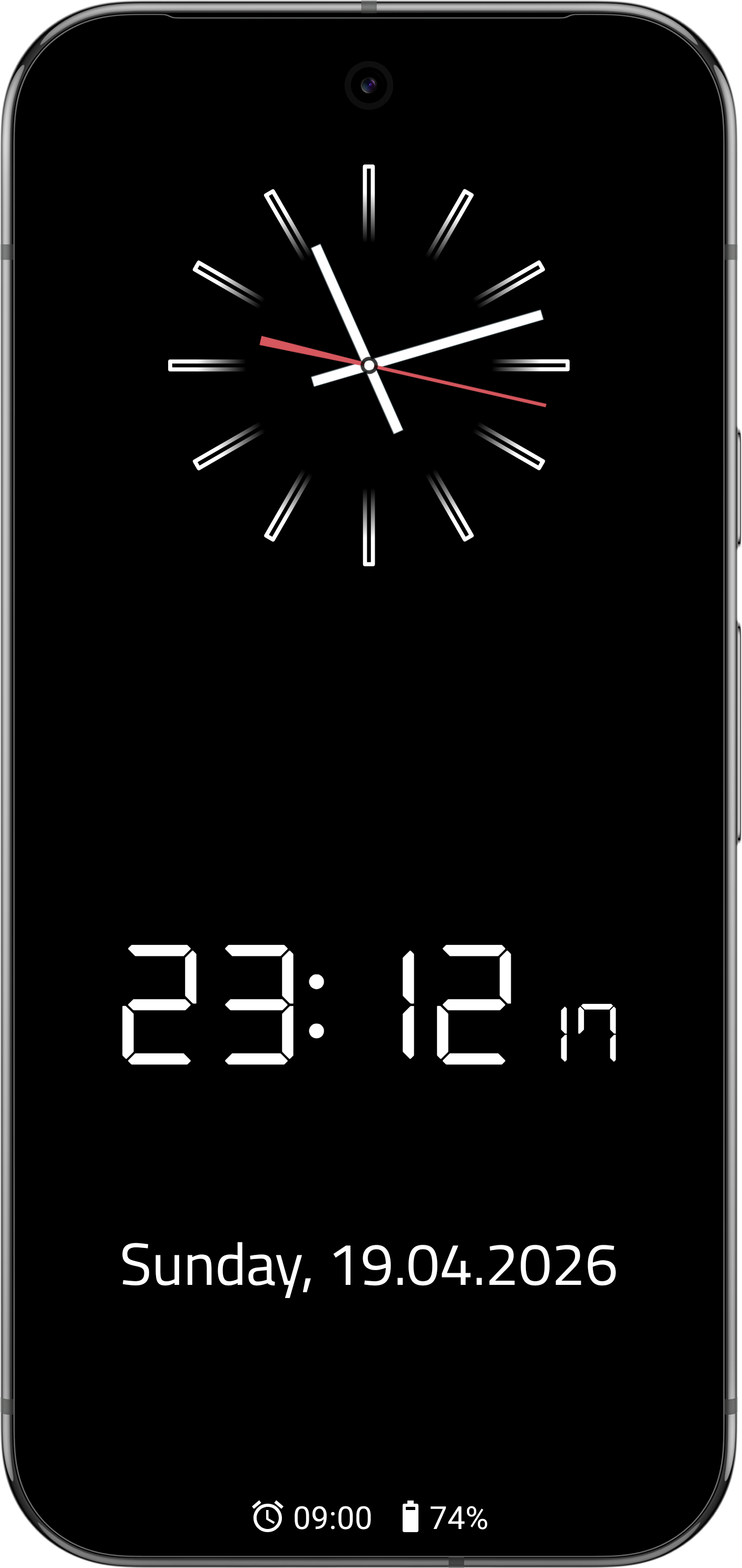
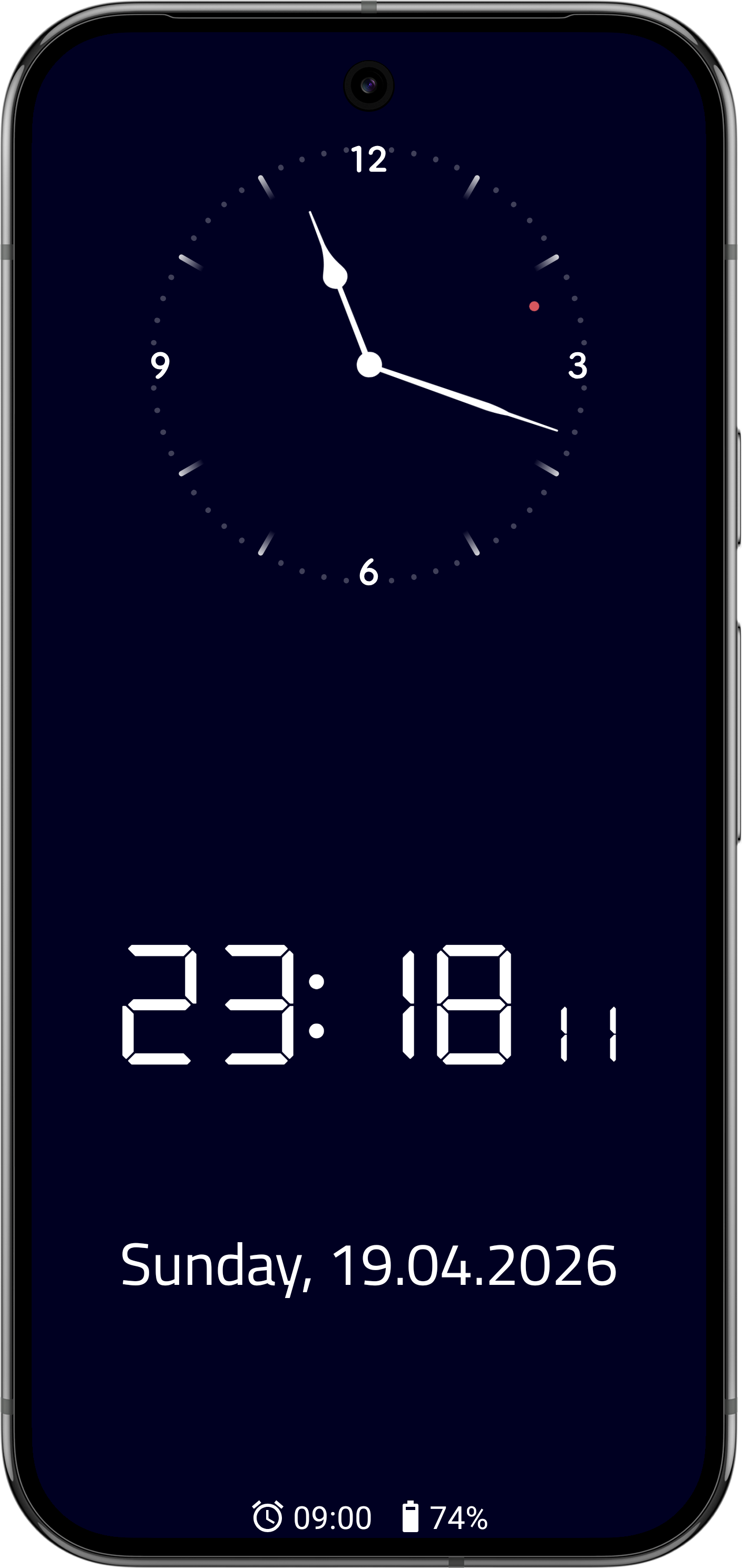
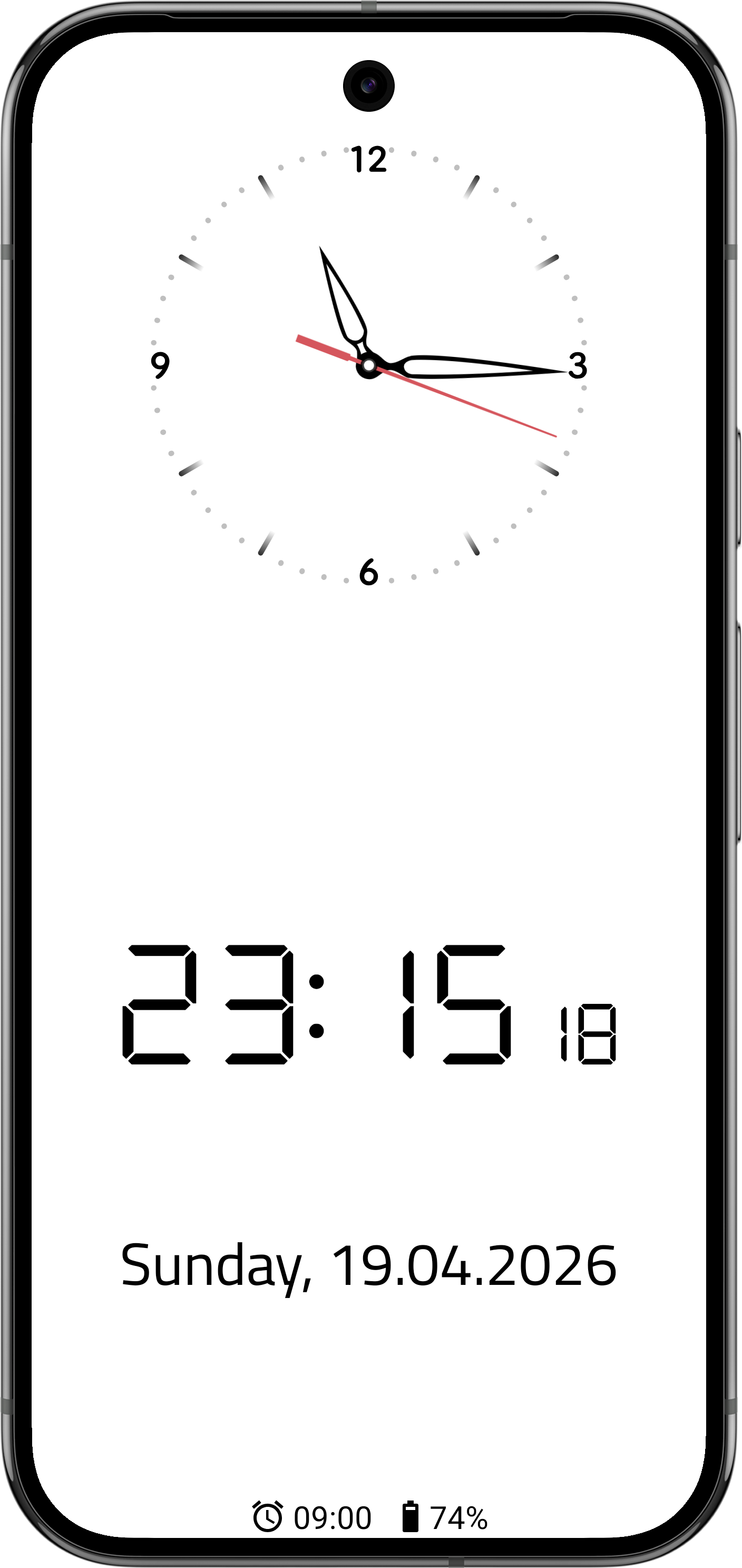
How to install
- Download the APK from the button at the top of this page.
- Allow “Install unknown apps” for your browser or file manager only, not for every app.
- Open the downloaded file and confirm the installation.
- If installation fails with “App not installed,” remove an earlier build of the same app first. A signature conflict is the usual cause.
Data safety
- Every file is checked against its published SHA-256 before it is listed.
- Files are scanned for malware on every update.
- The permissions each app requests are listed on its own page.
- Read the full safety policy for how we test, flag, and delist files.
Comments
Recent approved comments · sorted by newest
View all comments