Chrono icon

Chrono

Vicolo
Clock Stopwatch Timer Tools
Version
0.6.0-beta1
Size
17.4 MB
Requires
Android API 21+
4.2 / 5 · 7,087 ratings 0 downloads

Updated Sep 22, 2026

Quick answer

Modern and powerful clock, alarms, timer and stopwatch.

F-Droid repository metadata

Features

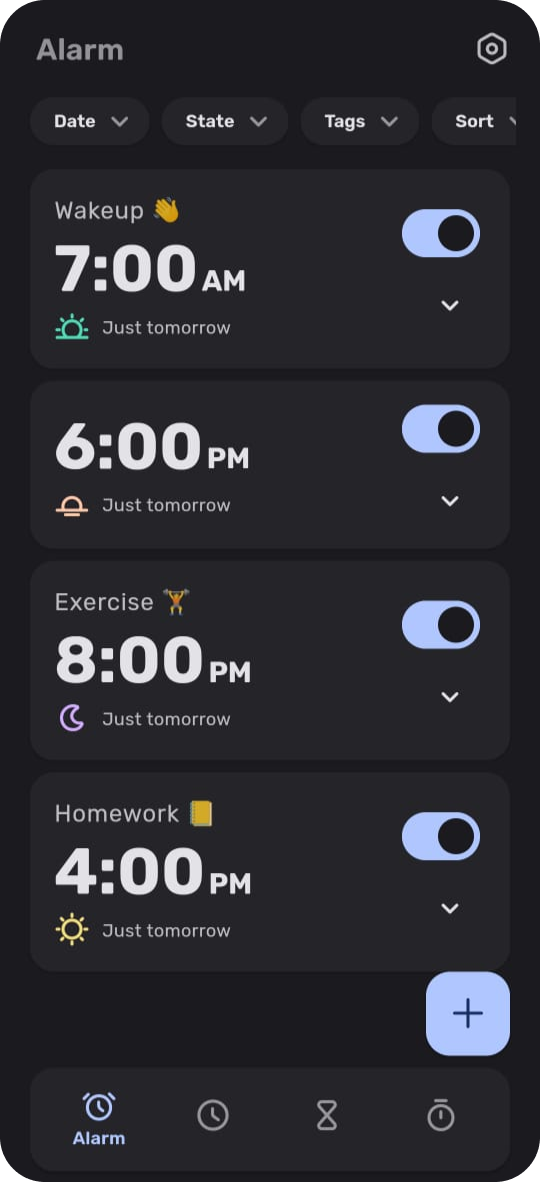
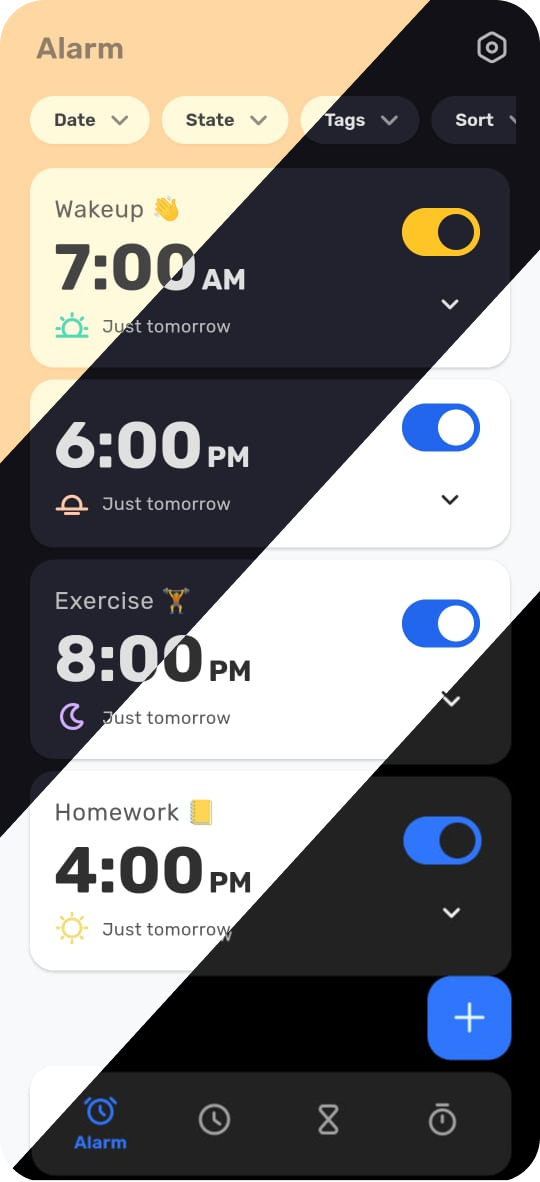
  • Modern and easy to use interface

Alarms

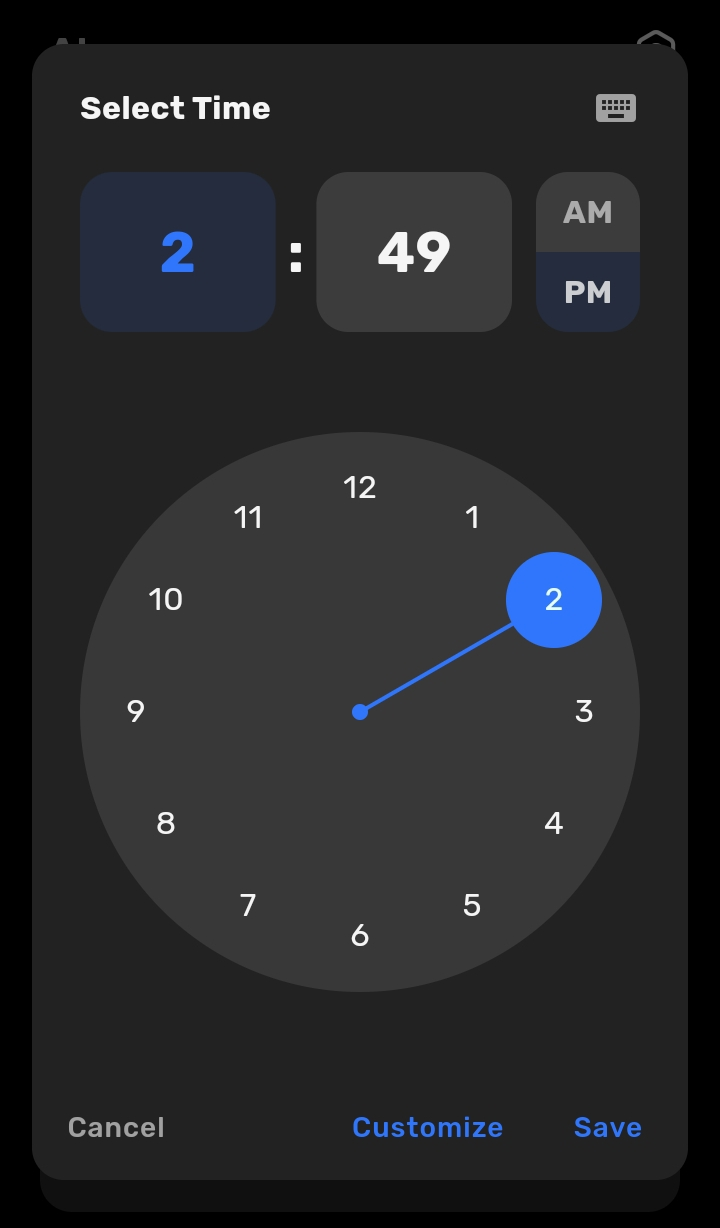
  • Customizable schedules (daily, weekly, specific week days, specific dates, date range)
  • Configure melody, rising volume and vibrations
  • Configure snooze length and max snoozes
  • Alarm tasks (math problems, retype text, sequence, more to come)
  • Filter alarms (all, today, tomorrow, snoozed, disabled, completed)

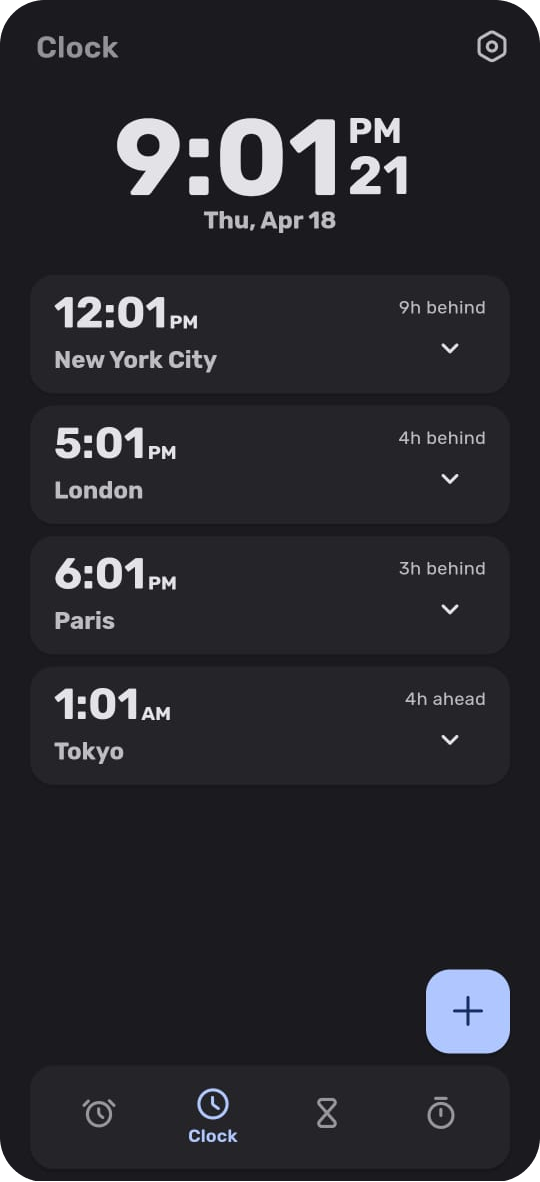
Clock

  • Customizable clock display
  • World clocks with relative time difference
  • Search and add cities

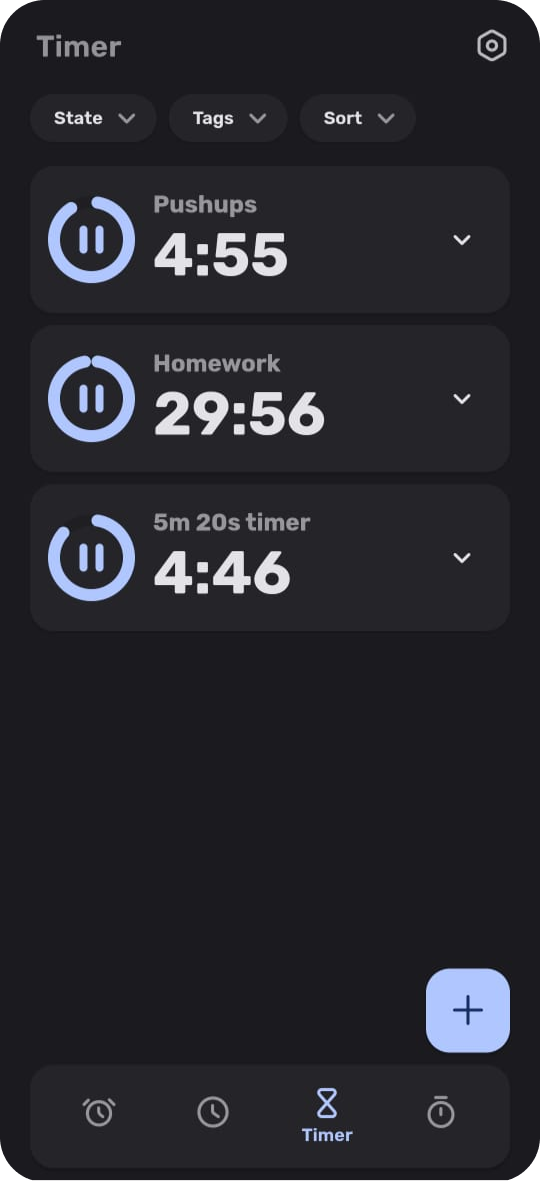
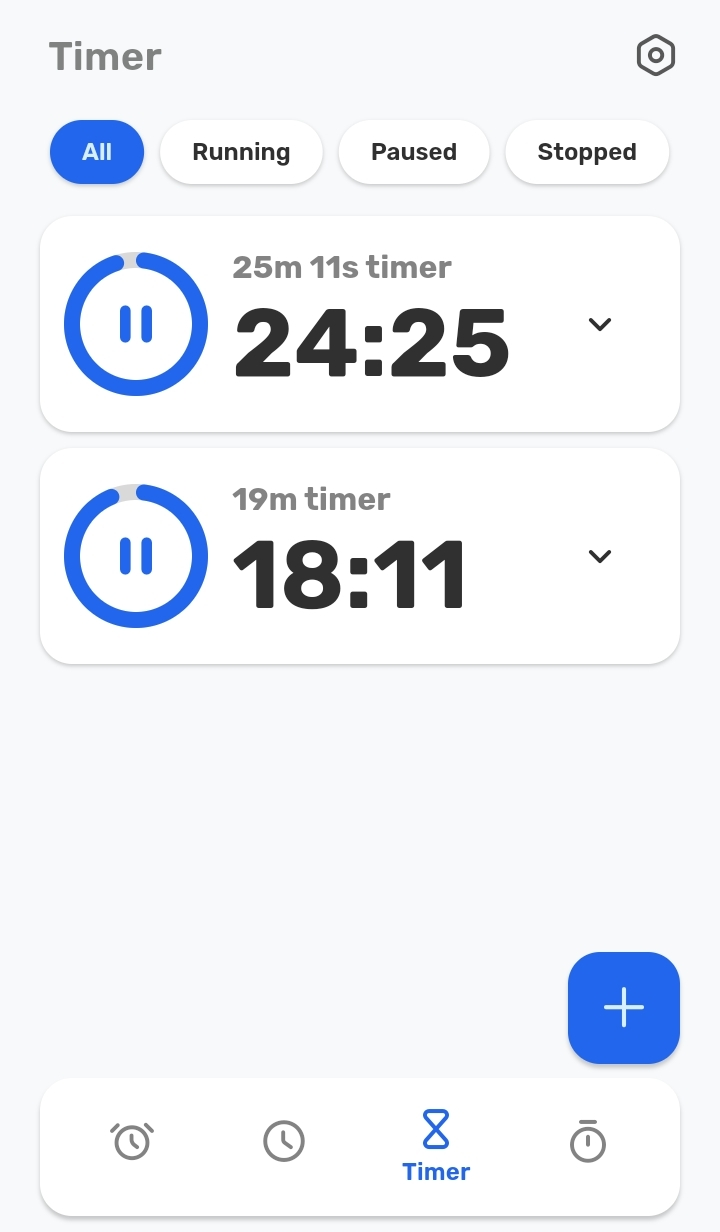
Timer

  • Configure melody, rising volume and vibrations
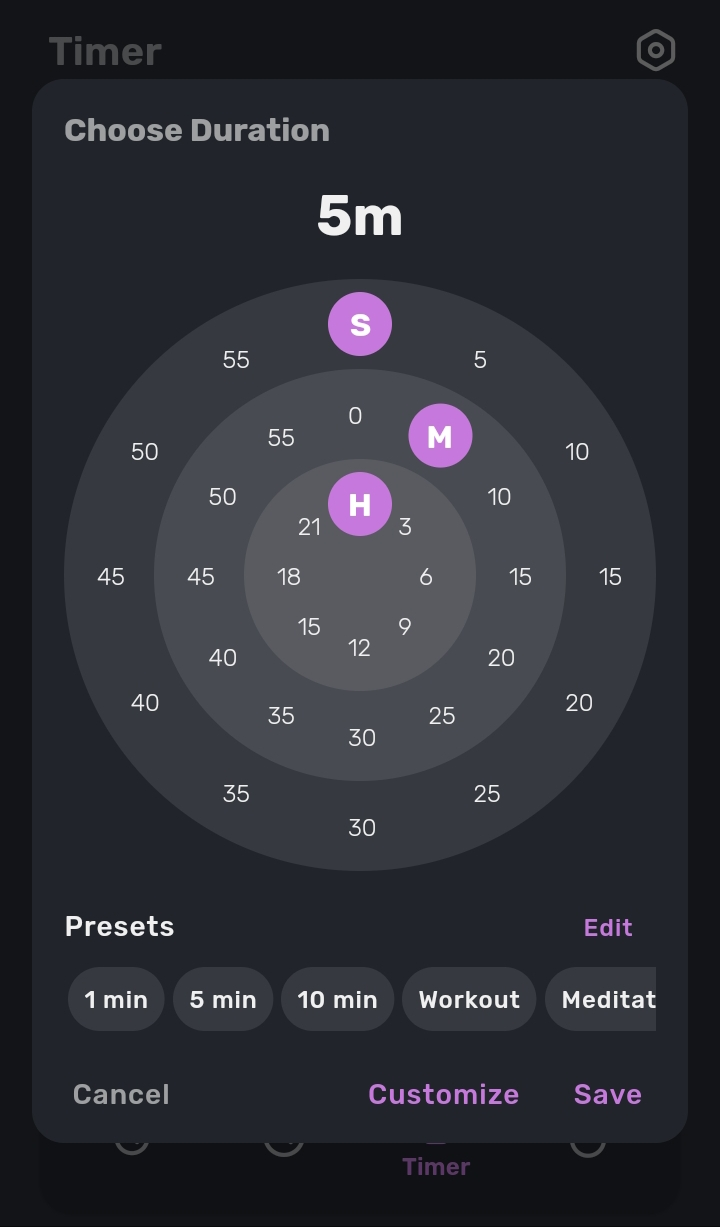
  • Timer presets
  • Filter timers (all, running, paused, stopped)

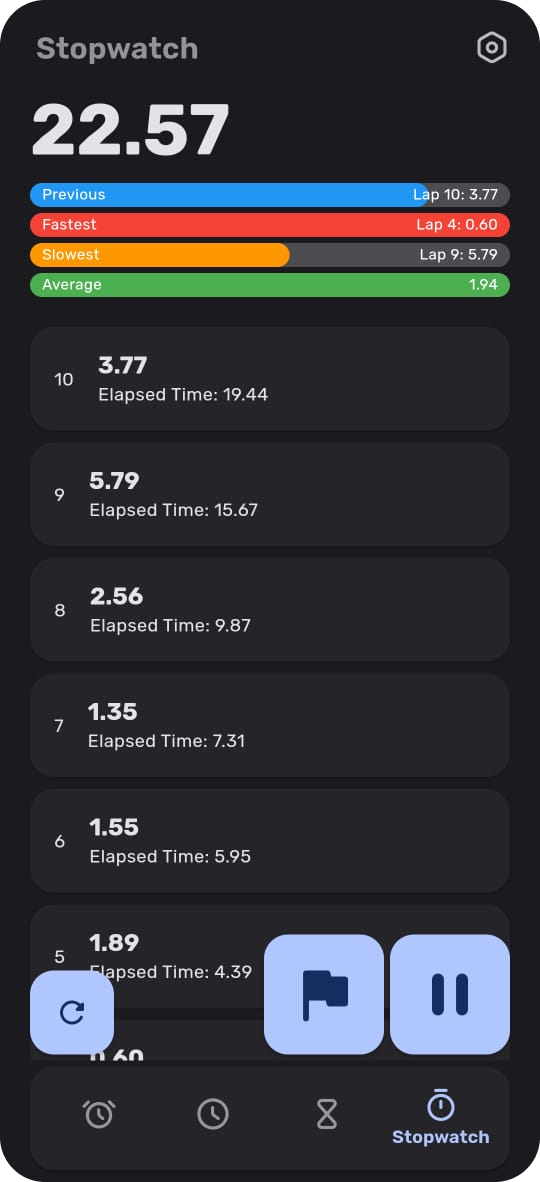
Stopwatch

  • Lap history with lap times and elapsed times
  • Lap comparisons
Appearance
  • Material You themes
  • Highly customizable color themes
  • Highly customizable style themes

Screenshots

Chrono screenshot 1
Chrono screenshot 2
Chrono screenshot 3
Chrono screenshot 4
Chrono screenshot 5
Chrono screenshot 6
Chrono screenshot 7
Chrono screenshot 8

What’s new

This is a beta release. Please report any issues via GitHub or email.

🚀 Features

* Added option to select directory for ringtones (random ringtone will be selected from the directory each time)
* Added multiselect for lists
* Added option to shuffle alarm ringtone
* Added backup and restore for alarms, timers, themes etc.
* Added numpad input for timers
* Added option to reduce volume while solving alarm tasks
* Added quick home screen actions for alarms and timers
* Added option to start ring

How to install

  1. Download the APK from the button at the top of this page.
  2. Allow “Install unknown apps” for your browser or file manager only, not for every app.
  3. Open the downloaded file and confirm the installation.
  4. If installation fails with “App not installed,” remove an earlier build of the same app first. A signature conflict is the usual cause.

Data safety

  • Every file is checked against its published SHA-256 before it is listed.
  • Files are scanned for malware on every update.
  • The permissions each app requests are listed on its own page.
  • Read the full safety policy for how we test, flag, and delist files.
Comments

Recent approved comments · sorted by newest

Verification code
Be specific and keep it about the app. No links. Comments are reviewed before publication. Device and Android details are recorded automatically. Privacy policy.

Loading recent comments...

View all comments