ShockAlarm icon

ShockAlarm

Kaiya
Connectivity Multimedia System Tools
Version
0.4.9
Size
56.3 MB
Requires
Android API 24+
4 / 5 · 5,001 ratings 0 downloads

Updated Sep 22, 2026

Quick answer

Full featured Cross Platform OpenShock Client optimized for Mobile usage

F-Droid repository metadata

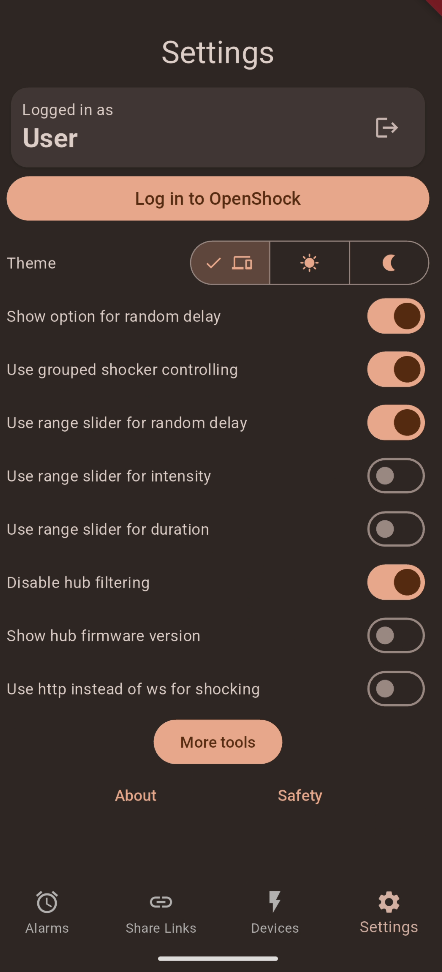
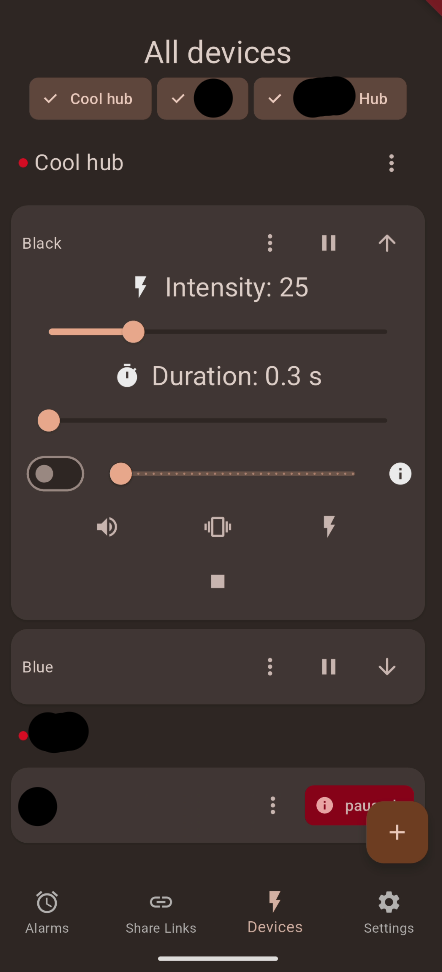
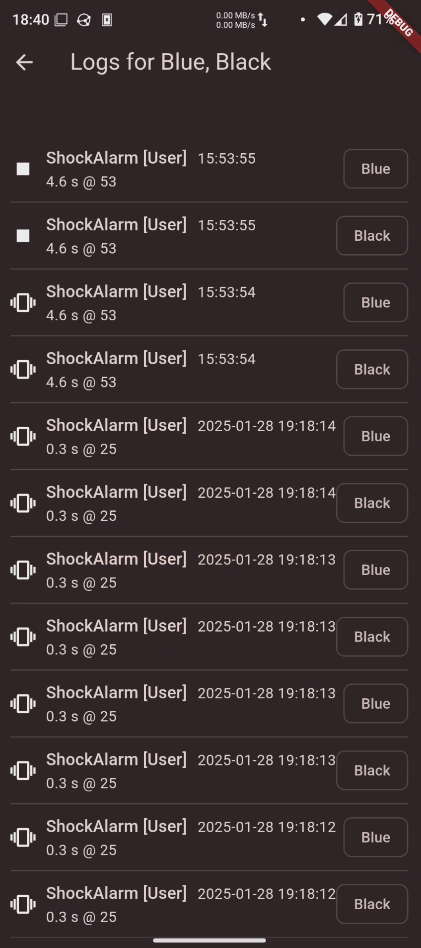
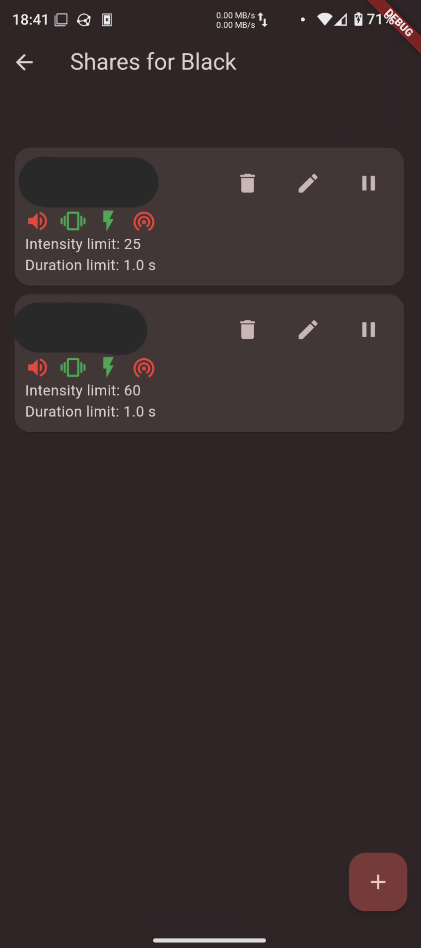
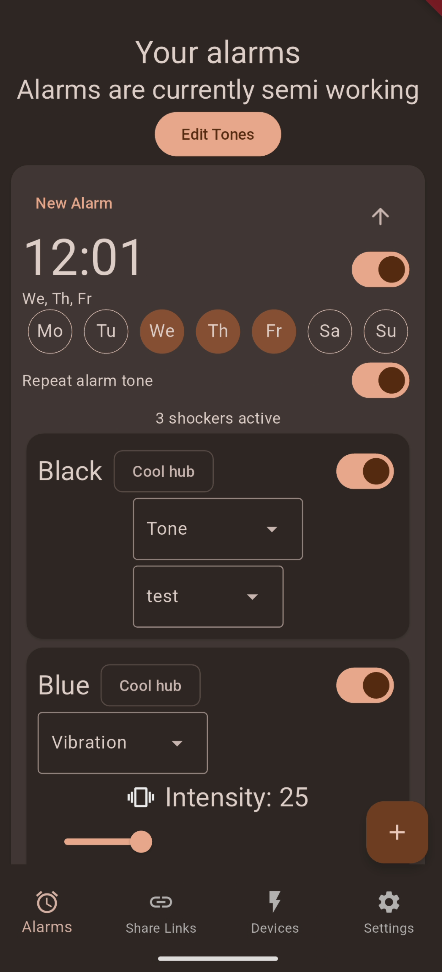
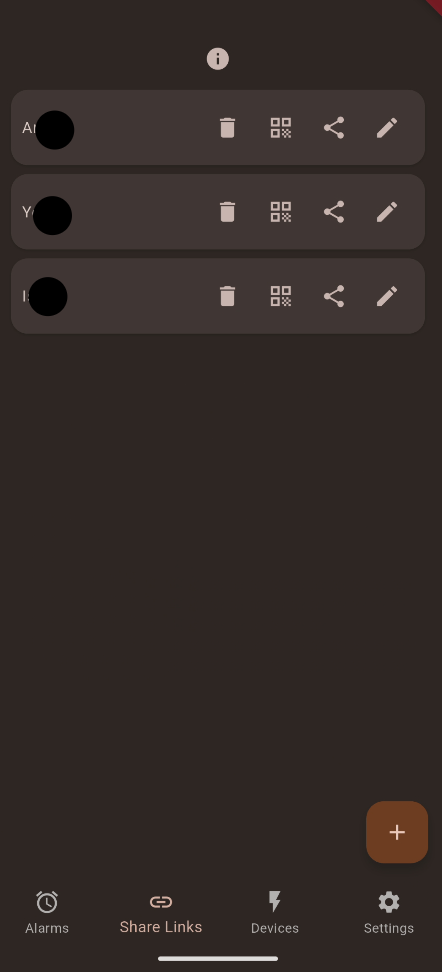
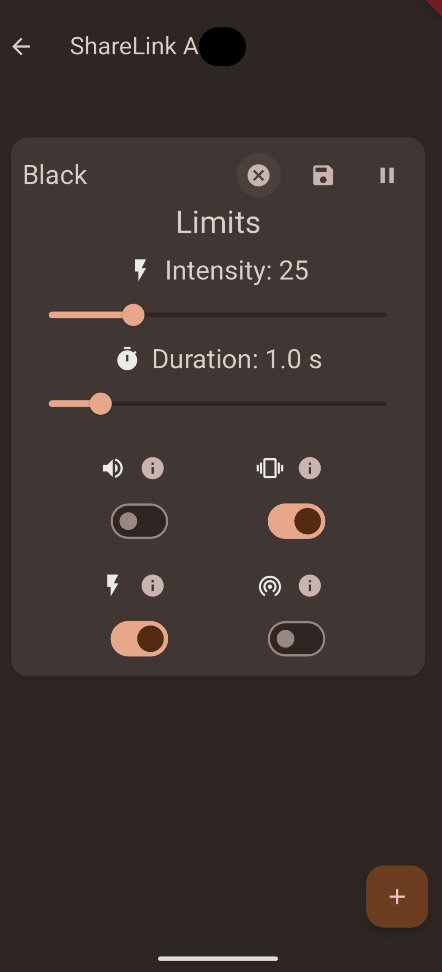
ShockAlarm is a powerful tool for controlling and managing your Shockers with OpenShock. It allows you to fully manage your shockers, logs, shares, hubs, share links, api tokens and more.

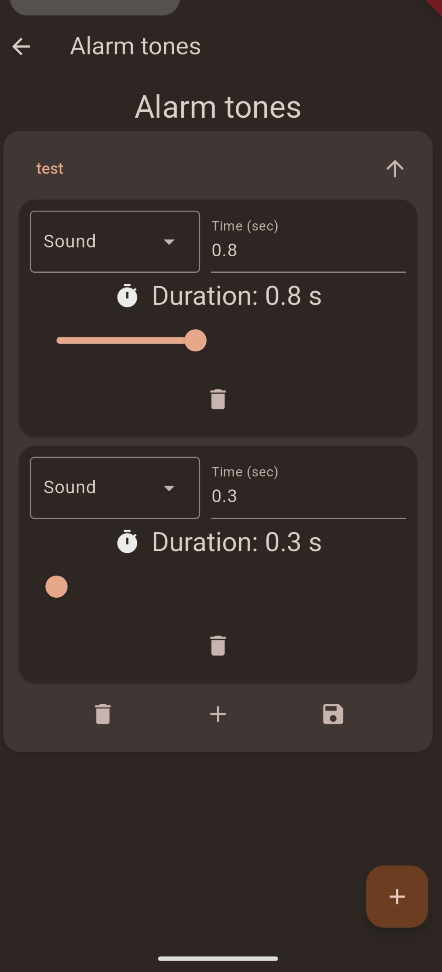
There is advanced functionaity like setting alarms, controling multiple shockers at the same time and specifying a random interval for intensity, duration or a delay (if you're into that).

It's fully material you themed just like the standard Android apps you're already used to and provides a responsive ui with a nice design.

Furthermore it fixes some layout flaws of the official OpenShock Frontend like having shared and own shockers in seperate tabs (which is annoying). On top it also has lots of info buttons you can press to get more insight on what something does.

ShockAlarm aims to be a feature complete client supporting all features supported by OpenShock and expanding on them

This app uses https://openshock.app/ by default however self hosted instances can be used as well.

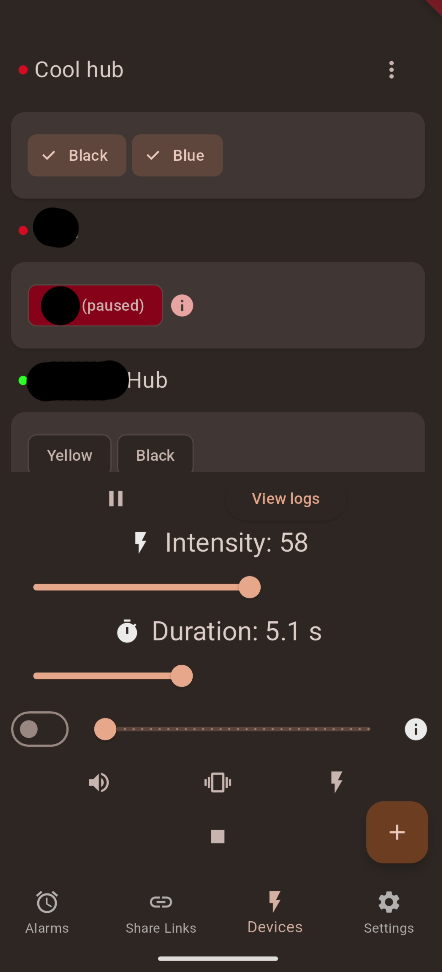
Screenshots

ShockAlarm screenshot 1
ShockAlarm screenshot 2
ShockAlarm screenshot 3
ShockAlarm screenshot 4
ShockAlarm screenshot 5
ShockAlarm screenshot 6
ShockAlarm screenshot 7
ShockAlarm screenshot 8
ShockAlarm screenshot 9

What’s new

**Changelog:**
- Fixed bottle spin screen opening when no shockers are selected #15
- Added WellturnT330 Shocker support for when creating shockers
- Replaced next.openshock.app with openshock.app
- Login can now be done with login on android if wanted

How to install

  1. Download the APK from the button at the top of this page.
  2. Allow “Install unknown apps” for your browser or file manager only, not for every app.
  3. Open the downloaded file and confirm the installation.
  4. If installation fails with “App not installed,” remove an earlier build of the same app first. A signature conflict is the usual cause.

Data safety

  • Every file is checked against its published SHA-256 before it is listed.
  • Files are scanned for malware on every update.
  • The permissions each app requests are listed on its own page.
  • Read the full safety policy for how we test, flag, and delist files.

Comments

Recent approved comments · sorted by newest

Verification code
Be specific and keep it about the app. No links. Comments are reviewed before publication. Device and Android details are recorded automatically. Privacy policy.

Loading recent comments...

View all comments