
Quick answer
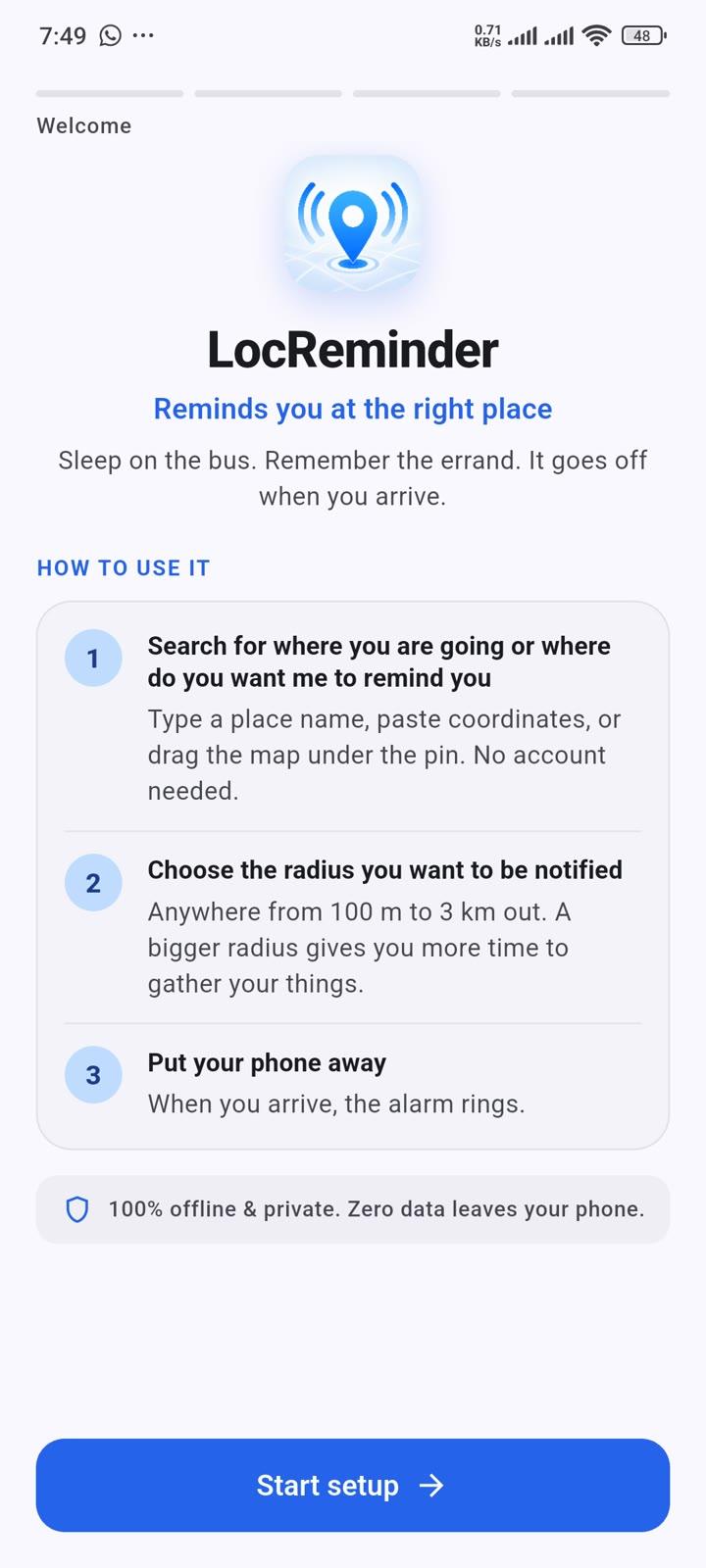
Reminds you at the right place
F-Droid repository metadata
LocReminder is an alarm clock that goes off at a place instead of a time.
You know roughly where you are going, but not exactly when you will get there. Traffic, delays and unfamiliar routes make that impossible to predict, so a normal alarm is no use. Instead you spend the whole journey glancing out of the window, unable to properly rest or focus.
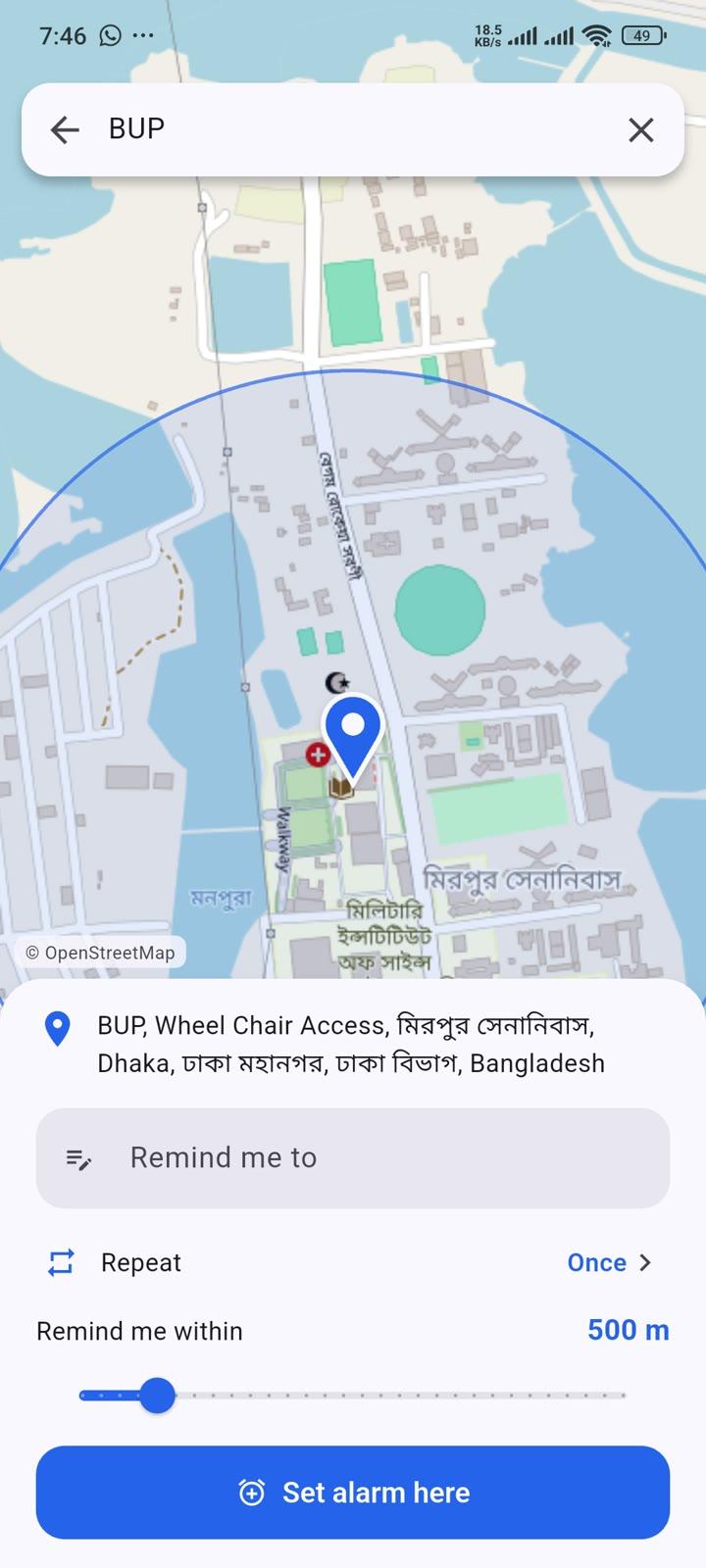
Drop a pin on your destination, choose how close you want to get, and put your phone away. When you arrive, LocReminder rings a real alarm: a looping sound that plays even on silent, vibration, and a full-screen alert over your lock screen.
What it is good for
🚌 Long bus or train rides, so you can actually sleep
🗺️ Arriving somewhere unfamiliar, where you would not recognise your stop
📚 Commuting, so you can read or work without watching the route
🚗 Road trips as a passenger, to be woken before the turn-off
🛍️ Errands, so you are reminded at the shop or the post office rather than after passing it
Features
🔔 A real alarm, not a quiet notification: loops on the alarm audio channel so it sounds even on silent
🎵 Choose your own alarm sound: any system ringtone, or an audio file of your own
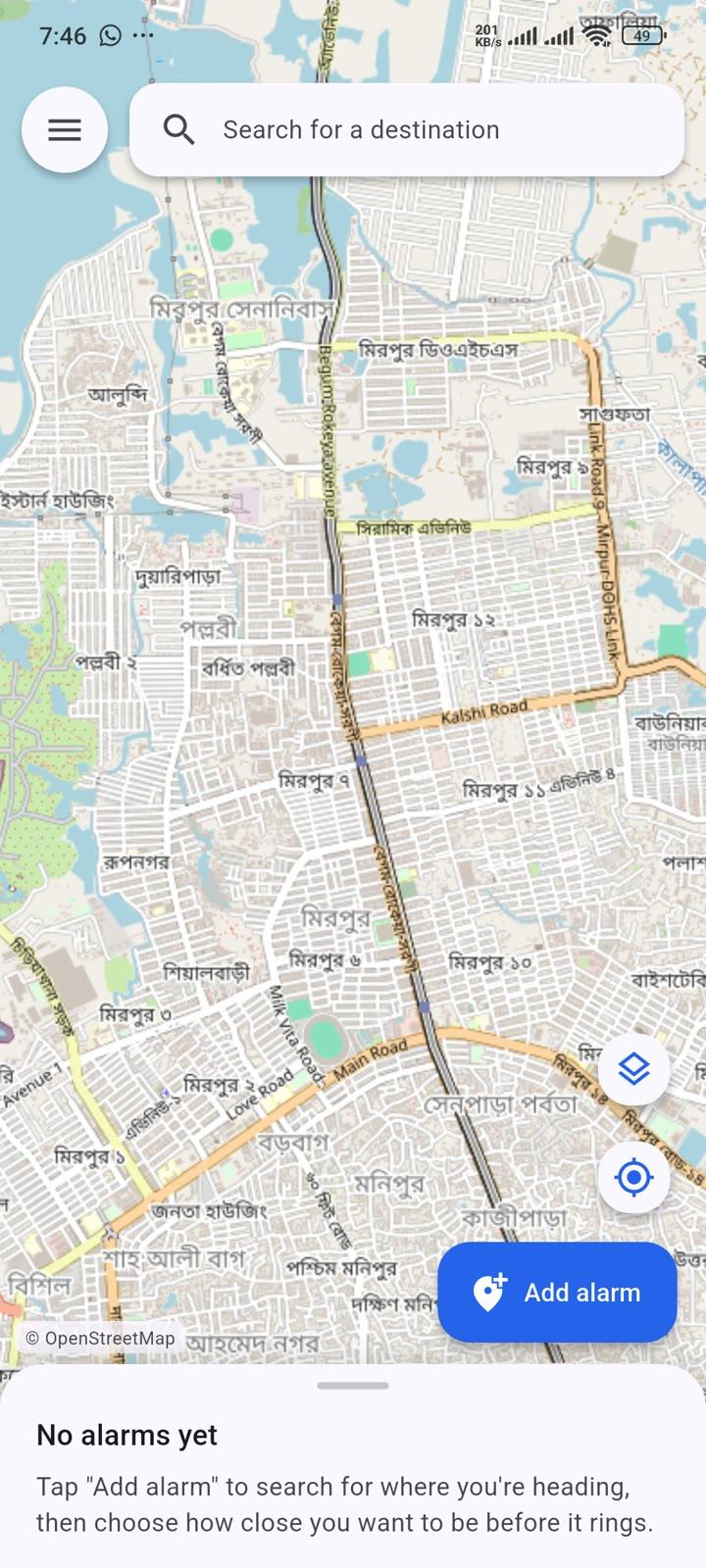
📍 Search for a destination by name, drag the map to place the pin exactly, or type coordinates straight in — the last of those needs no connection
📝 Give each alarm a task in your own words — "Buy medicine" — or let it take the name of the place
🔁 Repeat an alarm every day, or on the weekdays you choose, for a commute or a standing errand
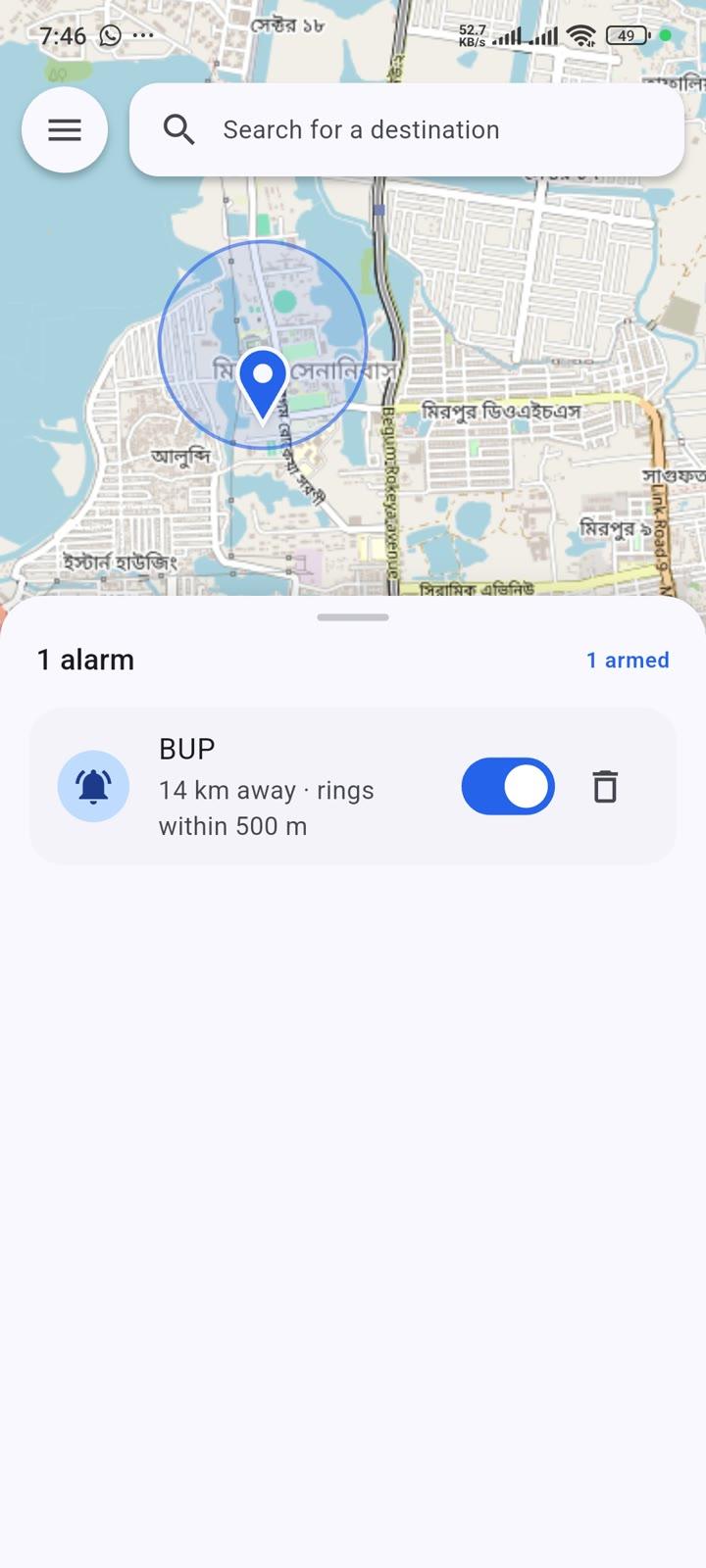
📋 Multiple alarms, each with its own trigger radius, and live distance to each
📏 Adjustable radius from 100 m to 3 km, so you get as much warning as you need
🌗 Light and dark themes
📶 Works with no signal: the alarm runs on GPS alone and never needs a connection, and the map is kept on your phone so it still draws in a dead spot
🔋 Battery-aware: checks rarely when you are far away, more often as you approach, and not at all on days none of your alarms are set for
🛡️ Reliability screen that detects your phone's manufacturer and shows the exact settings needed, plus a test that proves the alarm gets through a locked screen
No signal? No problem
The alarm never needs the internet. GPS is a receive-only radio, and the arrival check happens on your phone, so it rings in a tunnel, in a village with no data, or with no SIM card at all. Only the map pictures and searching a place by name need a connection — so every part of the map you look at is kept on the phone for a month, and the streets around each alarm are saved the moment you set it.
Privacy
LocReminder has no account, no analytics, no advertising and no server. Your saved destinations never leave your device. Maps and place search come from OpenStreetMap.
Important: background restrictions
Many manufacturers (Xiaomi, Samsung, Oppo, Vivo, OnePlus, Huawei) run their own battery managers that stop background apps, which will prevent the alarm from ringing. No app can change those settings on your behalf. After installing, open Menu, then Alarm reliability, and follow the steps shown for your device. It takes a minute and is the difference between an alarm that works and one that does not.
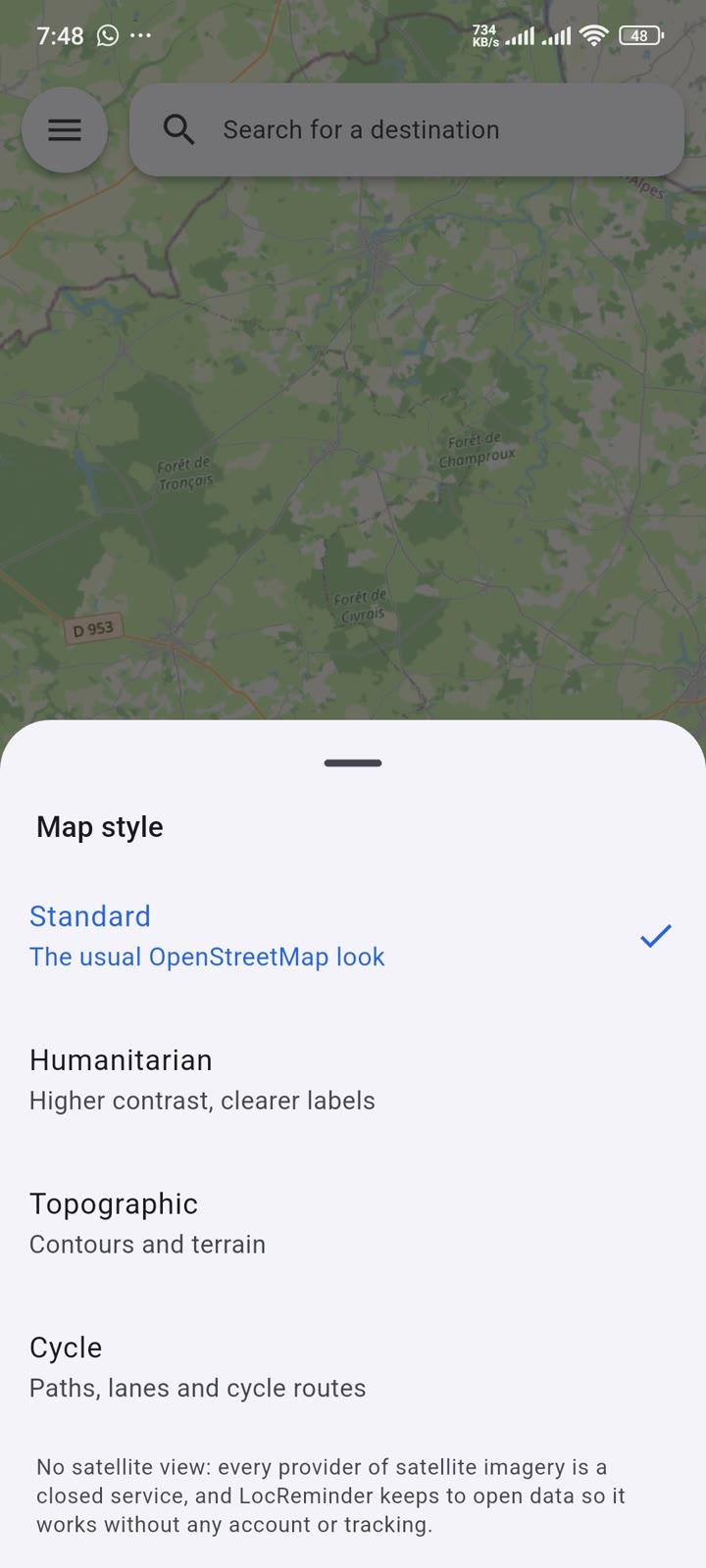
Screenshots

How to install
- Download the APK from the button at the top of this page.
- Allow “Install unknown apps” for your browser or file manager only, not for every app.
- Open the downloaded file and confirm the installation.
- If installation fails with “App not installed,” remove an earlier build of the same app first. A signature conflict is the usual cause.
Data safety
- Every file is checked against its published SHA-256 before it is listed.
- Files are scanned for malware on every update.
- The permissions each app requests are listed on its own page.
- Read the full safety policy for how we test, flag, and delist files.
Comments
Recent approved comments · sorted by newest
View all comments