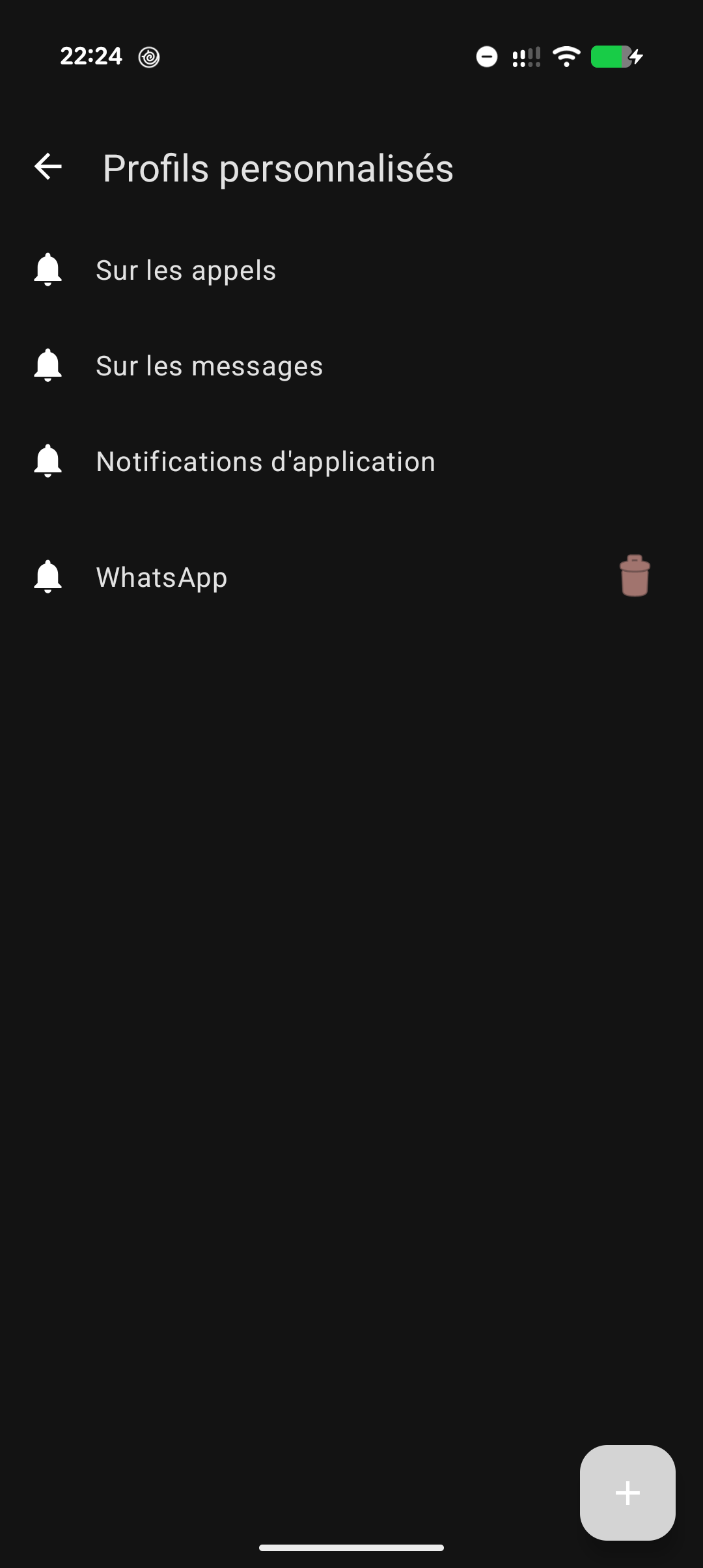
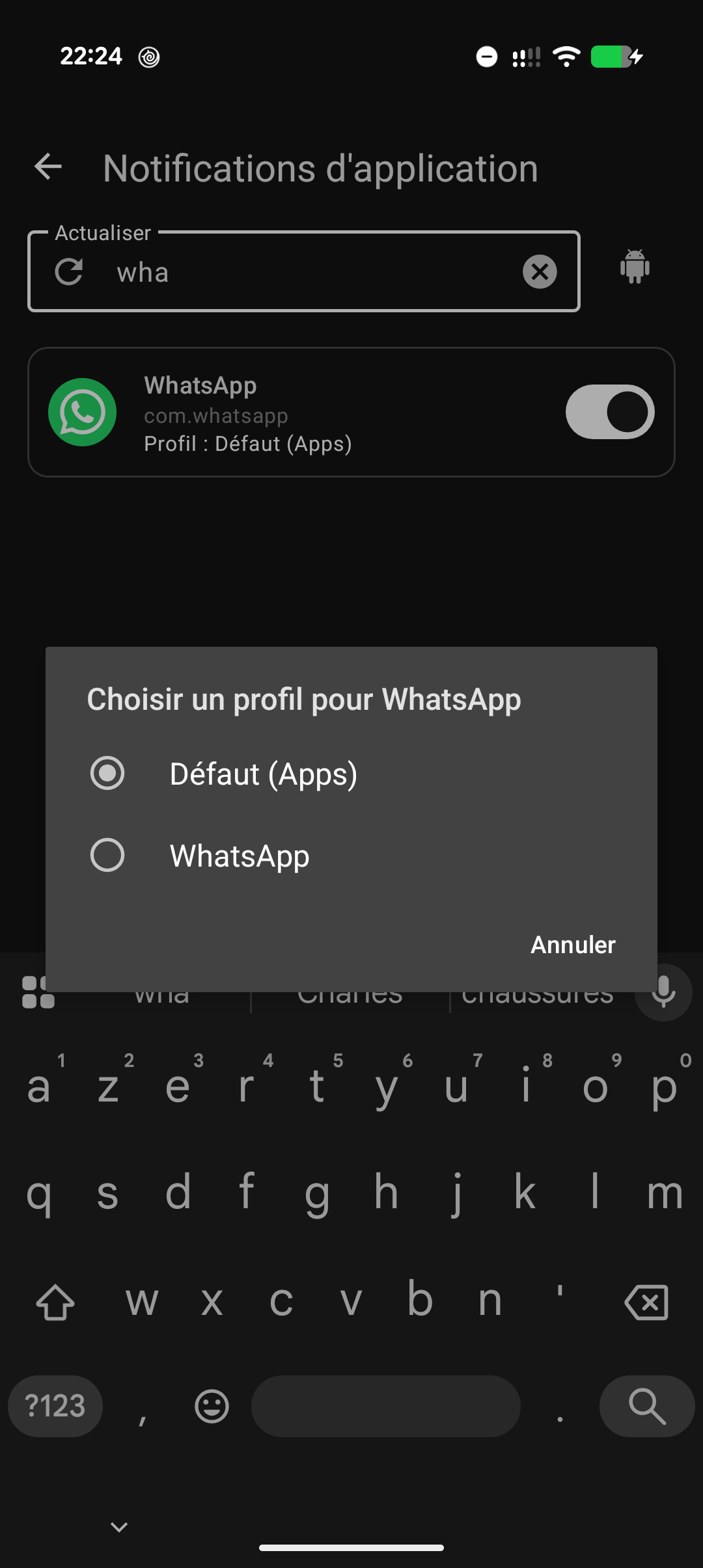
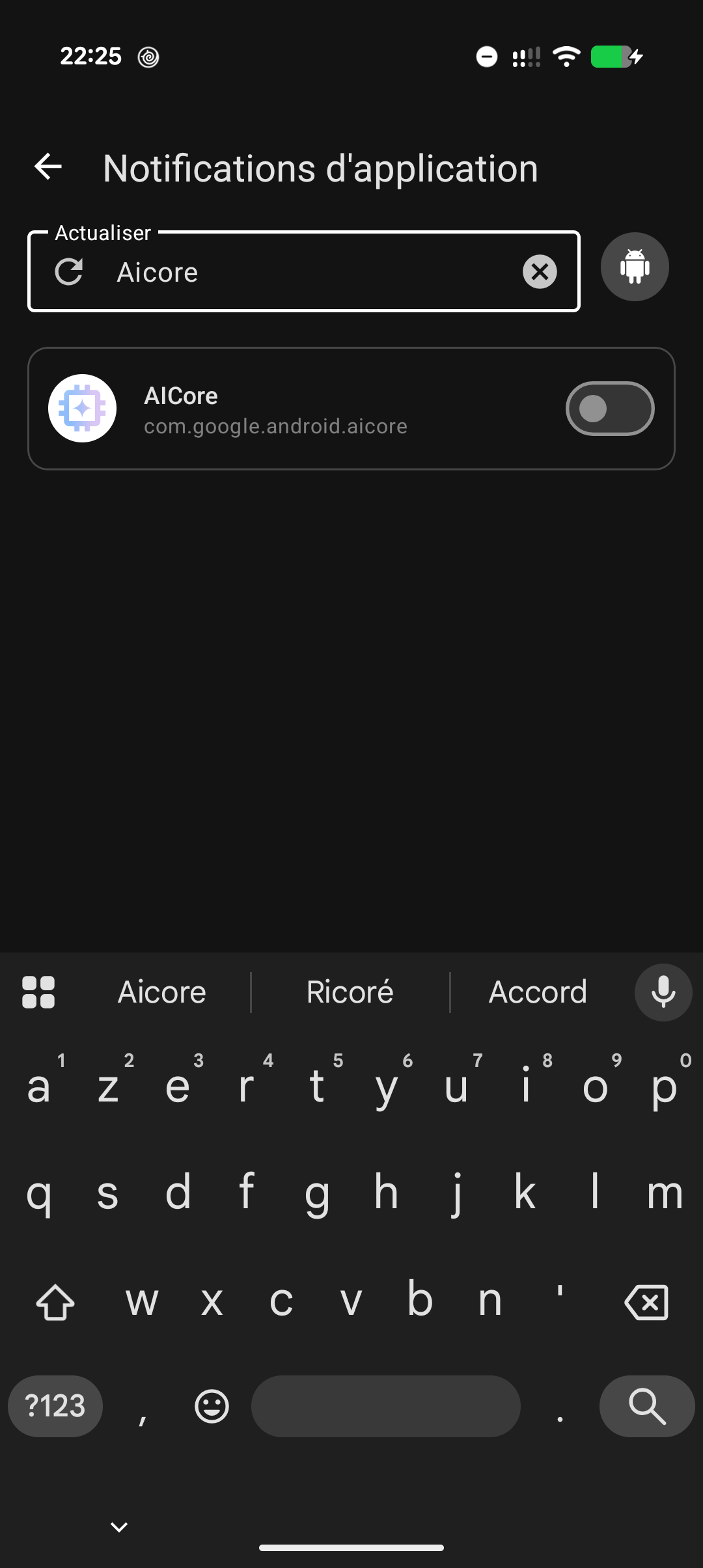
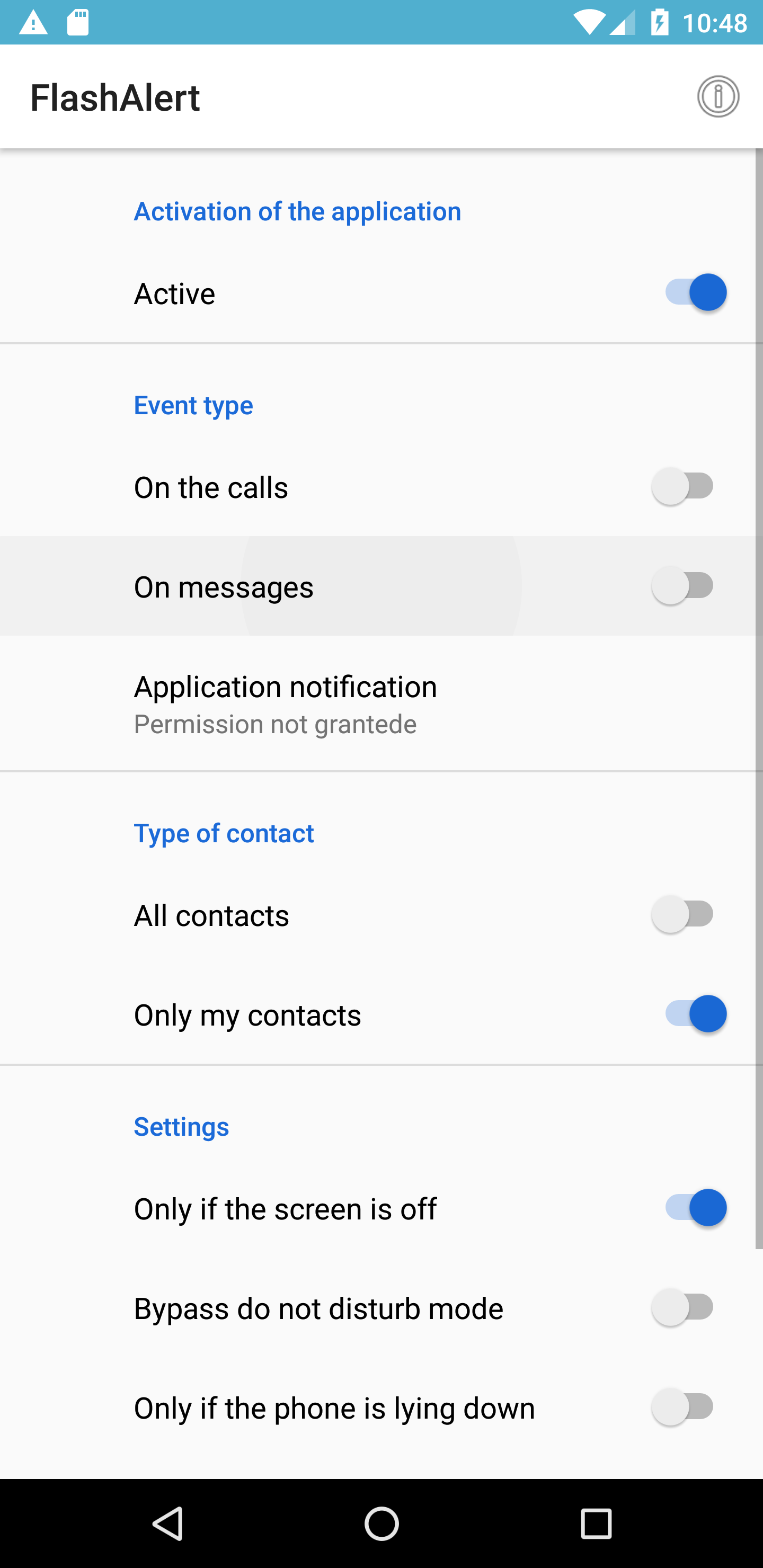
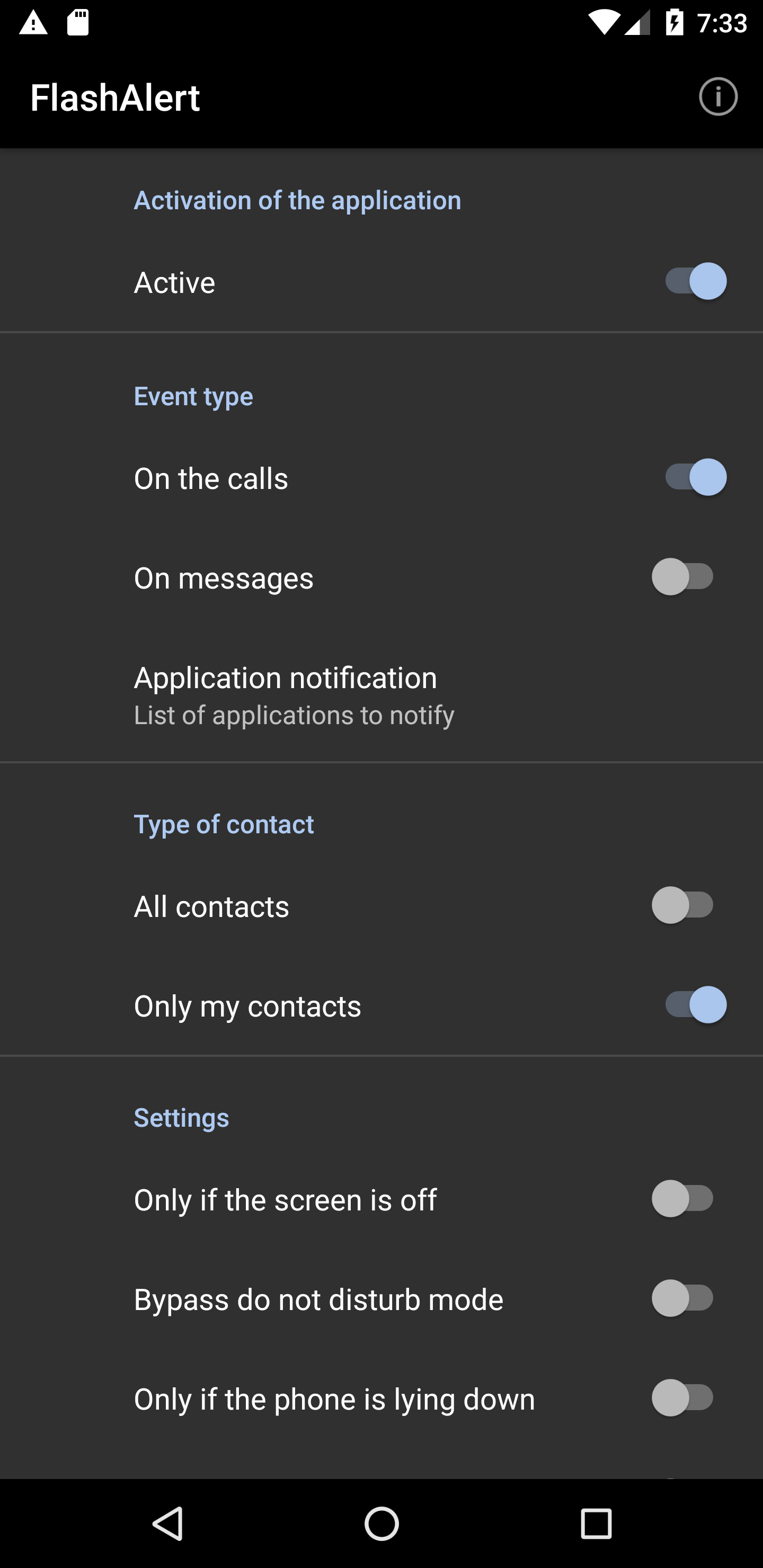
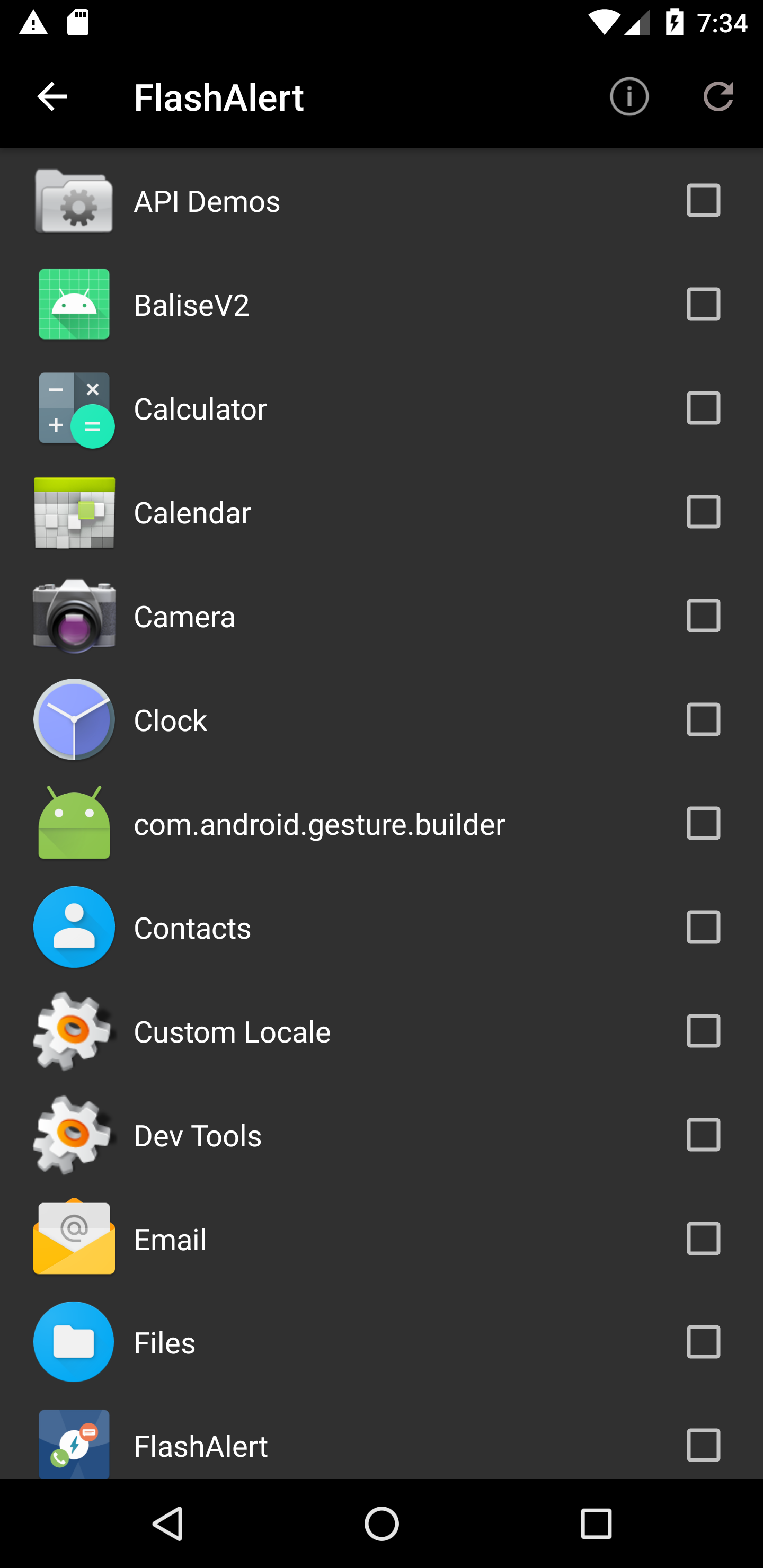
Blink the terminal when receiving a call, SMS or an application notification
F-Droid repository metadata
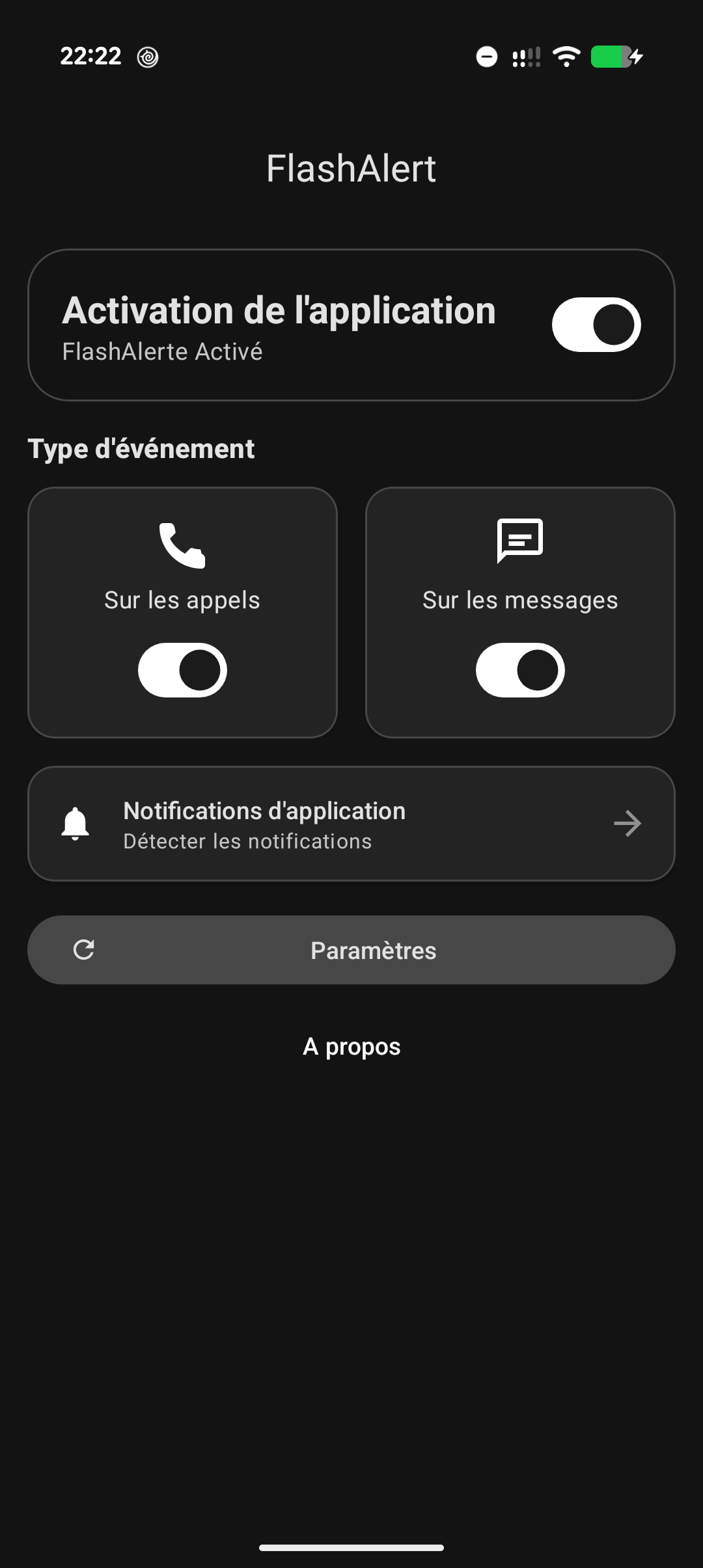
Flash Alert turns your camera flash into a powerful visual indicator whenever you receive a call, SMS/MMS, or notification from another app (WhatsApp, social media, etc.).
Key Features:
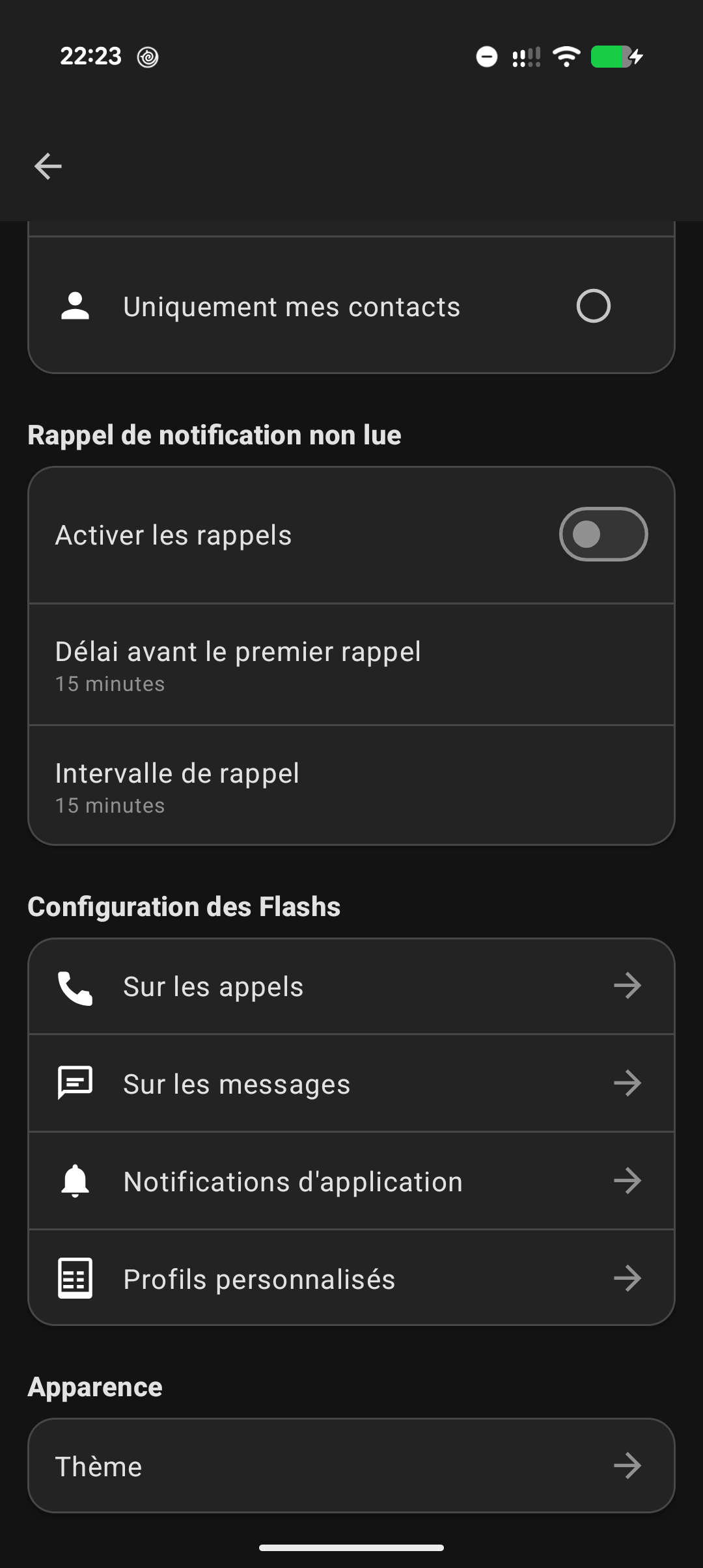
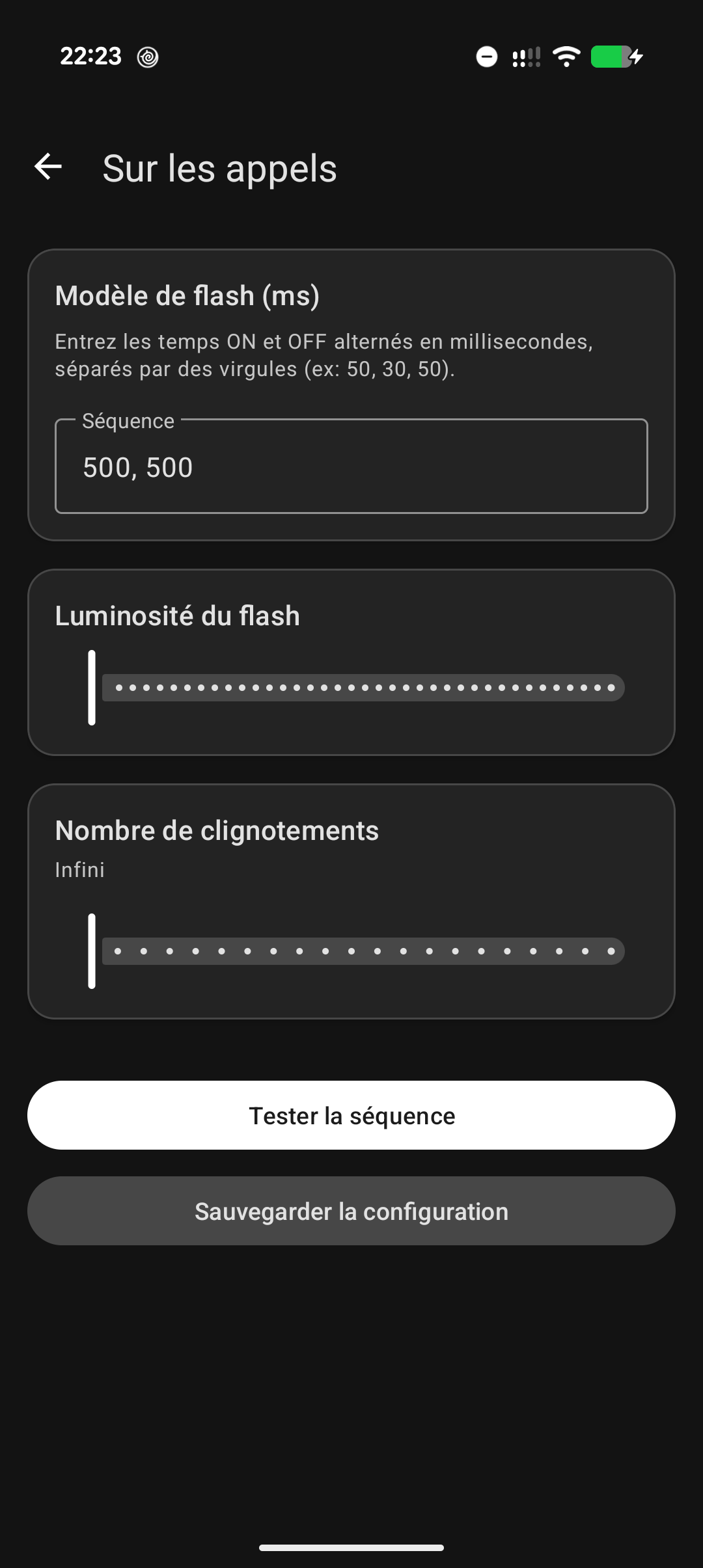
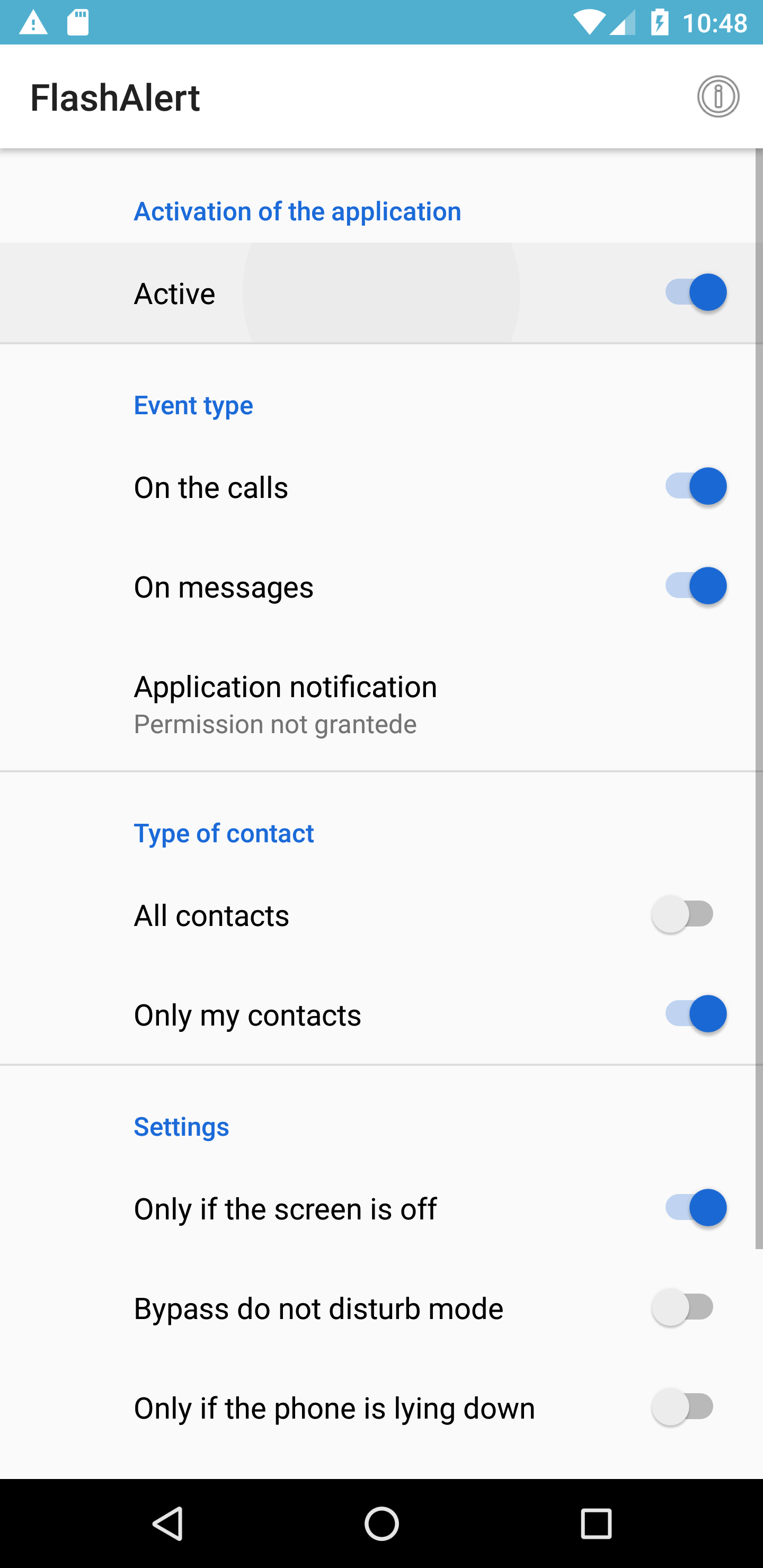
- Customizable flash alerts for calls, messages, and apps.
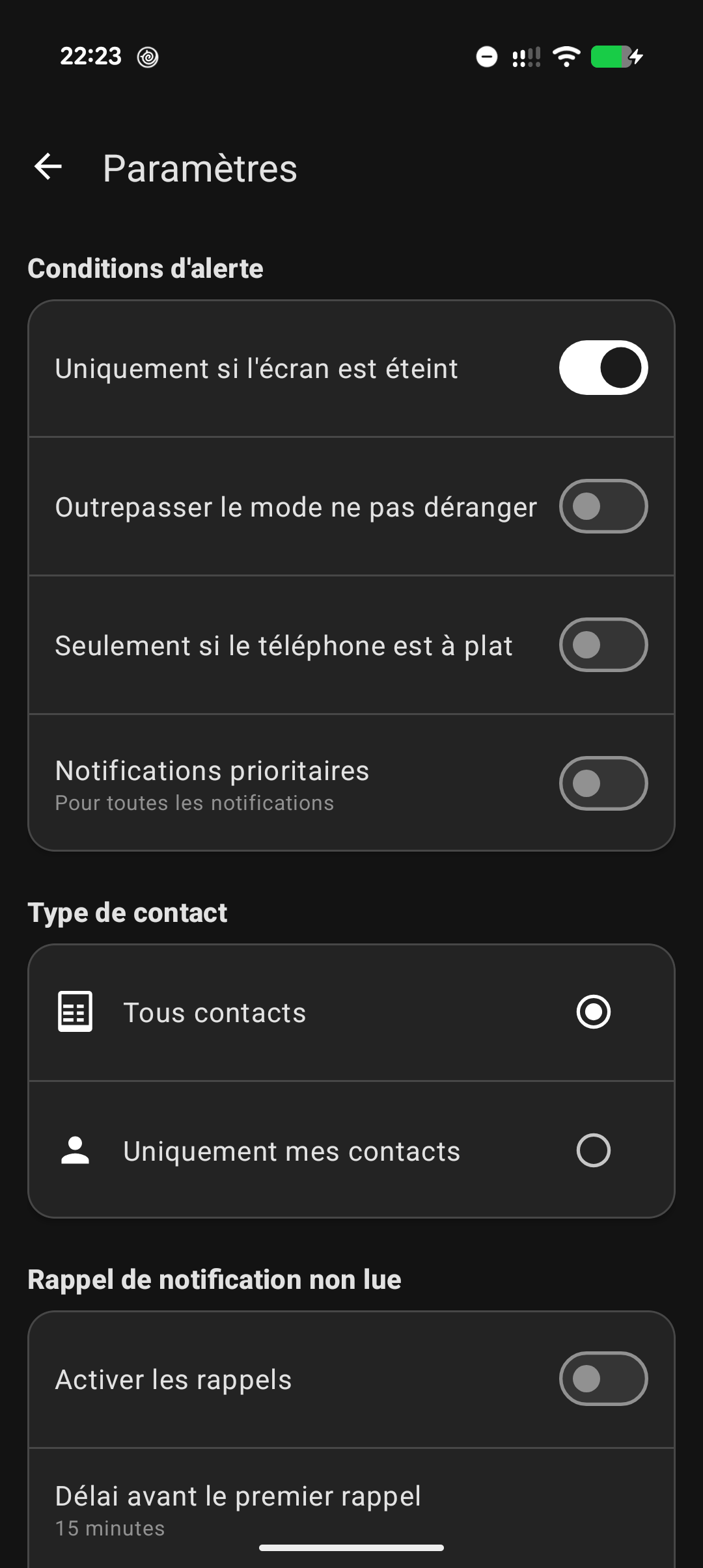
- Contact filtering: enable the flash only for your contacts.
- Battery-saver mode: smart deactivation if the phone is face down or if the screen is already on.
- Night mode and "Do Not Disturb" override options.
- Ambient noise detection (for compatible Android versions).
A lightweight app, privacy-friendly, and completely ad-free.
Screenshots
What’s new
- Resolved Cursor memory leaks in contactAllowed (#63). - Secured concurrency and state flags in FlashAlert (#64). - Named stroboscope thread FlashAlert-Stroboscope (#65). - Replaced QUERY_ALL_PACKAGES permission with targeted launcher queries (#66). - Removed unused deep link for enhanced security (#67). - Added ProGuard rules for stacktrace preservation and Room models (#68). - Validated auto-backup configuration (#69). - Fixed typo in insertAppItem (#70). - Removed redundant notifyDataSetChan
How to install
Download the APK from the button at the top of this page.
Allow “Install unknown apps” for your browser or file manager only, not for every app.
Open the downloaded file and confirm the installation.
If installation fails with “App not installed,” remove an earlier build of the same app first. A signature conflict is the usual cause.
Data safety
Every file is checked against its published SHA-256 before it is listed.
Files are scanned for malware on every update.
The permissions each app requests are listed on its own page.
Read the full safety policy for how we test, flag, and delist files.