
Quick answer
Easy watermarking tool for your sensitive images
Your sensitive images should be watermarked before sending to someone to protect against exploitation by unkind or immoral people.
### Security - code is fully open source to be audited by the public and free to fork and modify - no stats, no share crash info, no nonsense - there are no networking involve so no images being sent or collect from the app to the internet
### Uses Use it however you want, eg: watermark your passport or id before sending it to someone.
Example, watermark "web:[email protected]@20260609" onto your passport before sending it for register at some website which requires your passport info.
Note that this will reduce info being leaked and possibly knows where it might leaked from the "web" channel which you watermarked but cannot fully prevent someone from re-upload or leaked it, but at least u know it is from "web" channel and maybe on what action("[email protected]") you did from your phone or computer etc.
Screenshots
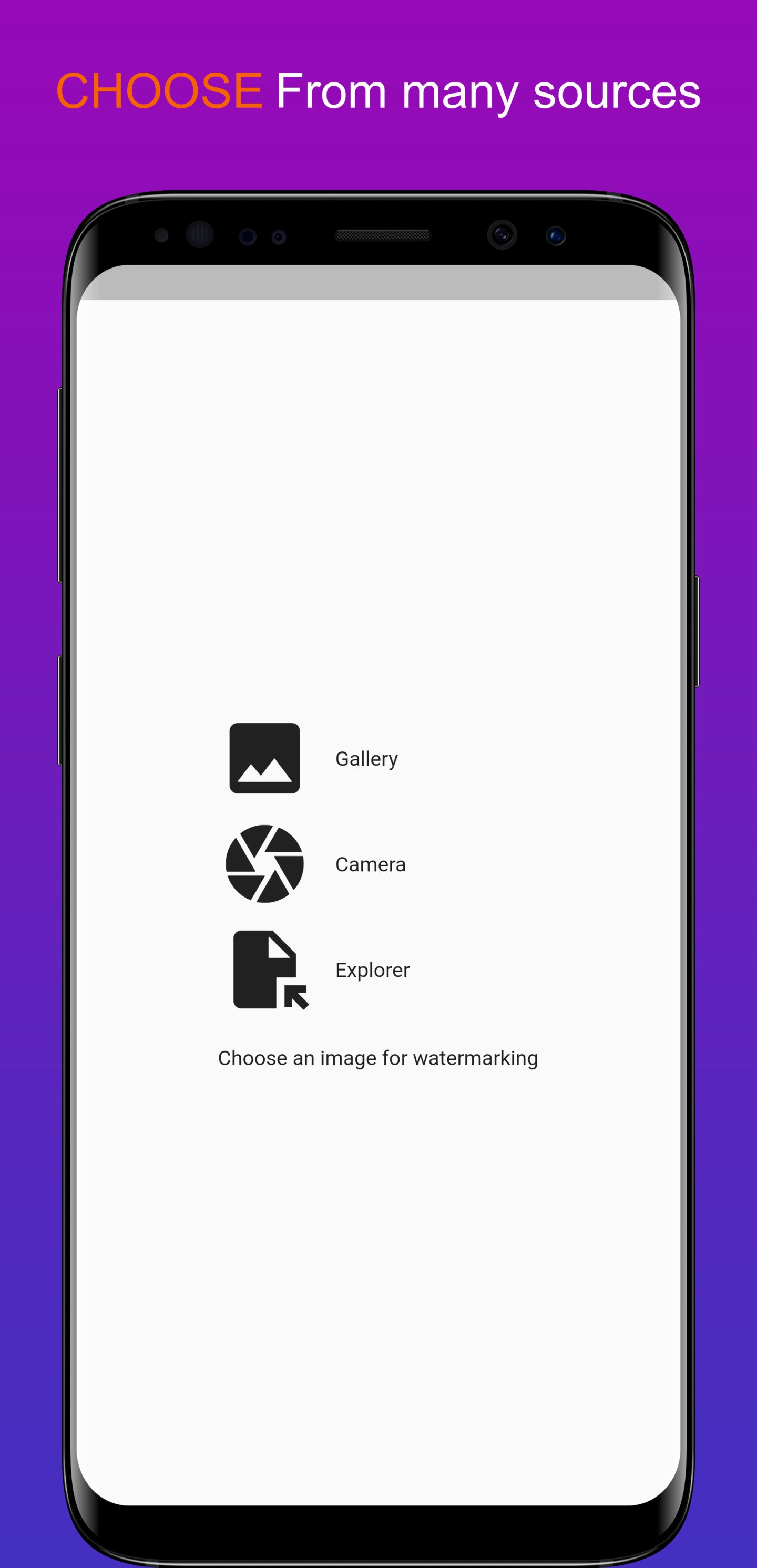
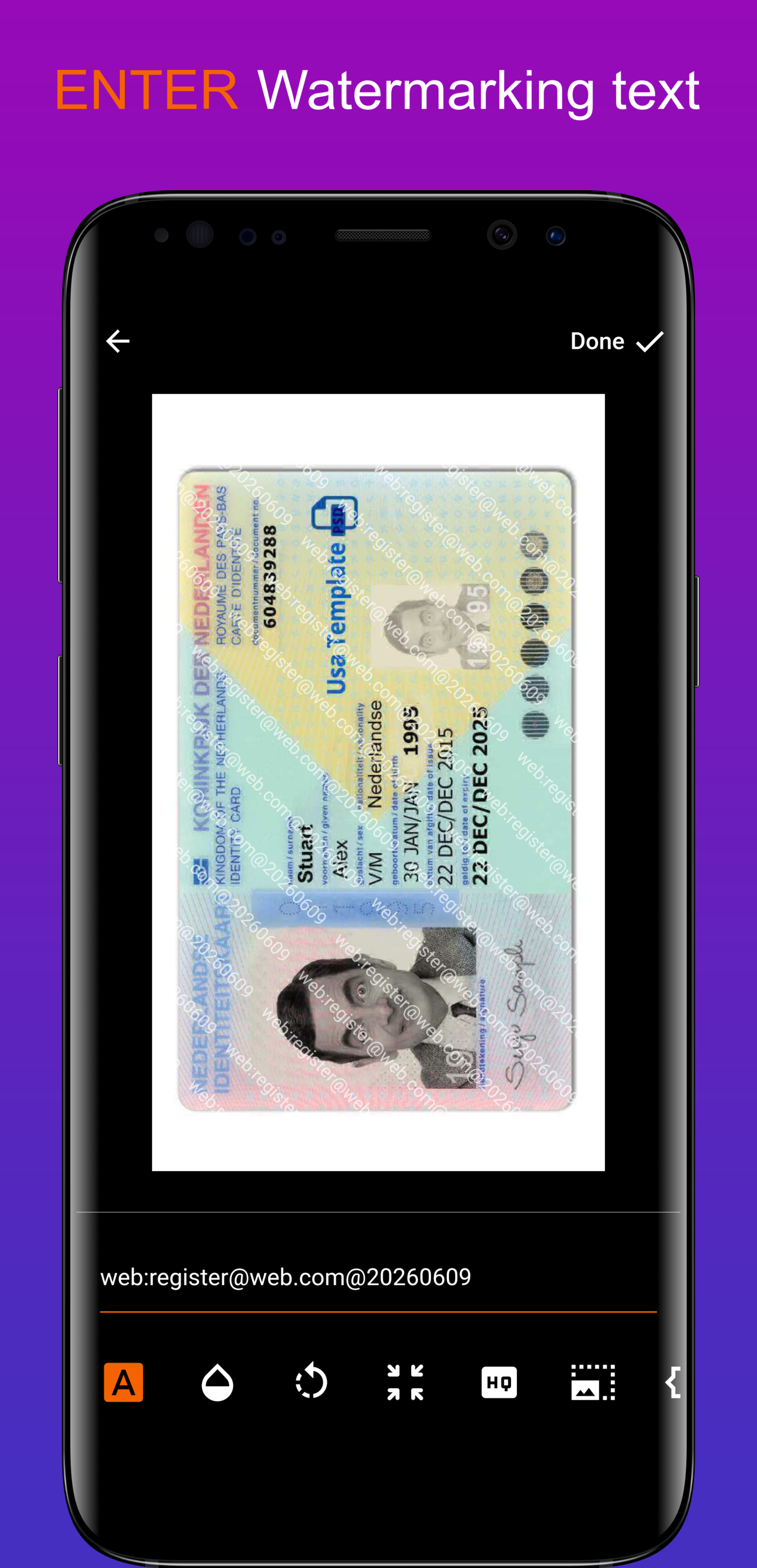
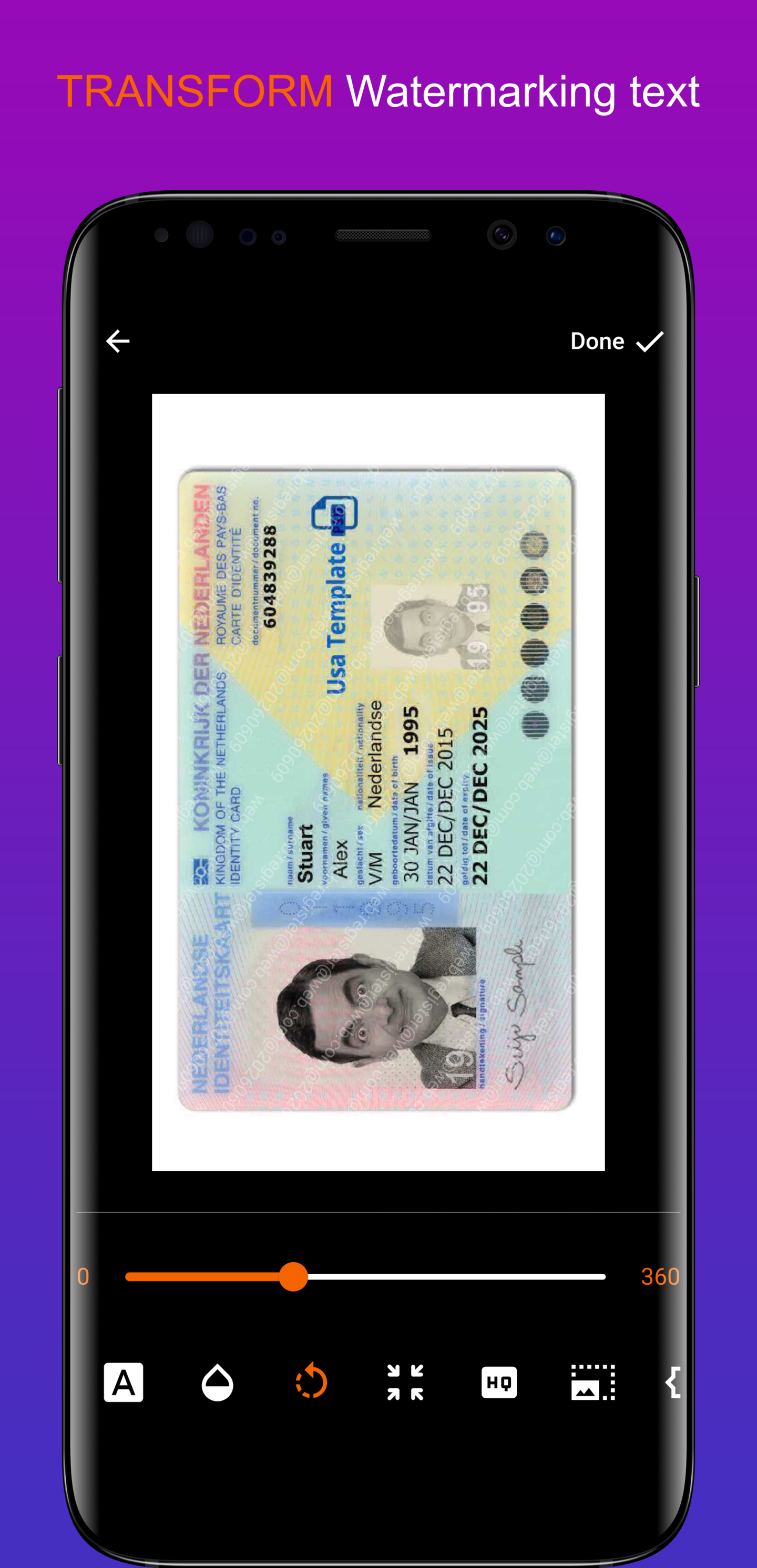
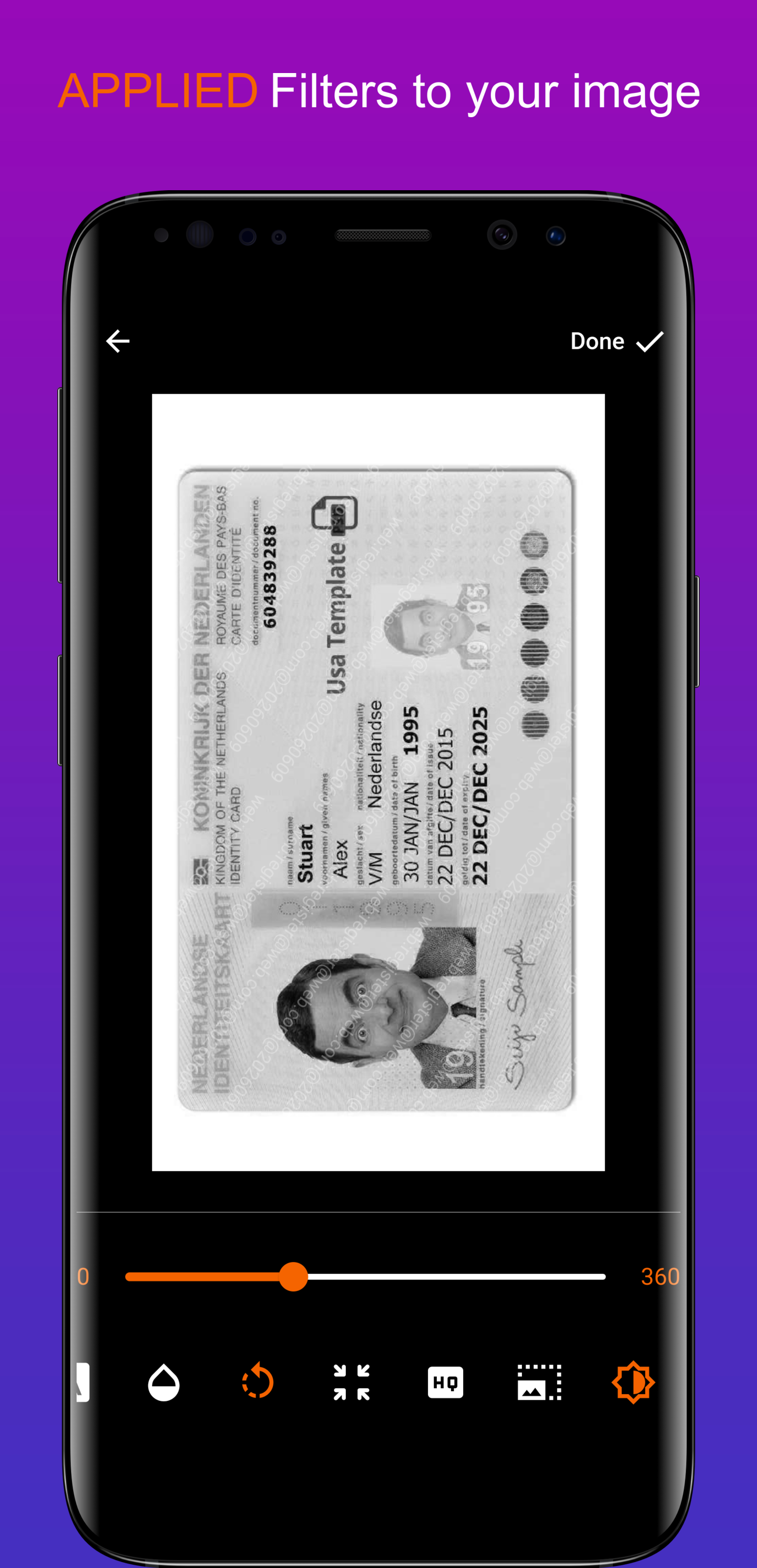
How to install
- Download the APK from the button at the top of this page.
- Allow “Install unknown apps” for your browser or file manager only, not for every app.
- Open the downloaded file and confirm the installation.
- If installation fails with “App not installed,” remove an earlier build of the same app first. A signature conflict is the usual cause.
Data safety
- Every file is checked against its published SHA-256 before it is listed.
- Files are scanned for malware on every update.
- The permissions each app requests are listed on its own page.
- Read the full safety policy for how we test, flag, and delist files.
Frequently asked questions
What is Watermarking?
Easy watermarking tool for your sensitive images
Who develops Watermarking?
Watermarking is developed by xshadowlegendx.
Which Android version does Watermarking require?
Watermarking requires Android API 16 or later.
What is the current version of Watermarking?
The synchronized F-Droid version is 1.1.4.
Which license does Watermarking use?
The signed F-Droid metadata lists MIT.
Where is the source code for Watermarking?
https://github.com/free-watermark/mobile-app
Comments
Recent approved comments · sorted by newest
View all comments