Turn your phone into a Morse code device, to transmit emergency messages.
SOS Flashlight App transforms your smartphone into a powerful Morse code signaling device, capable of transmitting emergency messages or custom text through multiple channels simultaneously.
Features
- Signal Transmission Methods
- Flashlight: Utilizes your device's camera led flashlight to transmit visual signals.
- Vibration: Sends tactile signals through device vibration.
- Audio: Generates clear audio tones at 700Hz frequency.
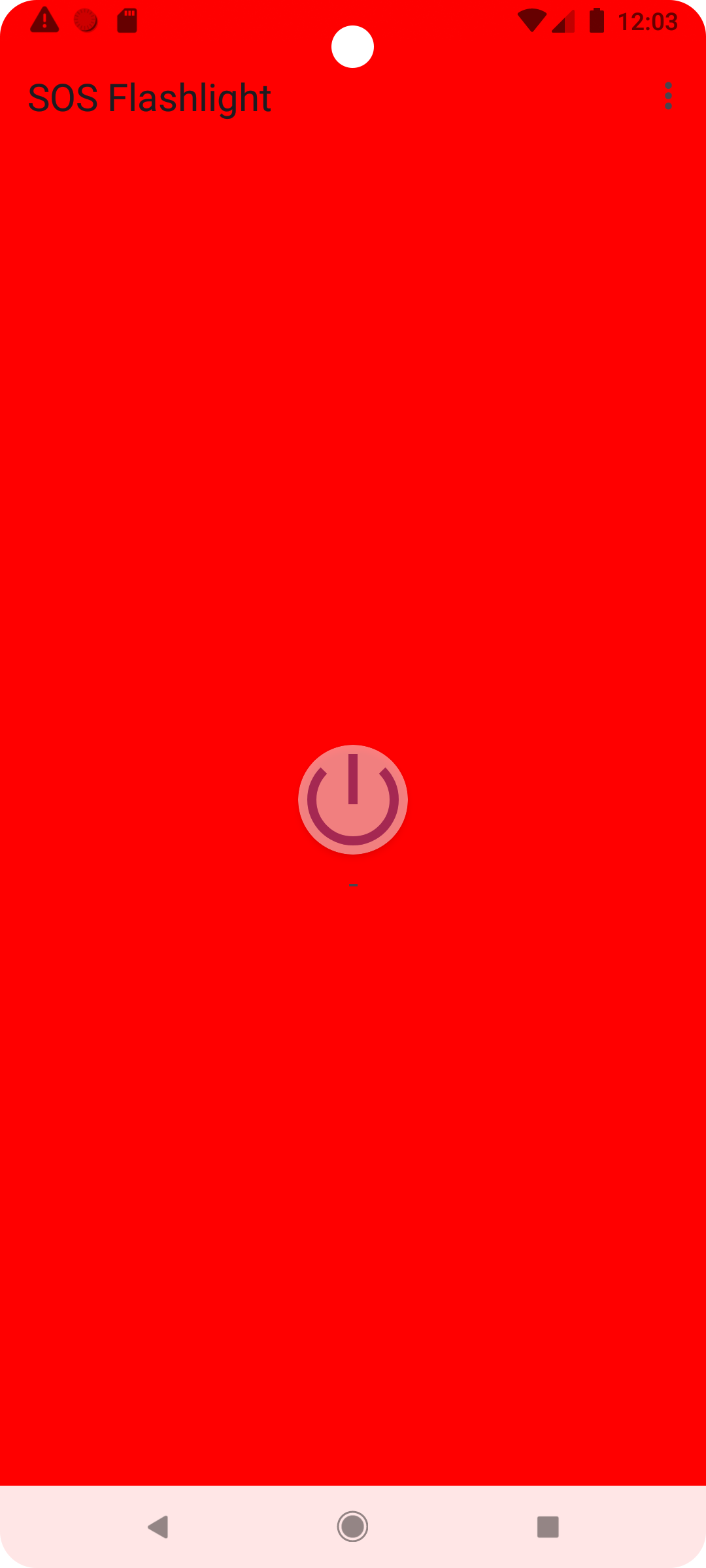
- Screen Light: Maximizes screen brightness to create visual signals in darkness.
- Core Capabilities
- Background Service: Continue signaling even when the app is minimized or screen is locked.
- Message Customization: Send any custom message in Morse code.
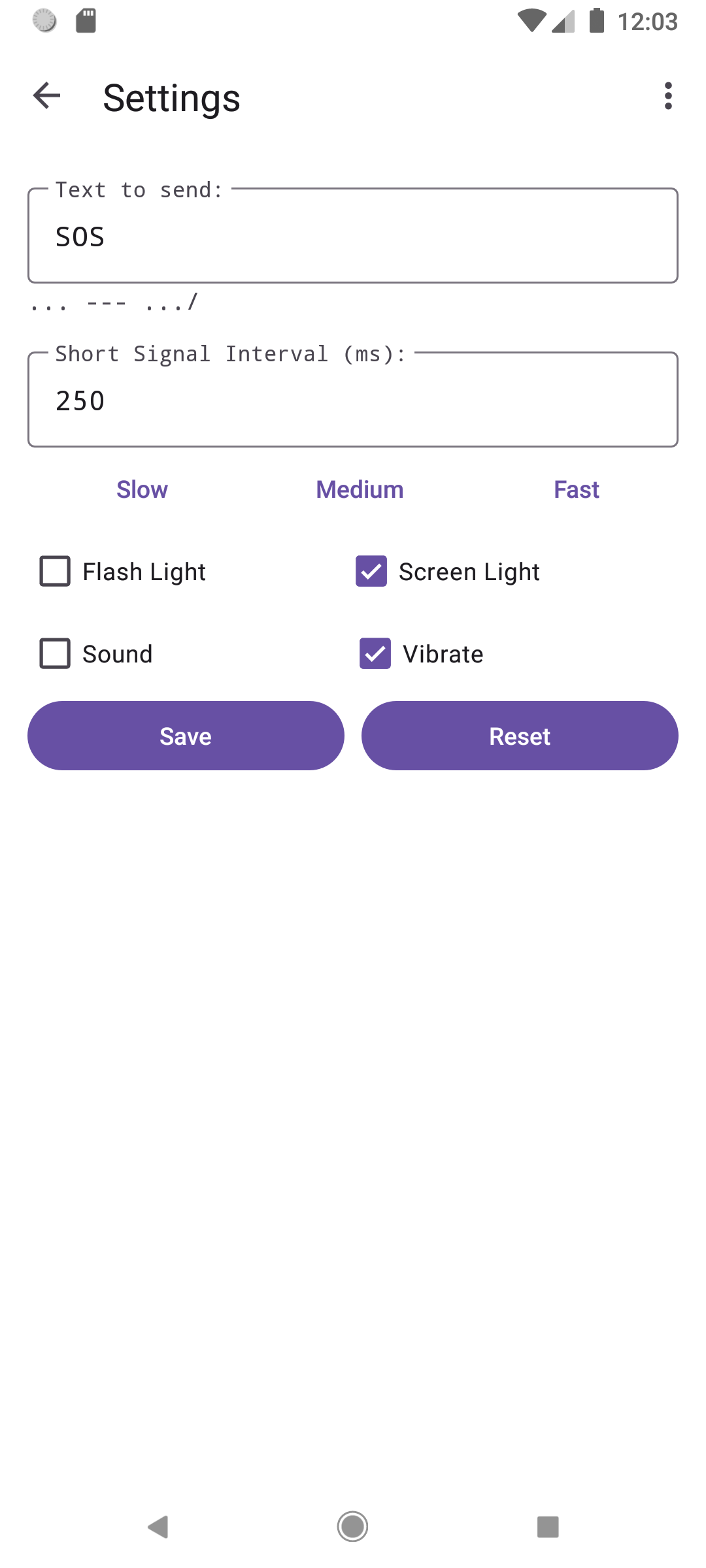
- Adjustable Speed: Choose from slow, medium, fast, or custom transmission speeds.
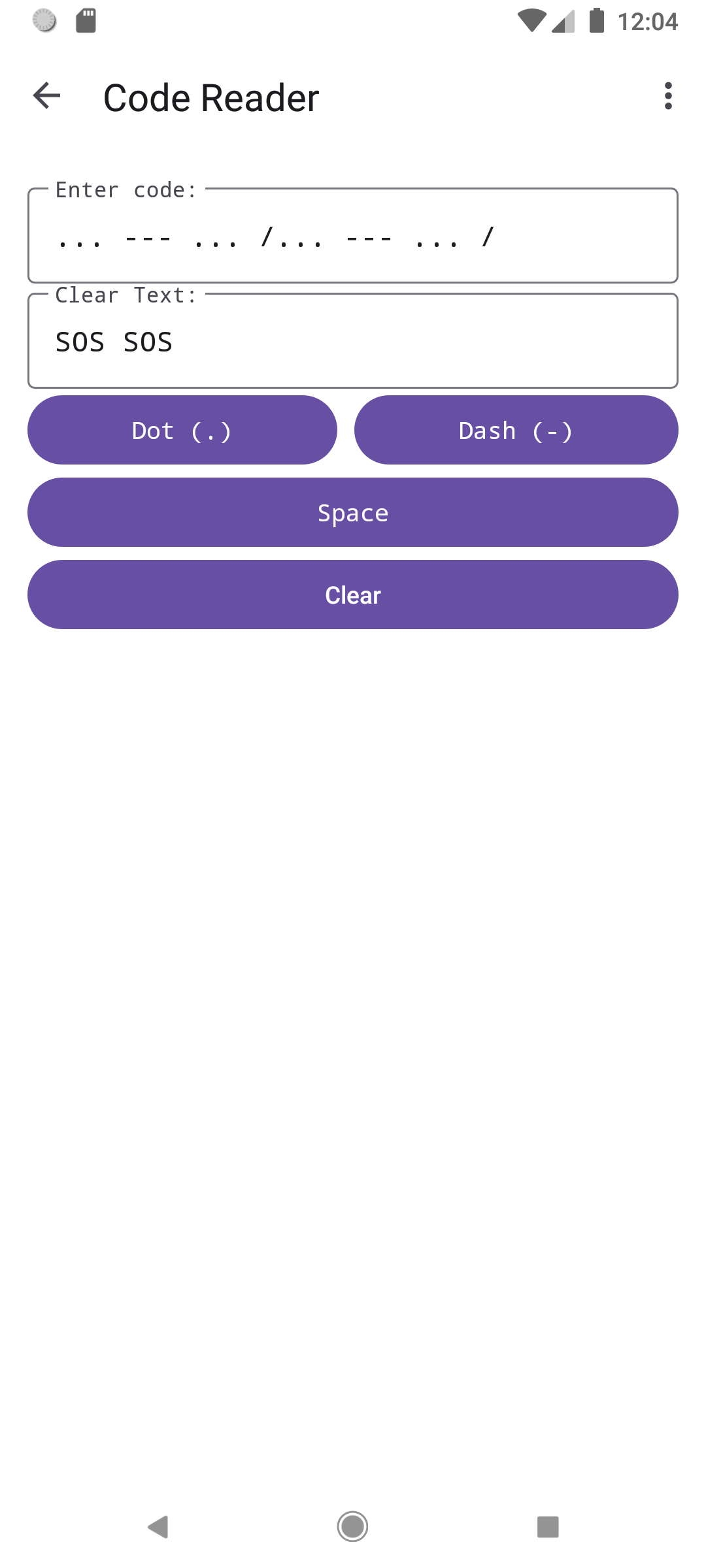
- Morse Code Decoder: Convert received Morse code into readable text.
- User Preferences: Independently toggle each signaling method based on your needs.
Usage
- Emergency SOS: Press the SOS button to immediately begin transmitting the international SOS signal (... --- ...).
- Custom Message: Enter your text in the input field and press "Send" to convert and transmit.
- Decoder: Navigate to the decoder screen to translate incoming Morse code signals.
- Settings: Customize transmission speed and toggle different signaling methods.
Contribute
Contributions are welcome! Feel free to open issues or submit pull requests on our GitHub repo.
License
This project is licensed under the GNU General Public License (GPLv3) - see the LICENSE file for details.
Source
https://github.com/WeilJimmer/SOSFlashlightApp.git
Screenshots
What’s new
# SOS Flashlight v1.0.3 (10003) - Minor Update
- Added: Screen Light color selection feature, now you can change the screen light color through the color palette. - Fixed: Allow the use of longer time intervals to enable normal vibration for devices that cannot vibrate in extremely short periods of time.
How to install
Download the APK from the button at the top of this page.
Allow “Install unknown apps” for your browser or file manager only, not for every app.
Open the downloaded file and confirm the installation.
If installation fails with “App not installed,” remove an earlier build of the same app first. A signature conflict is the usual cause.
Data safety
Every file is checked against its published SHA-256 before it is listed.
Files are scanned for malware on every update.
The permissions each app requests are listed on its own page.
Read the full safety policy for how we test, flag, and delist files.
Frequently asked questions
What is SOS Flashlight: Advanced Morse Code Tool?
Turn your phone into a Morse code device, to transmit emergency messages.
Who develops SOS Flashlight: Advanced Morse Code Tool?
SOS Flashlight: Advanced Morse Code Tool is developed by Weil Jimmer.
Which Android version does SOS Flashlight: Advanced Morse Code Tool require?
SOS Flashlight: Advanced Morse Code Tool requires Android API 23 or later.
What is the current version of SOS Flashlight: Advanced Morse Code Tool?
The synchronized F-Droid version is 1.0.3.
Which license does SOS Flashlight: Advanced Morse Code Tool use?
The signed F-Droid metadata lists GPL-3.0-only.
Where is the source code for SOS Flashlight: Advanced Morse Code Tool?