WriteOn: Simple Notepad icon

WriteOn: Simple Notepad

3zpnix
Calendar & Agenda Note Writing Tools
Version
1.8
Size
4.3 MB
Requires
Android API 26+
4.7 / 5 · 13,817 ratings 74,034 downloads

Updated Nov 3, 2026

Quick answer

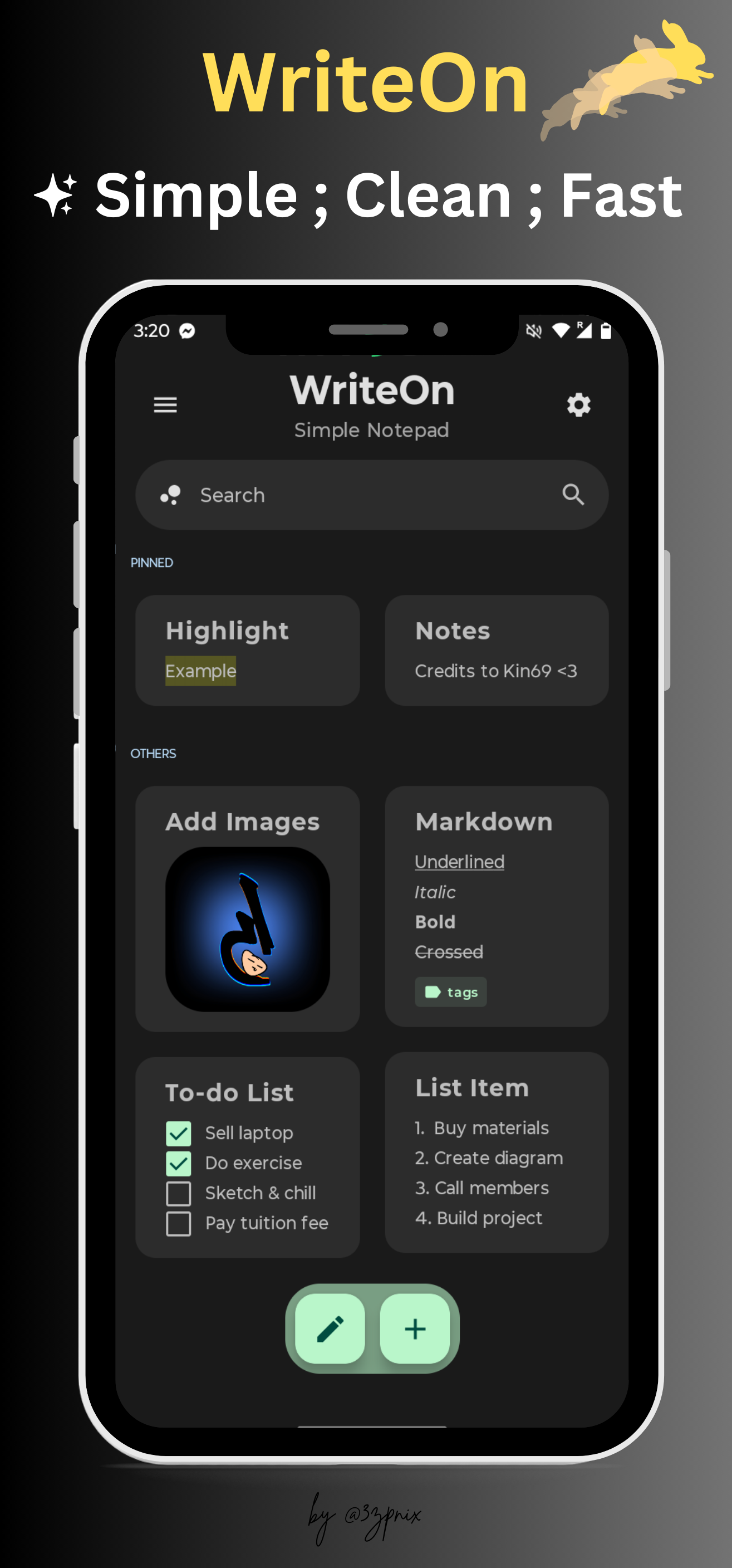
A clean function-based intuitive note-taking app with Material You design.

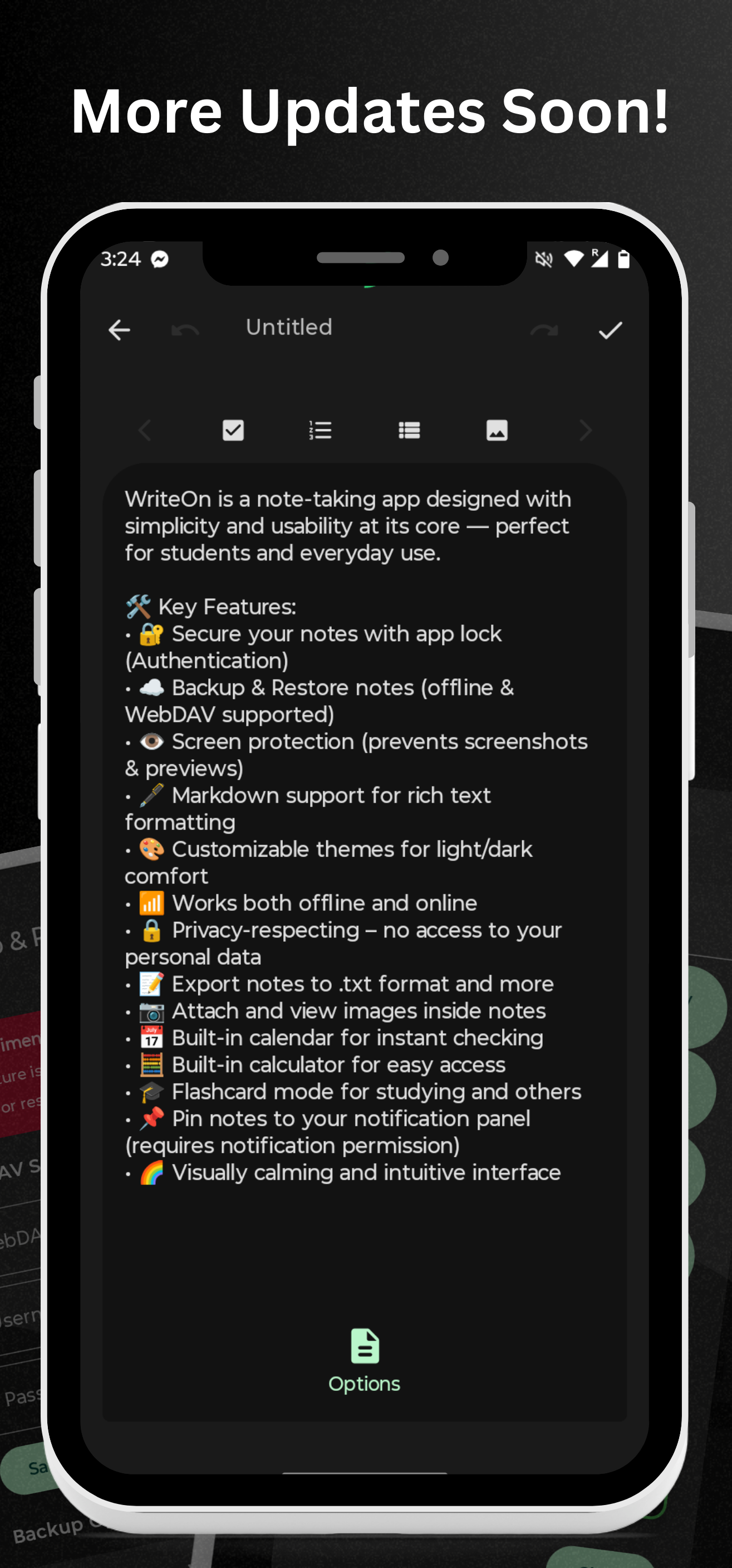
WriteOn is a note-taking app designed with simplicity and usability at its core — perfect for students and everyday use.

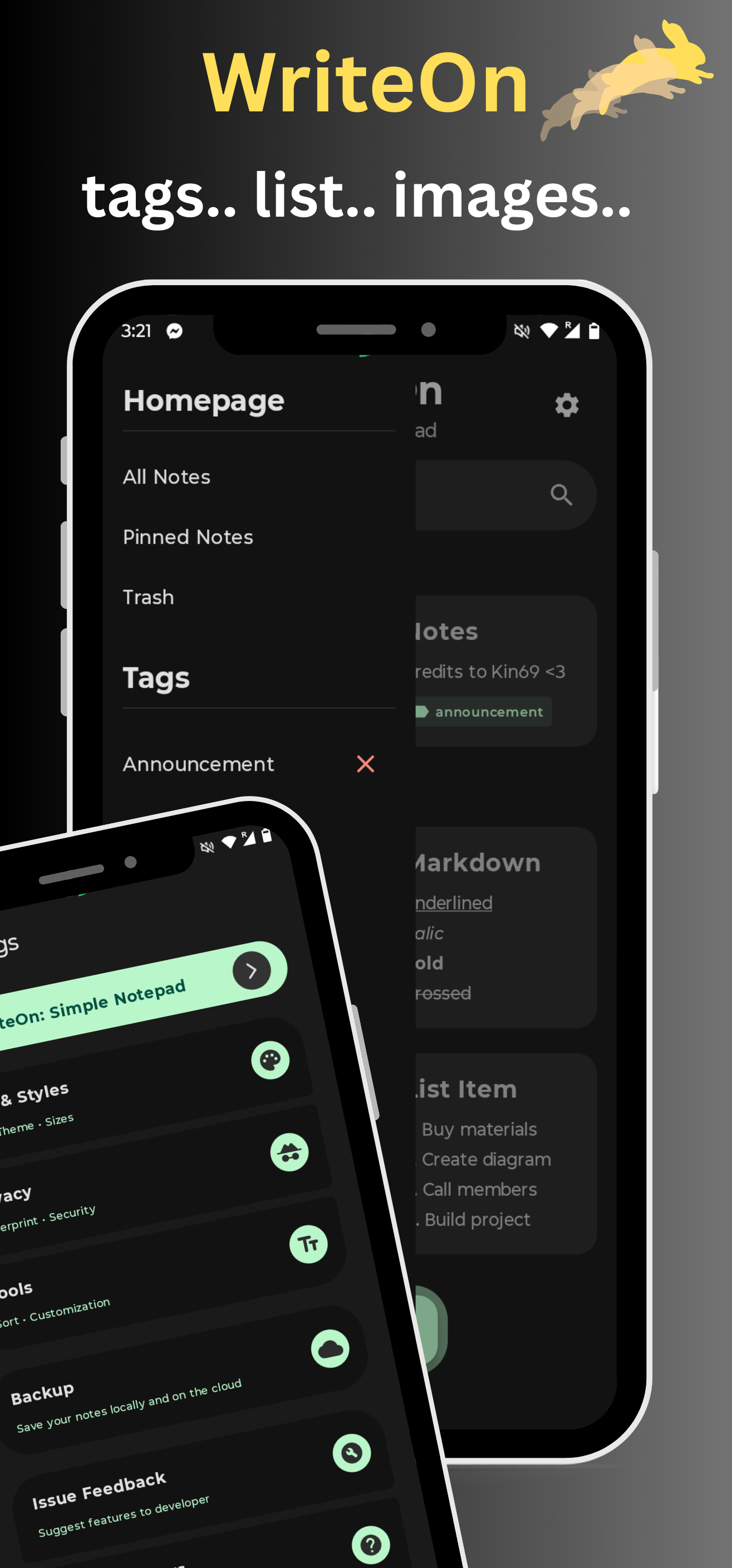
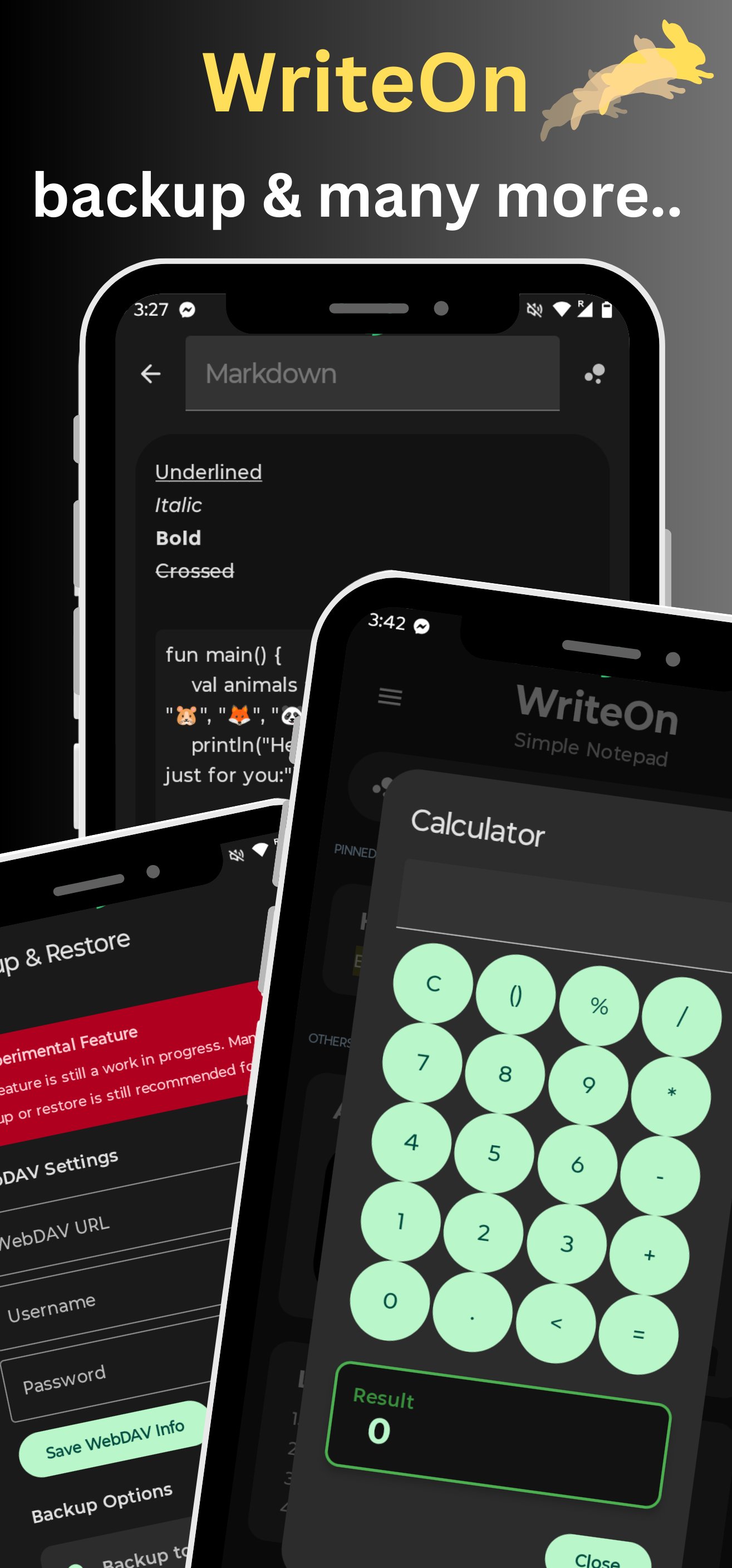
🛠️ Key Features: • ☁️ Backup & Restore notes (offline & WebDAV supported) • 👁️ Screen protection (prevents screenshots & previews) • 🖋️ Markdown support for rich text formatting • 🎨 Customizable themes for light/dark comfort • 📶 Works both offline and online • 🔒 Privacy-respecting – no access to your personal data • 📝 Export notes to .txt format and more • 📷 Attach and view images inside notes • 📅 Built-in calendar for instant checking • 📌 Pin notes to your notification panel (requires notification permission) • 🌈 Visually calming and intuitive interface • 🧮 Built-in calculator for easy access • 🎓 Flashcard mode for studying and others

This app is a fork of Easynotes. Updates and new features are driven by user feedbacks. With more improvements coming soon.

Screenshots

WriteOn: Simple Notepad screenshot 1
WriteOn: Simple Notepad screenshot 2
WriteOn: Simple Notepad screenshot 3
WriteOn: Simple Notepad screenshot 4

What’s new

- New homepage redesign
- Navigation drawer added
- Categories and tags added
- Search bar UI revamped
- Backup logics changed
- Note screen simplicity redesign
- Slight animation improvements
- Minor bugs and UI fixes

How to install

  1. Download the APK from the button at the top of this page.
  2. Allow “Install unknown apps” for your browser or file manager only, not for every app.
  3. Open the downloaded file and confirm the installation.
  4. If installation fails with “App not installed,” remove an earlier build of the same app first. A signature conflict is the usual cause.

Data safety

  • Every file is checked against its published SHA-256 before it is listed.
  • Files are scanned for malware on every update.
  • The permissions each app requests are listed on its own page.
  • Read the full safety policy for how we test, flag, and delist files.

Frequently asked questions

What is WriteOn: Simple Notepad?
A clean function-based intuitive note-taking app with Material You design.
Who develops WriteOn: Simple Notepad?
WriteOn: Simple Notepad is developed by 3zpnix.
Which Android version does WriteOn: Simple Notepad require?
WriteOn: Simple Notepad requires Android API 26 or later.
What is the current version of WriteOn: Simple Notepad?
The synchronized F-Droid version is 1.8.
Which license does WriteOn: Simple Notepad use?
The signed F-Droid metadata lists GPL-3.0-or-later.
Where is the source code for WriteOn: Simple Notepad?
https://github.com/3zpnix/WriteOn

Comments

Recent approved comments · sorted by newest

Verification code
Be specific and keep it about the app. No links. Comments are reviewed before publication. Device and Android details are recorded automatically. Privacy policy.

Loading recent comments...

View all comments