Notepad-style calculator with variables, line references, multi-line support
SoulCalc is a notepad-style calculator that combines the simplicity of a basic calculator with the flexibility of a text editor.
Features:
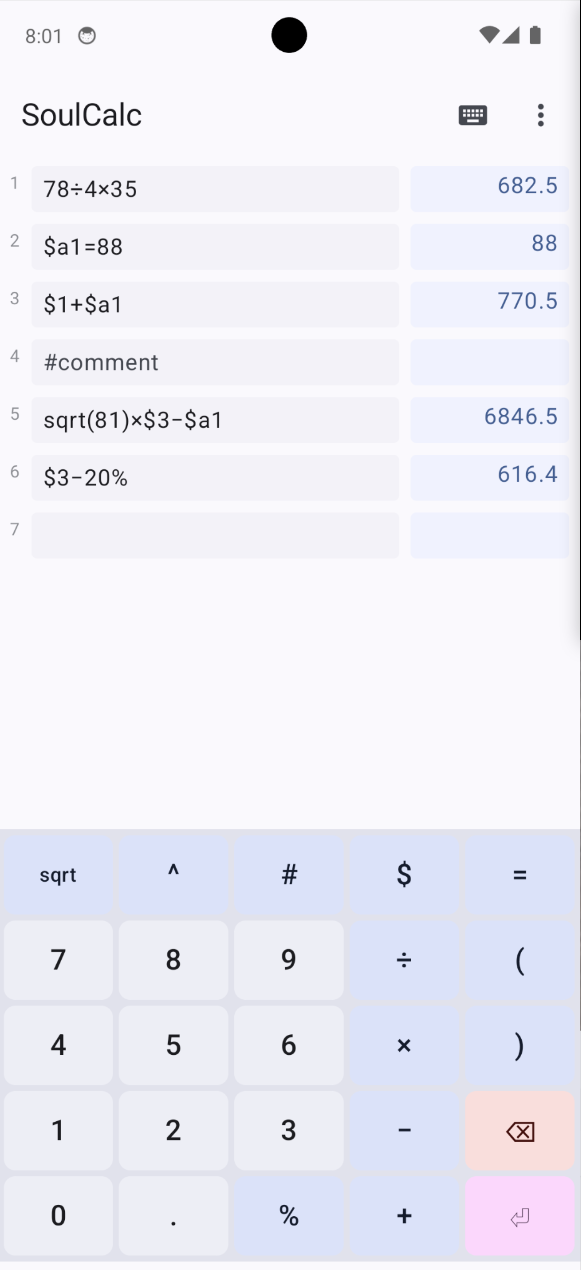
- Multi-line calculations: Write multiple expressions, each on its own line
- Named variables: Define variables like $price = 100 and use them in other lines
- Line references: Reference previous results with $1, $2, etc.
- Real-time evaluation: Results appear instantly as you type
- Built-in calculator keyboard: Quick access to math operators
- Percentage calculations: Use % for percentage operations (e.g., 100+10% = 110)
- Power and square root: Support for exponents (^) and square root (sqrt)
- Comments: Add notes with # prefix
- Copy results: Tap any result to copy it to clipboard
- Auto-save: Your calculations are automatically saved
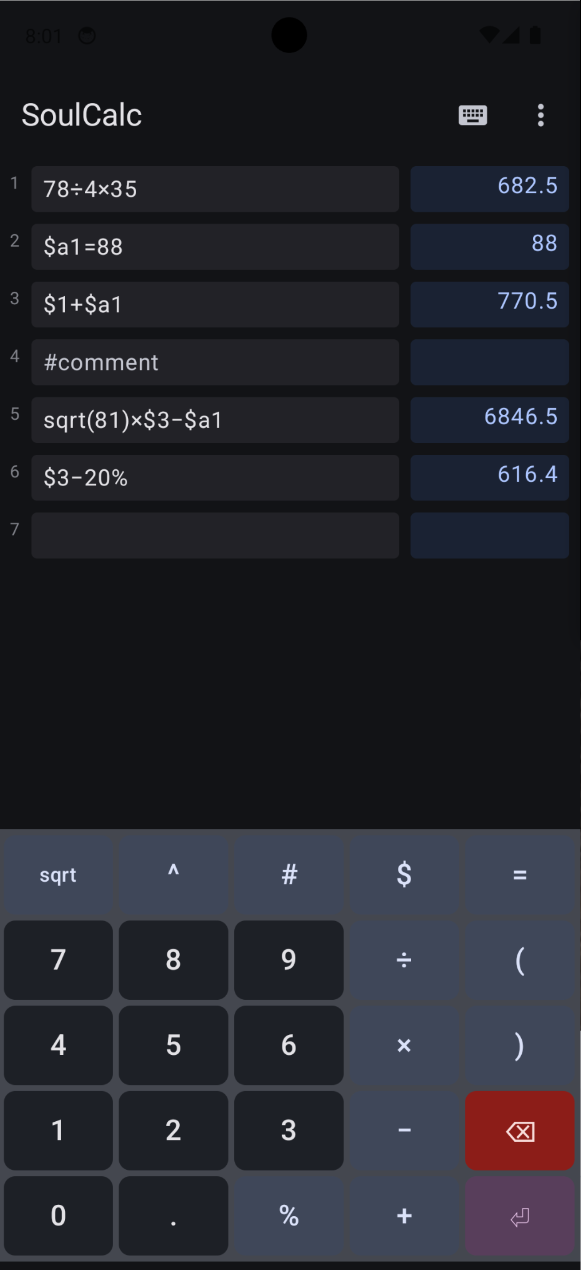
- Light and dark theme support
- Built-in help guide
Perfect for:
- Quick everyday calculations
- Shopping and budgeting
- Unit conversions with formulas
- Any calculation where you want to see your work
SoulCalc is free, open source, and contains no ads or trackers.
Screenshots
What’s new
Version 1.2.3
- Reopening the app with the cursor left at the end of the sheet now places it on a free line below the calculations, instead of at the end of the last one where typing silently extended it. A cursor left in the middle of the sheet is still restored where it was
How to install
Download the APK from the button at the top of this page.
Allow “Install unknown apps” for your browser or file manager only, not for every app.
Open the downloaded file and confirm the installation.
If installation fails with “App not installed,” remove an earlier build of the same app first. A signature conflict is the usual cause.
Data safety
Every file is checked against its published SHA-256 before it is listed.
Files are scanned for malware on every update.
The permissions each app requests are listed on its own page.
Read the full safety policy for how we test, flag, and delist files.
Frequently asked questions
What is SoulCalc?
Notepad-style calculator with variables, line references, multi-line support