Map surveillance cameras from OpenStreetMap and plan routes that avoid them
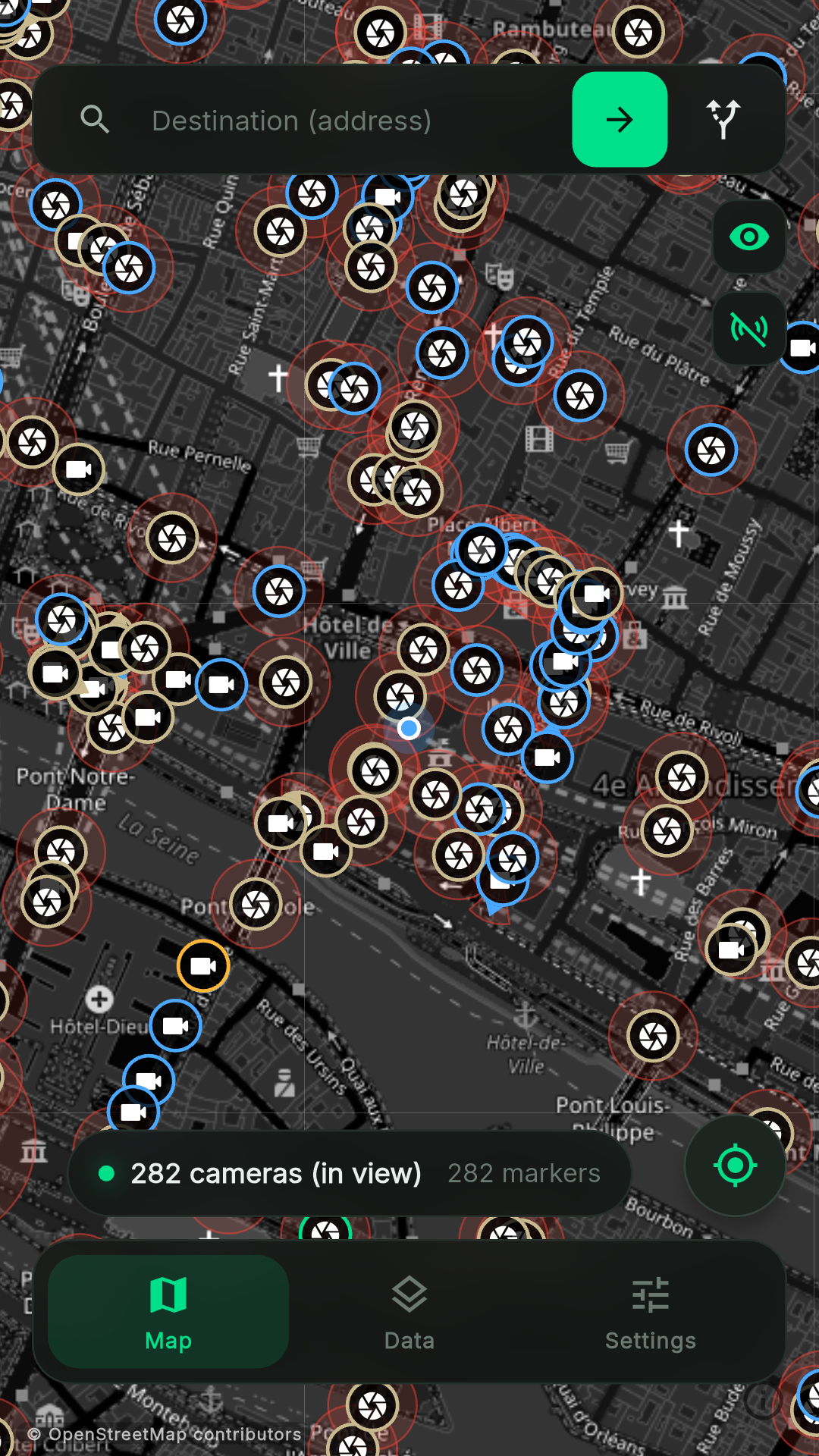
CamEscape maps surveillance cameras recorded in OpenStreetMap and plans walking, cycling or driving routes that avoid them.
Features
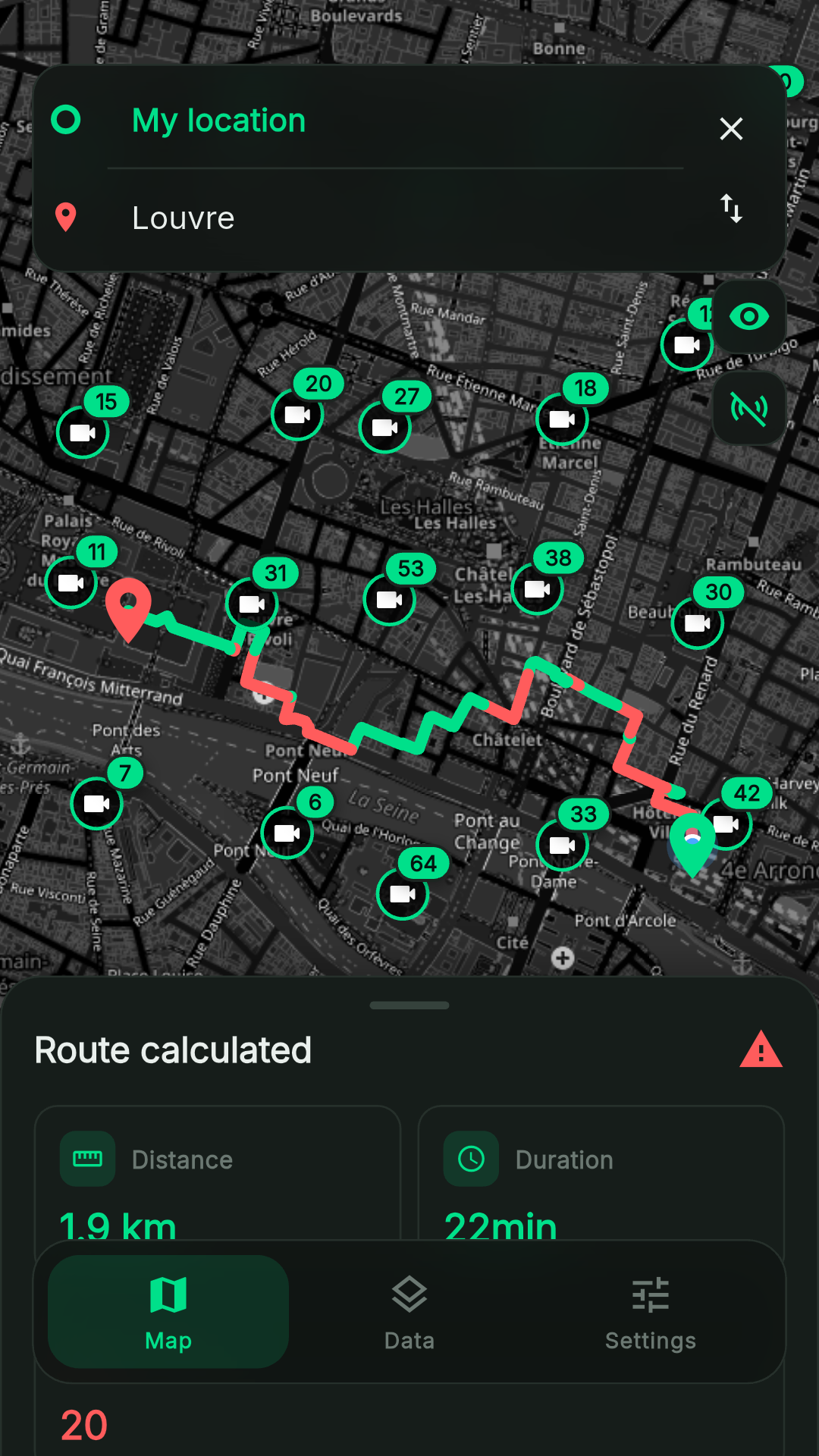
Camera-aware routing: routes that steer clear of cameras, with clear (green) and watched (red) segments
Adjustable avoidance strength
Field of view: cones for fixed cameras when their direction is mapped, coverage zones for dome cameras
Walking, cycling and driving modes
Live mode that follows your position and warns when a camera on the route cannot be avoided or the route hits a dead end
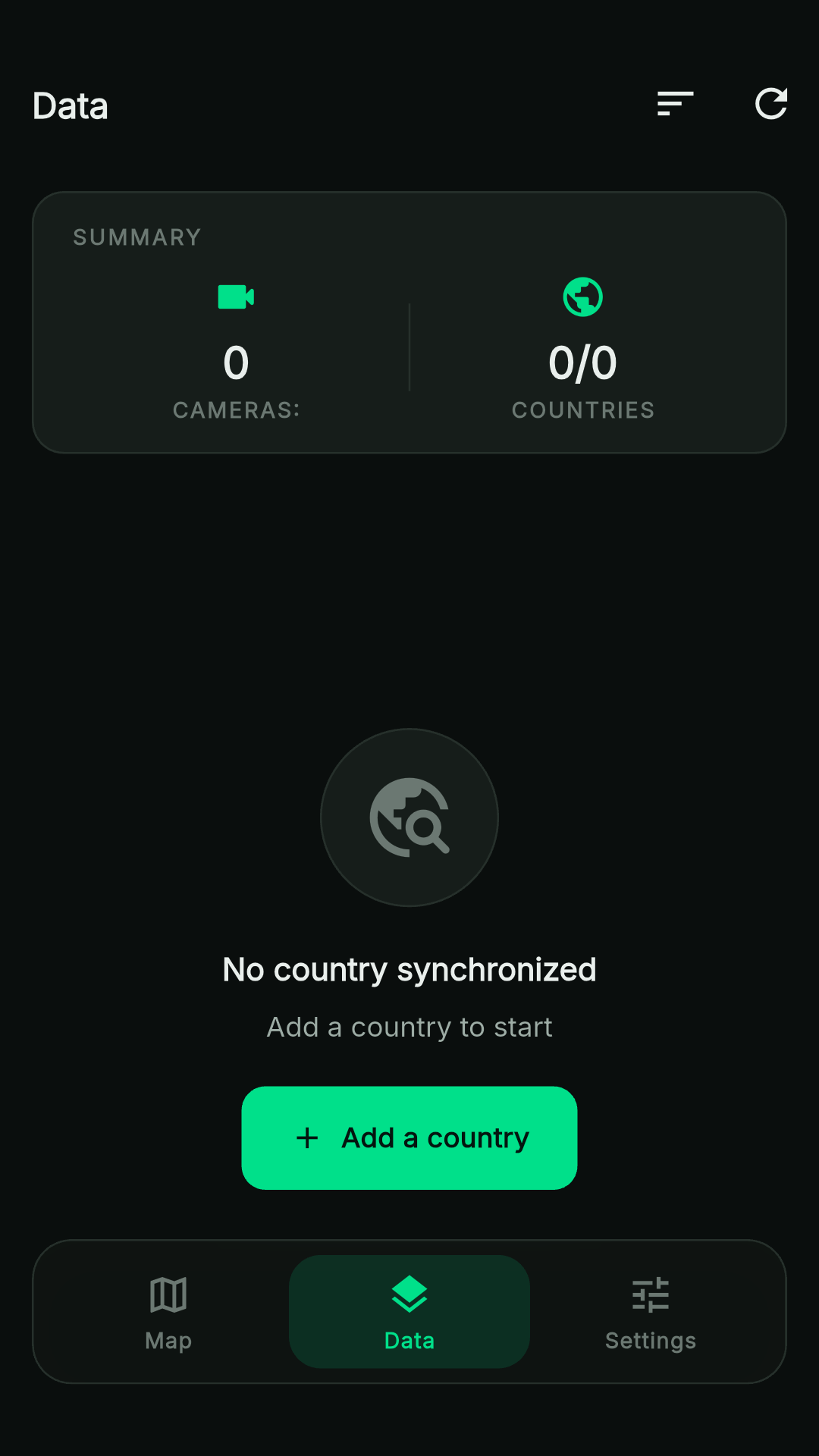
Cameras downloaded per country in a few seconds and stored on the device (SQLite), viewable offline; map tiles you have already seen are cached
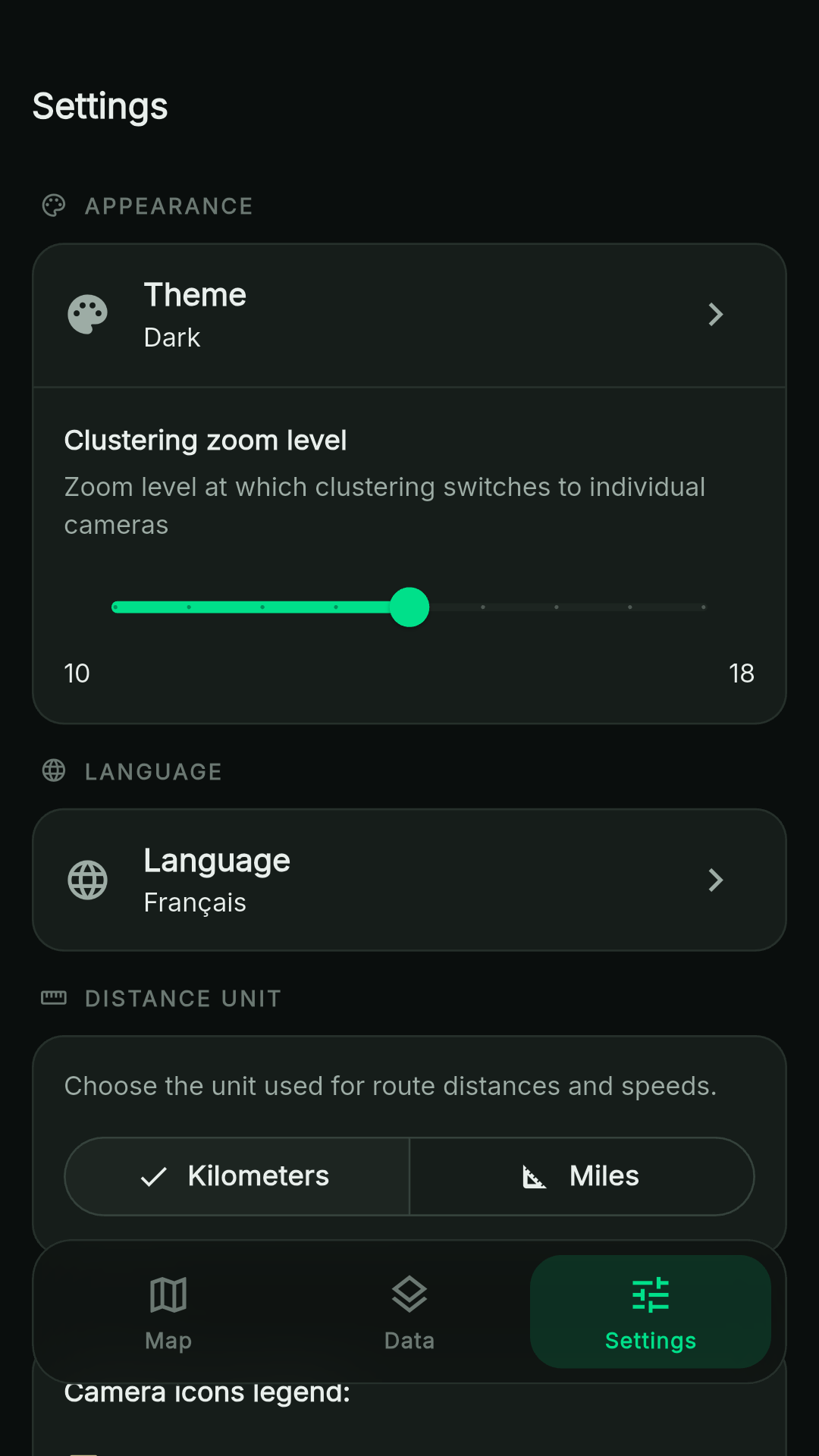
Light/dark theme, English and French, metric/imperial units
Privacy
No account, no analytics, no ads, no identifier sent. A country's cameras are downloaded from a file hosted on GitLab Pages, which receives your IP address and the requested country. Your position is sent without any identifier to OpenStreetMap's Nominatim to suggest your country, and, in live mode, an area around you is sent to a public Overpass instance to fetch nearby roads. Route bounding boxes also go to Overpass. Overpass instances are run by independent operators and receive your IP address.
Route planning and live mode require a connection. Camera data is community-mapped and may be incomplete: CamEscape is a planning aid, not a guarantee of being unobserved. Missing cameras can be added to OpenStreetMap (man_made=surveillance).
Screenshots
What’s new
- Country names now follow the app language (they were always in French)
How to install
Download the APK from the button at the top of this page.
Allow “Install unknown apps” for your browser or file manager only, not for every app.
Open the downloaded file and confirm the installation.
If installation fails with “App not installed,” remove an earlier build of the same app first. A signature conflict is the usual cause.
Data safety
Every file is checked against its published SHA-256 before it is listed.
Files are scanned for malware on every update.
The permissions each app requests are listed on its own page.
Read the full safety policy for how we test, flag, and delist files.
Frequently asked questions
What is CamEscape?
Map surveillance cameras from OpenStreetMap and plan routes that avoid them