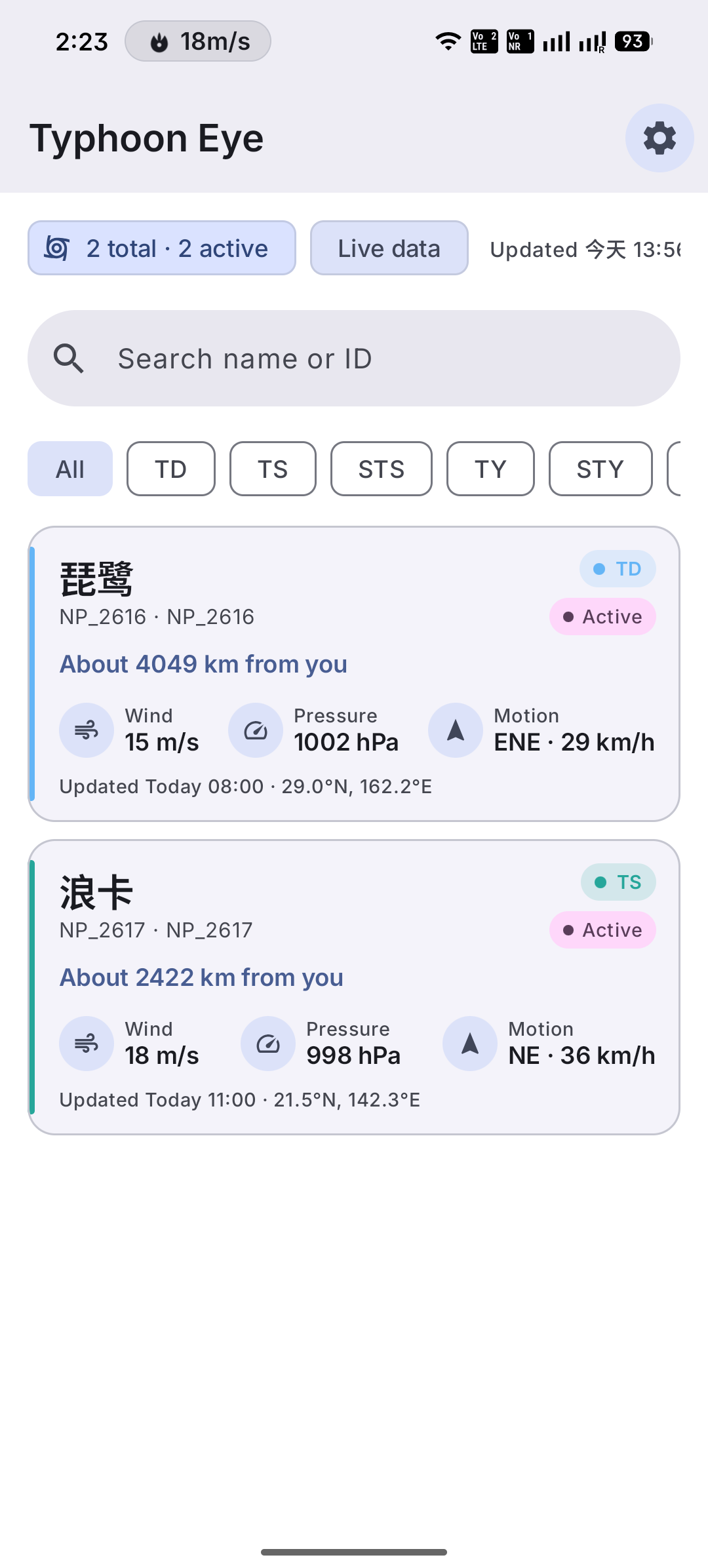
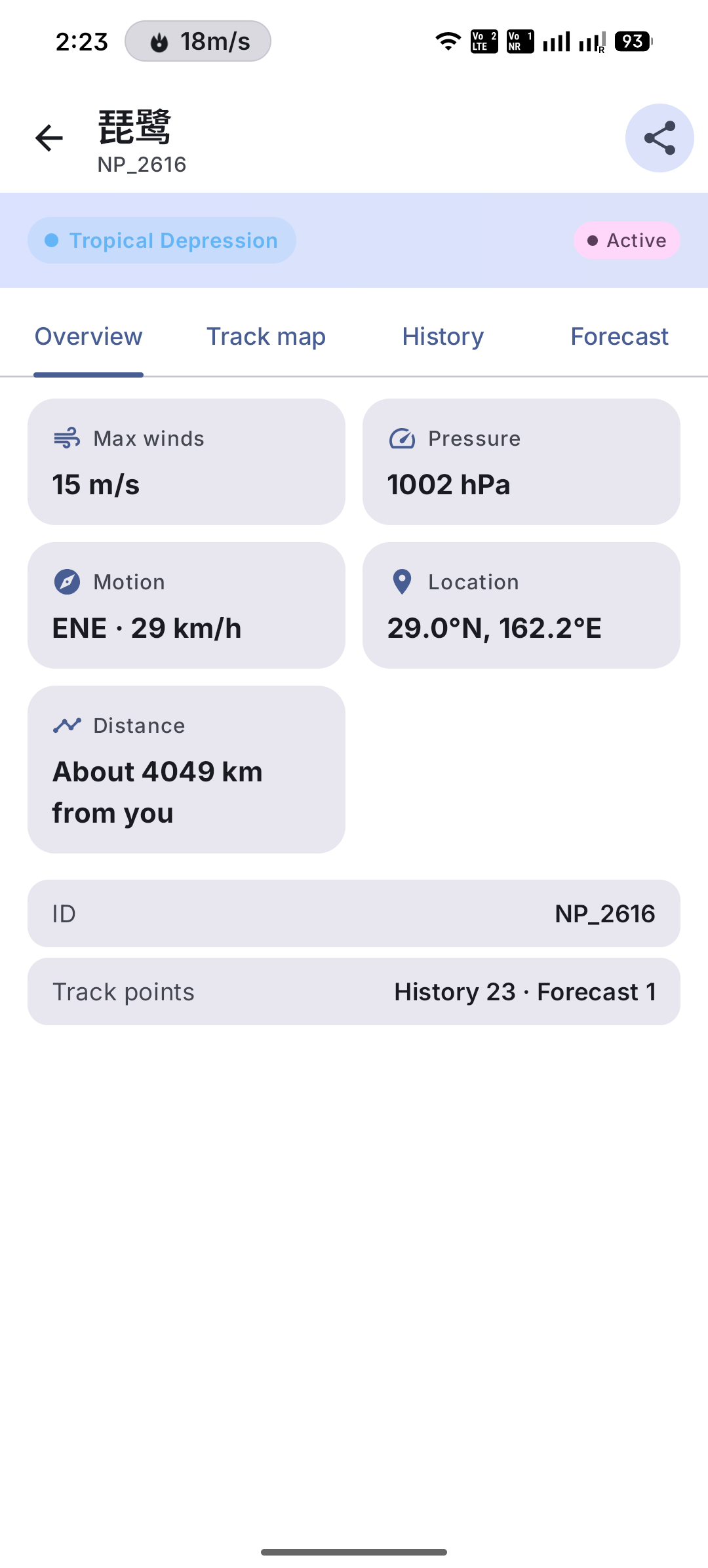
Typhoon tracks, forecasts and alerts for the Northwest Pacific
TyphoonEye is a lightweight, open-source real-time typhoon tracking and weather alert app for Android.
Features:
• Live typhoon tracking with interactive MapLibre maps
• Historical tracks, forecast paths, and 7/10/12-level wind radii by quadrant
• Optional distance-based emergency alerts (needs location permission)
• Material Design 3, dynamic color, light/dark theme, multiple languages
• Clearly labeled sample data you can open when live data can't be loaded
Network note:
Typhoon data comes from third-party weather APIs (QWeather / Juhe) and is fetched through TyphoonEye's own relay server on Cloudflare. The API keys live only on the relay; the app contains none. The relay uses your IP address for rate limiting and does not store it. Your location is never sent to the relay: warnings near you are matched on your device and currently cover coastal areas only. Basemap tiles come from OpenFreeMap (OpenStreetMap data). Optional mainland China basemap tiles may use Amap. No ads or analytics.
This is not an official meteorological app. In an emergency, always follow your local meteorological authority.
F-Droid builds update through the F-Droid client (no GitHub APK sideload).
Screenshots
What’s new
• Unsupported system languages now fall back to English instead of Chinese. • Live typhoon data works right after install, with no API key needed. It is fetched from third-party providers through TyphoonEye's own relay server. • Your location is not sent to the relay. Warnings near you are matched on your device and cover coastal areas only. • Data is cached to cut network requests, and storms with no new observation for 24 hours are no longer shown as active.
How to install
Download the APK from the button at the top of this page.
Allow “Install unknown apps” for your browser or file manager only, not for every app.
Open the downloaded file and confirm the installation.
If installation fails with “App not installed,” remove an earlier build of the same app first. A signature conflict is the usual cause.
Data safety
Every file is checked against its published SHA-256 before it is listed.
Files are scanned for malware on every update.
The permissions each app requests are listed on its own page.
Read the full safety policy for how we test, flag, and delist files.
Frequently asked questions
What is TyphoonEye?
Typhoon tracks, forecasts and alerts for the Northwest Pacific