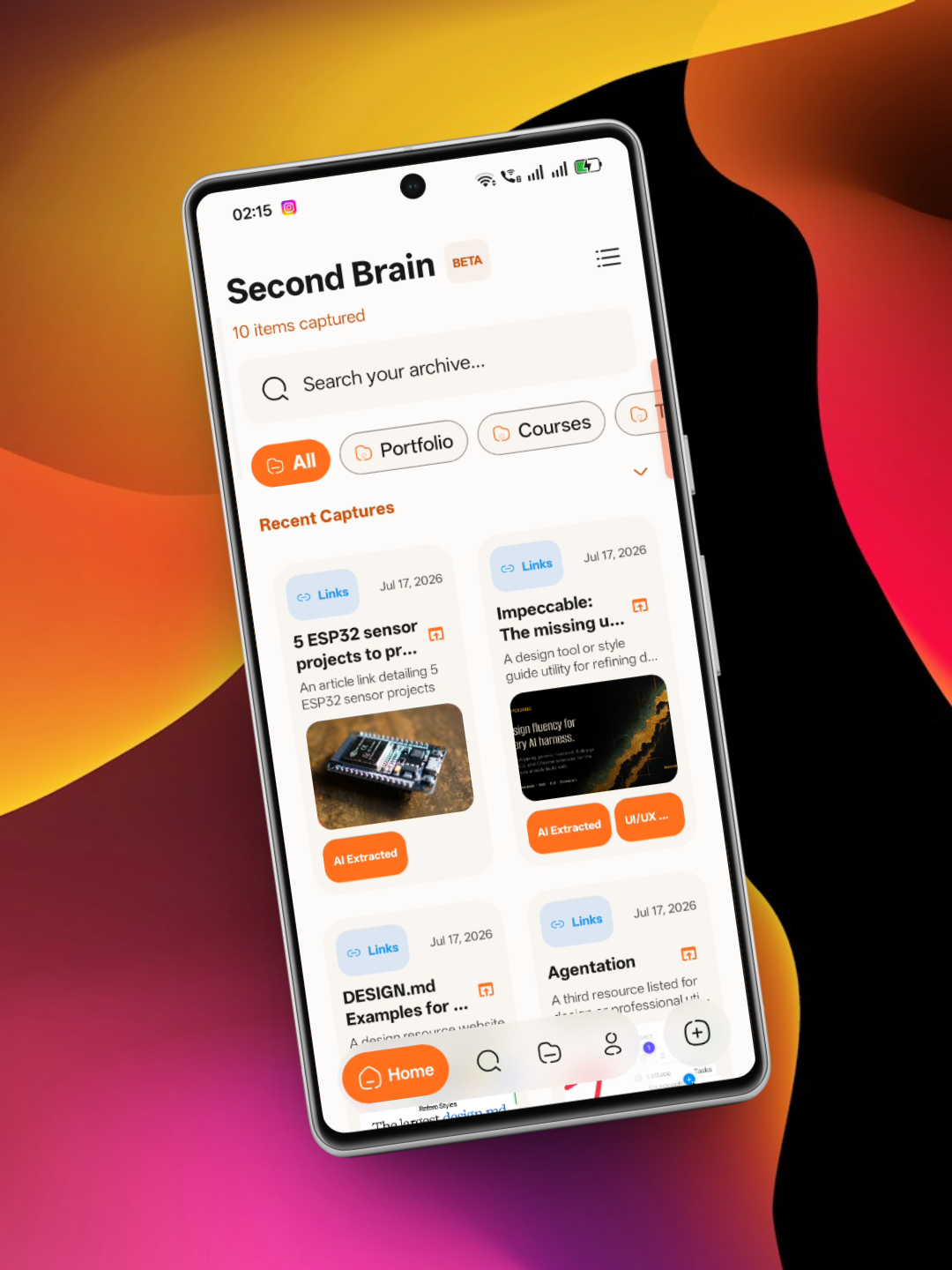
Cobalt is an offline-first personal archive and capture app for Android. It stores links, notes, images, audio clips, code snippets, and movie/anime watchlists in a local Room database without requiring an account.
Capture Methods:
- Android Share Target: Save text, URLs, images, and videos directly from other apps via the system share sheet.
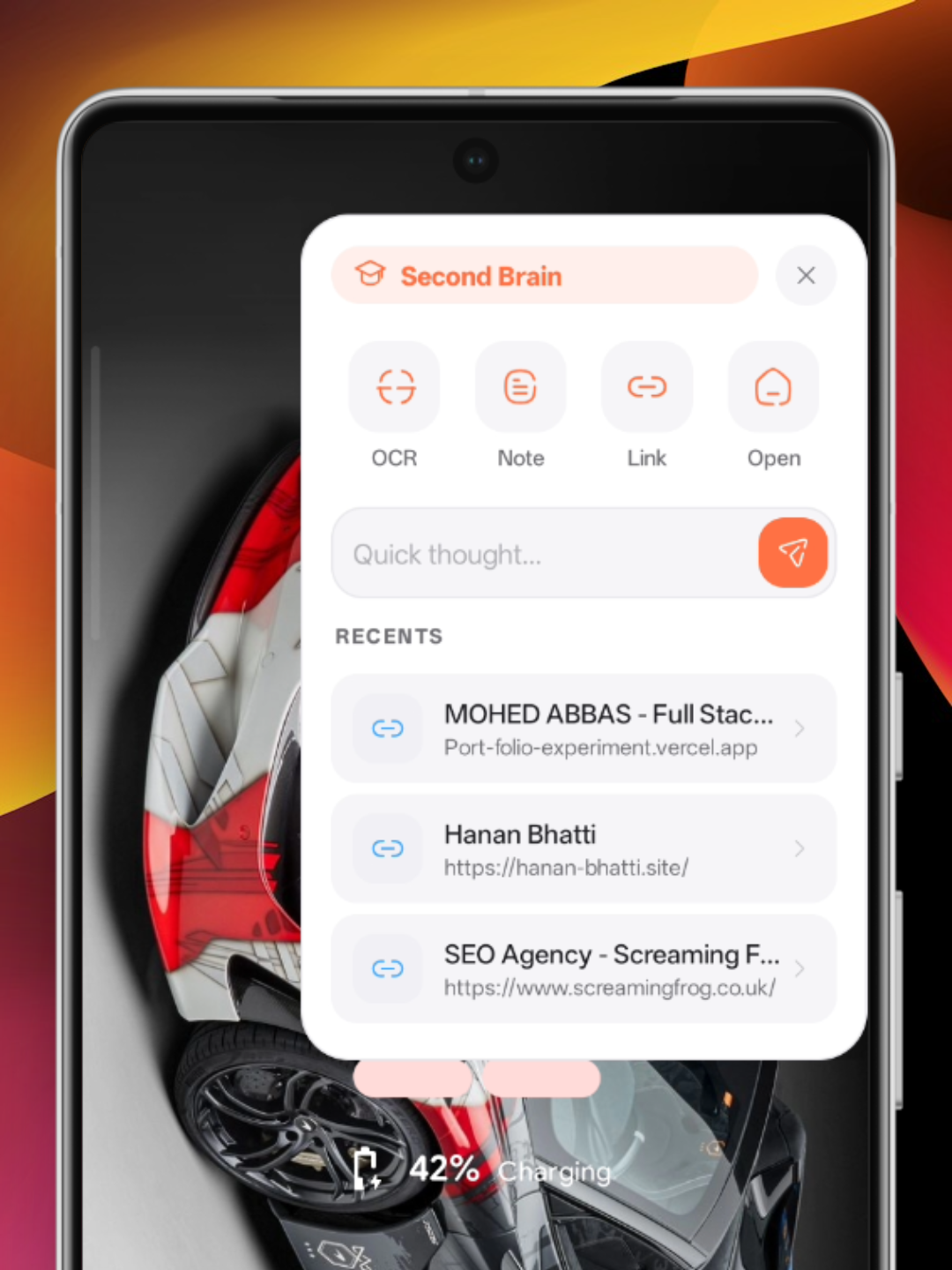
- Floating Overlay: Access a screen-edge panel to write quick notes, capture links, or trigger OCR without leaving your current app.
- Screen Region OCR: Capture a screenshot or crop a region on screen using MediaProjection to extract text and links.
- Quick Settings Tile: Launch OCR capture directly from the system Quick Settings panel.
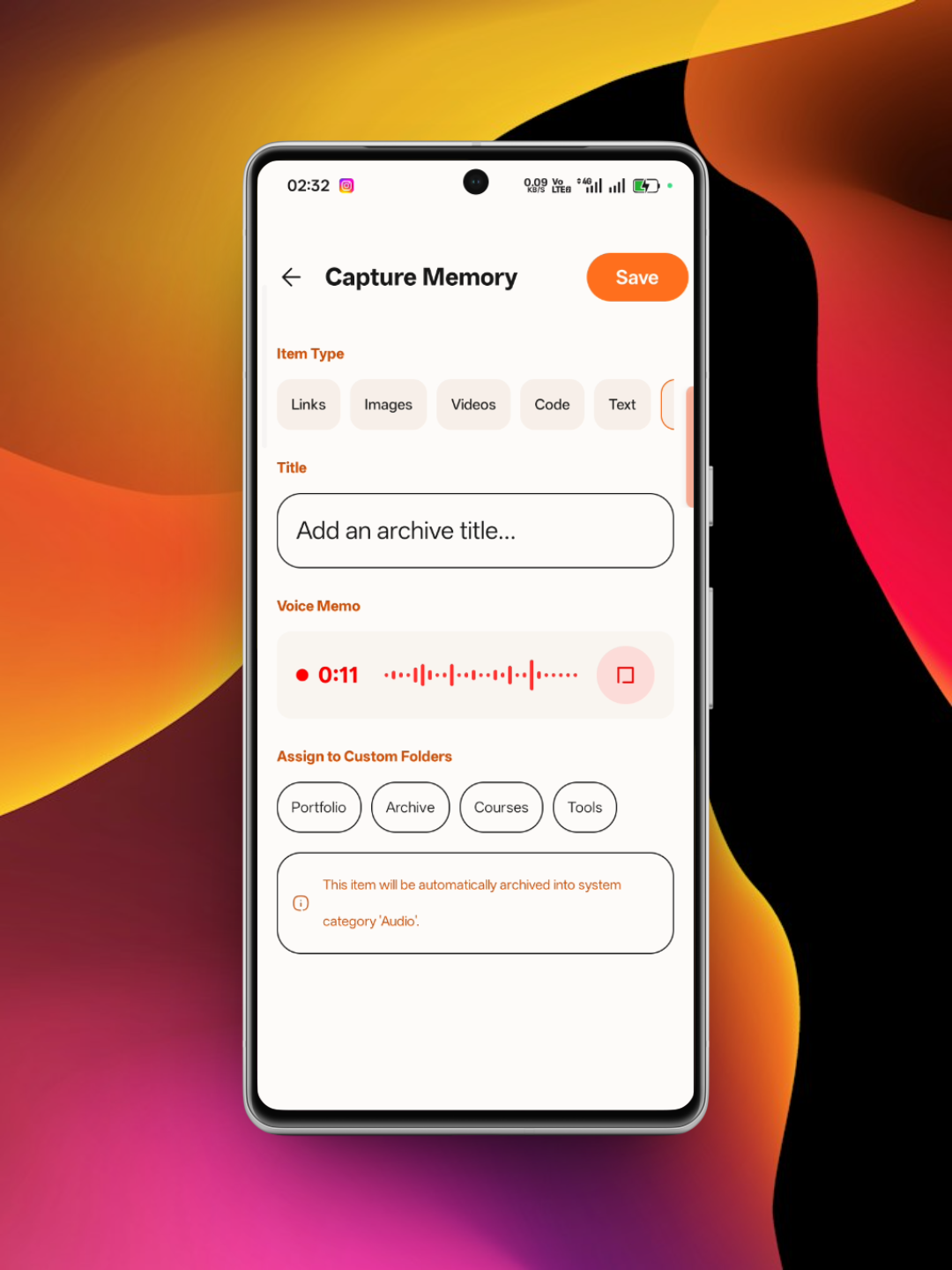
- Voice Notes: Record audio memos with real-time waveform display, stored locally on device.
- Home Screen Widgets: View recent captures or trigger capture actions from your home screen.
Organization & Viewing:
- Supported Item Types: Links (with metadata previews), Markdown text notes, Photos/Images, Video clips, Code snippets, Audio recordings, and Movies/Anime.
- Folders & Archive: Organize items into custom folders or archive them to remove them from the main feed while keeping them stored.
- Search & Filters: Search across titles, content, extracted OCR text, and URLs, with filter chips for each media type.
- Media Hub: Track movies and anime with watch statuses (Plan to Watch, Watching, Completed), genres, ratings, and release years.
- Storage Management: View local storage usage broken down by media type, with options to delete cached files.
Network & Privacy Disclosures:
The FOSS build stores all data locally on your device. It does not include analytics, tracking SDKs, or background synchronization services. Certain optional features connect to external APIs:
- AI Screen OCR & Transcription: Sends selected image regions or voice notes to Google's Gemini API for processing. This requires you to provide your own Gemini API key in Settings.
- Movie & Anime Data: Queries The Movie Database (TMDb) and Jikan (MyAnimeList) for media details and poster images. TMDb searches require your own TMDb API key.
- Trailers: Embedded playback of YouTube trailers on media detail screens.