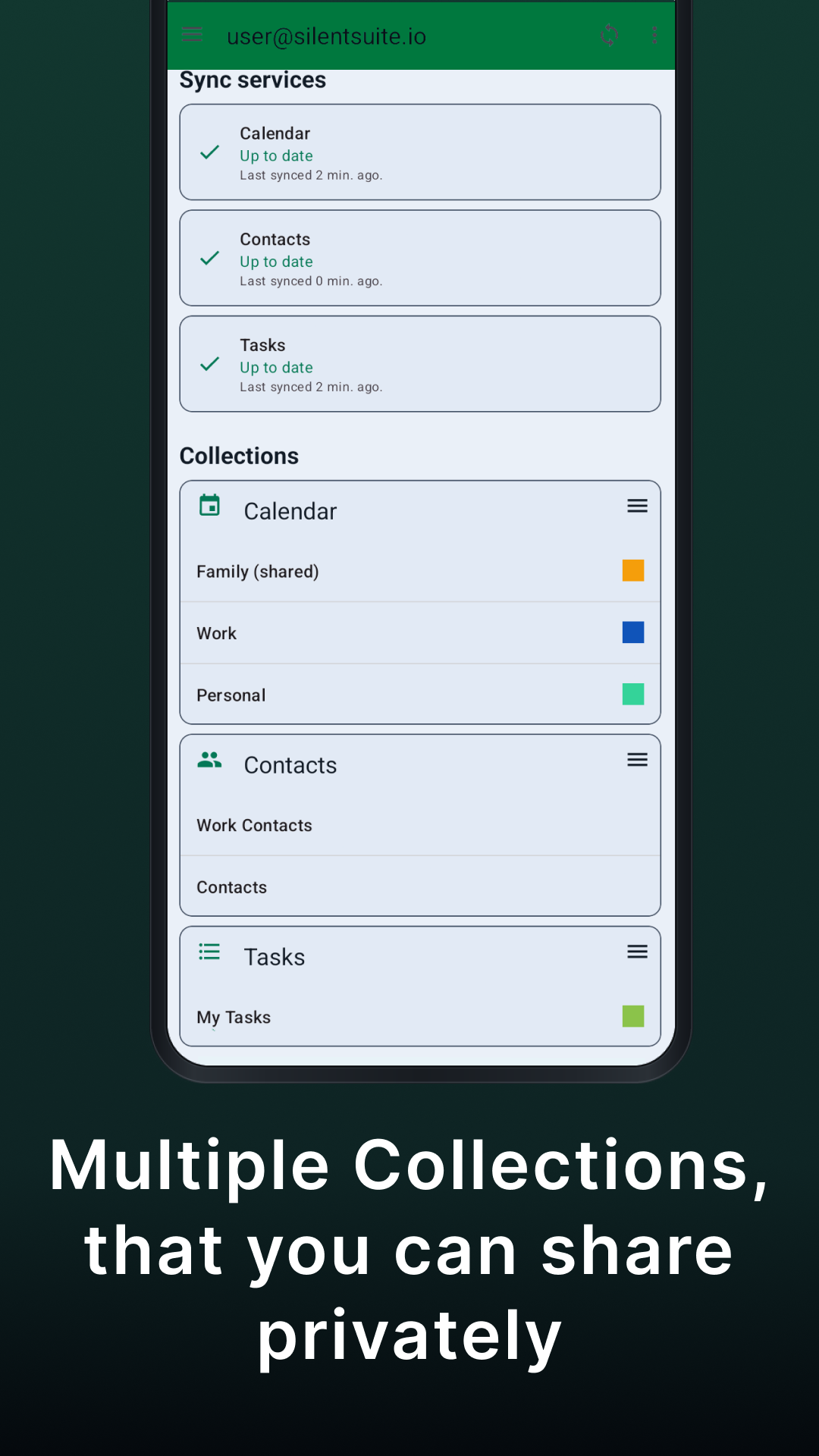
End-to-end encrypted sync for calendar, contacts, and tasks
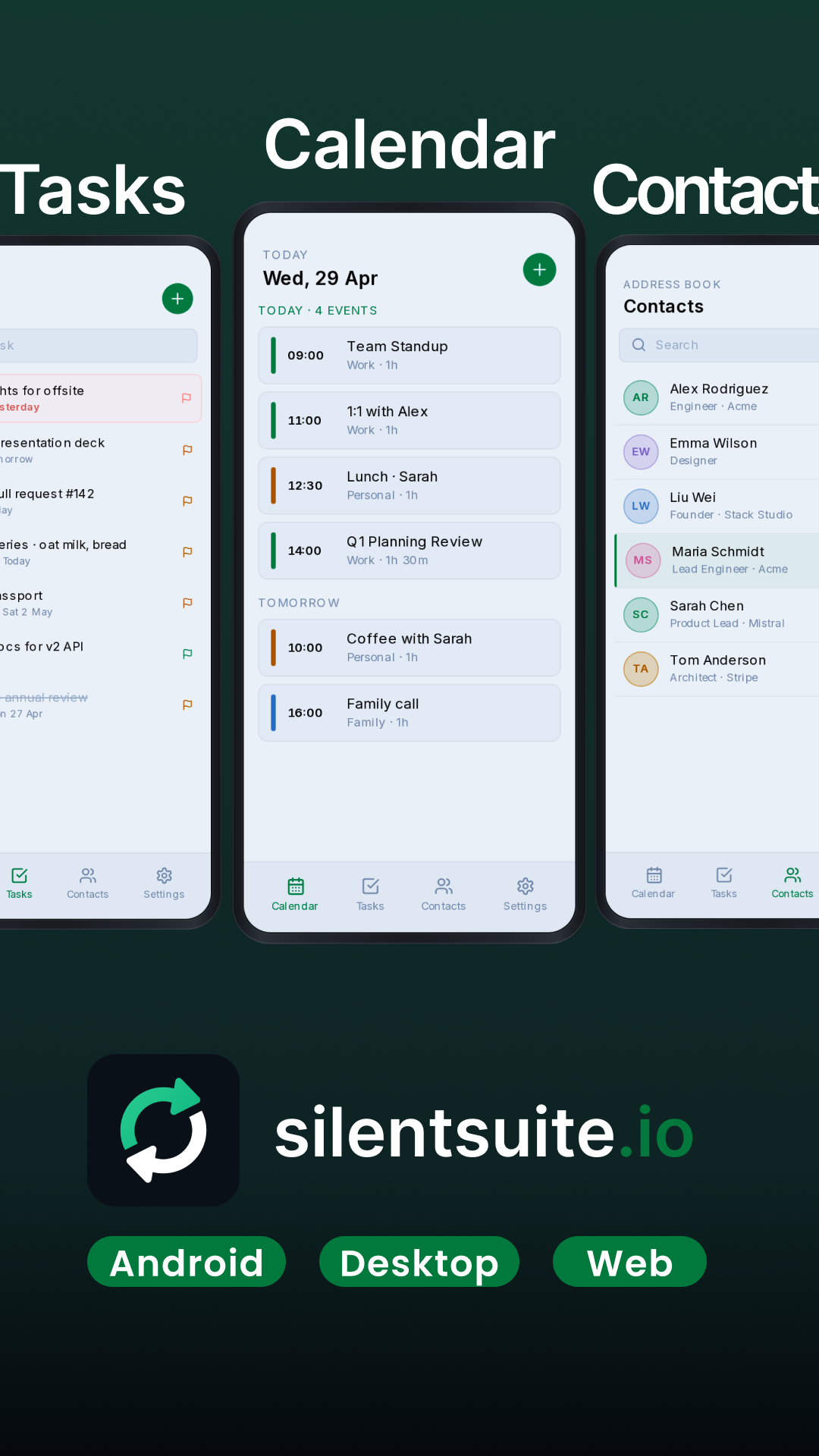
Your calendar, contacts, and tasks should stay in sync wherever you work: Android, macOS, Windows, Linux, and the web. SilentSuite keeps that data available across your devices while applying end-to-end encryption before anything leaves your device.
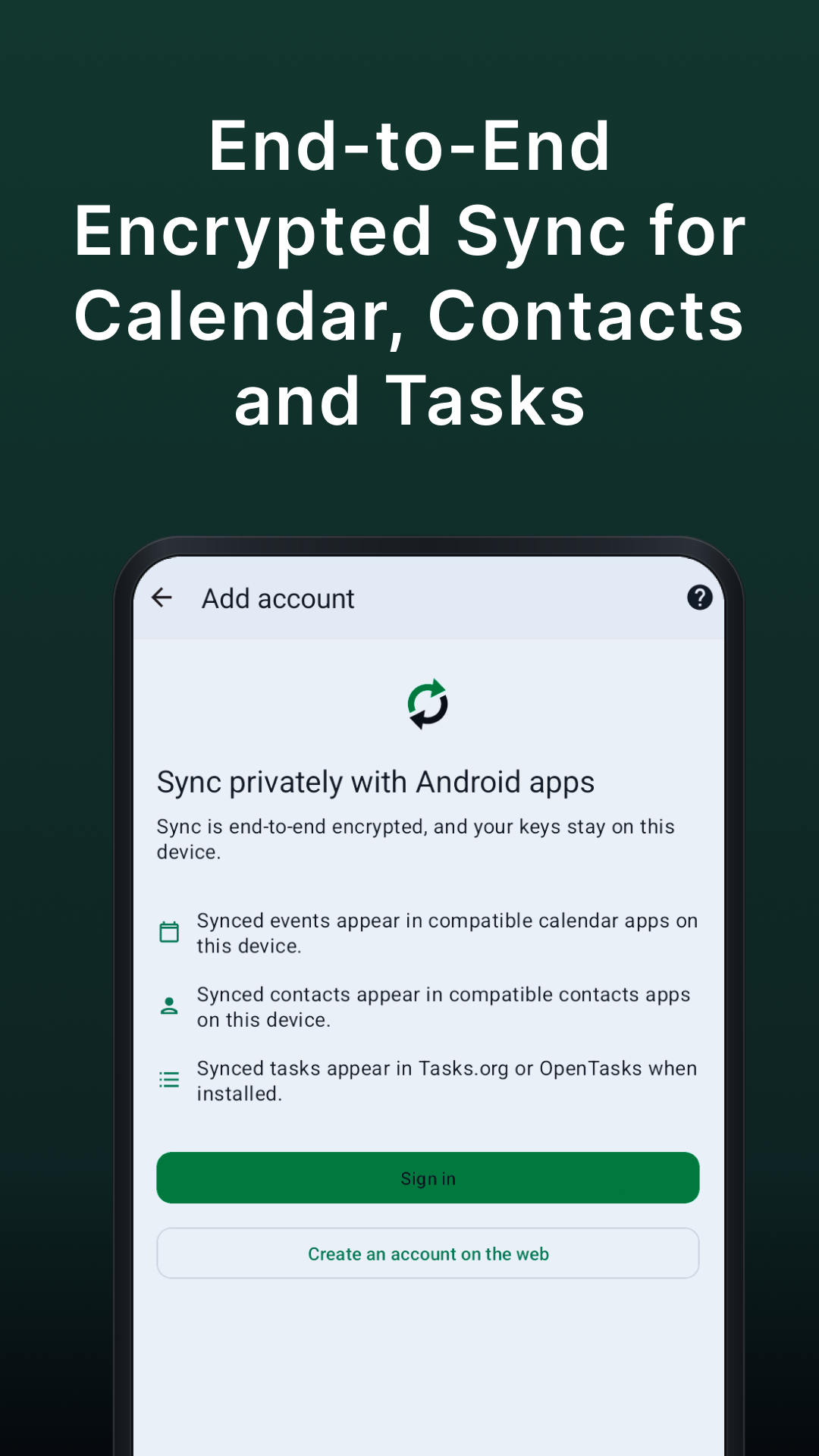
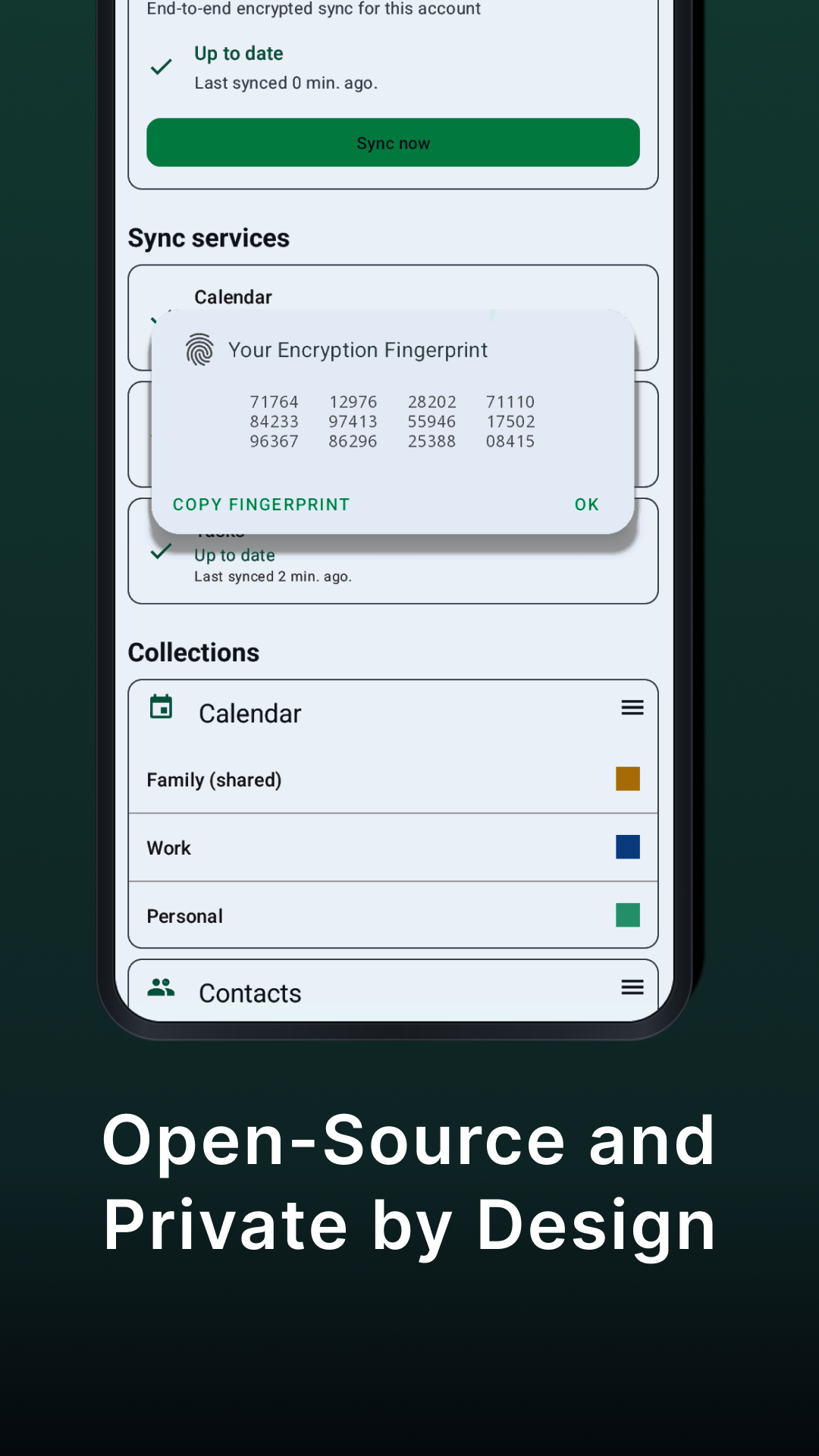
Zero-Knowledge Sync Encryption and decryption happen on your device, and your keys stay there. The server stores only ciphertext, so it cannot read what you keep on it. This is what zero-knowledge means in practice: the privacy guarantee is a technical constraint, not a policy statement.
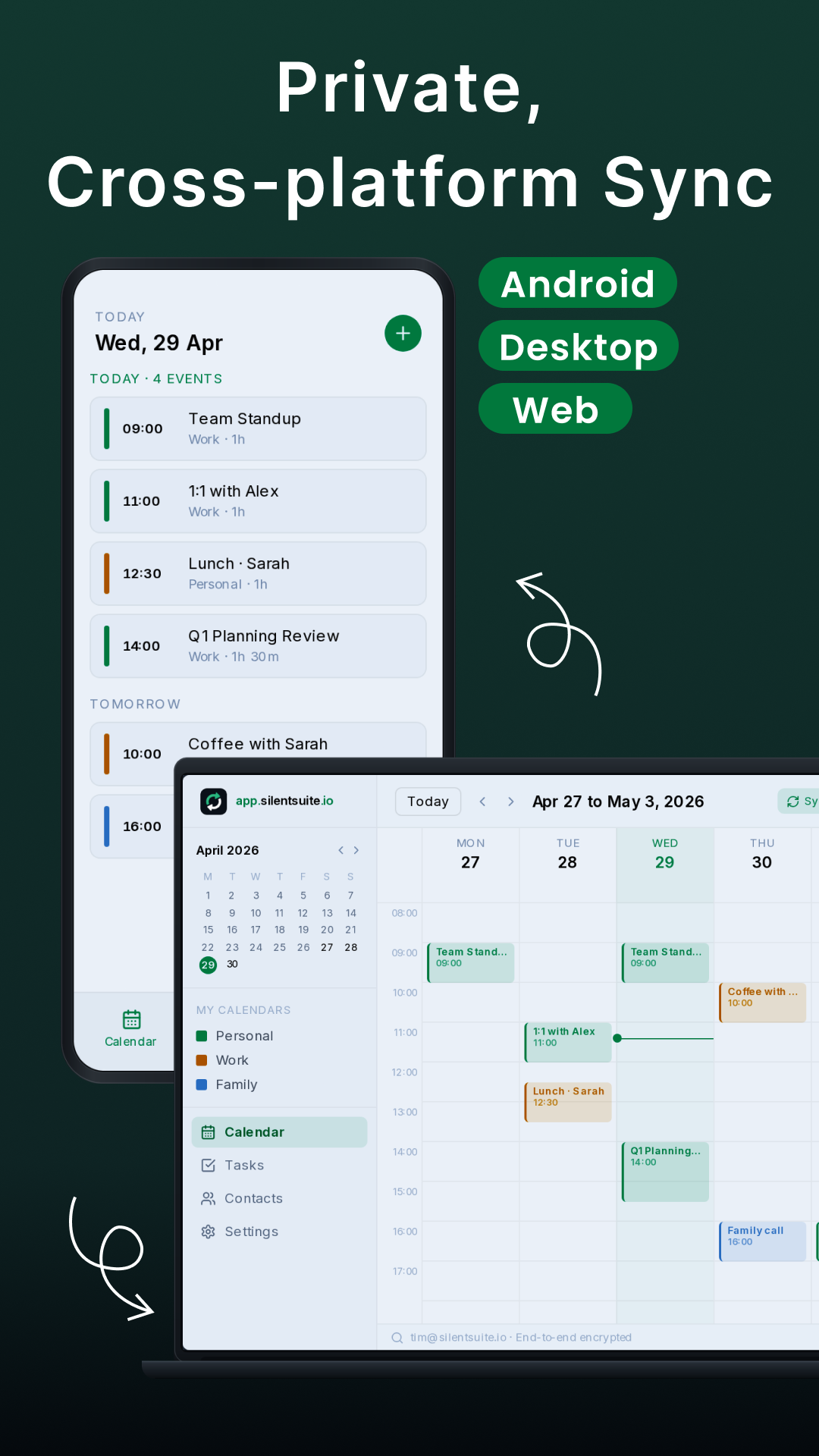
Fits Into Every System You Use On Android, SilentSuite works as a native sync adapter for compatible calendar, contacts, and task apps. On macOS, Windows, and Linux it integrates through a lightweight desktop bridge, so your encrypted data can appear in the tools already built into your workflow. The web app gives you browser access when you are away from your own devices. iPhone support is coming soon.
Open Source And Inspectable Anyone can read the code, review the encryption, and confirm the privacy claims for themselves. There are no proprietary components to take on trust.
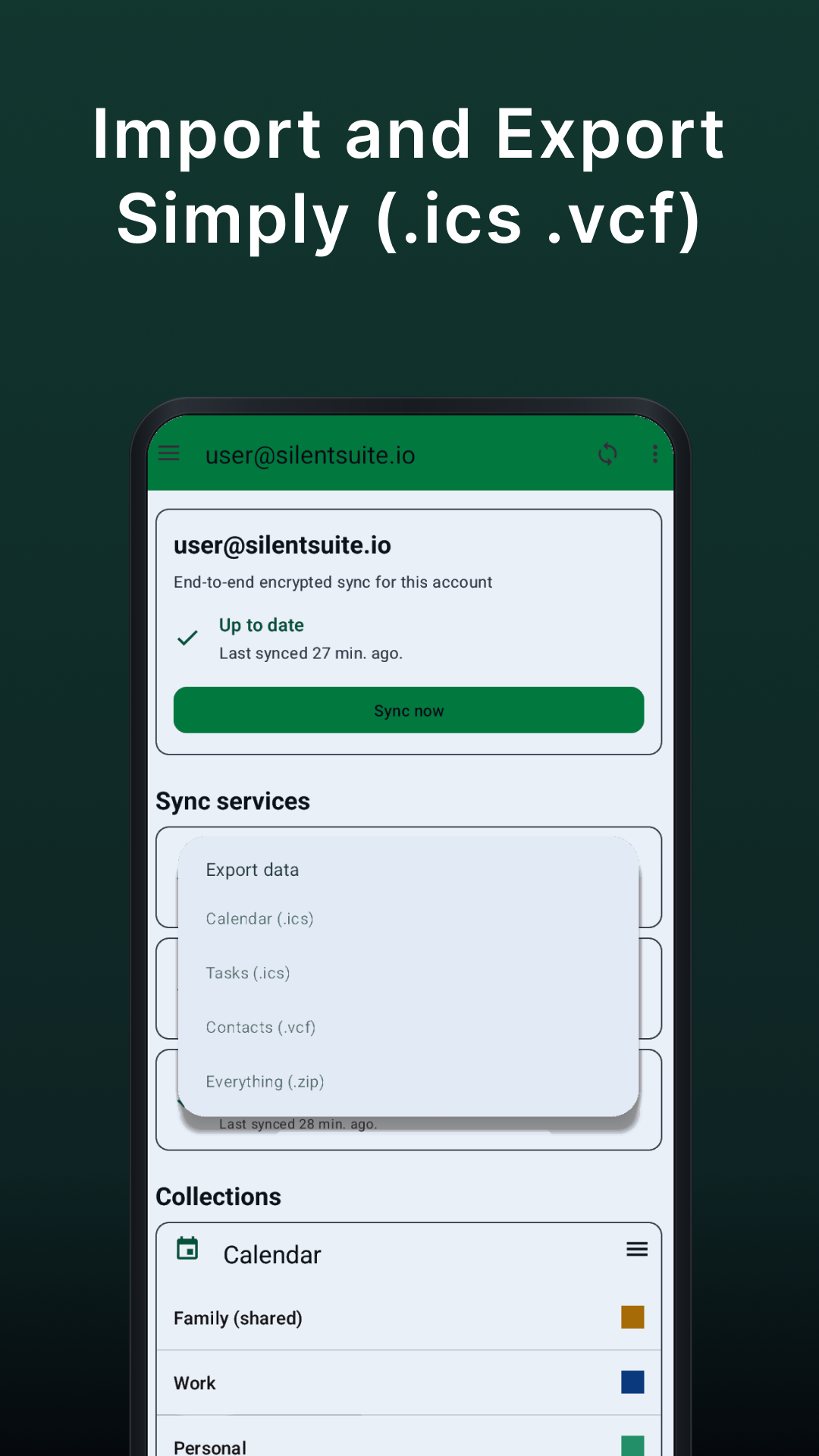
Hosted Or Self-Hosted Use the hosted service, or run your own server on hardware you control. Your data stays portable: export it at any time in standard formats, with no lock-in.
Beta Note This is a beta release. Calendar, contacts, and task sync are the focus of this version and form its stable core. Feedback and bug reports are welcome through the link in the app.
What You Need Requires a SilentSuite account. Self-hosting documentation is available at docs.silentsuite.io.
Screenshots
What’s new
Maintenance release.
How to install
Download the APK from the button at the top of this page.
Allow “Install unknown apps” for your browser or file manager only, not for every app.
Open the downloaded file and confirm the installation.
If installation fails with “App not installed,” remove an earlier build of the same app first. A signature conflict is the usual cause.
Data safety
Every file is checked against its published SHA-256 before it is listed.
Files are scanned for malware on every update.
The permissions each app requests are listed on its own page.
Read the full safety policy for how we test, flag, and delist files.
Frequently asked questions
What is SilentSuite - Secure Data Sync?
End-to-end encrypted sync for calendar, contacts, and tasks
Who develops SilentSuite - Secure Data Sync?
SilentSuite - Secure Data Sync is developed by SilentSuite.
Which Android version does SilentSuite - Secure Data Sync require?
SilentSuite - Secure Data Sync requires Android API 21 or later.
What is the current version of SilentSuite - Secure Data Sync?
The synchronized F-Droid version is 0.5.13-beta.
Which license does SilentSuite - Secure Data Sync use?
The signed F-Droid metadata lists GPL-3.0-only.
Where is the source code for SilentSuite - Secure Data Sync?